 @TheGuy
more from that month
@TheGuy
more from that month
Tools And Applications To Improve Blog Writing *A well-written post feels so well to read. Ain't it?* The universal or the most used language in internet is English. And people prefer to convey their words, thoughts and messages through these. But, most of us didn't learn English from birth or childhood. I still remember up to the 5th standard I learnt studies in a 'Hindi' medium school, a native language school where the language was local. After that, I was shifted to an English medium school. *It was very hard to read and write English at the start but with time I got better.* Similarly, on this platform, I noticed that many of us aren't comfortable with English but we have to be because the world prefers this language be it may a human or machine. And so we have to improve our writing skills every day. I'm no expert here but I have found some awesome tools and ways to improve my article writing. Oh, c'mon you don't write that well to share this. Huh, umm but who knows it may be helpful for others. **So today I will talk about the tools and ways to improve writing.** **Google Translator**
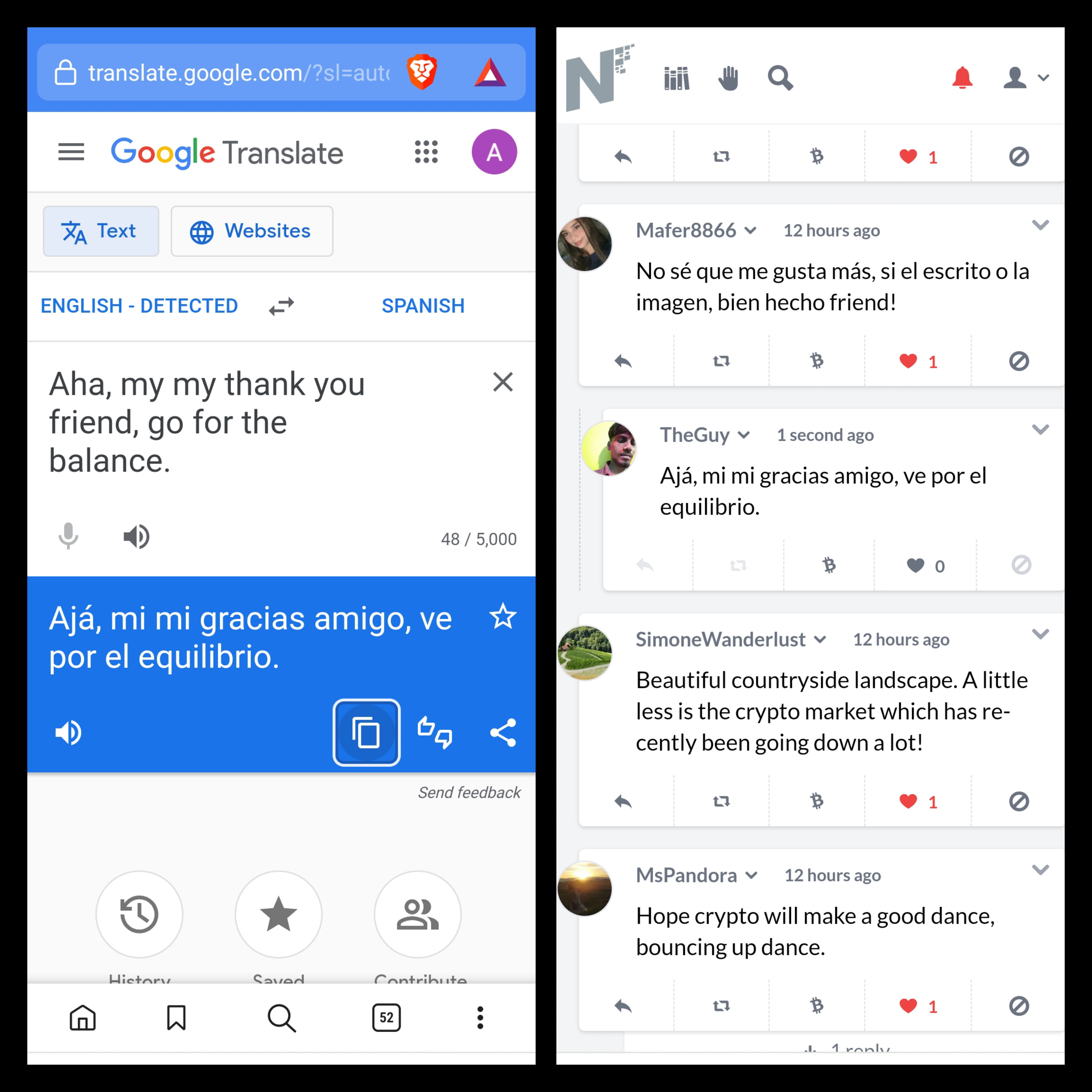
*One of the best tools available to understand different languages. It has more than 100 languages to translate. See I used this translator to talk with people in different languages. If you don't know English that well, write a post in your language and then paste it here. It will do its best to translate into English. One tip, use full stop and comma properly or else many times it translates the sentences weirdly. It's not perfect but it does the job. Both the application and website is available, I use the website mostly.* **Grammarly**
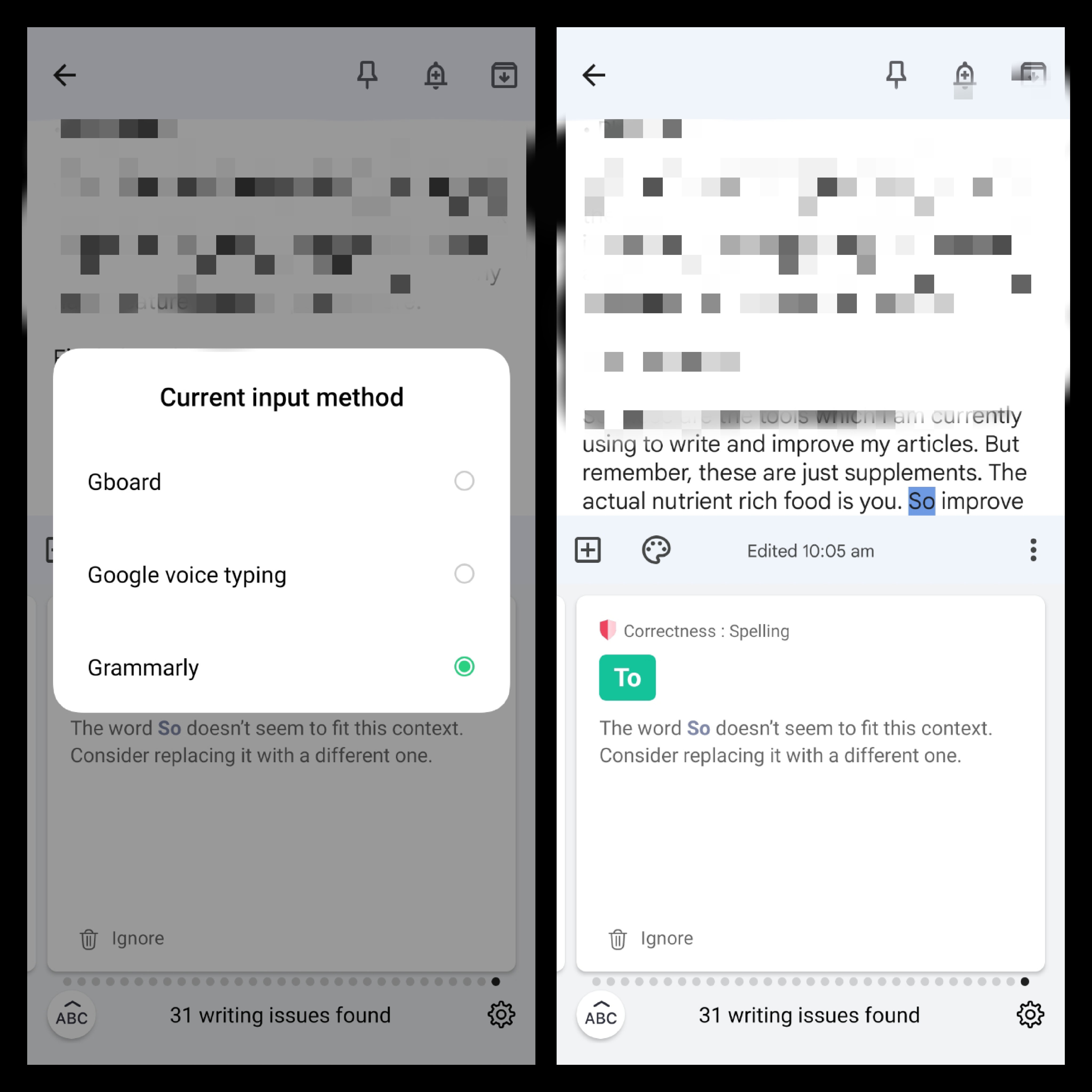
*A post with broken or bad grammar will make your post completely different from what you mean to say. Grammar is like an extra ornament to your writing making it look clean and beautiful.* *I use the Grammarly keyboard directly after I write a post to check my grammatical mistakes. It's available in the play store, it's not perfect but it's 70% accurate from my experience. I mostly use Gboard to write a post and then check it with Grammarly.* **Google Keep Notes Application**
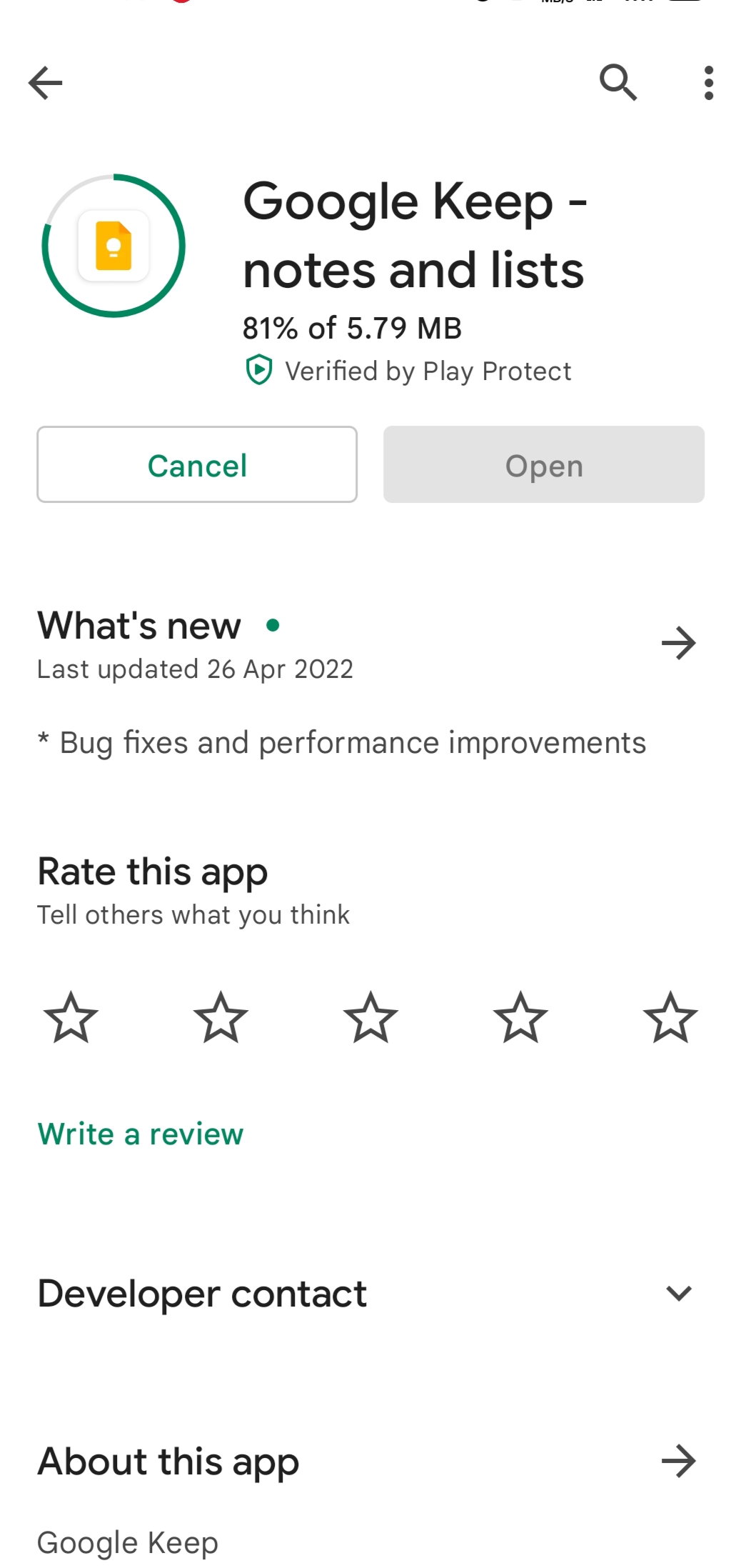
*The application in which I store drafts or start my writing is this, connect it with one of your Google accounts and you won't lose any of your writings here unless you delete them yourself. Even if you change your device. Just log in and connect with the email you previously wrote your articles.* **Plagiarism** *I don't use this feature because I know that what I'm writing is purely my thoughts but there are lots of websites available to check on Google. Just search plagiarism checker and lots of options will load. Even Grammarly has a feature but it's a paid feature.* **Proofreading** *It's the last and most important point to kick out unnecessary words or mistakes that those apps didn't manage to catch and solve and for this, you have to learn English. After writing the article never forget to proofread, sometimes we miss words and sentences making the post difficult to understand.* Final Thoughts *So these are the tools which I am currently using to write and improve my articles.* **But remember, these are just supplements. The actual nutrient-rich food is you. So improve yourself more. Don't rely on tools much. These apps work wonders.** *Even the green guy here loves a well written post with good grammar and wordings. And it also helps you in ranking your posts in Google if you have a Blog.* **So Can I know if you have any tools like these in your sleeves?** Let us know!

**Author Links:-** *Noise* *|* *Hive* *|* *Instagram* *|* *Telegram* https://noise.cash/u/TheGuy https://hive.blog/@theguy18 https://www.instagram.com/___theguy____/ https://t.me/TheGuyOG







29 comments
I'm going to get myself a note-taking app! Thanks, very informative👌
Wow, thank you my friend, all these that you introduced, can really be very useful and practical for us to improve our writings. Of these, I only use the same google translate. I will definitely try the rest of them.
I used translator to usually translate a word. Grammarly? It sounds good. Do we need to download the app? The google keeps notes sounds good too but I don't know if my phone have enough space to download them. I have a problem of phone storage right now. But thanks for this tools.
The notes app is very short less than 10 mb and after installation it can take around 50mb with hundreds of drafts made. Yes grammarly has a keyboard application, it's website is also there, but keyboard is more convenient.
Ah okay.. maybe I can try to install this.. Thanks..
Grammarly is the one that helps me a lot on the go; I wanted to type fast, so I shall ignore the spelling and error first, so the raising of thought and words shall be significant lol. I am also not native of English, so I also need to learn day by day
I will look into for proofreading, honestly I just learnt what proofreading is. Thank you
Same I learnt it a few days ago earlier I got to know it by revision.
Yes I m using Grammarly and Google Translate and both of the tools are helpful for me while writing!
I used to installed note application on my phone cause it made me remember my lists of important information.
Ohoo, number one for me is Google Translator haha. Specially I forgot sometimes the write english for some words haha. As for mt graham, well too lazy to even check but as long as some pipz can understand my article. Then it's good I guess 🙉🙉🙈
I also use both GBoard and Grammarly at the same time. I type my stuff with GBoard because it's faster than Grammarly when it comes to typing speed. Sometimes when typing with Grammarly, I have to wait for it to catch-up with my typing speed. I don't know if it has compatibility issues with my Android phone. Thank you
I use the same method, grammarly typing is very slow.
Google translate is not always that reliable though so one would have to really proofread properly what you write so that the message you want to say is understandable.
Google translate is providing the translation from the languages all around the world. Keep notes are my favorite draft saving apps with the features of saving picture and useful to save pre published draft
Oh, I haven't tried saving the picture, thanks for the information.
Thank you for the information. Very helpful. I use google translater but I checked the grammar myself, both subject, etc. When typing in google translater, I can't directly copy and paste it in the English pamphlet because it's still wrong. I usually, if I want to make a draft, I type in my personal wa group. I make the title. I type what I want to discuss
I am using all of them! I might want to add Hemingway as another means of improving our write-ups. It helps writers to be more direct with their messages and also gives out a score to the content given. I myself always target at least grades 5 to 7 in that way I know that my content can still be easily understood by many.
Oh, I will see that, I need to improve so gotta see which can help me.
These are nice tools to use. Sometimes, Google translate is not accurate, but it gives you an idea about what you translating. I actually just use Google keep as an e-diary. Hahaha.
Wow, with this article you have helped me a lot, you do not know how much I thank you, now I have how to write my articles in a visually perfect way
Yay, Happy to serve you miss!
I know there are some users who are using google translator Though sometimes the translation was "literal" at least it is understandable.
Haha, I know sometimes it translates funny but it does give an idea to write better.
I use languagetool (something like grammarly) and google translate (just for specific words, if I need, not for sentences). If I do article that is about some general and well known subject I also check for plagiarism, just because I use information that has world wide use. Otherwise, I use just the first two I mentioned.
Grammarly, that's one of my favorite tools. I remember using that whenever I have a report to be submitted, to make sure that what I have written is far from wrong grammar. But in read, I don't usually use it. As I tend to just post what comes out from my mind hehe
Hey TheGuy these are helpful tools for us who wanted to write and get help by "someone". Congrats on successful writing too!
Hey, good to see you Super Woman.
Haha yeah, super TheGuy see you around and nail it.