 @OverThinker
edited
@OverThinker
edited
Steps to Digital Drawing (Coloring)
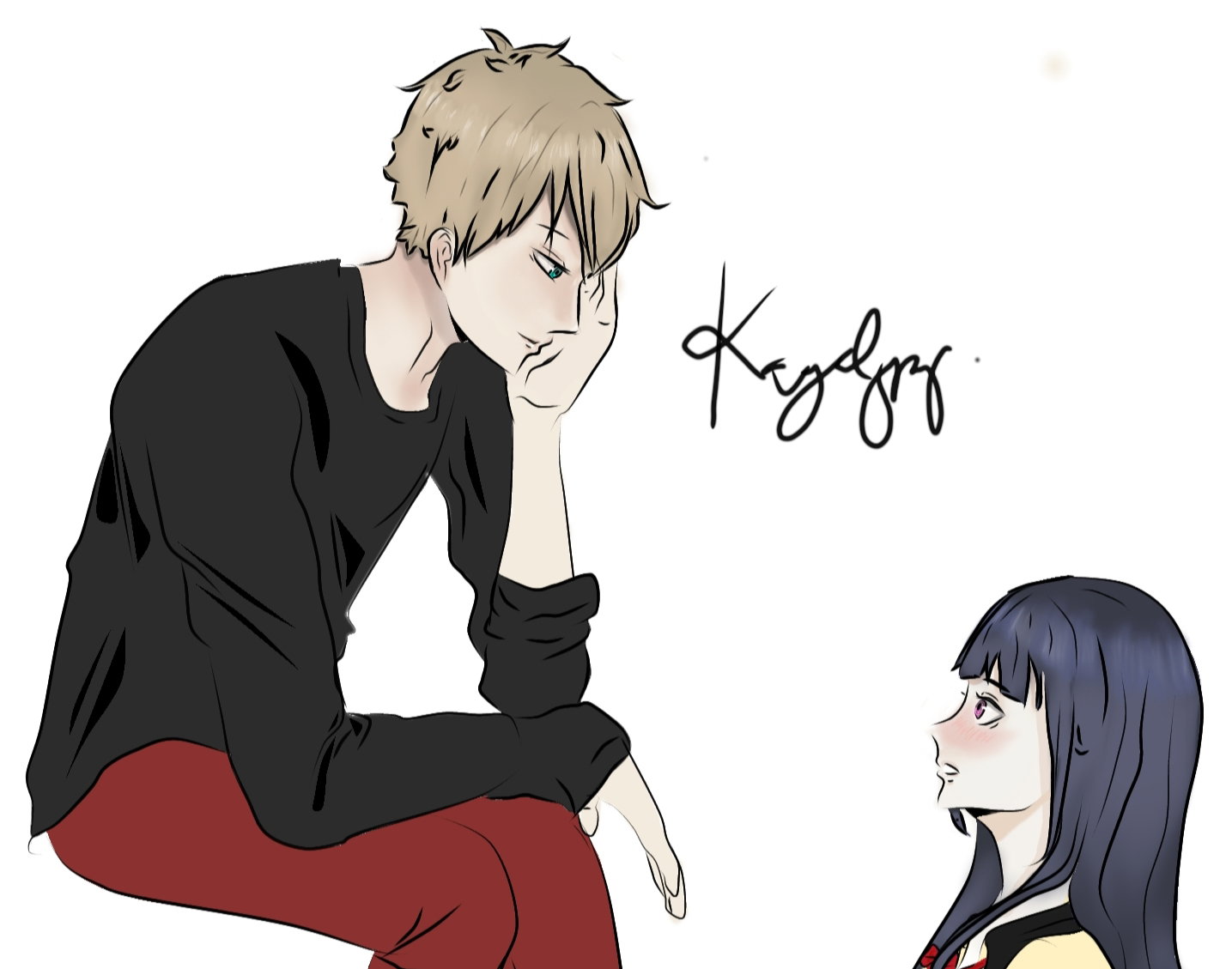
Hello Everyone! Now, I'll be sharing to you how I do the coloring. If you haven't read about my first article regarding lineart, here's the link: https://read.cash/@OverThinker/steps-to-digital-drawing-line-art-9be92f60 So before I start, I'll introduce first the functions of each button of the software Ibispaint X.
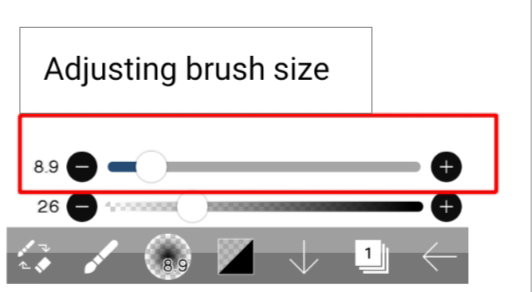
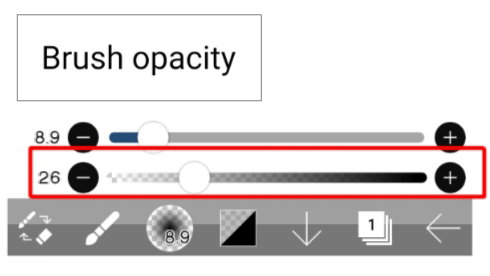
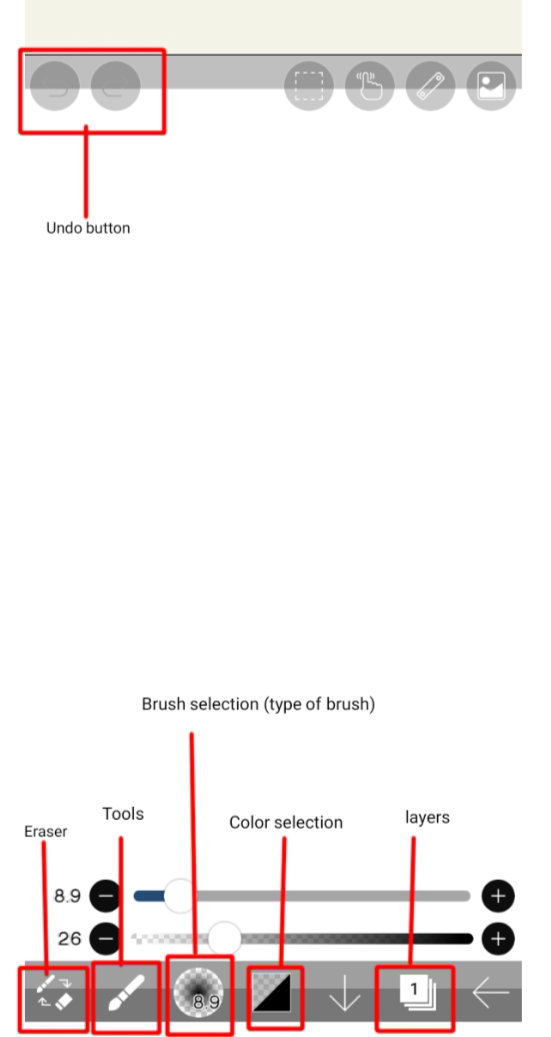
So these are the basic things you should know while using the software. **Let's start!**
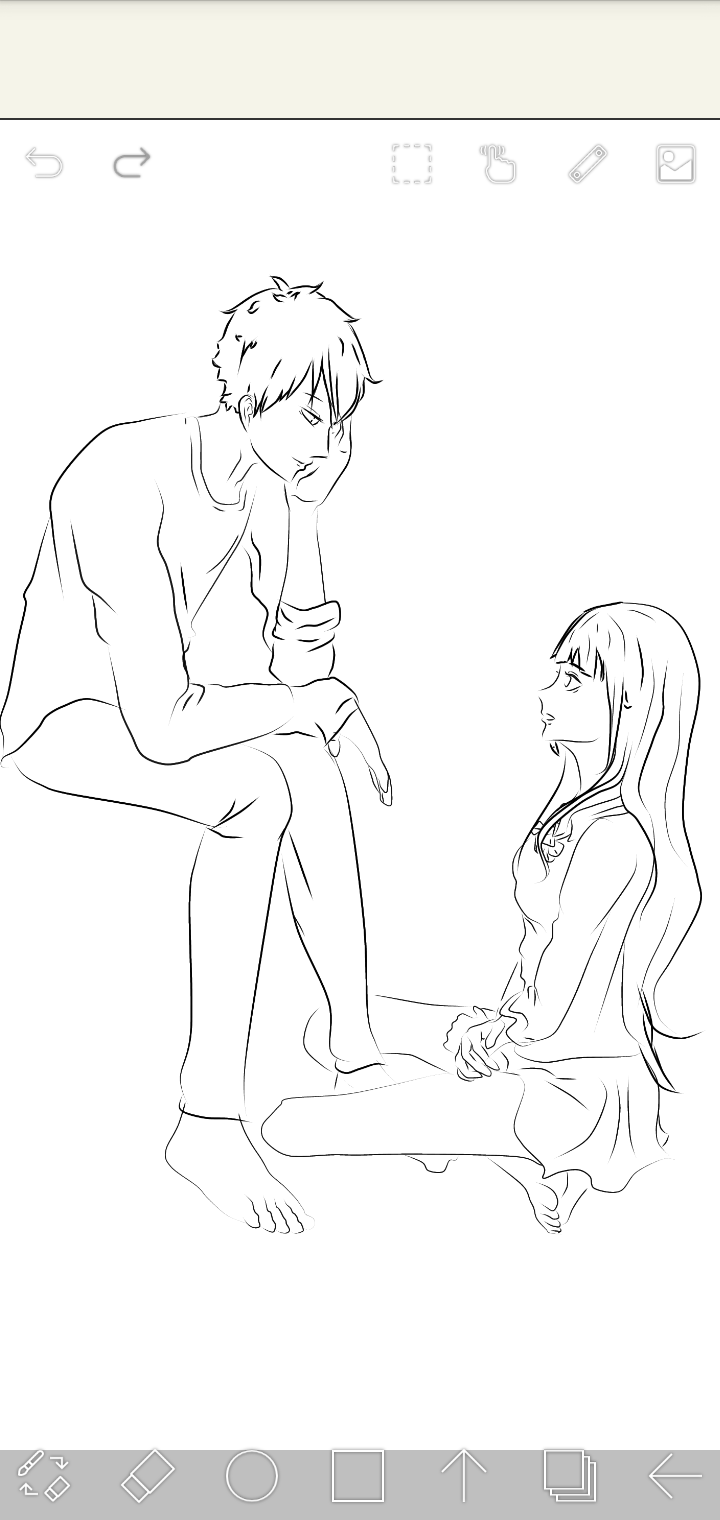
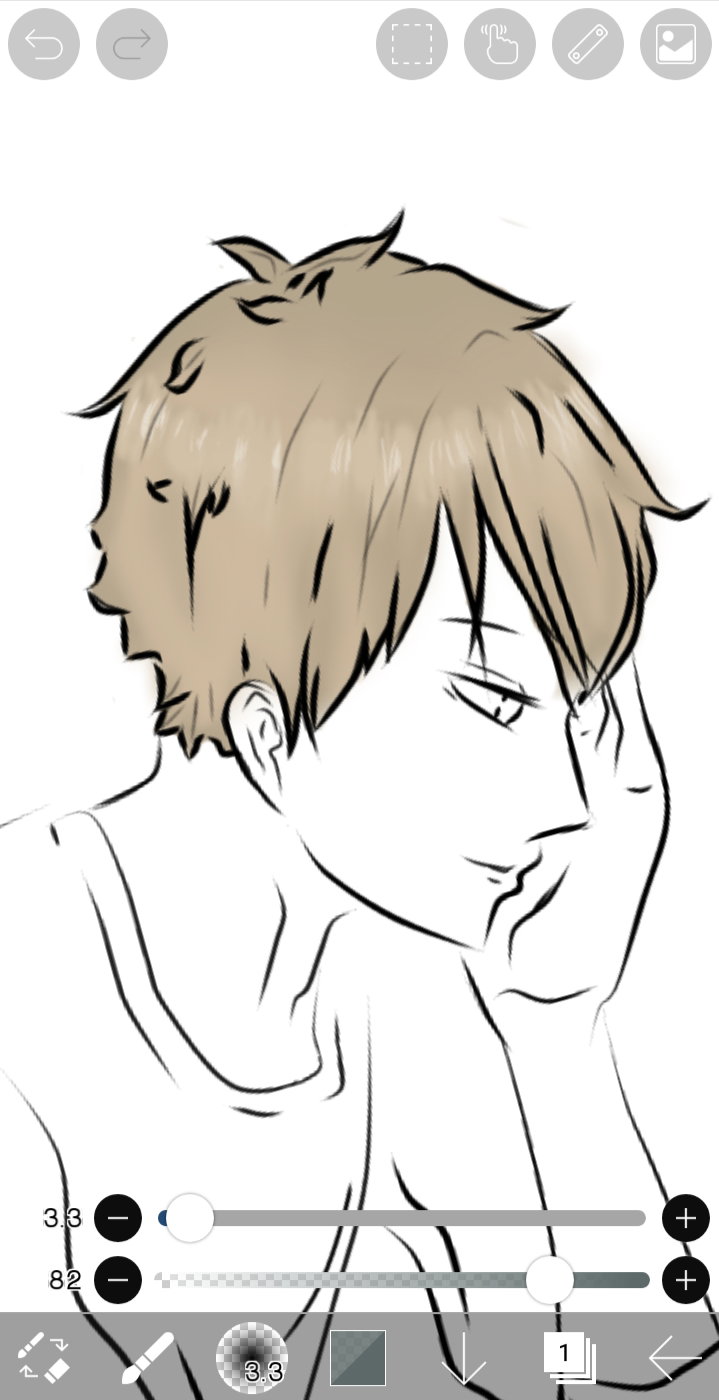
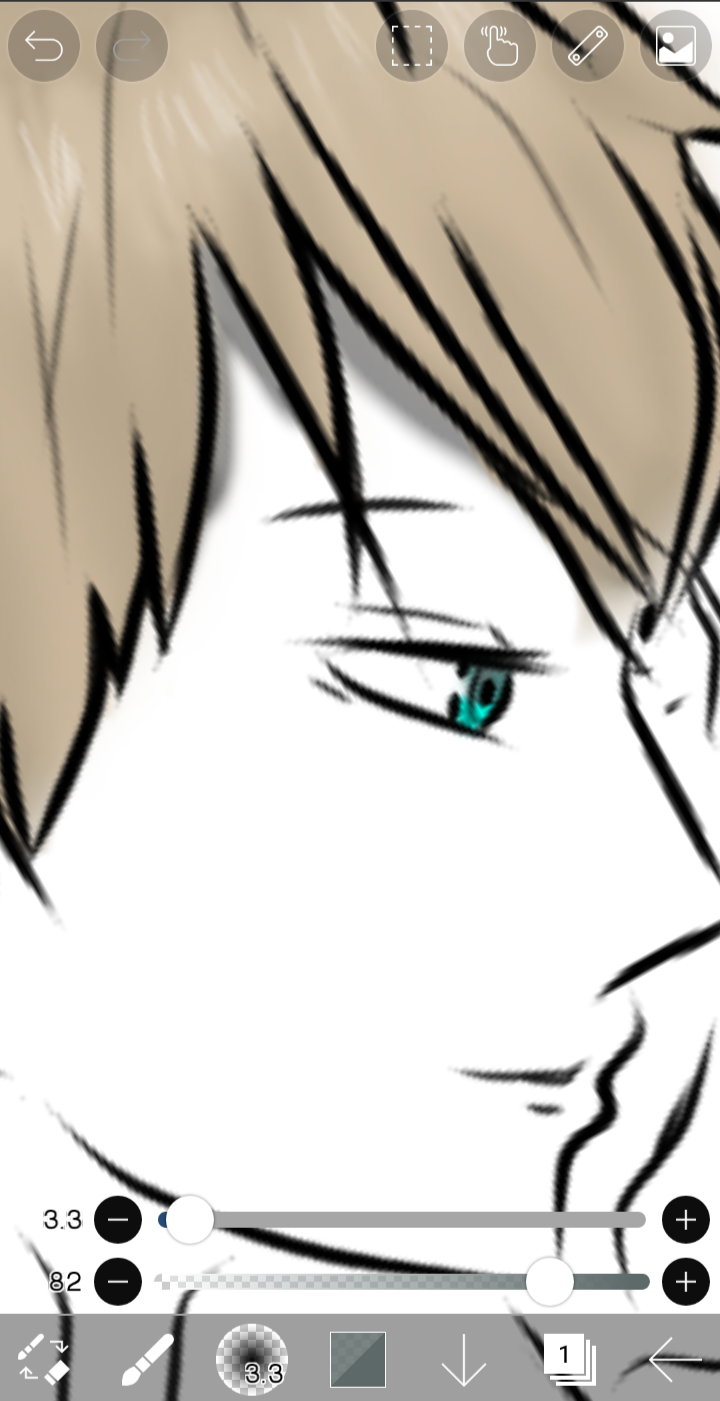
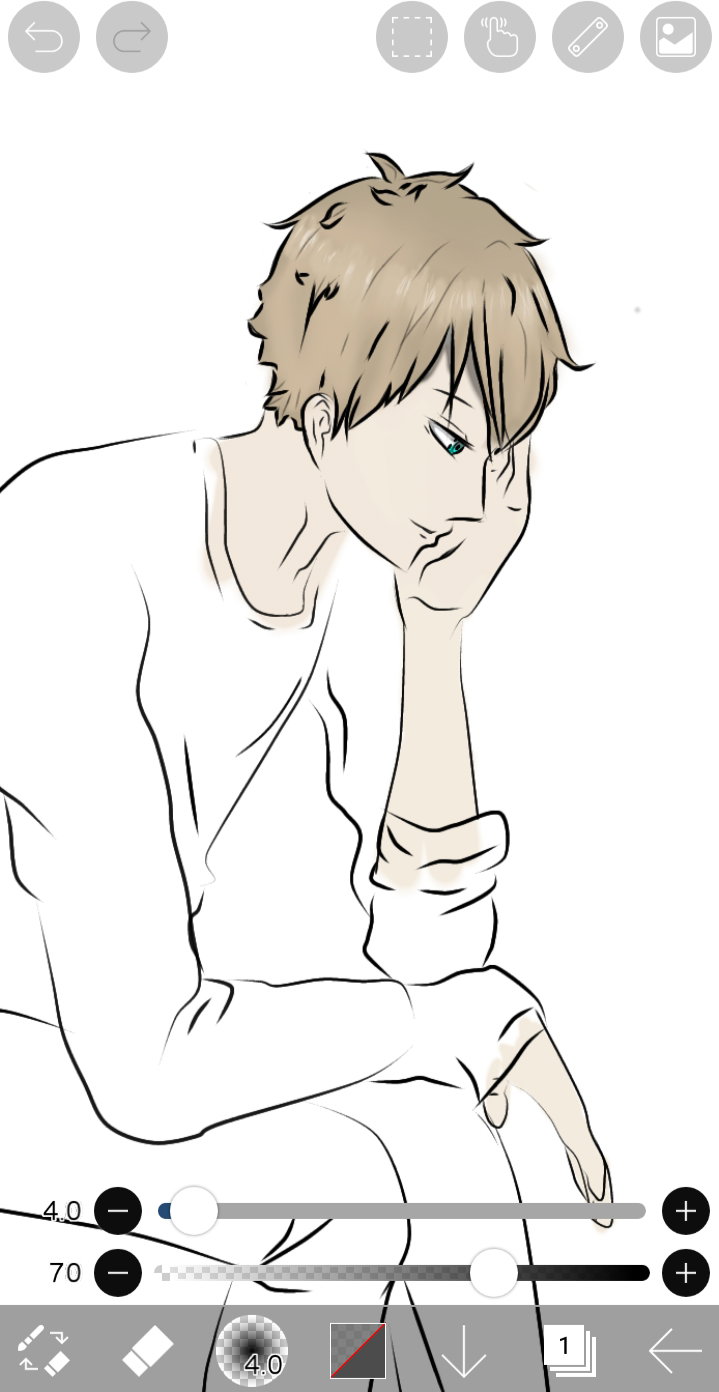
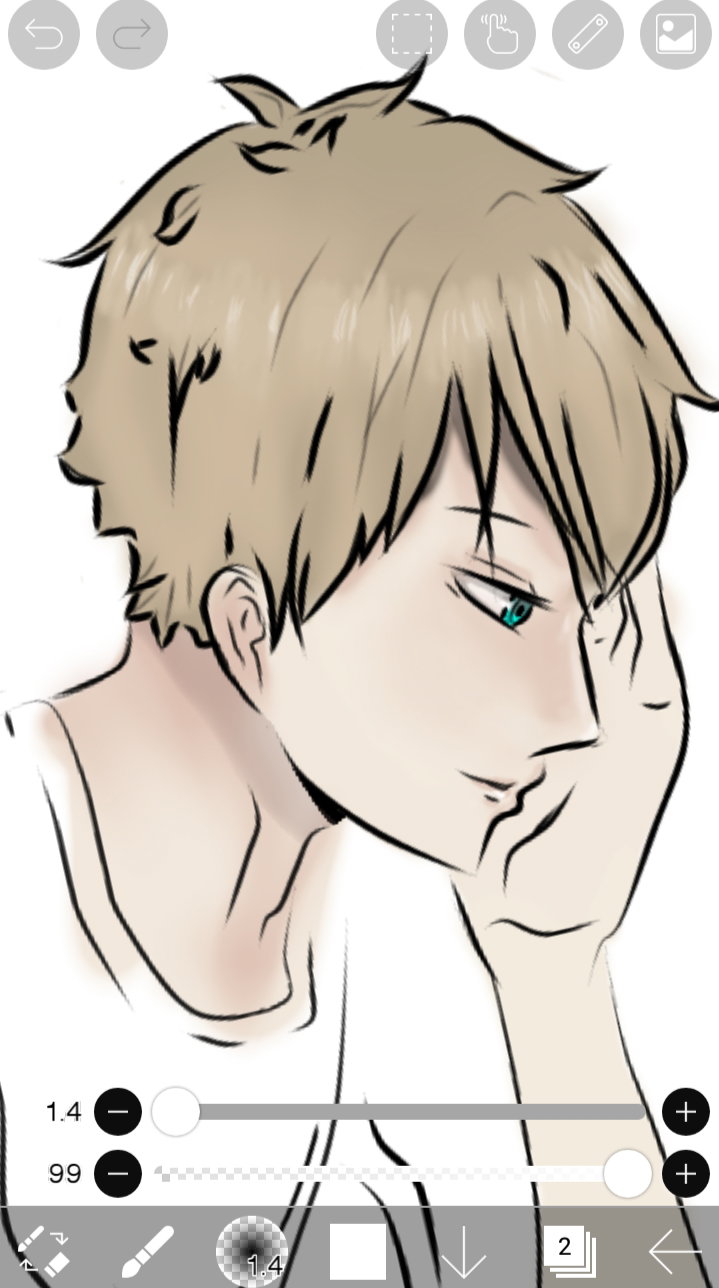
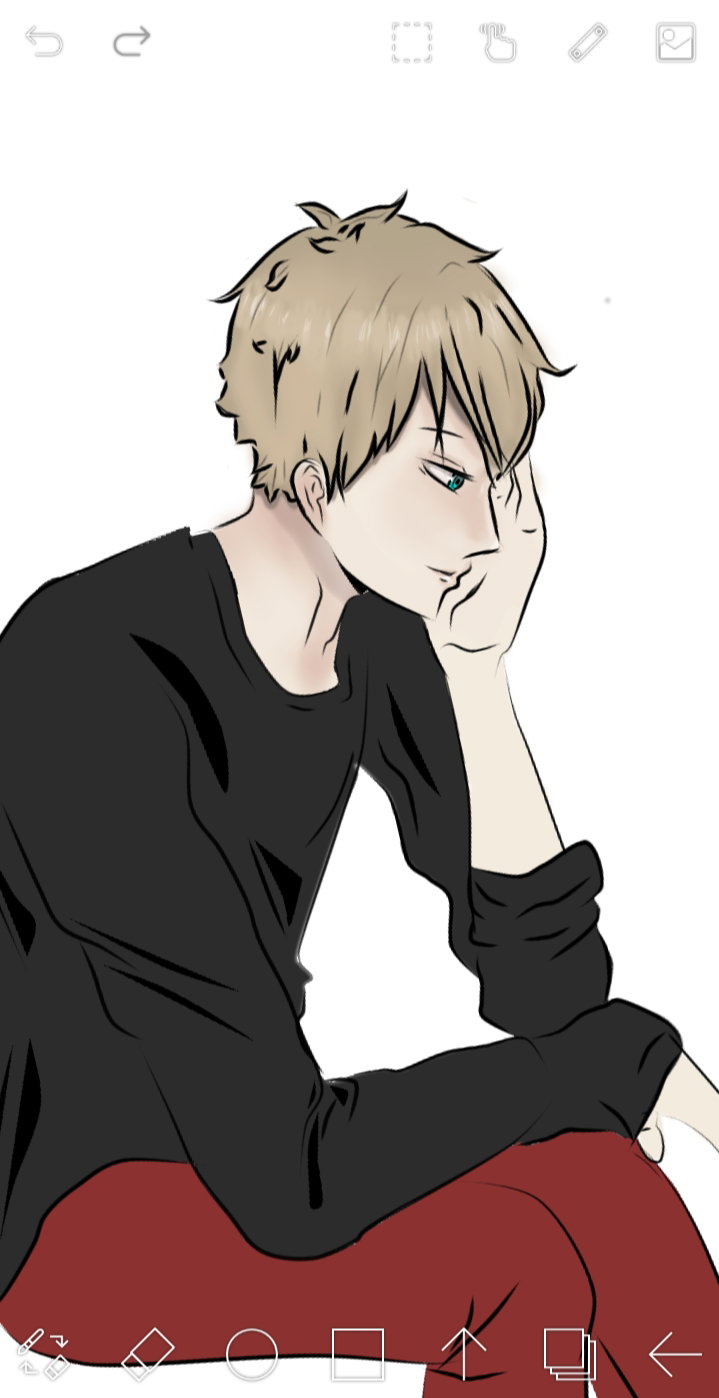
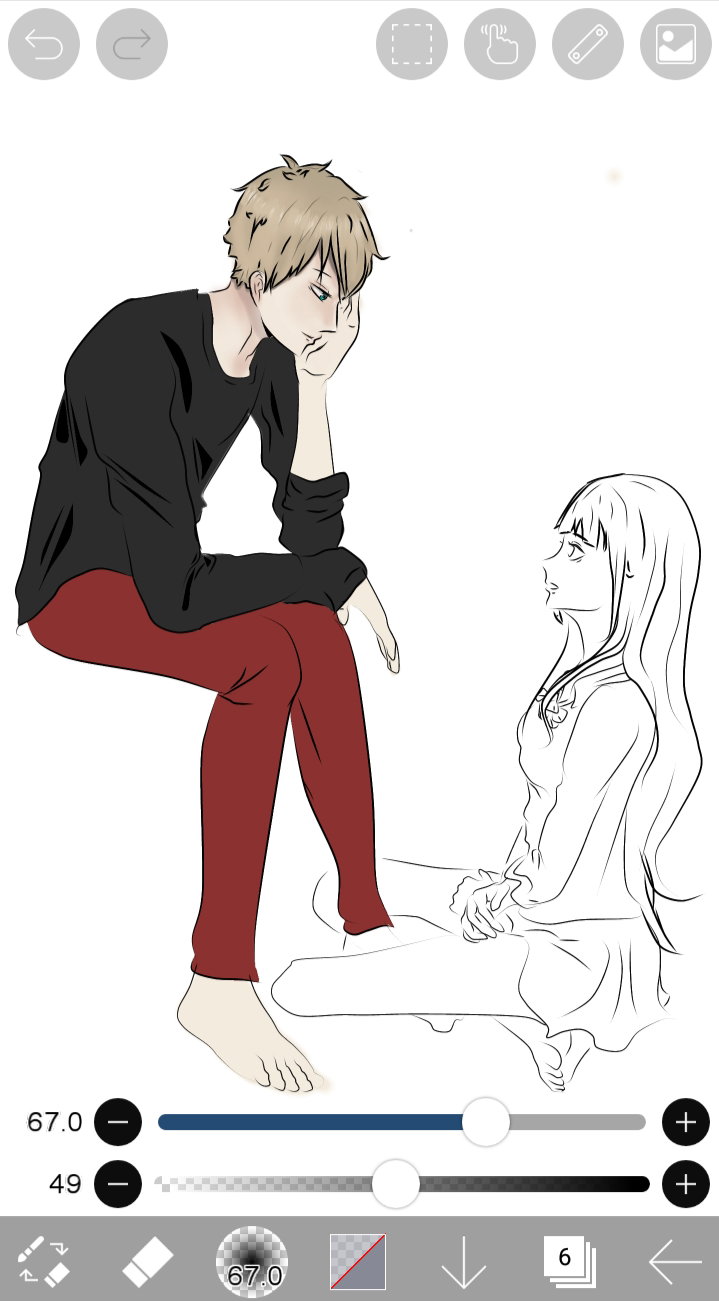
So same goes for coloring the other figure.
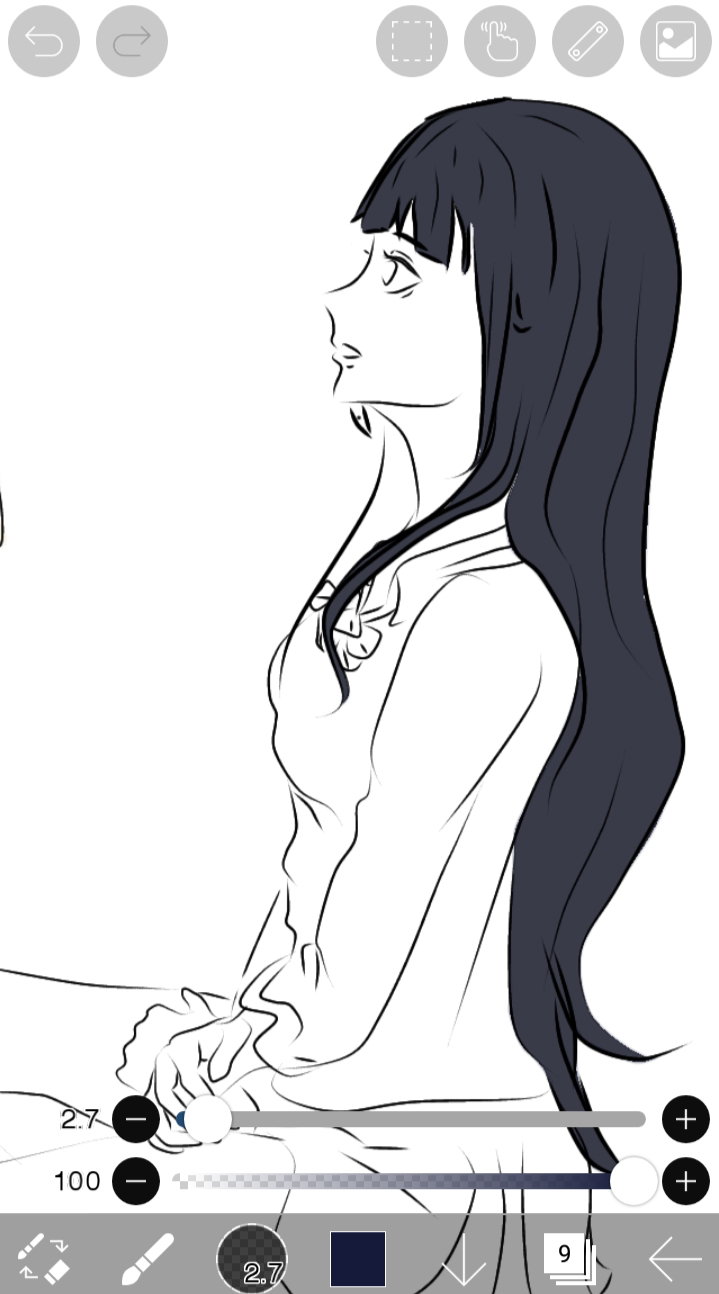
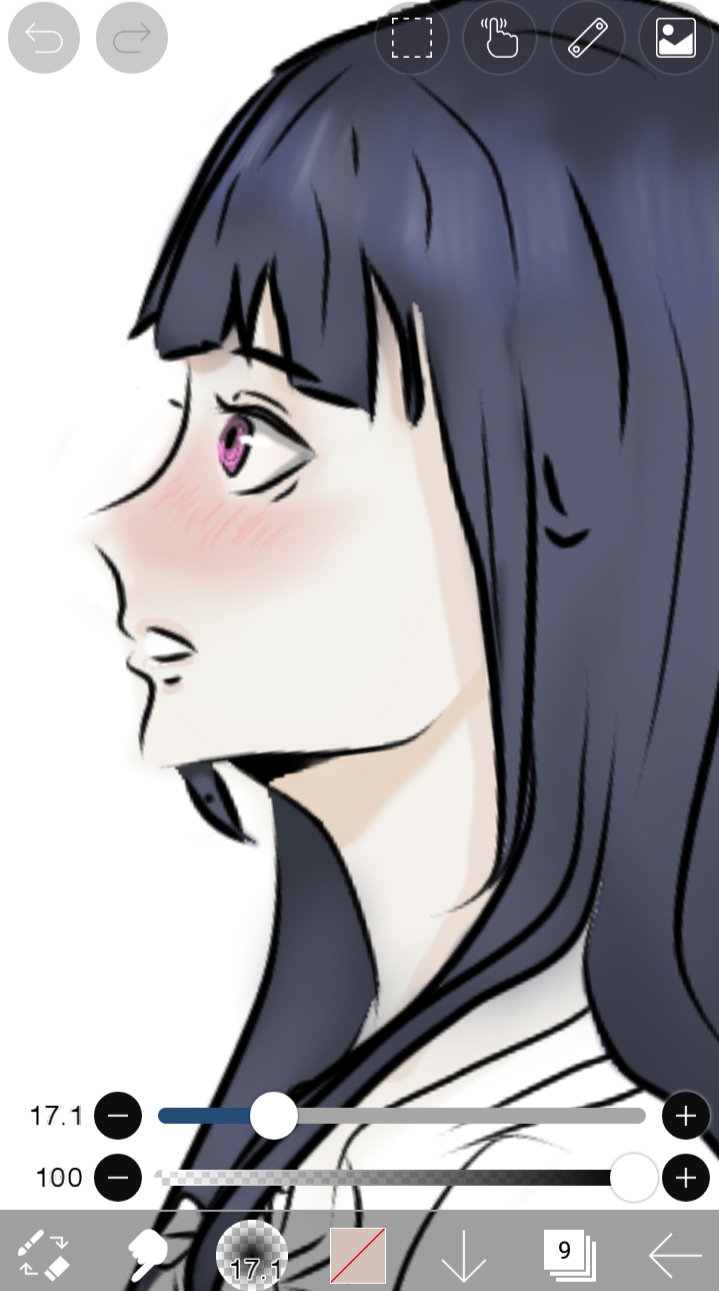
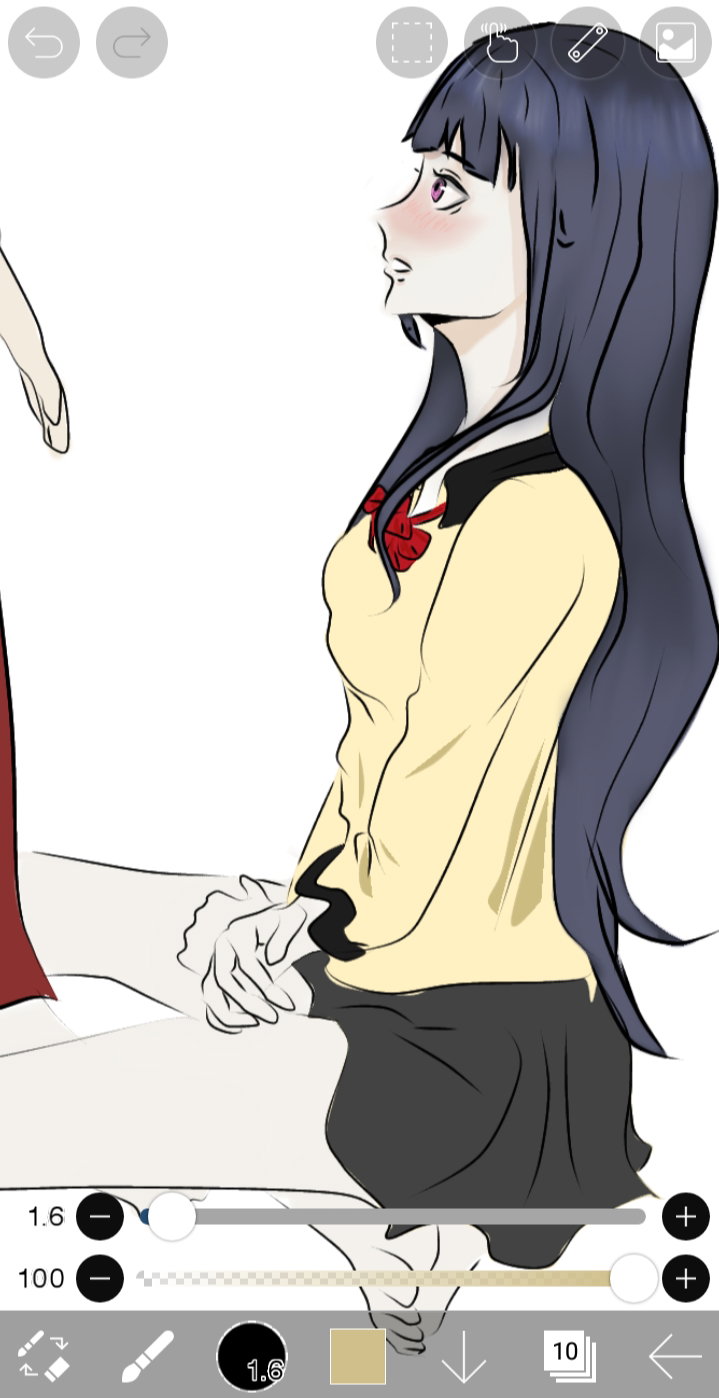
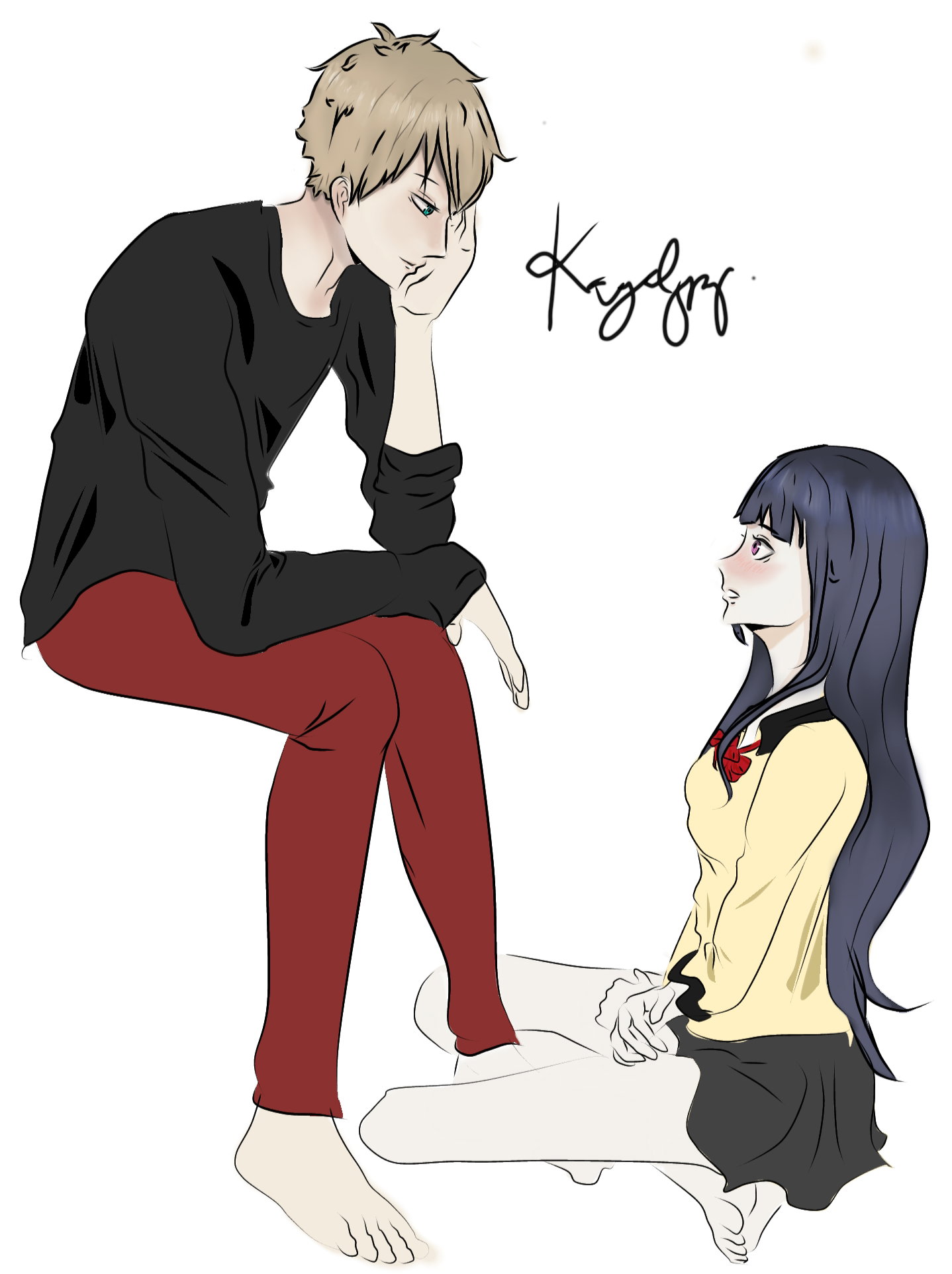
So this is the finished piece. I don't know how to draw backgrounds that's why I left it that way hahaha.
Haahahha. Sorry for the brief explanation, I wasn't good at it. Hope you like it!💕💕 Ps. Greetings to my newly found friends @Baij and @Hanzell ! I am glad to meet such wonderful artists in this platform. Check out their profiles and subscribe as well to be updated with their artworks💕 Feel free to comment down below your thoughts regarding this article😉 Lovelots💕

28 comments
You really are an artist plus youre a hard worker. Keep this up dear❤ your effort and hardwork will definitely give you a reward.
Thank you very much! You too, you work hard enough and I know everything paid off
It will dear❤
Digital art sounds really interesting and cool. I really wanted to do it to but I don't have the thing in utilizing drawing apps like ibis paint. It's just too complicated for me, so i gave up on it. You're really talented, I admire you for that!
Thank you so much @Baij for appreciating this kind of art. I also I admire you and I also love your arts💕
I'm so glad I happened to check your artworks out. Imagine knowing artists like you here in read.cash with over 10,000 users! Isn't it amazing?
Hahahhahaha. It's indeed surprising! Let's thank the communities we have in common coz they linked us to each other as well as our fellow artists out there.
I agree! I hope we'll more artists in this platform!
I am hoping for that either. I would like to see different kind of styles when it comes to art
It's so cool to see it get completed slowly like this :")
Thank you Hanzell! I tried my best to capture every progress of this drawing but I am so lazy to insert captions bout the steps on making it. I'll try my very best next time inorder to help others who's willing to learn😊
I can relate to that. Plus sometimes I also forget to take snaps while sketching because it's hard to get distracted. I only take snaps when i change colors or if i change pens
Yes I agree. It really is hard to get distracted especially when you're too dedicated on doing your artwork.
Which is why it's hard to disturb people who draw 😂😂😂
Or else be ready for a war hahahahaha
I liked it although I still have no idea how to do it. It'good you have these skills. Once those purple eyes. I think he perps between her legs 🤔
Thank you so much!❤️ Hahahhaha, I made it that way😂
I am the only observer here? 😄
You're the only one who have noticed😂 you got good eyes
I have a friend who is very good at this, I like all his drawing digital and manual. Its very encouraging to me to see people develop their own skill given by God. Ahu
Aweeeee. Thank you very much @Hari! I wish I could meet your friend 😊 I am a novice in this medium but I keep on learning and practicing to be enhance this skill. I'm so happy to know that you're encouraged by my article💕 I'm motivated to make more of it. Lovelots
Nice..this is really nice!
Thank you😊 I tried my best to capture every progress so that I can help others who's willing to learn digital drawing
I use photoshop for my designs. You could check out my last one here👇 https://read.cash/@Eviziim/my-photo-manipulation-17c86d08 I'll be dropping another soon
Wow. You did great adjustments to the photo's quality. I only use photoshop for making graphic designs. I use a different software when editing that kind of photos and that is "adobe lightroom"
Am kinda new to Lightroom, but I trust your abilities 😊
Well,try that software. You'll do great at it since you're already used to adobe Photoshop
Thanks for the advice...