 @McJulez
edited
@McJulez
edited
Self-host: Download all your Content
Have you ever wondered how you can save all your articles here on this platform in easy steps? Actually, this is not new since it's been here for a long time. The good thing is that you don't have to save each article one by one. Some of you might already know this, but for those who have just started their journey here and are still figuring out how they can download all their published posts, I will help you with that. I know you are excited, so I won't make this introduction any longer. So the first thing to do is scroll down until you reach the footer. From there, you will see something like this. For your reference, you may look at the image presented below.

If you are having a hard time looking for it, you can simply go here: Download your articles and self-host. You will see something like this: https://read.cash/@Read.Cash/download-your-articles-and-self-host-1bee3647
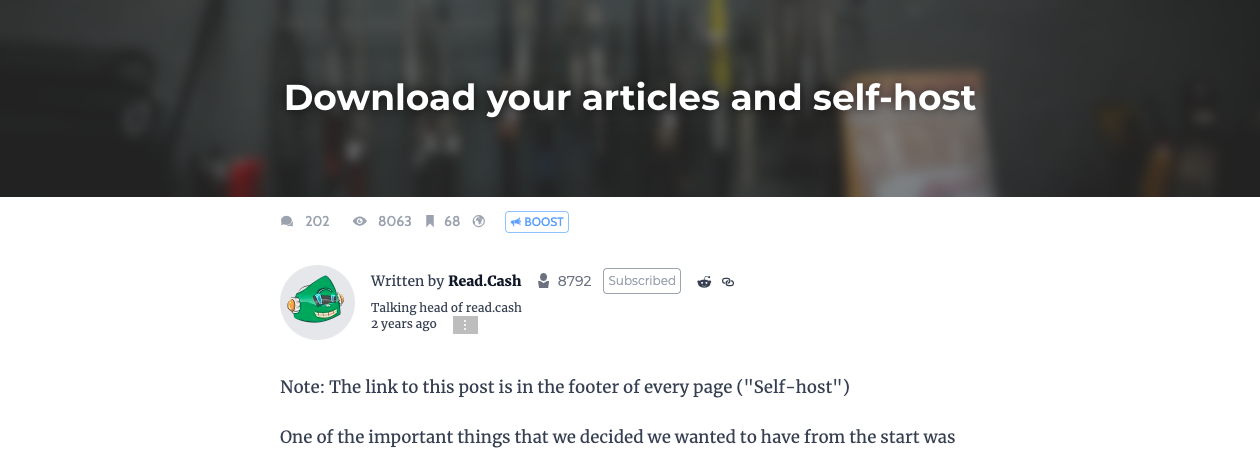
The talking head of this platform has already laid out the steps in a concise and easily understandable manner. Therefore, just follow the instructions there, and congrats, you'll have a copy now of all your published articles as of the date of access in a zip file. I just want to remind you that you have to uncompress the file first to view the articles. By the way, once you do it, you will see a lot of HTML files. Do not worry, because those are your articles. `"As mentioned in the post, they look like bare-bones HTML with all the classes and some styling"` So here's a sample of what the downloaded file looks like. These are my downloaded files, which are contained in a single folder that is found within the zip file.
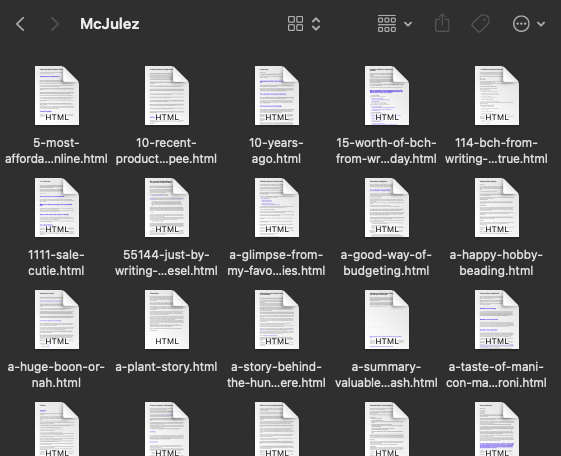
I feel glad because there is an option like this. Anytime, I can read these articles I have made even when there is no internet connection. Aside from that, it's best to read when I feel like I have nothing to do. If you are also active in writing, doing it at least once a month is recommended. Try it too and you'll feel glad as well. By the way, upon checking the info in the folder, I was amazed by what I read. It says there that it contains 317 articles already, and with this, I feel happy because, in a span of one year, I was able to write as many articles as that. This is inspiring, right?
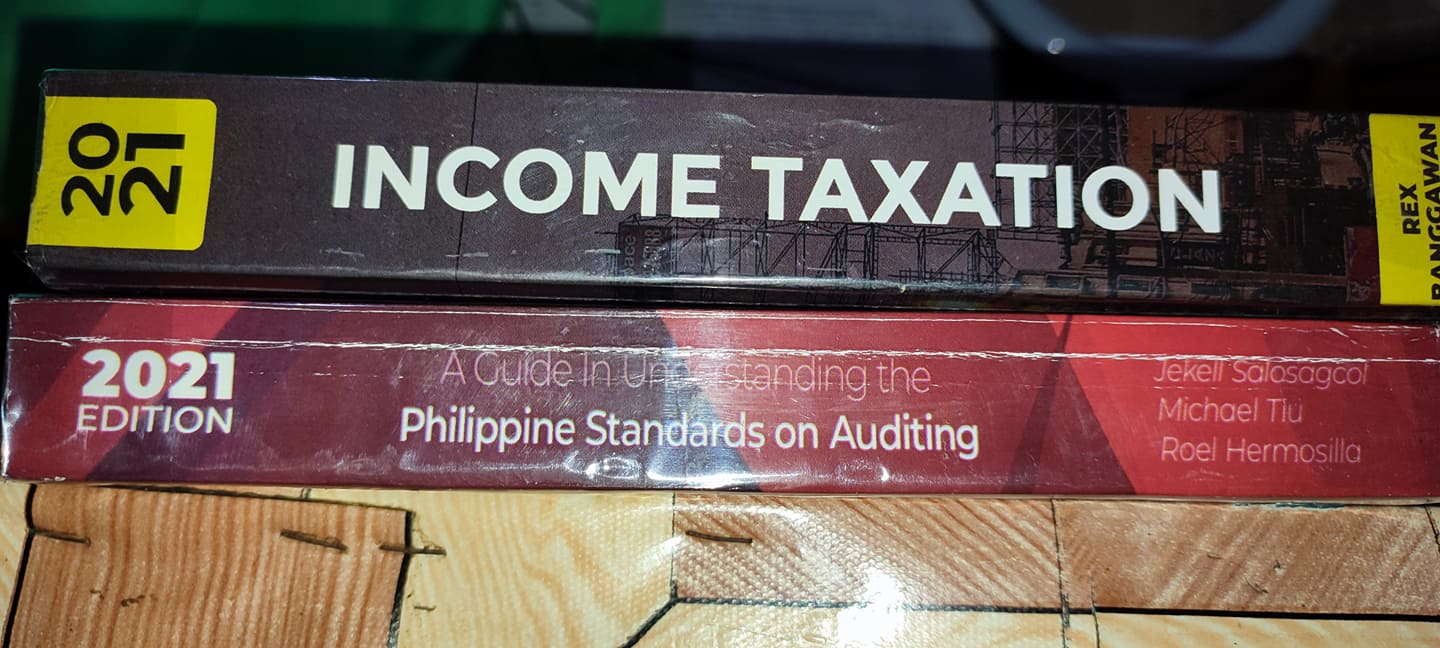
In the photo above, you see two books. What I did is that I covered them with a plastic cover to at least preserve their quality since I often open them many times a day. The plastic cover I used was bought by my mother, who went out a while ago in the market. I have many more books to cover with it, but I think I will just do it tomorrow since I still have some things to do tonight. I think that is all for this article. I hope you gained something from which you may apply. Thank you! **If you like this article, feel free to check these out too:** **Sleep Deprivation: How Bad Can It Be?** https://read.cash/@McJulez/sleep-deprivation-how-bad-can-it-be-1a7f966f **A Summary: Valuable Things I Bought and Acquired with the Help of read.cash** https://read.cash/@McJulez/a-summary-valuable-things-i-bought-and-acquired-with-the-help-of-readcash-2ed4f7fc **A Year on read.cash: A Worthwhile Experience** https://read.cash/@McJulez/a-year-on-readcash-a-worthwhile-experience-3409f72d **Updated Skincare 2022: Products that work for me** https://read.cash/@McJulez/updated-skincare-2022-products-that-work-for-me-2be848d1 **Get Rid of Distractions** https://read.cash/@McJulez/get-rid-of-distractions-71f7f7fc
Follow me on: https://read.cash/@McJulez/a-summary-valuable-things-i-bought-and-acquired-with-the-help-of-readcash-2ed4f7fc#follow-me-on **•****read.cash** **•****noise.cash** https://read.cash/@McJulez https://noise.cash/u/McJulez `© 2022 McJulez. All Rights Reserved.`




9 comments
I also once tried clicking this button! The platform is almost perfect for the blogging community (except the tipping algo, which is not at all r-a-n-d-o-m).
Oh thanks a lot, I was looking for ways to have a backup of my published articles. Interesting feature, I have not seen this in many other blogging platforms.
Nice. Thanks try ko 'to hahaha. Gusto ko din matabi lahat ng articles ko kung sakali mang mag down na ang read.cash
Pero sana matagal pa haha. Anyway, oo magandang back-up.
try ko nga din save yung akin...para may remembrance na rin sa mga articles ko hehehe ...thanks bub
Sige po try niyo lang din po. Ang astig and helpful nito.
Oh there is option pala na ganito. Thanks, I'll utiluze it soon.
Yes, it is really a cool feature.
Thank you ! Ako kasi binibilang ko isa2x kung ilang articles na ako haha in this way MA's mapabilis.