 @Khing14
Smart Switch Date: November 19, 2021 Hello my fellow readers and writers. It's Friday again! Maybe some of you are already aware that I've purchased a new phone because my old phone which is a support phone issued by our company has lots of memory issues already. It is too slow as in! Its memory (RAM) keeps on sloeing down over time. I cannot even launch Messenger. It keeps on crashing. And when I open some lf my application installed in my old phone, sometimes it takes forever to load. It will only load successfully after I tried to force stop the application and relaunch it again. Sometimes, I also needed to reboot my phone for it to function correctly again. My old phone is a Huawei y7 pro (2019) while the new one I've purchased using my credit card (12 months to pay) is a Samsung Galaxy A52s. So far, after 1 week, I am satisfied with its performance, specially the quality of its camera. It's response time is so smooth as well. I never experienced any single lag yet. There is only one thing that disappoints me on this phone. Its screen is not scratch resistant. It'svery sensitive. In fact, it got some shallow scratches already the second day after I bought it. I do not know that its screen is too sensitive. I just tried to wipe the dirt using a clothe and then after wiping, I saw the little scratches in the screen. Since I have work that time, I asked my husband to go to the market and buy me a tempered glass. I know how to install it so he don't need to bring my phone because I am using it as well in my work. I'm on a block leave this week (5 consecutive holidays). And since today is the last day of my vacation leave, I opted to transfer all the files, contacts and accounts from my old phone to this new one (I am currently using to write and publish this article). And since it's requires a lot of effort doing it manually, I decided to google some freeware applications that I can use to transfer files between two devices easily. And luckily, I bumped into this application namely "**Samsung Smart Switch Mobile**". The name is quite misleading because it has specifically the brand name "Samsung" in the application name itself.but it works in my huawei device actually.
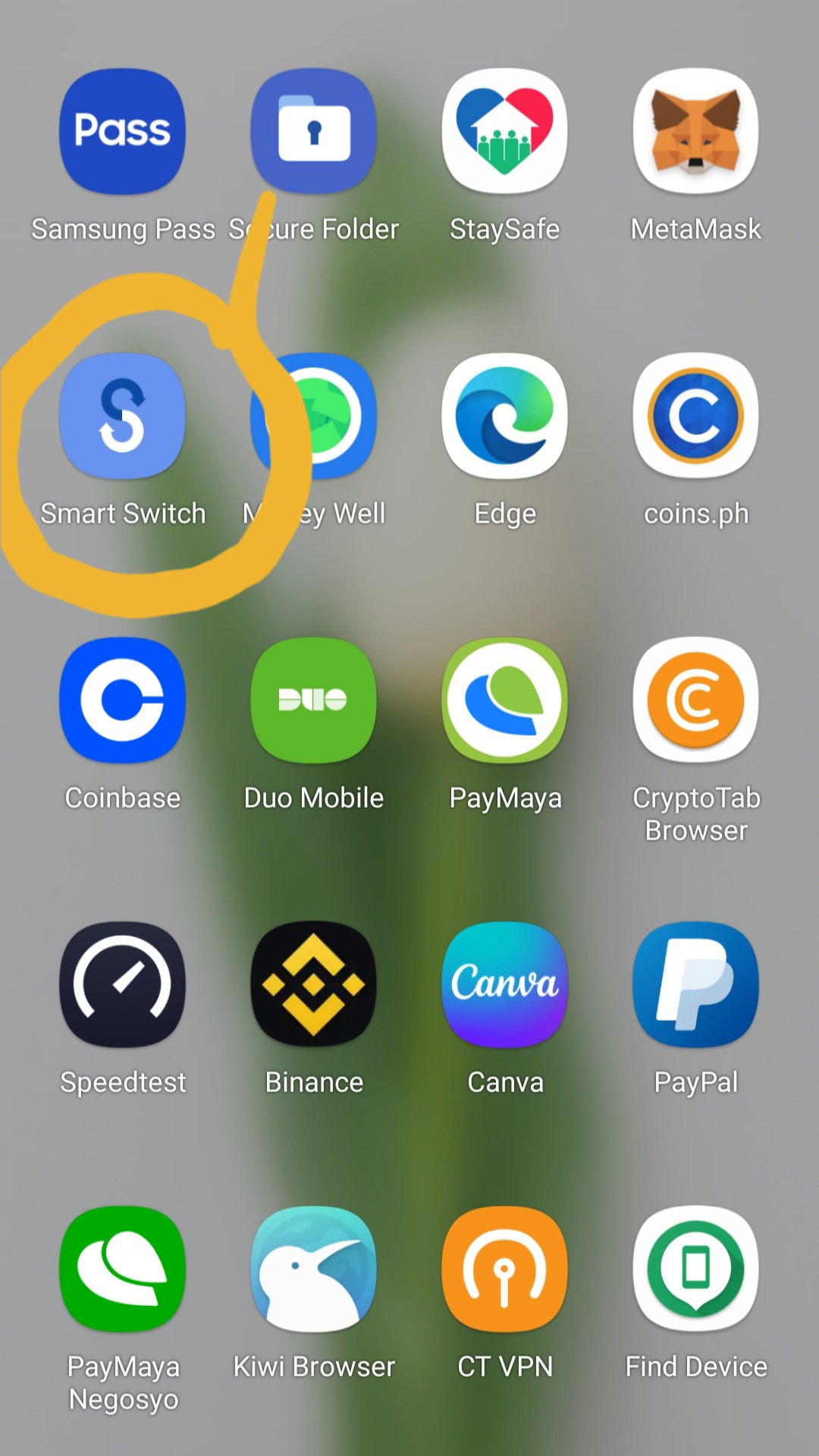
I tried to install the aforementioned application to both my devices and started the file transfer. It's so easy to install. Here is how it's look like after you install the application to your phone.
The application is so easy to use. Upo n launching it, you will be redirected to tbis page.
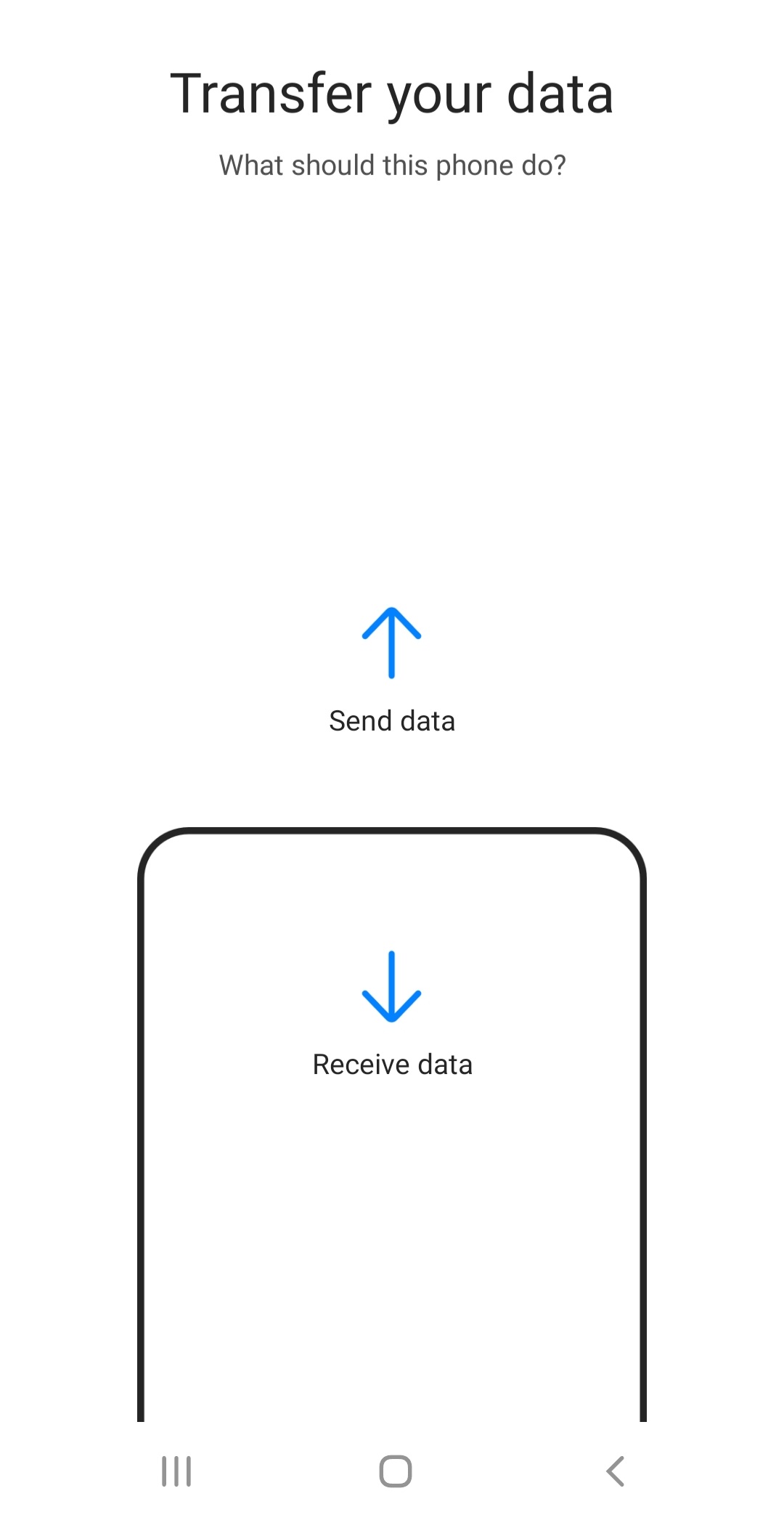
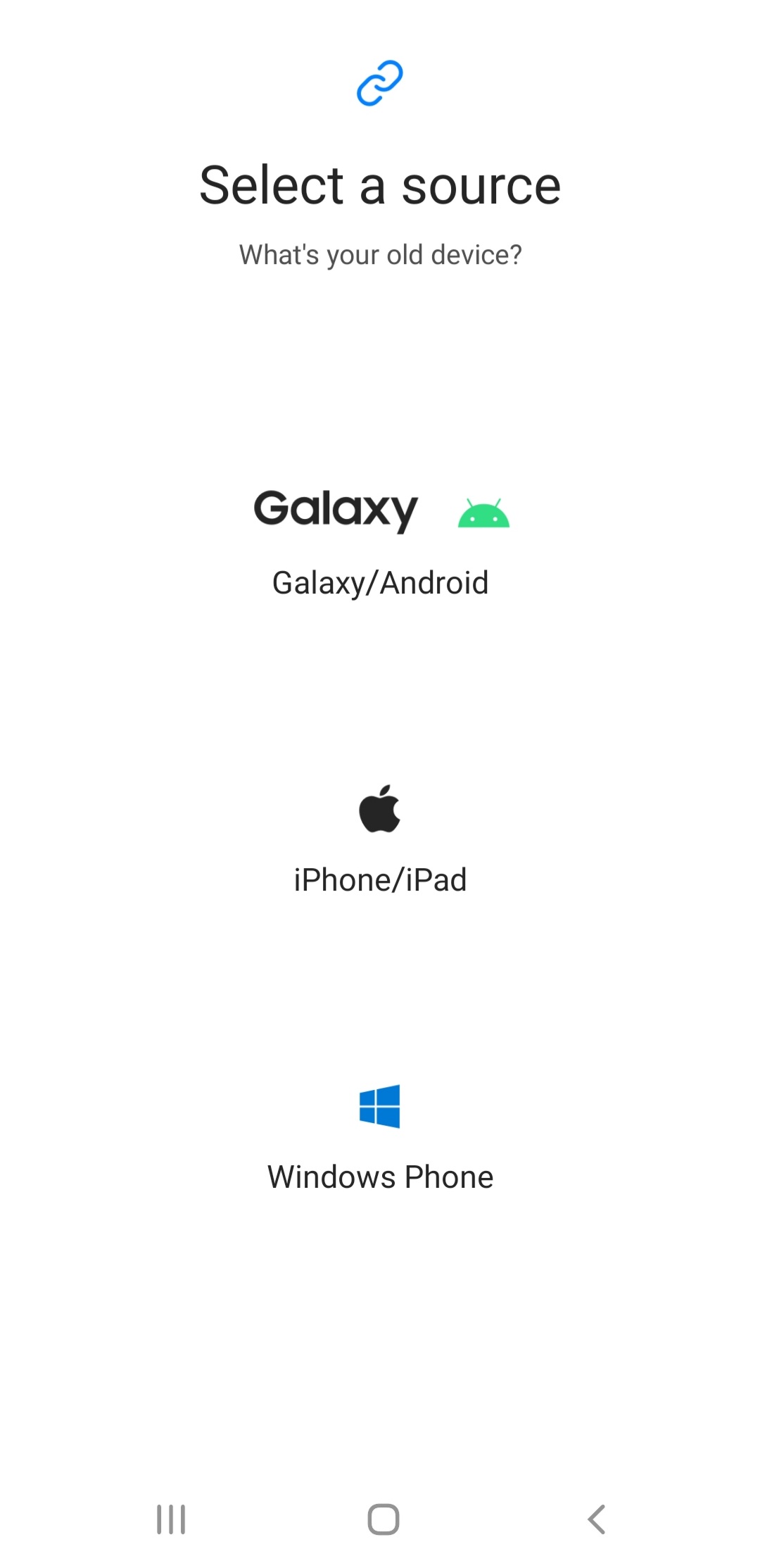
It behaves like share it. So you need to click on **Send data** from the old/sender phone and then click **Receive data** from my new phone. Next prompt will ask you about the type of you old phone. In my case, I've selected Galaxy/Android.
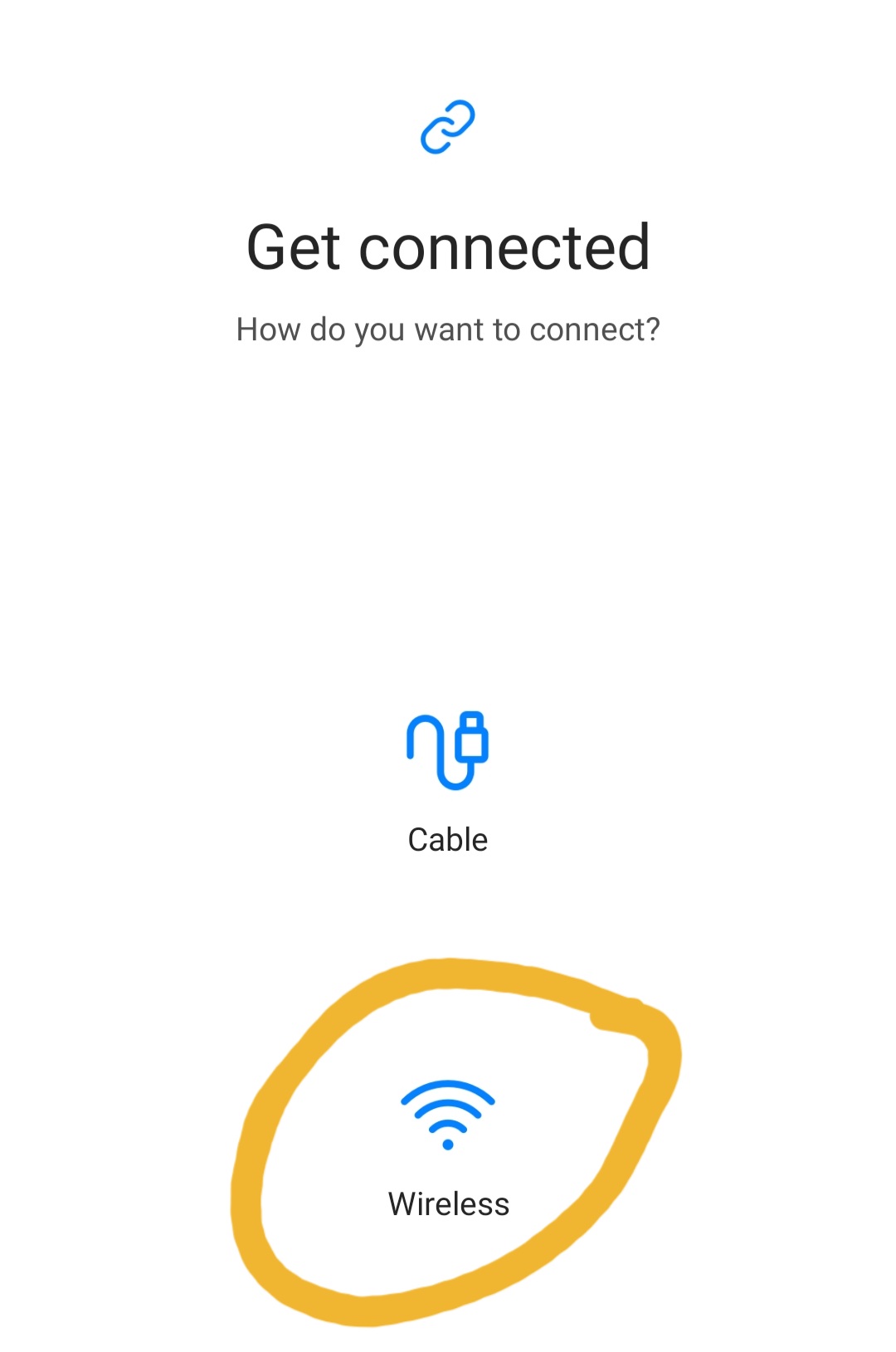
And then, you will be prompted with the below. In my case, I've used Wireless connection.
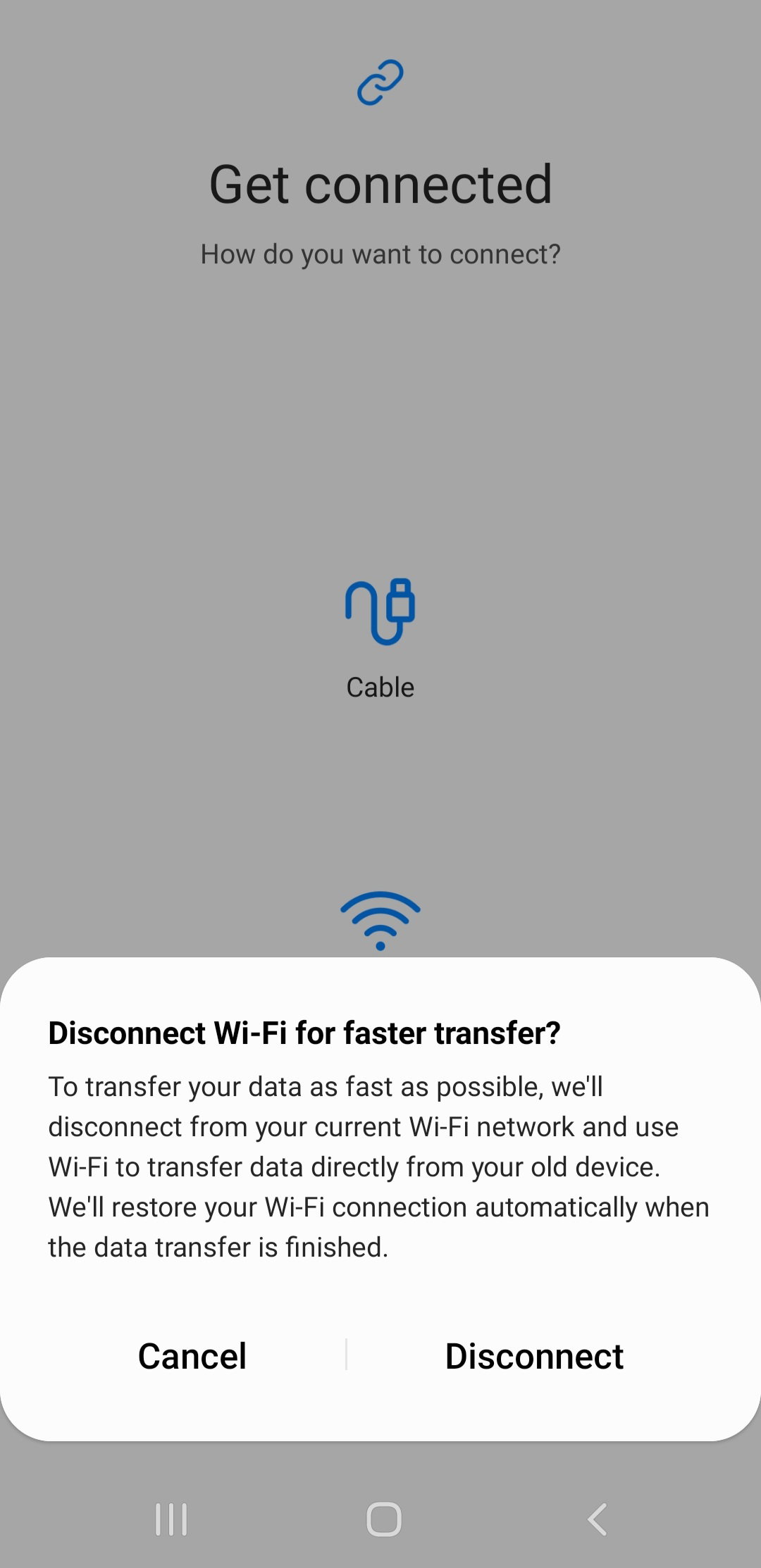
After selecting Wireless connectiom type, a prompt message will appear asking you to disconnect your phone from wifi network for faster transfer rate. I've cancelled it because I want to multitask while my phone is copying in the background.
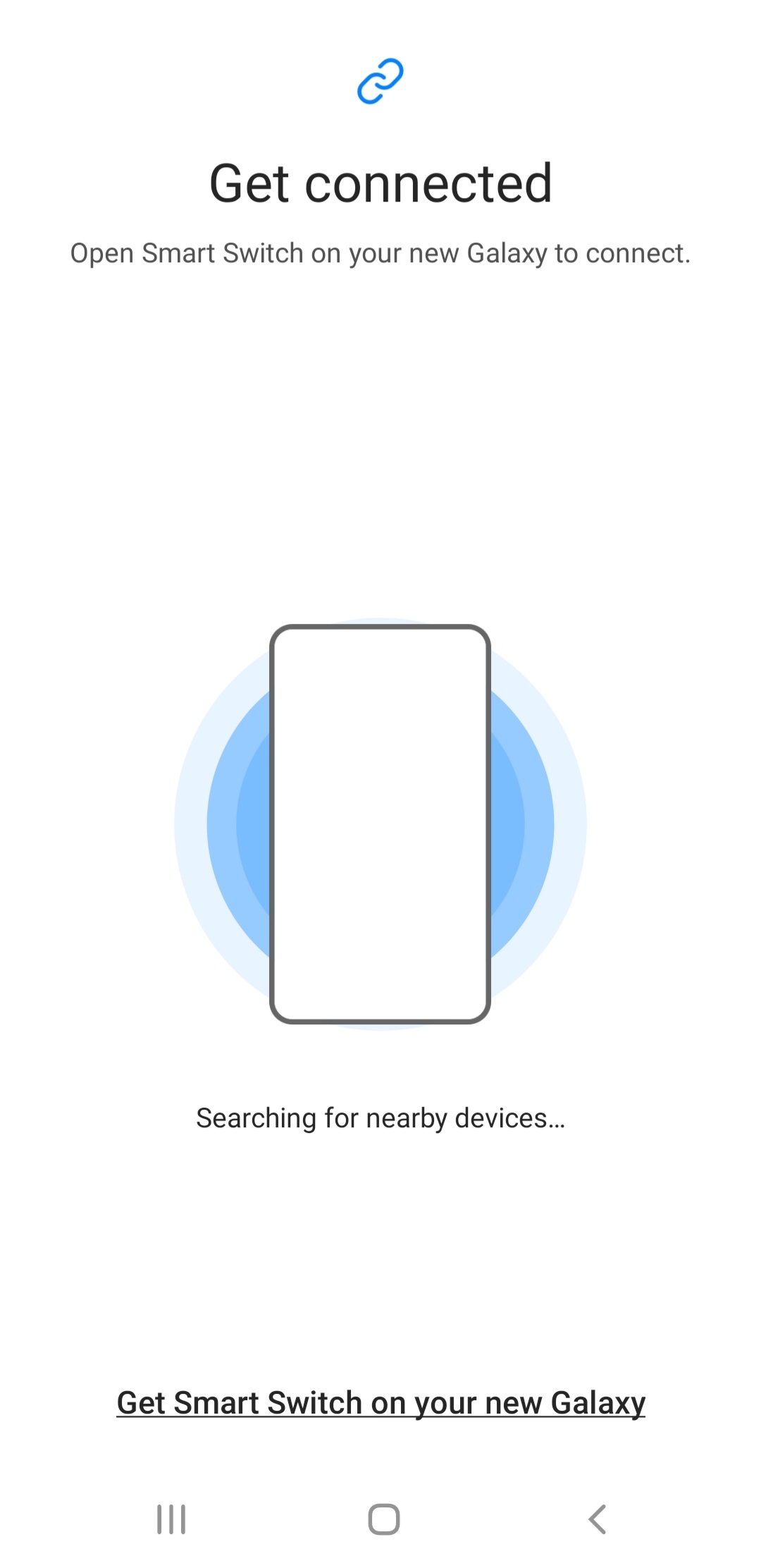
And right after selecting your option, it will search right away for other device that has the smart switch application open.
*Note: Both phones must be connected to the same wi-fi network.* And that's it. Once the system found the other device, You will be prompted with the belo. Select what type of data you wanted to be copied.
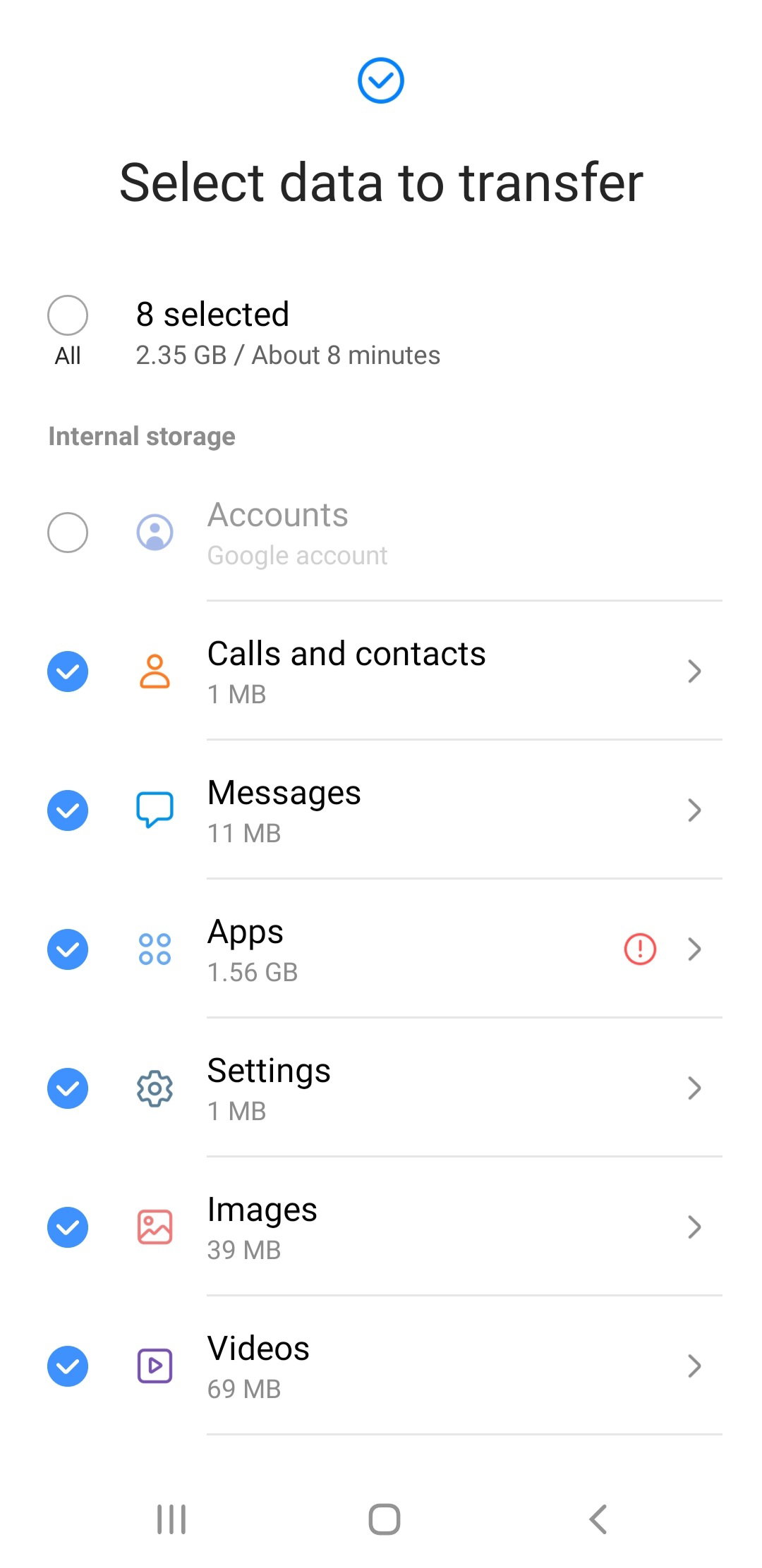
It will also show the bit size of each data types. Once you've selected which data you wanted to be copied, scroll down further to the bottom and click the "transfer" button. And you're done! All you have to do is wait till the transfer completed.









49 comments
It's my first time to hear that application, I thought it was owned by Samsung and only function on Samsung devices. Maybe I'll use this application once i transfer files from old phones to new phones.
Yep..it's easy to use..just like share it..
Must try this one sis..☺️
Yes sis..super nakatulong sya sa akin..hehehe
Meron rin yata sa bagong cp ko which is the RedMi Note 10 eh kaso iba naman po yung pangalan ng app hehe. Mukhang okay yan ate kaso di naman po ako mahilig magchat hehe
Hehe..oks naman yung app kuya..nalipat ko ng matiwasay yung mga files and contacts ko from huawei phone to samsung
Ay thanks sa pag share ateee baka ma try ito..
Yes sis..madali lang gamitin.parang share it
You are satisfied with it sis? Di pa ako makarelate for now dahil luma na tong phone ko at di pa akin hehe
Oo sis..madali syang gamitin.
Ang nice Naman nung pwede na pala Yung Ganon transfer transfer.
Ou sis..kakadiskubre ko lang din..atleast hindi na kailangan mag isa isa lalo na ng contacts
Compatible ba sya sa ibang phone sis? Baka makabili ng fon na bago, char! Eh madali ko matrasfer mga files ko.
Yes sis..huawei yung luma kong phone
Ah okay sis, thanks.
Wow! Effective nga talaga yung ano pag send ng files from old device to new device. This will be helpful Ate.
Yes sis..iniisa isa ko pa nung una yung contacts ko eh napakadami kaya naisip magsearch ng apps na pwedeng gamitin
Wew, grabidad till now namamahalan pa rin ako sa phone mo hahaha. Pwro sulit na sulit naman so di na lugi. How about the battery. Heavy user kaba? Pag all day open data nakakailang araw?
Naku sis, inaabot saken ng ilang araw kasi di naman ako heavy user....lalo na kapag may work..
Transferring everything from the old phone to the new one, it’s indeed good and less stressful.
Indeed!..it's so helpful
How long does it take to transfer a 2gb file po?
In my case, it took about more than 30 minutes ..
Aww, I see. That's not bad na din
Yeah better than copying the ckntacts one by one.
Sa samsung talga sis medyo alangan ako sa kanya pero maganda tlaga ang camera niya.. pero rare sa amoled burning kasi ang samsung kaya mabilis masira ang lcd nila hehe oero nasa pagiingat nman yan..
Yeah..sana nganpo magtagal..napanood ko nga yung news about huawei nkva 9..parang nagsisi ako na samsung ang binili ko..charot! Promising kasi ang features nung huawei nova 9
Ay hindi mo pala nilagyan ng tempered glass muna sis bago mo ginamit? Ako din eh, amy planong bumili ng new phone. Kaso okay ap naman yung phone ko. Medyu lag nga lang.
Hindj nga sis eh..kasi diba mahal ang tempered sa mall..naisip ko bibili nalang ako sa shopee..
I also bought a new phone recently because the old one is slow as a snail. I have no problems with transferring my files because I use a memory card on my old device, so I just removed it and put in my new phone. The only thing that wasn't on my memory card were apps, but I transferred them with an app known as Xender, which is similar to this Samsung smart switch
How about your contacts?
I copied them to my Gmail account and it automatically synced to my new phone
Wow..that's awesome
Sana all may new cp na hehehe.. Lag na din cp ko ksj full storage na din at yun nastroke mnsan hahaha.. Samsung ako dati sis kya lng bilis uminit ewan ko lng ngayon sa mga new unit.
Ay ou sis..danas ko yan dati sa samsung ko.. samsung galaxy a5 2016..pero sa awa ng Dyos itong gamit ko now hindi ganun..
Grvh nakakapaso minsan. Note 1,2,3,4 at 5 ako don hahaha.. Plan ko sana bumili pero di ko pa alam kung ano ang mgnda na brand. Oppo A57 gmit ko ngayon na last 2017 pa eto.
Yung pinsan ko kasi oppo din ang gamit mas nauna pang nasira sa cp ko...kqya naka x saken si oppo
Matibay ksi c oppo pero minsan blurry na ang camera minsan. Mgnda ang cam ng real mi
Ahh nice...oppo a5s ata yung sa pinsan ko sis
Ahh check ko yan sa oppo outlet kung mgkano na. C partner ksi bumibili ng cp ko kya wait ko sya.
Ahh i see...
waw that is a good phone i currently sing galaxy A20s, and the camera is awesome
Wow..that's cool!
Sana all my new phone hehe. You deserve the new phone po! Ako baka next year magpapalit hehe
Gamit ko din po kasi sa work yung phone..eh mabagal na yung lumang cp
Iba talaga pag may magandang cp.. hehhe.. astig ah. mas madami ng capture moments nyan.
Ou te..haha..hindi na aandap andap pag check ng mails at... nilinis ko na din yung lumang cp..pag nakaluwas si tatay eh ibigay ko sa kanya..mabigat kasi yung app na gamit sa work kaya nag babagal dun sa lumang cp..nung tinanggal ko yung mga apps na pang work eh bumilis na ulit.
Every smart phone has its own charm for users, cellphone specifications are very influential in the operation of application media. Many mobile phones are marketed with the latest descriptions of mobile phones because the operating system is very important, from the RAM of the phone to the external appearance of the phone. and this your phone is already very good with good phone specifications it can be operated even if the application uses a large amount of ram. may be an option for the next email purchase.
Yep..first thing that I am checking when I am purchasing a phone is the RAM ..