 @Jim
@Jim
How to add a sponsorship block?

I am publishing this article for the newbies and users who want to get sponsorship from other users here at @Read.Cash. **Sponsorship Block**
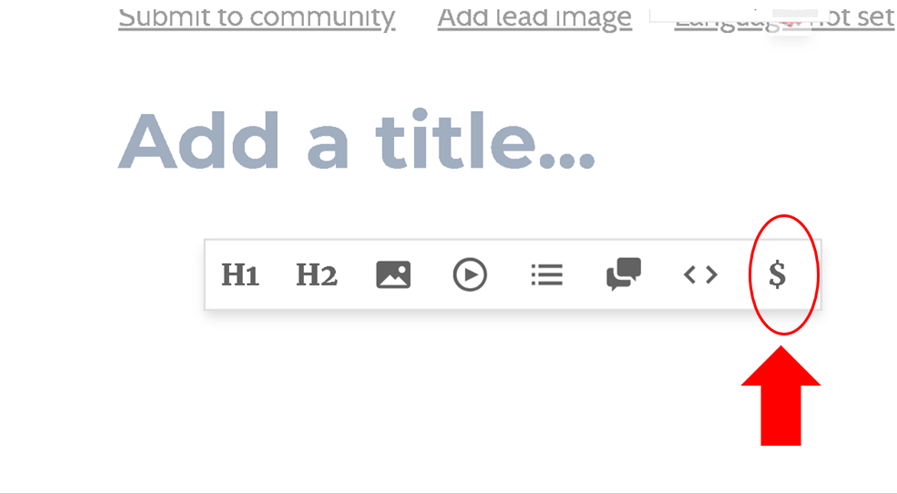
Add sponsorship block by clicking the dollar sign (**$**) once you write an article.
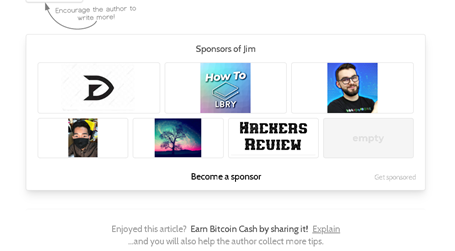
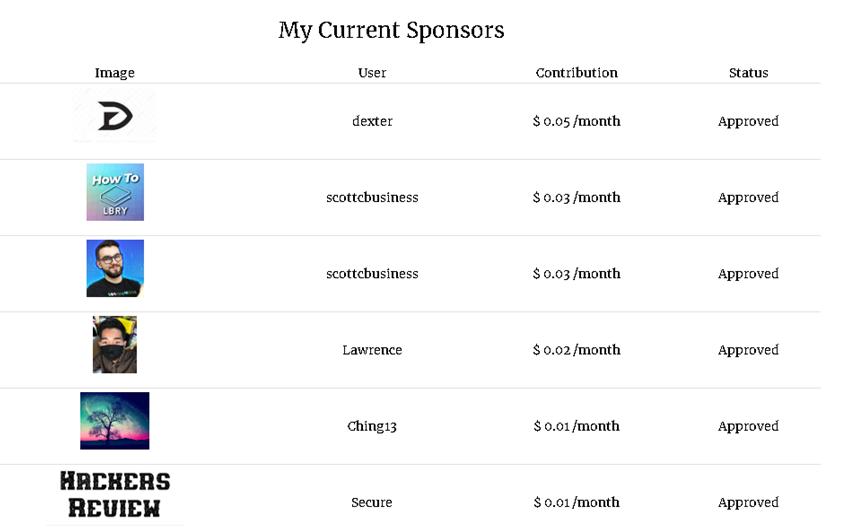
Once you are done writing, the sponsorship block appears in your published post. You will be notified to approve for the block to appear automatically in all your next articles. Once other users want to sponsor you on a monthly basis, you need to accept their proposal. After it, the logo/ picture of your sponsor will appear in every article you publish. This article is dedicated to all my sponsors: @dexter @scottcbusiness @Lawrence @Ching13and @Secure.
These are the users that I currently sponsor: @Lawrence @tsakf @Yayaya13 @Gwenie @Saha99saha @AL_23 @Charlotte @bheng620 @EvilWillow @Oslec08 @stella2020 @cryptoworld @aniruddhasen @Dolores and @CrazyInsane.
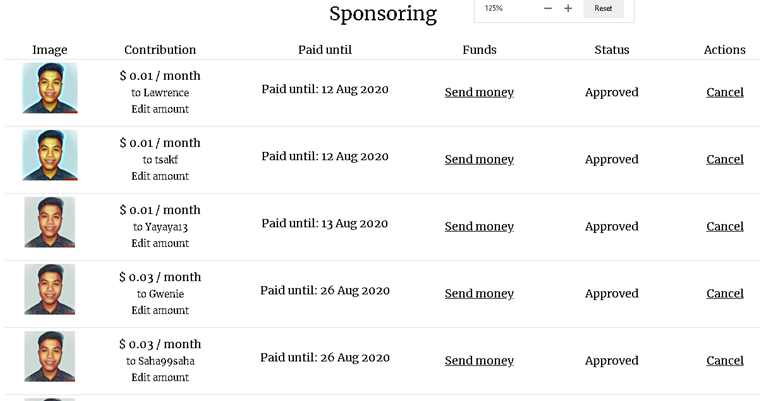
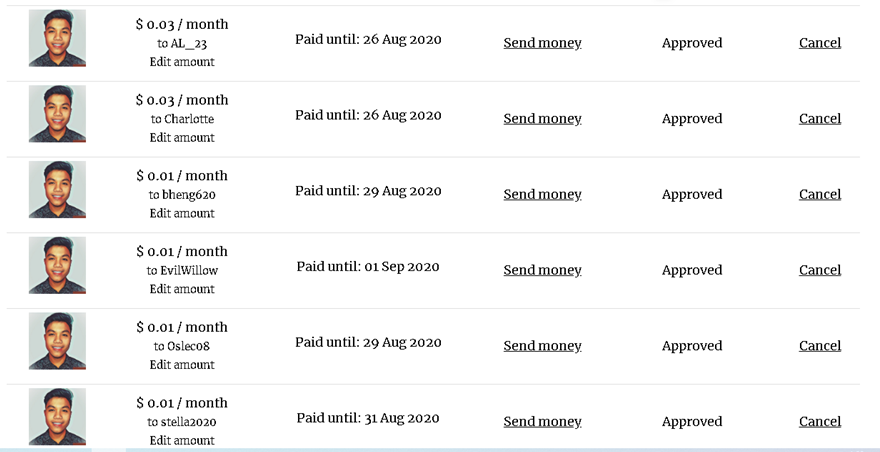
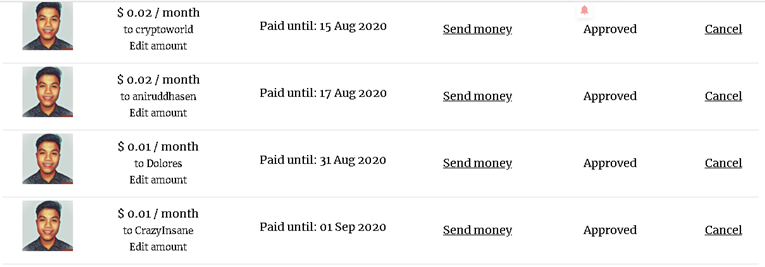
I am continuously giving sponsorships, especially to active users and newbies here @Read.Cash.
26 comments
Thank you for sponsoring me. Hope you are liking my posts.
Thank you for reminding me to look at your profile and articles. Surely, I will like it.
Thanks a lot for your sponsorship.🌹
Thanks also for always supporting me in my articles :)
wow thanks...this will be very helpful for the beginners in read.cash...thanks for sharing this in such a simple way ❤
I already made a proposal to be your sponsor. You can accept it once you have seen it in your notification :)
wow thank you dear.. I've got in in the notification 💓.. thanks again for supporting me..it's really needed to keep me going💓
I honestly panicked when my name got mention for the first time saying that i need to open my sponsor's block hahah i have no idea what that is back then. This would be a great help to all newbies out there😊
I just mentioned you here because I think you are one of the users whom I currently sponsor. You could actually use this article to help the newbies you know :)
Yes i will thank you😁
Thank you @Jim for sharing this article because I didn't know about this how to add sponsorship block.
No problem. This is for all the newbies who have lots of questions on how they get sponsorship especially for you :)
Thanks @Jim for learnt us this. But I haven't any sponsorship 😥😥😥. Can I be your sponsor?? Please .
No problem with that. Are you posting every day here? I will sponsor you.
Thank you dear😍😍
Add a sponsorship block so I can sponsor you.
Thank you so much for sponsoring me... God bless you. 😁
Thanks bro. You are my first sponsor and you gave me the boost. I didn't do anything yet you gave me the lift I was hoping 💛
I hope that by sponsoring, I am also encouraging you to write. God bless and continue writing :)
Thanks @jim for this. I will open my sponsership box now. I am a newbie and I am working hard but no one is giving sponsership to me. You can check my profile and sponser me too.
No problem. Just continue writing here and sooner, I will not only be the one who will be your sponsor. Good luck!
Thank you so much for sponsering me. You are the only one for now but I am waiting for others too haha
Thank you!
Thanks alot for the opportunity ☺️ And here is the link https://read.cash/@Cutie_Angel_Mukta/sponsorship-offer-by-jim-9f2567cf
Thanks for such opportunity wish I could get sponsored too
Please can you sponsore me also