Exodus 3:15 (NWT) Then God said once more to Moses: “This is what you are to say to the Israelites, ‘Jehovah the God of your forefathers, the God of Abraham, the God of Isaac, and the God of Jacob, has sent me to you.’ This is my name forever, and this is how I am to be remembered from generation to generation. 16 Now go, and gather the
Matthew 7:7 (NWT) Keep on asking, and it will be given you; keep on seeking, and you will find; keep on knocking, and it will be opened to you;
1 Timothy 4:16 (NWT) Pay constant attention to yourself and to your teaching. Persevere in these things, for by doing this you will save both yourself and those who listen to you.
Computer Graphics: Domino Clock using C Language
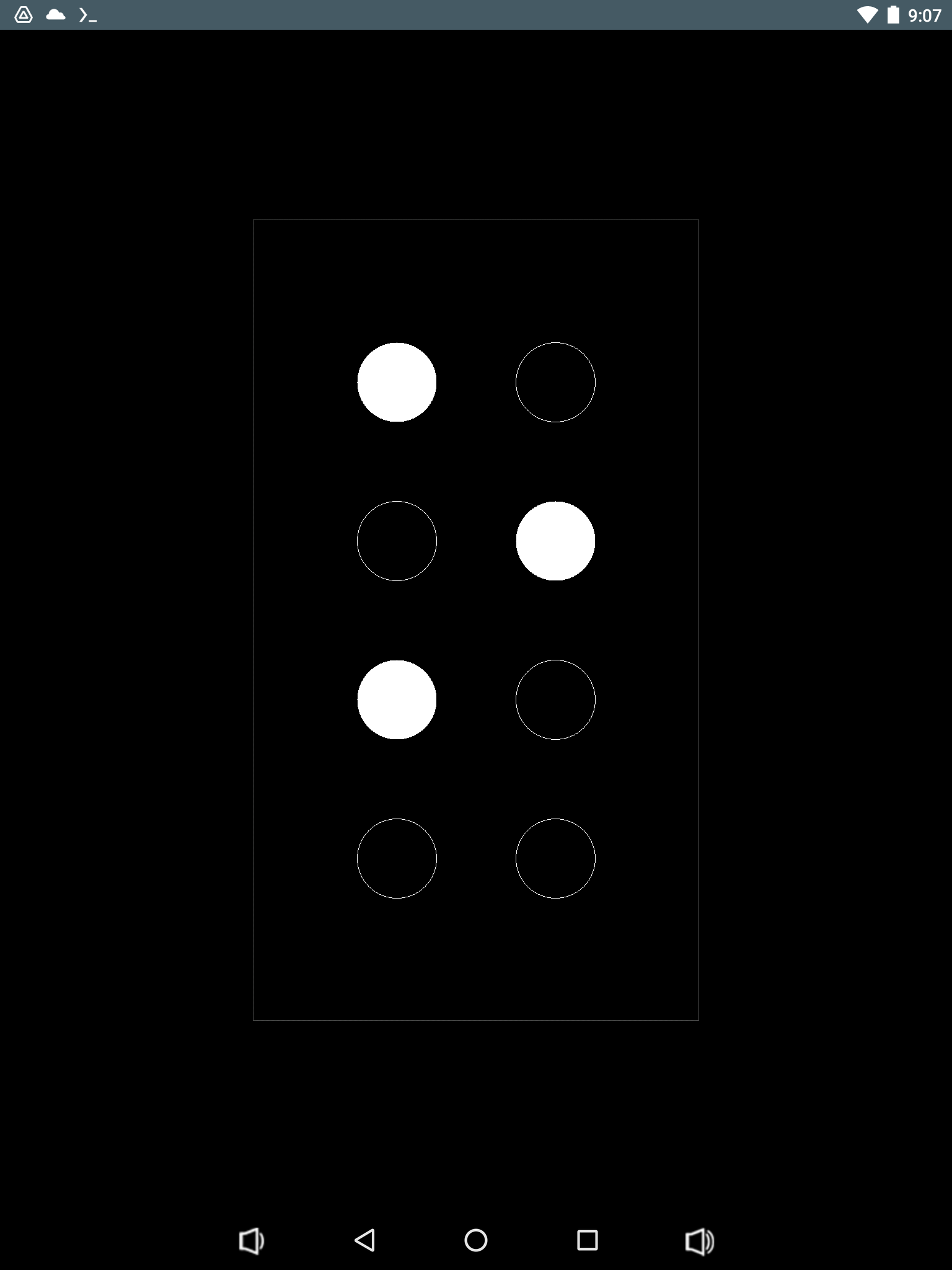
Since I was a kid I'm very curios about things and i like games and i played with dominos and I thought about a clock like a domino so now I programmed one...
hour minute
1 05-09 o.
..
2 10-14 .o
..
3 15-19 ..
.o
4 20-24 ..
o.
5 25-29 oo
..
6 30-34 .o
.o
7 35-39 ..
oo
8 40-44 o.
o.
9 45-49 o.
.o
10 50-54 .o
o.
11 55-59 oo
oo
12 00-04 ..
..
Source Code: https://github.com/rald/CSDL2DominoClock
Computer Graphics: Turtle Graphics using C Language
Turtle graphics started way back 1967 it was included in LOGO programming language a programming language for kids and adults alike and because of its easy syntax and visual feedback with simple animation it became a great learning tool for that early computer age.
let us now dive into Turtle Graphics Programming...
I implemented just minimal turtle commands but you can add your own functions using these basic building blocks...
Turtle Graphics Commands:
**Turtle *turtle = CreateTurtle(x,y,heading,size,color,isVisible);** -> create new `turtle` object at screen location `x,y` facing `heading` degrees east with a `size`, `color` and `isVisible` properties.
**Move(turtle,distance);** -> the `turtle` move `distance` in pixels, forward if positive, backward if negative.
**Turn(turtle,angle);** -> the `turtle` will turn `angle` in degrees, clockwise if positive, counter clockwise if negative.
**Jump(turtle,x,y);** -> the `turtle` will jump to screen location `x,y`
**PenUp(turtle);** -> the `turtle` will move only but not draw.
**PenDown(turtle);** -> the `turtle` will draw and move.
**Hide(turtle);** -> hide the `turtle`.
**Show(turtle);** -> show the `turtle`.
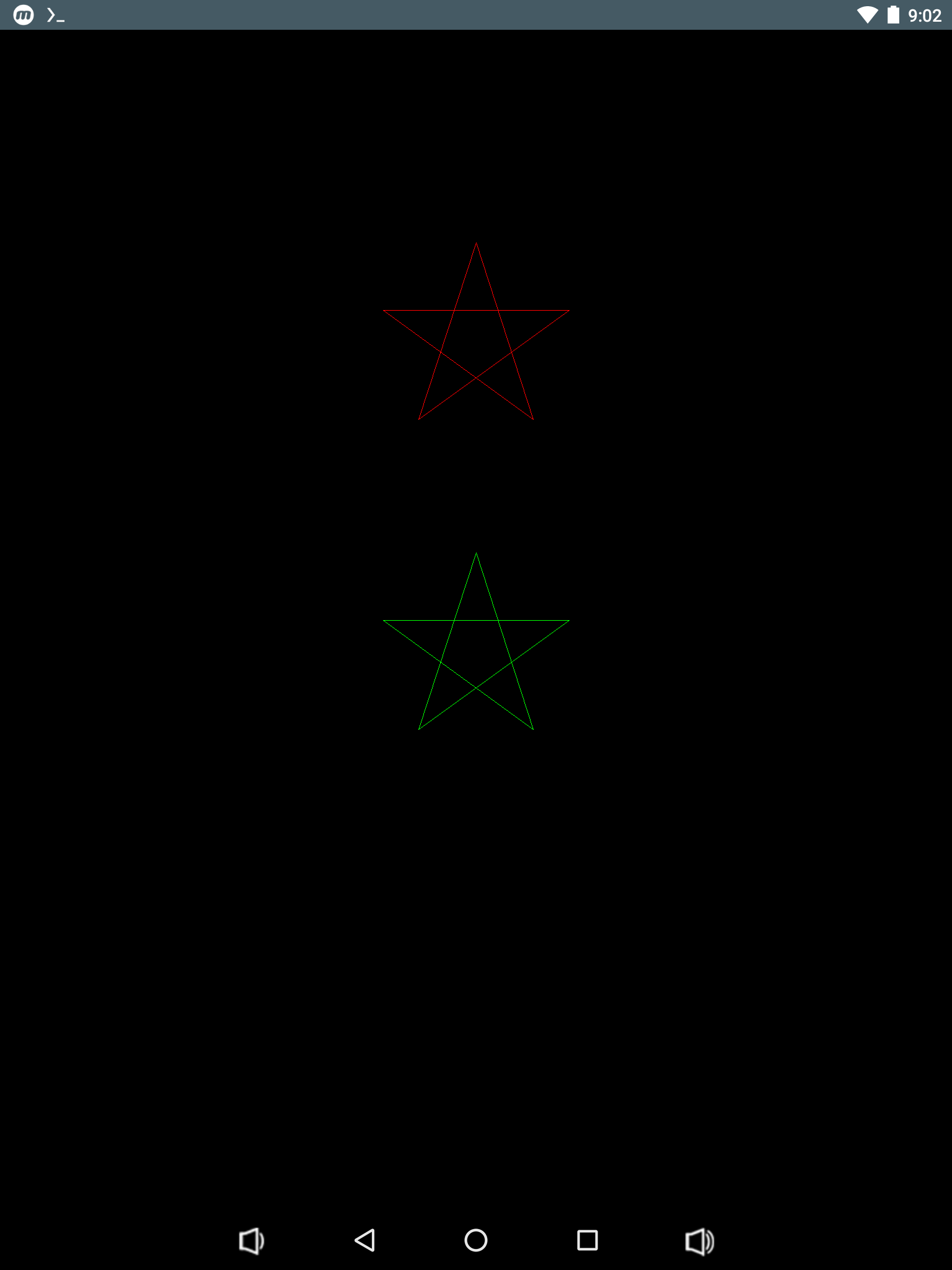
**DrawStar(turtle,size);** -> the `turtle` will draw a `size` star.
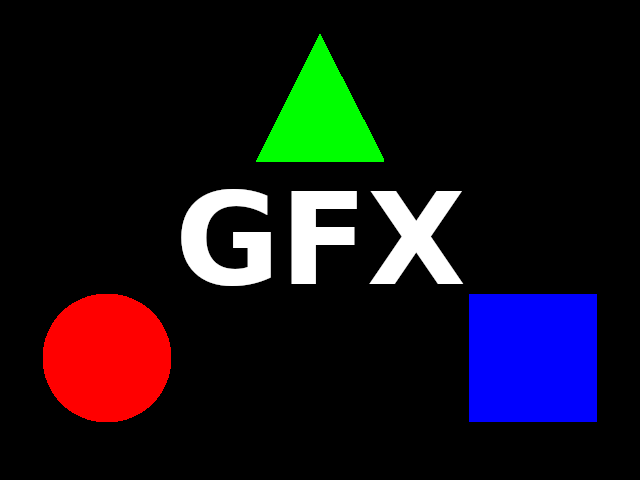
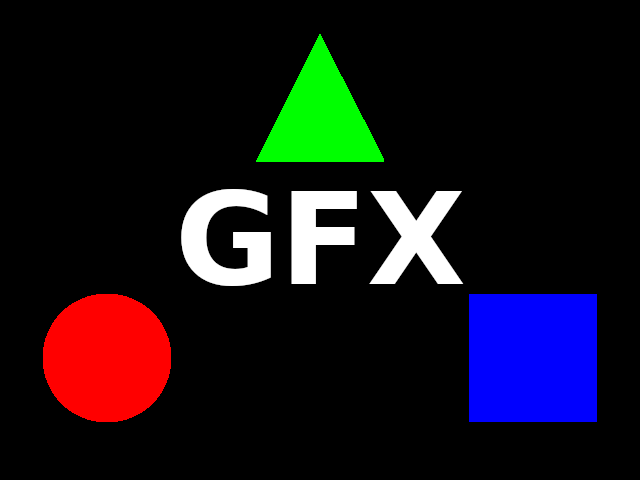
**Screenshot:**
**Source Code:** https://github.com/rald/CSDL2TurtleGraphics
Esoteric Programming Language: PBrain Interpreter using C Language
PBrain is a procedural brainf*ck
brainf*ck instructions:
. -> output a character from current memory cell
, -> input a character and put into current memory cell
+ -> increment current memory cell value
- -> decrement current memory cell value
< -> move current cell pointer backwards
> -> move current cell pointer forward
[ -> if current memory cell value is zero jump forward after matching ]
else continue to next instruction
] -> if current memory cell value is not zero jump backward after matching [
else continue to next instruction
pbrain additional instructions:
( -> start procedure numbered by current memory cell
) -> end procedure
: -> call procedure numbered by current memory cell
�
# Sample Progrsm
[-](-[>+<-------]>-.+.) # Proc0 = Print "HI"
[-]+([-]+++++++++++++.---.) # Proc1 = Print NewLine LineFeed
[-]: # Call Proc0
[-]+: # Call Proc1
**Source Code:** https://github.com/rald/pbdos
Lossless Data Compression: Huffman Encoding/Decoding using C Language
Example:
**Sample Data:** ABRACADABRA
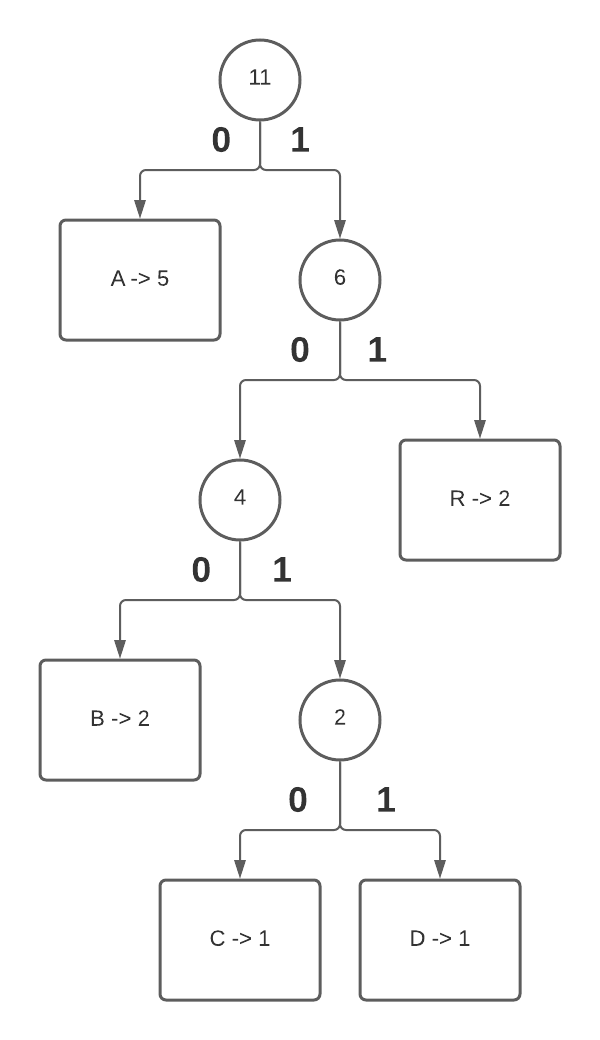
**Character Frequency Count:** A -> 5, B -> 2, C -> 1, D -> 1, R -> 2
Huffman Tree:
Huffman Table:
**A** -> 0
**B** -> 100
**C** -> 1010
**D** -> 1011
**R** -> 11
Substitute:
**ABRACADABRA** **=** 0 100 11 0 1010 0 1011 0 100 11 0 **(only 3 bytes)**
**(you need the table to decode... don't lose it!)**
**Source Code:** https://github.com/rald/hufdos
Lossless Data Compression: Run Length Encoding/Decoding using C Language
Run length encoding is one of the simplest lossless data compression algorithm and it goes like this just count the number of same adjacent characters and write <number of characters> <character>... and so on.
Example:
Data to encode: ABBBBCCCDDDDEEEE
Encoded data: 1A4B3C4D4E
--- Encoder ---
Flowchart: (Note: n=0 is 1 character to n=255 is 256 characters)
Source Code:
/* RLE Encoder */
#include <stdio.h>
int main(int argc,char **argv) {
int ch1,ch2,n;
FILE *fin,*fout;
if(argc!=3) {
printf("syntax: %s src dst\n",argv[0]);
return -1;
}
if((fin=fopen(argv[1],"rb"))==NULL) {
printf("error: opening file: %s\n",argv[1]);
return -1;
}
if((fout=fopen(argv[2],"wb"))==NULL) {
printf("error: opening file: %s\n",argv[2]);
return -1;
}
ch1=fgetc(fin);
while(ch1!=EOF) {
n=0;
while((ch2=fgetc(fin))!=EOF && ch1==ch2) {
n++;
if(n==255) {
fputc(n,fout);
fputc(ch1,fout);
n=-1;
}
}
if(n>=0) {
fputc(n,fout);
fputc(ch1,fout);
}
ch1=ch2;
}
fclose(fout);
fclose(fin);
return 0;
}
--- Decoder ---
Flowchart:
Source Code:
/* RLE Decoder */
#include <stdio.h>
int main(int argc,char **argv) {
int ch,n,i;
FILE *fin,*fout;
if(argc!=3) {
printf("syntax: %s src dst\n",argv[0]);
return -1;
}
if((fin=fopen(argv[1],"rb"))==NULL) {
printf("error: opening file: %s\n",argv[1]);
return -1;
}
if((fout=fopen(argv[2],"wb"))==NULL) {
printf("error: opening file: %s\n",argv[2]);
return -1;
}
while((n=fgetc(fin))!=EOF) {
ch=fgetc(fin);
if(ch==EOF) break;
for(i=0;i<=n;i++) {
fputc(ch,fout);
}
}
fclose(fout);
fclose(fin);
return 0;
}
https://youtu.be/Nyj73PXj49Q
Links:
**source:** https://github.com/rald/rledos
 @Fria
@Fria