 @Dolores
more from that month
@Dolores
more from that month
Download your articles in two easy steps! Do you want to download all the articles you have published in read.cash? If yes, this article may help you.
If you love reading articles, probably you have read about it already. But if you don't know it yet, I will tell it. Last week, I browse many articles. I am also curious about so many things here that is why I read many articles that were published by read.cash. Then, I saw this article:
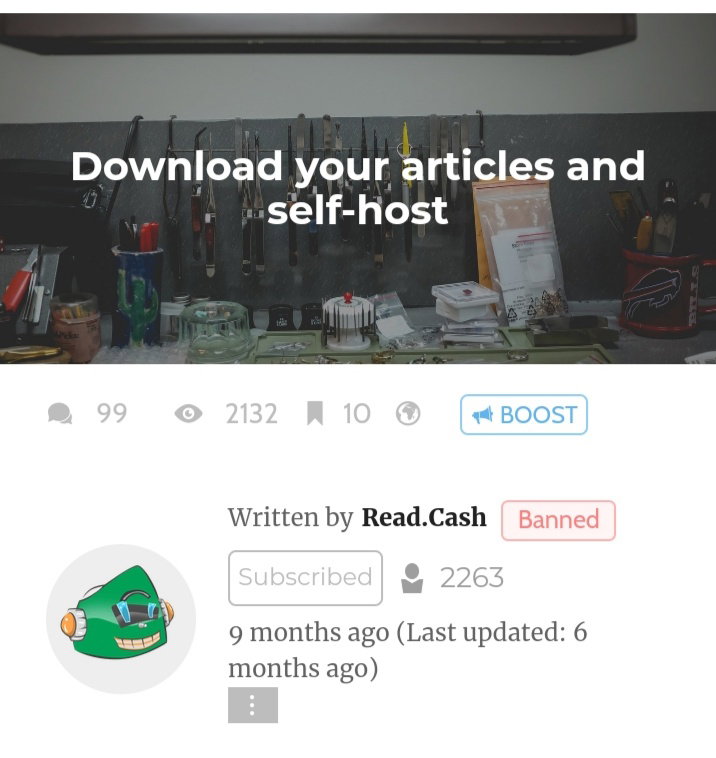
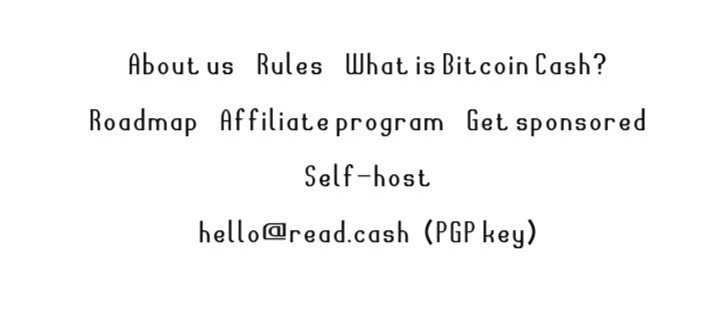
That article shows the way how you can download all your articles. So, let's start! `First` Click the word **Self-host** at the bottom of any page. Refer to the image below to know how it looks like.
Then you will be redirected on the aforementioned article. Now, you need to scroll your screen until you see this statement:
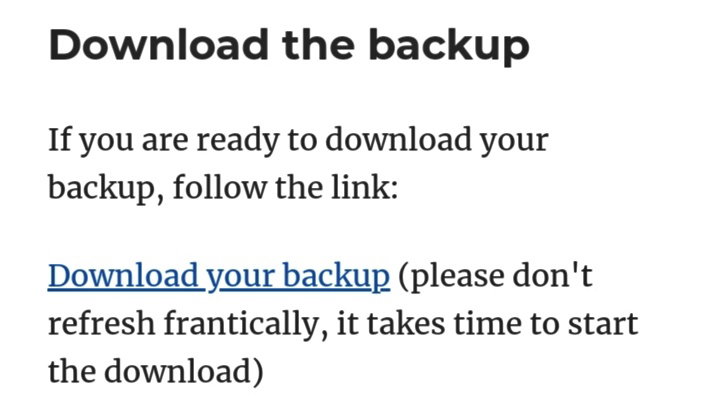
`Second` All you have to do is to click the phrase **Download your backup.** Just wait until it was downloaded. After downloading the file, extract it because it was compressed in zip file. After extracting you will see a folder that contains all the images you used and all the articles you have published so far.
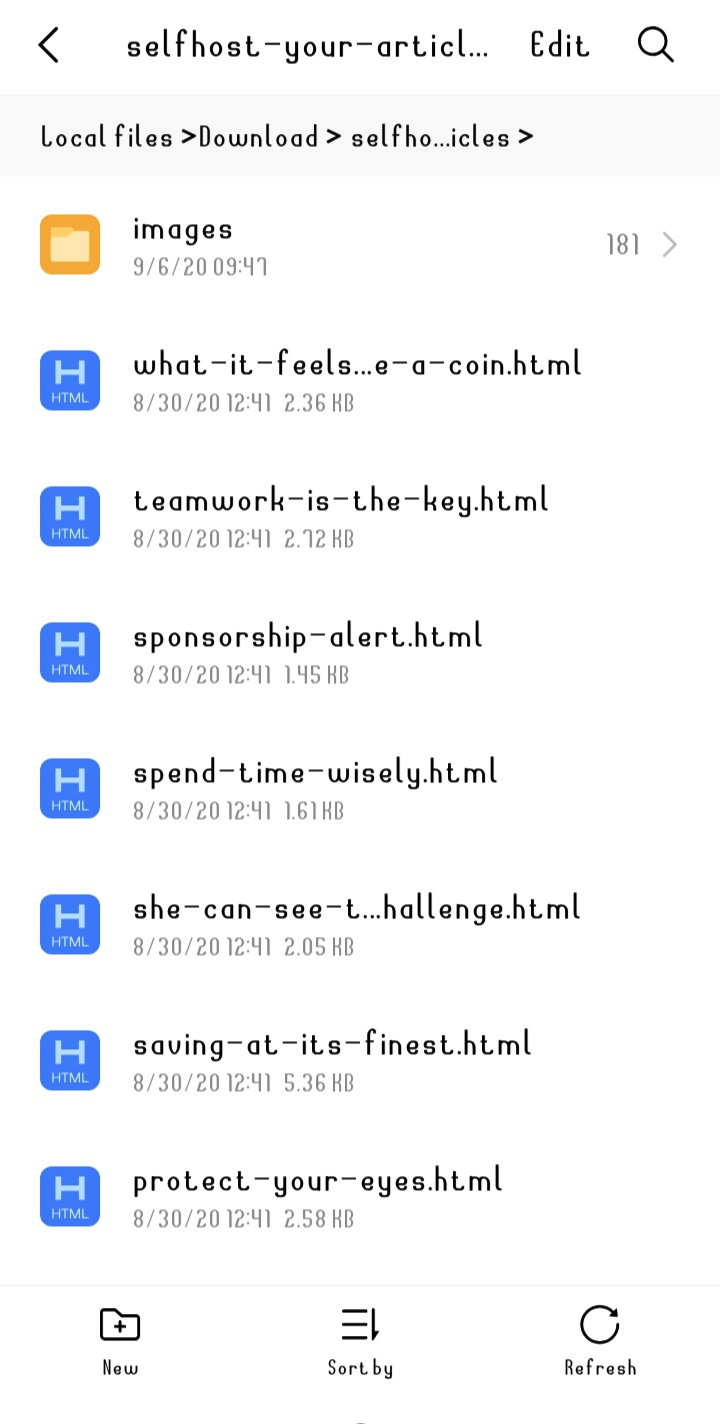
The articles are just raw html files. If you try opening them, you will see something like this:

**As easy as that!** `Again, the steps are:` Click Self-host Click Download your backup Credits to read.cash I hope you like it. Thanks for reading!

18 comments
Oh....that's really great. Actually I really don't know about this option in the read.cash. i just know the save button. Thanks for share this option with us. It's really help me to download some of my favourite articles.
You are welcome. Sharing is caring. ❤️☺️
Omoo, I'm gonna try this, it will be very helpful to me because I really want to download my articles, all of it and save in smartphone. Thank you po for sharing 😍
You are welcome po. Sharing is caring❤️☺️
Very helpful articles because that is one of my questions on this platform. Thanks @Dolores :)
You arealways welcome. ❤️☺️
This is very helpful. I didn't know that articles here are downloadable. I've always wanted to save quality articles to my phone. Thanks for sharing this atee. This is very informative 😊
Thank you for this article. Ever since I wrote articles I don't known how to download it so I'm always copying and pasting it on my notes.
You are welcome! ☺️
Good option, thanks for pointing to it. maybe good if someone wants to republish own articles in personal blog or so
> Just to clarify things, if you click the download button, it will download your "own" articles that you published here.
I didn't know this thank you for letting us know 😊
You are welcome. ❤️☺️
Thanks for this very important information. I had no idea about it before,. Thanks for introducing this with us.
You are welcome. ☺️
>All you have to do is to click the phrase Download your backup. Just wait until it was downloaded. After downloading the file, extract it because it was compressed in zip file. > After extracting you will see a folder that contains all the images you used and all the articles you have published so far. Oh that was pretty awesome.. I did not download my articles here. But I'll give it a try for future use. Thank you.
I think i understand this more than i read before on readcash post.. 😊 Thank you..
Wow! Now I can go and download my articles