 @bmjc98
more from that month
@bmjc98
more from that month
Store Your Links In One Page With Linktree Wouldn't it be nice to have a page where you can share all your important links, especially referral links, with your friends in one sending instead of just spamming them with links they might not interested in? Well, the good thing is, you can now do that with Linktree.

Linktree is a drag-and-drop editor where you can manage all your links, contents, and other stuff effortlessly. This is perfect for those who have so many referral links to share with friends. You can also create your Linktree for your important content like articles on how to sign up on read.cash or noise.cash, things they need to do or what to avoid in here, how to set up a wallet, etc. Aside from those, it also helps you manage your mode of payment if you have a business. For instance, if you're a Filipino, you can create something for you Gcash, PayMaya, BCH wallet, etc. https://linktr.ee

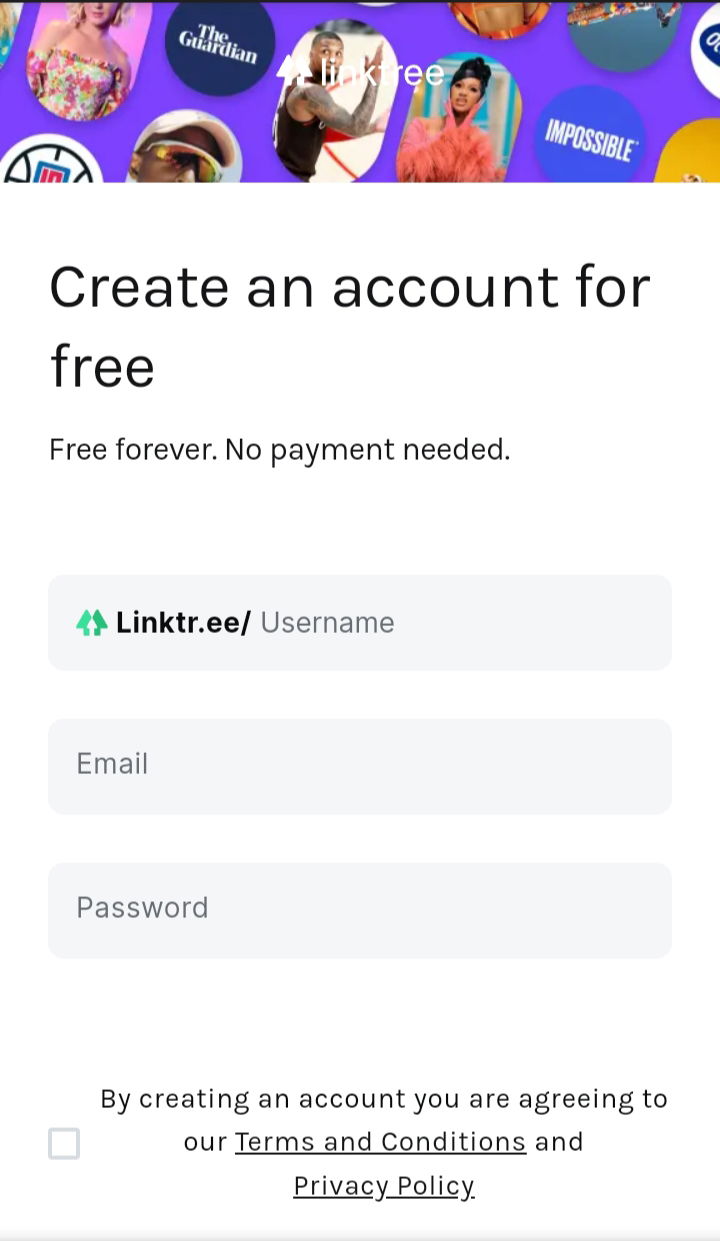
Creating your Linktree account only takes a few seconds. Well, let me show you how: Step 1: Sign up You only need to create a username, add your email and password, check the terms and conditions, and voila! You have now your Linktree account.
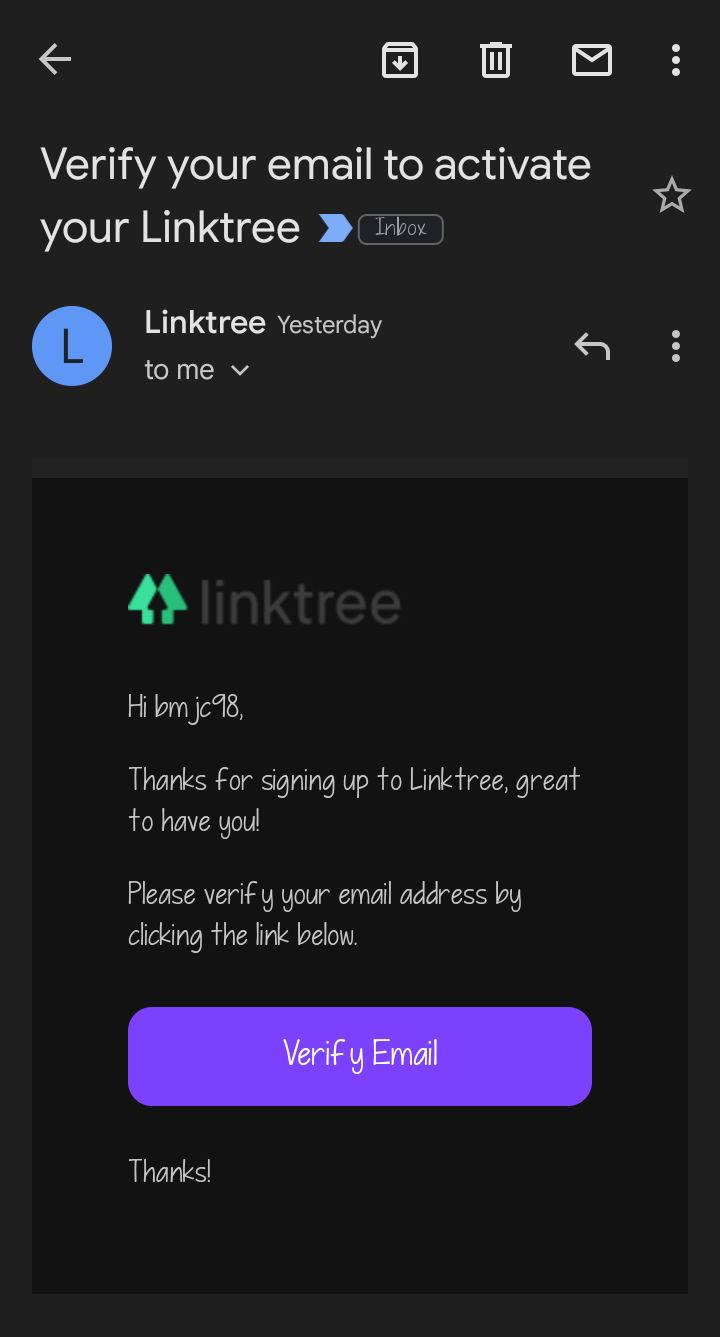
Step 2: Verify You will be asked to verify your account so be sure to do it.
Step 3: Create your link Once you are verified, you can now start by adding a new link. See the photo below.
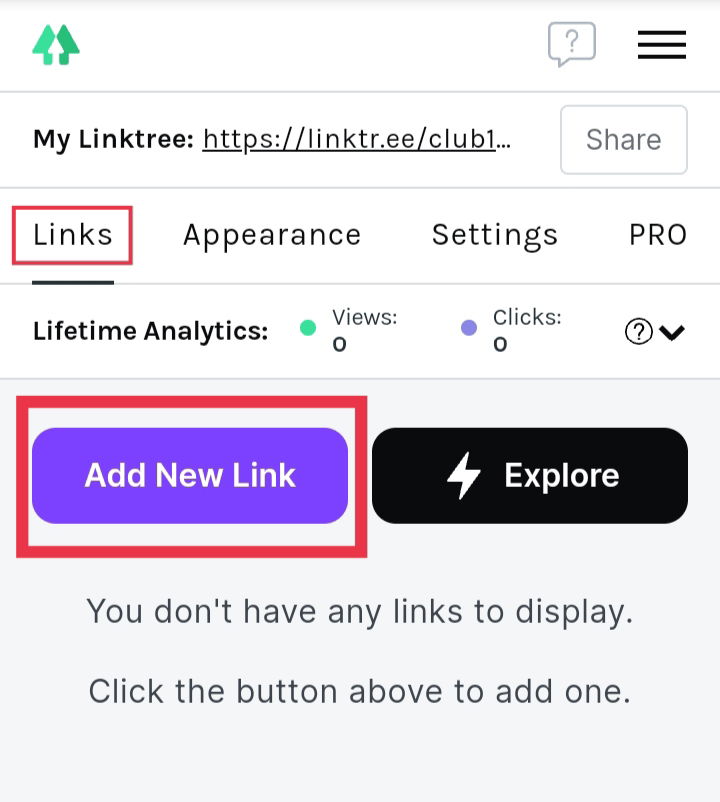
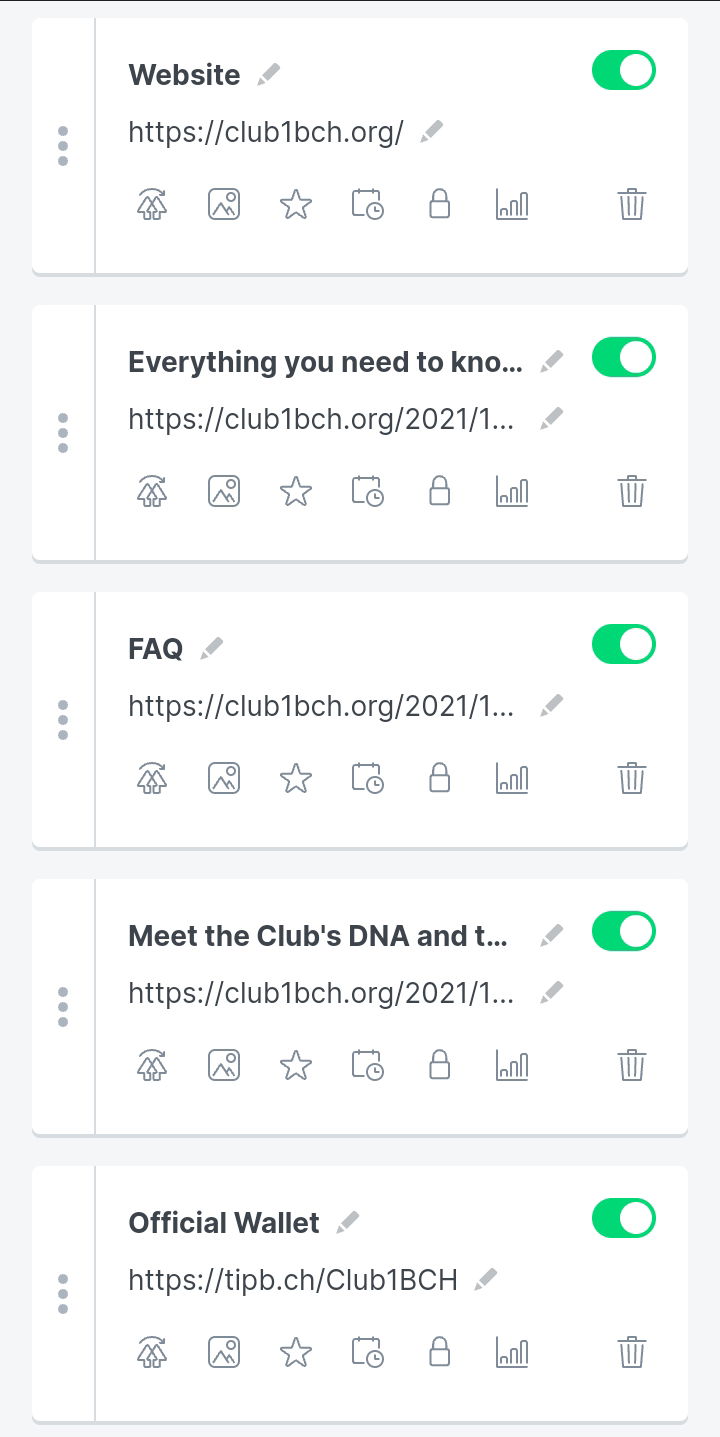
Every time you add a new link, just click *'Add New Link'* to do that. Here's the sample I created for this article:
Step 4: Customize your Linktree appearance To do that, all you need is to click *'Appearance'*. Here, you will have to pick an image for your Linktree, add the title, and enter a short bio.
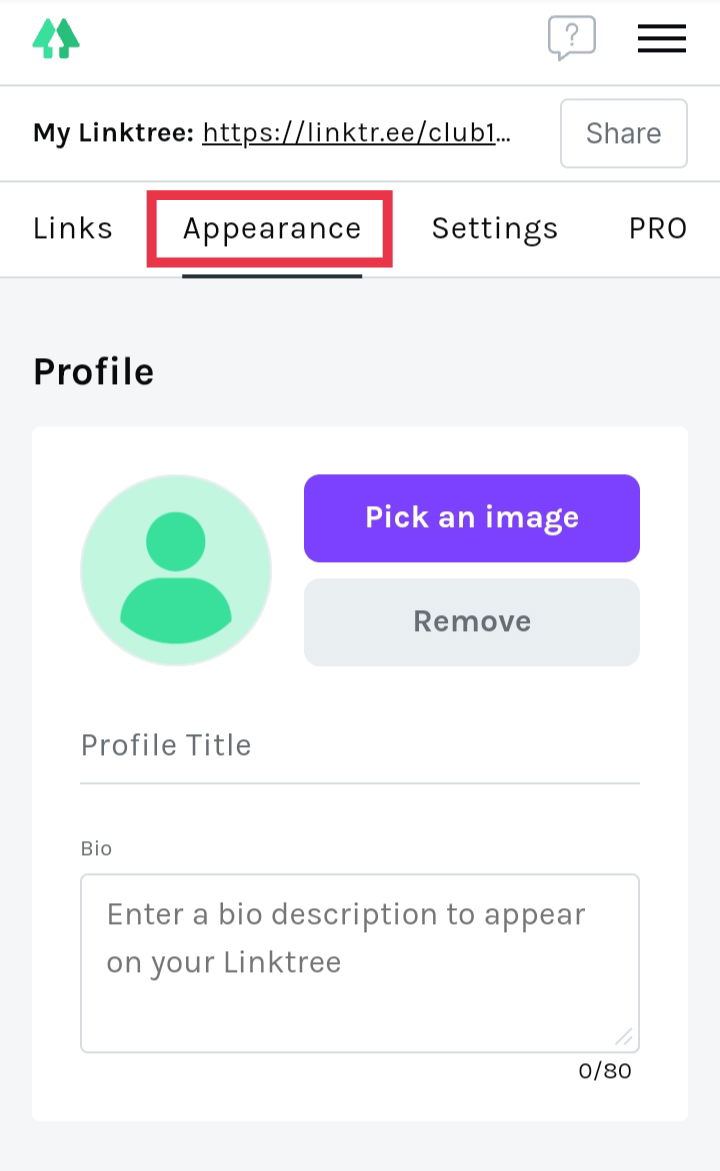
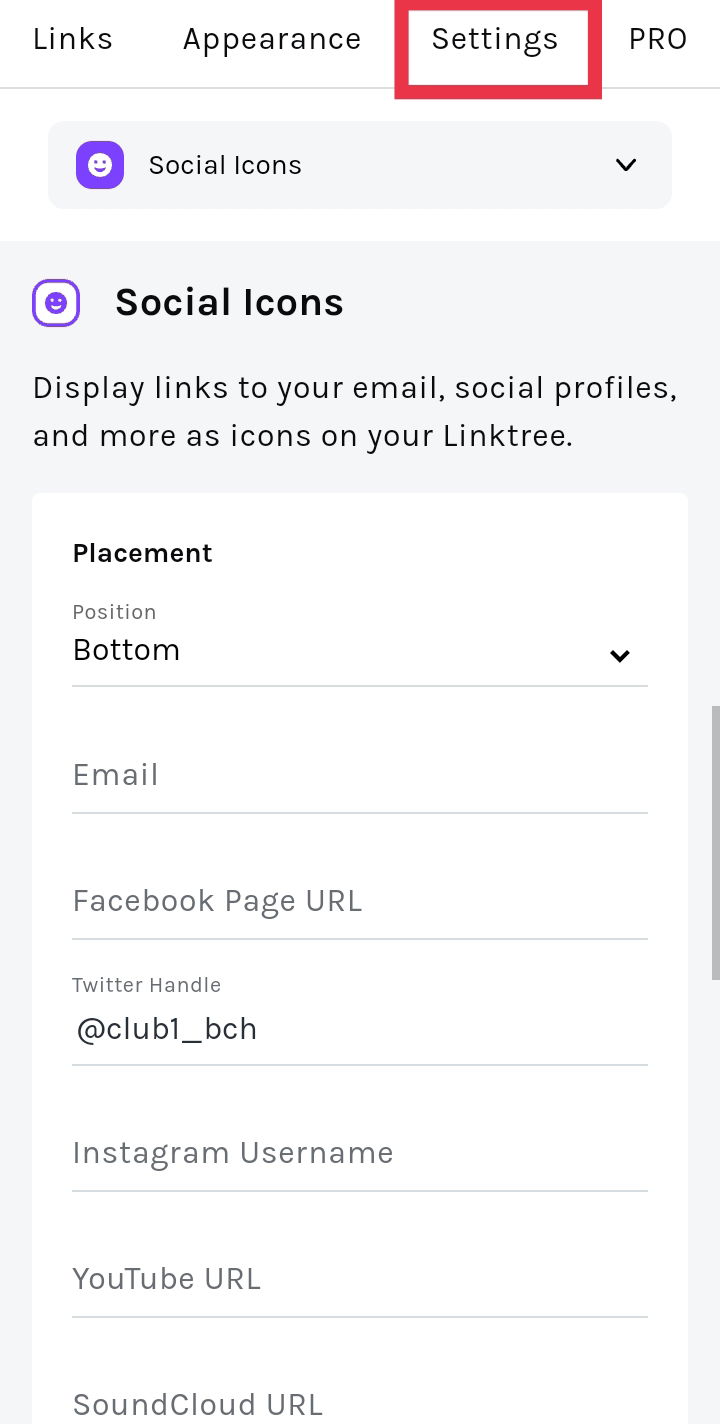
Once you're done, you can now choose the themes that you want. If you're using the freemium account, you won't get too many options to choose from. However, if you go PRO, which will cost you $6 monthly, you can enjoy the premium themes, advanced customization, customized buttons and font styles, and more. But why need to pay monthly, when we can still enjoy the basic perks for free? Step 5: Settings This is optional but if you want to add more on your Linktree account, then feel free to explore the *'Settings'*. You can add your social media accounts like Twitter, Instagram, LinkedIn, and more.
Final result So that's it! You can now share your Linktree account to your friends or the referral links like what I did to mine. Check out my personal Linktree account for my referral links here. https://linktr.ee/bmjc98 Anyway, here's for our Club1BCH Linktree account. What do you think?
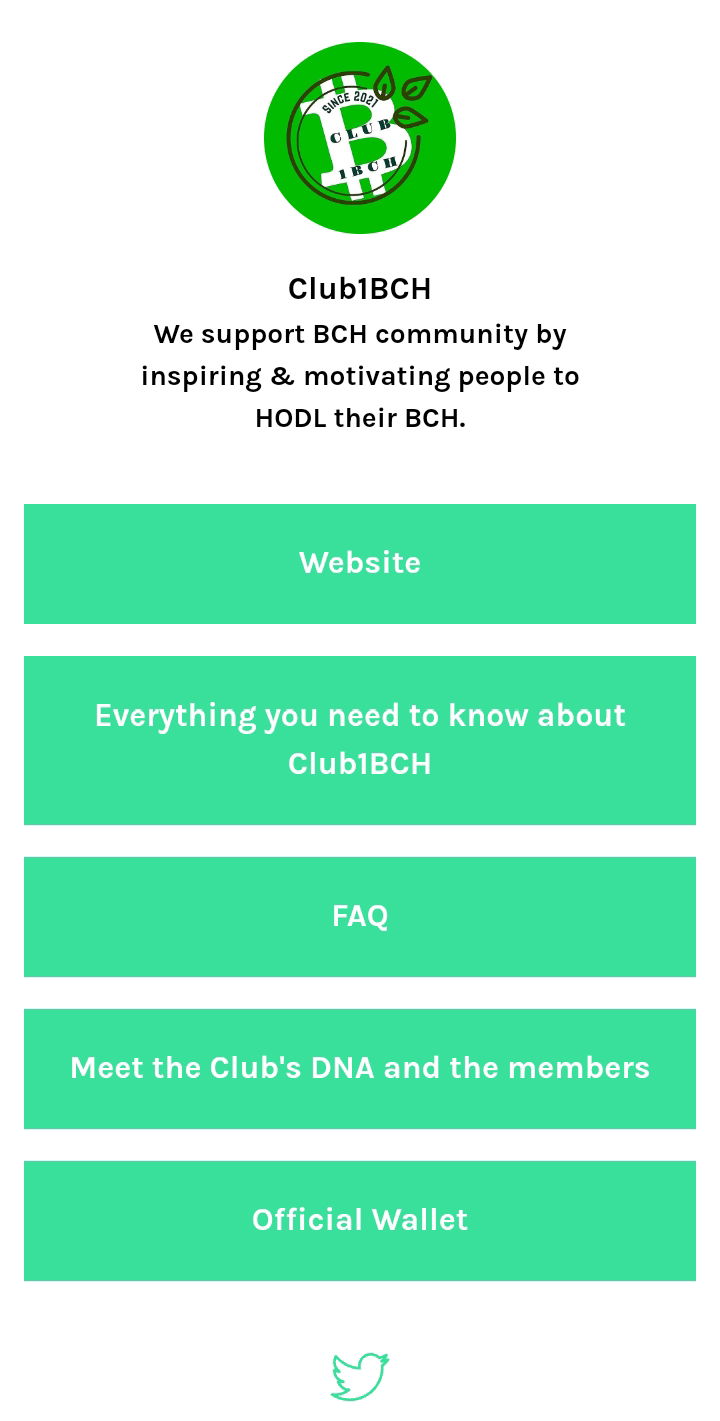
https://linktr.ee/club1bch Shout out Thanks to @emily2u for sharing this. We were supposed to do the club fam's referral links manually but thanks to Emily, she told me about this. You're the best, Ems! 🥰

*Closing* *thoughts* I highly recommend you to try this. With Linktree, you only need to send 1 link to your friends, and that's it! Enjoy, and you're welcome!









11 comments
Thank you so much sis. It would save us the trouble of copy and pasting the links again and again.
This would be helpful especially to those who has a lot of links to share.
Wow nice you share this ateeee. Many will be thankful.
This is an important tool. It will help avoid spamming your friends especially
I will try to create an account in linktree before i go to bed later..thank you for sharing madame
Oh, thanks for the mention but it's just a small matter. Happy to share solutions for the benefit of everyone.
ganda nito sis! thank you for this.
I use a diary. But now I have a solution. Thanks dear.
This is really good. I no longer need to write out everything about readcash to my friends and acquaintances every single time, I can just compile the whole thing and save it as a link. Thanks for this ma'am 🤗
Wow.. Ayus to sis ah! I will explore this link tree also.. Thanks for sharing this sis..
Thanks! will save this for future purpose!