 @daring-celt
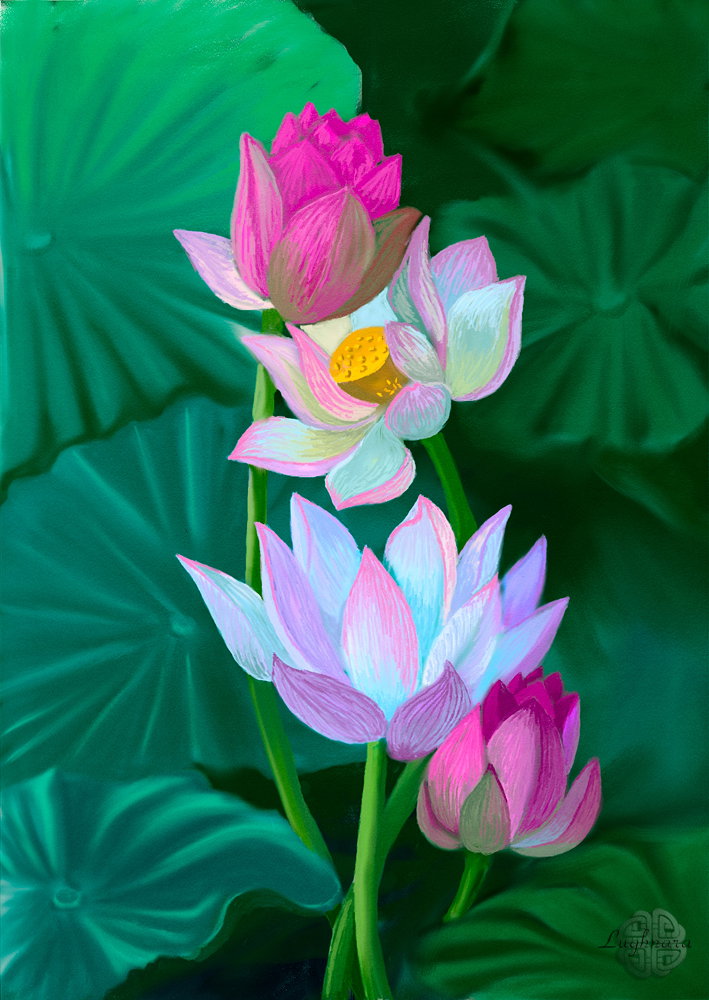
Digital art_2020. Lotuses Hi friends! This is another drawing from the series **"Magic flowers"** I have long wanted to draw lotuses. There is, perhaps, no more mysterious and magical flower than they! And when I bought **Realistic Paint Studio,** I realized that the time has come to implement my long-term plan!
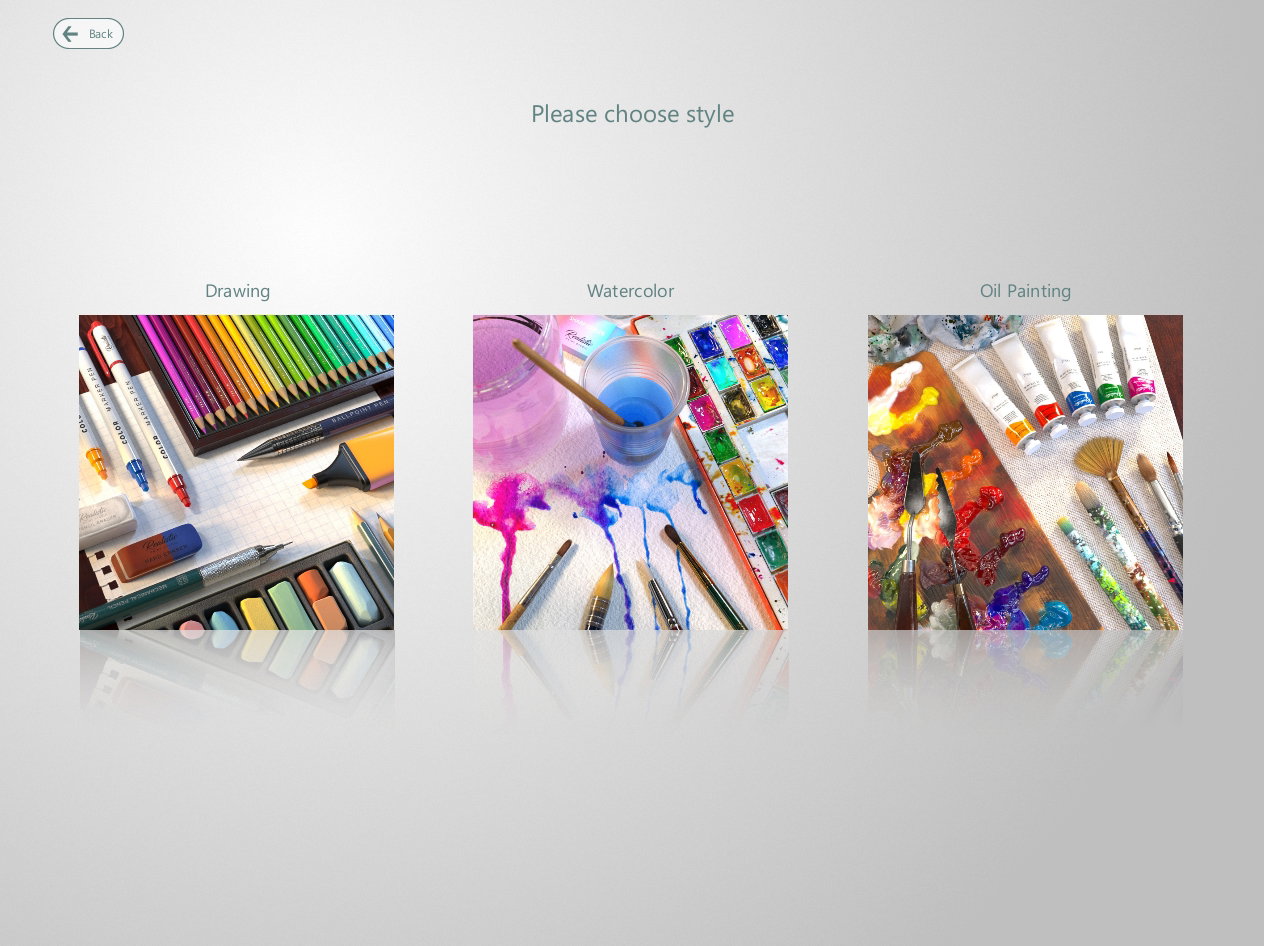
So, I create a new project and see next window, when can choose a painting style. I choose **"Drawing".**
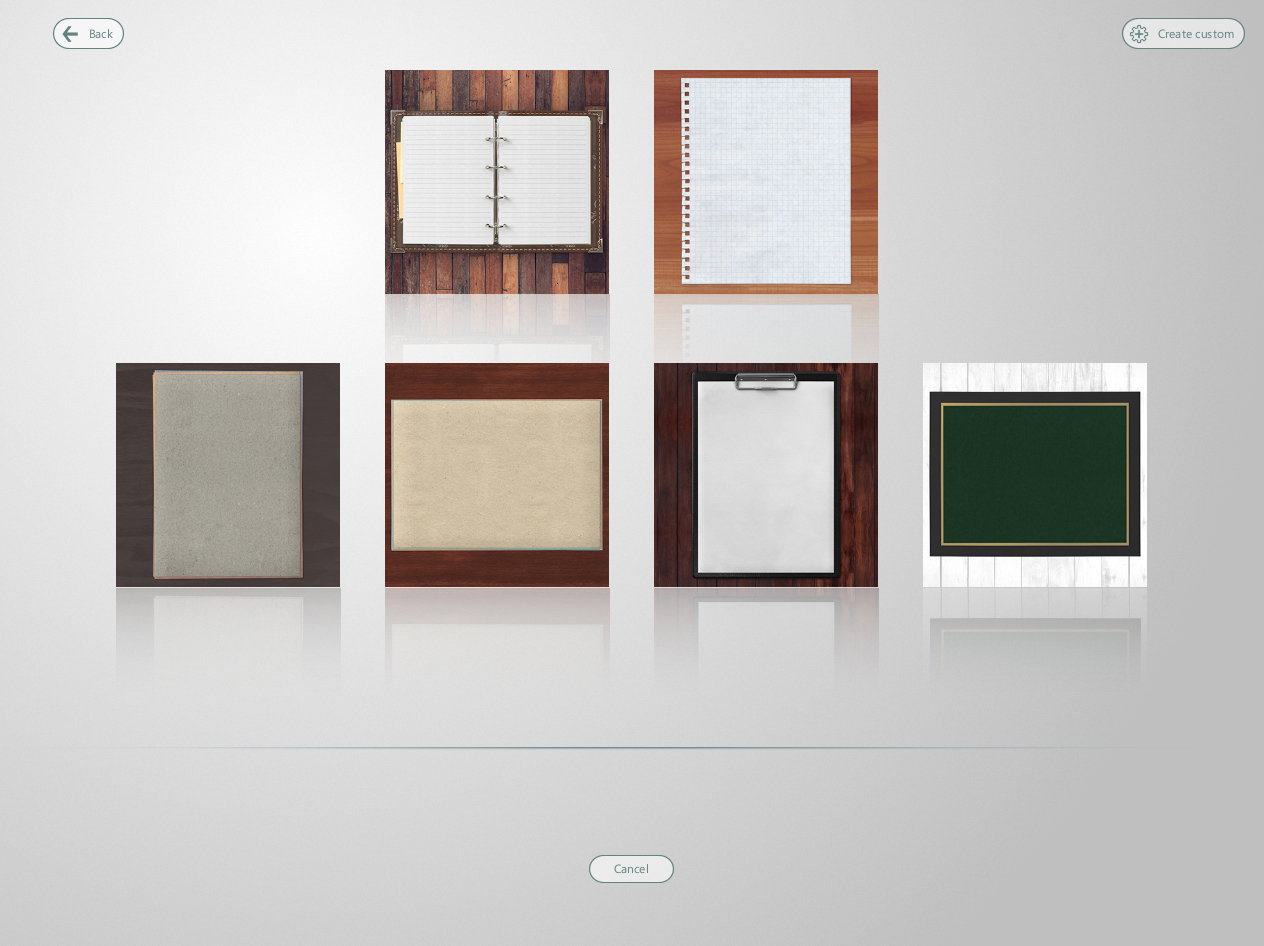
Then I need choose a kind of canvas
Here you can choose other color for canvas - with arrows at the bottom
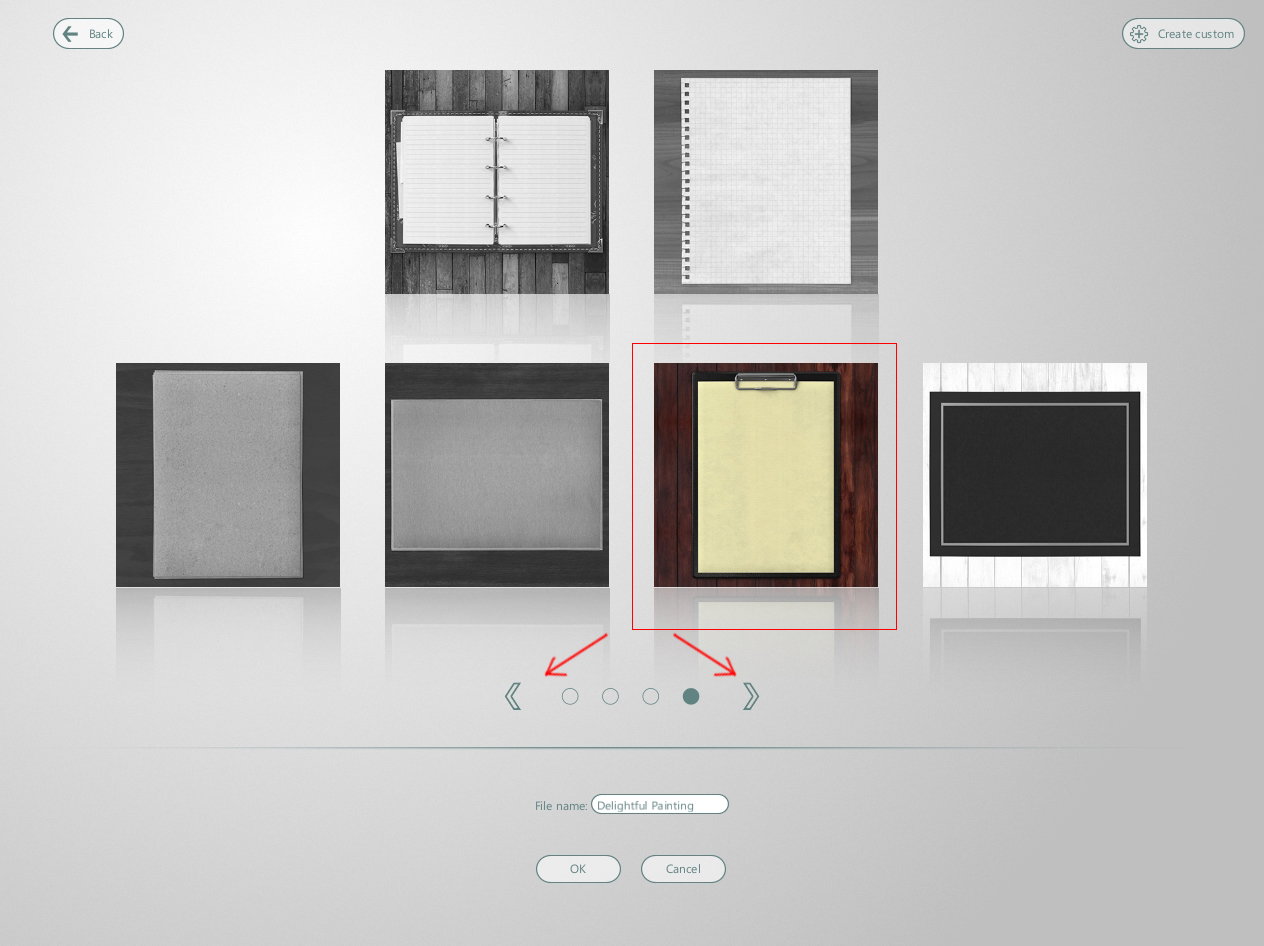
I choose usual white canvas
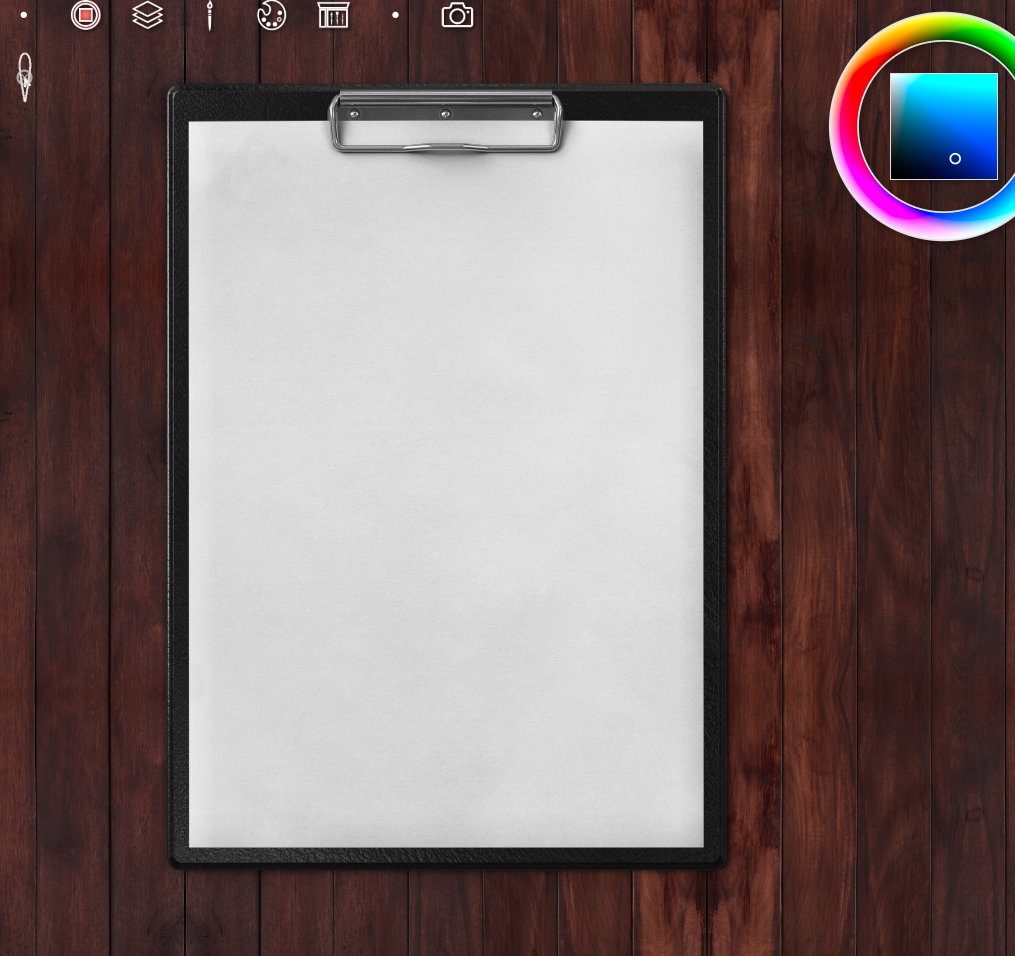
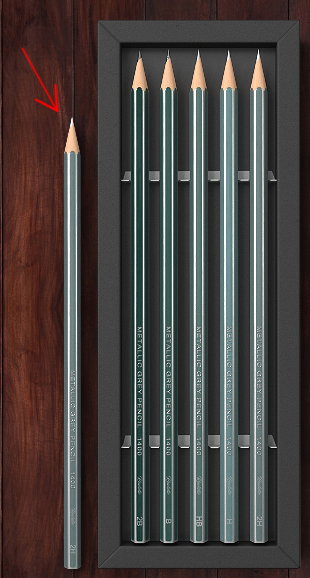
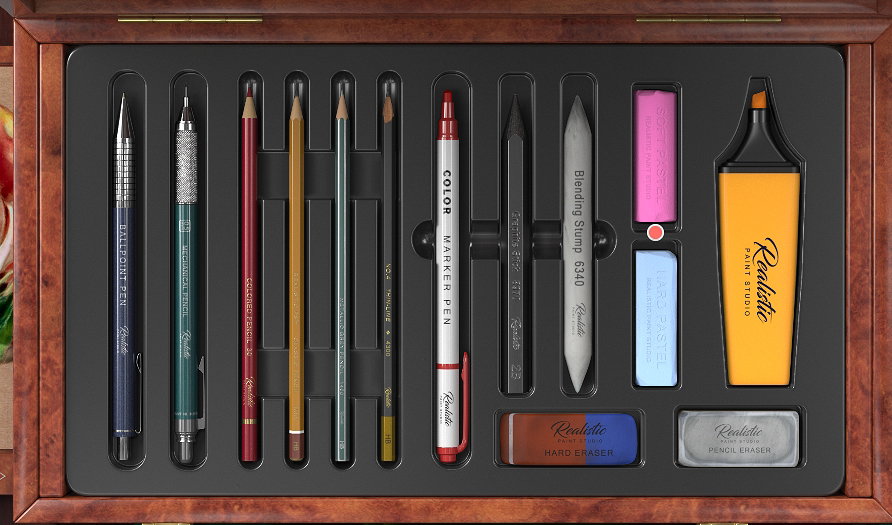
and slate pencil for sketches (*marked with a red circle*)
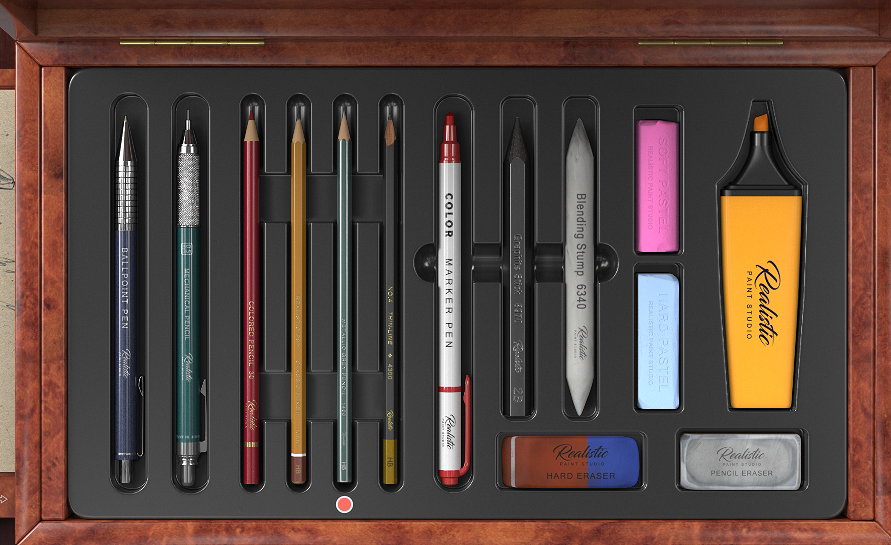
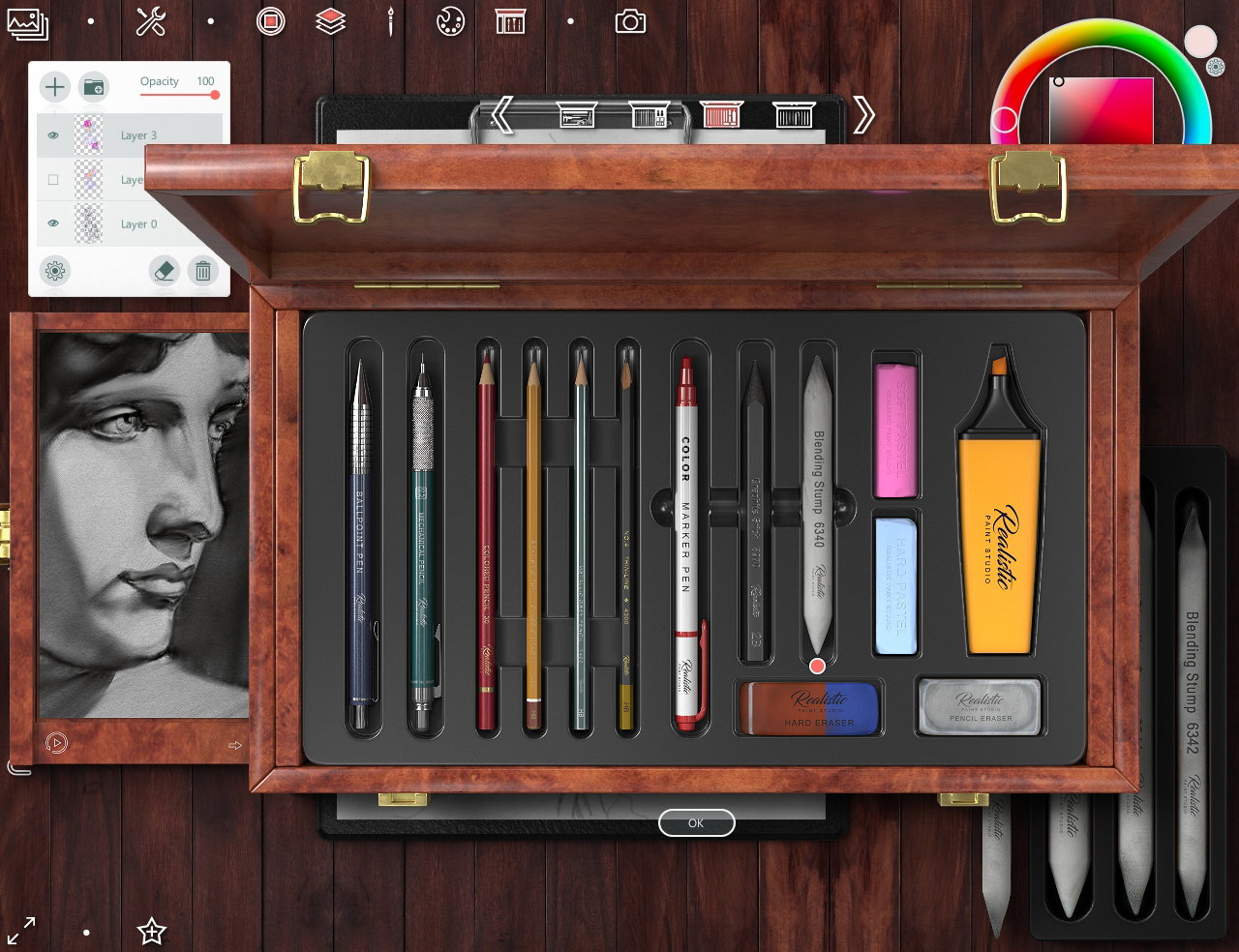
To open tool box you need select an icon on the top

or touch a tool out the box set
So... I find a beautiful photo of lotuses I'll draw and making a sketch https://i.pinimg.com/564x/4a/e0/69/4ae0693b79ce6dd8d0e454ddc4e365ea.jpg
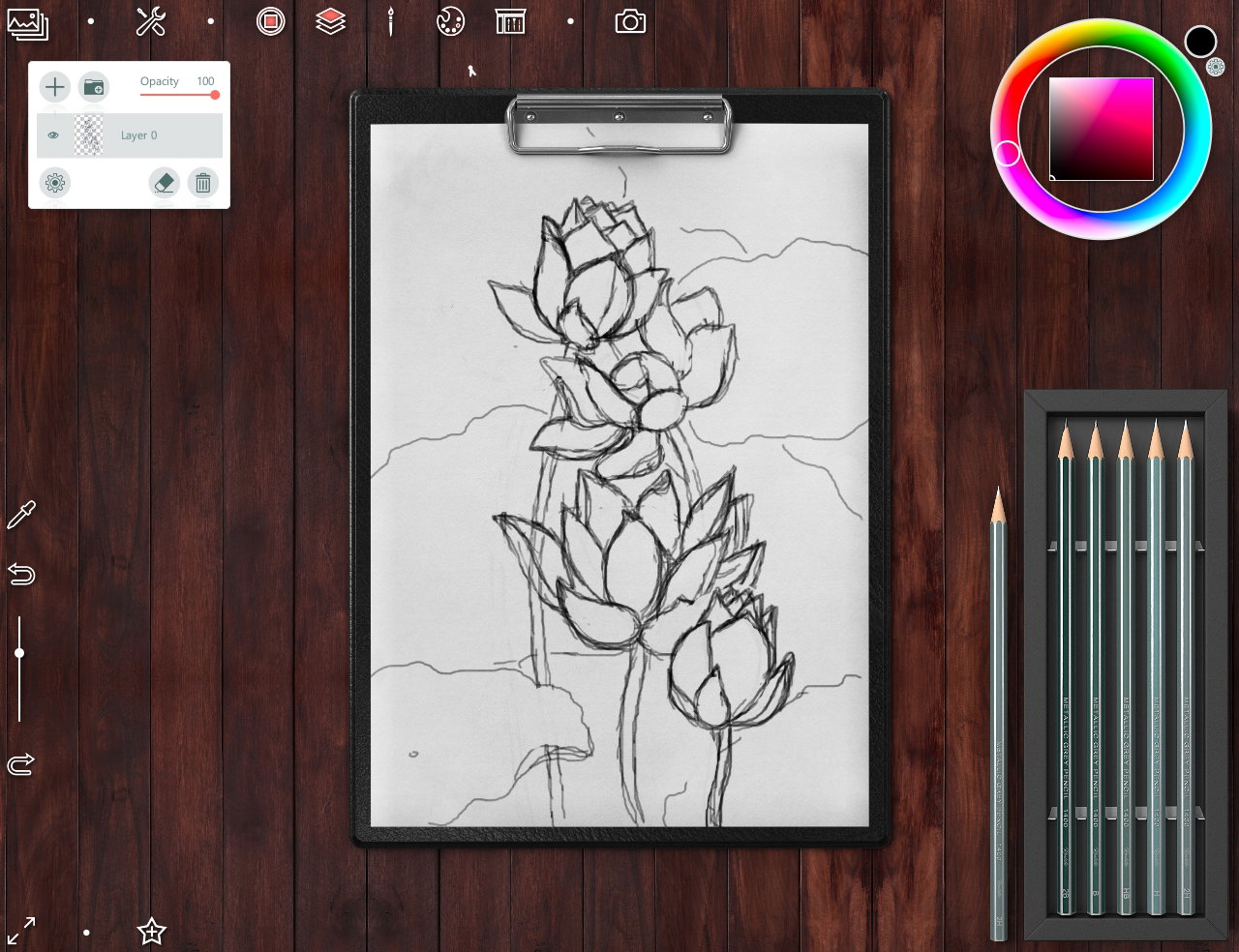
Then I create a new layer to add color on drawing
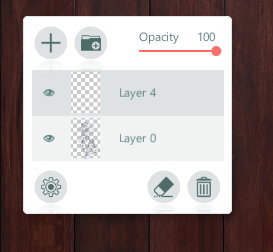
For painting I choose a set of soft pastel
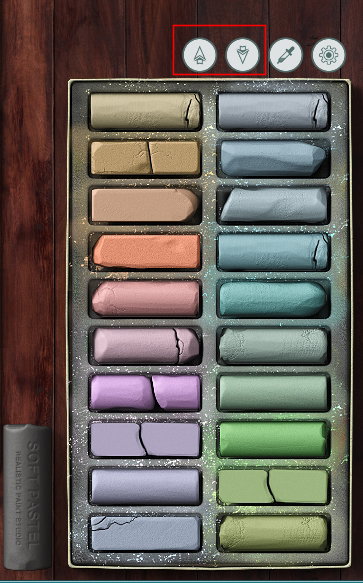
With two buttons you can choose another color set
Painting looking on colors in reference
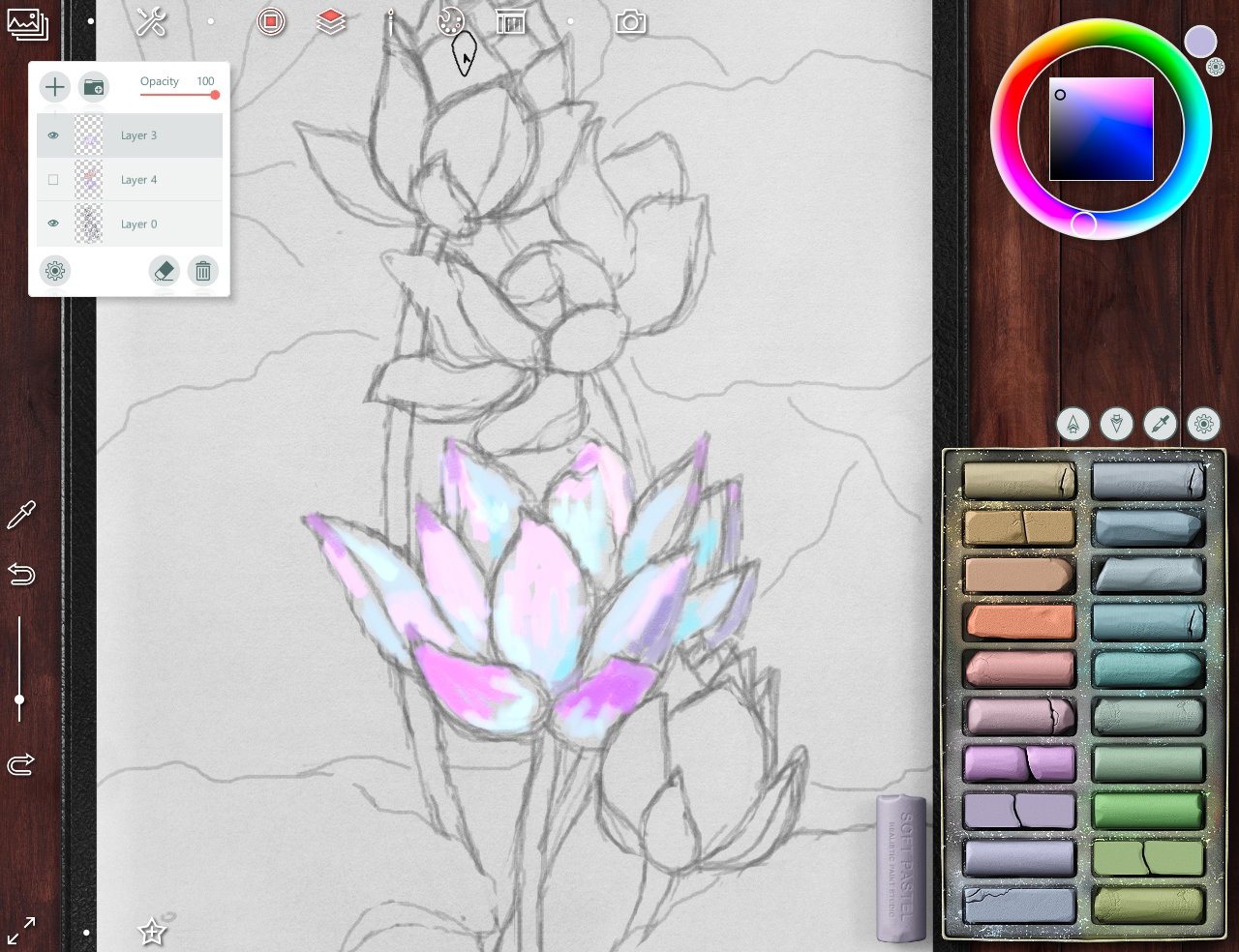
So you can choose a color of tool with color palette circle (as in Photoshop or Corel Painter) in top right angle.
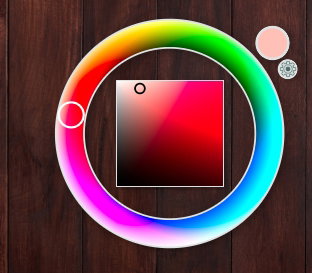
Or use **Eyedropper** (*with* ***ALT*** *button on keyboard*) This is what the preliminary painting of flowers looks like.
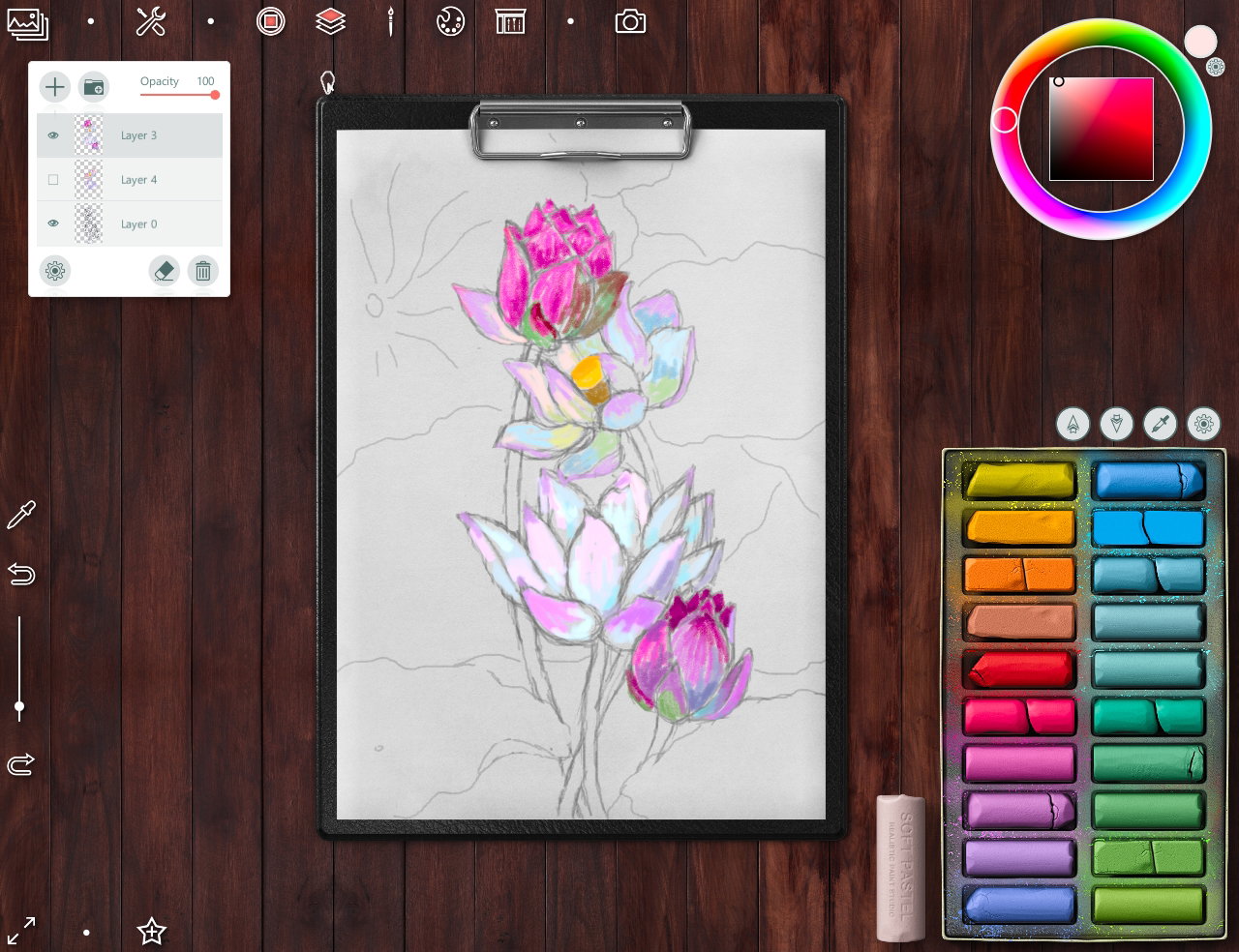
Then I add two new layer below the flowers - for the leaves and base background.
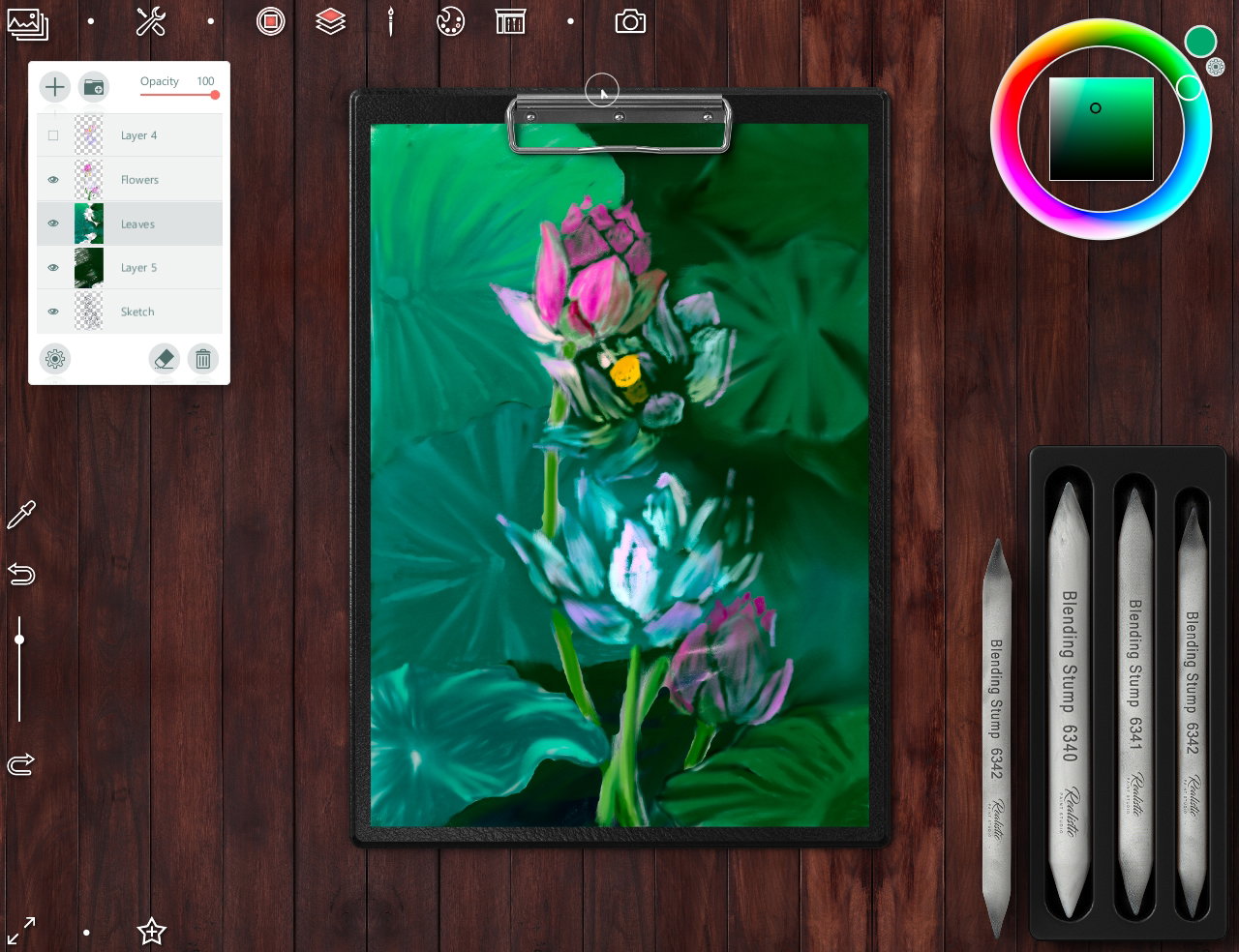
In this step I use a Shading set tools to make a leaves more blurring
Background is ready
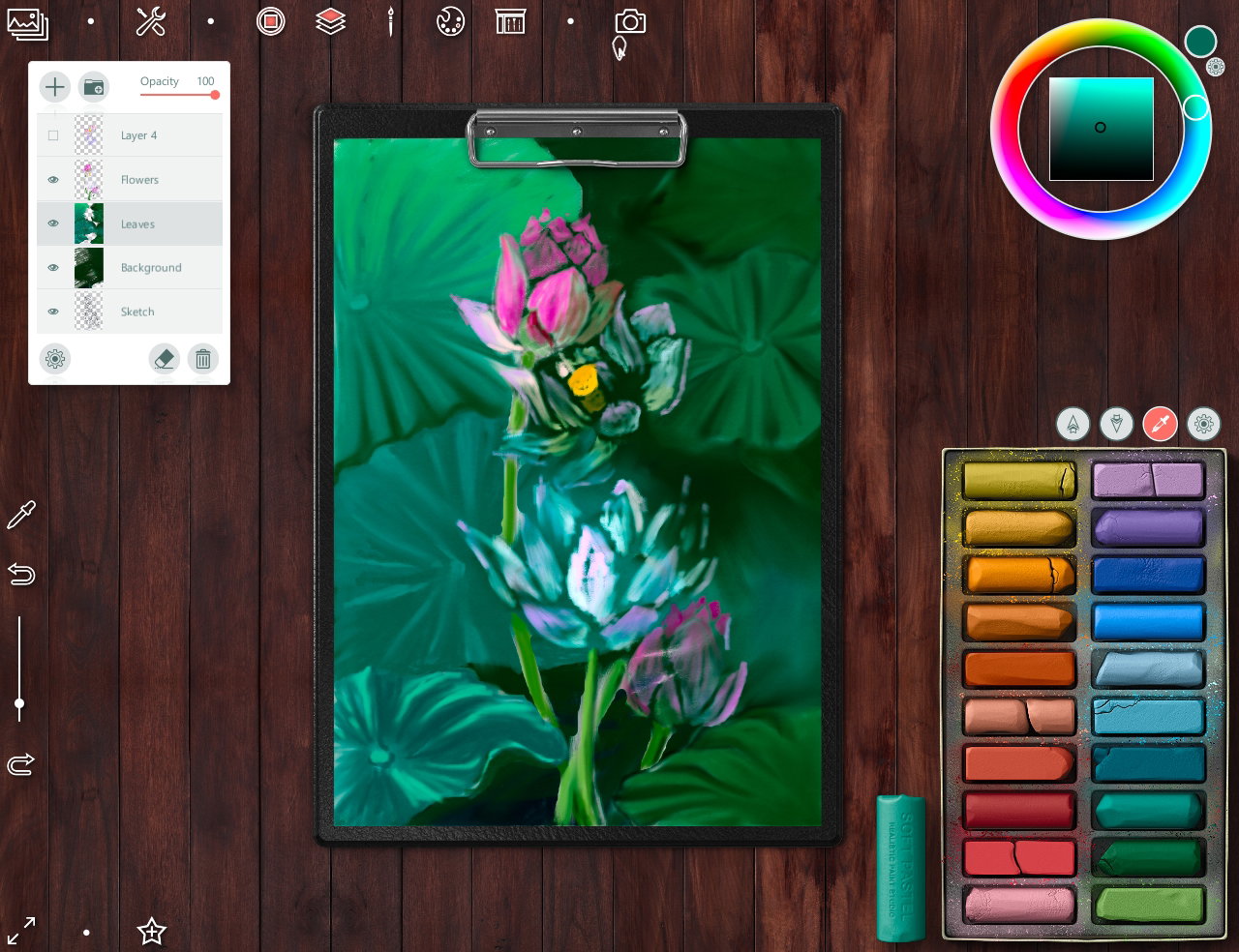
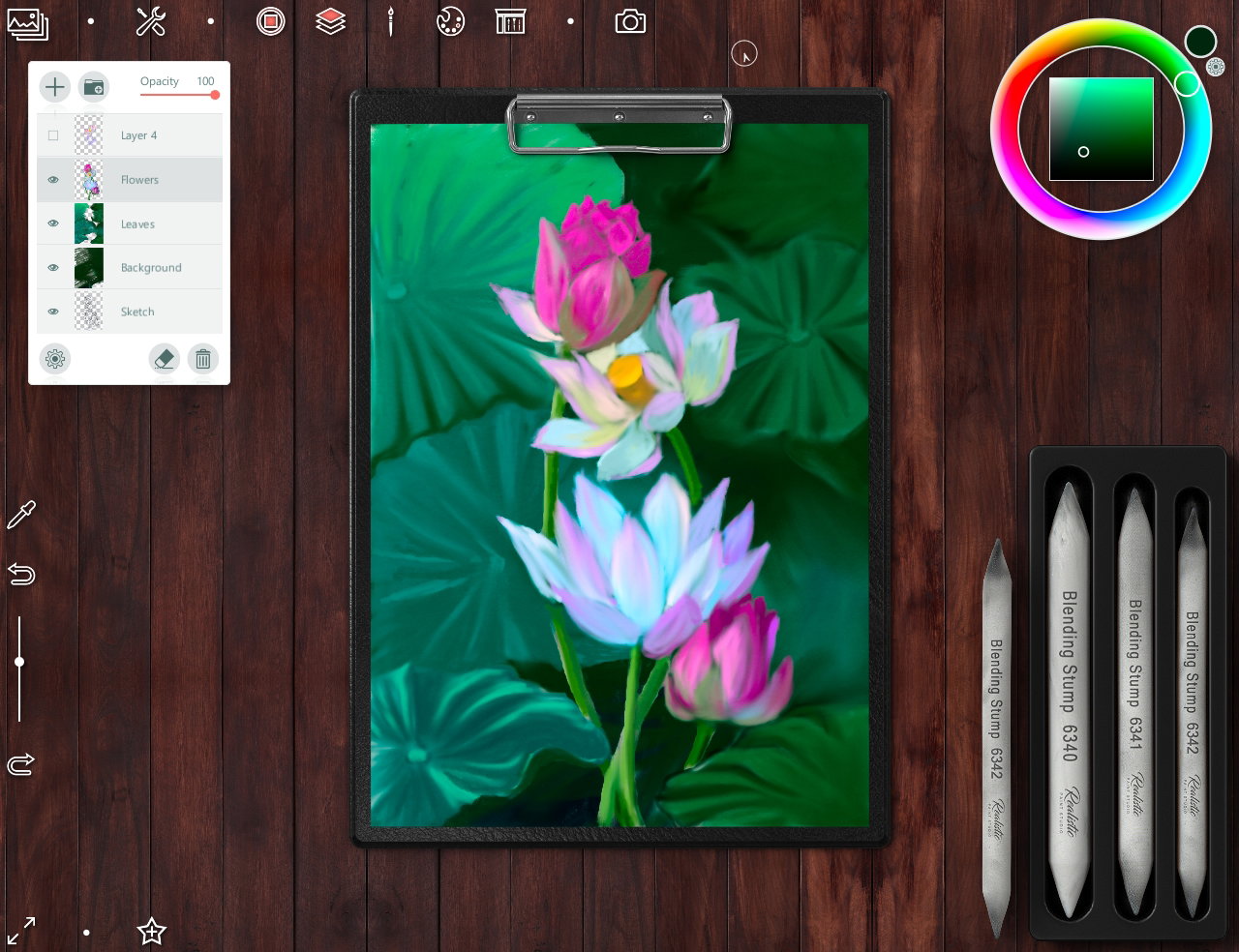
So I choose a soft Pastel set again to continue drawing flowers Then I blur the hard strokes with Shading set tools too.
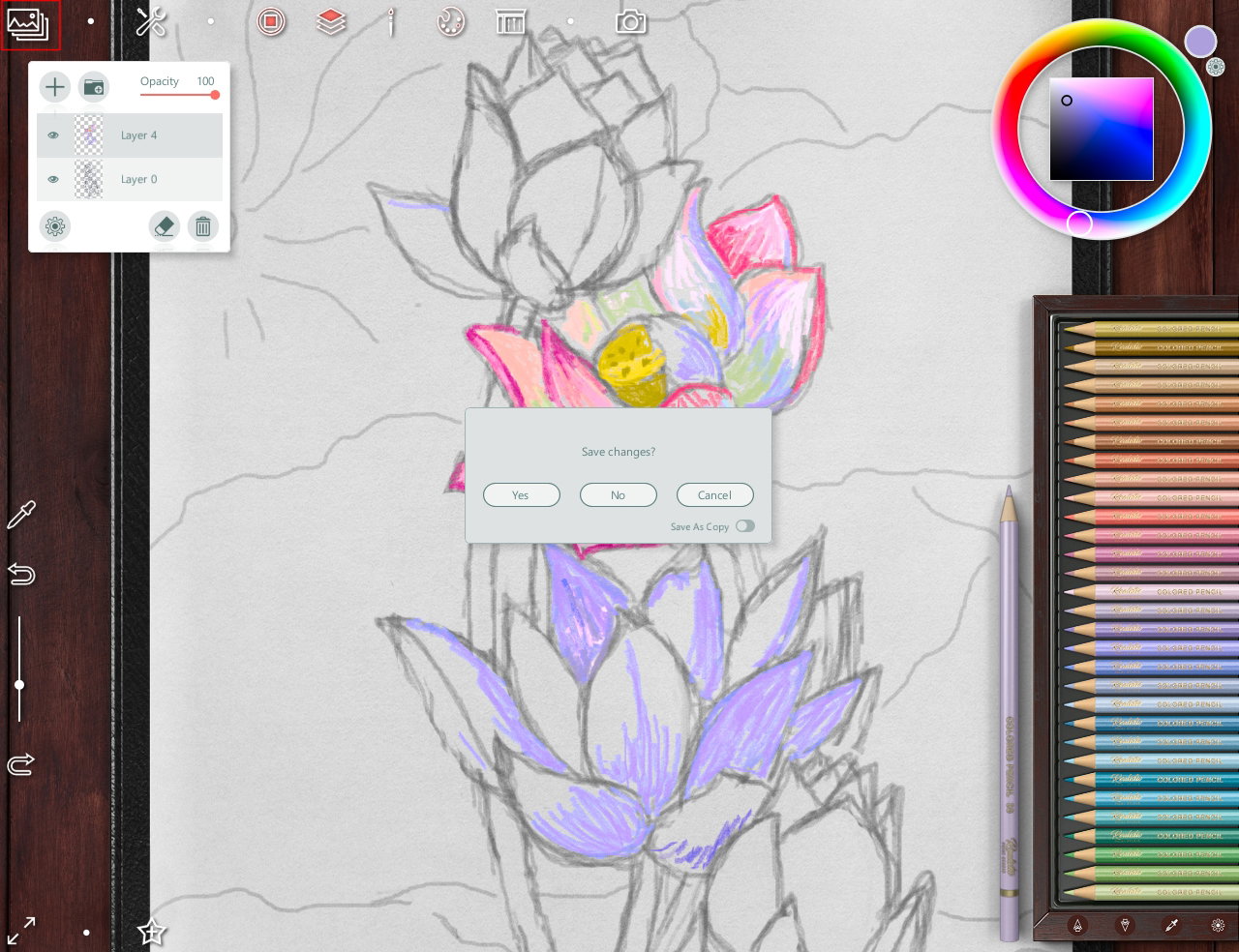
Note - at any time, if you need to leave drawing, you can save the project by clicking on this button in the upper left corner
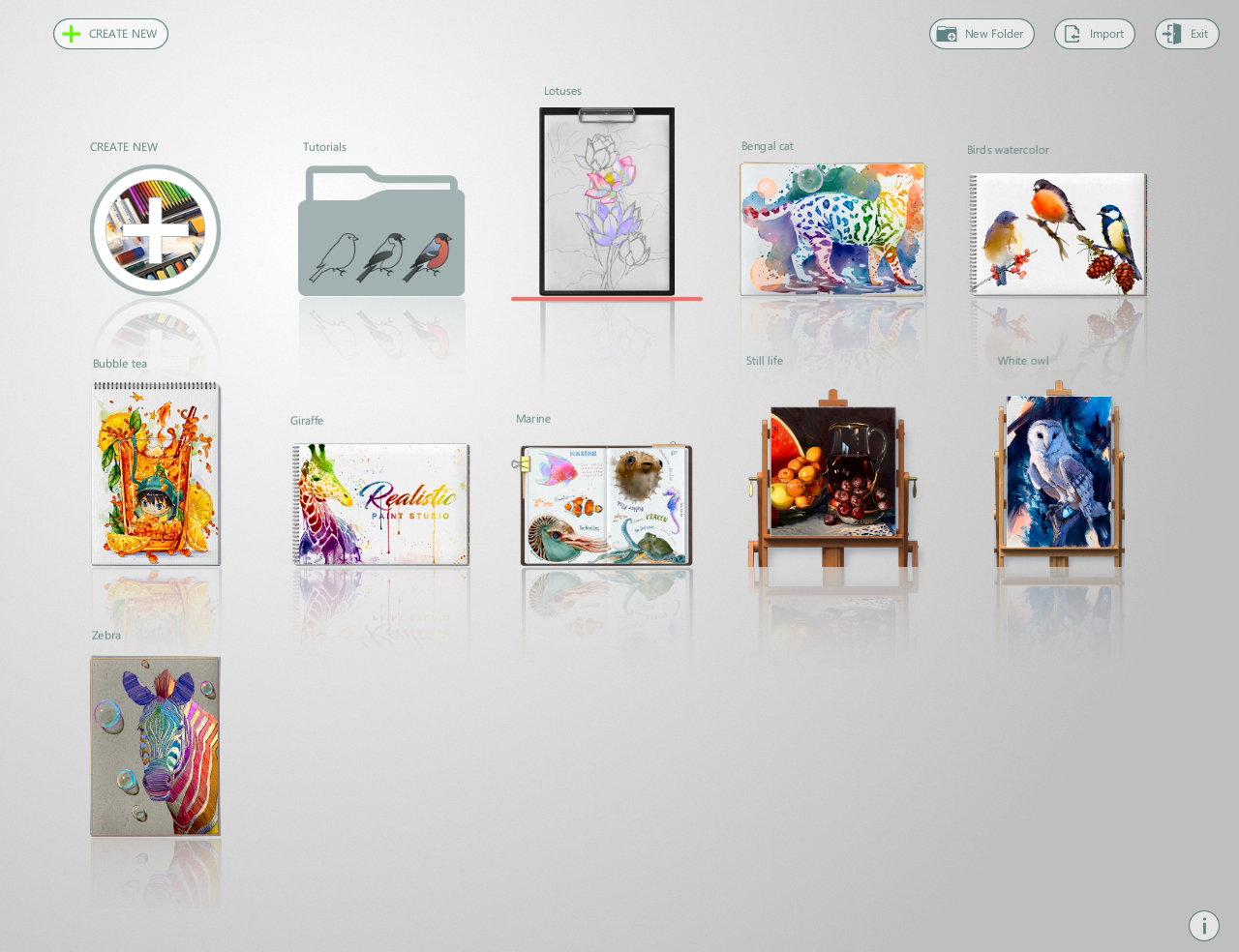
and so you can open the project in that step where you stopped last time
So, for make a details I choose a Color Pencil set
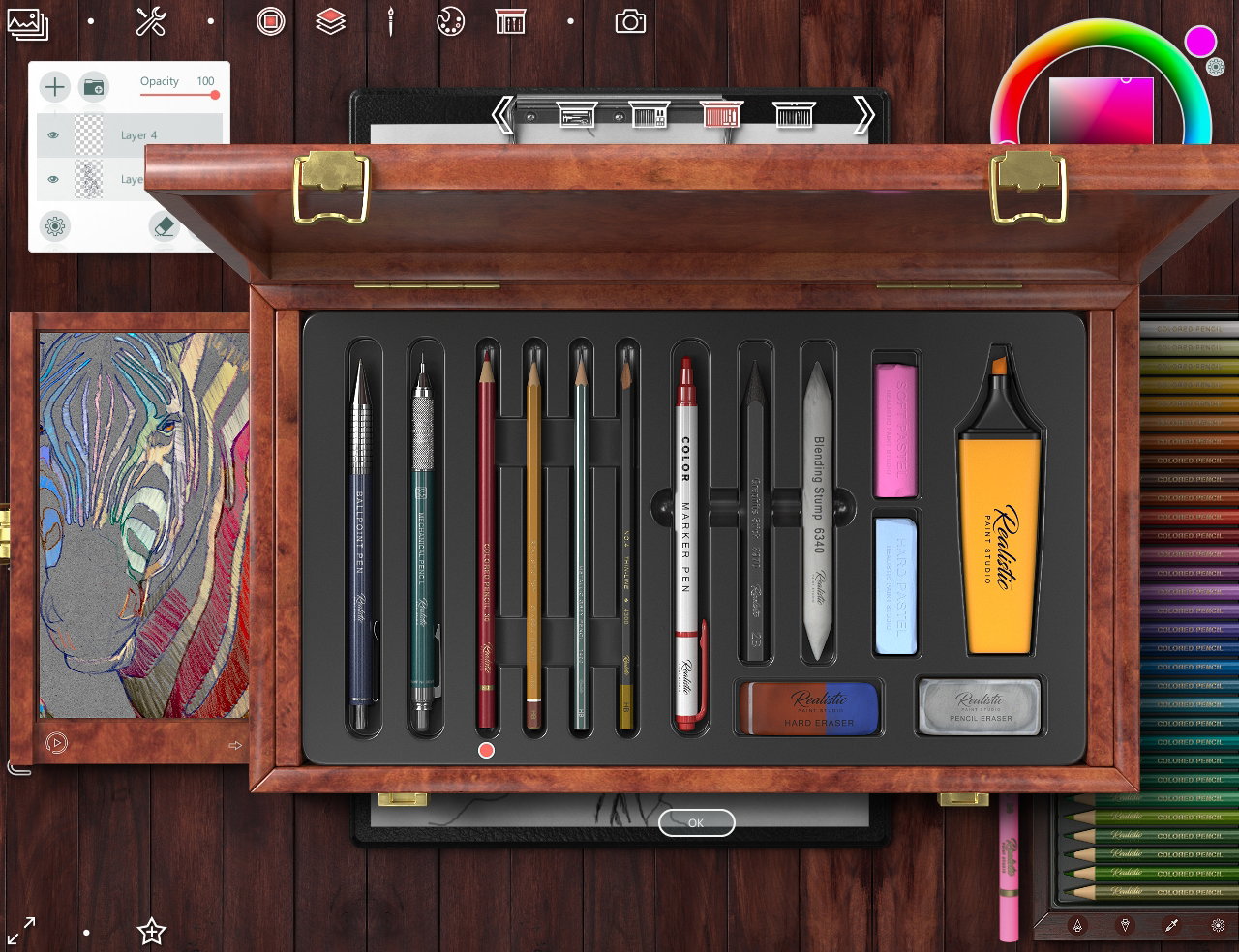
And drawing with them on new top layer
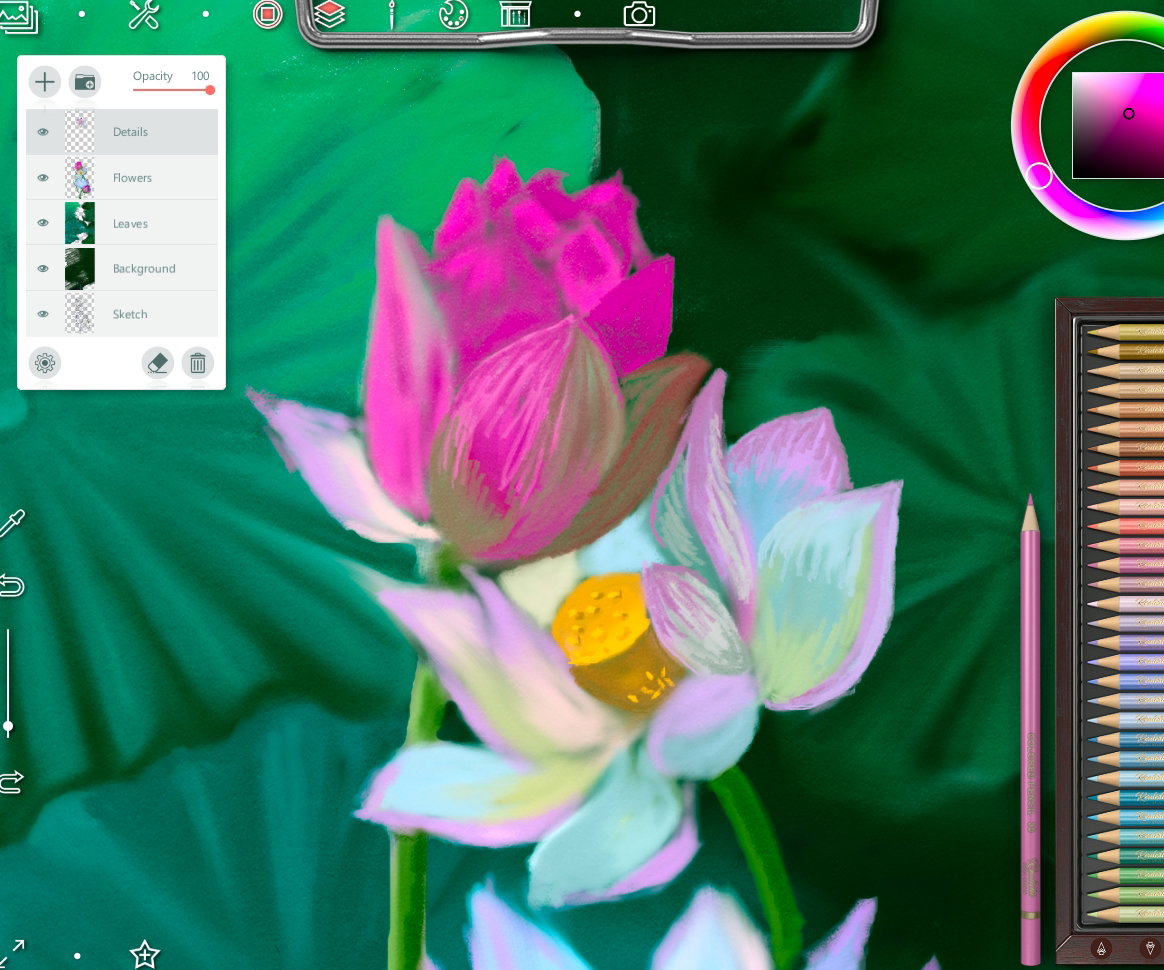
The ready art
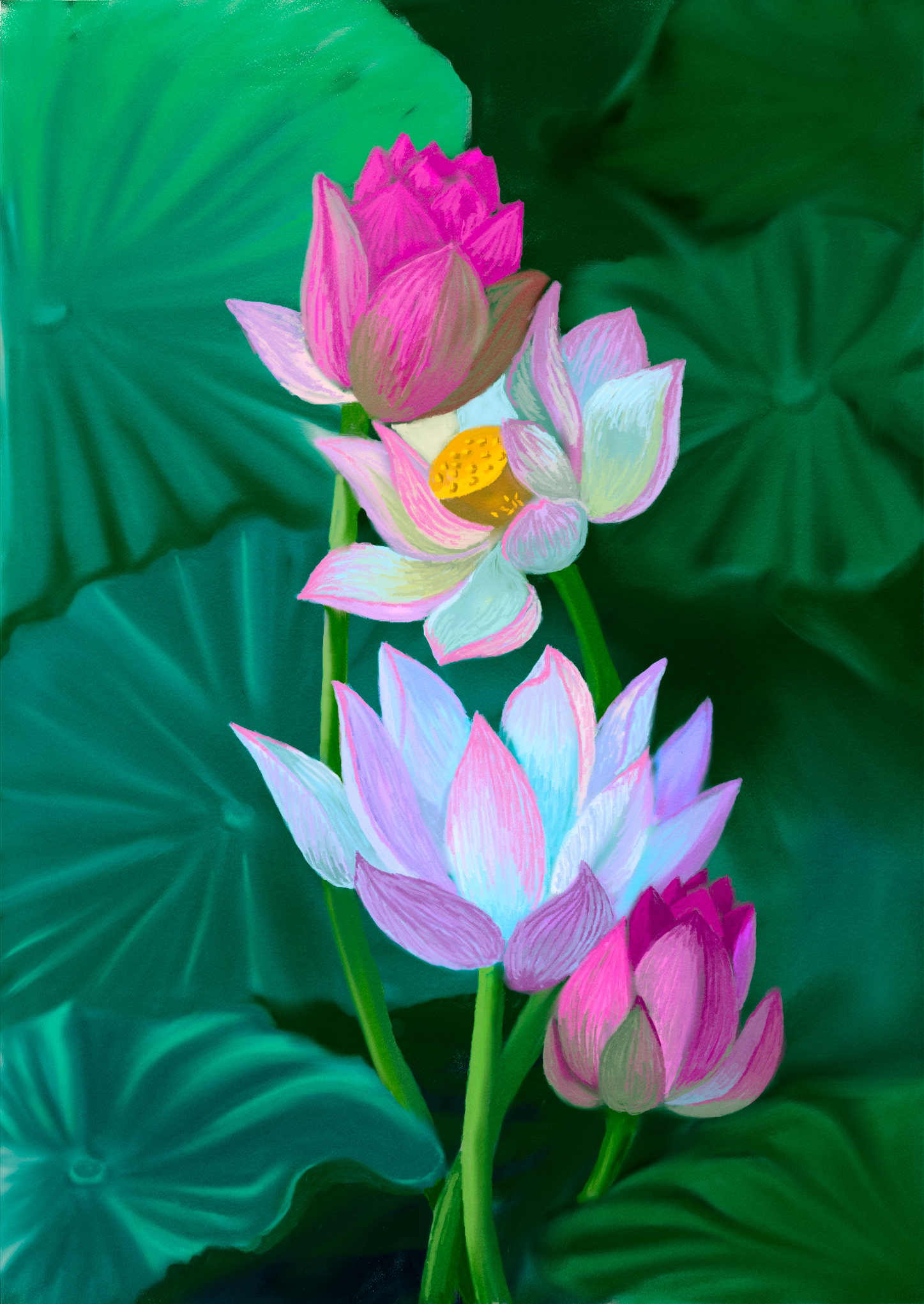
And that's not all! The program provides the ability to save a drawing, export it to .jpg or .png format...
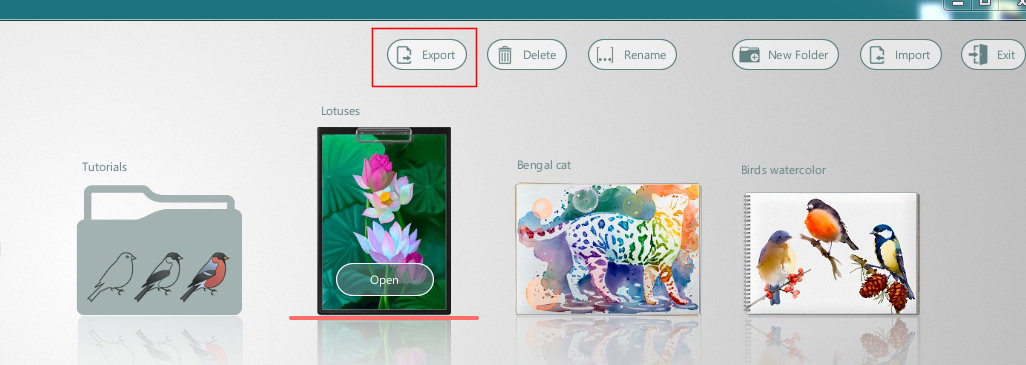
or create a spectacular presentation (*by clicking on top middle button*)
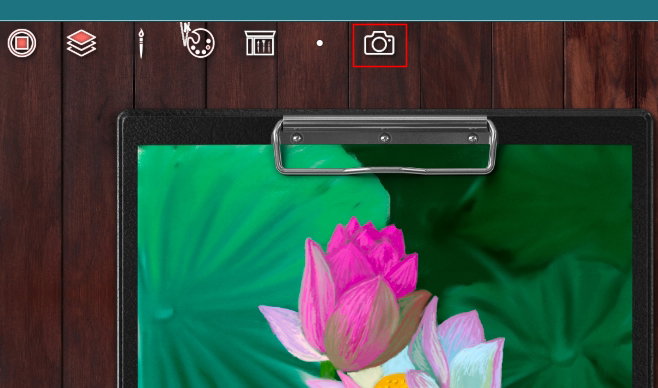
...and keep your work that way
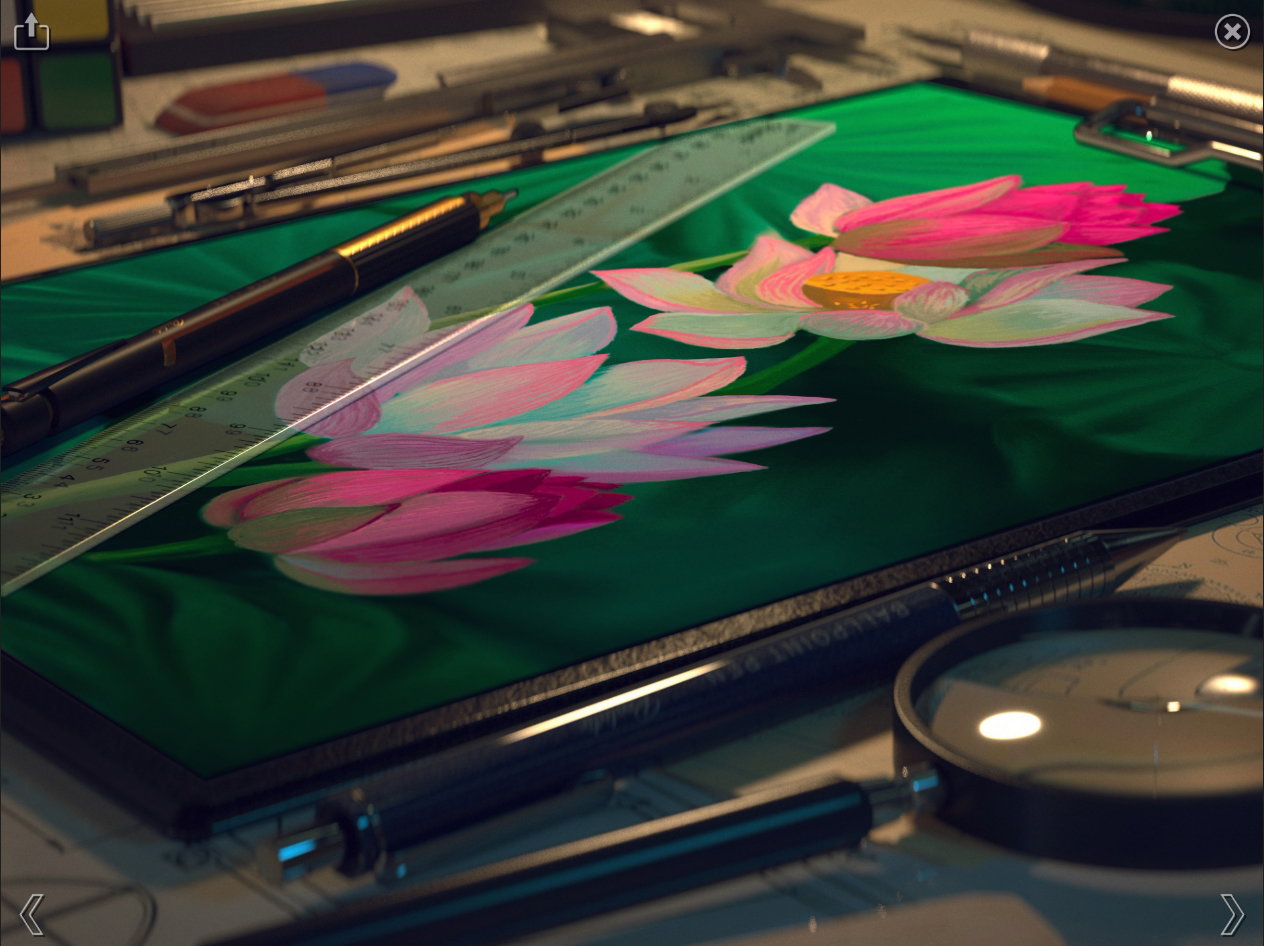
or that
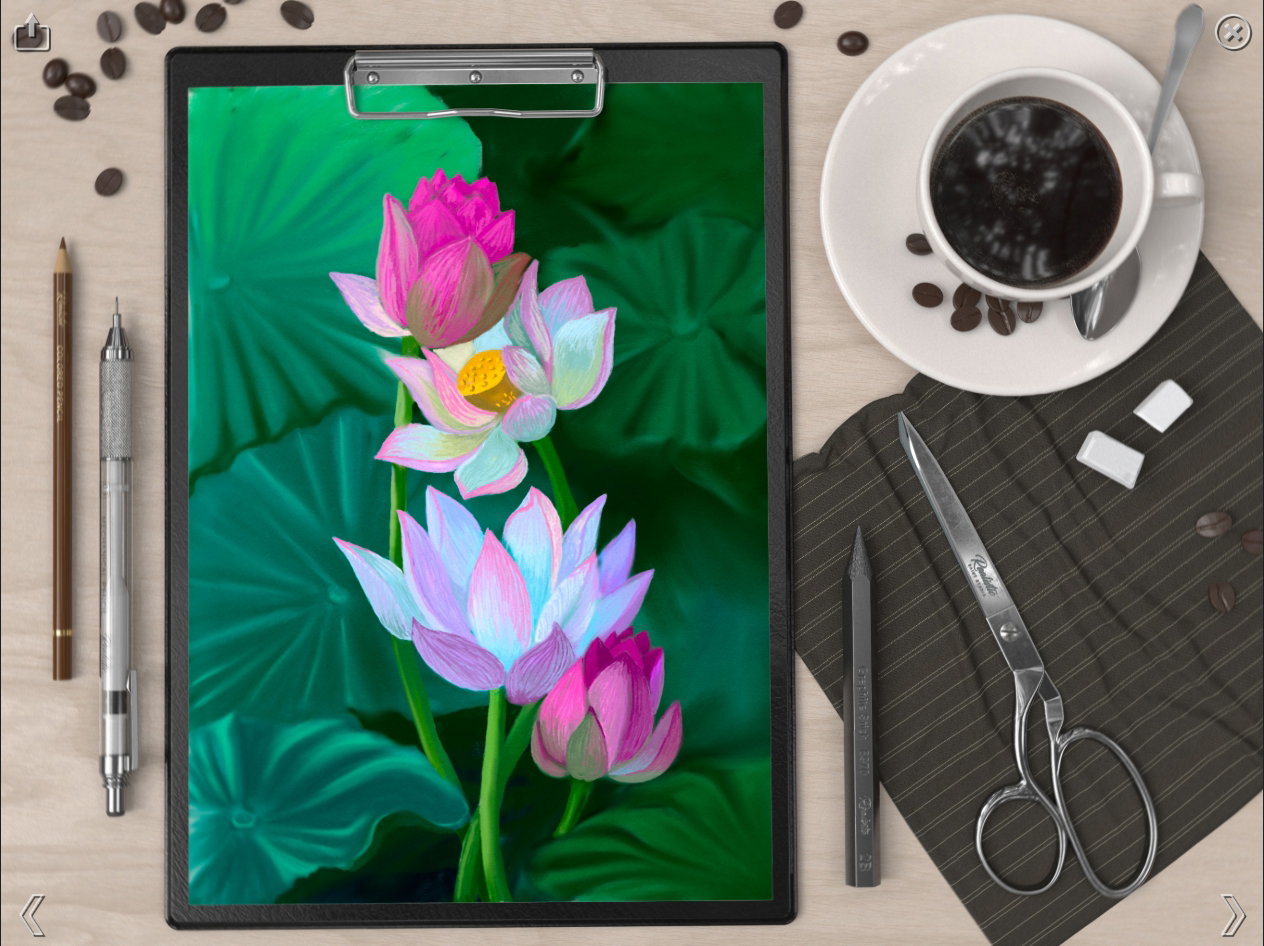
Do you like this viwes of art? So, I hope you'll like my tutorial and this program. If someone wants to buy it (or install trial version), it's here https://realisticpaint.com/index.html Have a nice and creative day! With Love...


2 comments
Another beautiful painting, with my favorite program. You have used many vivid and beautiful colors, my friend. This software is also great, it is very interesting that it shows the painting from different angles. The view of art is great... 👌I don't have a tablet and a light pen, otherwise I would have used this software... 😍
Thanks so much! I think you can draw it with pencils or paints, looking at my drawing ;)