 @daring-celt
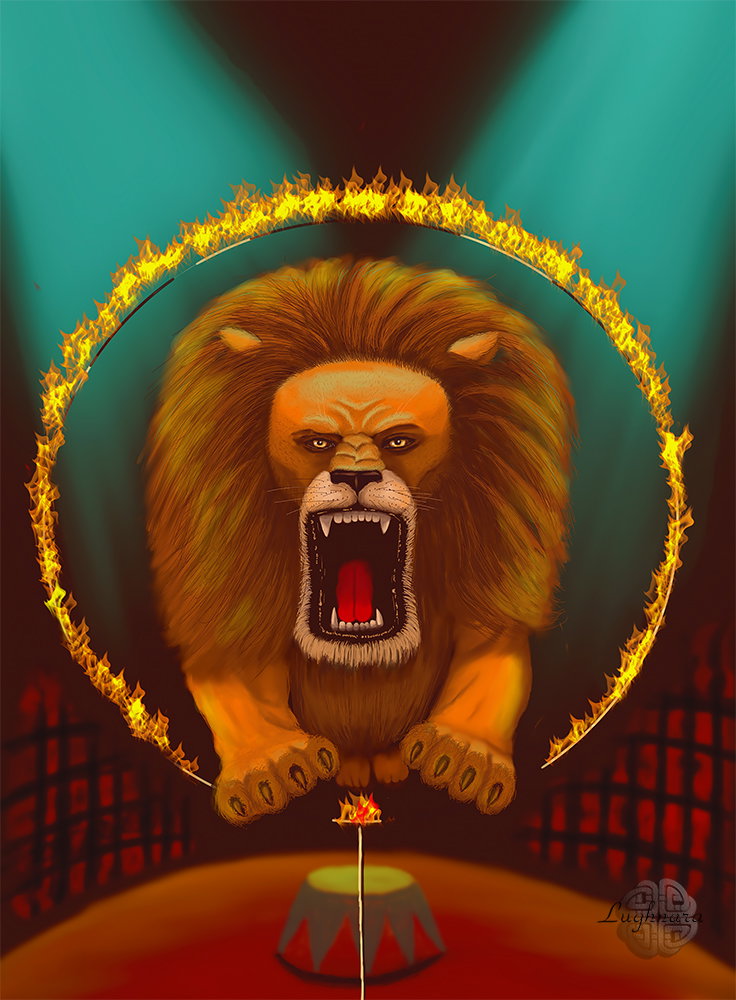
Digital Art_2019. Circus Lion Hi my friends! My lovest sponsor @Ellen-he returned, I'm so happy!))) And I've new sponsor - @francis105d1 Thanks a lot for your great support my friends! So... what i'm going to say today... Do you know how I learn a new graphics program? Very simple! I open it and start painting in it! Let's say a whole month! This time is usually enough to make friends with new software. This is how two years ago I decided to learn the program **Sketchbook Pro**. This is a paid software, but I installed a trial version and drew in it for a whole month. I liked the fact that it is easy for a computer to work with, it has a simple and intuitive interface, and the fact that you can create and customize any brushes in it It was my first drawing in this program
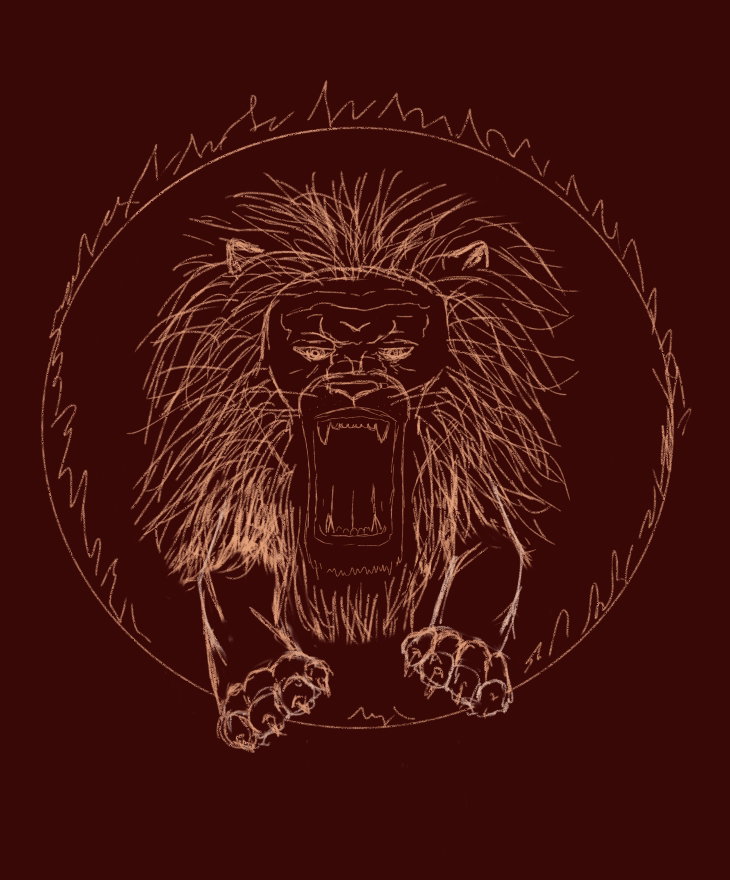
The topic of the assignment was "Circus", and I wanted to draw a lion doing a trick Sketch Yes, I immediately decided to set the background color - in the circus it is usually dark in the hall, only the arena with the artists is lit
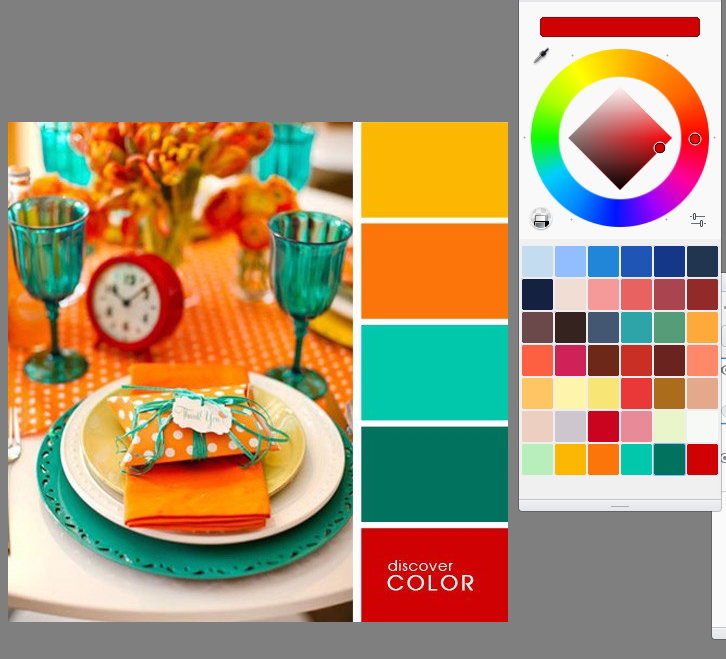
Color palette (I took ready set)
Base color of main character. I can't to say now with which brushes I drew, because the programm was en unknown for my. I did an experiment Yes, my lion roars and jumps through the fire hoop
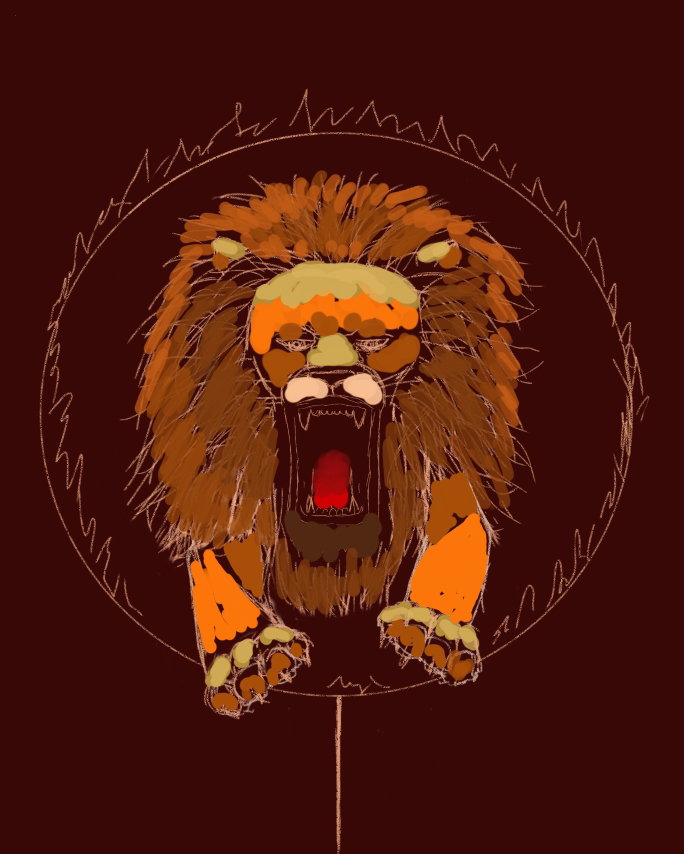
Then I found great blender set to shade strokes
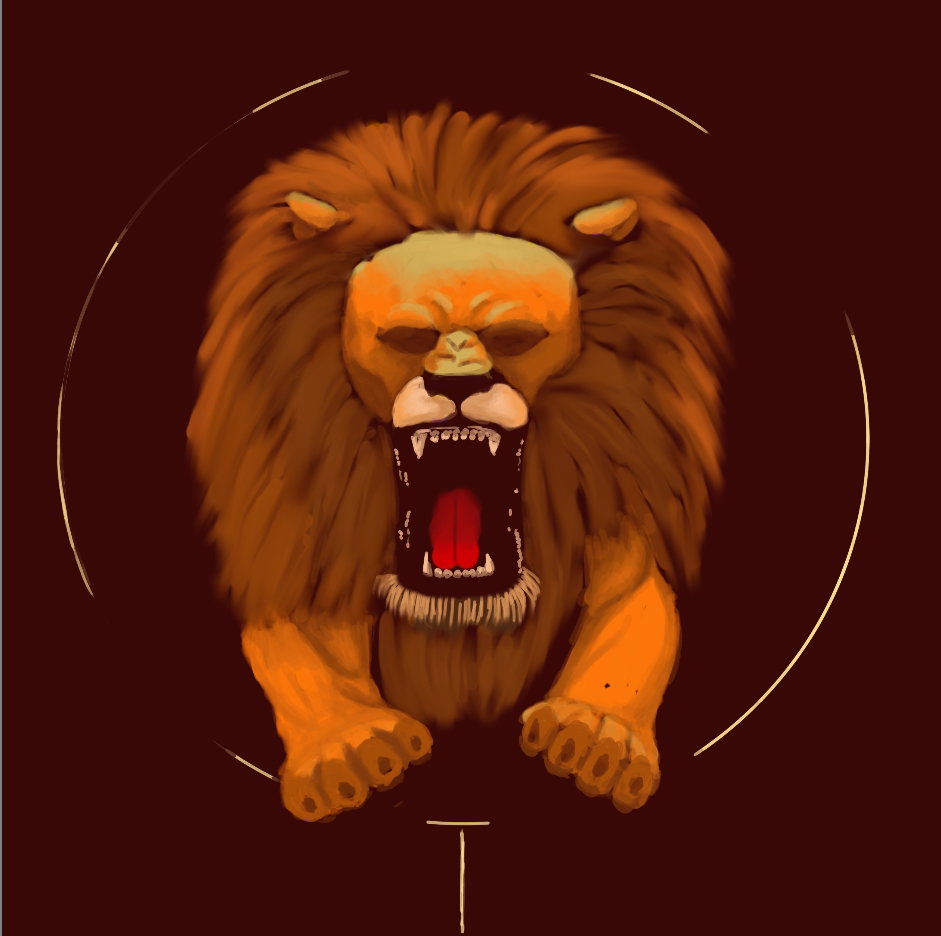
Here I have detailed the face of the lion and made the lighting from the overhead lamps. Added a few strokes of green reflexes to the animal
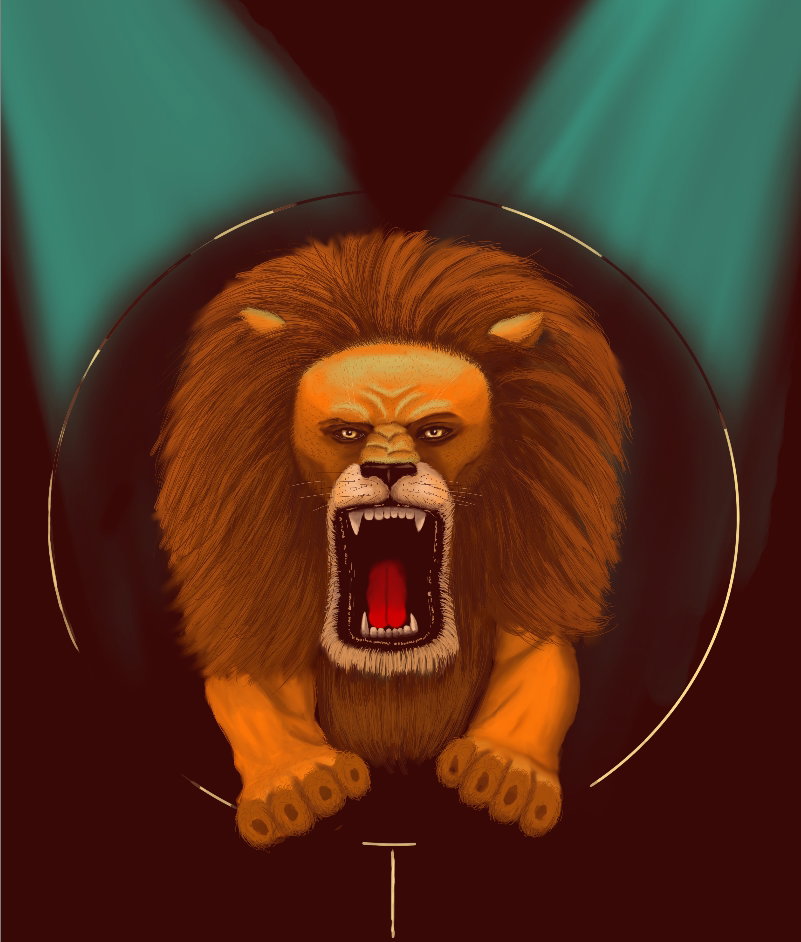
Yes, I worked especially carefully on the face of the lion. Of course, the lion turned out not to be realistic, but rather illustrative, but this is my style.
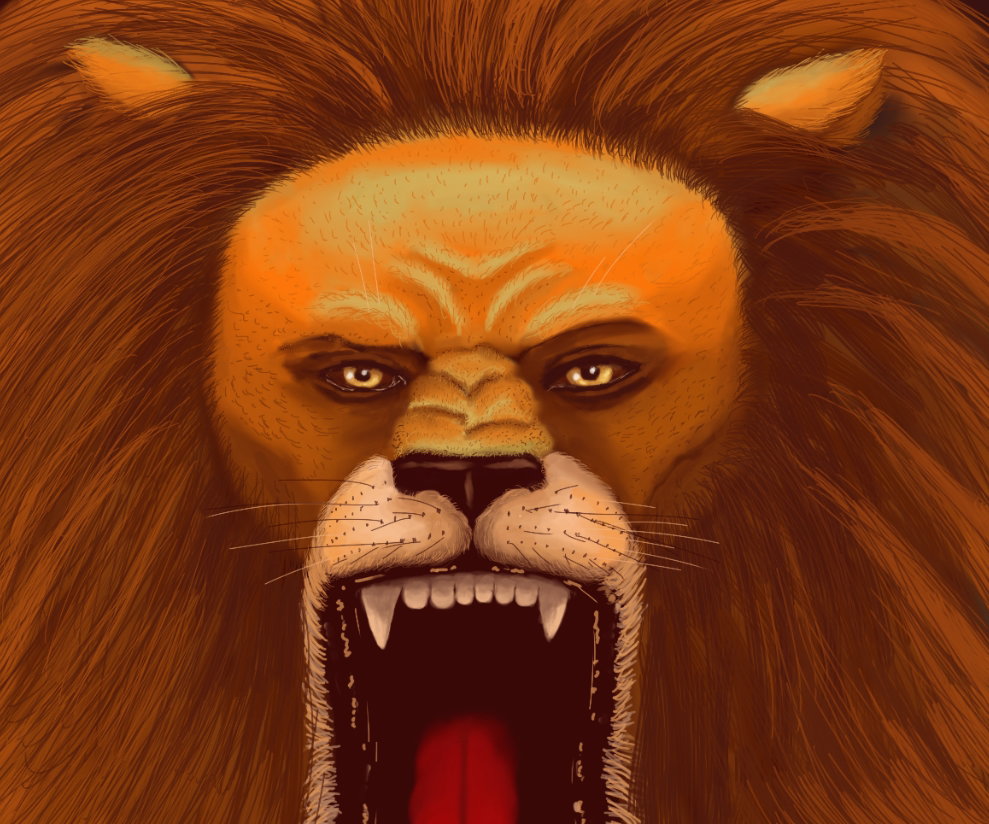
Well, the arena and the background remained - the cage behind which the auditorium is located. I did not draw this area, because it is not the main object Yes, I was able to load brushes from Photoshop into the program in the form of flames. Therefore, the hoop burns like a real one!
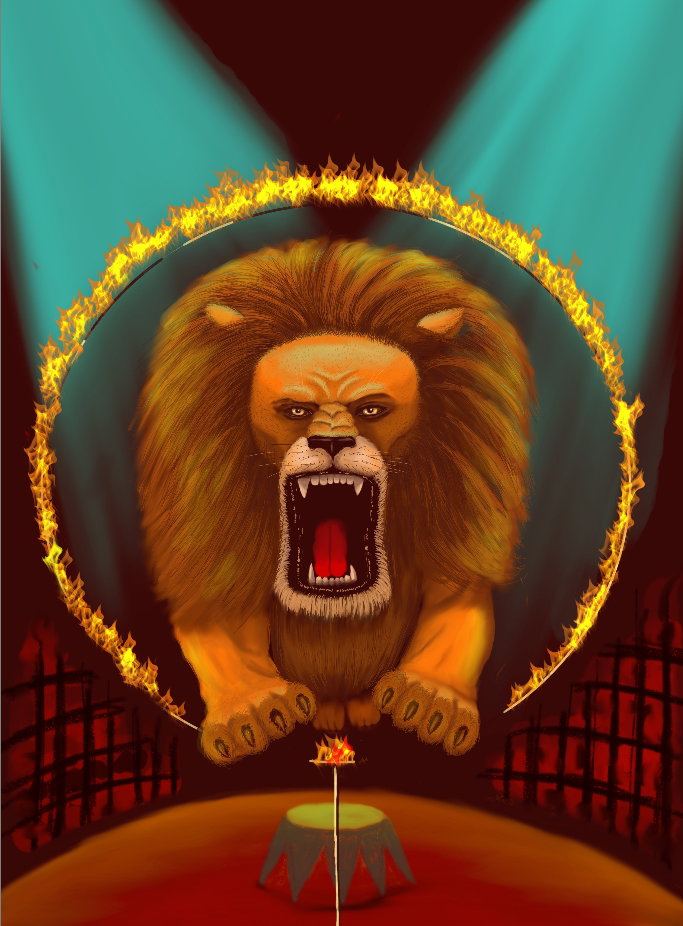
And finally color correction for web publishing in Photoshop
This was my first close acquaintance with **Sketchbook Pro.** If you are interested, I'll tell you what happened next when I show other drawings made in this program. Thanks a lot for your attention to my drawing tutorials and your sponsorship! With Love...


4 comments
You're welcome, my friend, it is an honor to support you, and you deserve more than that. How great is how you learned to work with a graphic program, I think this is the best way. Your painting is wonderful. I have fallen in love with the combination of colors in it. And you painted the lion beautifully. Great as always...
Thanks)) I'm really glad that you solved the issue with your account and returned to us
[deleted]
Thanks a lot! I don't know why I decided to draw a lion, probably, I also have an association: the circus is a big animals and tricks I sometimes don't write comments to friends because the topic doesn't resonate with me, but that doesn't mean I don't read them ;)