 @daring-celt
more from that month
@daring-celt
more from that month
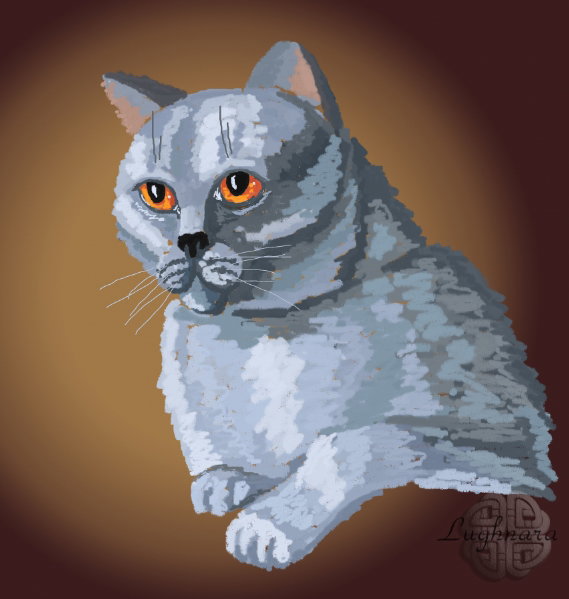
Drawing British Cat in ArtRage (create a cat collection) Hi friends! Since I drew and showed you my first pop art cat I created a little collection of cat pictures in this style. https://read.cash/@daring-celt/popart-cat-or-my-digital-experiments-4ac88273
To draw it was more fun, I chose a cats of different breeds as models. And drew them with different tools (*in the same program* ***ArtRage***) For example, this oriental cat was drawing with **Oil Brush** you already know
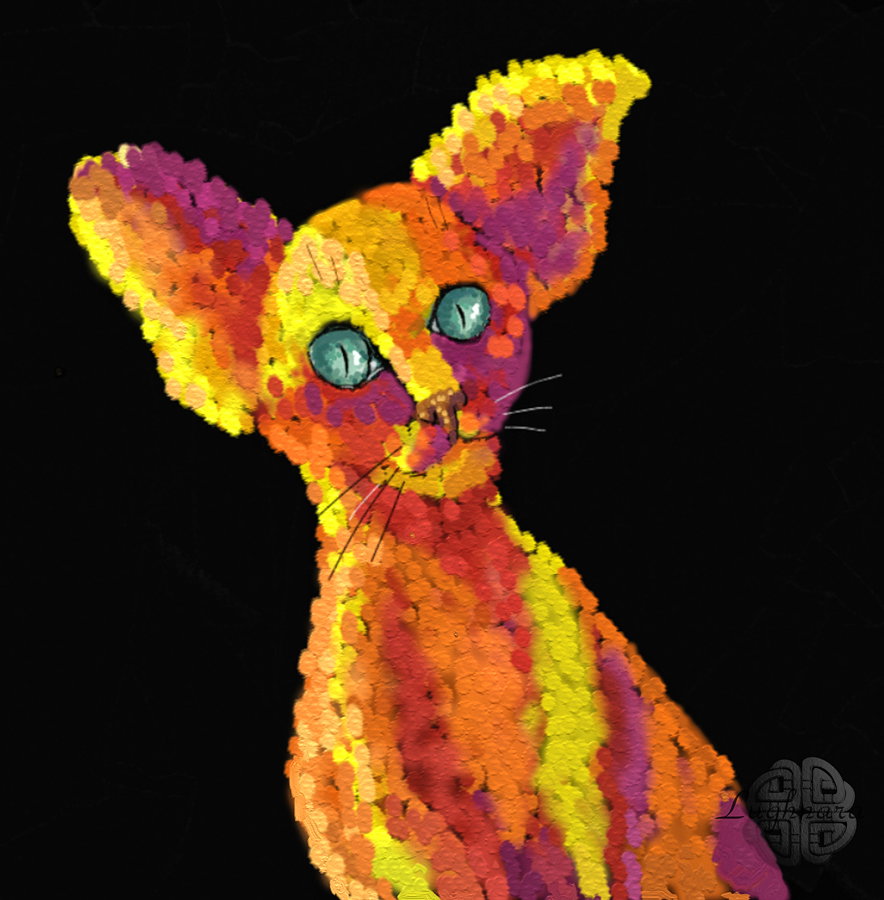
and **Designer Brush** (*this tool was add in version 5, earlier it wasn't*).

This tool is convenient in that you can create any form of brush stroke except default setting.
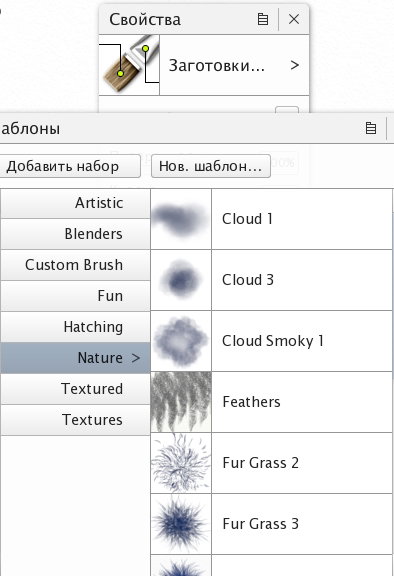
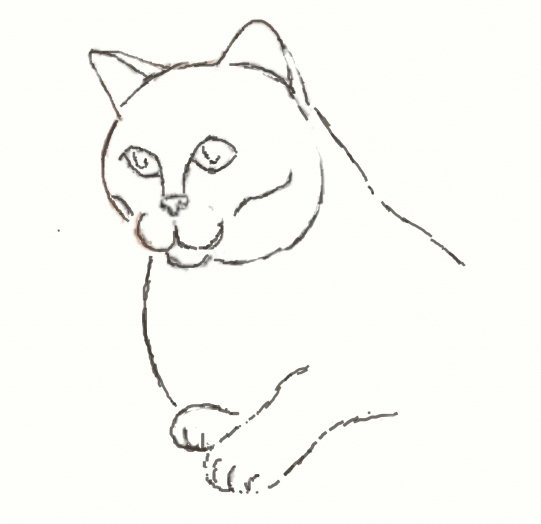
In one of the following tutorials I'll definitely tell and show you what you can create with a **Designer Brush**. So, now I'll tell you how I drew this British cat I started my drawint with creation a sketch (I choose a photo of my friendin from Livejournal as a reference). And I drew a sketch with **Marker tool** https://ic.pics.livejournal.com/katya_kch96/65975172/2513273/2513273_800.jpg


Sketch
Next step I chose color palette
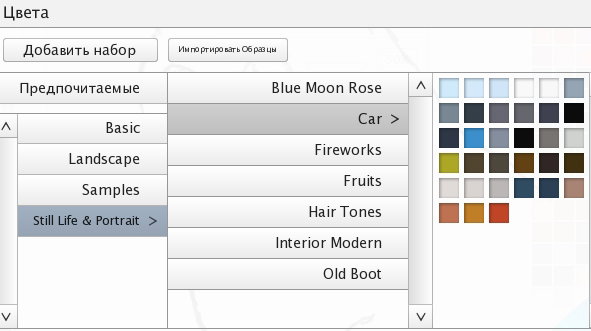
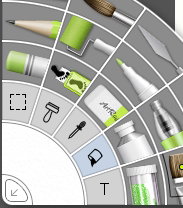
and color of background. I decided to draw it with radial gradient Fill tool icon placed on tool palette
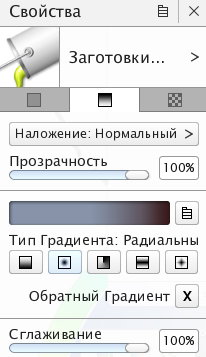
Gradient tab on palette window
I chose one of gradients
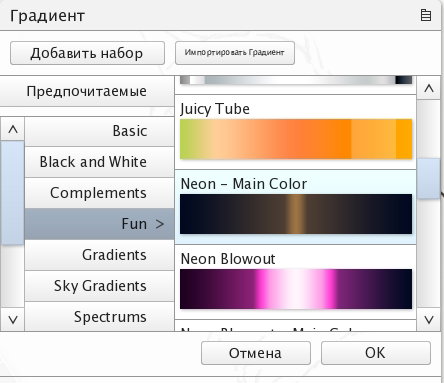
and modificated it so how I'd like
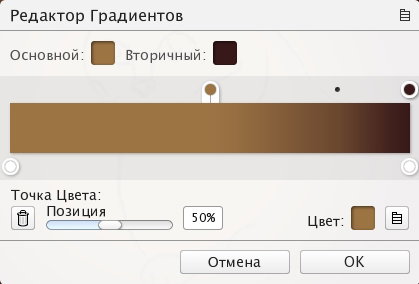
Then I create new layer (under sketch layer) and fill it.
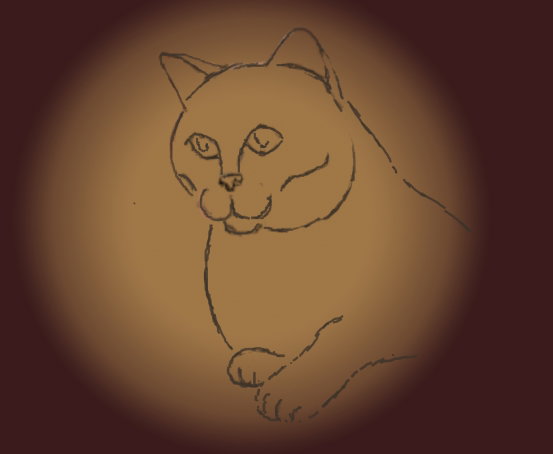
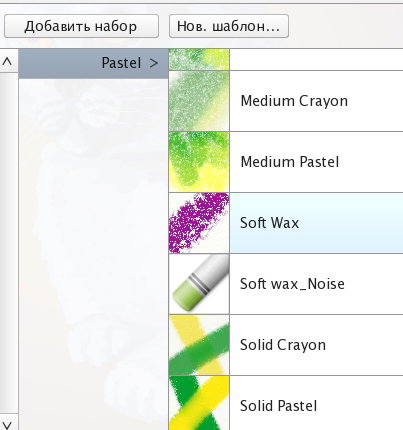
Then I stared to draw cat in colors on new layer. I choose **Pastel tool** for it

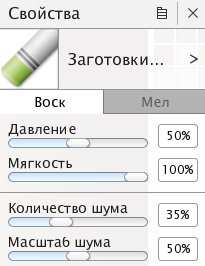
with that options (preset **Soft Wax**)
I begin to draw, observing the position of light and shadow on the figure of the cat
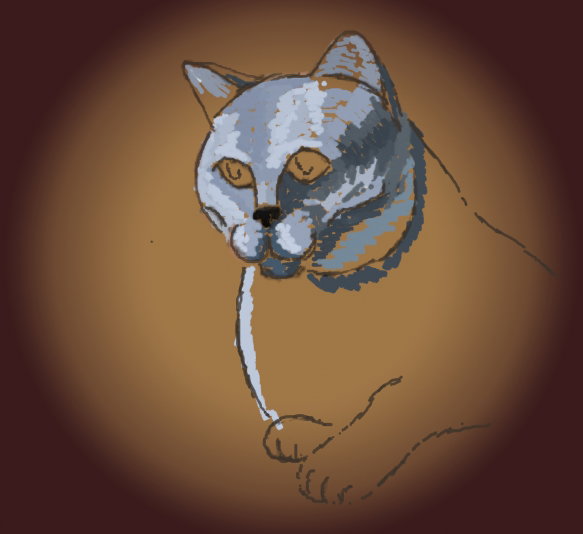
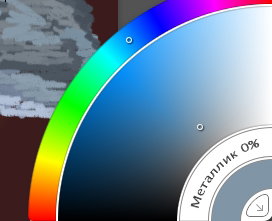
Used a colors from palette or pick a shade from **Pickers** palette (in right lower corner)
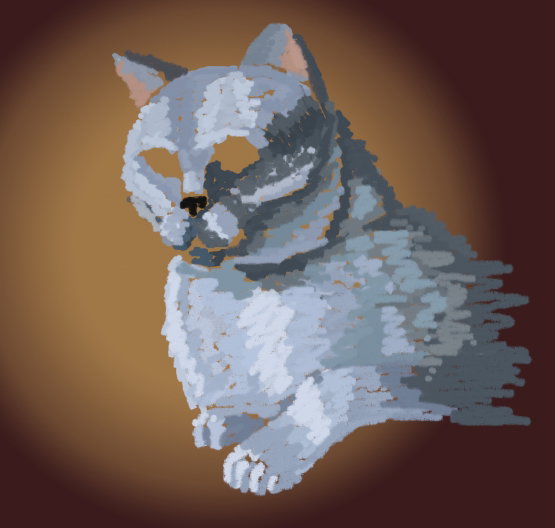
Сlarify a highlights and a shadows areas of fur
Color of eyes
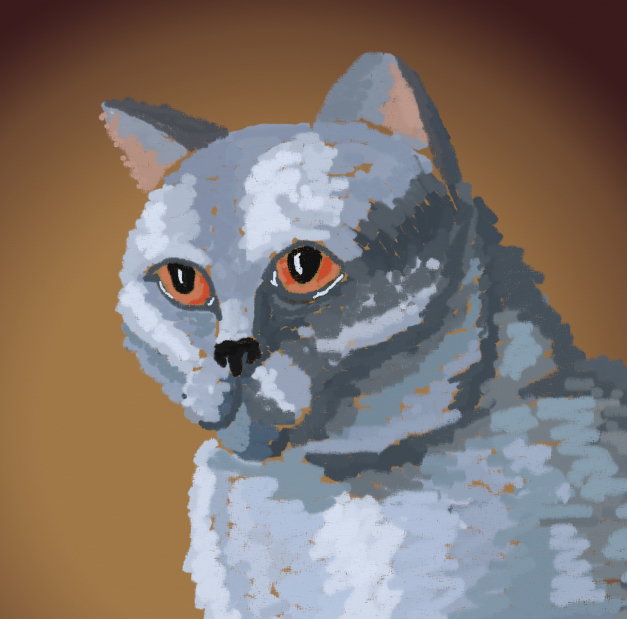
Finish detalization
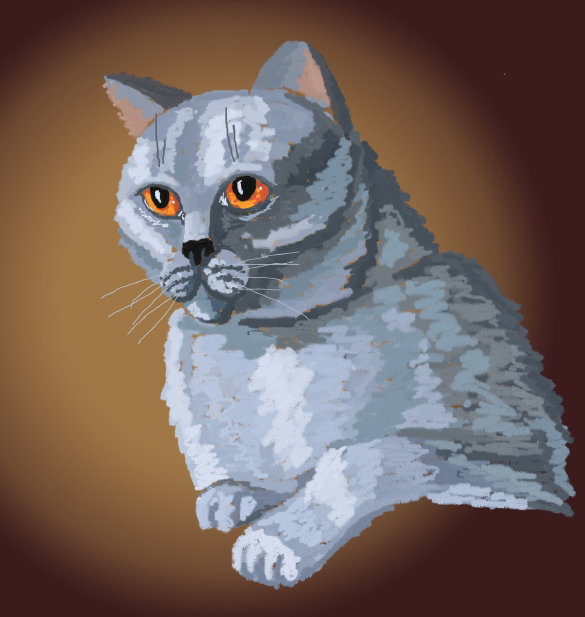
I hope you liked my new tutorial! Have a creative day and take care yourself! Regards Gera
3 comments
Здраствуйте,спасибо конечно.Вы можете мне помочь?Меня не посещает " рандом"рандом"можите указать на мою ошибку,почему так😞
Даже не знаю. Рецепты у вас очень интересные! Может, он просто сладкое не любит))) Шучу. Вы читали, что у него в профиле написано, кого он донатит, а кого нет?
Да читала конешно,и даже не одну статью об этом.В любом случае спасибо что ответили