 @Mark012207
edited
more from that month
@Mark012207
edited
more from that month
Editing Simple Photos using Lightroom Application.
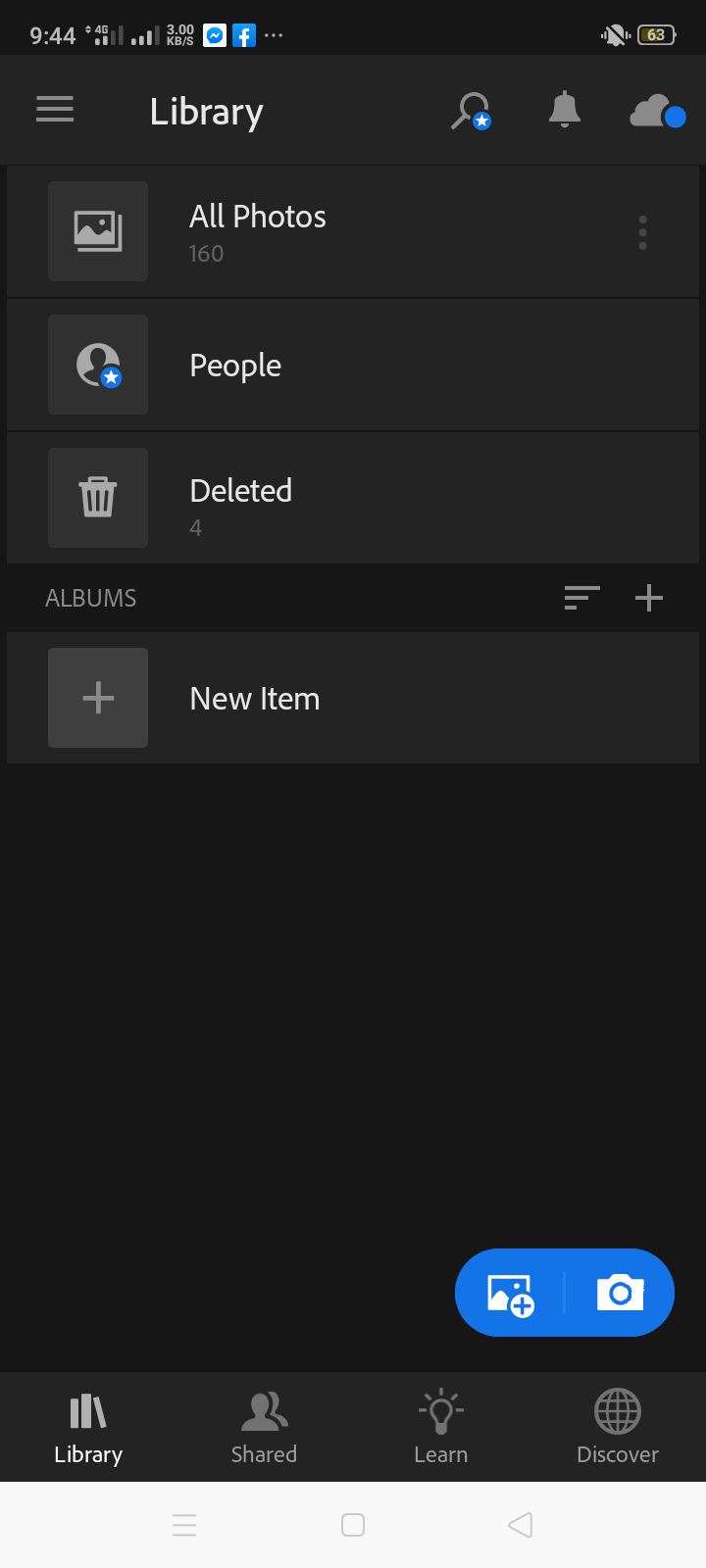
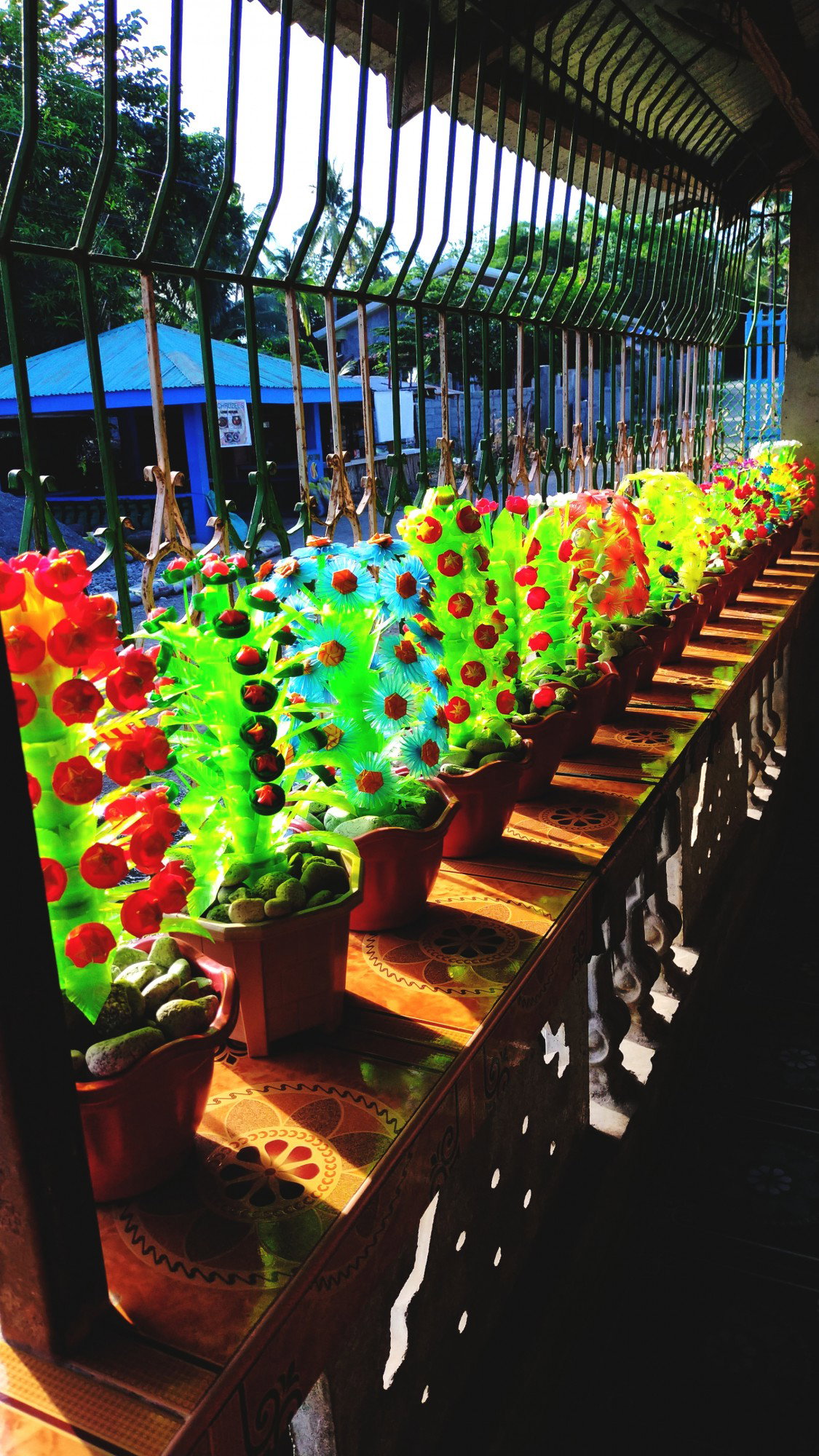
***Lightroom*** is the easiest tool to use if you want to have flawless, different effects, you just adjust what you want to edit in your picture or ways to manipulate your photos. If you want to have beautiful Instagram photos, editing in Lightroom is one of the easiest ways you can do to improve your Instagram feed even if you are a beginner in editing photos. ***Lightroom for Android adds a number of new, essential features, including:*** An in-app camera, which supports capturing images in raw DNG format. Shoot-through presets, also available within the in-app camera, allow previewing and taking photos with a series of built-in presets that provide non-destructive editing. Dehaze tool to arrange haze and fog in one image. Split Toning enhancement, enabling adding a cast of color to the highlights and shadows of an image, creating a uniquely stylized color image or replicating the look and feel of a traditional toned black and white image. Target Adjustment Tool functionality in the Color / B & W editing tool, which provides direct, photo-editing controls. ***These are some of the example photos I made using my phone and lightroom application.***


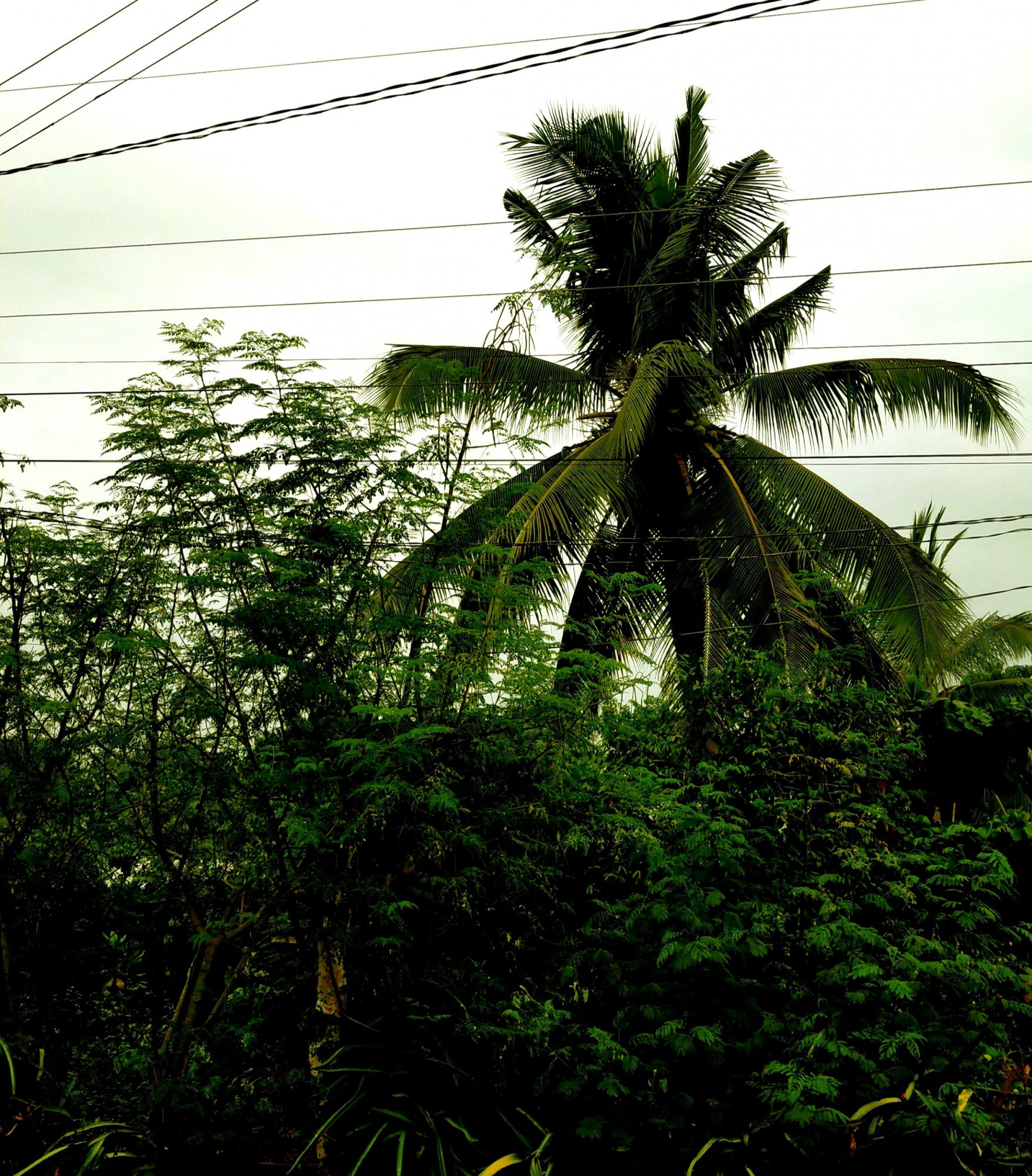
And thanks to Lightroom application or preset photos, it's easy to have beautiful and great Instagram photos from your computer or your phone. I hope you like it😇😇! Comment down what photos you like🤗 Thank you🌹🌹


27 comments
Ow I have so many lightroom edited photos because the application was so easy ❤️❤️😍
That's true, easy to used.
I'm also using the lightroom android apk, That is so great you can also use preset so easily, There's someone who already making some preset and sharing it by downloads which is a big help. Would you make some presets and share it here? I would love to use some of their future.
Yes, sure why not🤗🤗
Ahh those are pretty :") the row of plaatic plants look like they have too much contrast but the rest are pretty :")
Yes, I adjust the contrast🤗
I think it was too much that it's not pleasing na :"" it's hard to work with neon e. The color separation is hard to distinguish in bright light sometimes
Yes, I realized it when I saved in the gallery😅😅
Yes, I agree I have this app in my phone and it really good when editing photos. I usually used it often.
Yes. We also develop our editing skills in that app.
Yeah, I agree with that.
I've been using lightroom for years. It is one of the best mobile app for photo editting. Very user friendly. It's easy to use, although you need to really know the elements and apply enough amount of it in order to come up with an aesthetic picture. It's a challenge for the creative mind, that's why I like it.
That's true, I also like this app.
Thanks for sharing this article as well as the app might use this
Yes. Try it.🤗
I have no idea if I can see the difference, what exactly you used the tool for. To me, those photos are made with a camera and that's it. I do not see the special effects. Perhaps it would have been clear if you showed a before and after photo. I will try it and see if I notice any difference if it is different or better what PhotoGrid offers. Thanks you dear. 👍🍀💕
Welcome sissy. In my next article sis I will show the before and after of the photos.
I am looking forward to what changes you made. 👍💕
Yeah i didn't notice any different too dear. I was curious that's why I read your article but still worth just that i didn't see the difference 😅
I forgot to compare the before and after sis. In my next article, I will make it💞
Yes. I am always like to use light room for all color tone adjustment
Yes, I like it also💞
Cheers..
Thanks for sharing..beautiful shot..
Thank you💞
Light room is a great app for photo editing. Thanks for sharing.
You're welcome