 @Dolores
How to Take Screenshot using a PC or Laptop?
Some of you may be using a personal computer or laptop when accessing read.cash. Actually, I sometimes use my laptop, too in accessing the site. If sometimes there are things that you found good and that you may want to capture a screenshot of it, but you didn't know how to take screenshot, then this article may help you. **By the way, what is screenshot?** This is also know as screen capture. It is a digital image that displays the content in the screen of your phone or pc. **So, how to take a screenshot in a pc or laptop?** If your operating system is windows 10, the simplest way to take a screenshot is by using the ***print sreen or prt sc key*** and ***windows key*** in your pc or laptop.
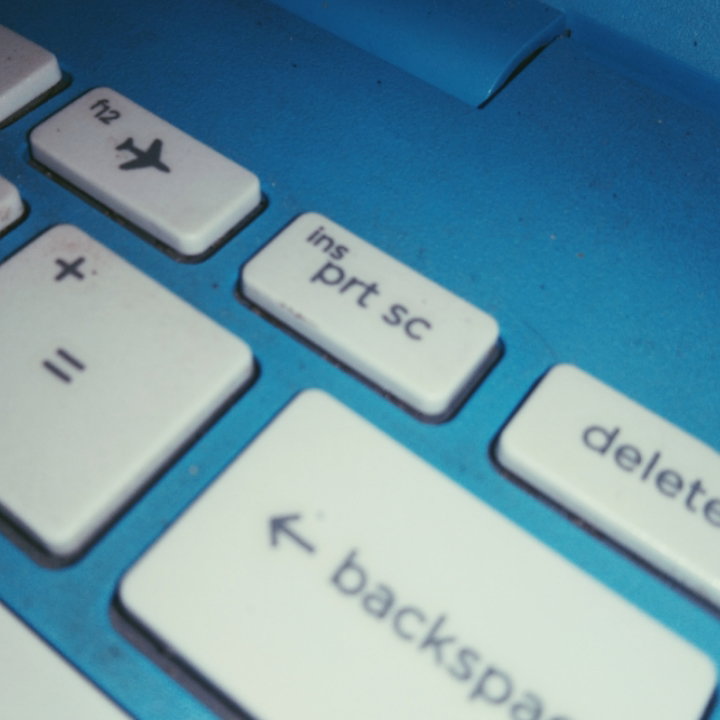
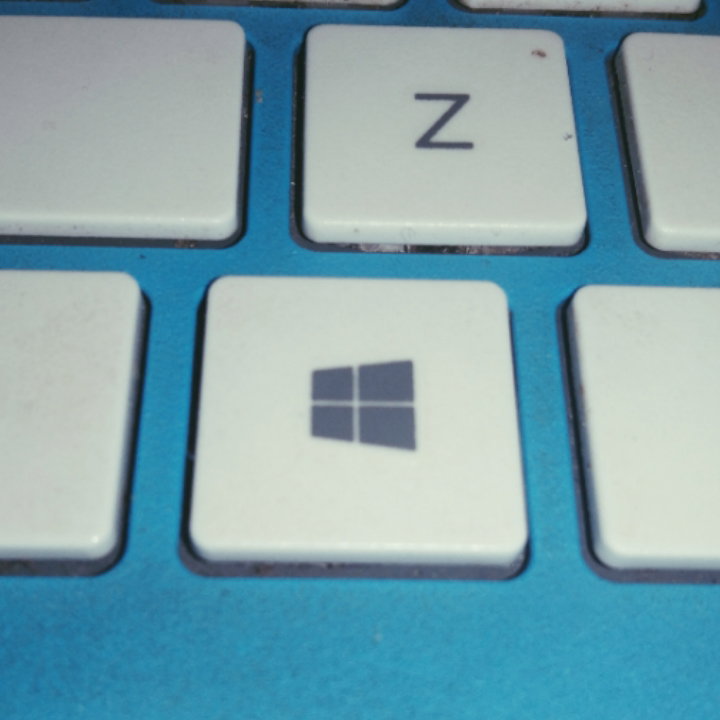
**To copy the entire screen of your pc or laptop to the clipboard**, just press **prt sc key.** You can paste that when you are writing or drafting an article here in read.cash. If you want **to save the entire screen as image or in .jpeg format**, just press the ***windows key*** and ***the prt sc key*** at the same time. You can later check it in the subfolder named **Screenshots** in the folder named **Pictures**.
I hope that this article answer your question regarding on how to take a screenshot in pc or laptop. To read more interesting articles from me, just browse them here: **My Articles** https://read.cash/@Dolores/my-articles-c2aad824 Happy Reading!

9 comments
This is a great help coz' I often forgot how to take screenshot on my pc 😅and it always ended checking google.haha
Thanks for liking my article. ❤️
my pleasure :)
for whole screen it's better and if you want to take customised screenshot you can use the snipping tool
Thank you for sharing that too. ❤️
am computer illiterate 😁..your articles such as this really helps..
Thanks for appreciating it. ❤️☺️
I'm sure others will find this helpful 💕 You can add the sniping tool as well. It helps if you don't want to capture the whole screen. That will save you time for cropping.
I already know about this, thanks for sharing anyways✌️