 @BaldurThorLoki
Is your phone's battery running low?

Most smartphone components consume battery power, with some being larger while others are smaller consumers.
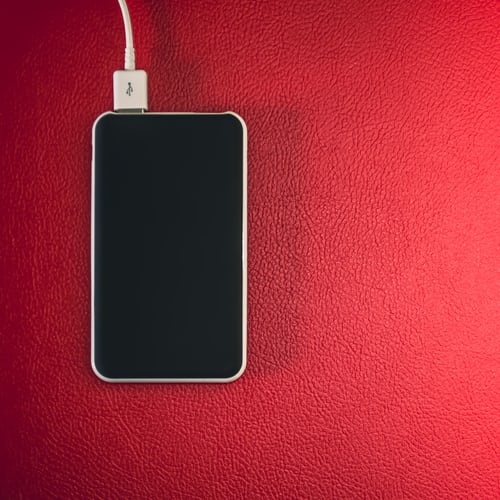
Which components are the biggest consumers of our smartphones' batteries? The Android Authority site took this topic seriously and compiled a detailed list of them: Screen The screen consumes more electricity than any other component. It can affect battery life in four ways: - First, the bigger the screen, the more electricity is needed. - Secondly, the higher the screen resolution, the more demanding it will be, ie it will need more electricity. - Third, the higher the screen brightness, the higher the battery load. - Fourth, the higher the refresh rate, the higher the CPU load, so the situation is the same as with the screen resolution.
Wireless connection Phone signal, mobile internet, Wi-Fi, Bluetooth, GPS ... Smartphones constantly use at least one wireless connection, if not several at once. Each of them represents a significant load for the battery, so the ones you do not use need to be turned off. This is especially true of Bluetooth and GPS. A weak signal from any of the wireless connections also increases battery consumption, as the device is constantly trying to check if there is a better or stronger connection.
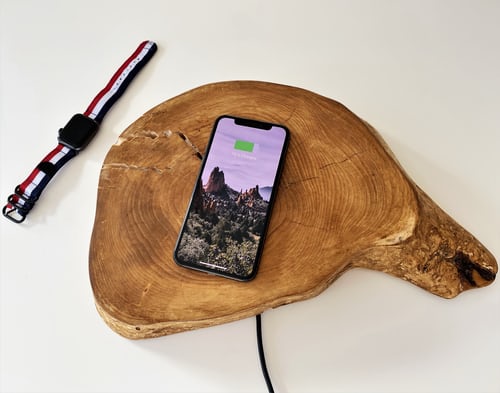
Processor and hardware Newer processors are typically smaller, faster, and more energy efficient. Therefore, it is necessary to regularly update the software for this type of hardware, in order to be better optimized and reduce the battery load.
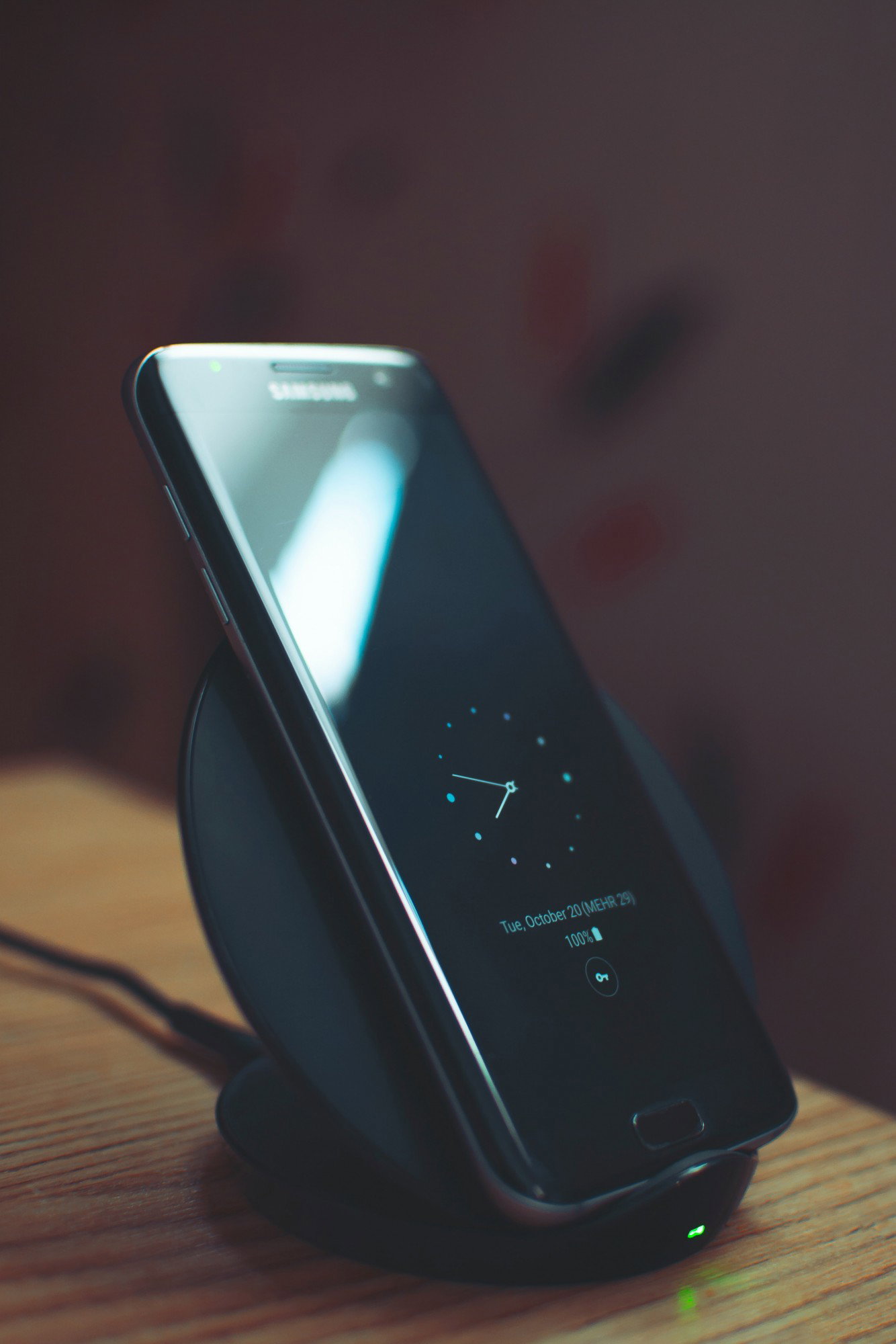
Cameras Cameras "squeeze" the smartphone's battery in several ways, although most of the consumption is on the processor and screen. With newer phone models, the partial culprit for that is the built-in photo post-processing, which additionally consumes CPU resources. The video is also quite an intense consumer, especially in 4K resolution.
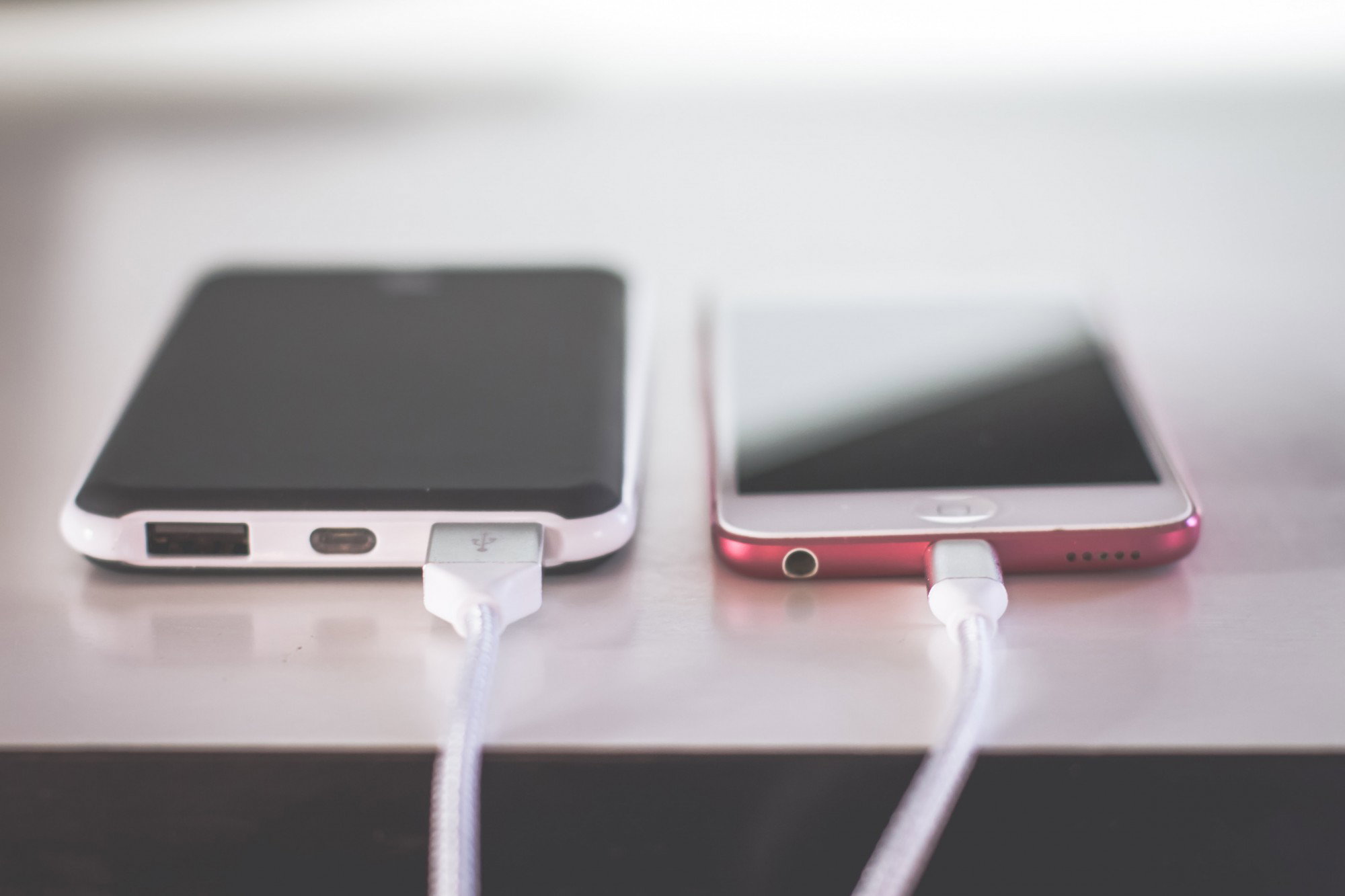
Other components Other components cannot be measured with the screen and processor in terms of power consumption, but that does not mean that they are not affected. So, for example, the motor that produces the vibrations of the phone also consumes electricity, and it is similar with the speakers. Whenever you watch a video, listen to music, leave notifications on... the battery works "overtime". Temperature and age Batteries work best when they are new and at room temperature. The older they are, the shorter they will last and the more often they will need recharging. In terms of temperature, the batteries lose capacity at lower temperatures, while too high can permanently damage them. No matter how careful you are about them, calculate that you will lose, approximately, a fifth (20 percent) of the battery capacity after approximately 1,000 charges. Active applications Applications that use GPS, a camera, large amounts of data and a constantly on screen are the biggest consumers of the battery. The mentioned Snapchat, for example, uses GPS, camera and data exchange at the same time. Especially big "battery eaters" are games for phones, because they load the processor and graphics chip, artificial intelligence, screen and speaker ... For example, **Pokemon Go** was the first game to use GPS, Bluetooth, camera, screen and data exchange at once. *After it appeared, sales of external batteries recorded a big increase.* Passive applications Applications that "spin" even when the screen is off are a special problem. Among them are applications for listening to music and podcasts, weather forecast, fitness.. Operating system and background processes Like processors, newer versions of operating systems are generally more economical or better optimized when it comes to power consumption. They also need to be updated regularly, so that new software solutions can be used. Background processes load the battery in two ways: by activating the device whenever they need it, and by using data exchange. Each of them individually does not consume much, but if several processes are active at once, it will start to affect the speed of the phone. Fortunately, newer versions of Android do pretty well with managing such processes, thanks to mode settings like Doze and Adaptive Battery.




10 comments
I practically lost my phone and I have a big problem, it just won't charge every 10 days, my charger runs out, so I'm planning to go back to Nokia, great article.
Everyone prays to battery lasts and we need to take care, because android are big spenders of battery capacities..
I am very happy with my phone, I would not change for anything.
You are so lucky! In this article you see barriers for batteries long life...
My phone is so old that I often charge the phone. The battery often runs out on trips, so I get annoyed.
I think you should get external battery for additional solution for that problem.. Cheers!
I think I got too much going on. Sometimes it hangs and I have to restart it to keep it going.
That's normal, overloading and temperature pressure gives bad influence for battery..
I almost bought a phone, but also an external battery just in case.
That is wise decision.. Thank you so much!