 @underwar
edited
more from that month
@underwar
edited
more from that month
Complete Guide : How To Send SLP NFT From Bitcoin.com Wallet To Zapit Wallet

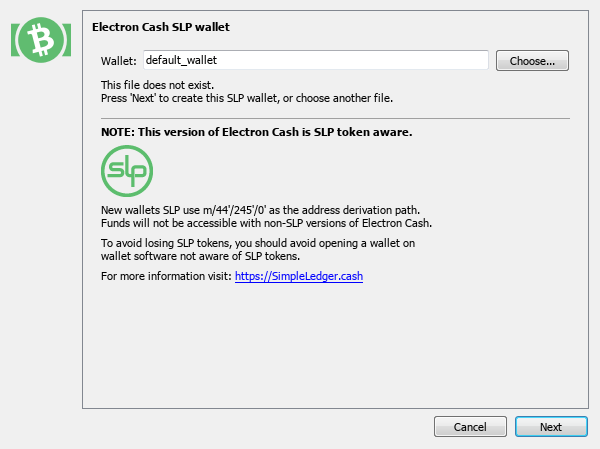
As you know, Bitcoin.com wallet does not currently support NFTs. But what happens if you have NFT on your bitcoin.com wallet? Can't access it anymore? No, you can! This article tries to give you the fastest and most secure way to access your NFTs and send it wherever you want. Bitcoin.com wallet derivation path and Zapit wallet derivation path are different and you can not import your wallet directly on Zapit wallet, so we use Electron Cash SLP Edition. Download Electron Cash SLP Edition here : https://simpleledger.cash/project/electron-cash-slp-edition/ Download Zapit wallet for Android phones from here https://zapit.io/ or Search on Google Play https://zapit.io/#/ So let's start with Step by Step guide **Do it all - and it'll work out, skip some parts on your own risk ...** After downloading and installing you must import your Bitcoin.com wallet on Electron Cash Slp Edition. #1 Choose your wallet name, then click next.
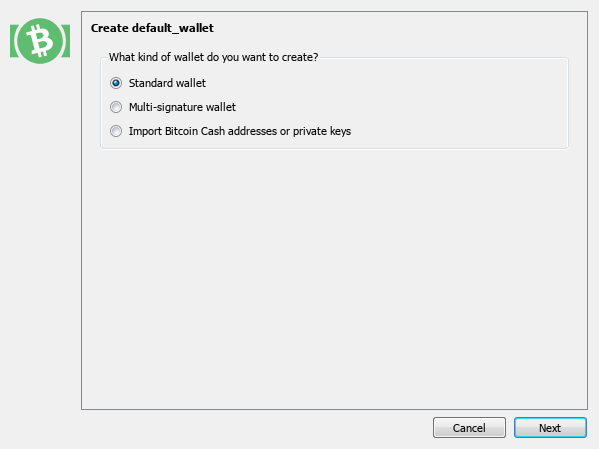
#2 Select standard wallet, then click next.
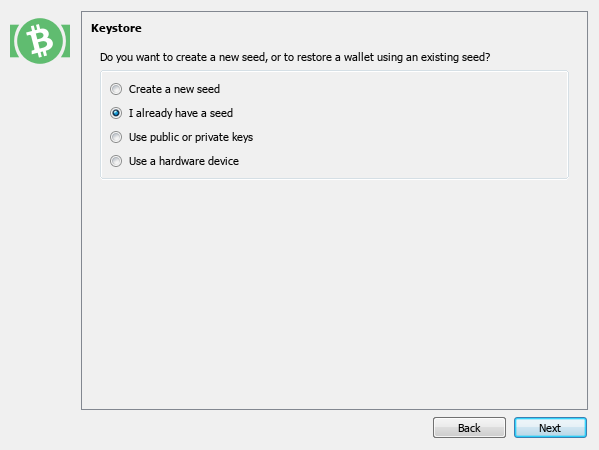
#3 Choose I already have a seed, then click next.
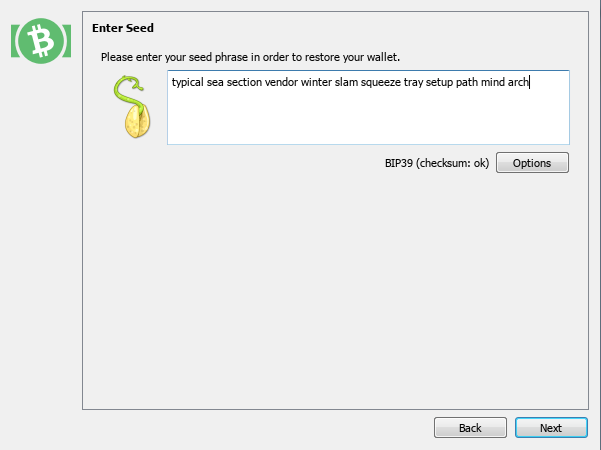
#4 Enter your 12 word seed from Bitcoin.com, then click next.
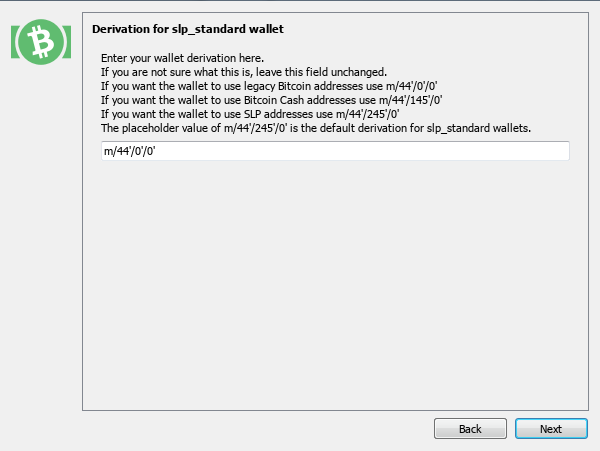
#5 Set the derivation path to m/44'/0'/ 0', then click next.
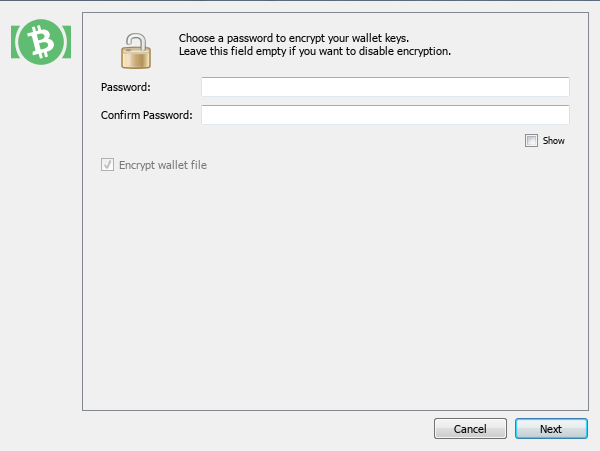
#6 Choose a password for more security, then click next.
#7 Wait for synchronizing. Your assets will be displayed.
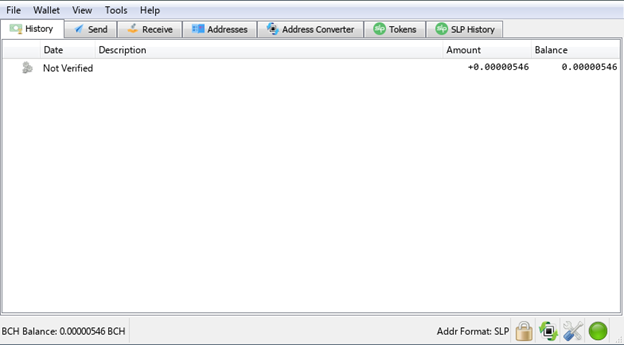
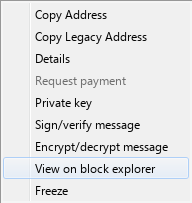
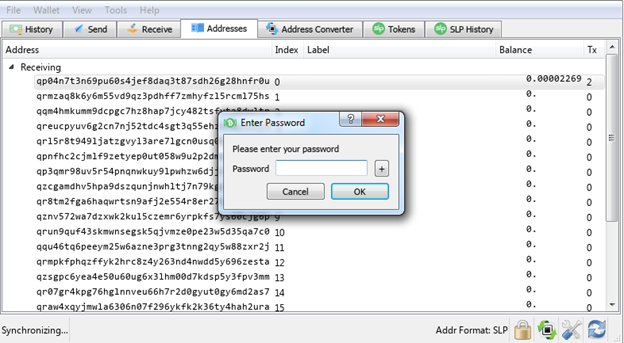
Importing wallet was successful. You can see your tokens in tokens tab. One solution for accessing tokens and sending them anywhere is to use the Electron Cash SLP Edition itself by naming the tokens and waiting for validation, but the process of validating tokens is very long, you can speed this up . Go to Tools -> Network -> Tokens -> Use SLPDB Graph Search. However it is not fast enough. So our alternative solution is to send these tokens to the Zapit wallet, but how? #8 Go to Addresses tab and find the address where you have NFT. You can view these addresses in explorer and make sure you have a token on them.
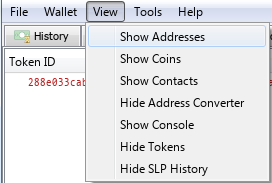
*If you do not see Addresses tab, you can enable it from View -> Show Addresses.
After finding the address, you must send a small amount of BCH in its SLP address for transaction fee. For example I sent $ 0.01 to: simpleledger:qp04n7t3n69pu60s4jef8daq3t87sdh26g28hnfr0u
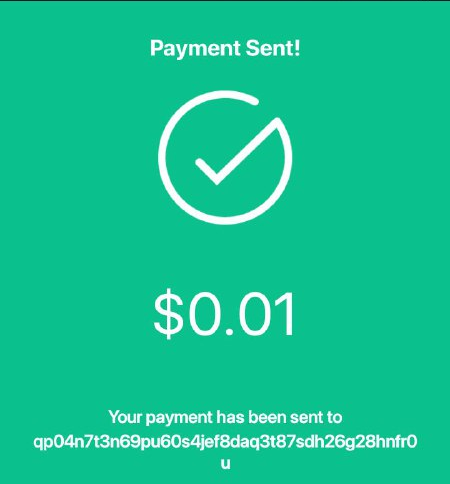
* Do not worry the rest of this amount will be transferred to your Zapit wallet later. #9 Now right-click on the desired address and then select private key. Enter the password you previously set.
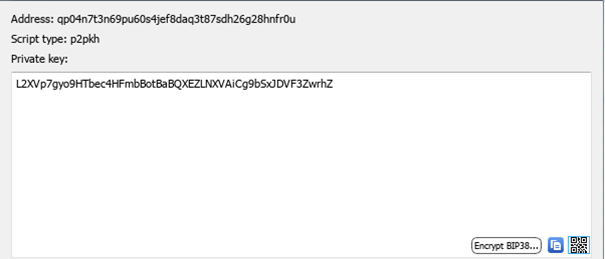
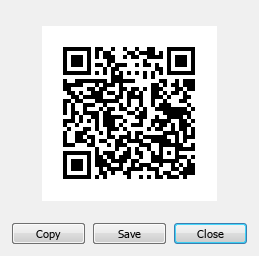
#10 You see your private key. Now in order to be able to send your NFT to Zapit wallet, you have to convert it to QR Code. You can use the QR code logo at the bottom right.
You have to see your QR code
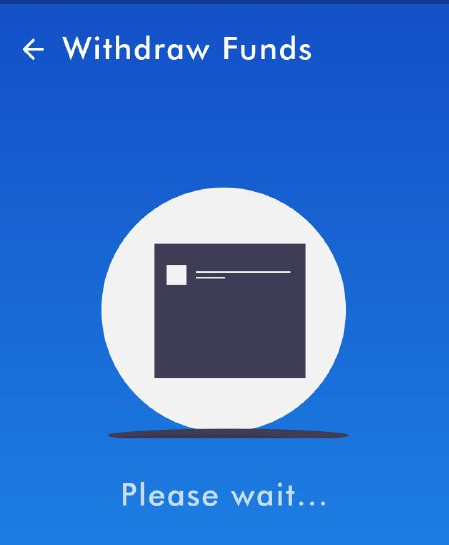
#11 Scan QR code with Zapit wallet .
#12 Verify your Transaction.
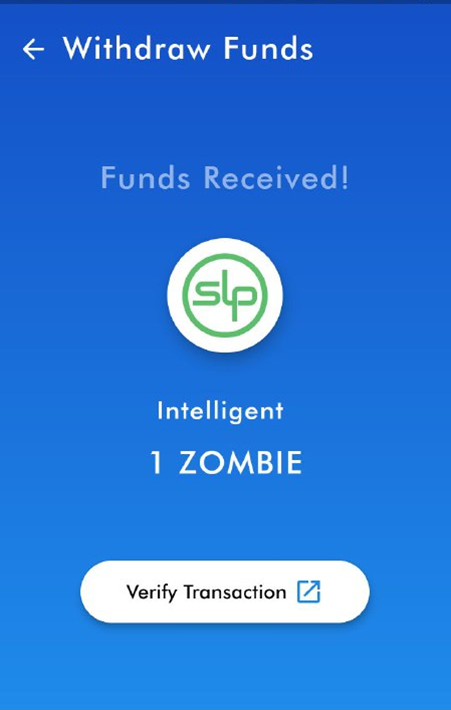
Congratulation. It is now in your Zapit wallet and you can send it where you want, including https://www.juungle.net/ for selling your NFTs. Notice: This way you can only send one of your tokens at a time. You have to do these steps (#8 to #12) multiple times to send all your NFT tokens to Zapit wallet . This is the fastest and safest way to send NFTs from Bitcoin.com wallet or Electron Cash SLP Edition and it is possible for all types of NFTs including WAIFUs and Zombies ! (https://waifufaucet.com/ , https://zombienftfaucet.herokuapp.com/) I hope all wallets will support NFTs soon as we will see huge progress in this area.







8 comments
Thank you. Very helpful. I have several tokens in one address, are they all transferred at once or is only one token transferred to zapit Wallet at a time?
Sadly, I don't have a pc but still thankful for this!
How can I knew if there is an NFT on my bitcoin.wallet?
I can't learn about this yet, I will study tomorrow
Thank you for this great article.🌴🌴 I learn a lot. Can I used this as my reference? Mmm so this is only work at pc. Ok thanks again.
Hi. Good morning. I just want to ask for your permission. I just want to compile this article: https://read.cash/@underwar/complete-guide-how-to-send-slp-nft-from-bitcoincom-wallet-to-zapit-wallet-d29d0079 With your https://read.cash/@underwar/complete-guide-how-to-send-slp-nft-from-bitcoincom-wallet-to-zapit-wallet-d29d0079 Is that ok for you? Mmm
I followed the process of this article, which is very useful. But after about 40 tokens were received, my Zapit wallet suddenly only received the fee for step #8. What can I do, thank you for your help. https://explorer.bitcoin.com/bch/address/bitcoincash:qz5qjp7a9uzrw5chgtcmmhu00dn9wj4u55czwk5x9k https://explorer.bitcoin.com/bch/address/qpegysnfkgdw8lt7r5e6tg53pn3dahs6hvq6e896ma
Ok. Won't tip THAT article... But it is hitting the nail on the top. Take the step. YOURSELF. No one owns the future. But WE can shape it! Today. Bring up the courage to help life experience a better future. We can do it. Just keep it up! Greets