 @daring-celt
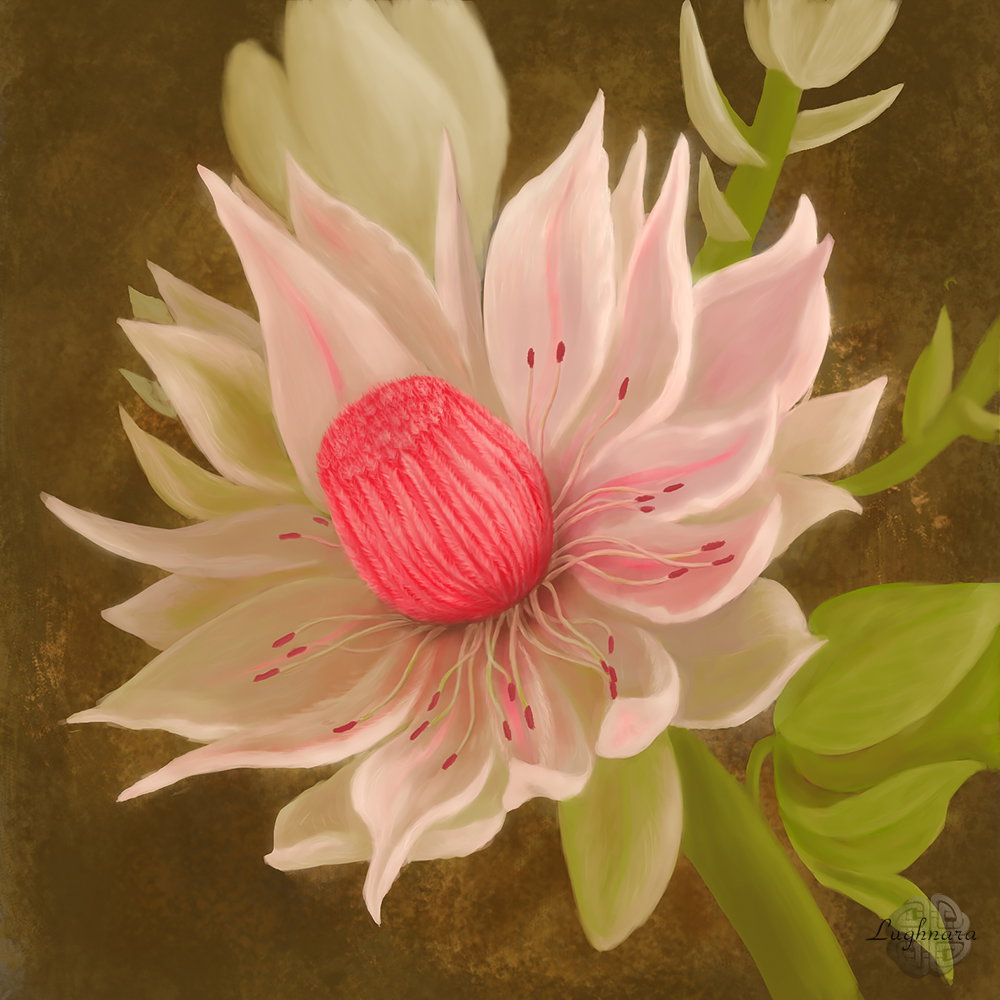
Digital Art_2019. White Protea Hi friends! Yesterday I decided to draw the flower called **protea** (to one art contest). Protea is a delightful flower, one of the symbols of South Africa, also called the African rose. There are very many kinds of these flowers and they are many different colors. I chose to image white protea.
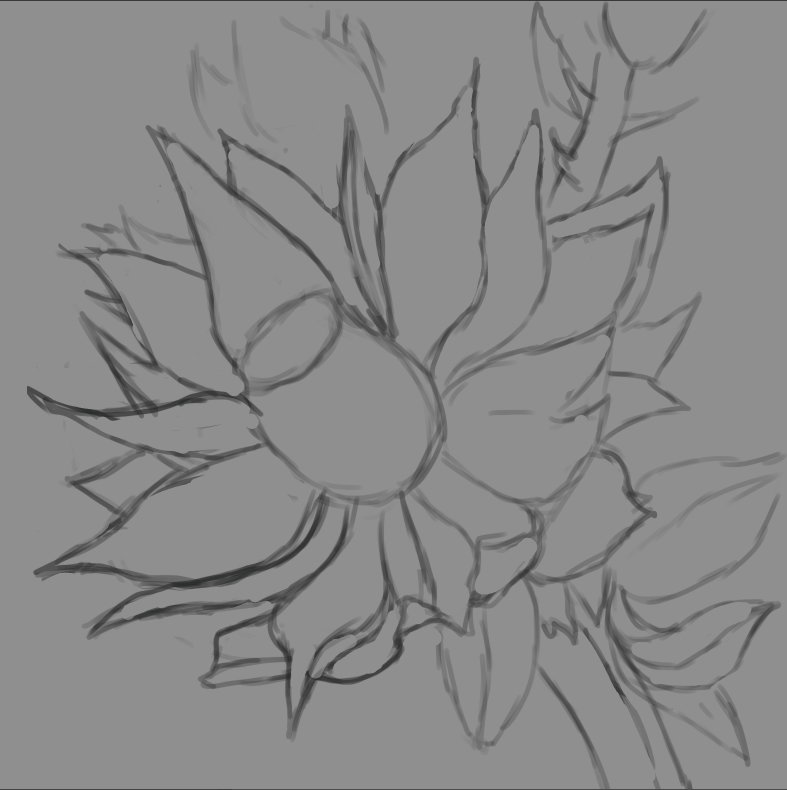
To my great regret I live in the Northern hemisphere of Earth, therefore I can't to see this flower in live nature. But it's great to that there is internet & Photograpies in Google. So beautiful nature creature I choose for the reference. https://scontent-sea1-1.cdninstagram.com/vp/8ea365caad65e7dccb349f4e83ab816b/5D93A7D7/t51.2885-15/sh0.08/e35/s750x750/57216890_646064789498990_5576747437541885728_n.jpg?_nc_ht=scontent-sea1-1.cdninstagram.com&ig_cache_key=MjAzNDEwNzg1MzU2NTY0NTE4Mg%3D%3D.2 Sketch in **Photoshop CC 2018**
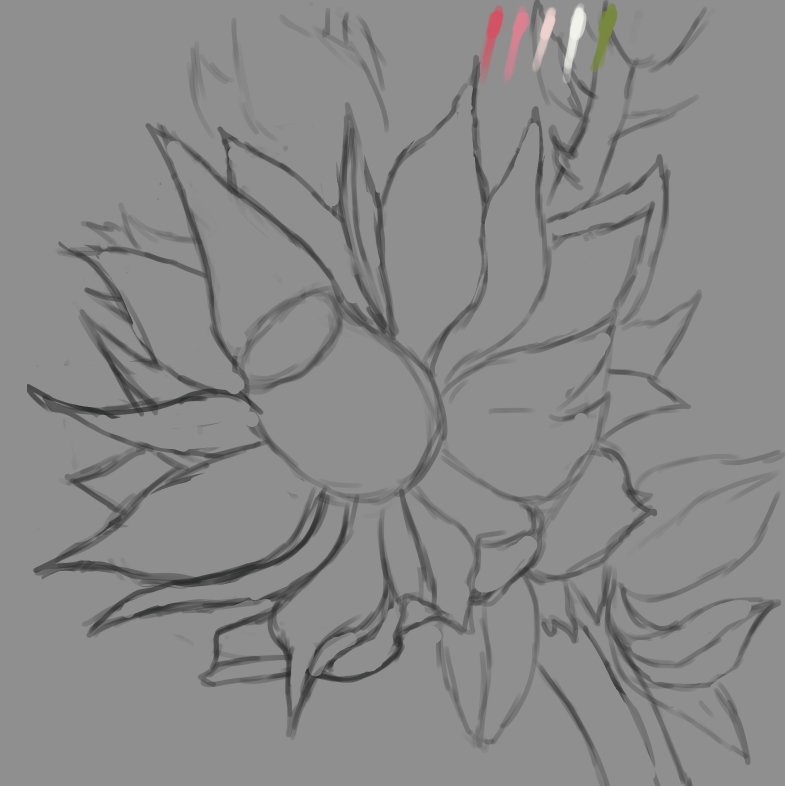
Color palette
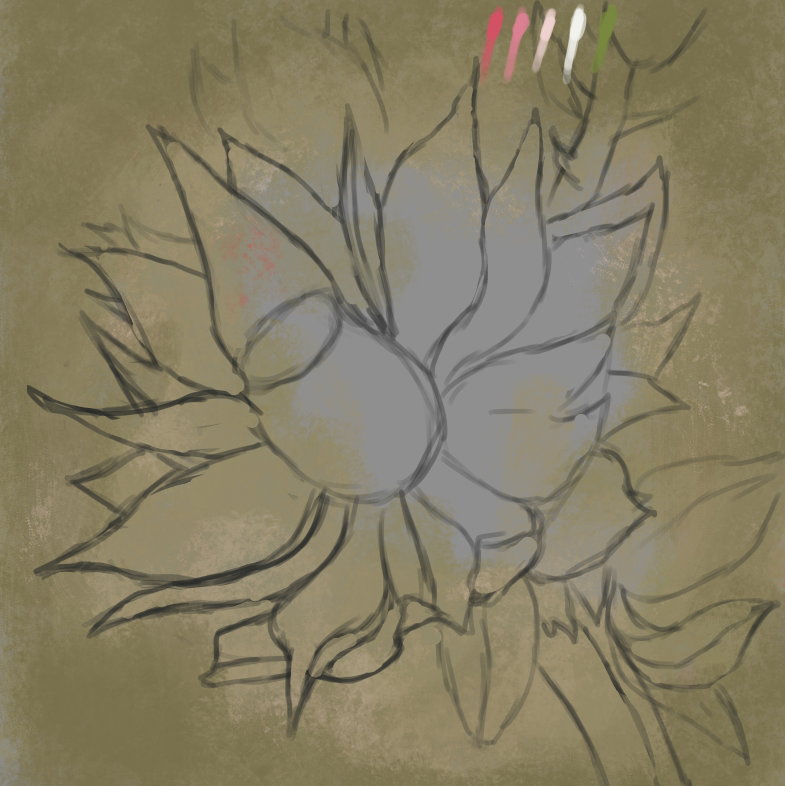
I create several layers - for the background, for the flower itself and for additional details. I choose a textured brush and paint over the background with a mixture of red and green colors.
Then, on a separate layer, I make an approximate spread in the colors of the protea petals. Immediately I decide on the light source to give the flower volume (roughly on the top right).
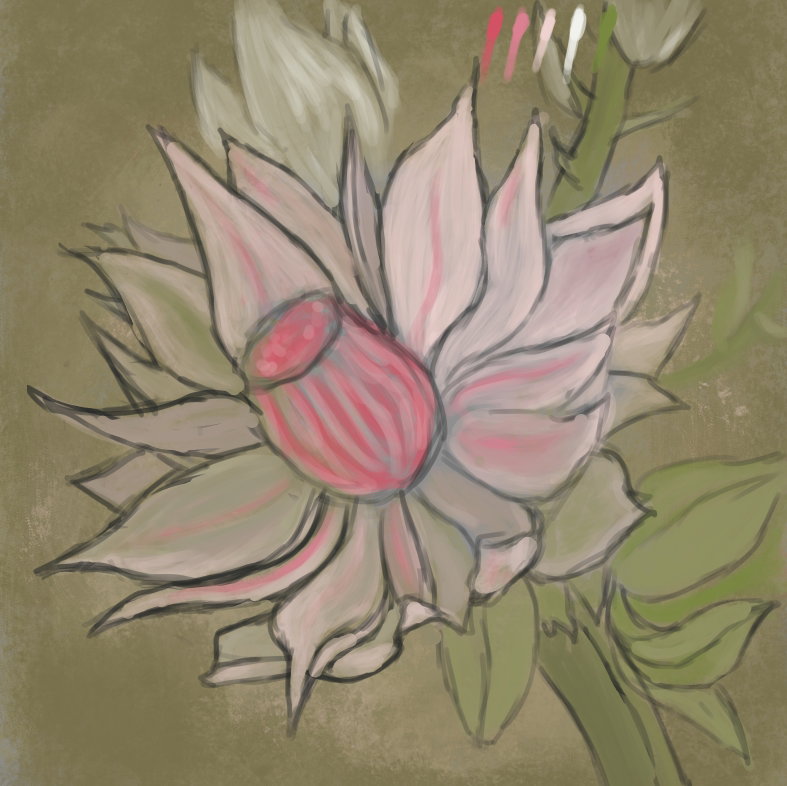
I work mainly with two brushes - in the shape of a triangle (for final detail) and a regular hard one, in which, if you need to vary the opacity of a stroke, I turn on the Pressure for **Opacity** function.


When all the details of the picture are written, I turn off the layer with the sketch (I don't delete it yet, because I might still have to check it out) and continue working on the flower.
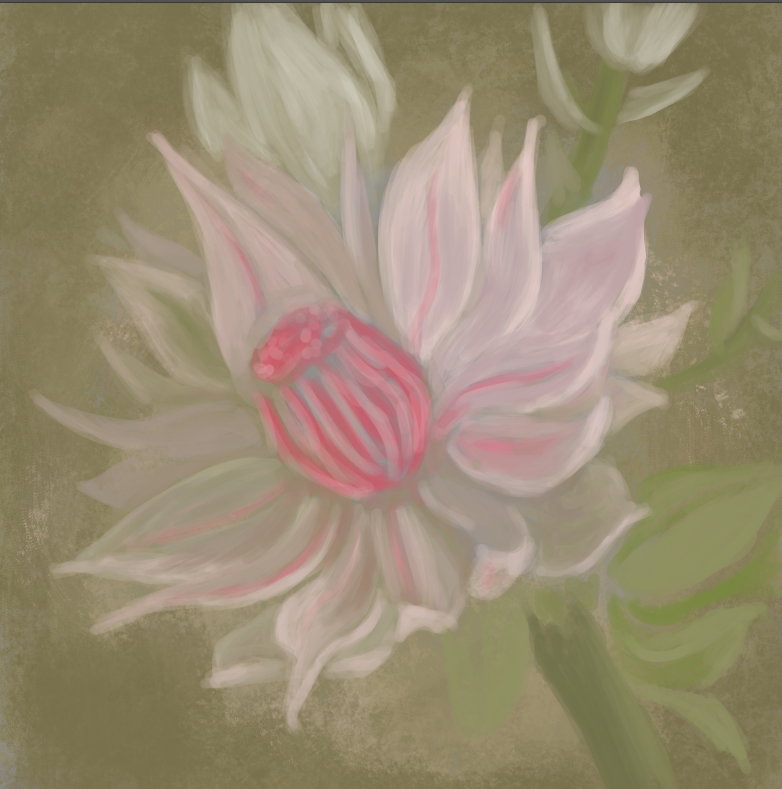
Periodically, I refine individual details with a triangular brush.
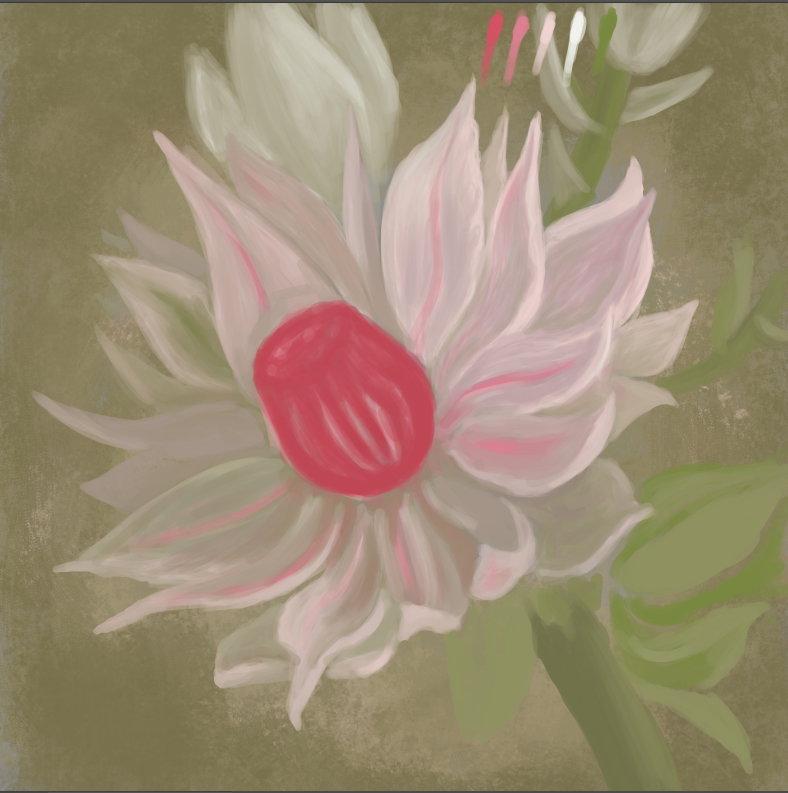
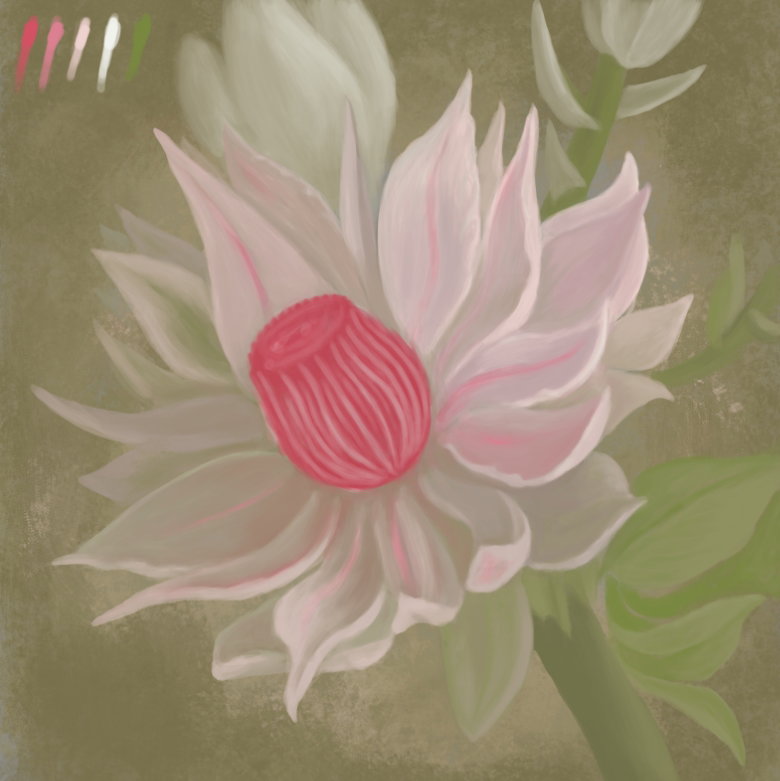
At this step, it seemed to me that the picture was too pale, and I made it more contrast and saturated with the help of an auxiliary adjustment layer **Curves** I continue to work on individual details - I make the bud in the background more blurred, as if it is out of focus, and on the contrary, I make the leaves clearer - I prescribe the fibers and refine the light and shade.
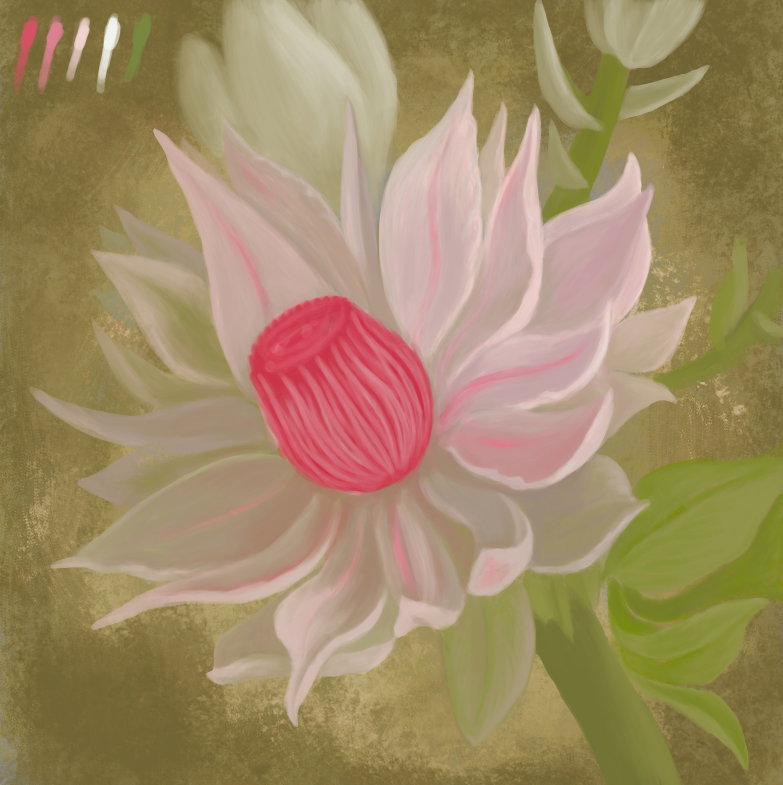
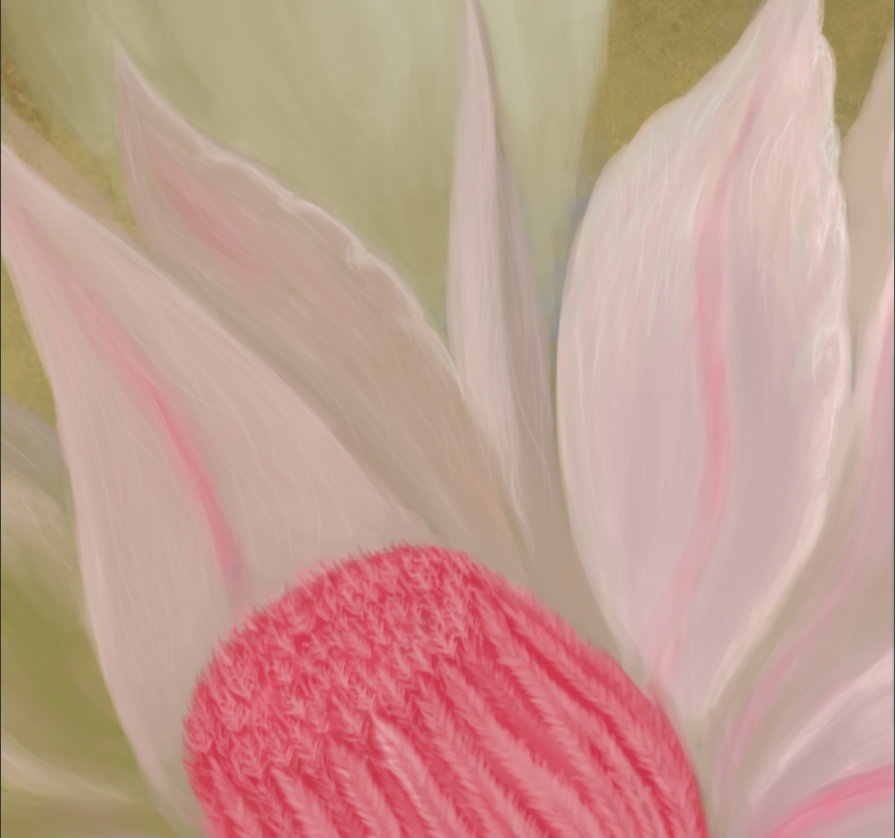
I detail the core, which consists of tightly collected fleecy petals, and along the way I apply a translucent texture to the petals with a brush for details in the form of separate longitudinal strokes.
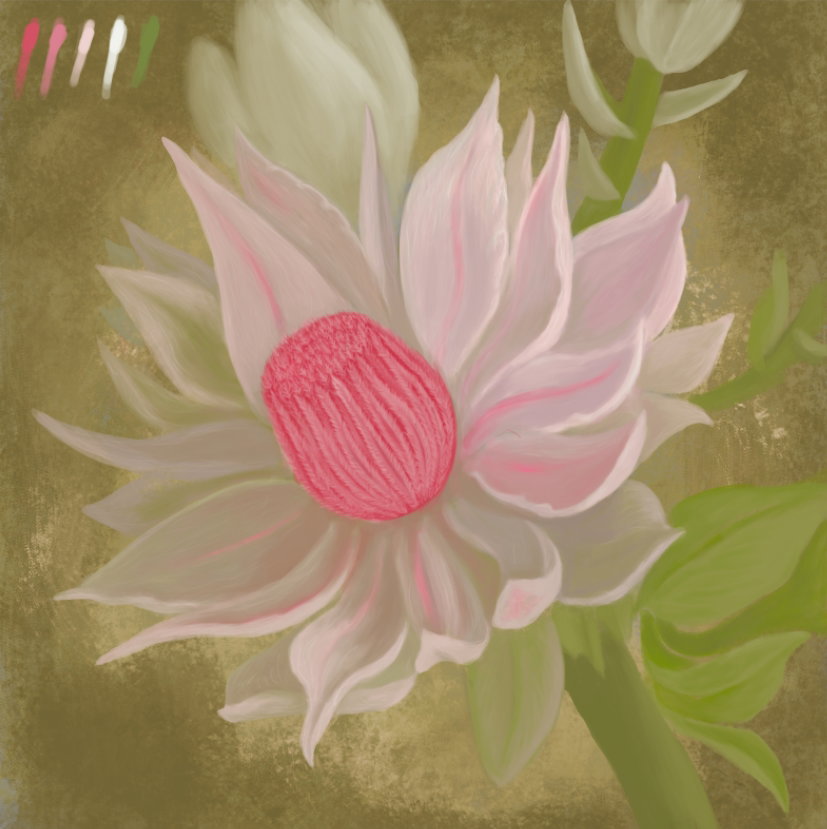
I want to achieve the effect that the fragments of the protea petals that hit the light resemble rice paper.
Next, I pick shades of color from the original palette to paint the stamens. Again on a separate layer.
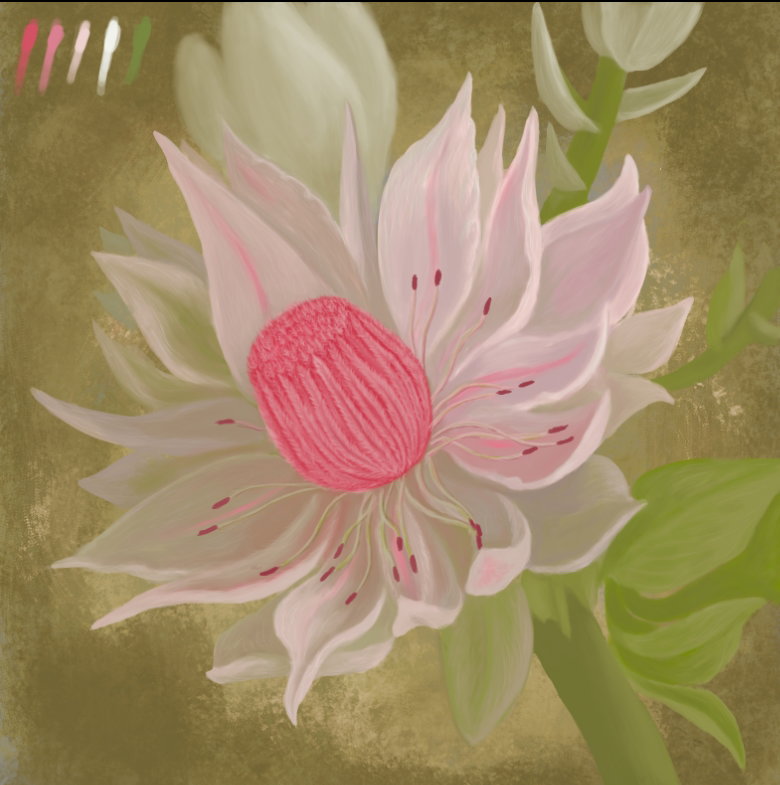
I pick a color slightly darker than the tips of the stamens and, increasing the size of the main brush and lowering **Flow** value to **30%**, on a separate layer, under the layer with the stamens, paint shadows.

Since the shadow layer is above the flower layer, I erase the part of the shadow that fell on the lower part of the core with an eraser.
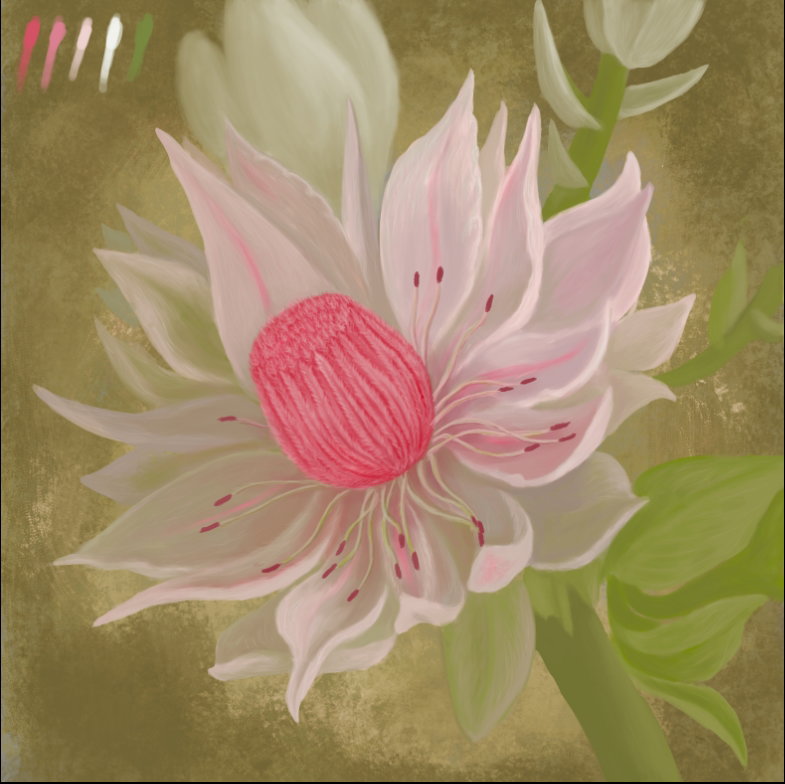
Then I noticed that a base of the core slightly replaced in relation to the direction of the stem. I select part of the stem and correct the imprecision using **Lasso Tool (Free selection)**, the function **Free Transform** and the built **Liquify** filter
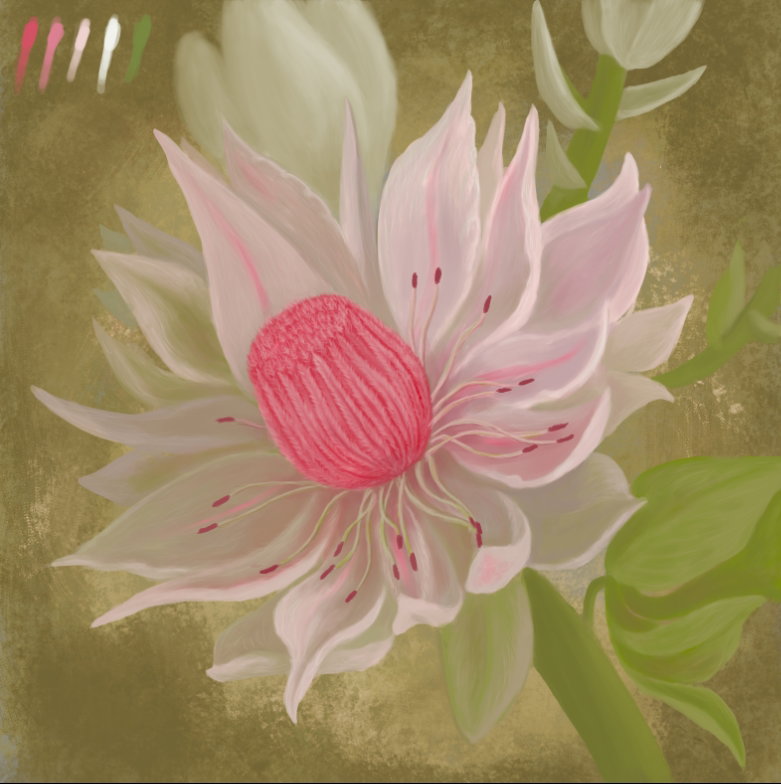
Then I wanted to add more glow to the edges of the individual petals. I do this by choosing the lightest color from the palette, on a separate layer with a brush for detailing. Then I slightly blur this layer with a **Gaussian Blur** filter and change the layer's blending mode to **Lighten Dodge (Add)** with lowered opacity.
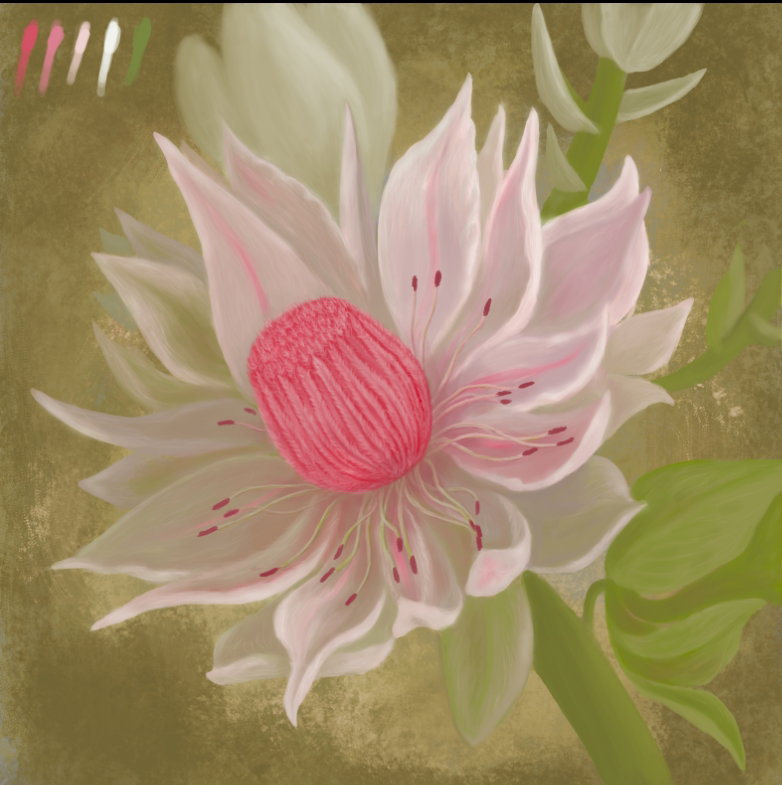
Finally, I made a duplicate of the background layer, changed the blending mode of the double to **Multiply** to make the white petals stand out more against the dark background. I did the same with the shadow take under the stamens. I erased the excess with an eraser.
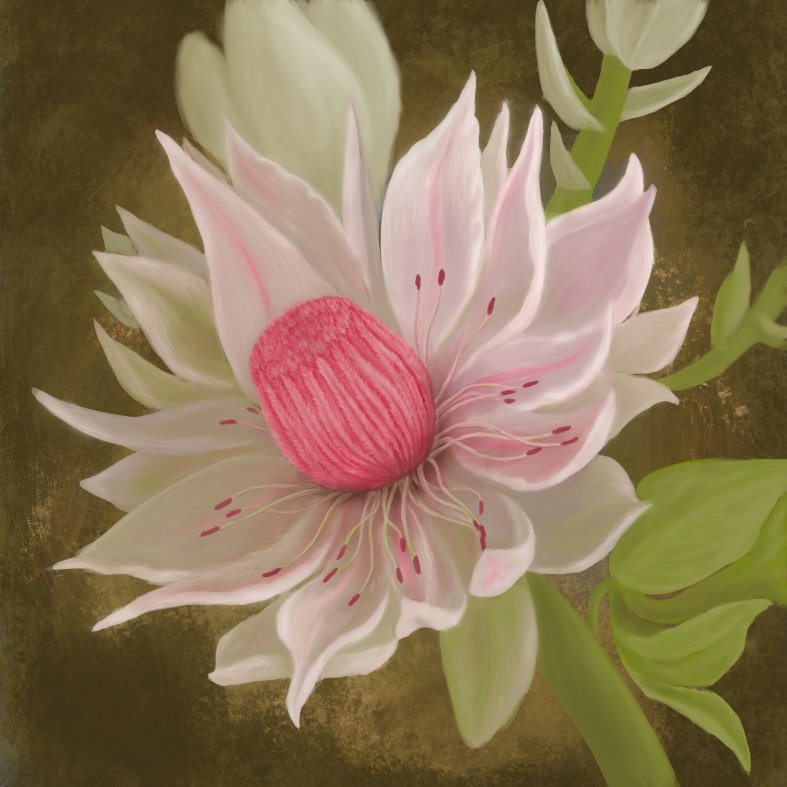
And the final color correction using a separate **Color lookup** adjustment layer (*this function appeared in the CC 2014 version*)
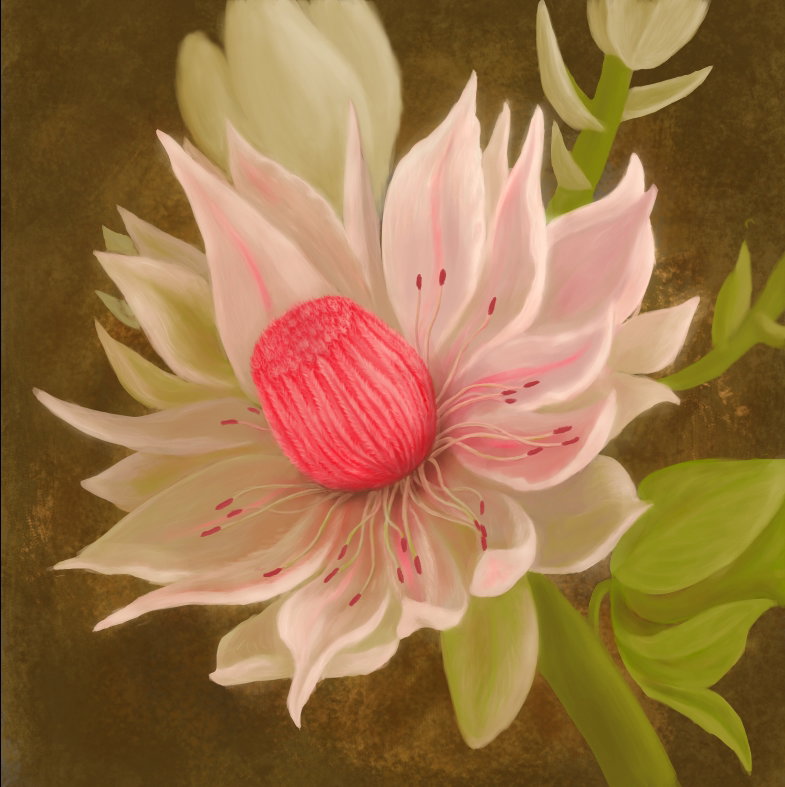
Preparing images for web publishing - merge all layers, reduce the size to **1000** pixels, sharpen with **Smart Sharpen** filter, insert my logo and save the image in .jpg format This is what the finished drawing looks like!
I hope you enjoyed my new lesson and had a wonderful and useful evening! Many thanks for your attention! Regards


4 comments
Wow, this flower is great, how beautiful you give volume and dimension to your work. Congratulations to you, I also wished I could be so fluent in Photoshop one day, to be able to draw such artistic drawings with it... 👌
Thanks a lot! I believe that You will succeed if You paint regularly. At least half an hour a day)) Good Luck!
I couldn't be more thrilled! What a beauty! I have never seen such an extraordinary beauty and did not even know that it is a sugarcane. Your lessons are priceless, you are a real talent👏
Thanks)) Protea is decorative flower. It's very popular in bridal bouquets.