 @daring-celt
Digital art_2021. Winter Sunset Hi friends! As you already know, I really like digital drawing and therefore from time to time I test new graphics programs. Last year I learned about a wonderful program named **Realistic Paint Studio** from Russian developers Komarov brothers. It has a unique interface that resembles an art toolbox and all of her tools are set to simulate realistic painting. I did several works in it and I want to introduce you to them.
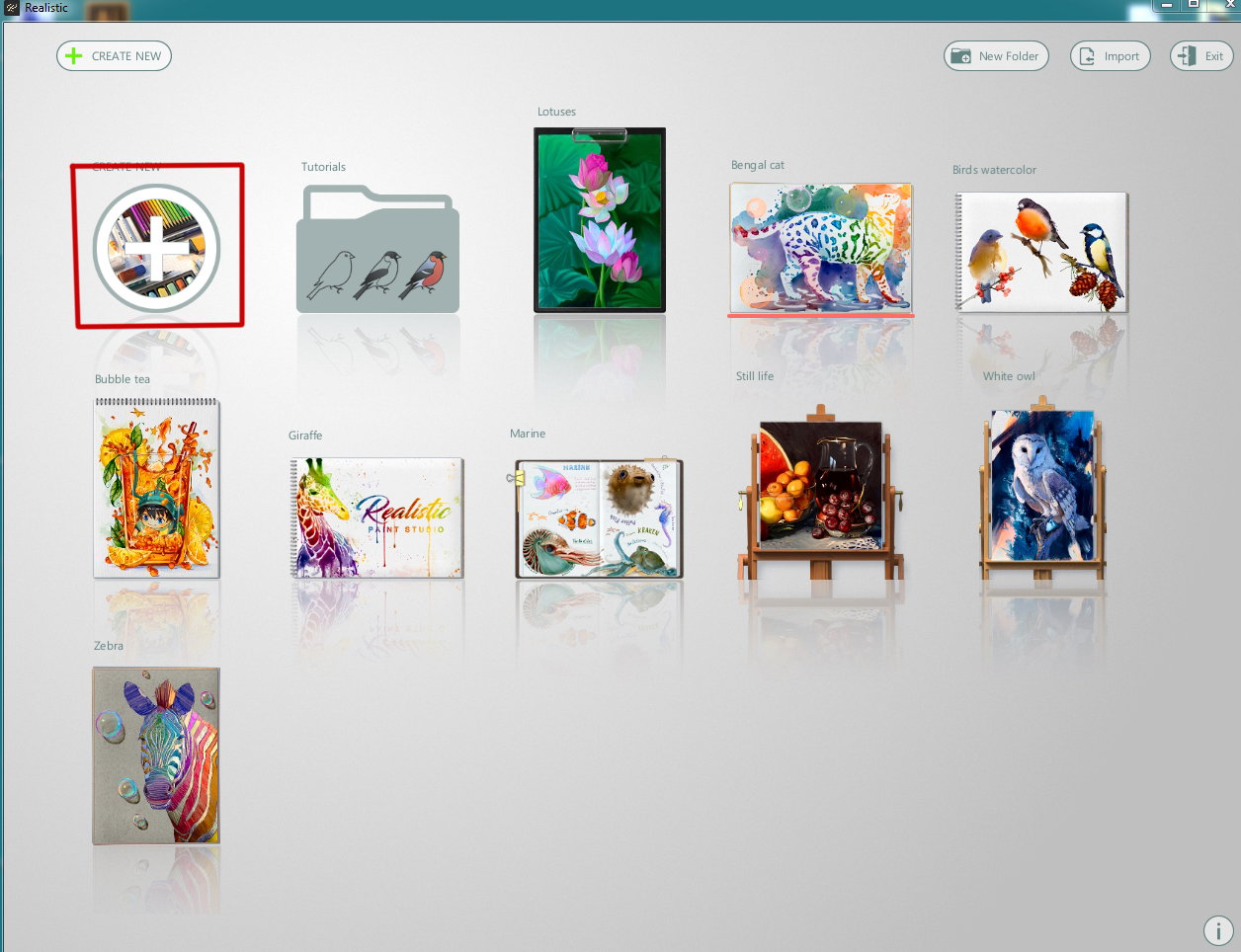
I took a shot of my Livejournal friendin I was take as a reference https://ic.pics.livejournal.com/katya_kch96/65975172/2904602/2904602_800.jpg I started my work with lunch a program and create new project (marked with red square)
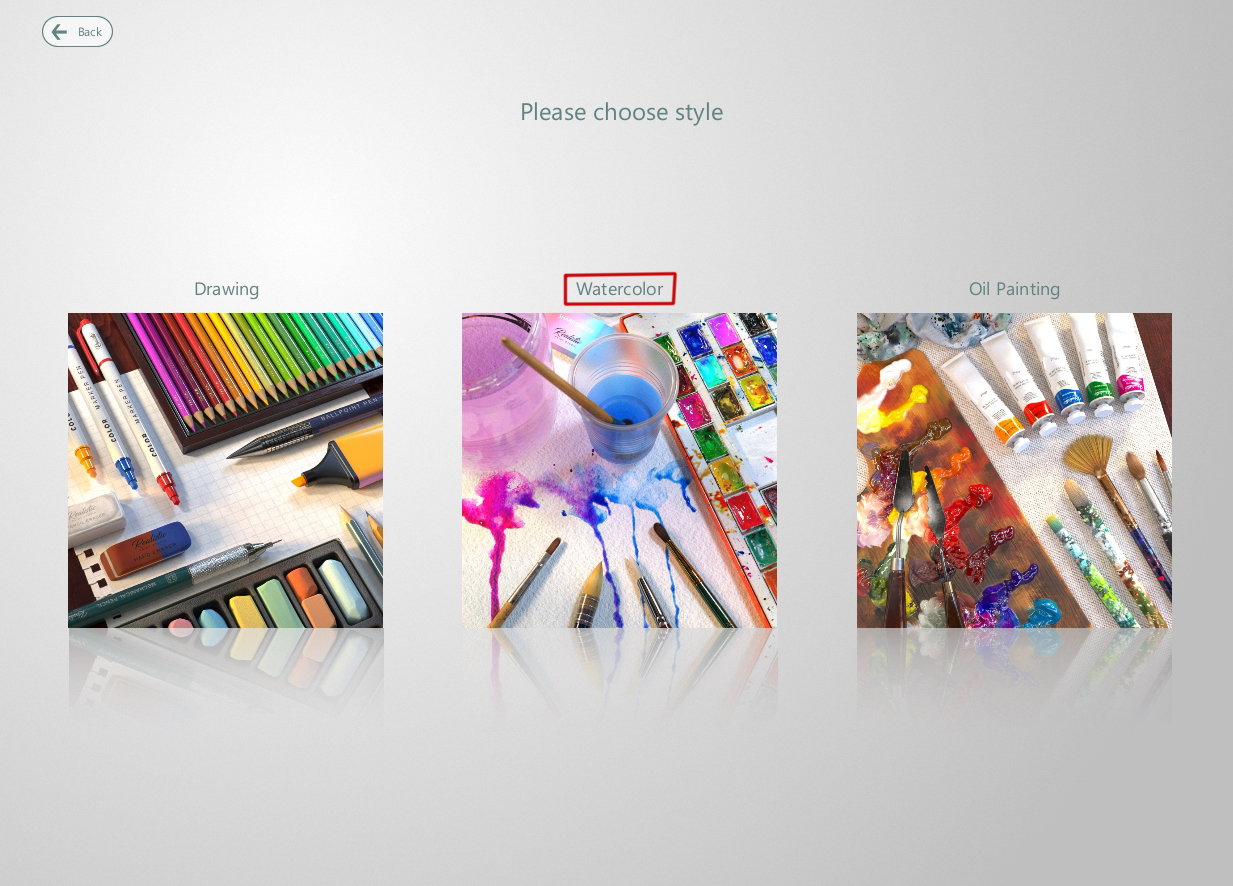
Then I chose a kind of painting - **"Watercolor"**
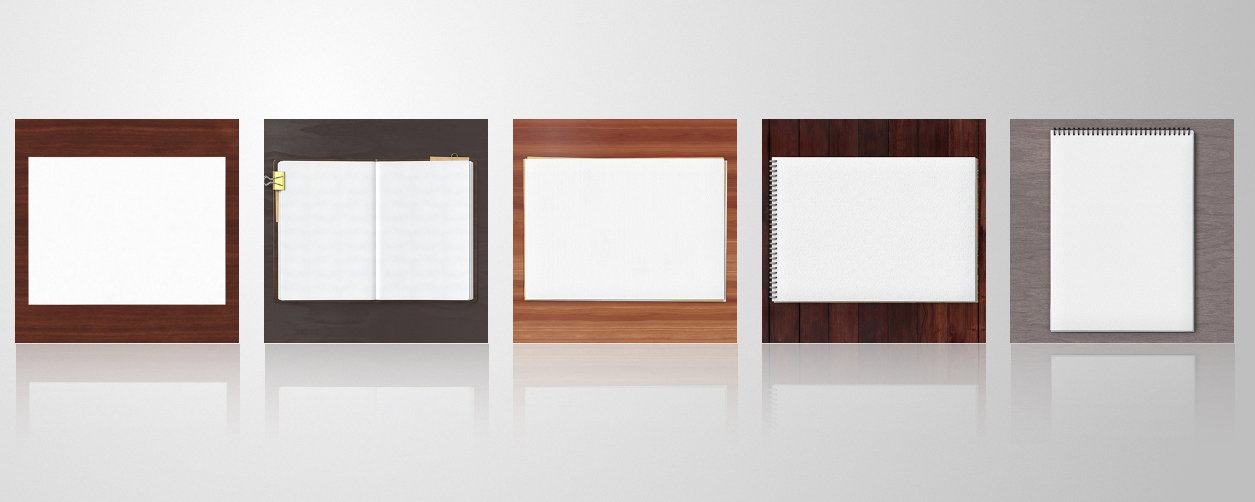
and chose a sort of canvas
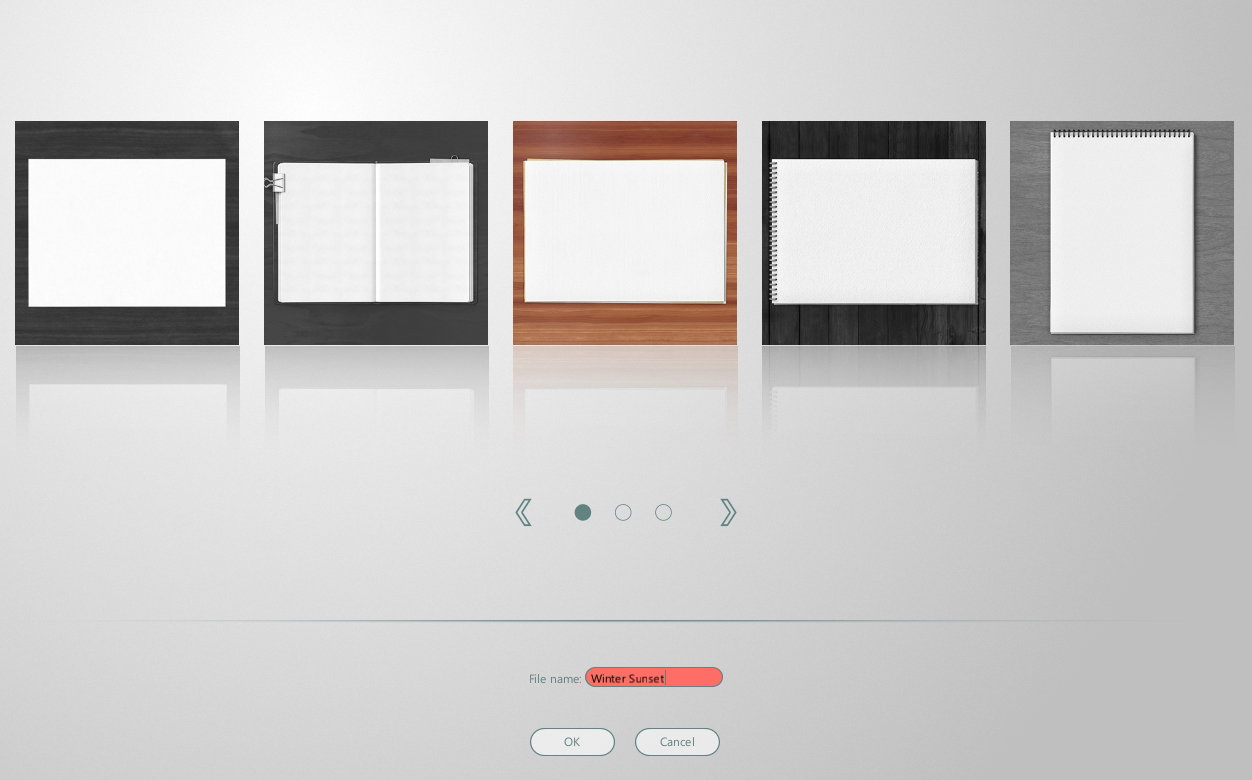
So I can set a name of my artwork here
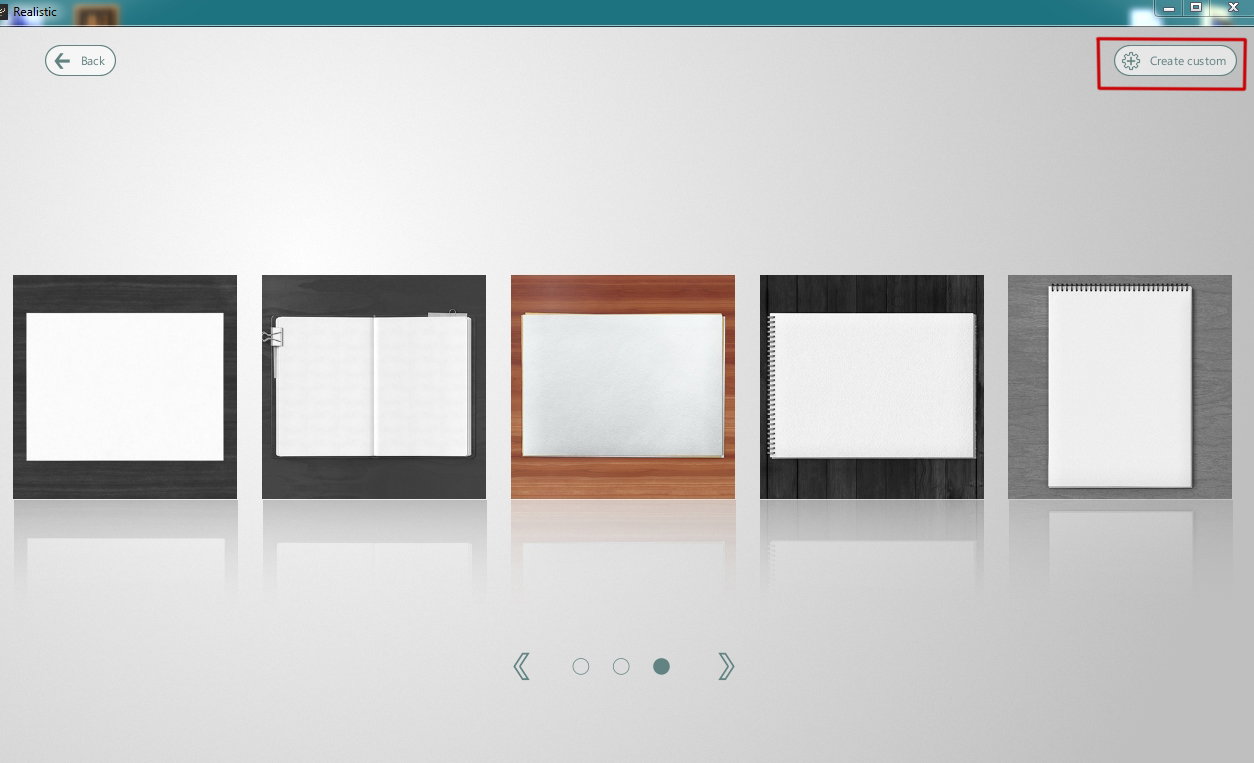
In license version the program has an advanced settings to create a new artwork (top right button "**Create custom"**)
Here I can select a custom work size,
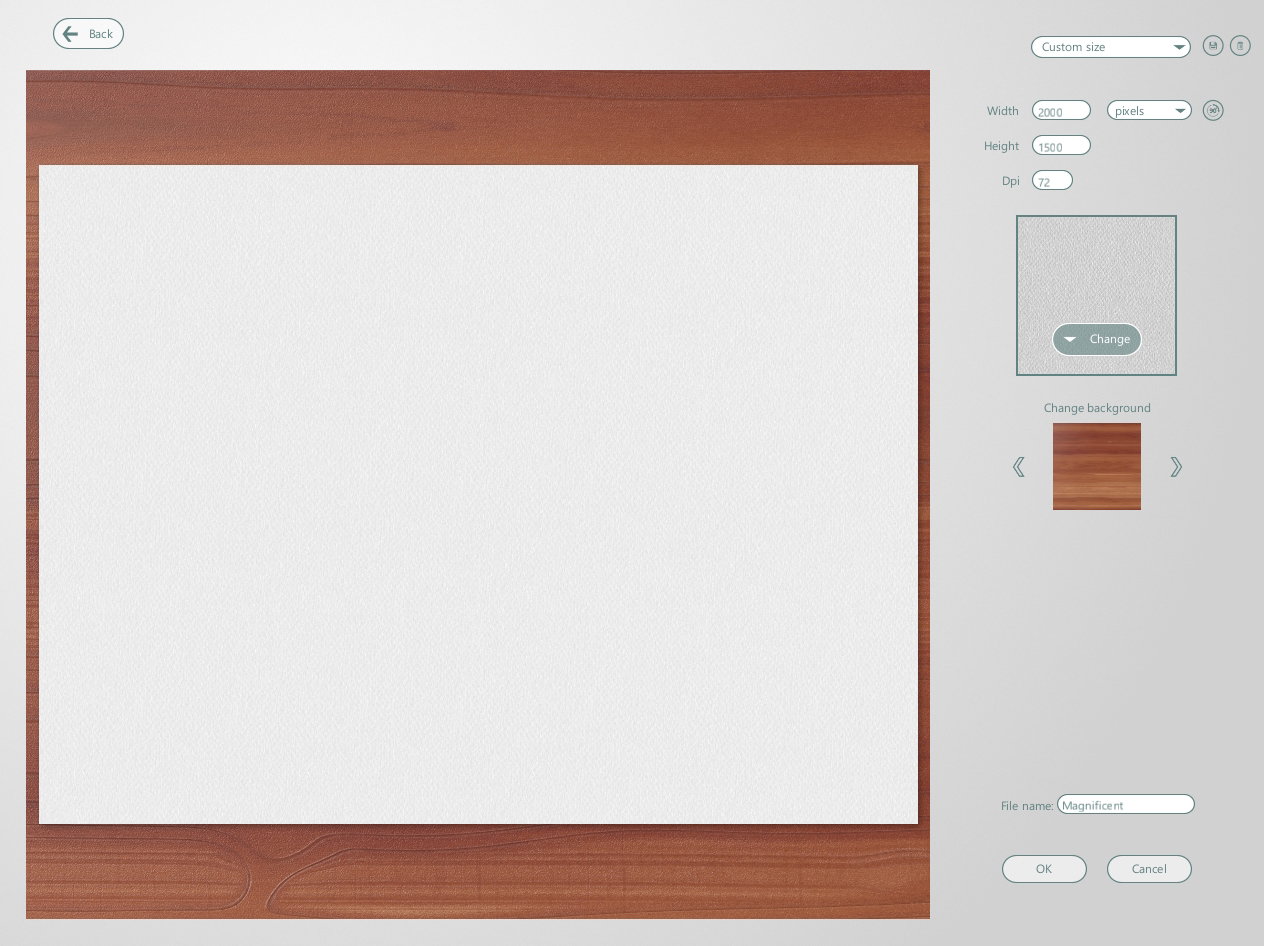
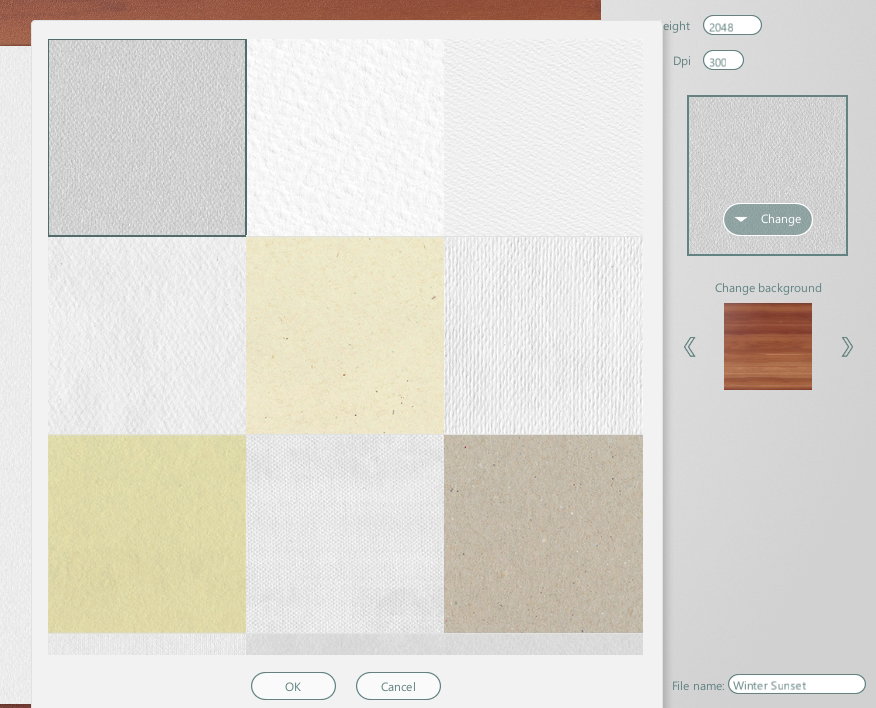
canvas texture and background
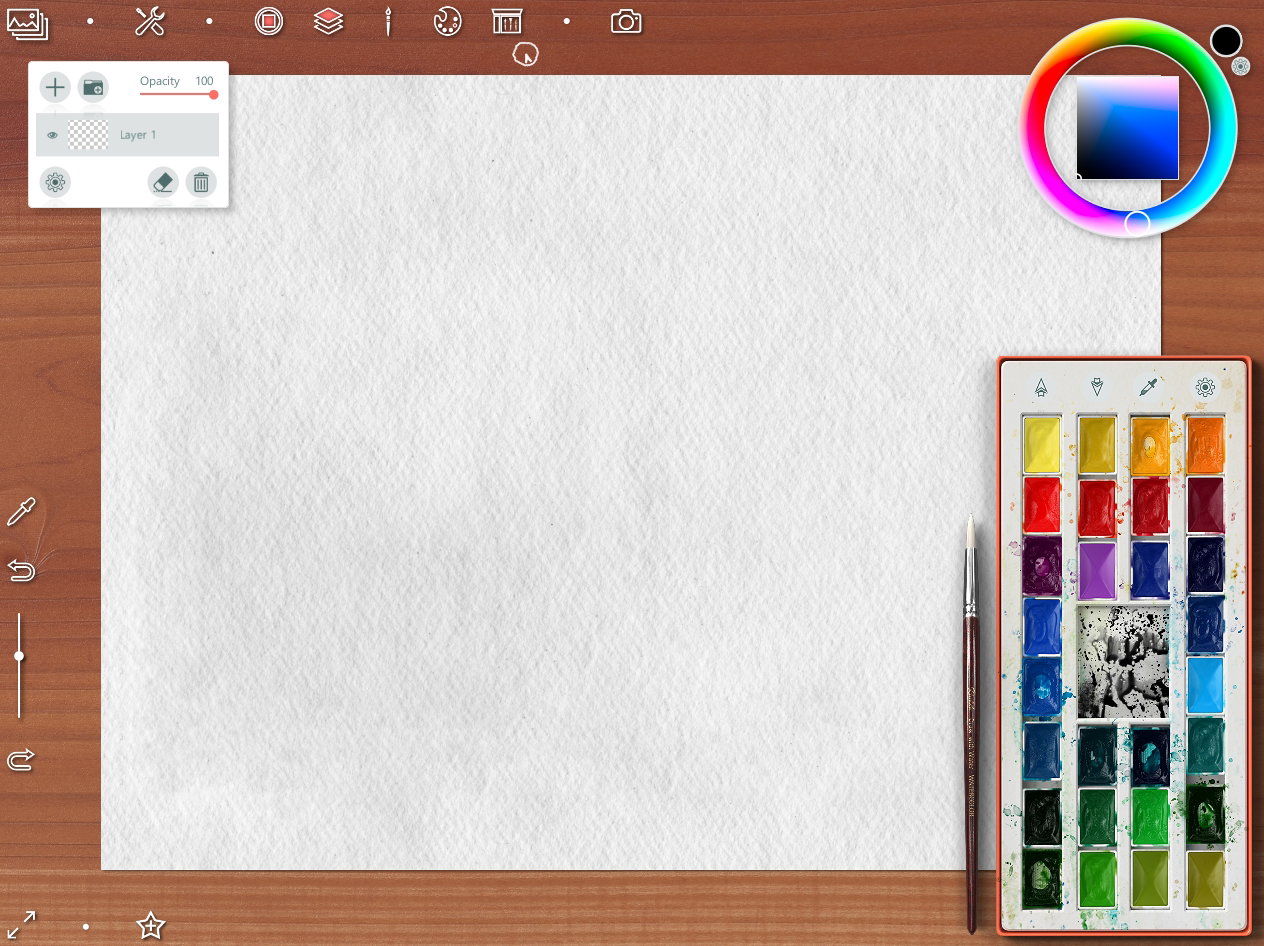
So I started to work
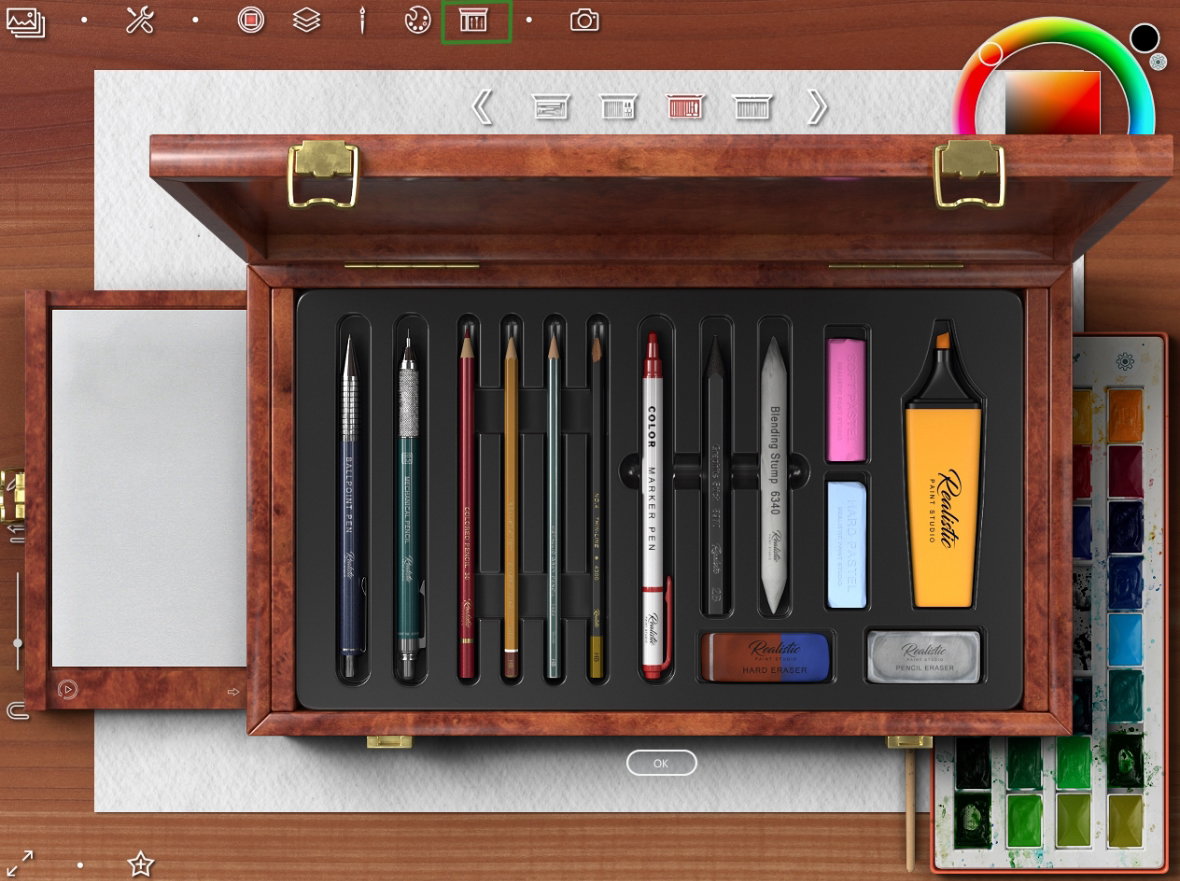
With green select top button I choose a sketching tools
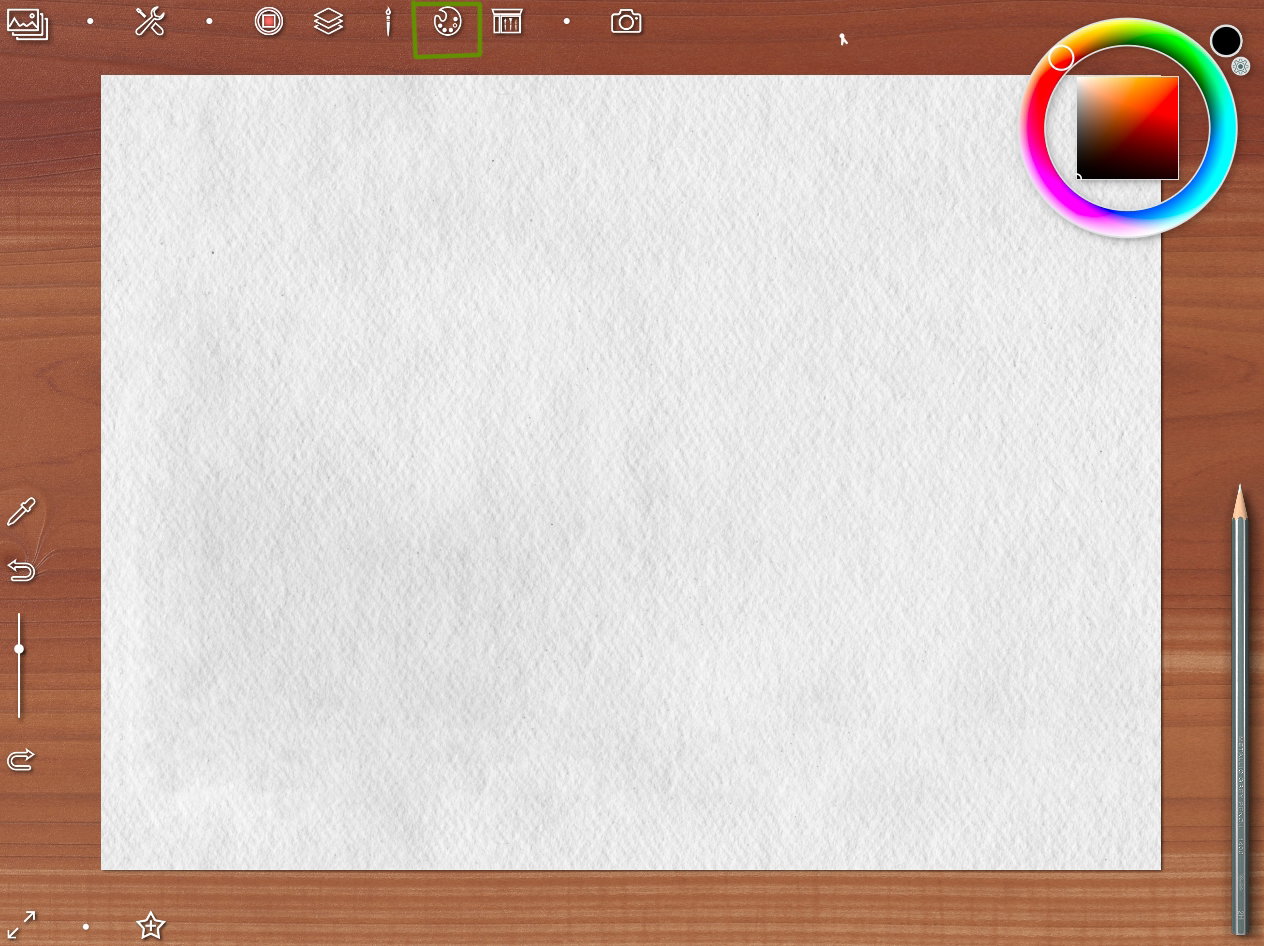
If the palette interferes with drawing, you can remove it (to select button with palette view)
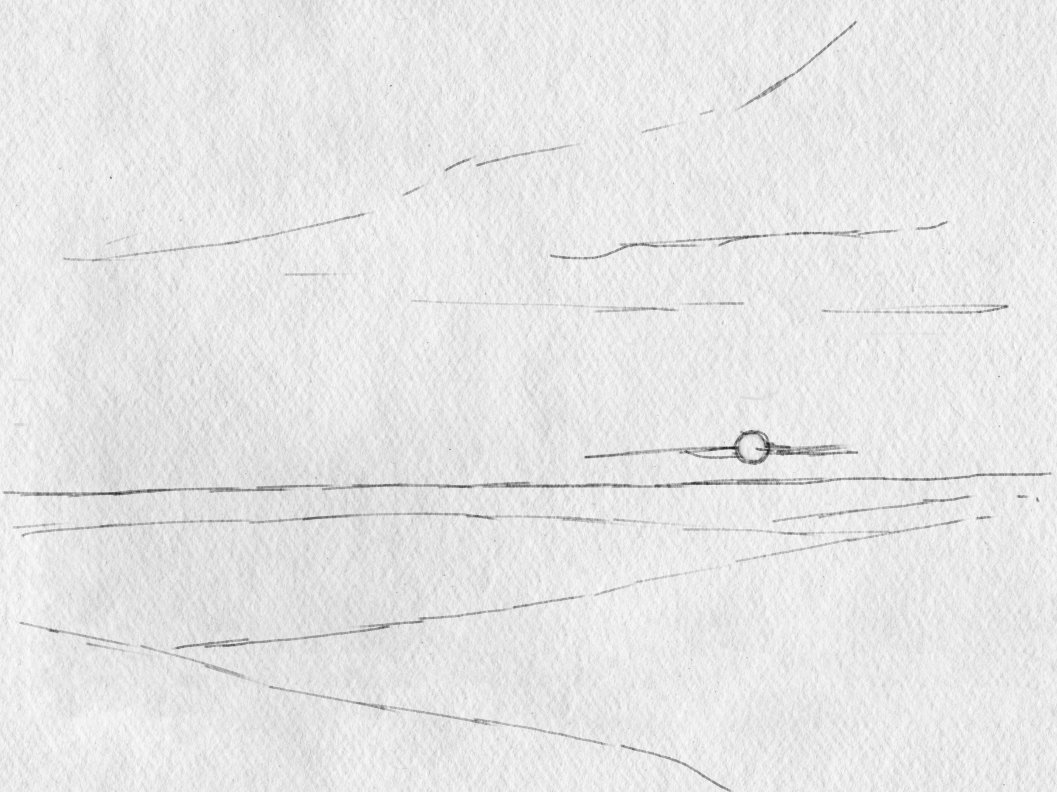
Making a sketch
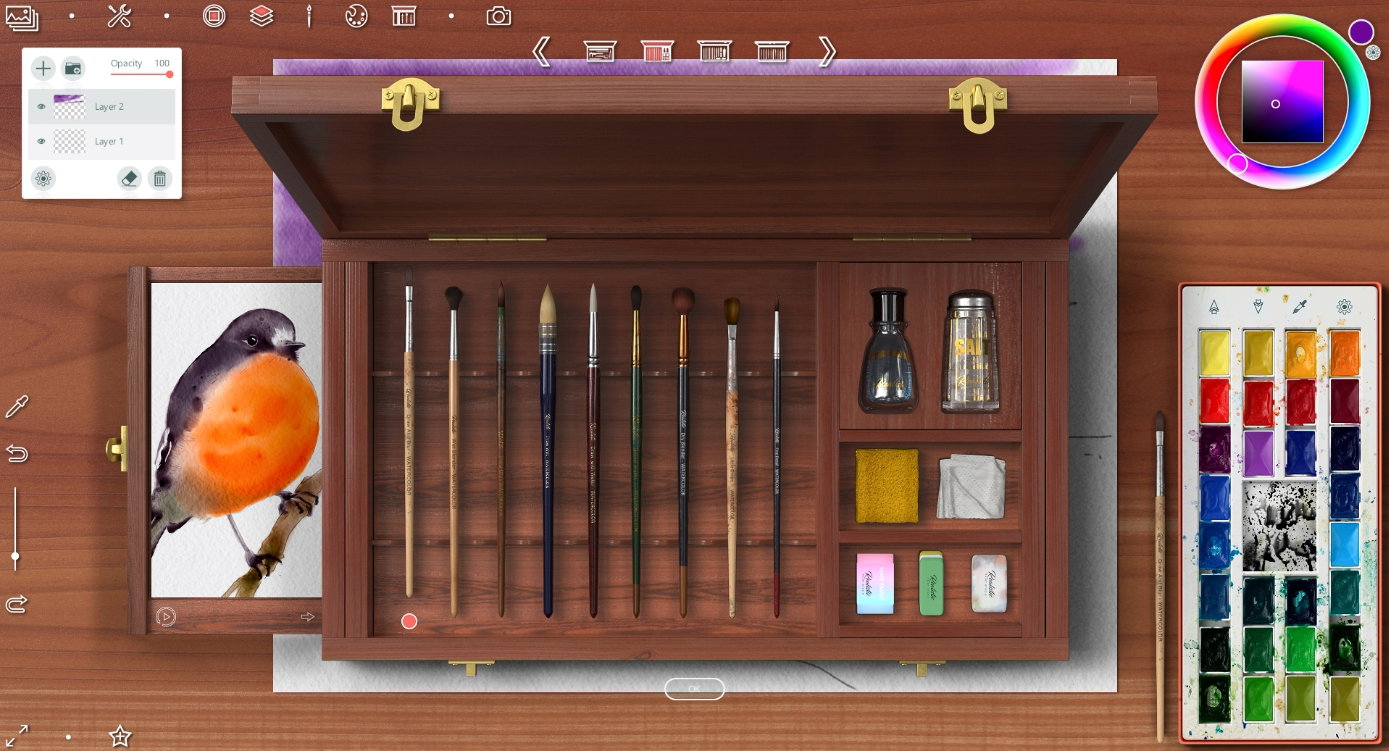
Then I started a watercolor painting. Created new layer and chose a basic brush
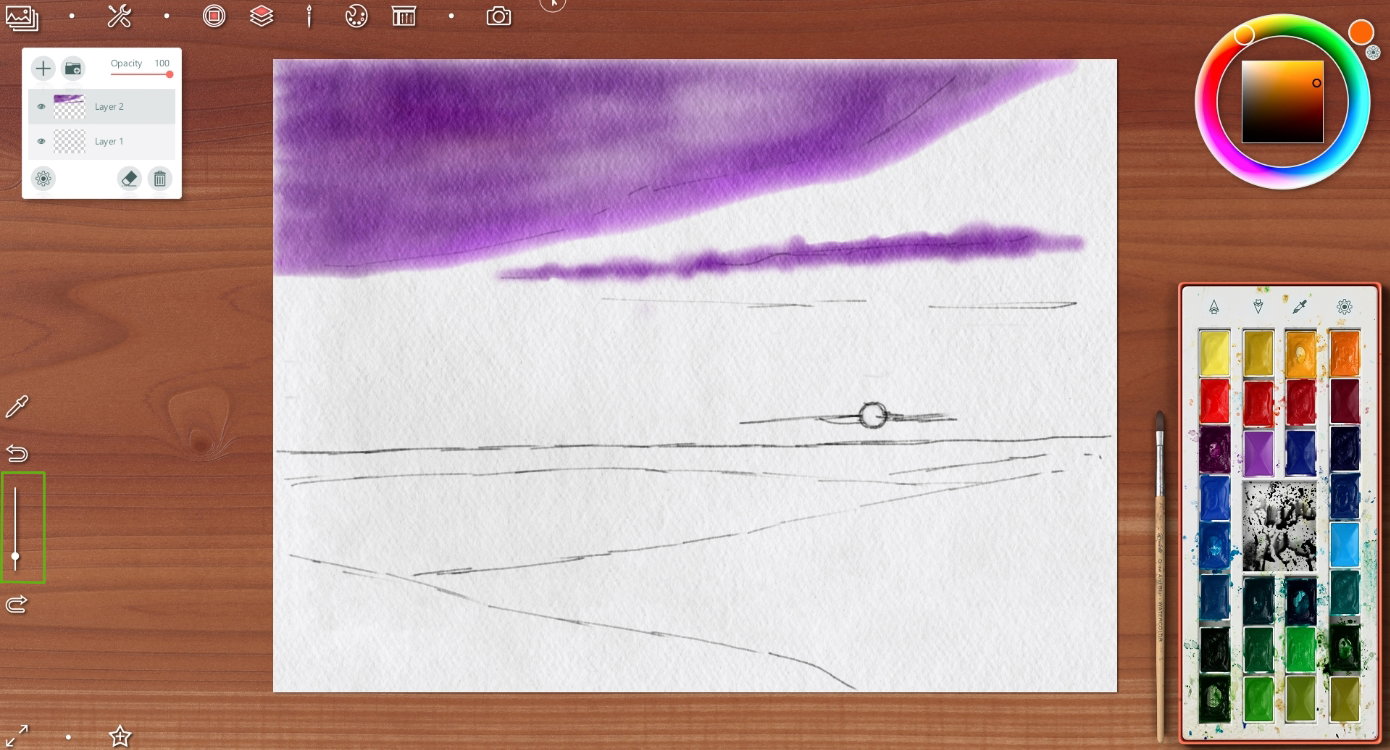
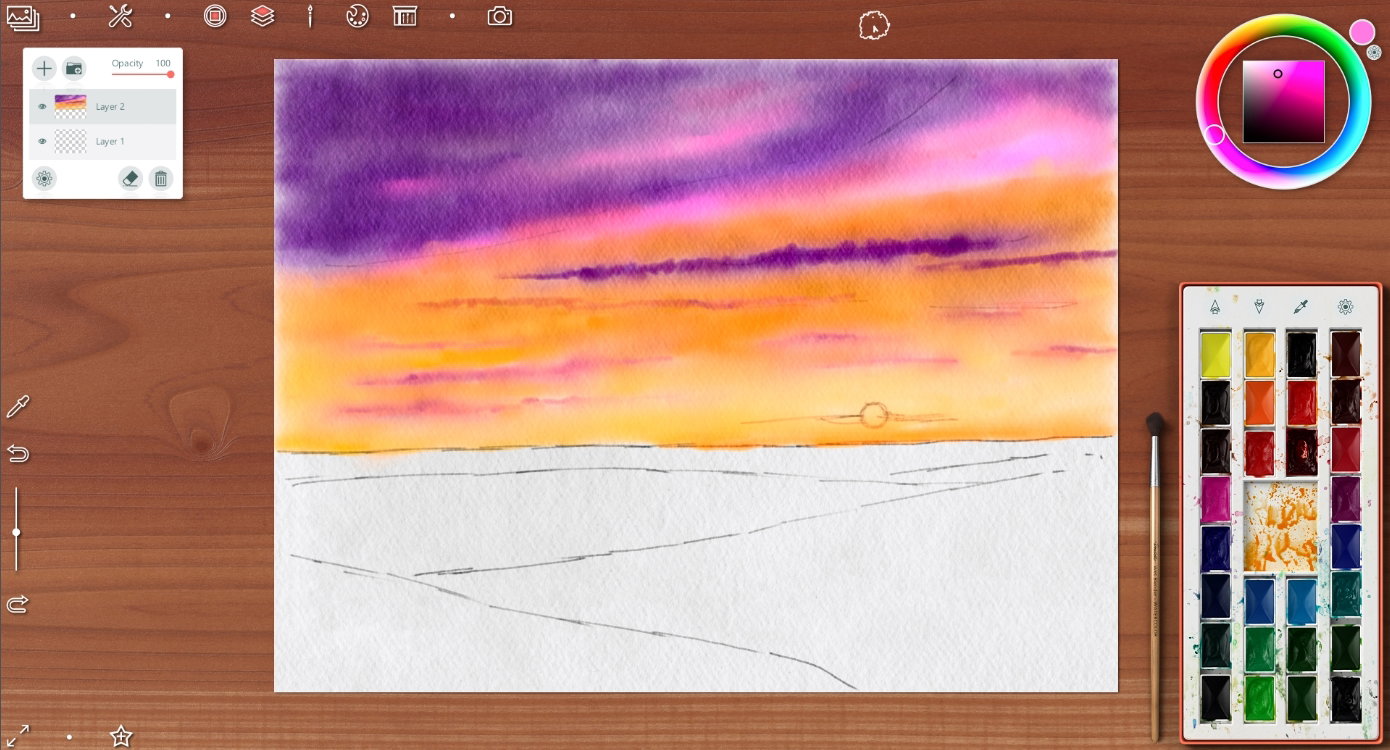
Painting the evening winter sky
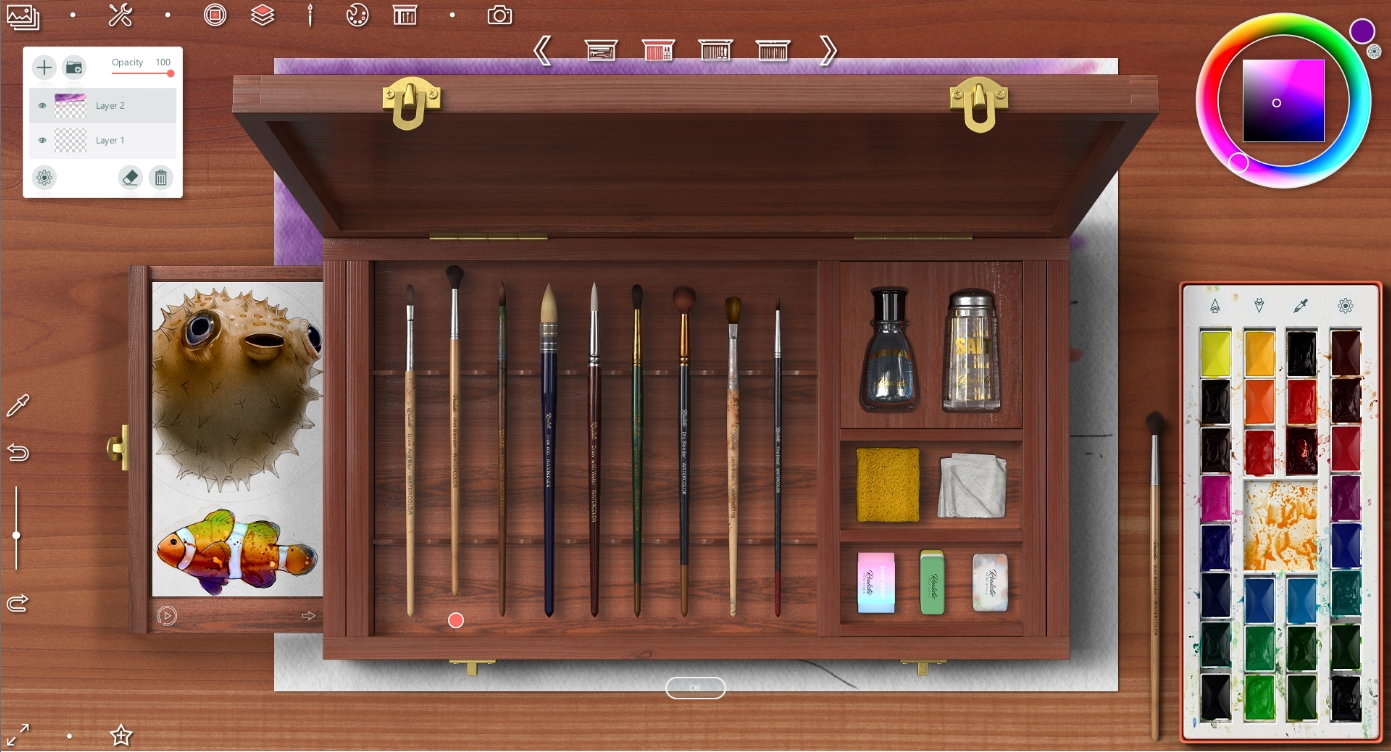
Choosing a blending brush
So colorful sky I drew
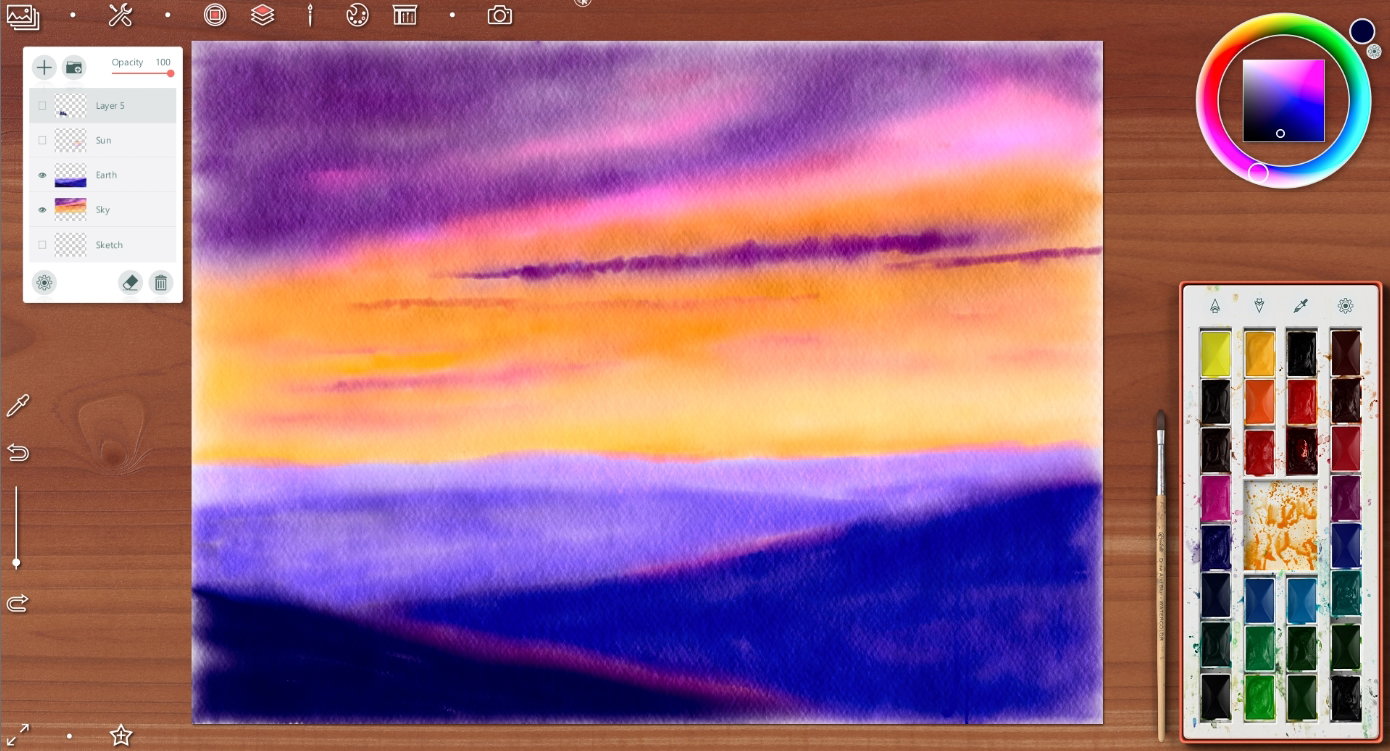
Earth is deep blue on foreground and more light as far away
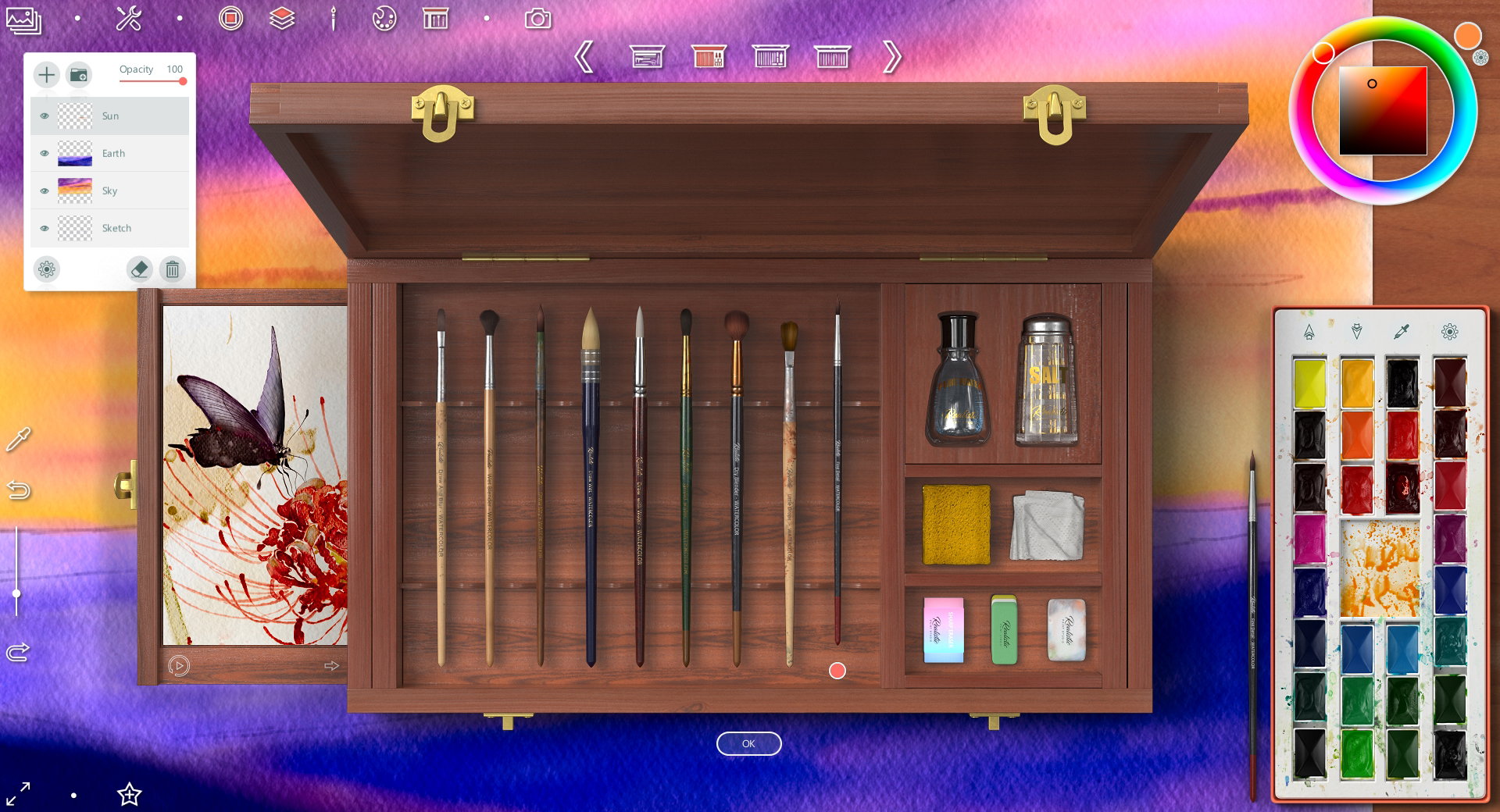
For drawing the sun I chose a brush with very thin and delicate stroke
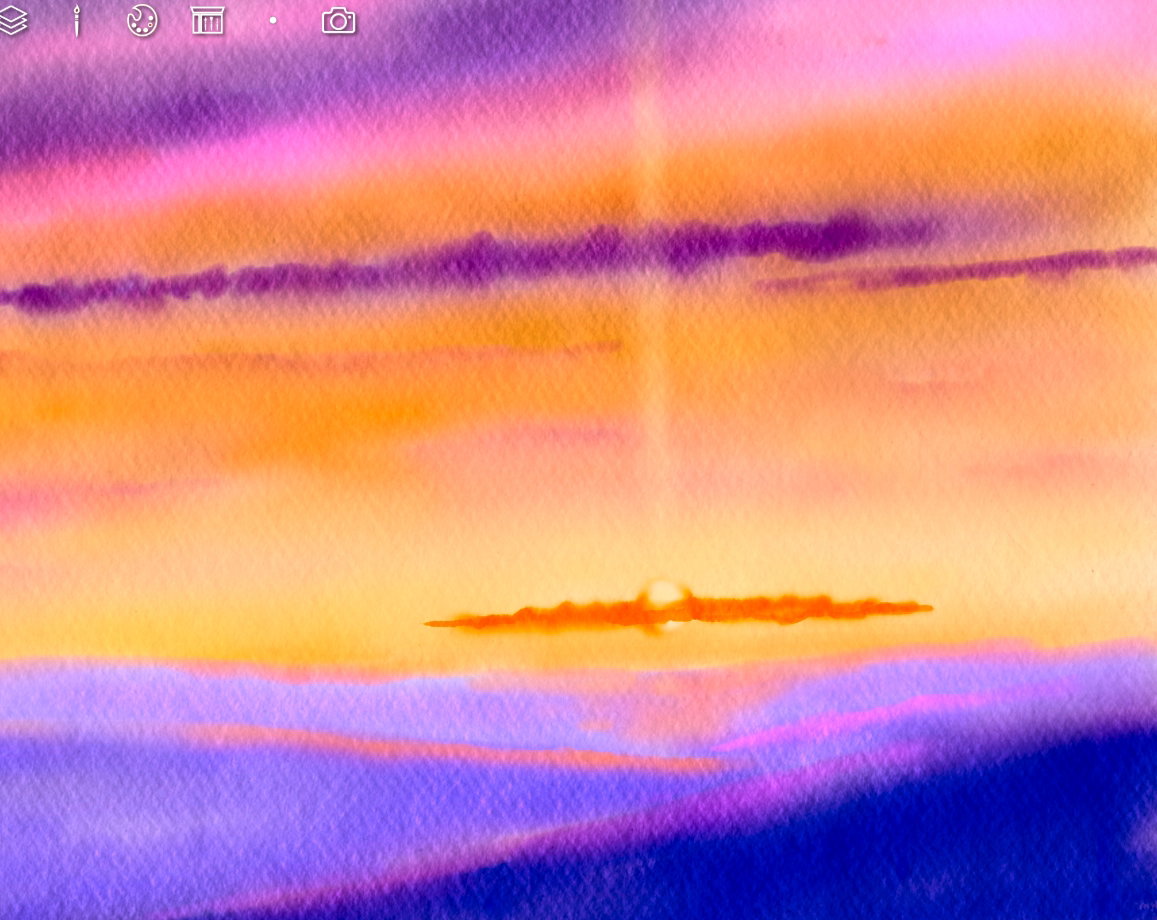
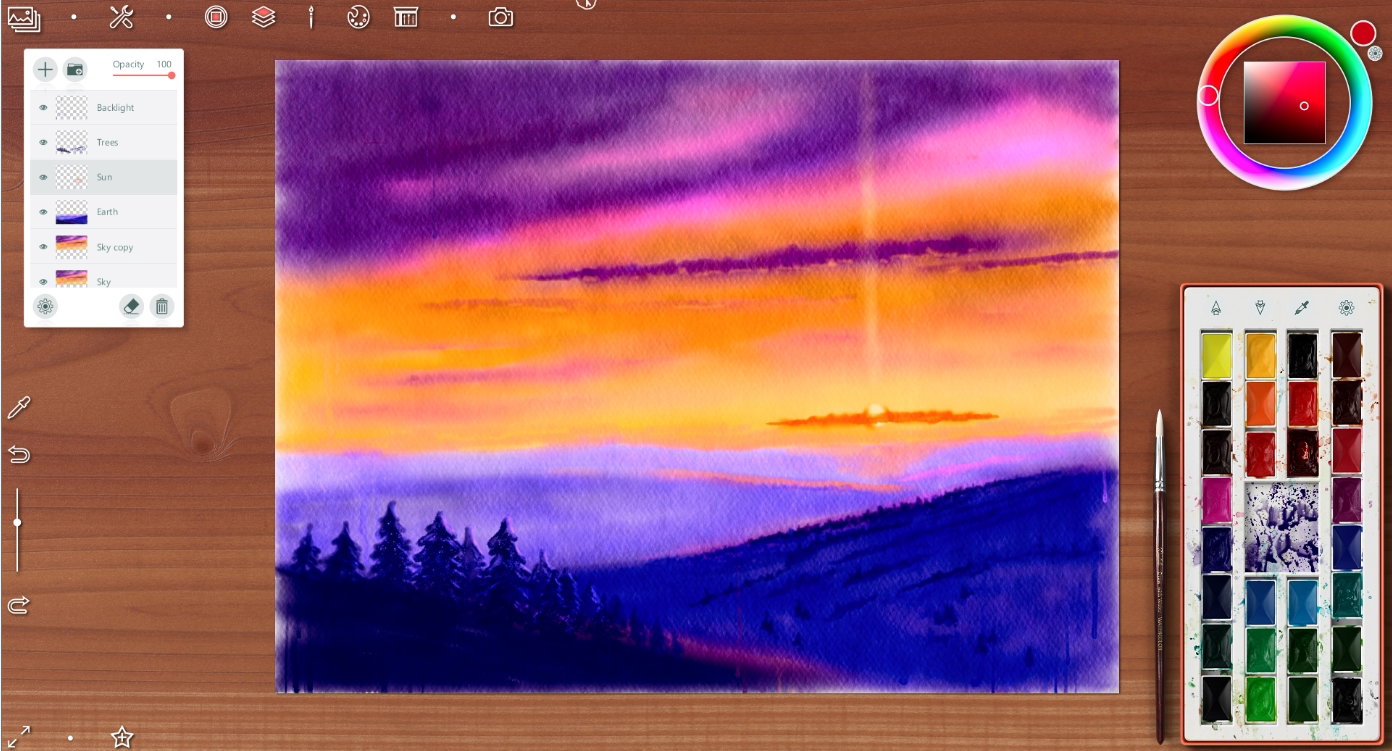
Drawing the sun, some clouds near it and a light pole on new layer
Then I created another new layer and chose a brush for trees
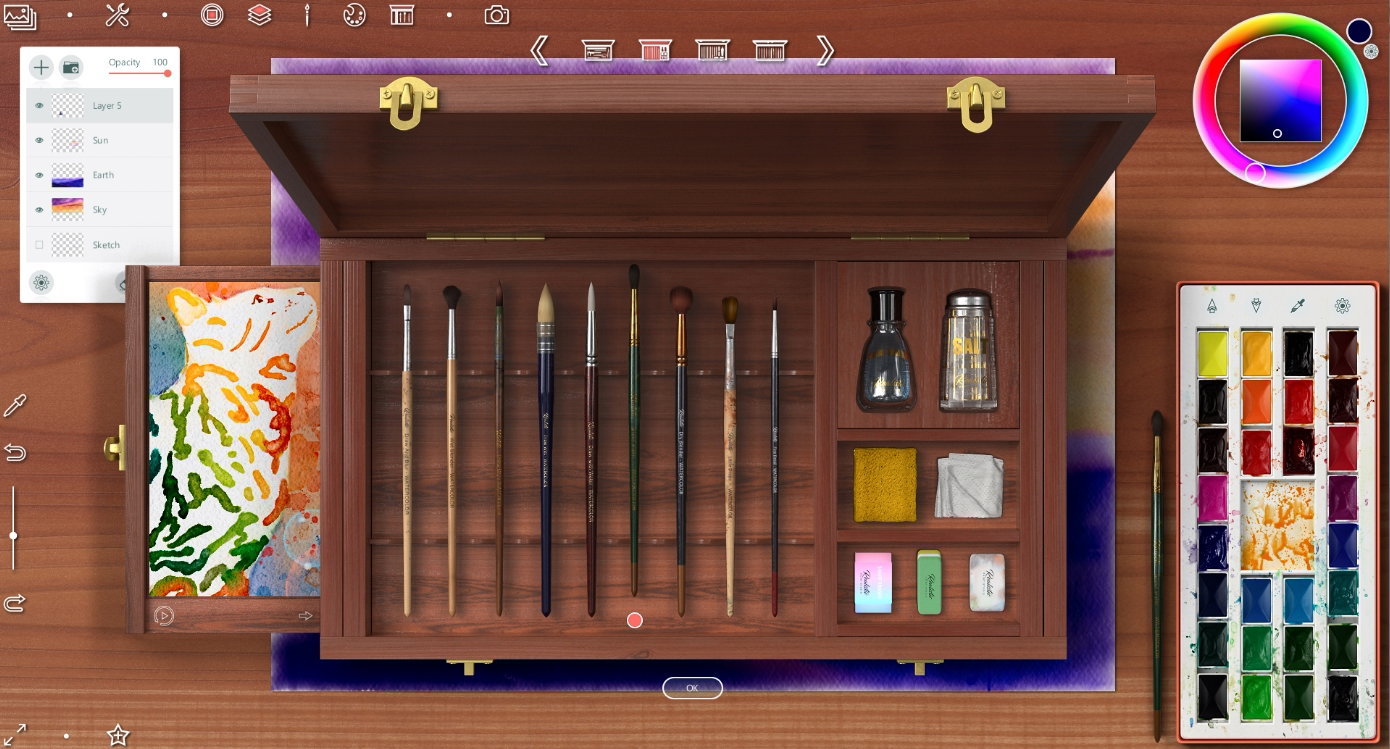
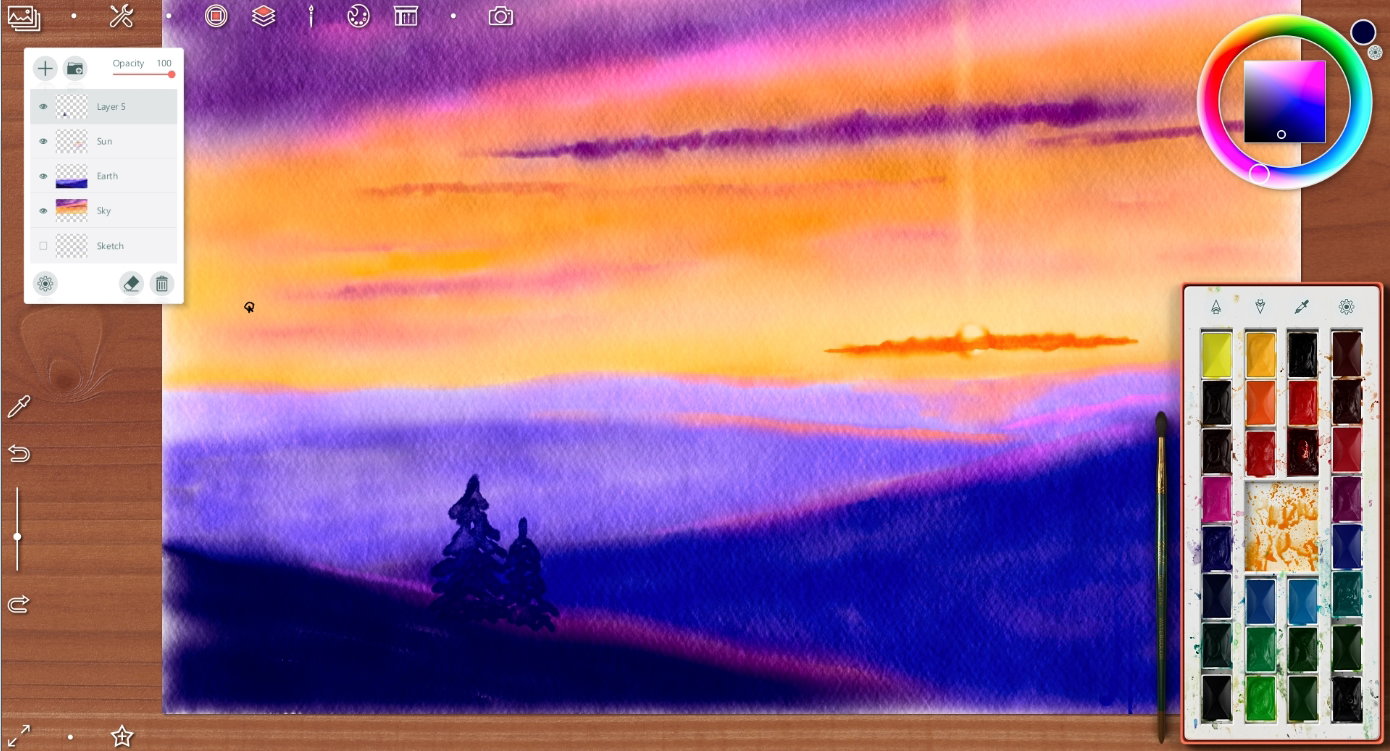
I decided to draw a spruce forest
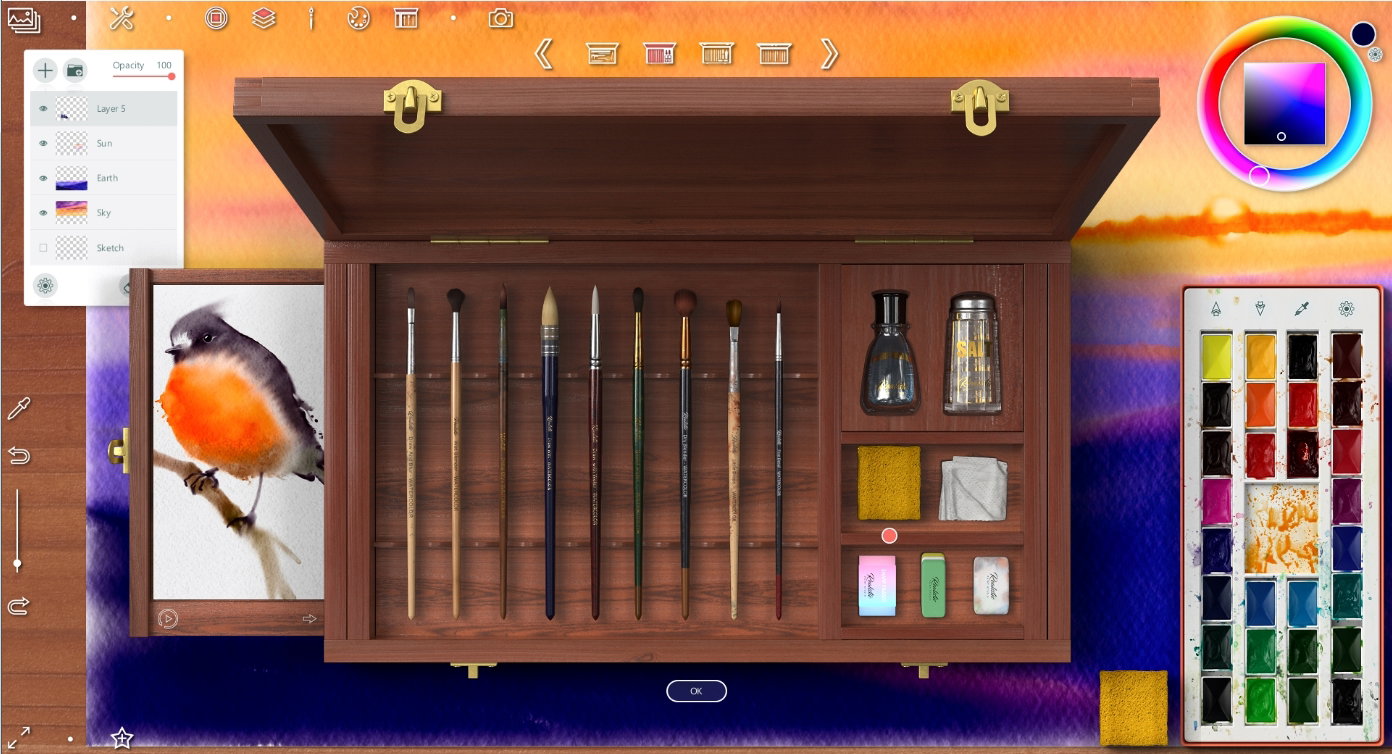
Using a sponge tool, I made a back trees blurry a little
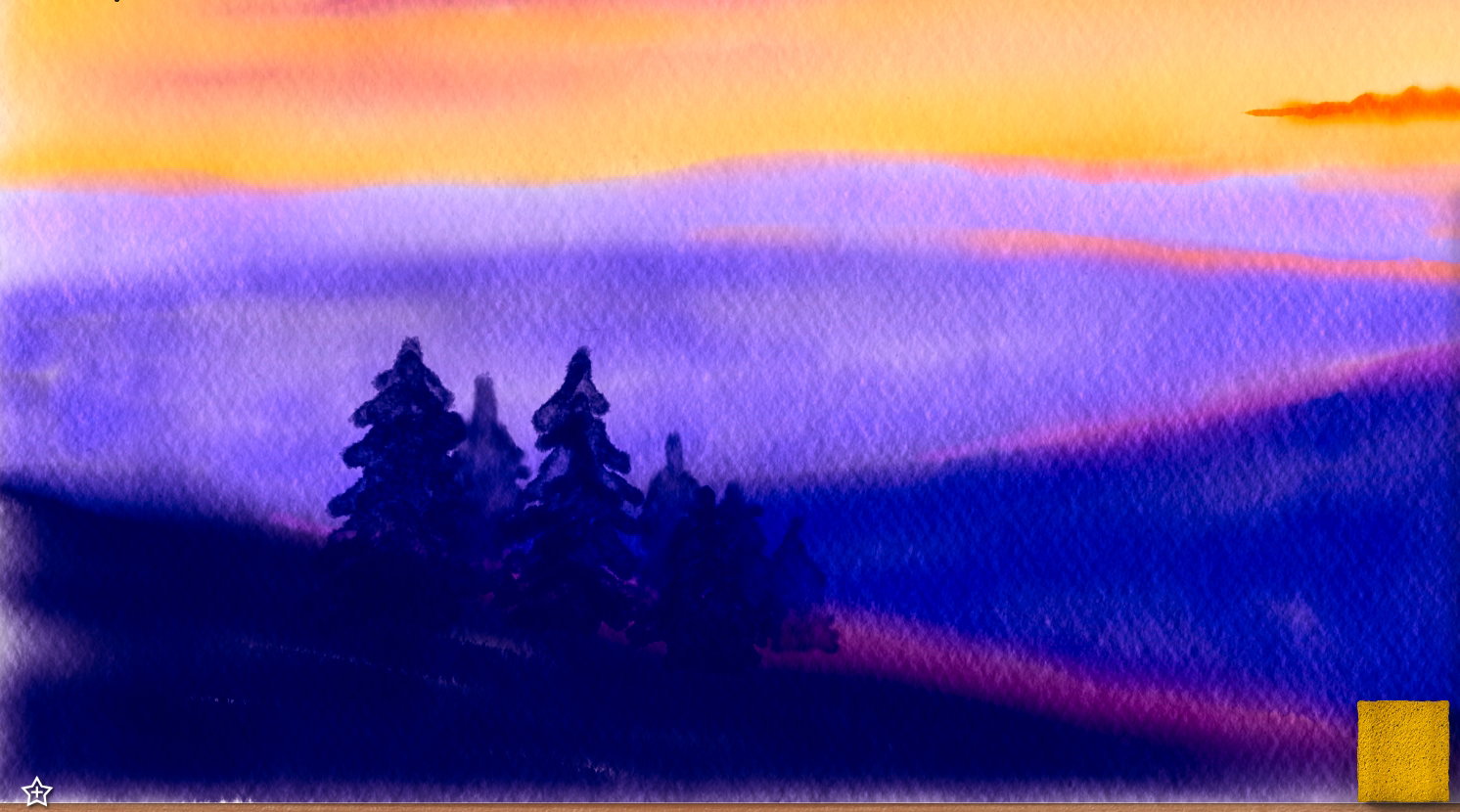
In this step I painted a details - the forest on middle distance
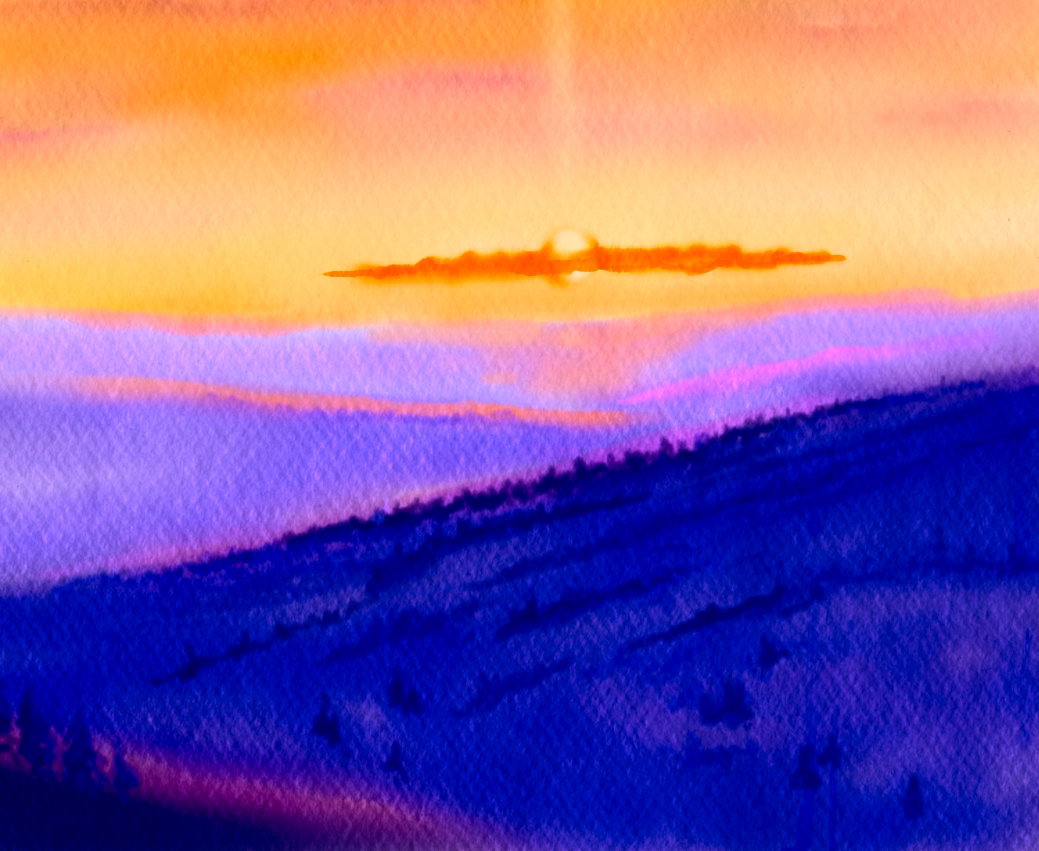
and on foreground
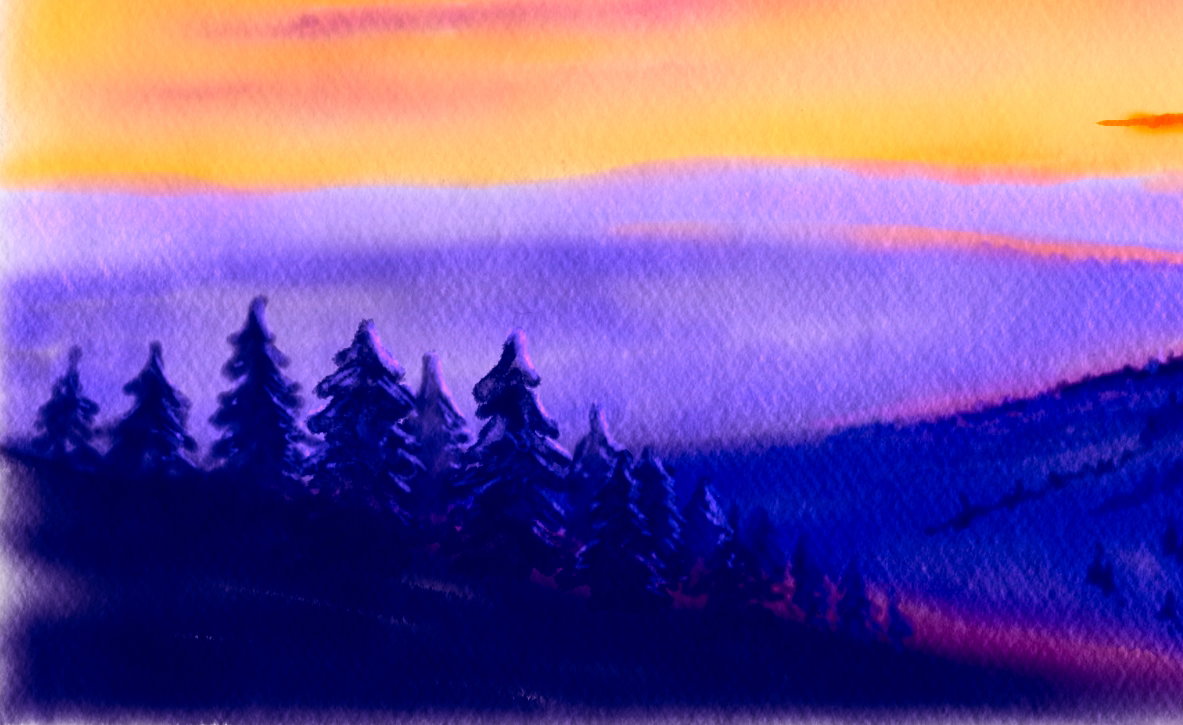
To save a intermediate step of artwork I select this button in top left angle
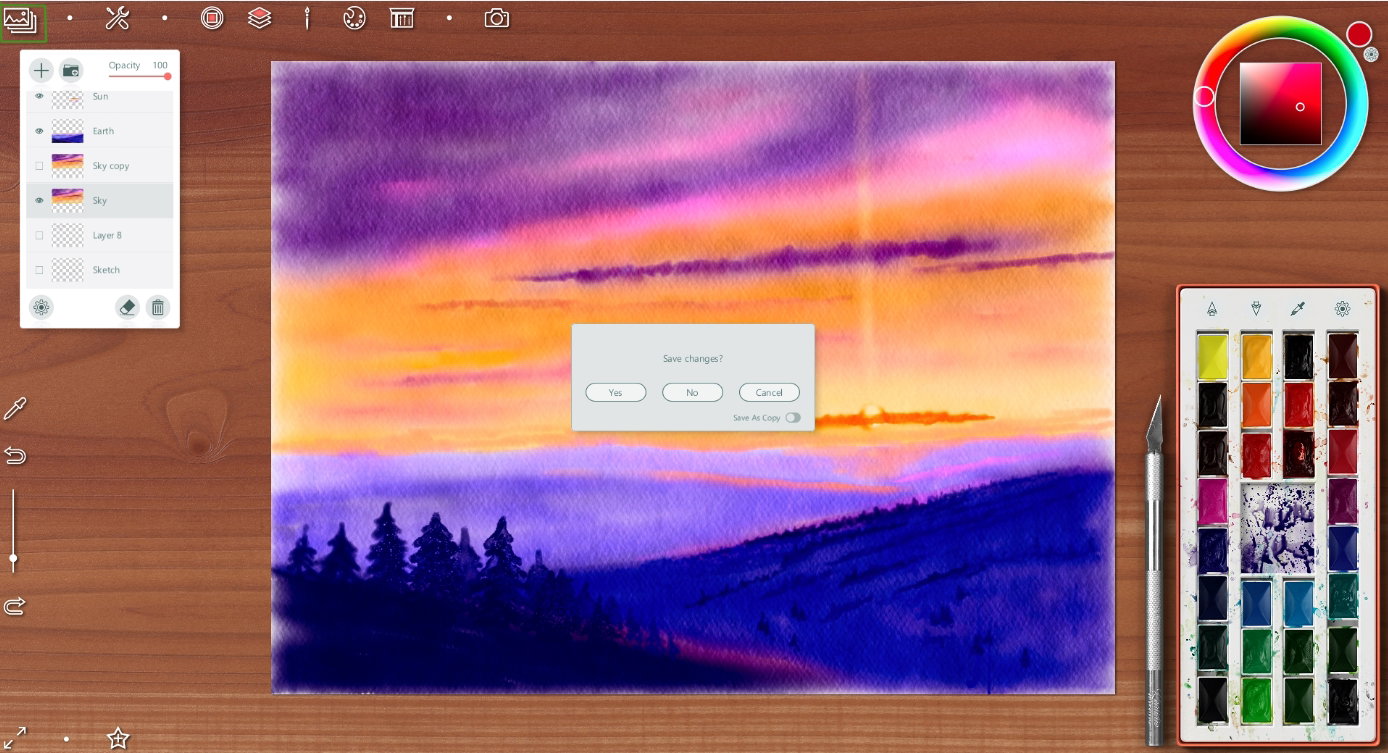
Duplicated sky layer to make it more colorful
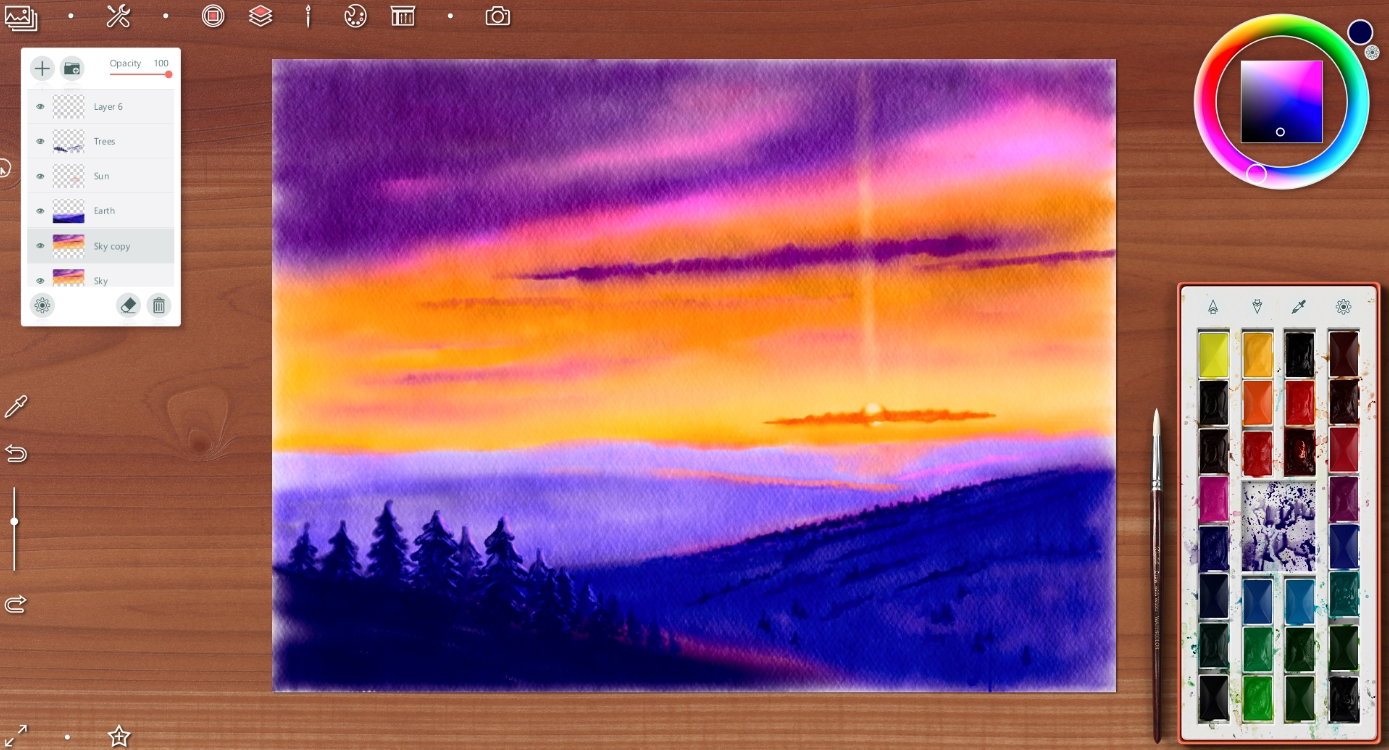
Detalized a separate clouds
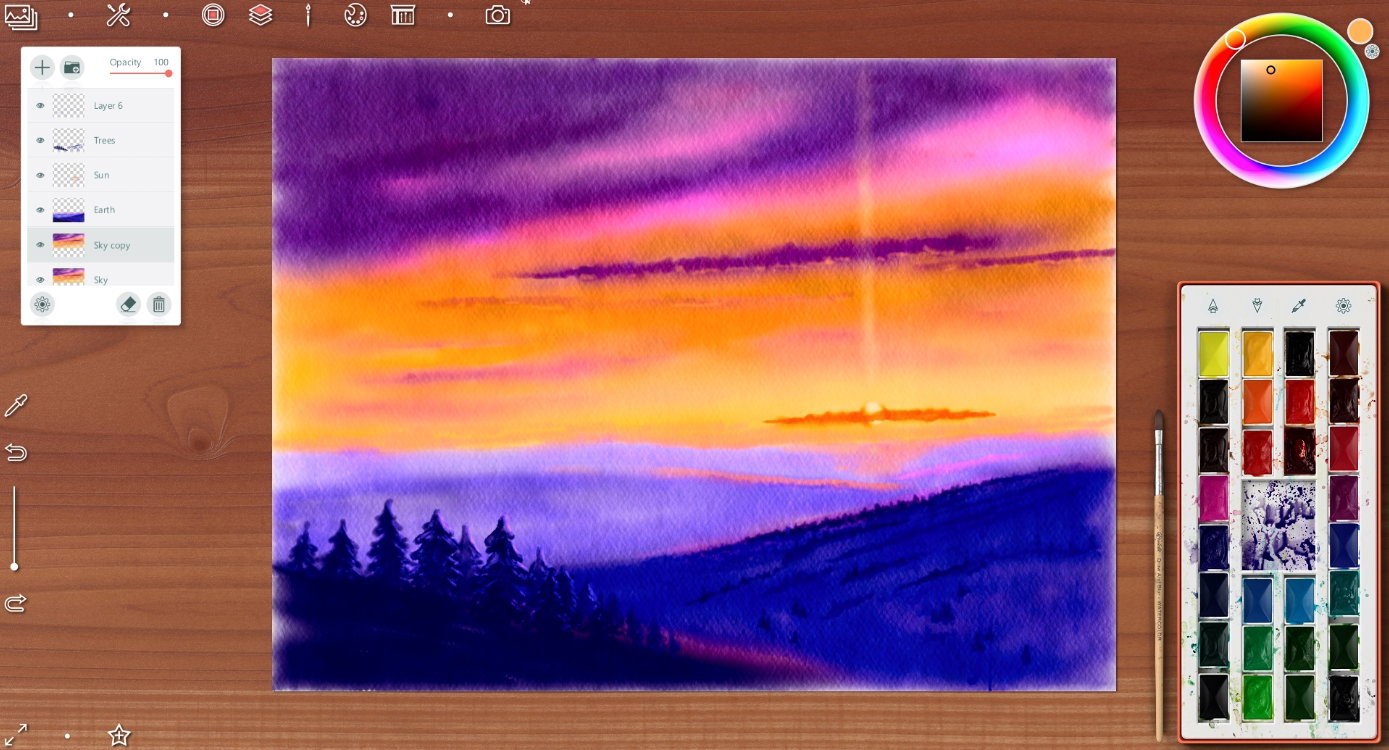
And finish way - I chose a special tool "container with water" and added to drawing some paint drips (as real in watercolor picture)
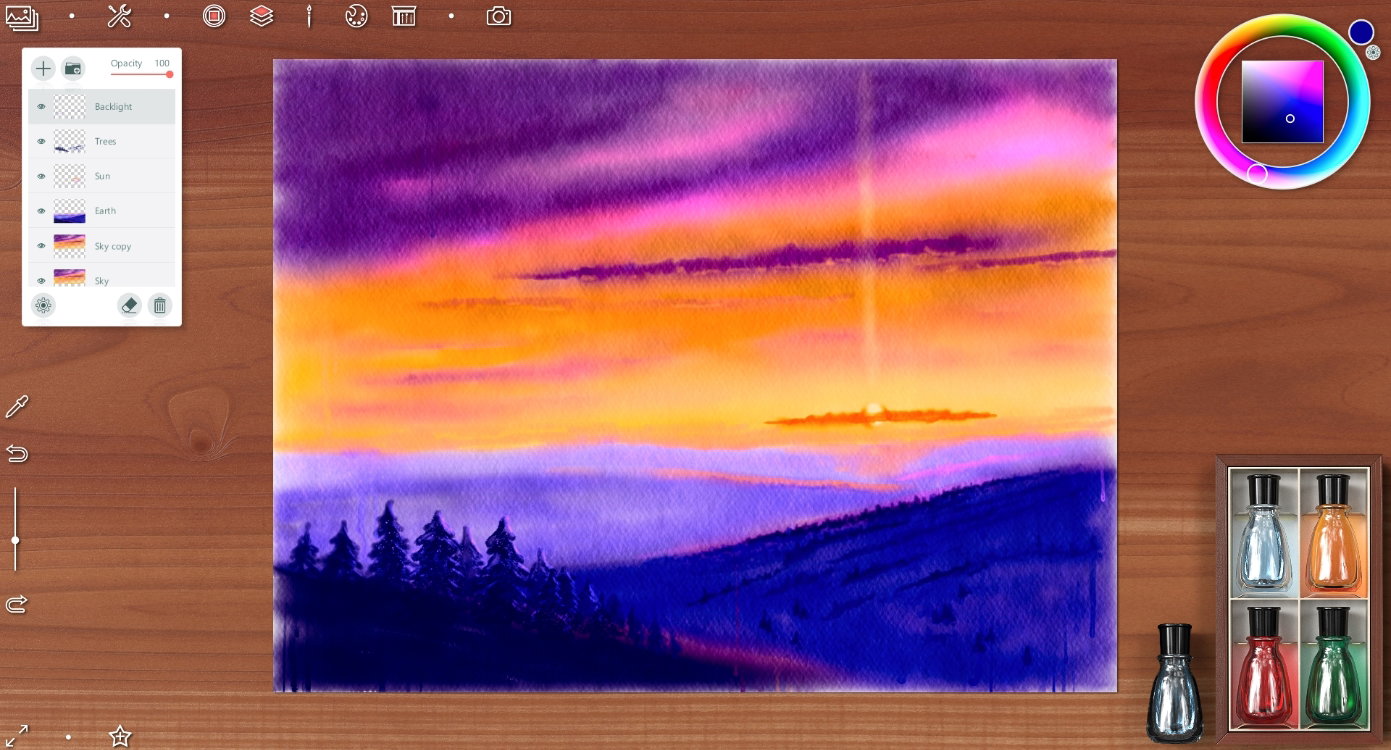
And changed an opacity of earth layer to 66%
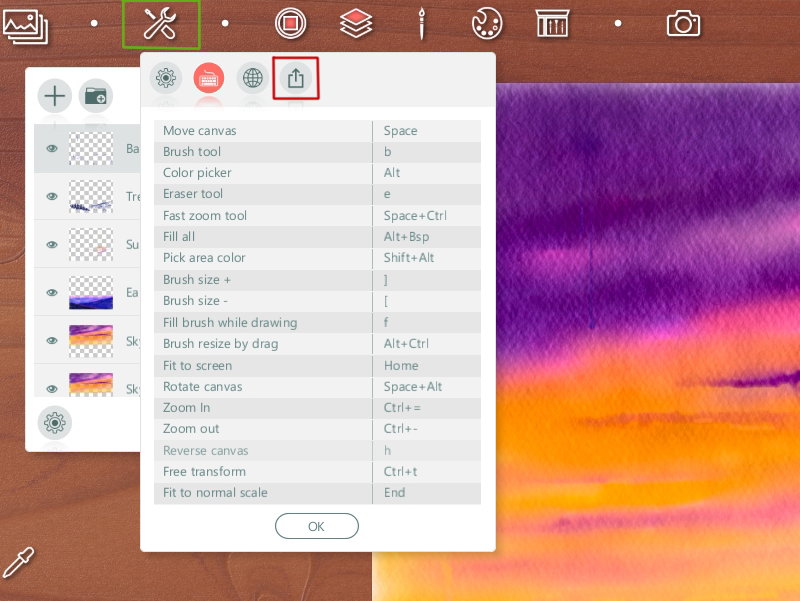
To save artwork as simple picture (*without painting decoration*) you can choose an option you want
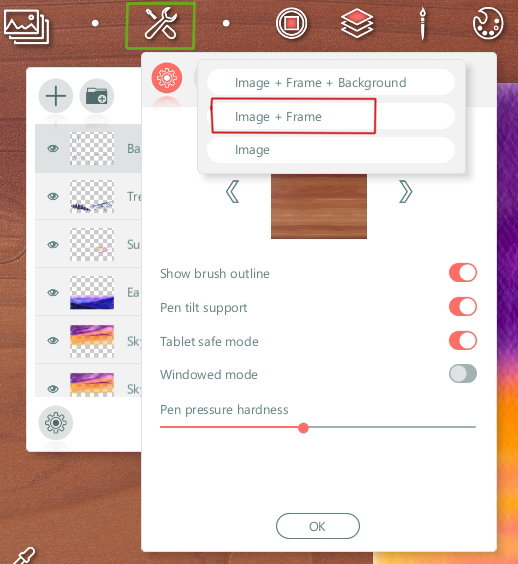
I chose this time an option with frame
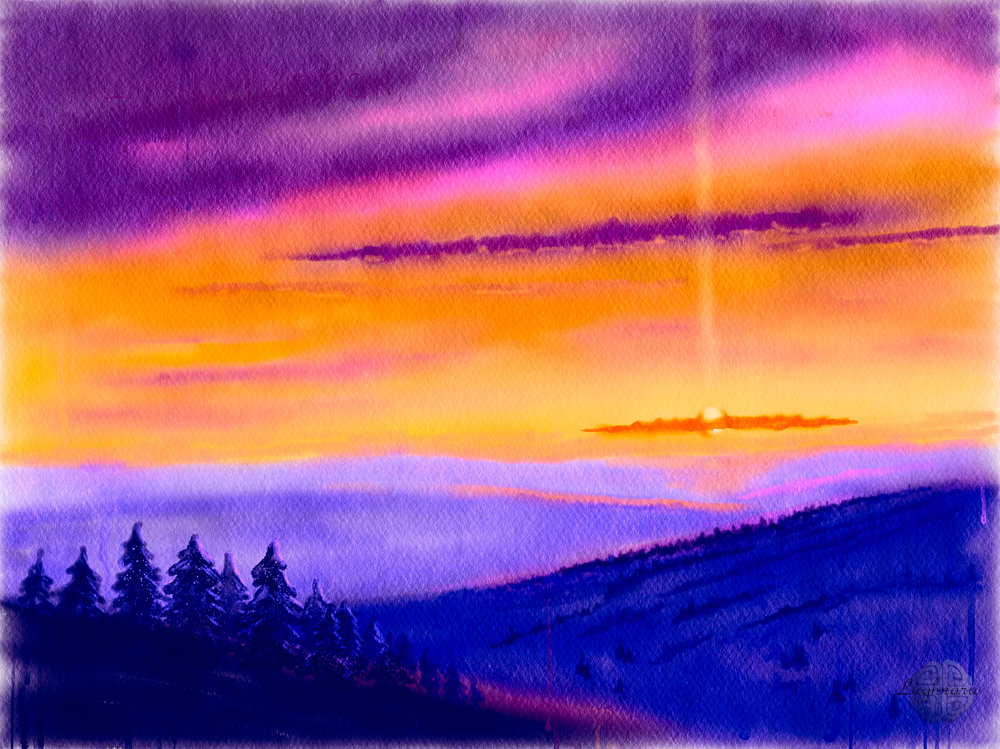
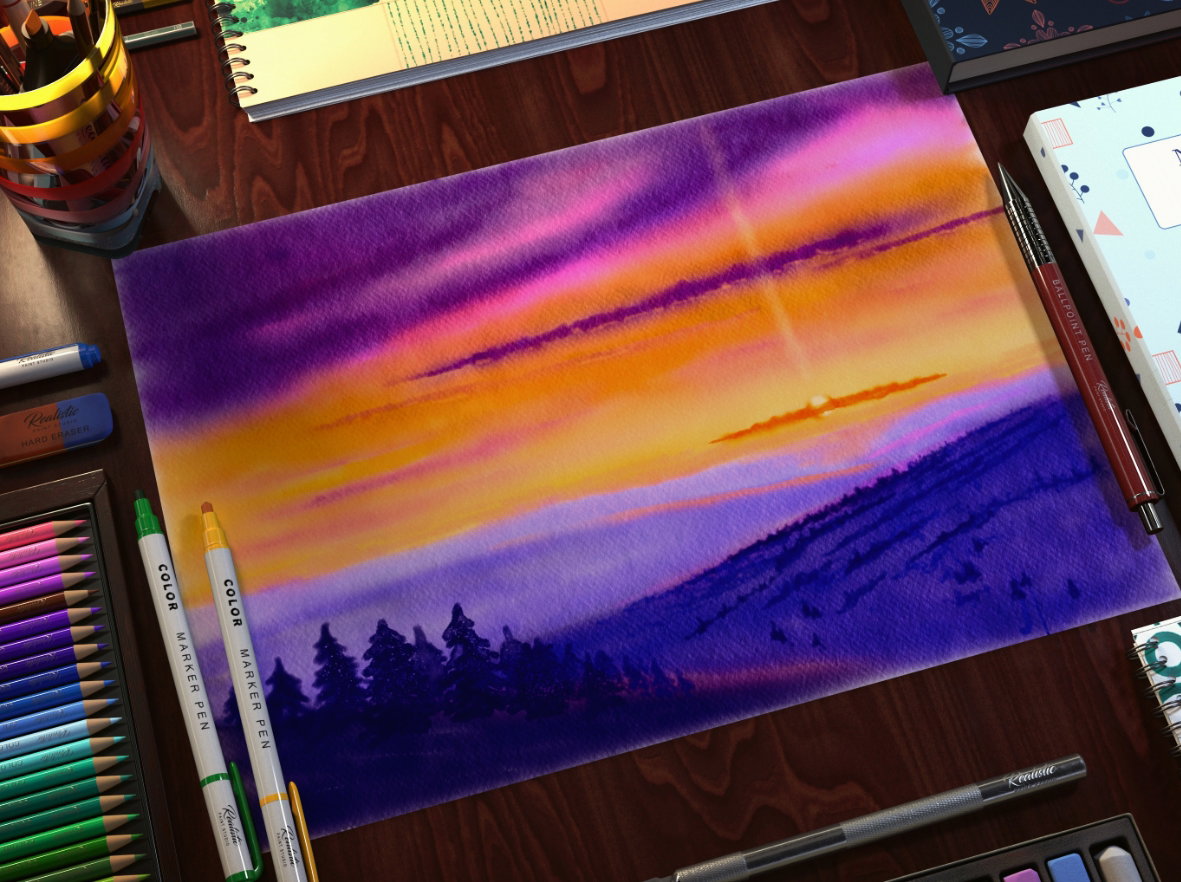
Final artwork
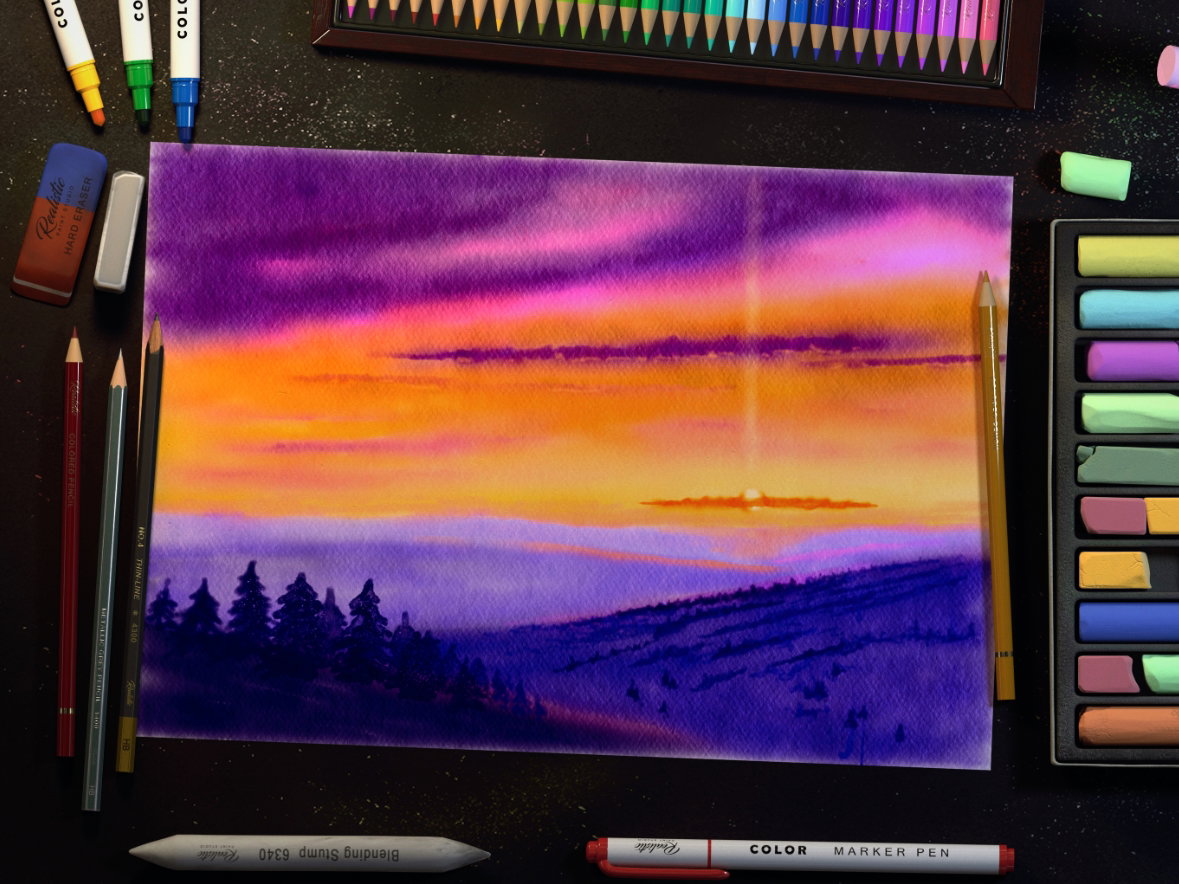
And two presentation for Instagram and etc.
I hope you enjoyed my creative experiments with the new graphics program! Have a nice winter day!))) With Love

4 comments
The entire canvas is seemingly simple and clear, as if spiritualized by a tremendous force. The distant sun, hiding behind tall trunks and branches, touches the entire space with its rays. Very beautiful and even mysterious.
Cпасибо)) А Вы очень хорошо умеете чувствовать энергетику произведений искусства! ;)
Beautiful, simply beautiful, my children love art, which you do very well, greetings amogo.
I'm so pleasant)) Thanks a lot!)