 @daring-celt
Digital art_2021. Christmas Window (part 2) Hi again my friends! So, I continue to draw a Christmas window started here https://read.cash/@daring-celt/digital-art-2021-christmas-window-part-1-a9e4c5ff Today I show how I how I decorated the window with beads, light bulbs and such figures of nutcrackers
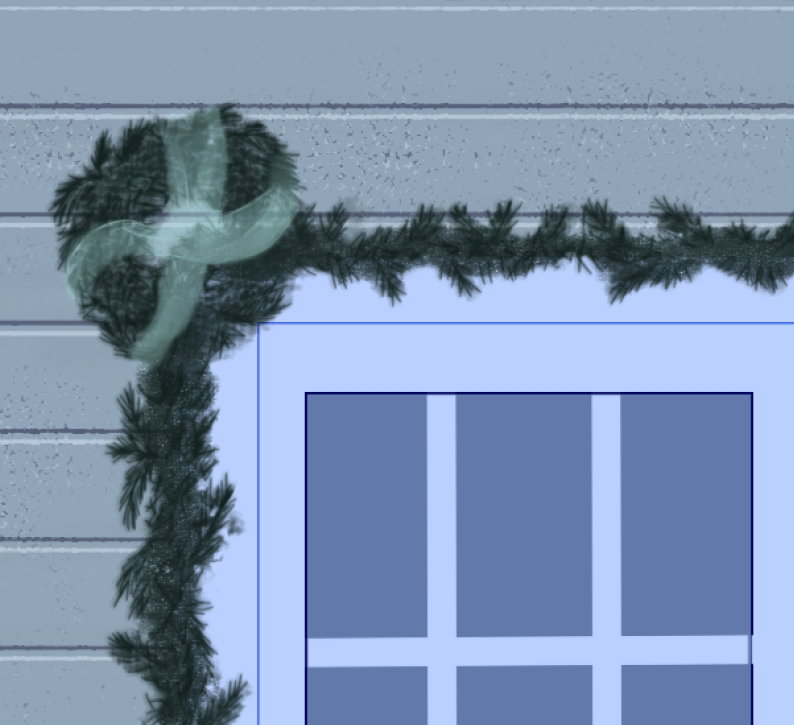
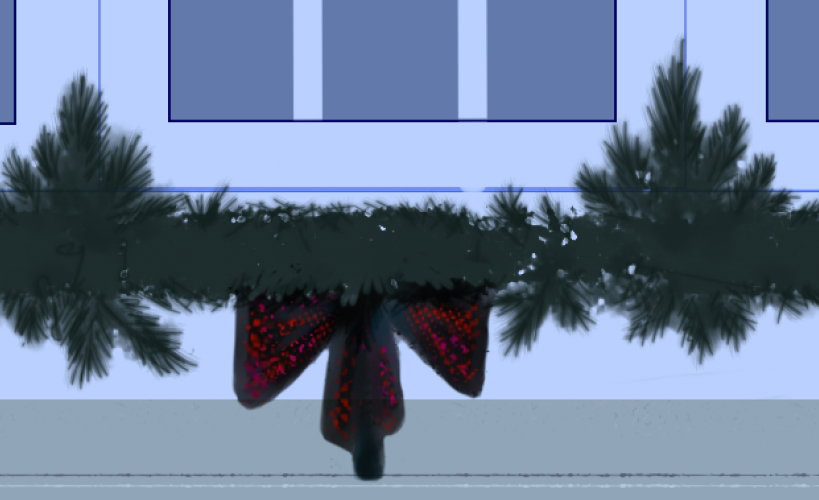
Well... let's go! To paint the bows, I use my regular **Oil Brist 2** brush. I can to draw beautiful transparency strokes with it
For the bottom bow, I select a motley brush form from **SAI** library, something like this
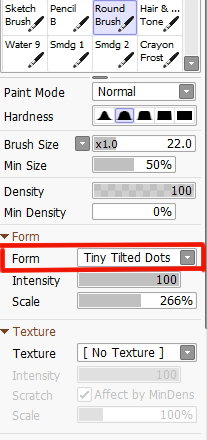
Very colorful!
To draw a garland of lights, I had to turn on the guides again, but this time in the form of ellipses.
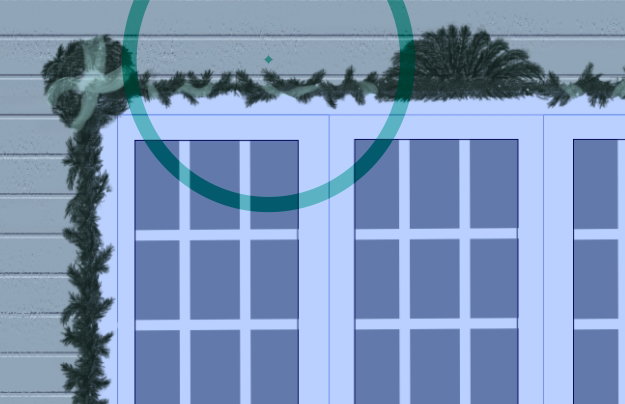
Resize (with **ALT**) and move (with **CTRL**) to need place and draw a base of garland with hard brush (for example, **Ink Pen**)
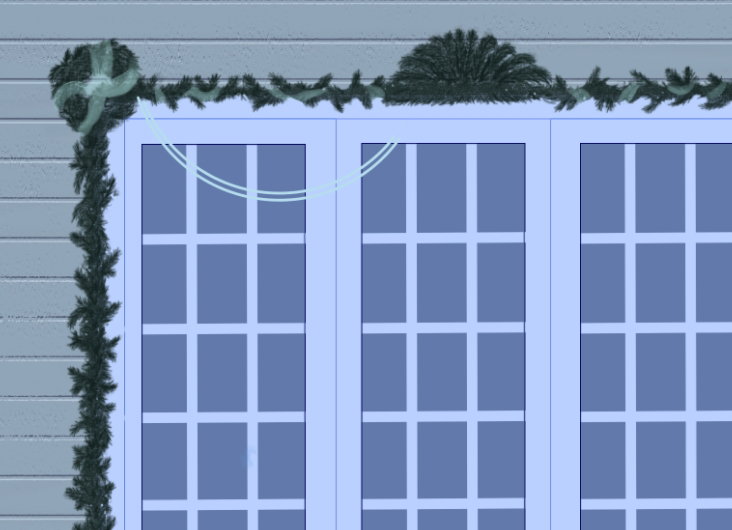
With the same hard brush I draw a light bulbs (*both elements of garland are on two different layers*).
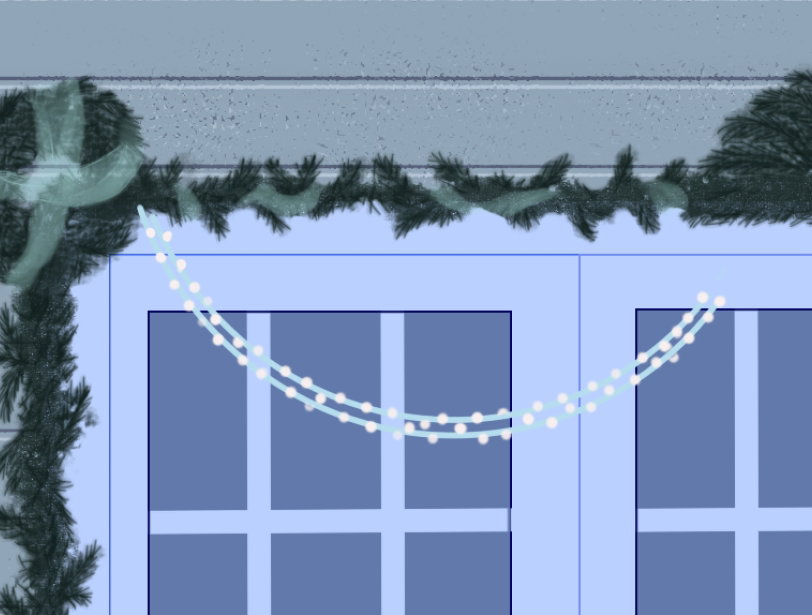
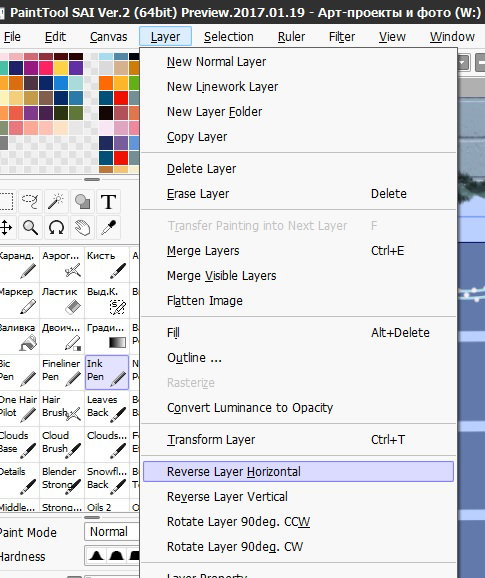
Then I duplicate both layers and go to menu **Layers - Revers Layer Horizontal**
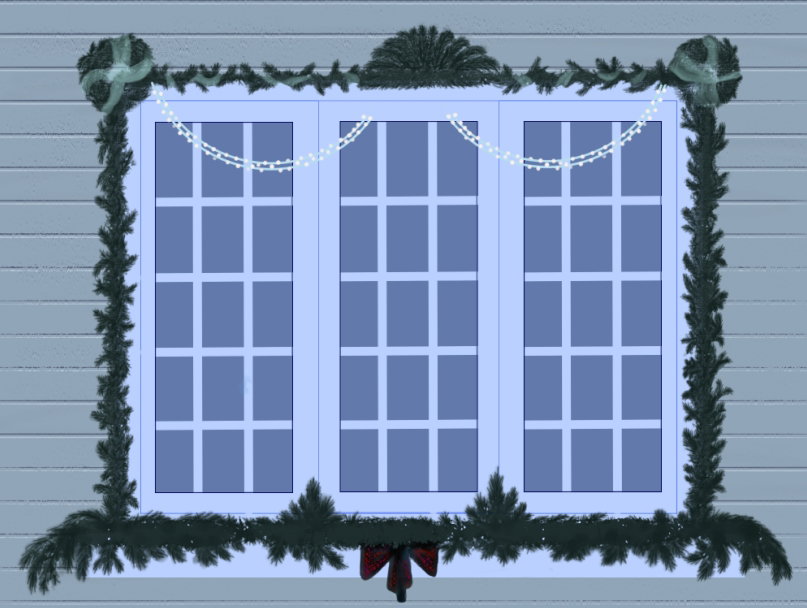
Already two parts of the window are decorated!
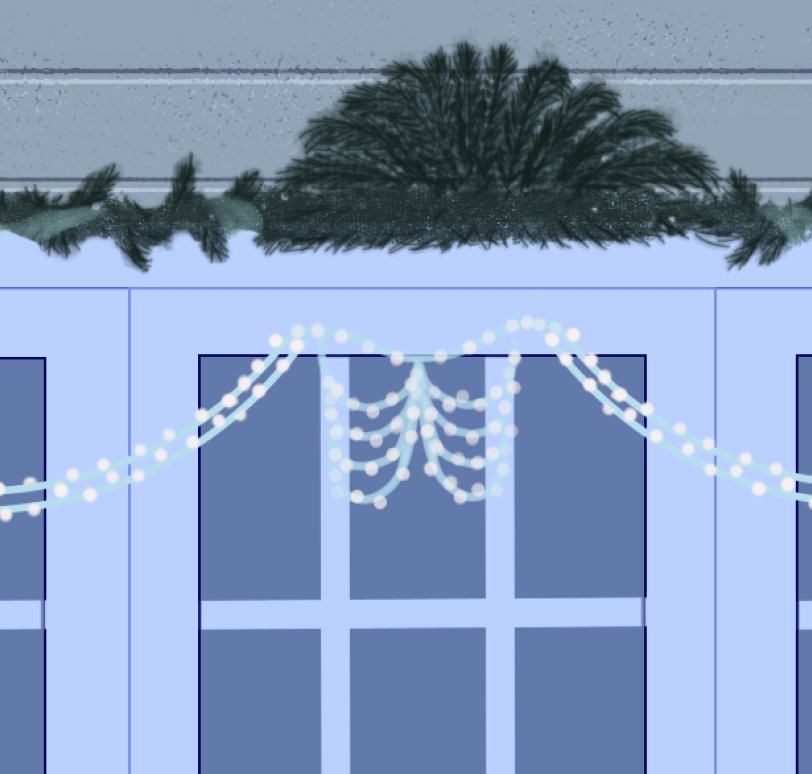
The fragment on the middle window is very small, so I paint it freehand with the same hard brush
In the same way, I draw glowing garlands around the perimeter of the window. Here and there I add red beads (also on a new layer)
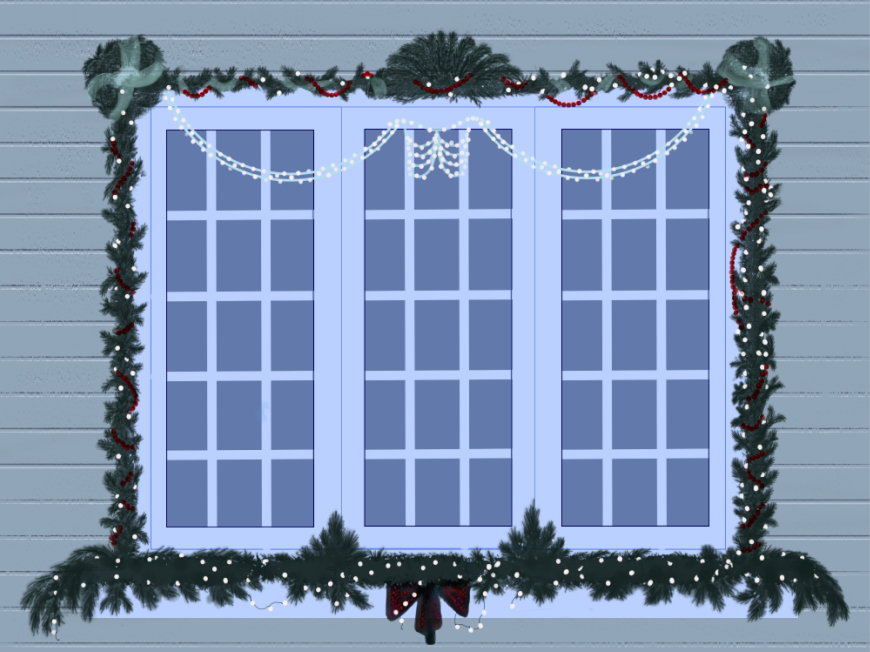
Then I wanted to make highlights for individual beads. I duplicated the layer and put it in **Burn** blend mode. And erased a part of dark color to create a highlights from a light bulbs It won't be noticeable in the big picture, but I wanted to do this
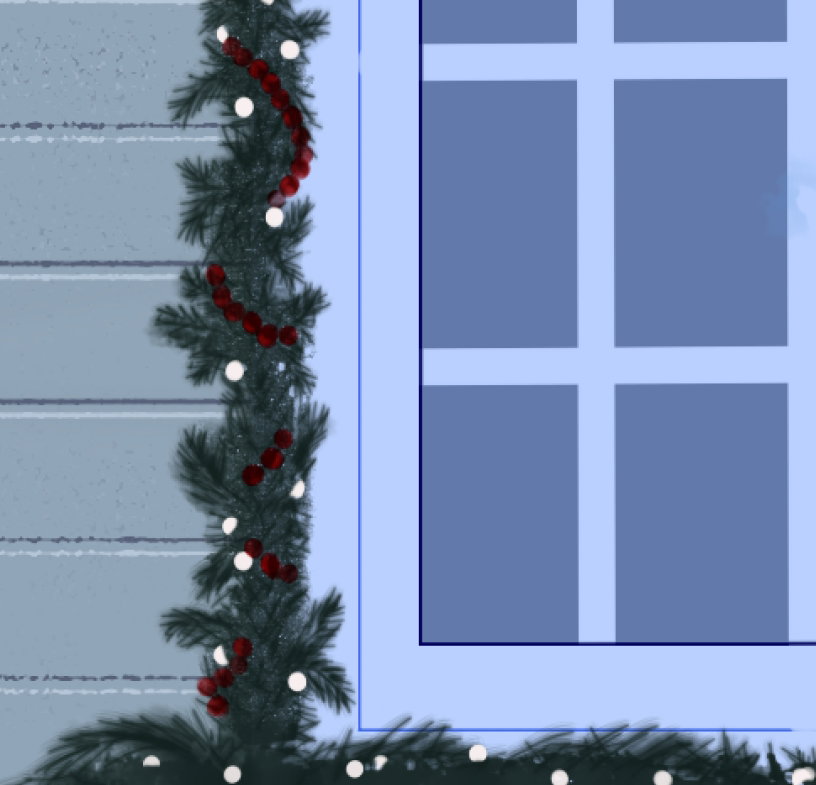
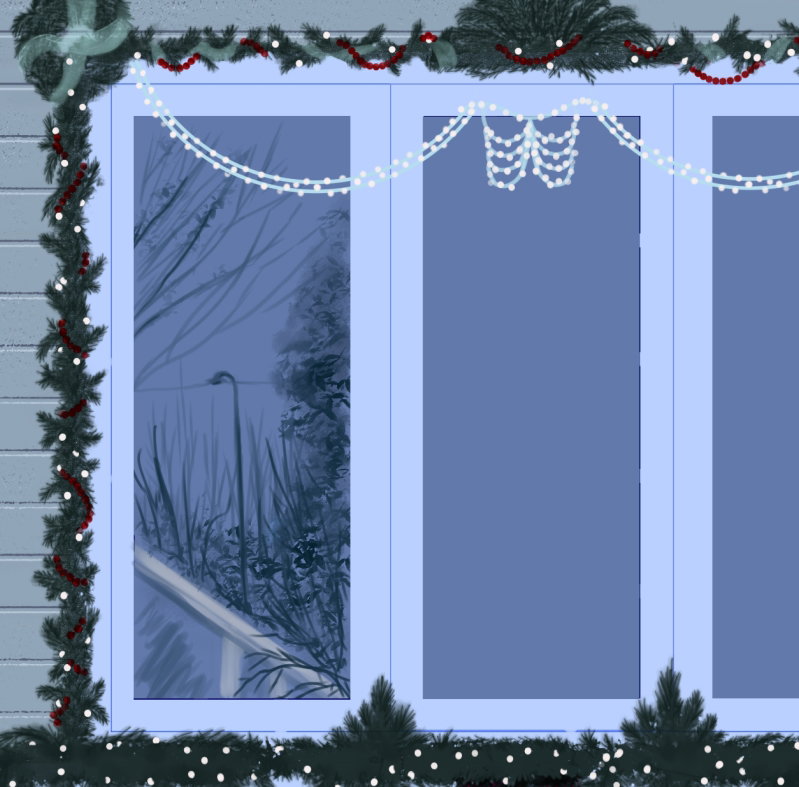
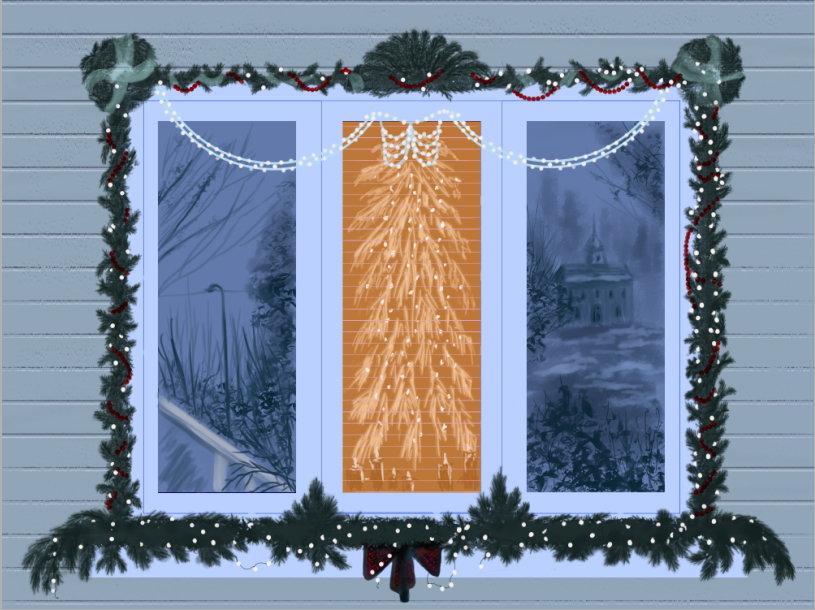
So, the window is decorated. Now I need to create realistic reflections in the windows. First, I place all three copies of the glass and a separate folder and move it above the glass folder. Then on the left window I draw simple landscape - a fragment of a building, a lamppost and a few trees
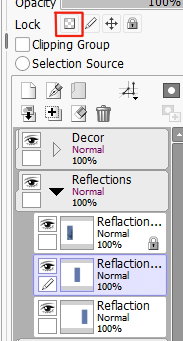
To make it easier to paint on the filled area, I lock the transparent pixels of the layer with this button
Right reflections
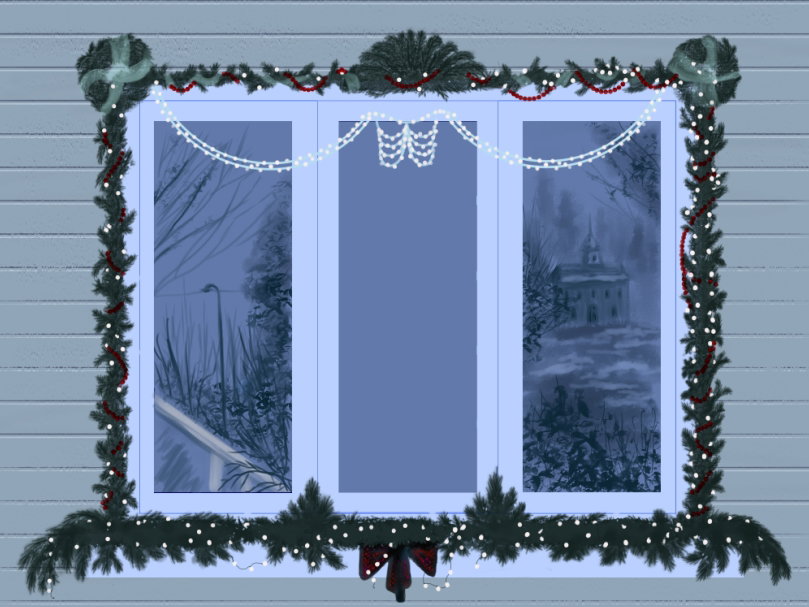
It is difficult to understand what is there in the house. I filled a middle ares with dark orange color and painted a large faux fir tree, decorated with a glowing garland, candles on the window and interior blinds (with the same brush that I used to paint the texture of the wall)
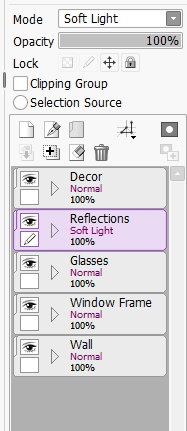
In order for the crosshairs of the frames to appear and the reflections to become realistic, I change for the entire folder to **Soft light** blend mode.
Yes, blue reflections look great!
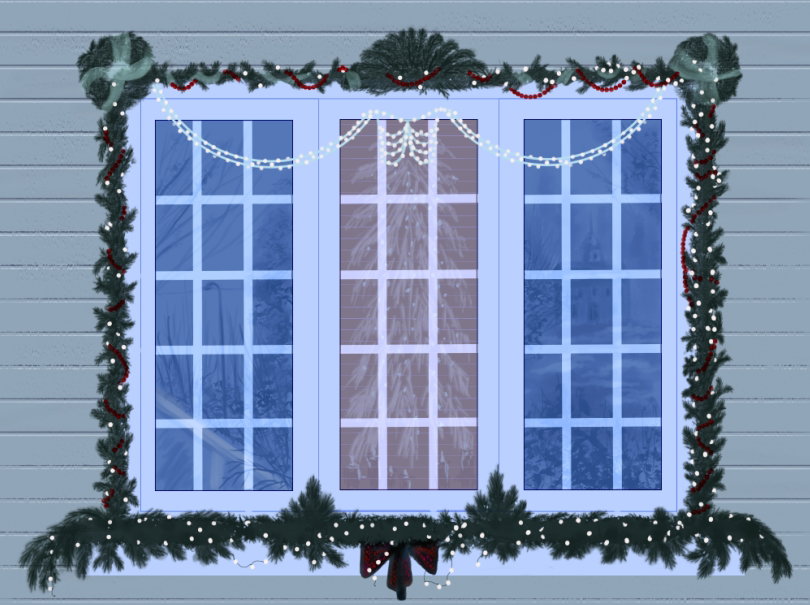
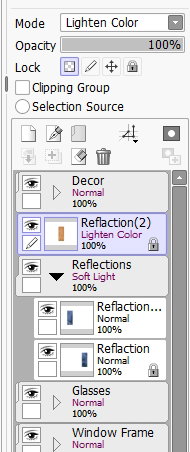
But the fragment with a part of the interior had to be moved out of the folder and separately set the blending mode **Lighten color** for this layer
Wow! The candles on a window have turned blue! But it's even more interesting!))))
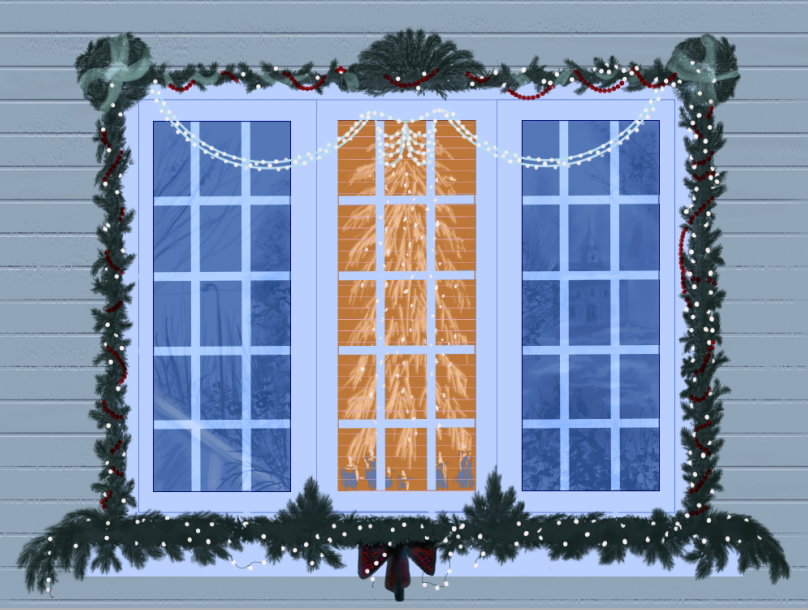
Here and there I erase unnecessary highlights on the crosshairs of the frames and add a layer effect to the orange fragment.
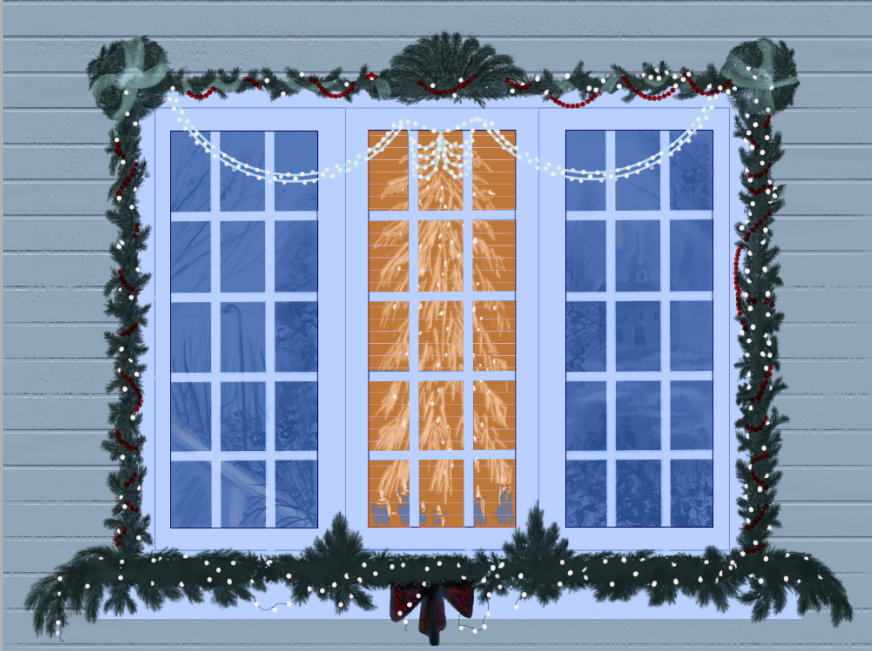
On a new layer (*in the folder with decoration*) I paint in bright yellow the glow from the individual bulbs on the frames and the reflections from them on the windows.
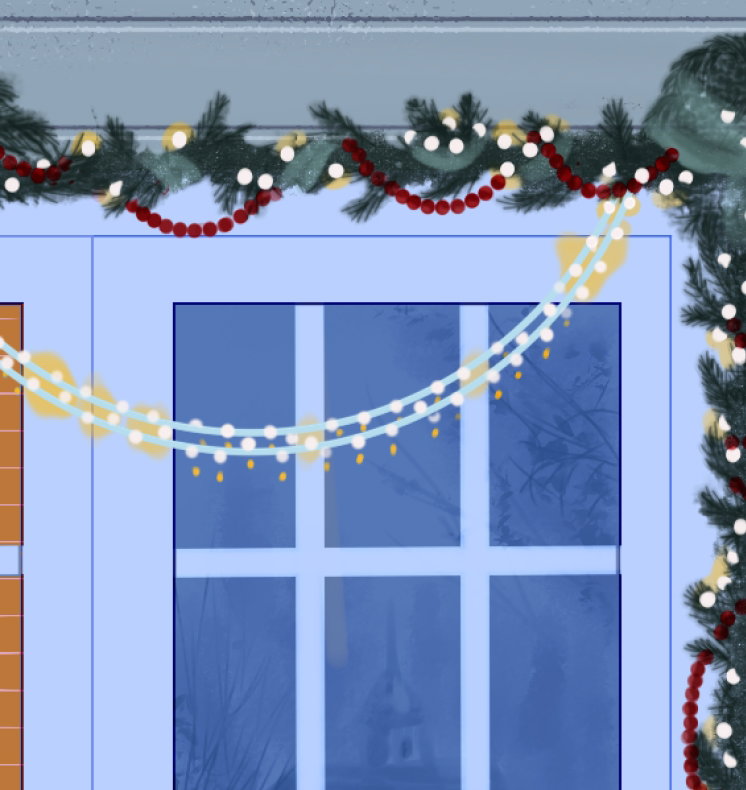
Then I duplicate this layer and blurred it with **Gaussian blur** (*in Filter menu*) and change blend mode to **Linear Light**
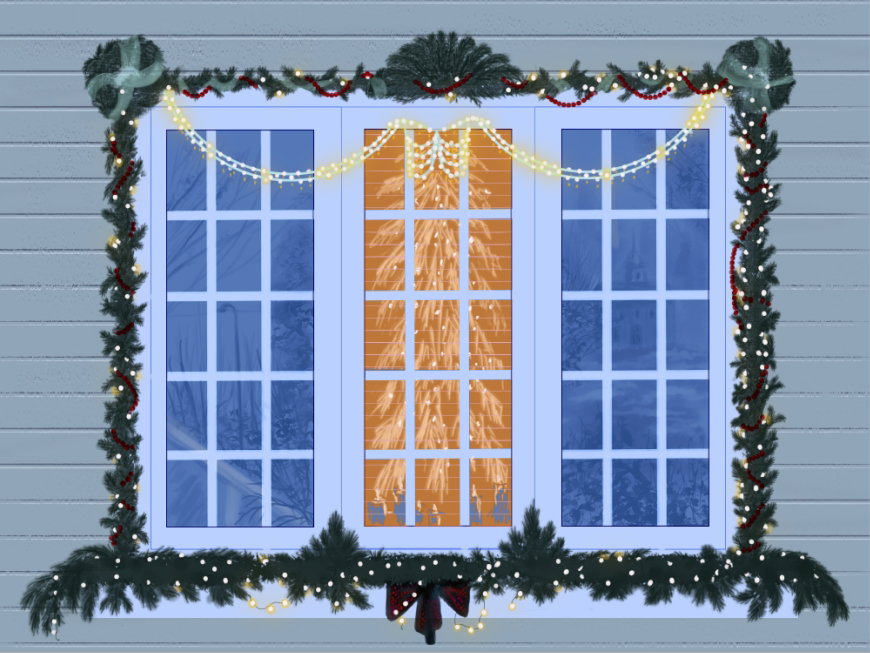
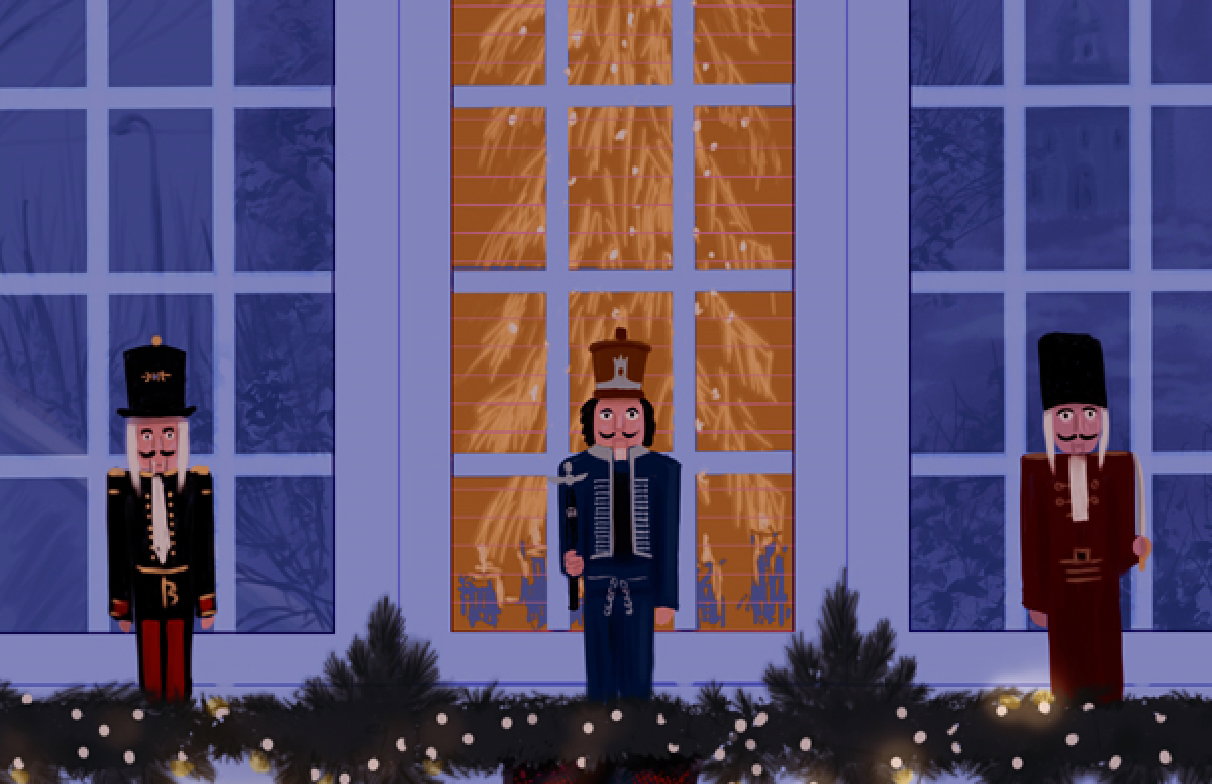
Now I create another layer (below the fit garland) and draw symbolic figures of nutcrackers on it.
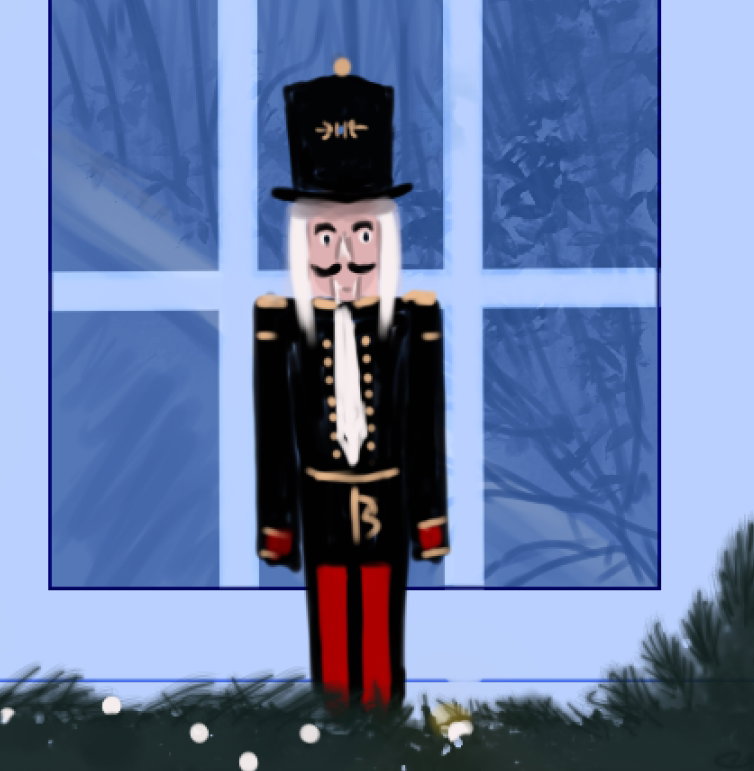
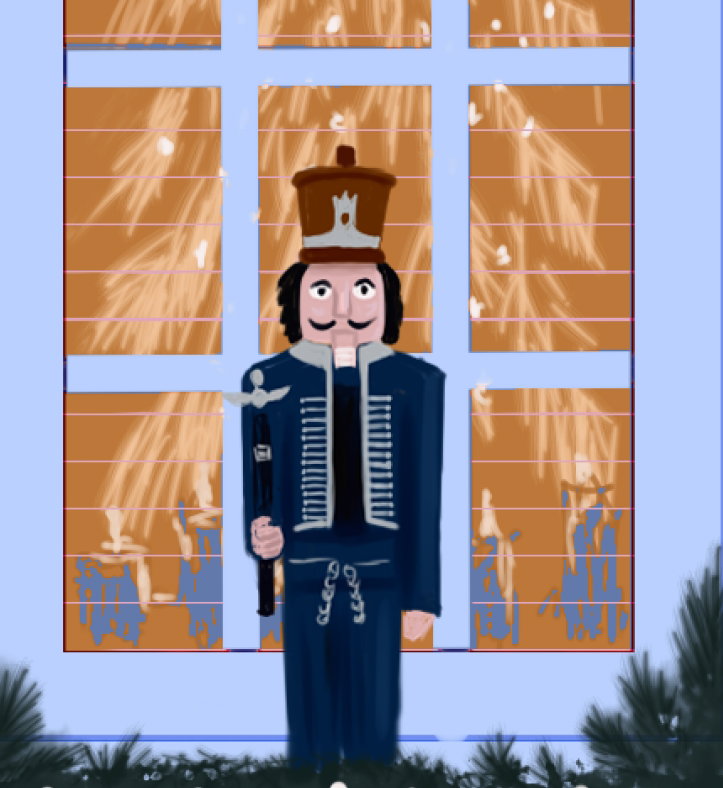
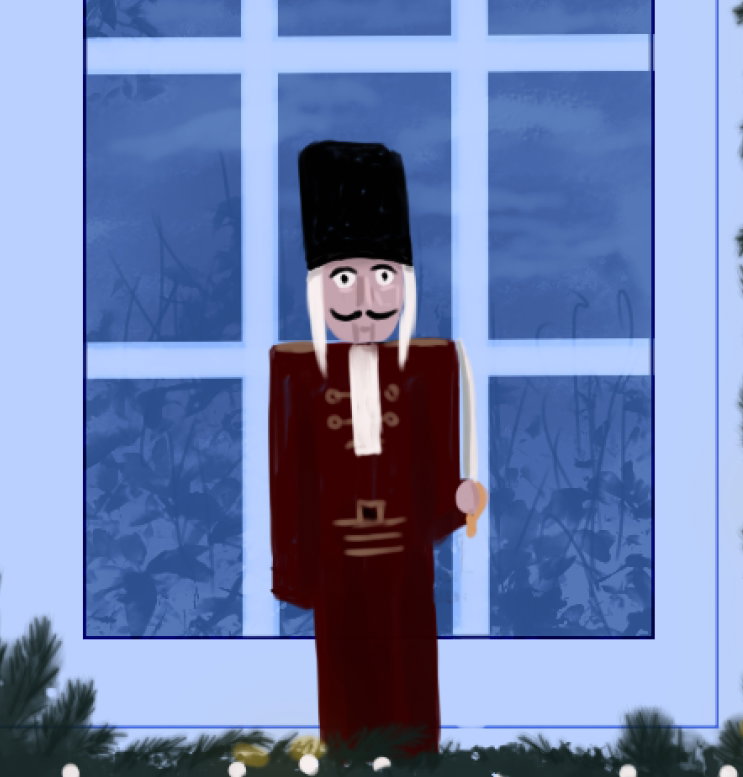
Already looks joyful and festive!
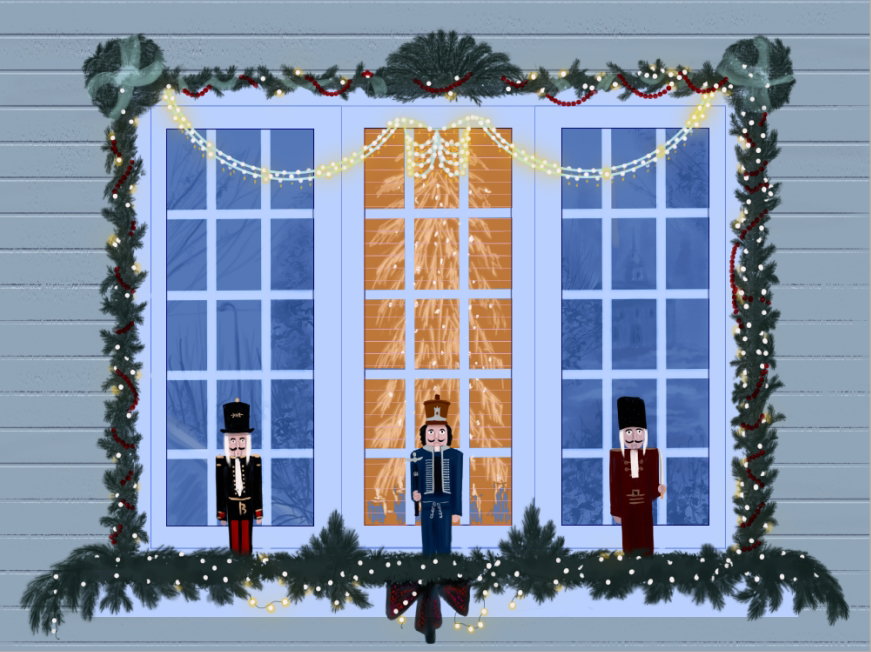
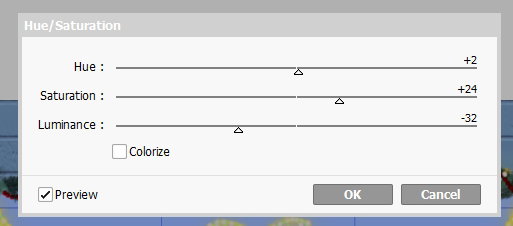
But I want to add more Christmas atmosphere to my drawing! I merge all layers and make color correction with **Filters - Hue/Saturation**
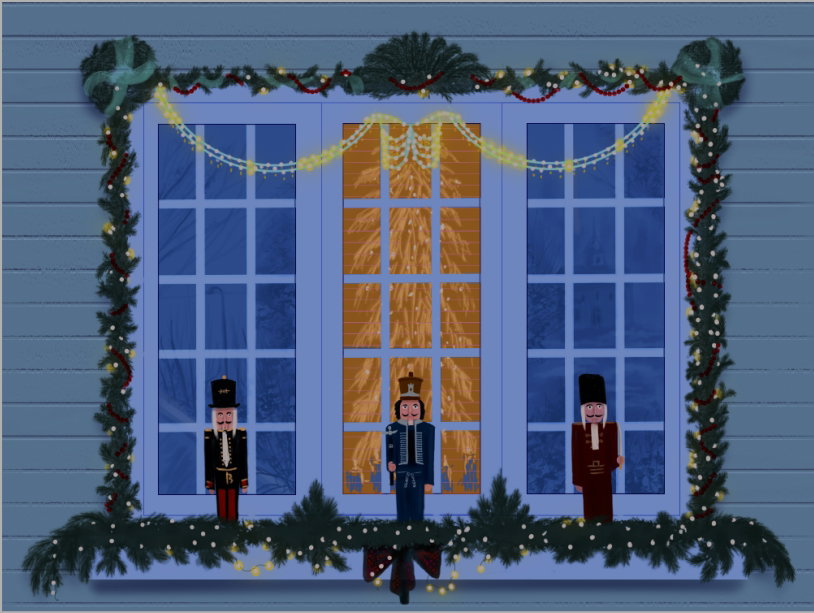
Yes, I add a drop shadows from the window sill and from the wreaths
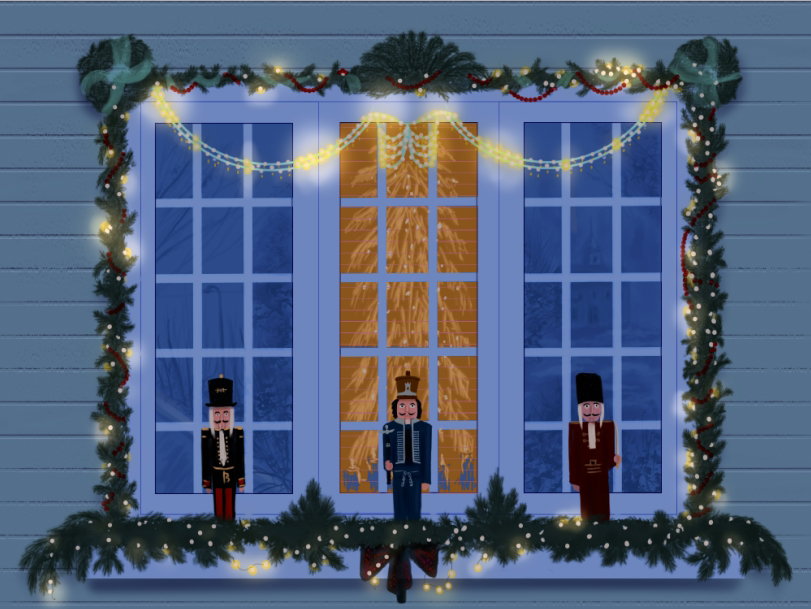
And so, I create new layers, set to it blend mode **Shine** and with golden yellow color and with soft brush I apply bright spots of light where there are many bulbs
And finally, I wanted to add warm colors to the picture. I created a new layer, filled it with bright pink and put it in **Soft Light** blend mode. Great! I did it!
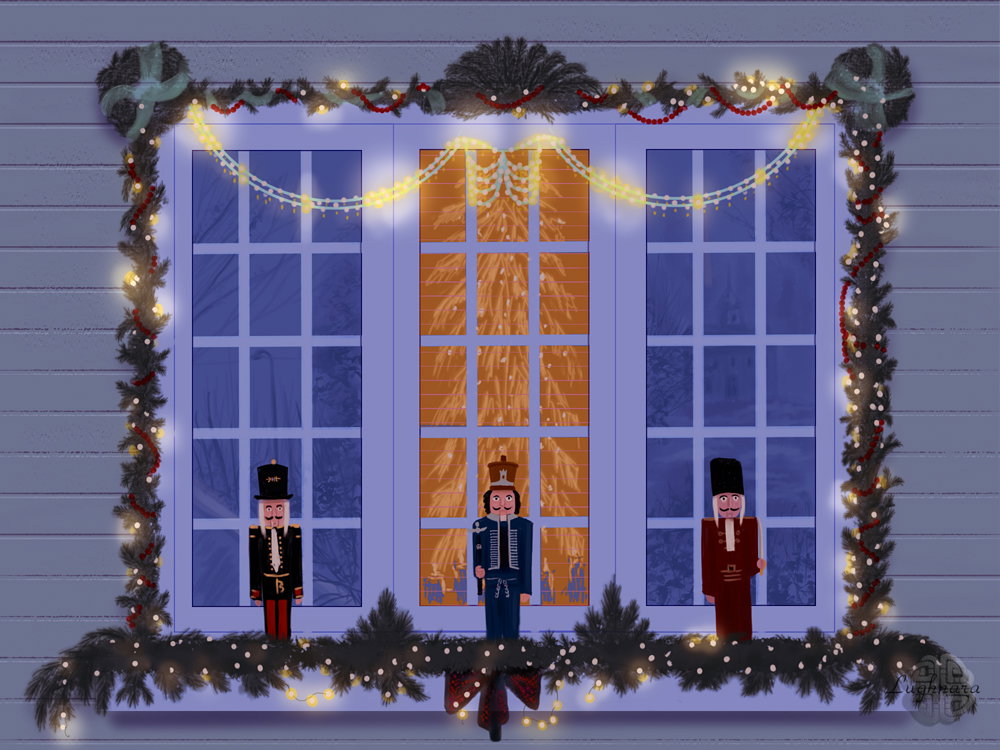
It was first of my Christmas drawings series. I hope you'll like it! Regards and with Love! Merry Christmas!

4 comments
I like your christmas drawing, I have made one too, but as I have not been home much, I have not been able to finish it, I hope to finish it today so I can upload it to read.cash
Thanks a lot! I'll be waiting for You post with new drawing;) Merry Christmas!
I fell in love with every detail of your painting, especially the shadows you painted on the glass... It's perfectly the feeling of these days of the city and the houses... Merry Christmas, my artist friend, I wish you a year full of success, happiness and health... 💚🎄
Thanks a lot for Your heartfelt words! Merry Christmas!