Practicing with Blender - Among Us 3D
Hello everyone, this digital world has multiple tools where you can do many things from digital drawings to 3D figures, in the latter there are several programs that stand out for each of its features, but personally I think that each one starts from the same origin and in the process some of them go to another branch.
That's why 22 days ago I started in this world of 3D, I know I need a lot of practice and many hours in which I have to look for help, that's why I was learning the basics of a 100% free program called Blender, I'm still watching videos to get used to the program interface and the concepts that you handle in this world, so I want to show you one of the practices I did in this program, with one of the games that was fashionable for a while and is a character from Among Us.
Process
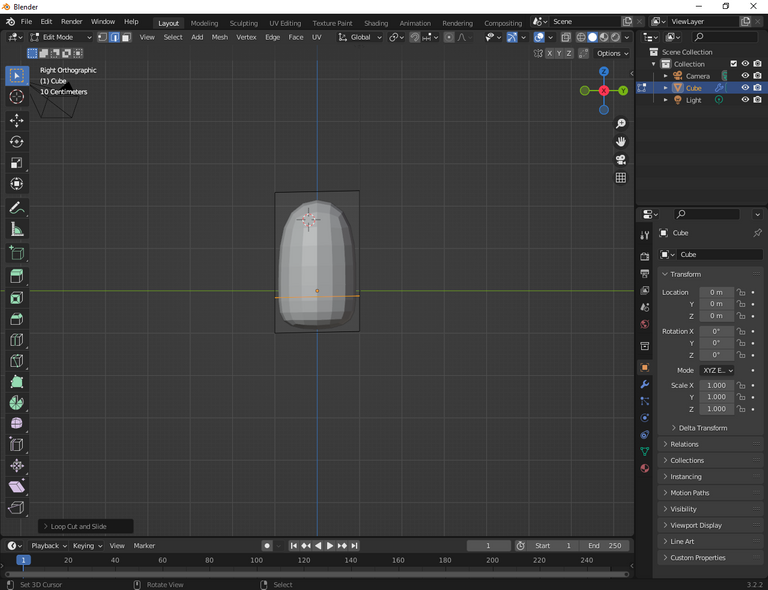
At first sight the interface has too many functions, but when you get used to it it becomes easier, I'm still in process hahahaha, at first sight it's a cylinder that I had made with certain commands that were mentioned in the tutorial.
I was looking for tutorials about how to navigate in the interface after several videos, the mouse wheel click is bad so I found another way to move around.
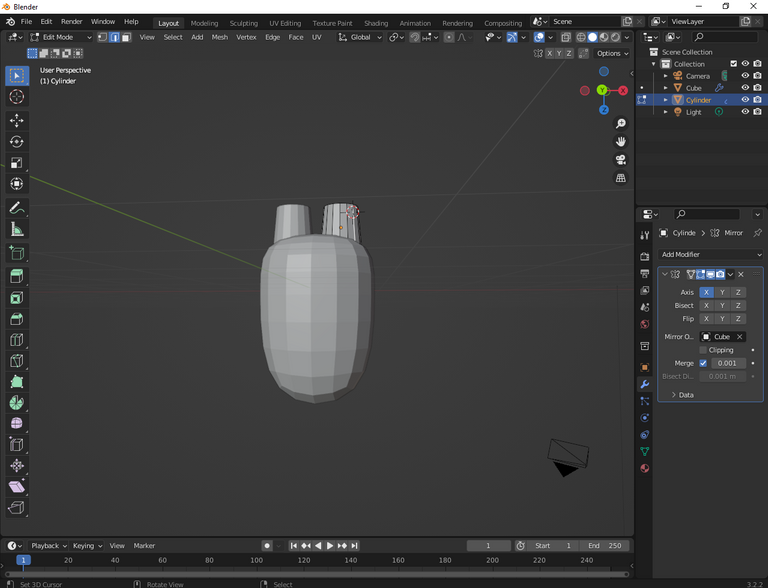
At this stage with a cube I was making the mythical glasses of the character looking for the right proportions.
I don't have many screenshots when I made the bag, but here is the result.
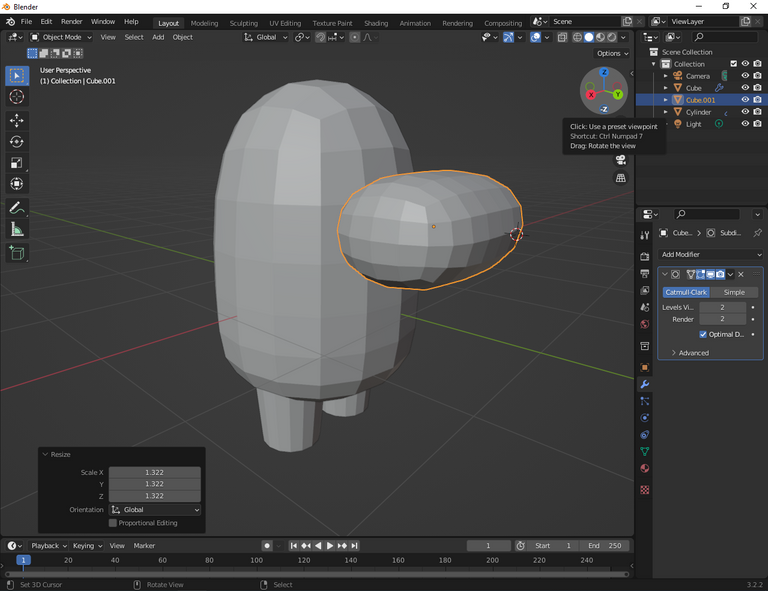
In this stage I made the figures more round with a function applied in all the elements.
Finally the coloring in this part has too many functions and is the part that I have to search, learn and practice all those functions.
This is one of the practices that I have documented, where I made several screenshots of the process until I got the final result, but the potential that this program has is impressive with several functions that has even a section that is sculpting where you can go little by little modeling the character, with different brushes in which you can increase to make figures, the limit that you have is yourself.
I hope you like it, thanks. https://read.cash/@alerovasber/converting-a-traditional-drawing-to-digital-23436366#i-hope-you-like-it-thanks
Converting a Traditional Drawing to Digital
Hello everyone, I have not uploaded anything for a long time and I want to tell you the process I did to convert a drawing I did to graphite and I converted it to digital with the application IbistPaint X, which I found a tutorial, which teaches the process of an art style called Glowart, I have seen several drawings of this theme on Pinterest when I've been looking for reference of drawings that I wanted to do either of specific characters and I always find them with anime so I wanted to do it with one of my drawings that I have done of anime, I found one that I liked, I had passed it to black and white, during the process I did not like it at all so I kept looking for another drawing that I had done.
Looking through the catalog of drawings that I have done I found one that I had done in black and white, it is the following one that I am going to show you next.
PROCESS
At this stage I started with the tutorial, first I created a black layer and placed it in front of my drawing with an opacity of 30% and then I selected a specific color, I chose the turquoise color since I had to place one that was clear, I was adding in the areas that seemed convenient to me of the reflection that causes the light.
I was realizing that it was not looking anything like the tutorial, then I realized that the black layer is not in the right position hahahaha.
At this very moment it occurred to me to add something in the eyes, to practice the coloring and I selected a vinotint color and I added a darker tone and finally the black color and then apply the blur.
The process was not so easy because I want to get used to all the tools and continue exploring this world of digital art. Currently I keep watching video tutorials to keep learning.
I hope you like it, thanks.
Drawing of a Butterfly
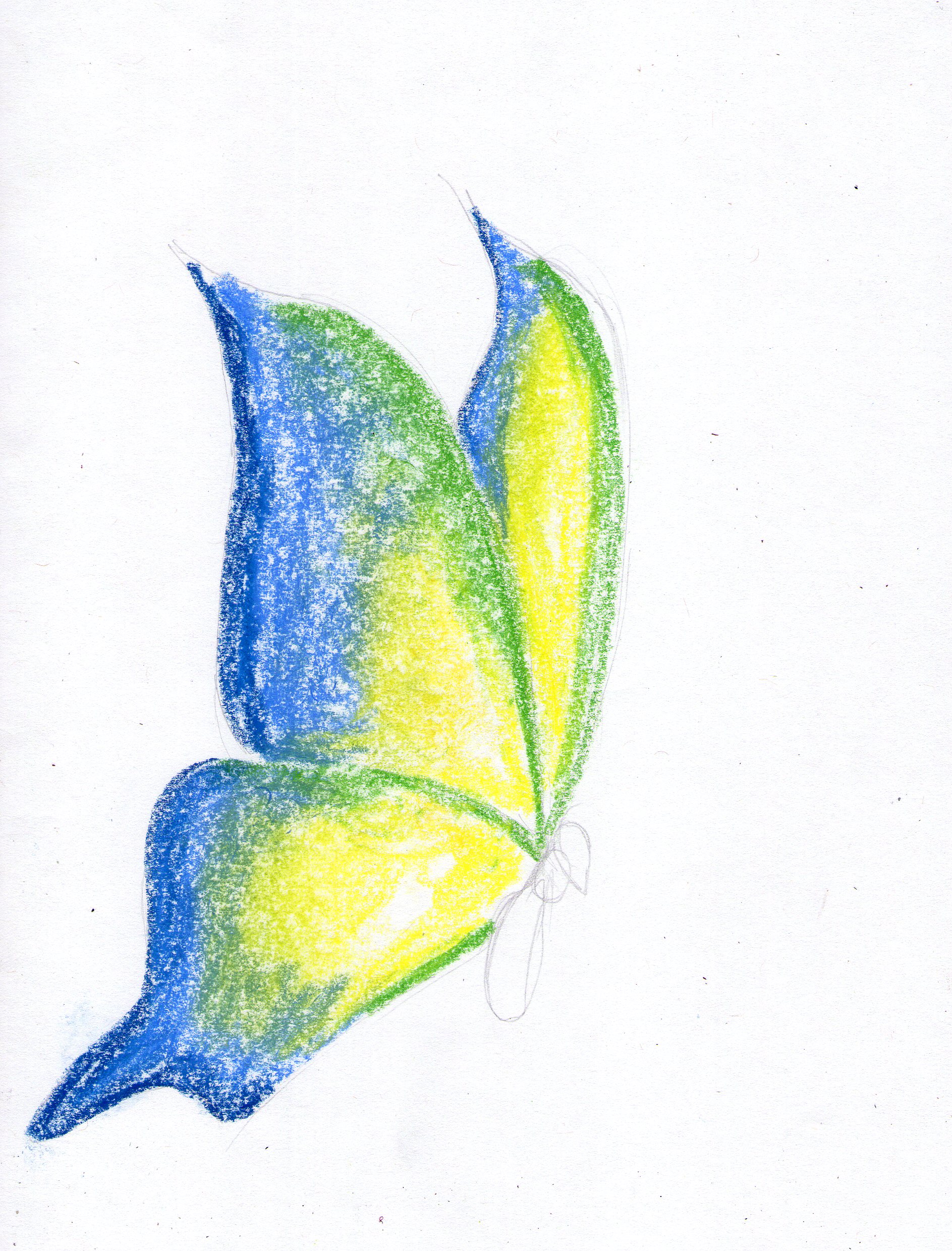
Hello everyone, I hope you are well, these days I am seeing the drawings I have done so I want to share them with you, it is of one of my favorite insects the butterfly, the last time I had done one with colored pencils and this time I did it with chalk.
In the realization of this drawing I used a mechanical pencil, 4B pencil and chalks.
Process
I started with the sketch of the butterfly silhouette with certain proportions to continue with the next step.
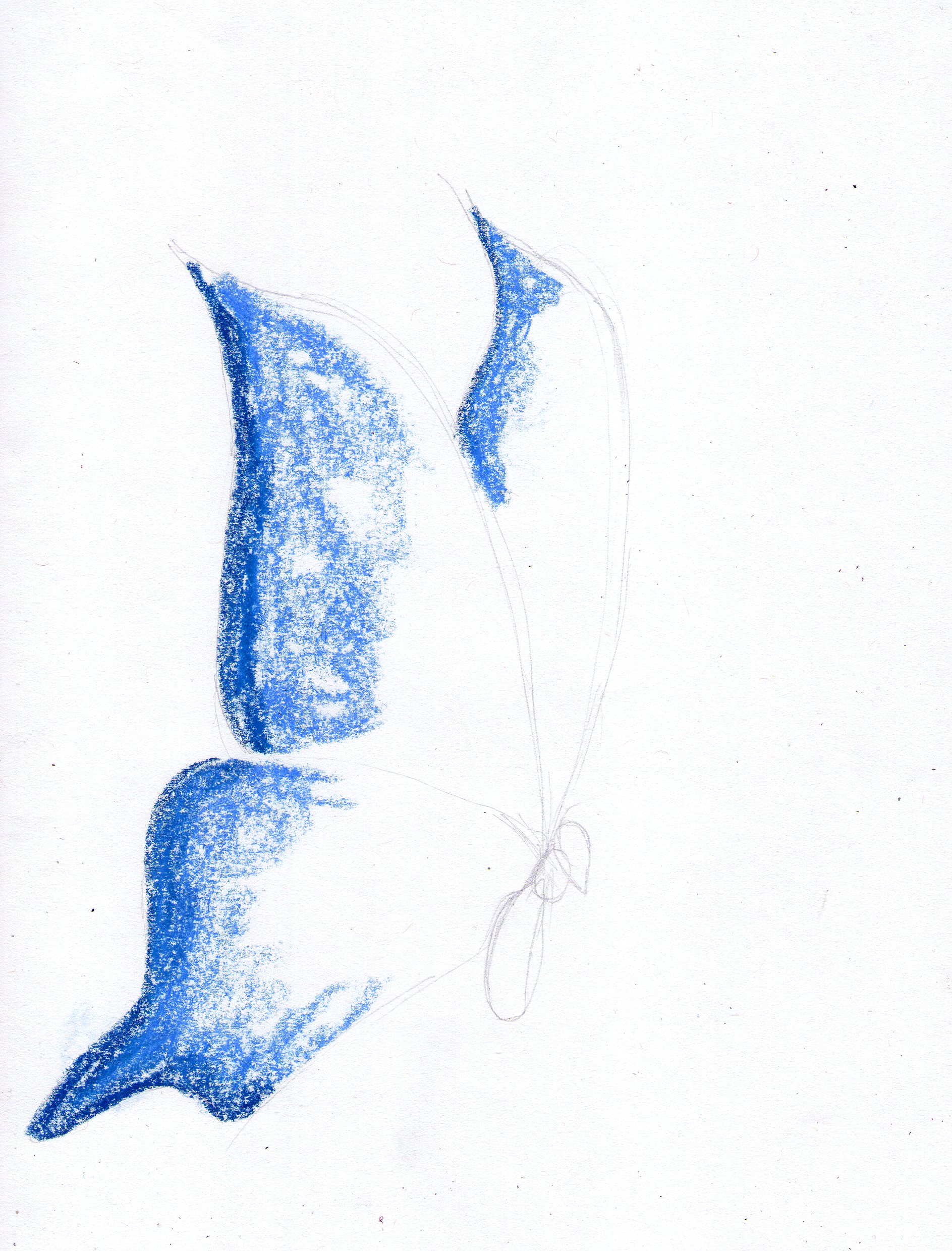
At this stage I continued with the coloring by applying the dark blue, light blue, green and yellow chalks.
Finally combine the range of colors and continue with the body of the butterfly which I did with the mechanical pencil and the 4B pencil, at the end I did the background with the light blue chalk.
I hope you like it, Thank you.
Drawing of Rin Nohara
Hello everyone, this is my first publication on this platform and in this community, I'm not much of a writer and I wanted to start publishing with one of my favorite hobbies which is drawing, I really like the realism style and I know that to get to that I have to practice a lot, without further ado I will describe one of my many drawings I've done.
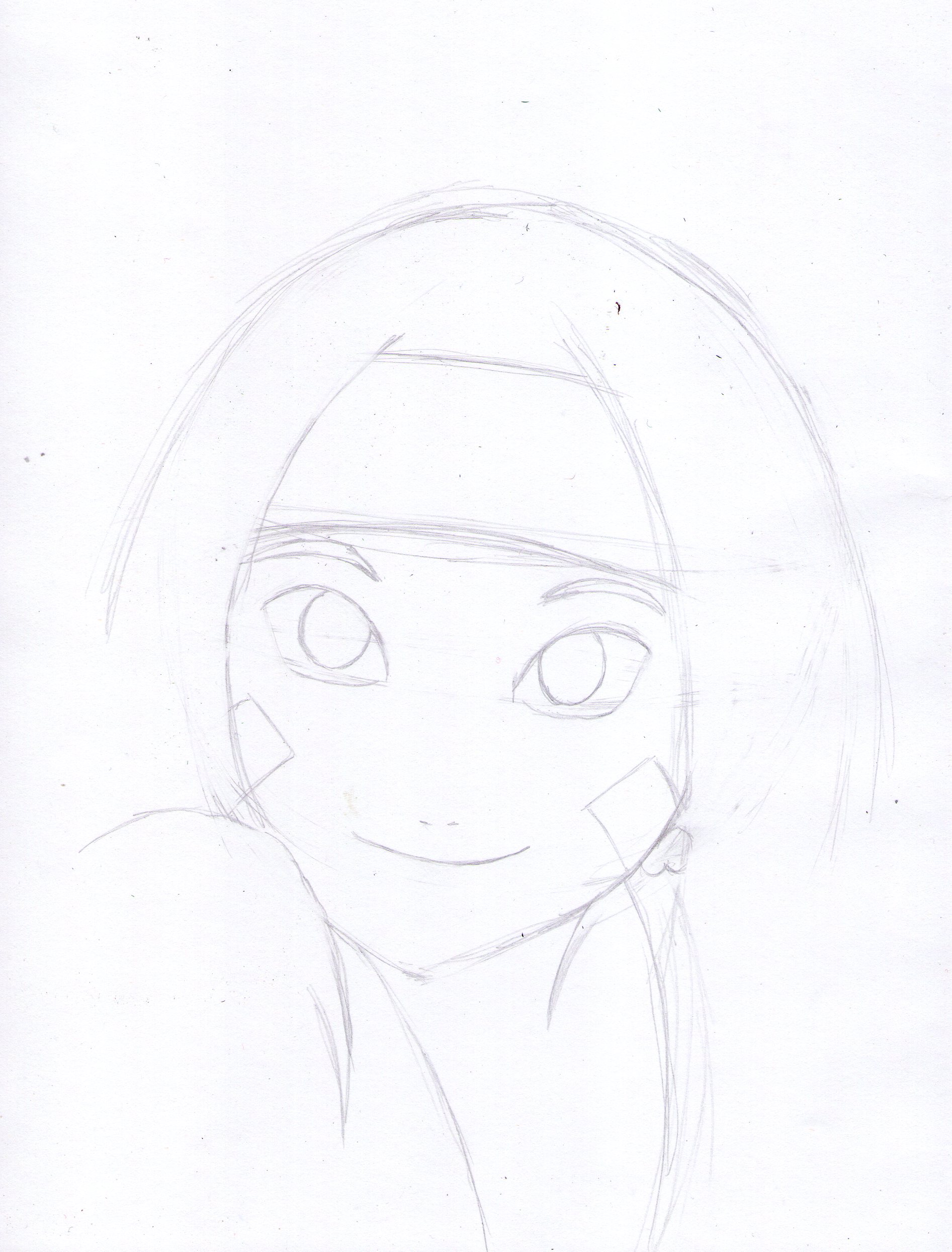
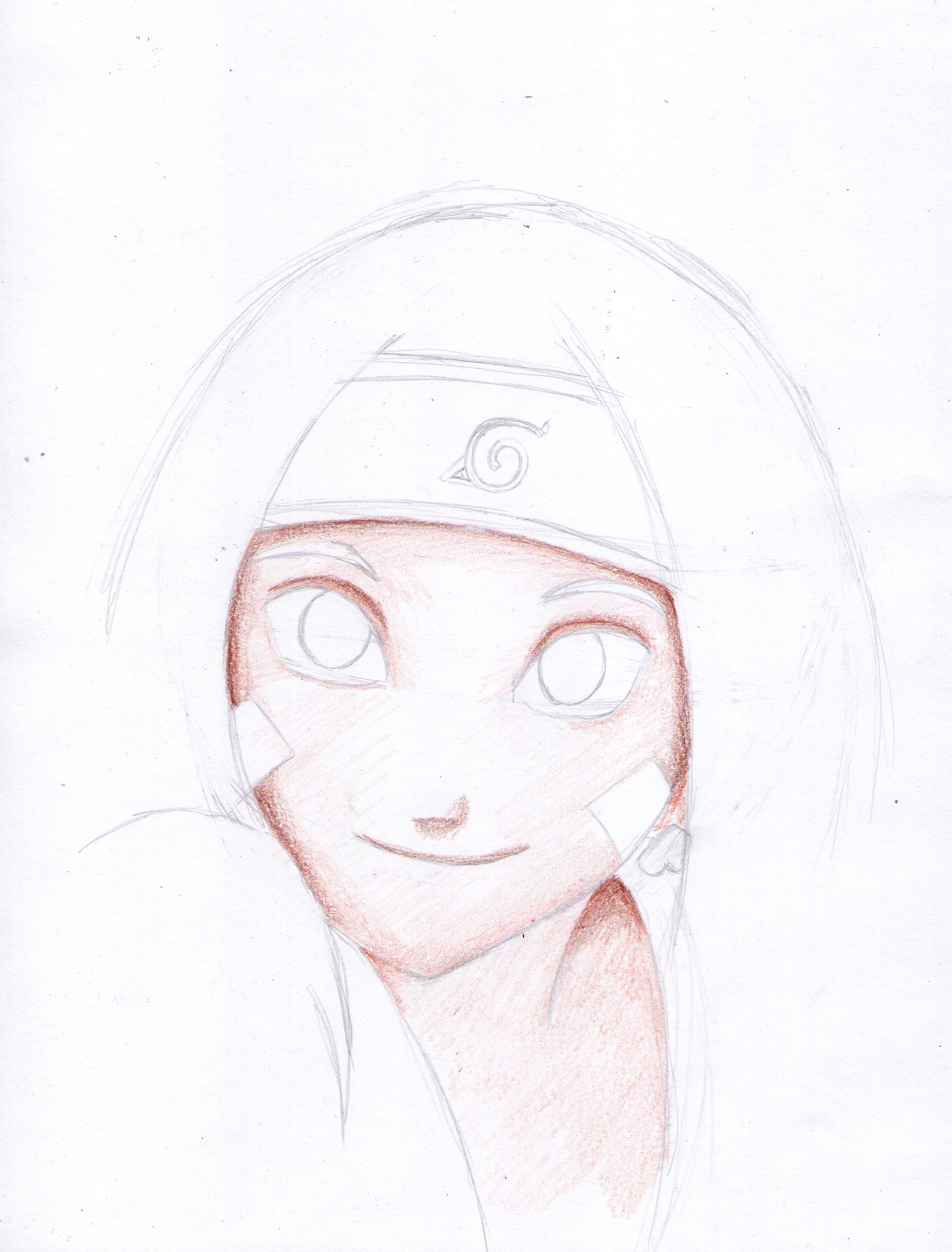
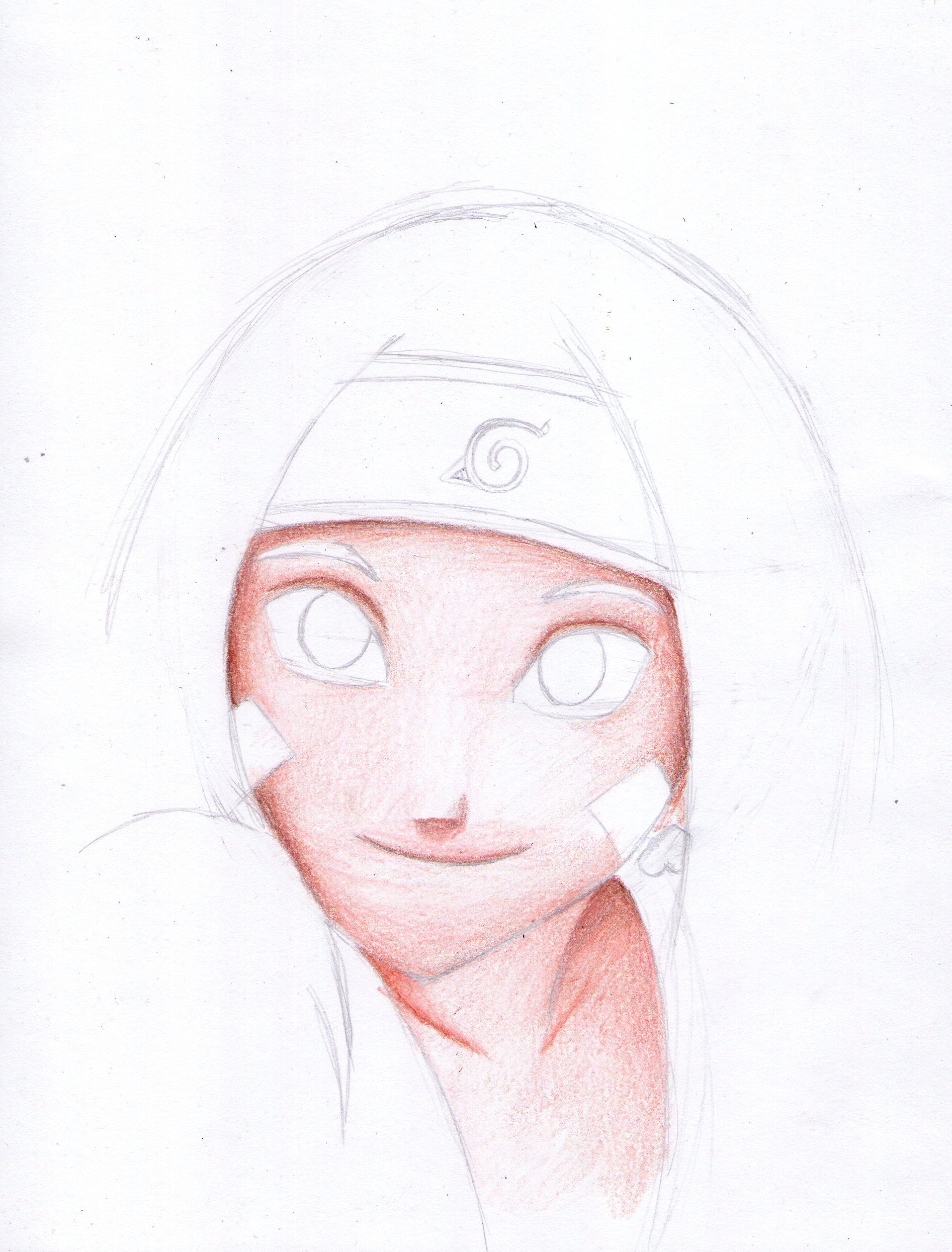
This drawing I did about two months ago and it is a character of one of my favorite anime series Naruto and it is Rin Nohara, the style of this drawing is semi realistic making texture in the clothes and doing hair by hair with the corresponding color.
I made this drawing with a HB pencil, 2B pencil and colored pencils.
Process
I hope you like it, thanks.
 @alerovasber