 @ace108
more from that month
@ace108
more from that month
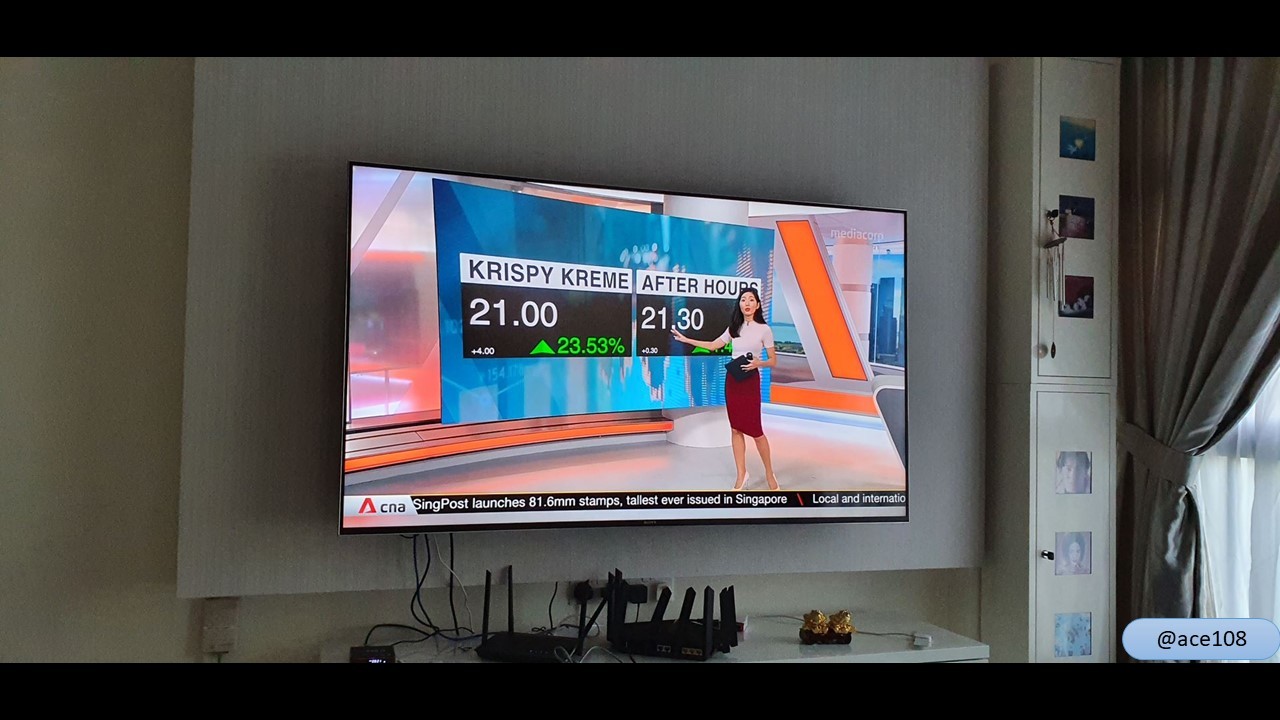
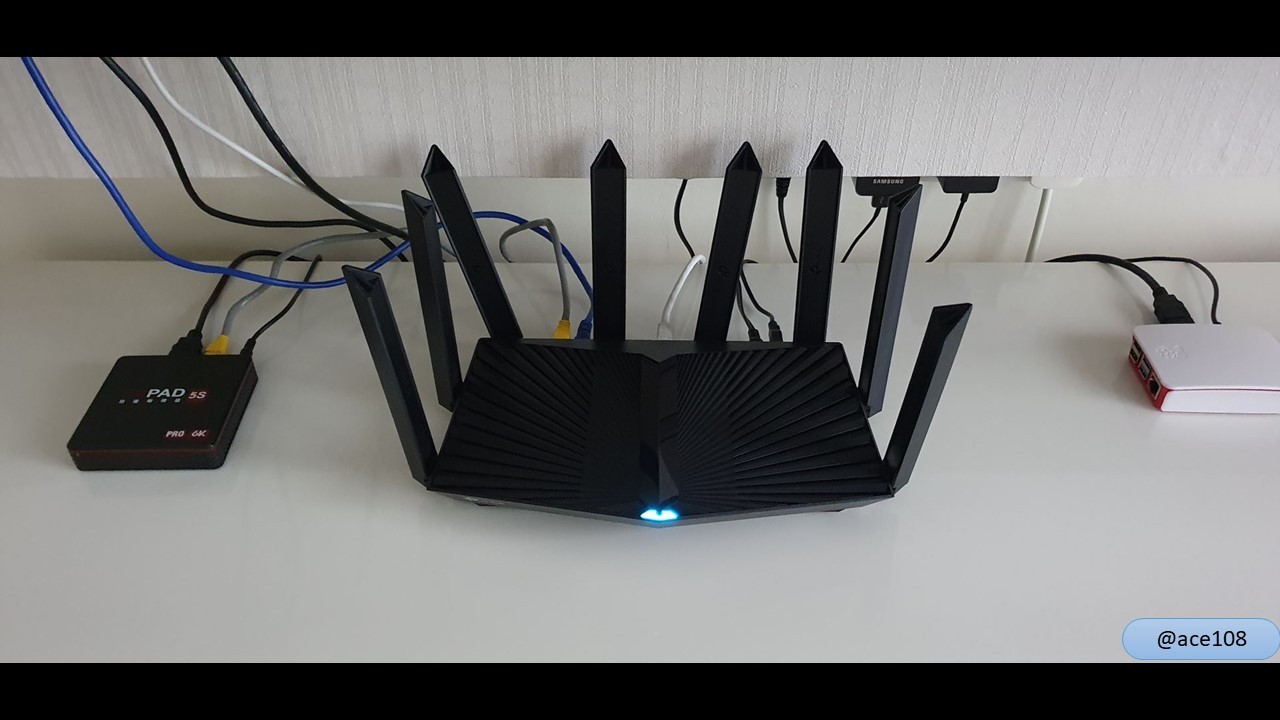
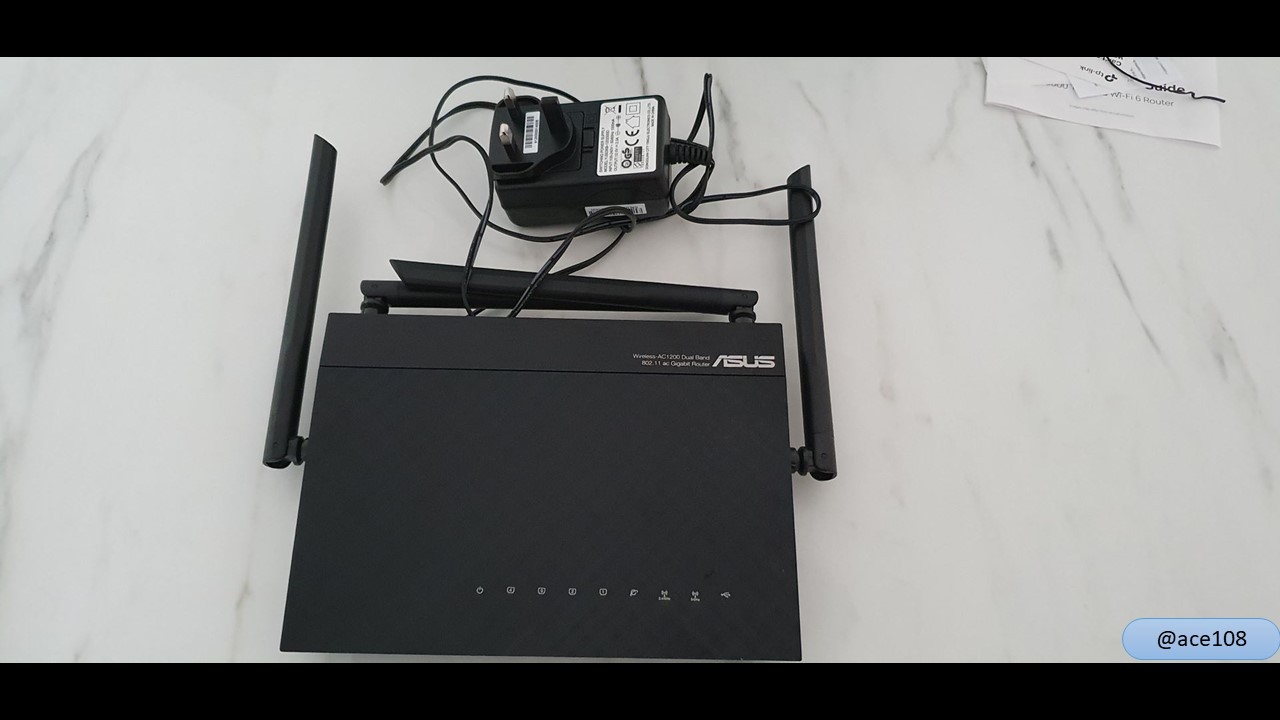
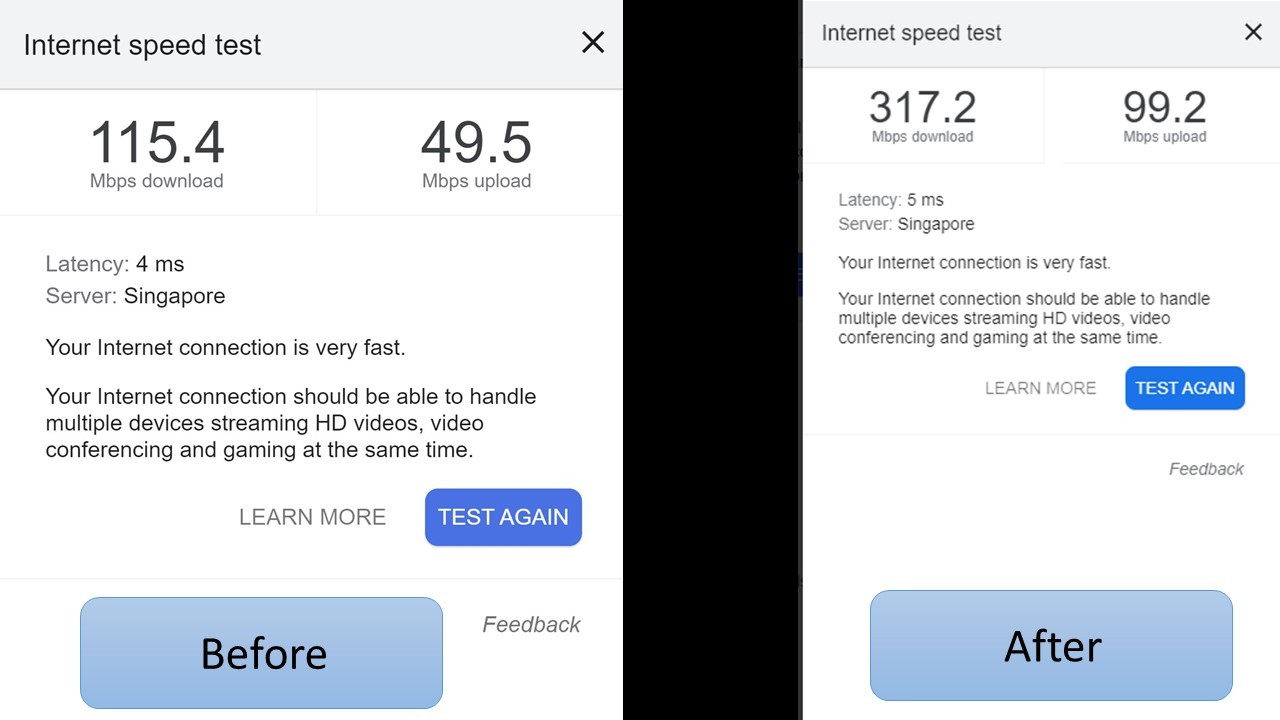
📷Taming the beast router | 驯服那路由器野兽😎 I started setting up the new router on Thursday night. Following the instruction, I connected to the fiber modem and downloaded their Tether app to setup and connected to the router successfully. Simple enough but I could not get on to the internet. I switch the network cable to the old cable from the old router but could not get on to the internet too. So I switch back to the old router with the new network cable and was connected to the internet. Then I switch the old network cable back to the old router and it still works. I decided to connect the new router to the old router and that gave me internet through the new router. Why the hell does it need to go through the older router? After a few hours of medling, I gave up. The next morning, the mess was still left there. Then I went to search and found people had same problem with different routers using M1 fiber broadband and many people suggested have to call M1 and asked them to reset the connection to detect the new router. What the hell? I waited until lunch time before calling M1 and medling with it again. Finally, the beast got connected to the internet. In the evening after work hours, the lady tidy things up and make everything looks nicer. Now it's time to say goodbye to the old ASUS router. Speedtest as suggested by @OldGuy. I totally forgot about it. Look at the before and after. No change in my internet subscription plan and I'm happy with the difference so far. Well, worth the money, right? #originalcontent #myphotograph 我在周四晚上开始设置新买路由器。跟着指示,我连接到光纤调制解调器,并将小程序下载来设置而成功连接到路由器。简单,但我无法让路由器链接上互联网。我将网络电缆切换到旧路由器的旧电缆,但也无连接互联网。因此,我用新的网络电缆切换回旧路由器,并连接到互联网。然后我将旧网络电缆切换回旧路由器,它仍然有效。我决定将新路由器连接到旧路由器却发现能连上互联网。搞什么?为啥要接到旧路由器?搞了几个小时后,我放弃了。第二天早上,烂摊子仍然留在那里。然后我去搜索,发现人们使用M1光纤宽带和不同路由器也有同样遭遇,并且有其他高人建议打电话个M1叫他们重置连接新路由器。我TMD。等到午餐时间,打电话2去M1然后再搞一下。最后,野兽已连接到互联网。 在下班后的晚上,女人整理那乱摊子。摆美美。 现在是时候向旧的华硕路由器说再见了。 如@OldGuy 建议,做速度测试。其实我也完全忘了。看看前后的差异。我的互联网合约没更改开但换来了满意的结果。值得花这笔钱,对吗? #Technology
No comments yet