 @Pjman7
How to Add smartBCH on Metamask or Brave Wallet

Thanks to Josh Ellithorpe we now have the info needed to add the smartBCH network to Metamask. Here is a guide for how to use the information provided. Click below to see his post providing the needed info. https://noise.cash/post/18v83x8p If you have not already done so Install Brave Browser or Install the Metamask Plugin and setup the base wallet. Click on the Fox or Click the hamburger menu on Brave then click Wallet

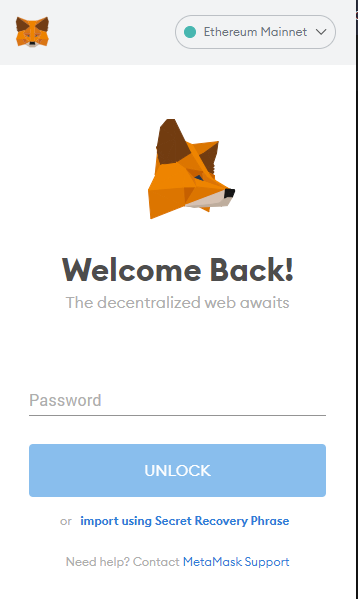
Login to your wallet
Next Click on the dropdown that says Ethereum Mainnet
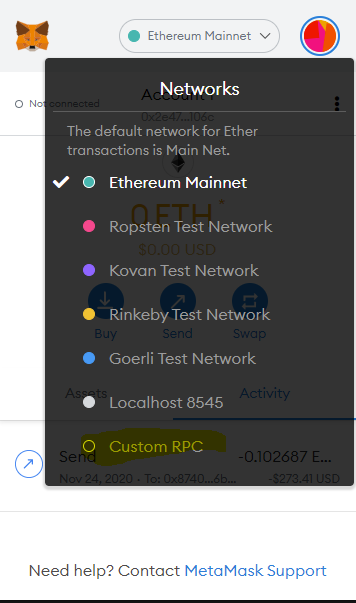
Select Custom RPC You will then be presented with a screen that looks like this
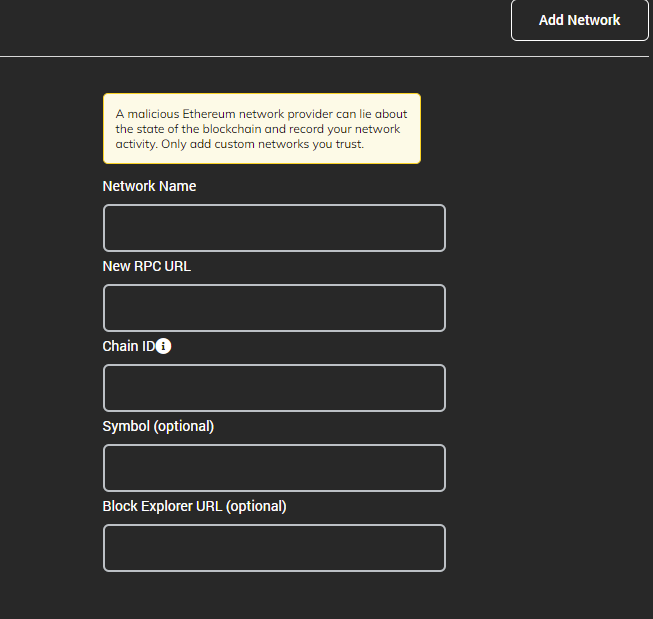
Below you will find the info you need to put in for each field. **Network Name:** smartBCH **New RPC URL:** https://smartbch.greyh.at **ChainID:** 0x2710 **Symbol (optional)** BCH **Block Explorer URL (optional)** https://www.smartscan.cash/ Please note many of these settings are not set in stone and user are free to customize them at this point only the chainID and RPC URL are important and different RPC URLs are possible the one used is one created and ran by Josh Click Save Now a new network should be added to your list of available networks to connect to
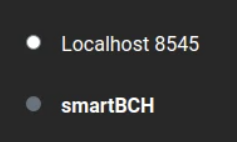
Select smartBCH
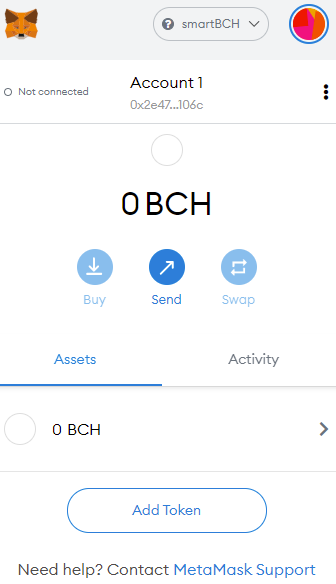
Now you should be able to interact with sites that are running on smartBCH







4 comments
Now that I am connected to smartbch using metamask I would like to know how can I add some BCH to it. 0x3aEE9F73788a989dcd823F7F7C7483bc62d3D3a0
https://read.cash/@SmartBCH/the-progress-on-the-cross-chain-bridge-2bb84b96 Here is the bridge status from the SmartBCH team
Thanks for this really needed it
Hey, do you know something about liquidity. I created a token, but I don't know how to send it, I mean what addresses should be used to send people the token I created on smartBCH ?