 @Ozzyy
more from that month
@Ozzyy
more from that month
My Digital Art - Japanese Samurai 1 **WARNING: This contains a LOT of pictures.** So when I was a seven-year-old kid, the first anime I ever watched was Nobuhiro Watasuki's Rurouni Kenshin (Wandering Samurai). So, I was naturally obsessed by swords, sword fights, and the crazy speed of the moves.
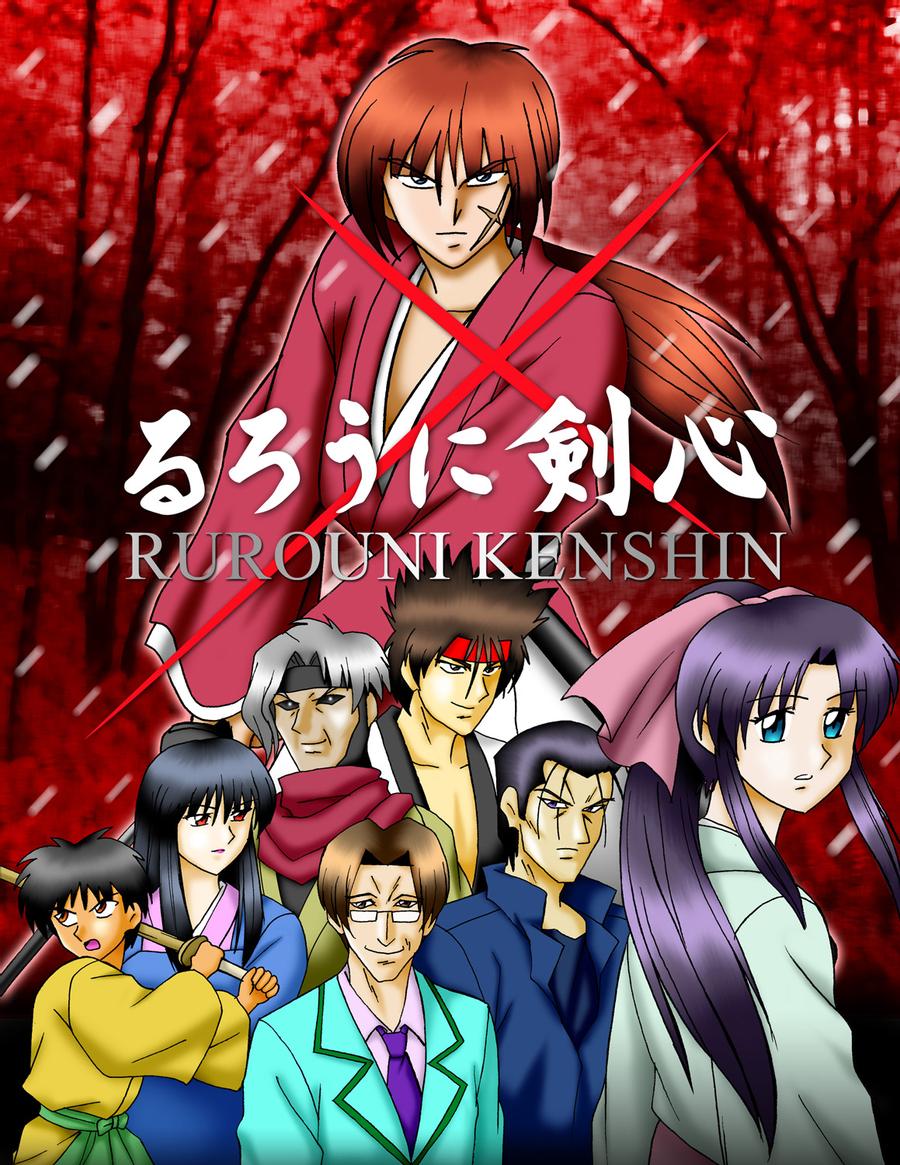
It was from there I really started drawing - making little mangas and such. Now, it's really hard to show others your work on paper without having an ace phone camera -I've lost on that count, so I decided to get myself a cheap rubber-tip stylus (courtesy of my uncle who's also into art) and try out a few colored sketches, the result of which is this:
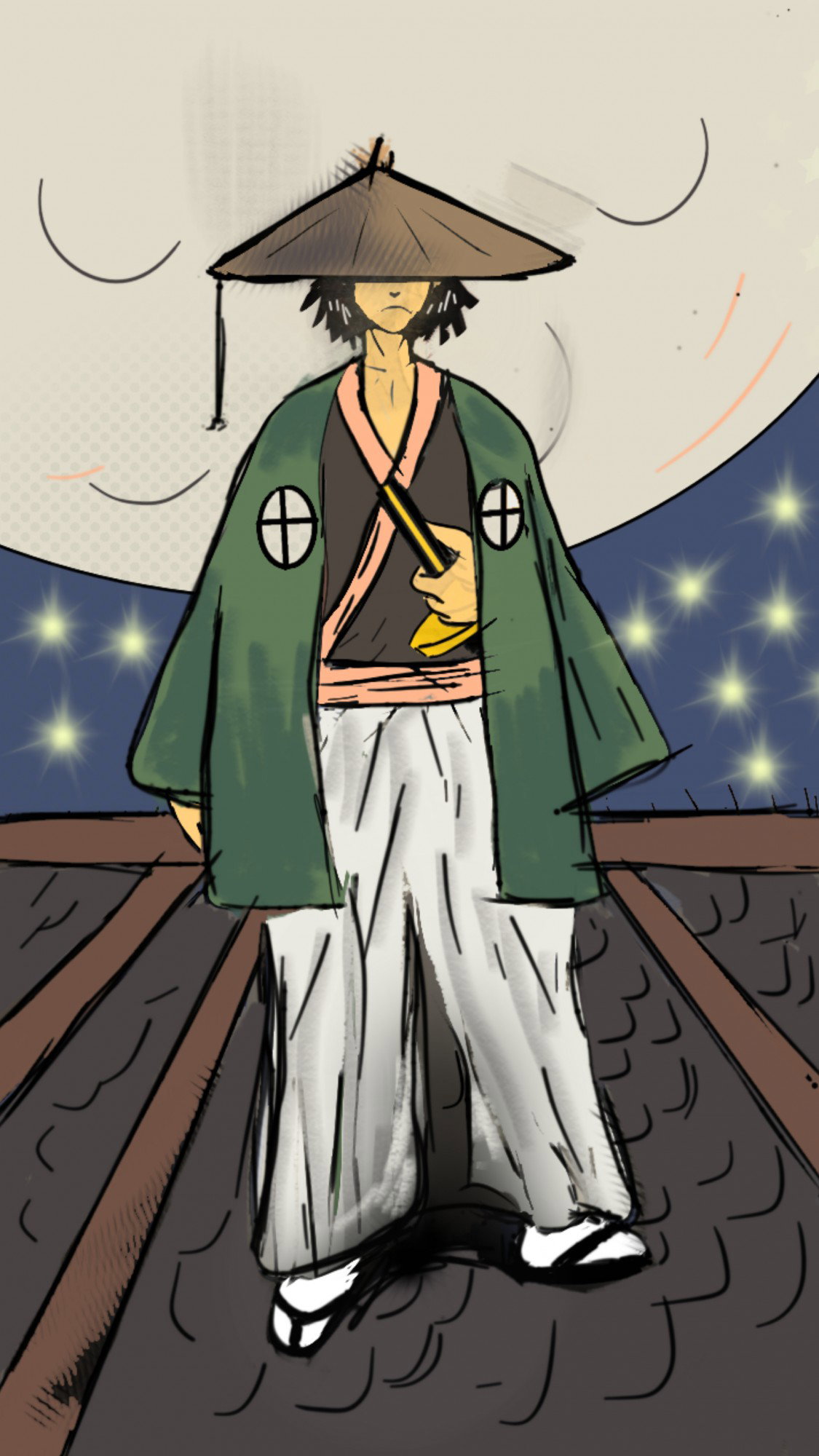
Yeah, I guess it's not all that squeaky clean, but it's a sketch from someone who's new at this, so bear with me. Concept I went for the traditional Japanese manga style - a slender, average-height character in the traditional garb Kenshin wore as an Imperialist Samurai during the days of the Revolution. But I also added a surreal finish with the background - an excessive amount of stars, that royal(?) blue sky, and the larger-than-life moon. So how did I go about it? The Sketch I used the Autodesk Sketchbook app because it has the largest array of brushes and tools I've seen on any app.
So I made a brief sketch on layer one outlining all the major effects I wanted on the work (including the roof though, so I'm wondering why I got the perspective wrong), and then I set the Opacity at 50%.
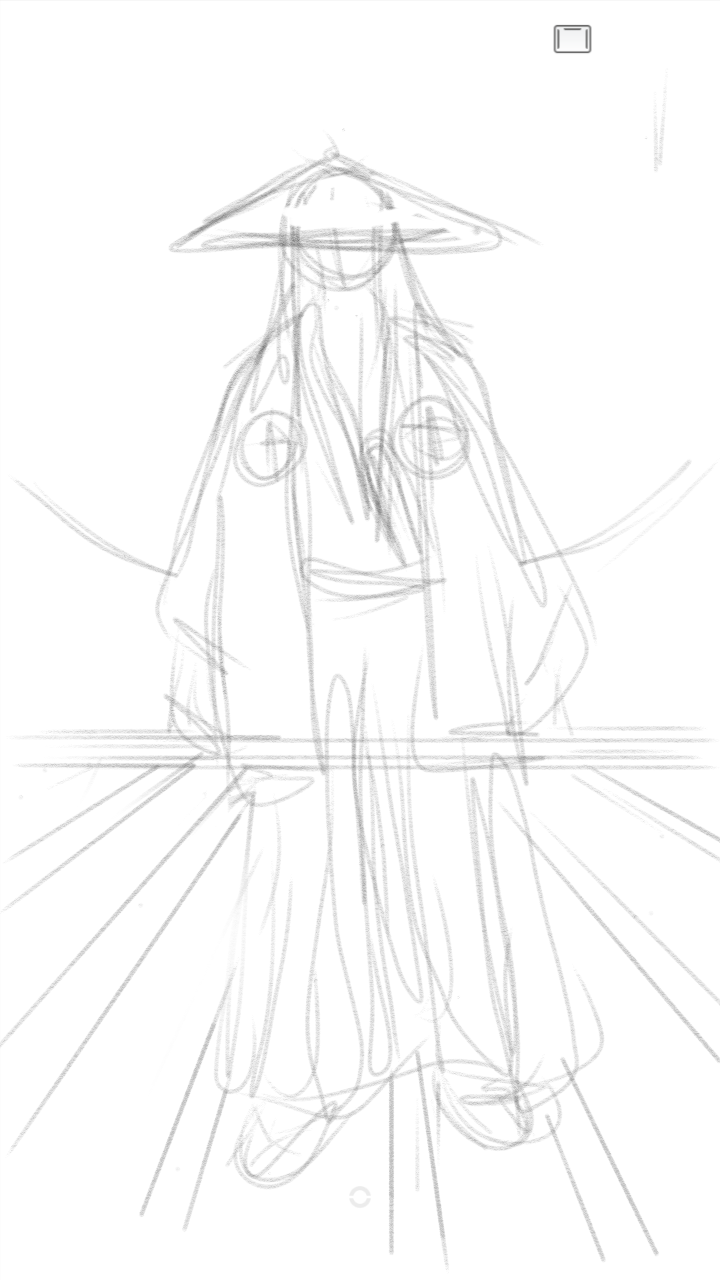
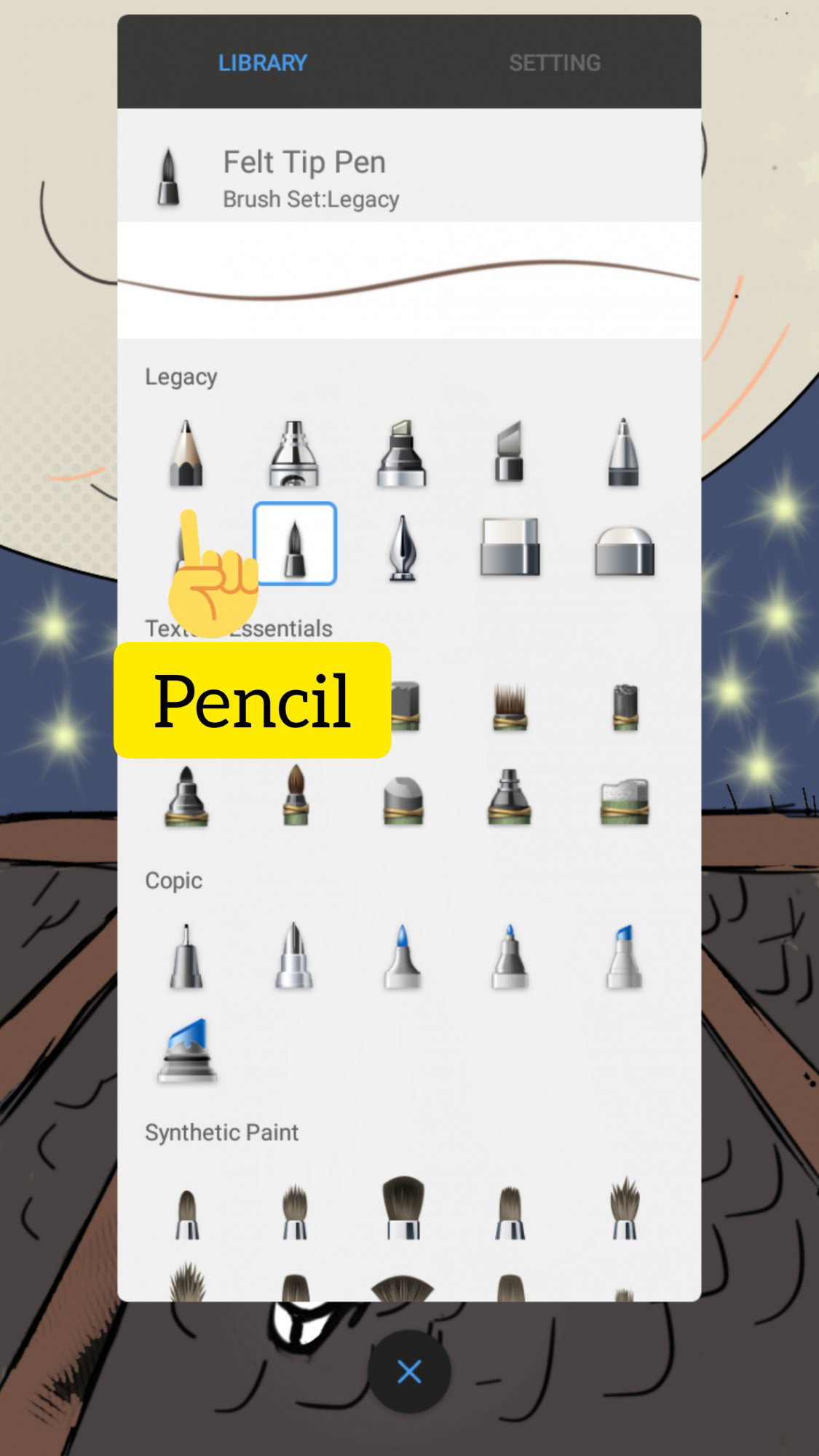
I used the Legacy Pencil tool to do this, and then as time went on, I changed some poses, including butting his left hand on his sheathed sword,
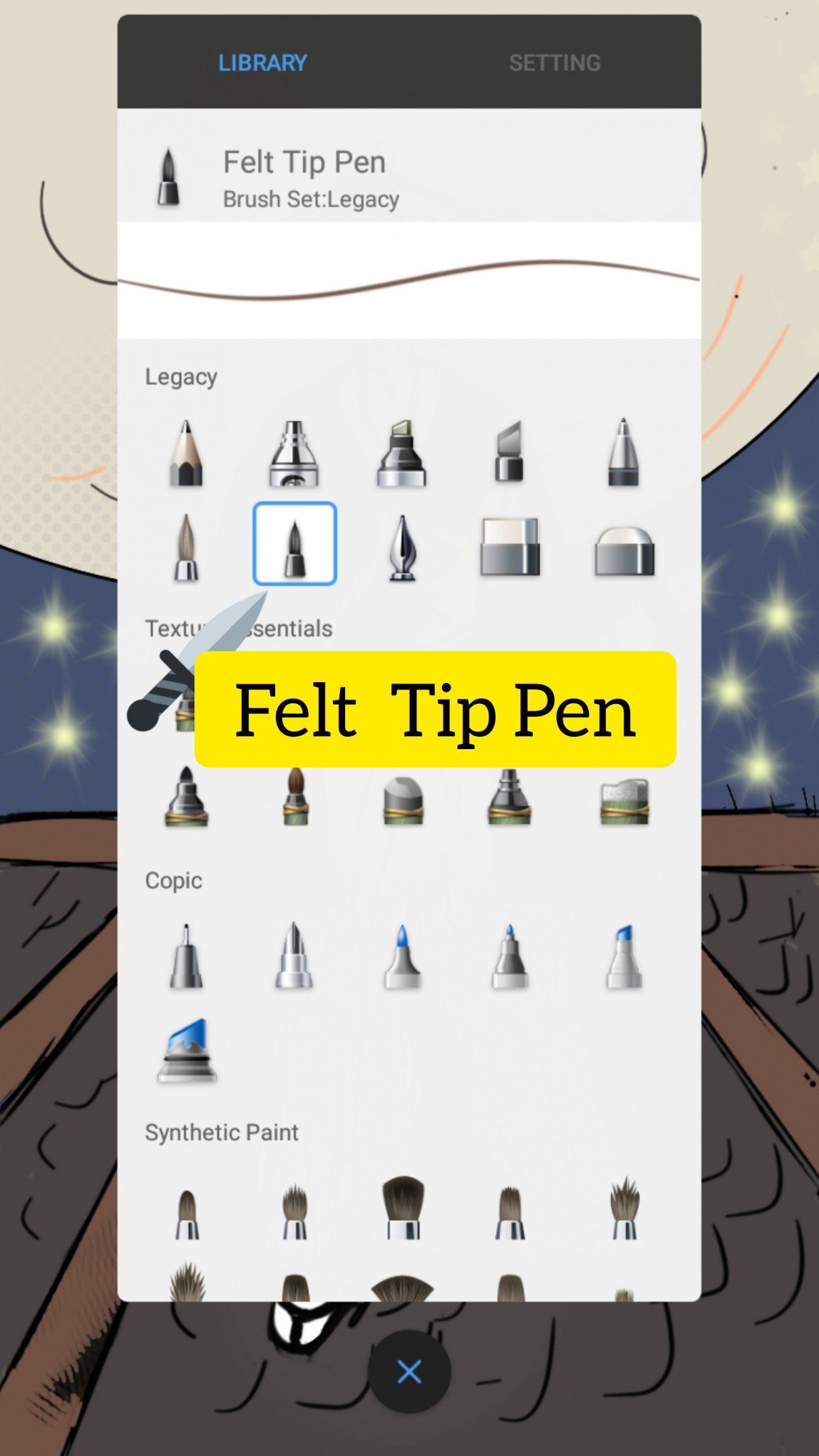
Line Art All the line art was done using the felt tip pen, which was not only well-inked so that my borders could be seen clearly, but also allowed me maximum control of my art. I usually use such pens when drawing traditionally anyway.
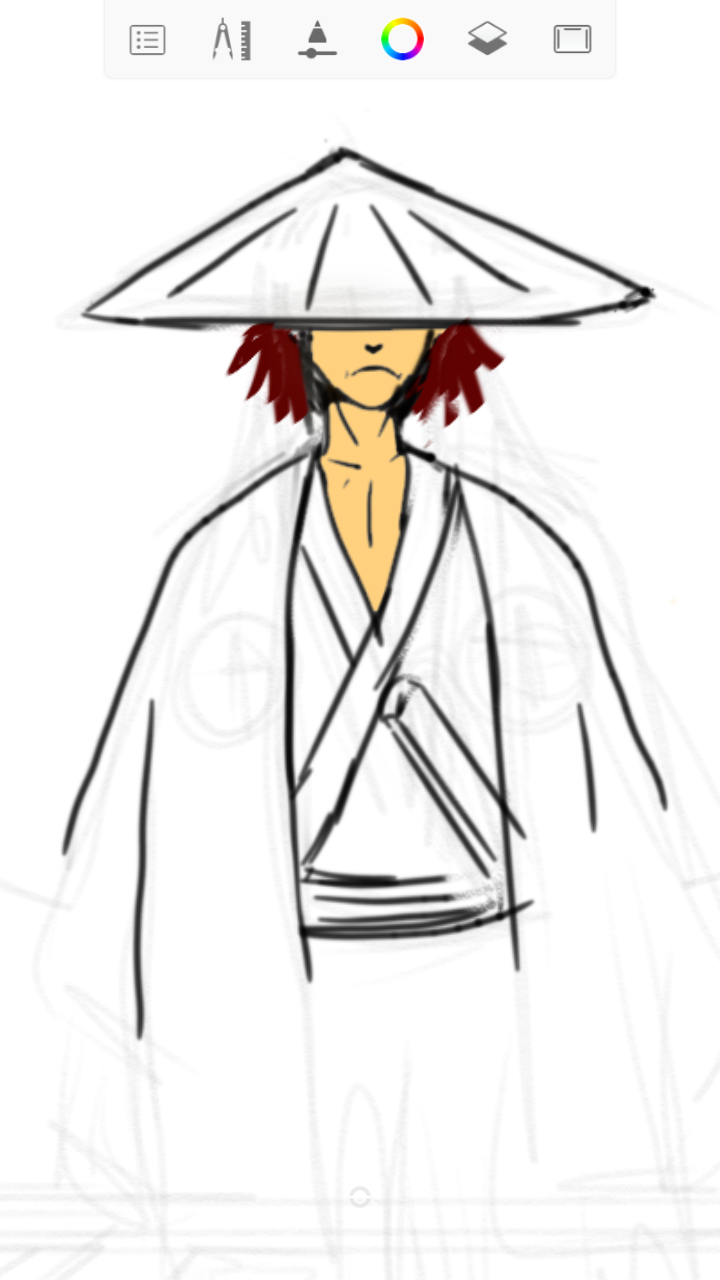
When I was done with a little of the line art, I took the liberty of trying out a few of the color schemes on the hair and face of my character. I'll go ahead and say it - I am a disorganized artist - I can start one part, and then jump to another part, depending on what my interests shift to.
Then I decided to check what I'd like his kimono and the outer jacket (or whatever the name is 😂) to be colored. I decided on dull green since that was the color old Japanese artists loved.
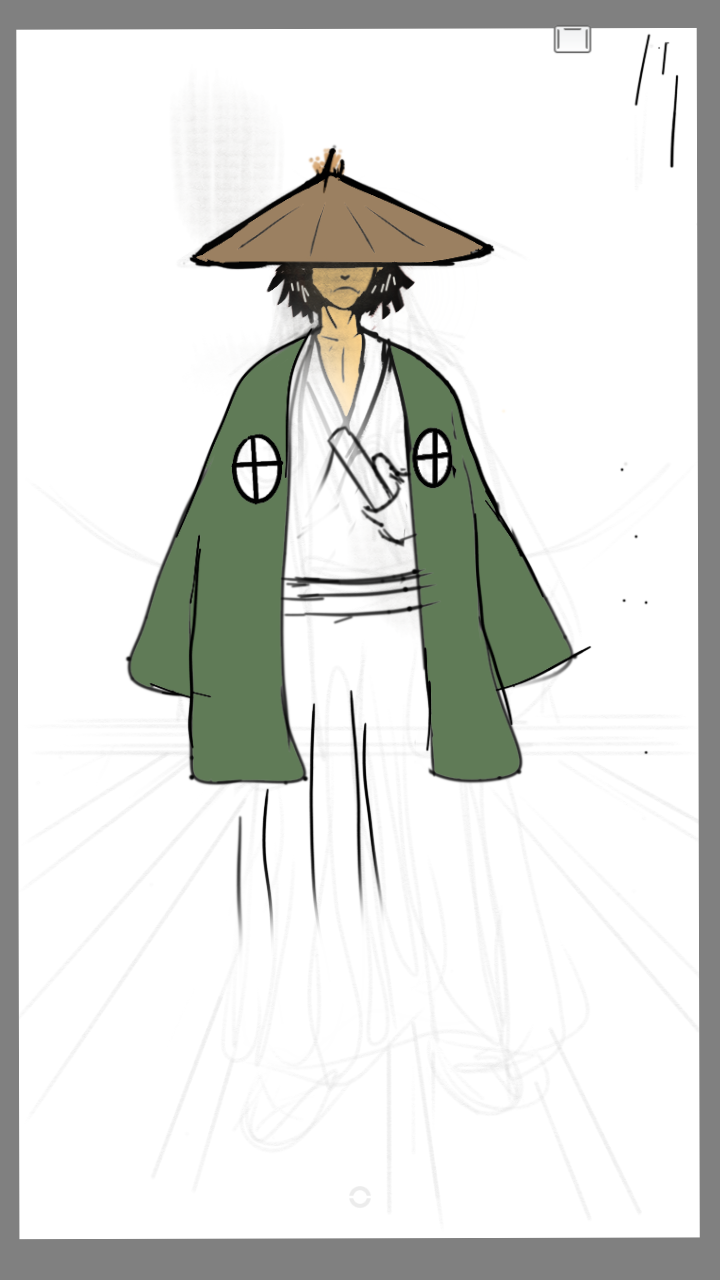
And voila!
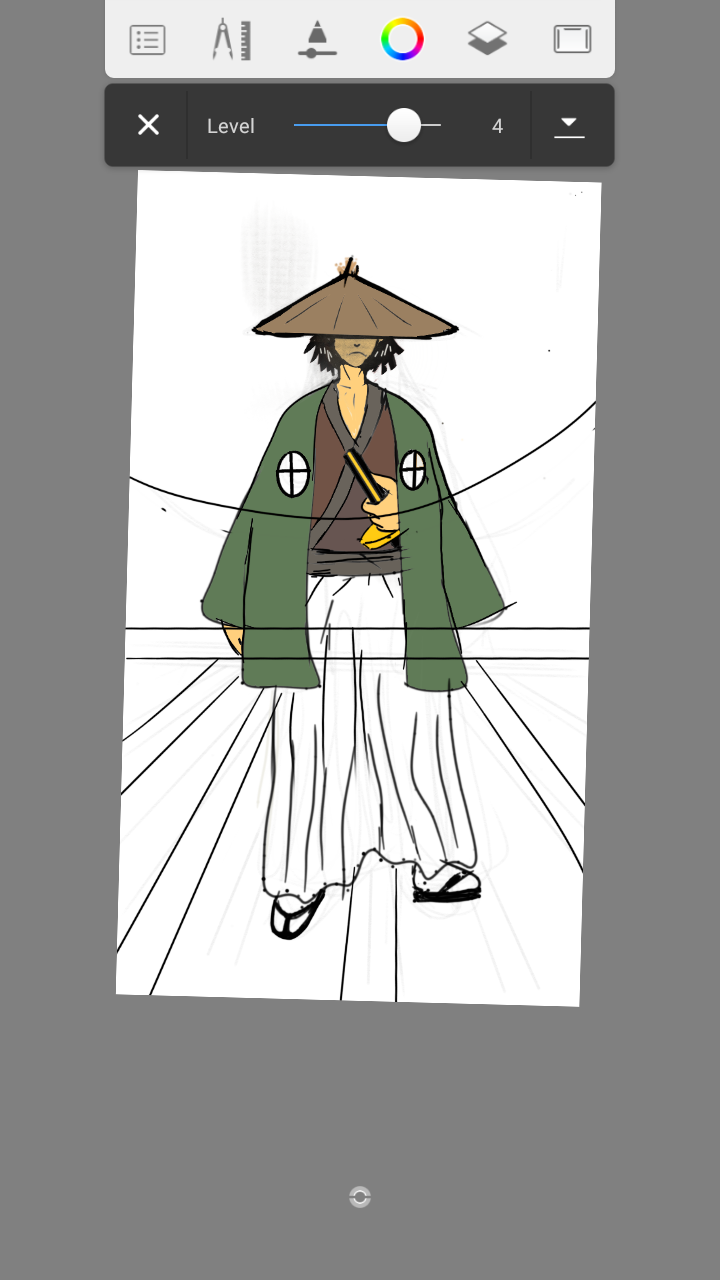
At this point I was impressed with my color choices, even though as you see from the finished work, I changed a few color choices. I guess I remained undecided to the very end. Even now, I'm still changing the colors UwU. Anyway 😒, this was what we agreed on after I was done with the color experimentation. And by the, I mean me and the voices in my head. Yeah, a Randy Orton kinda thing. https://read.cash/@Ozzyy/inside-out-2b8c38a6
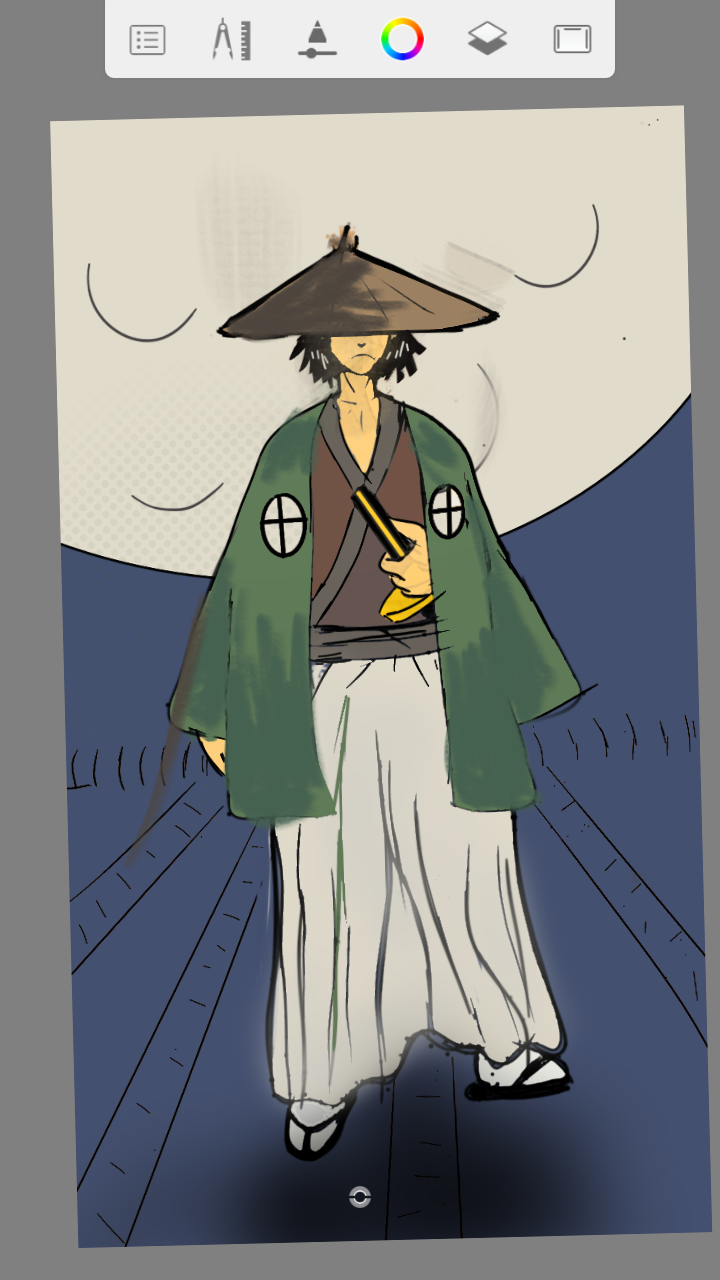
Shading When I was sure of my color choices, I got about the hard job of shading a sketch. For the clothes, I went for the 9B pencil. I guess I was eager to work with tools I was familiar with. I took Visual Art for 5 years of High school, so pencils were virtually my only friends as an antisocial geek. https://read.cash/@Ozzyy/therapy-sessions-210c19d1
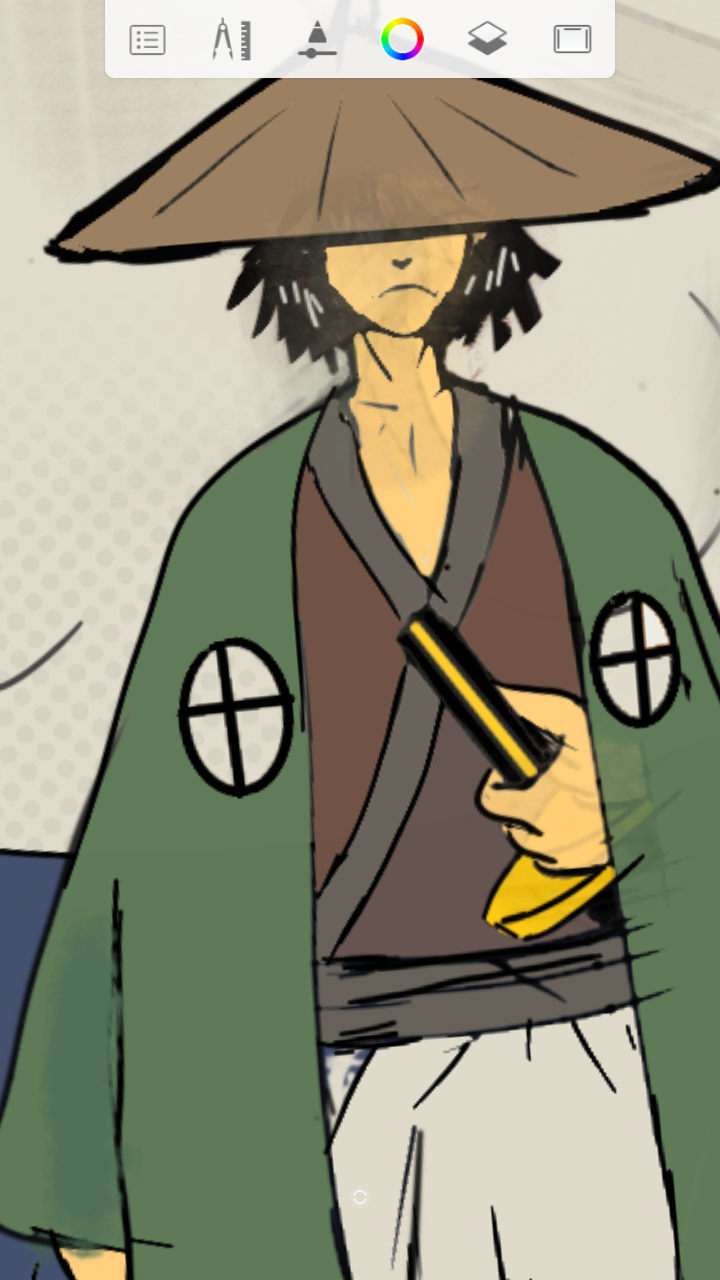
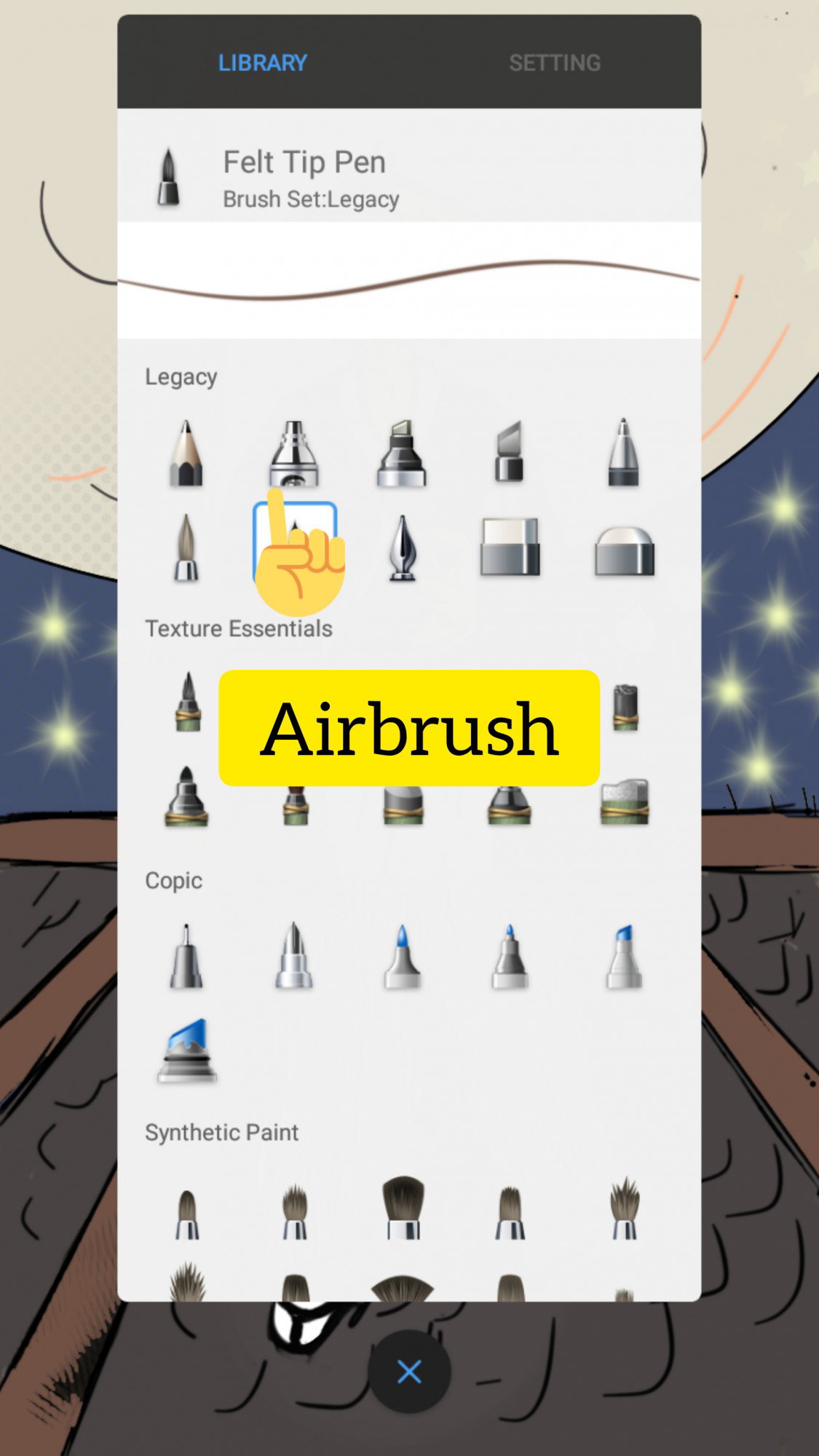
For his shadow in the rooftop, I used the airbrush tool, although I quickly realized that I became carried away and things got really rough 😅
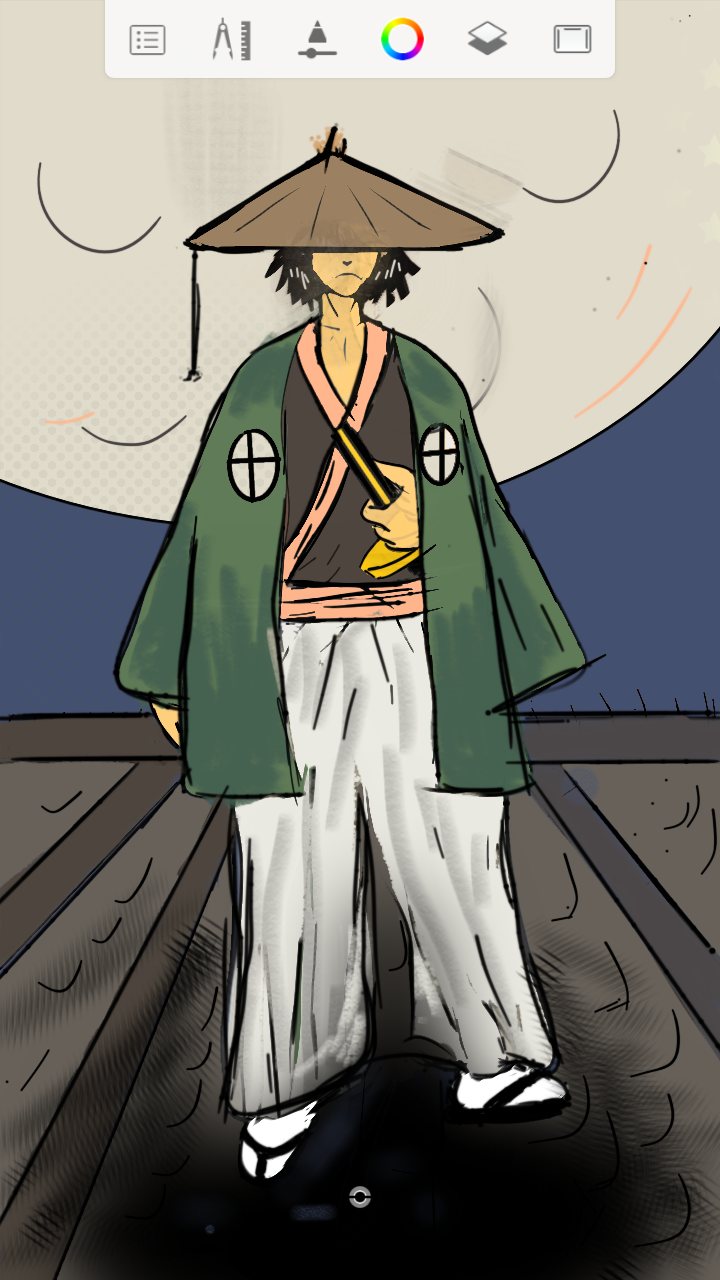
Yikes, that looked tragic! So I finished off a few edits and erased a few times before I got this.
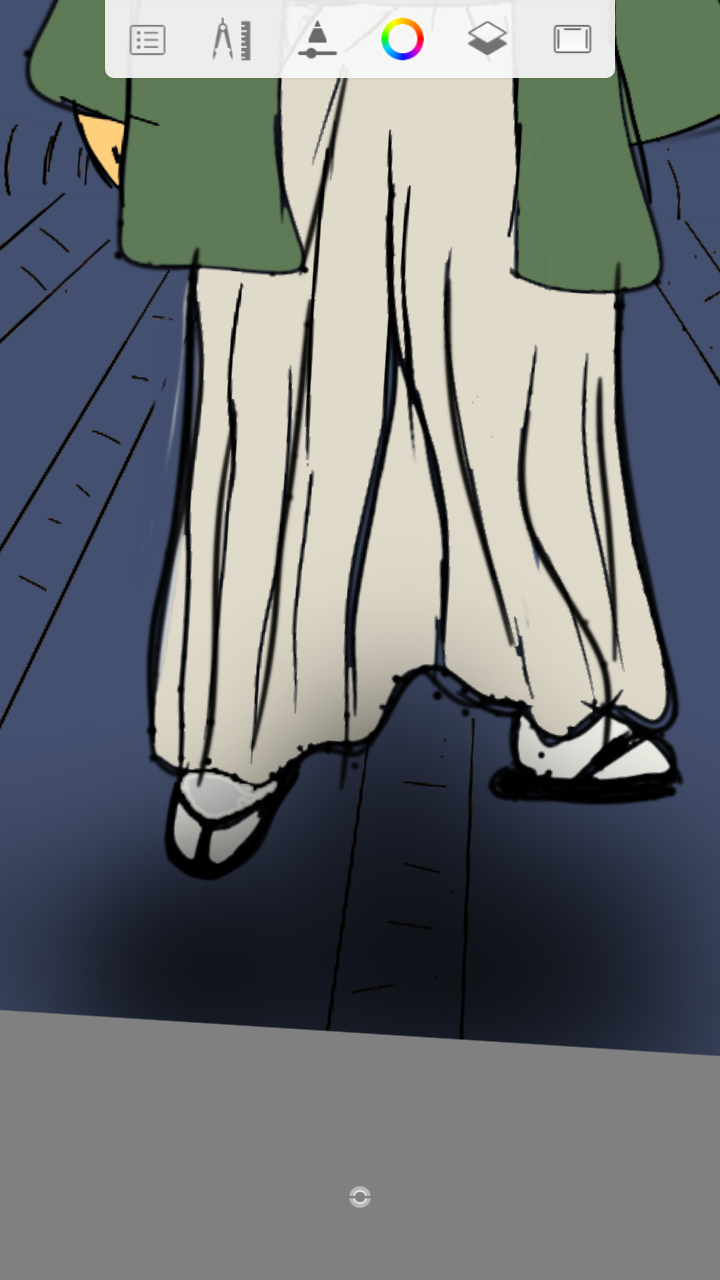
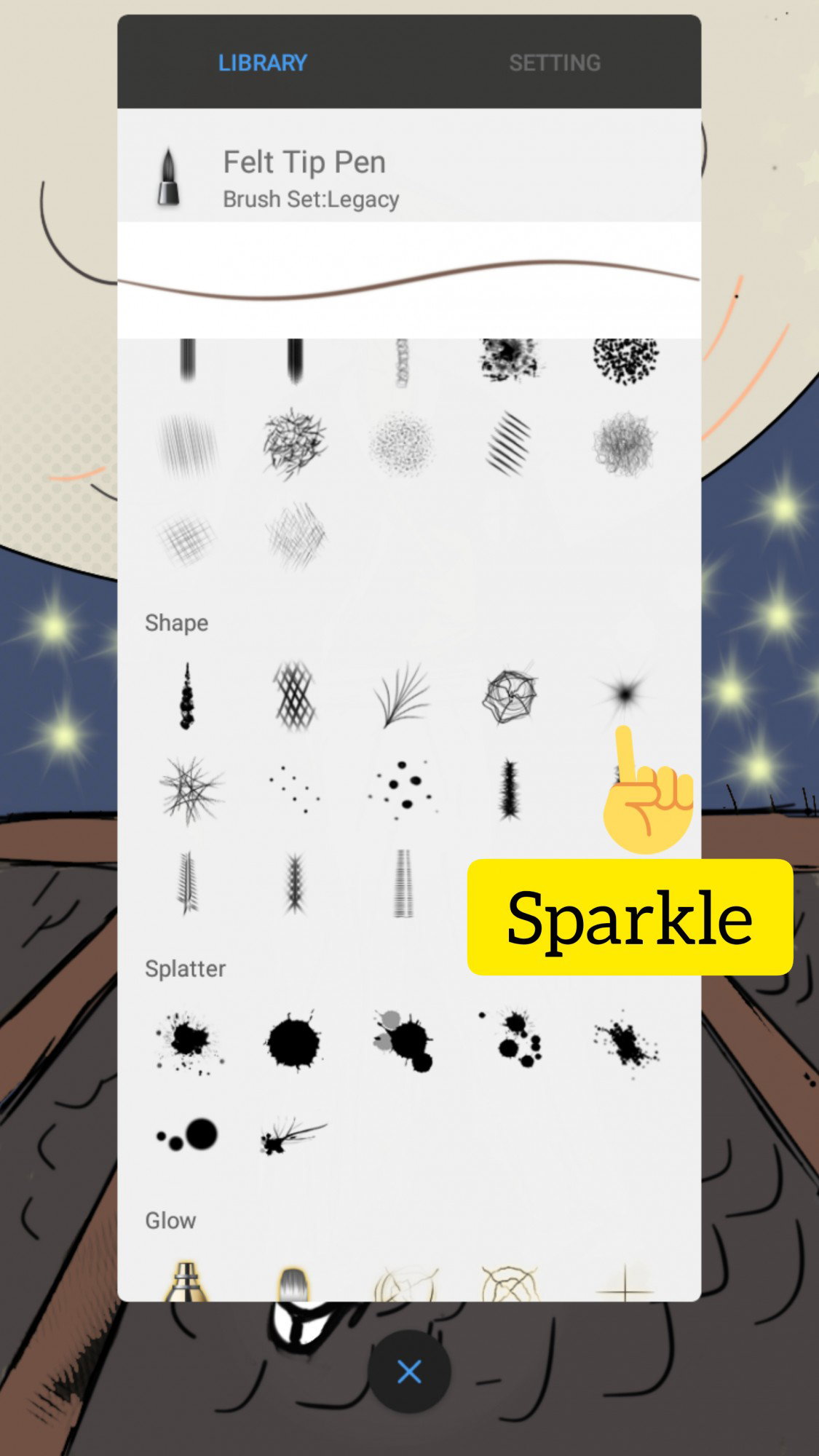
I eventually reduced the amount of shadow as you can see in the final masterpiece, but I didn't screenshot that part sadly. Highlights For the rooftop, I had to carefully line the woodwork using the felt tip pen. Then I used the same tool to draw a few tiles, to give it a more realistic finish. Using the sparkle texture tool, I added yellow-colored stars in the background.
Lastly, I used the airbrush tool to dab a little color on his face, and my effort to add more color to the moon proved abortive - I guess I'm still a lot better off on paper, so I left it that way. In retrospect, I think I did a pretty good job on that moon anyway.
In conclusion, I hope you're a better artist than I am, but I guess I did a pretty good job here, especially when you **do not** look at it so close up as you're doing now. Yes, you!
14 comments
Ayyee you finally showed me your digital arttt. It's good! And the slight shadings really give it a bit enough life. Can't say about the moon though
Thanks Sensei UwU 🤸 The moon was a bit of a real stretch here, but I guess it's all in the spirit of first times
I think shadows on the moon made by an airbrush would have justified it more but it's fine as it is now UwU
Thanks! And thanks for the sponsorship!
Shh i love your work 😊 would have given more if i could ;;-;; but I'm saving up for something
Nice digital art....ilove it....always posted ur work....can wait for your next upload......
Thanks!
Your artwork is great❤ plus the tutorial is detailed enough for us to follow how the artwork was made. I super love kenshin. I also watch the live actions, all of it together with my dad. We watch it everytime we want and it's like a bonding to us that's why this anime has a sentimental value for me❤
Thanks a bunch RK was introduced to me by my uncle, so it really has a lot of sentimental value. We watch it all the time here. One of the best anime out there
I think you did a great job here and thank you for sharing the steps. He looks wise and ready to strike any moment. Is Autodesk Sketchbook a free app?
Thanks! Yes it is.
It is all anracadabra to me how you did it but what counts is you did it and more I like it. I hope you develop your own style or better stick to your own style because that is what art is about. Not copying others (unless you make a job out of copying famous paintings and switch them) but showing yourself. 👍🍀
I'm sure I will stick to this style and get better at it. Thanks for the honest comment.
Thank you