 @Myt.24
more from that month
@Myt.24
more from that month
How to put the sponsorship box
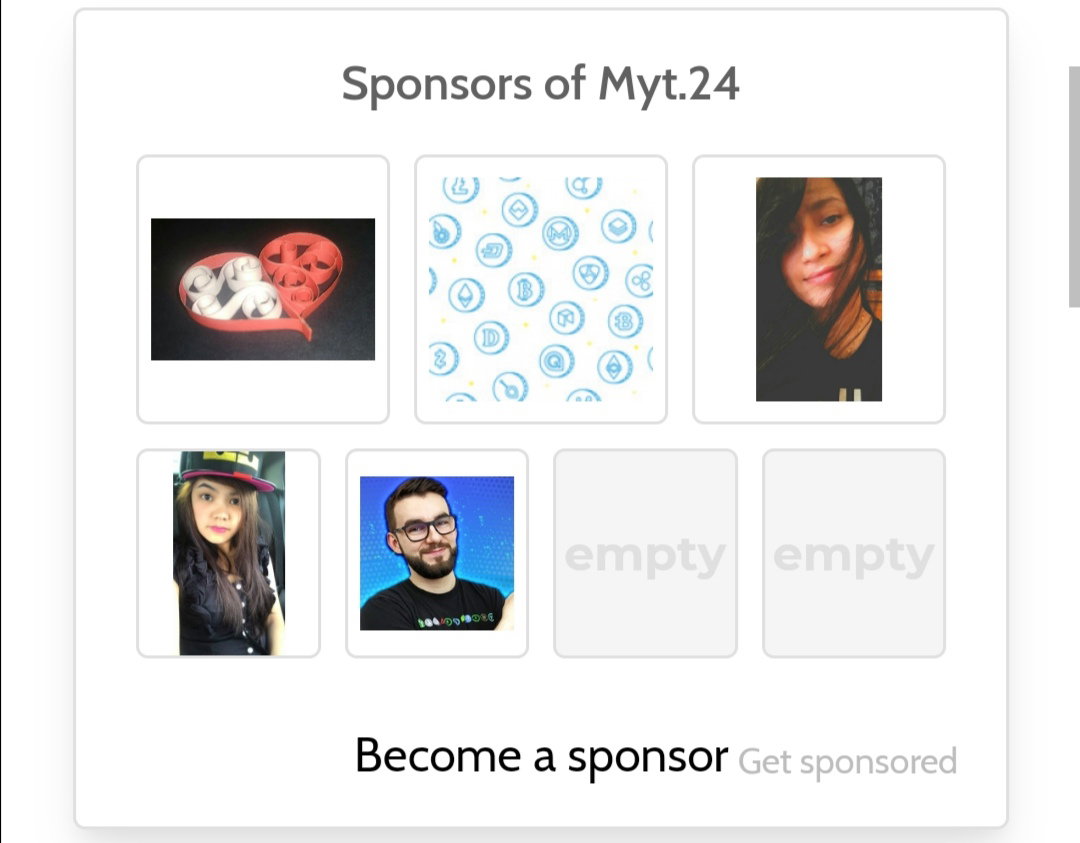
Hello, read.cash users. Many of us want to be sponsored. Do everything to join the contest. Follow the instructions so that you'll be qualified. Choose and write the best articles. But I noticed that a lot of members are not yet putting their sponsorship box. So enough of this explanation... Let's go on putting the sponsorship box. ✨Just follow the instructions below: `1. Go to your article, click it, or open it.`
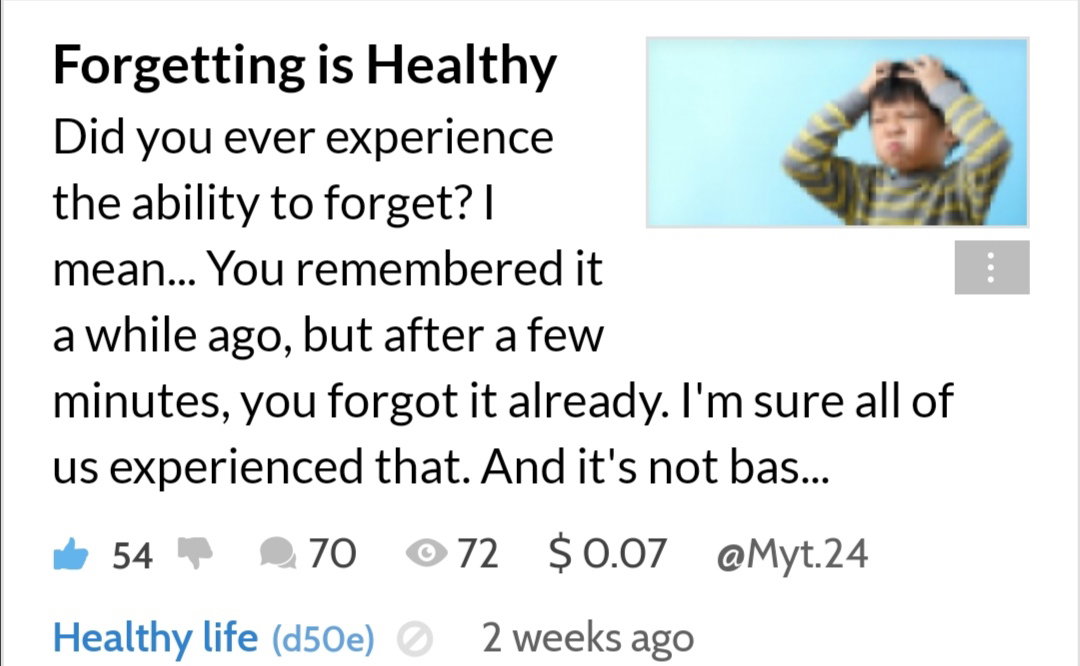
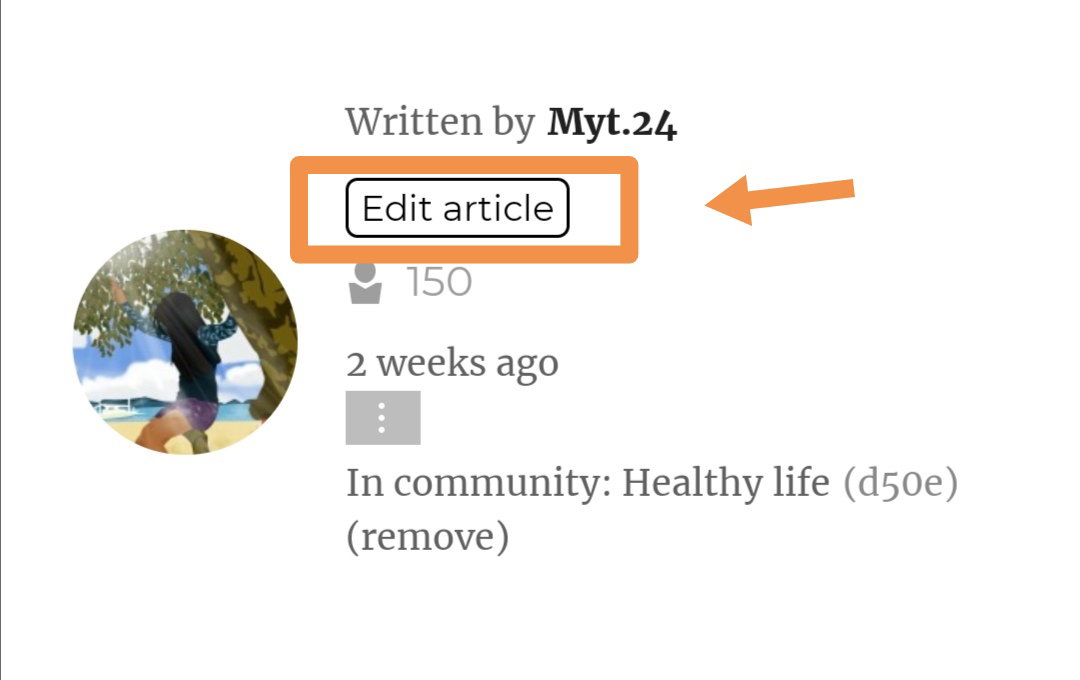
`2. Click the "Edit article" which is located near the subscriber's number.`
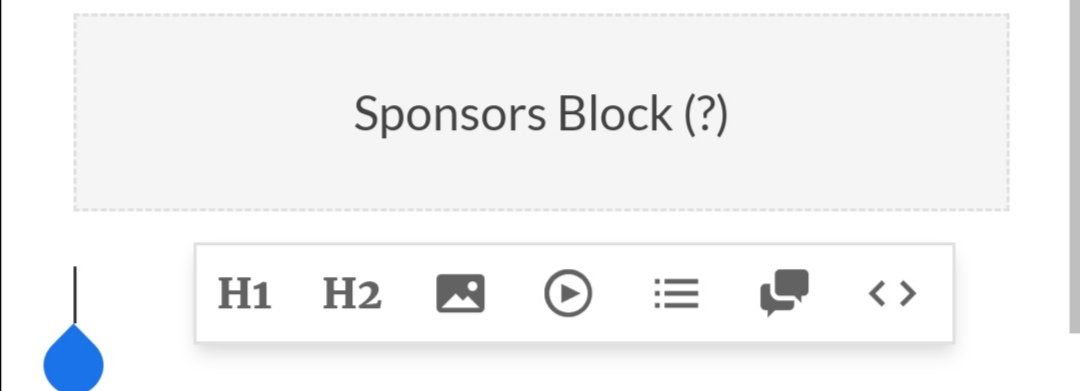
`3. Go to the bottom (or any part of the body). It depends on you. 😅 Click it as if you will type something. And then this will appear:`
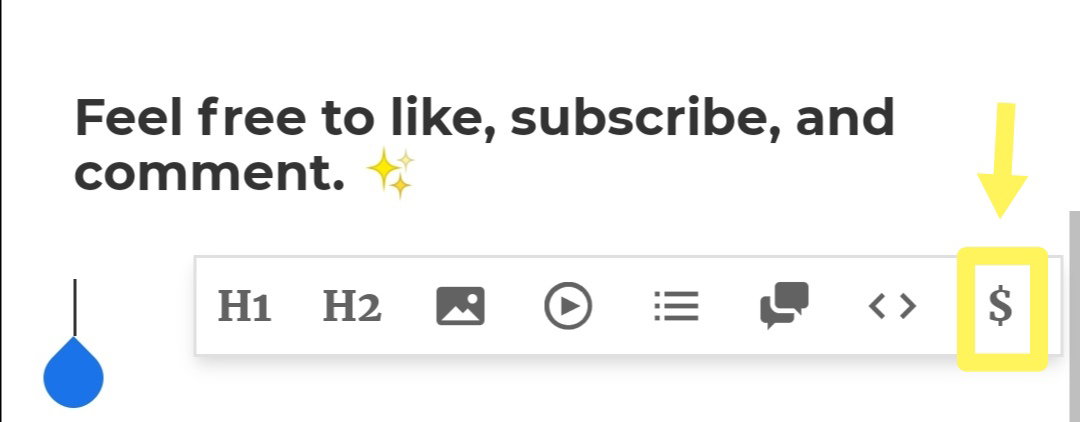
`Click the $, and this will appear:`
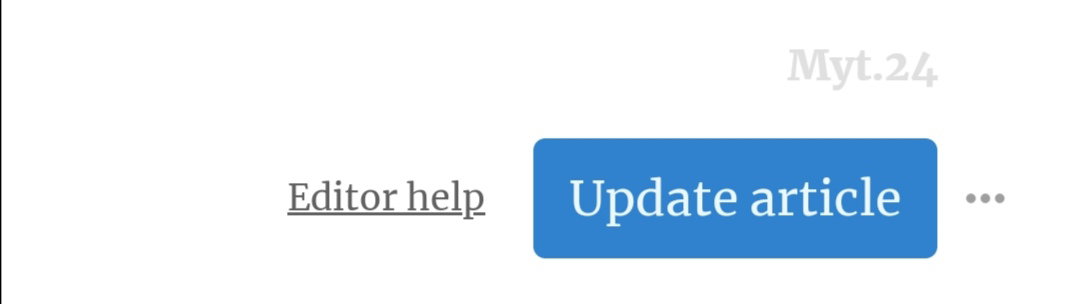
`4. Click the "Update article" at the top... And it will save.`
`5. And then that's it. You already have your sponsorship box. Ready to be sponsored. 😍` Thanks for reading. I hope it helps. **Click like, subscribe, and comment down below. 😉**

9 comments
Very helpful article to all newbies.
Thanks, dear for appreciating. 😍
Wow its very helpful article for us even me i dont know how to make it for the first time.. It seems im crazy asking some help from other members here that times
Good to hear it helps you. Yes, me too. Being a newbie is so hard. 😅 You need to discover a lot of things. And asking some members is a really big help too.
Yes thats true my dear friend
Easily understandable..it will help newbies
Yes, I hope it really helps. It's so hard to explain to them without pictures. That's why I just created an article with instructions. 😅
Thank you to your helpful article. I have read once about the process of opening the sponsor block but then it was not finished. It is your who finished the whole process and I try. I hope, I could get even one sponsor. Your kind. God bless.
Wow. Good to know that. 😍 Yes. As long as you have the sponsor block, sponsors are just around the corner.