 @MarCosis
How I make Gifs in my Articles in Read.Cash Glorious Tuesday everyone! For today's article I'll be teaching you how to make Gifs to make your article here in read.cash extra special! For those who doesn't know gifs it is a moving image not a video that has the size of an image. Without extra kemerut let's start! First, you must have this app, Canva, and Gif maker. Don't worry I'm not using the pro version of Canva. I used the free template of it. Hahaha purito a ta Karun HAHAHA
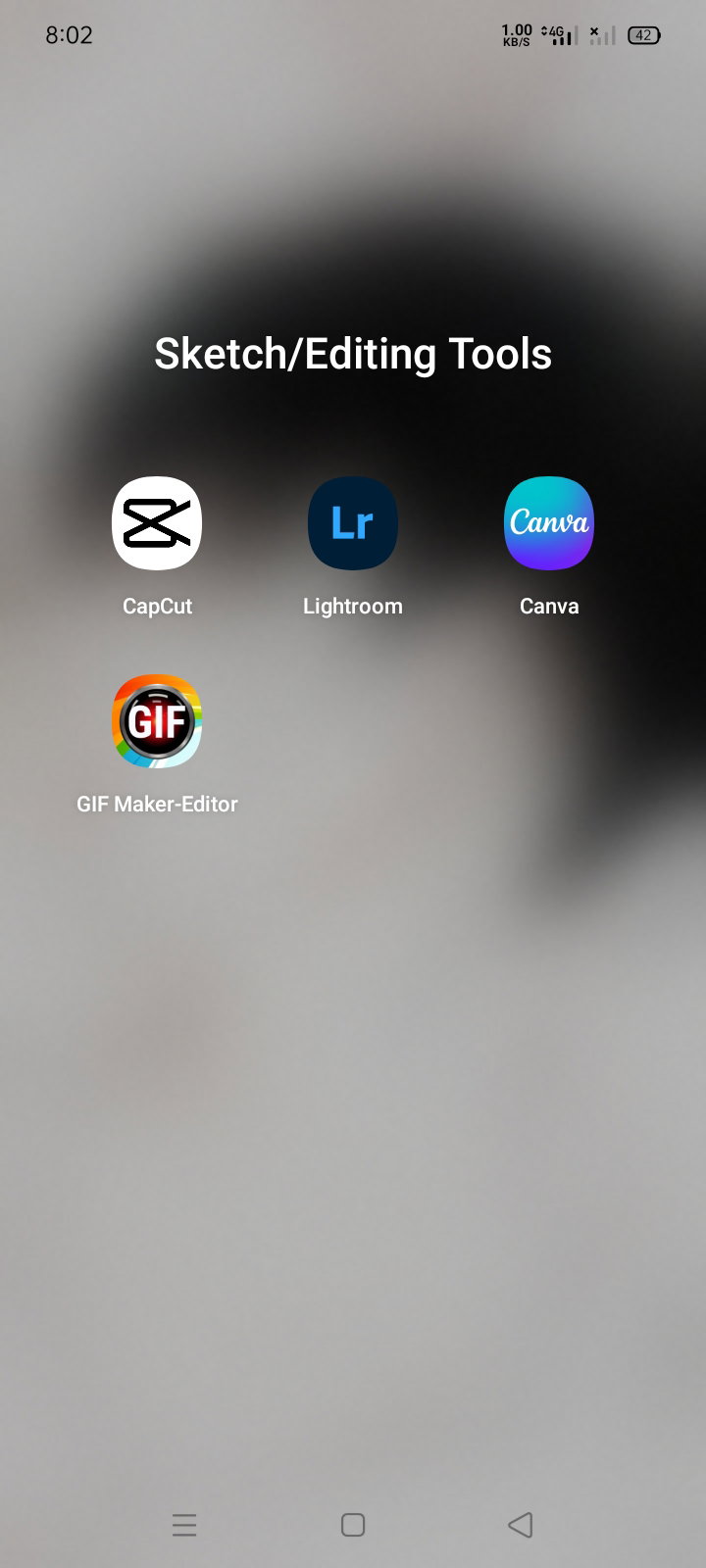
let's open the canva app. Search for the templates or background you want. I chose mine. Edit the text and remove all the unwanted graphics or images. I cannot download the final output sometimes because it is in the pro version so better to remove it.
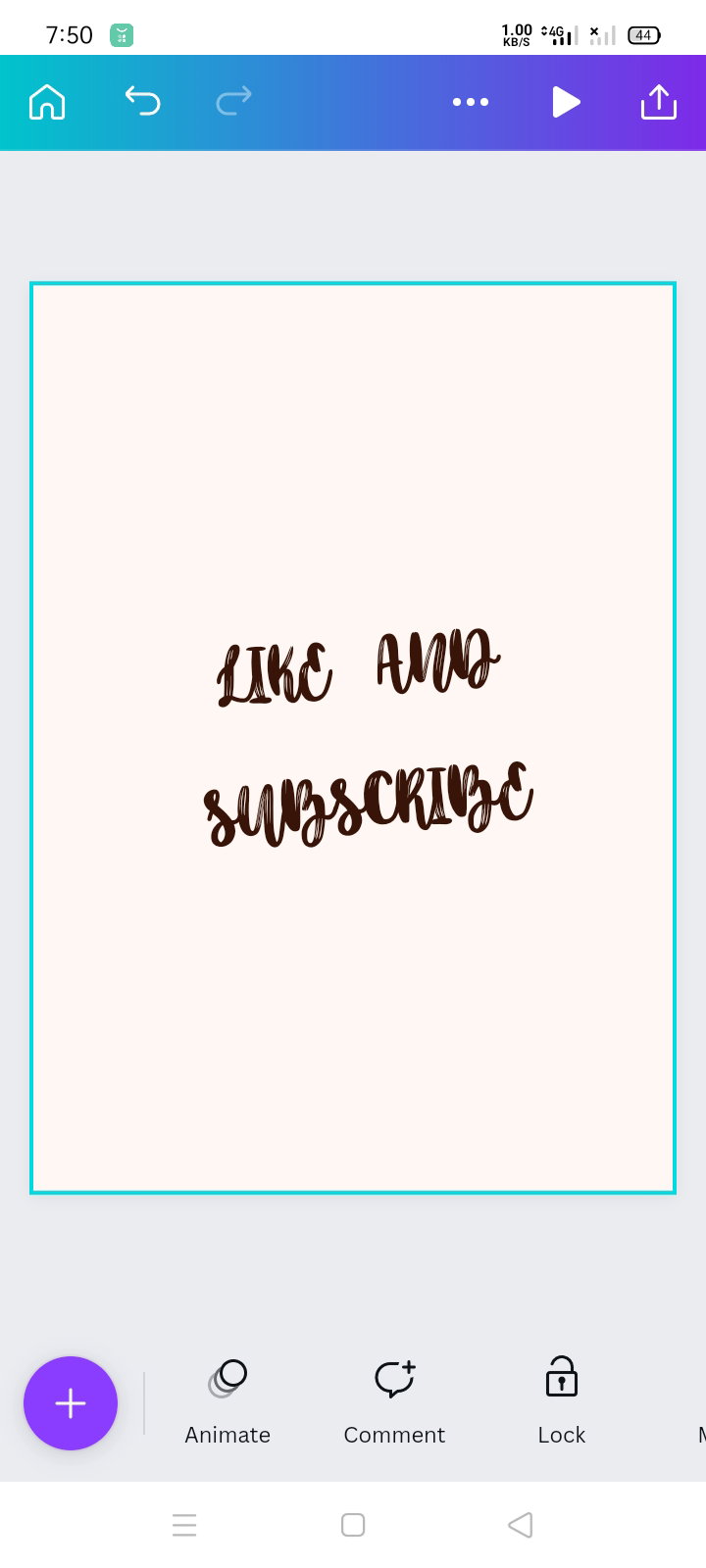
After editing the text you can start the animation but first, click the "animate" you can add moving graphics using the "plus sign"yeah that violet button. Choose any moving images you want.
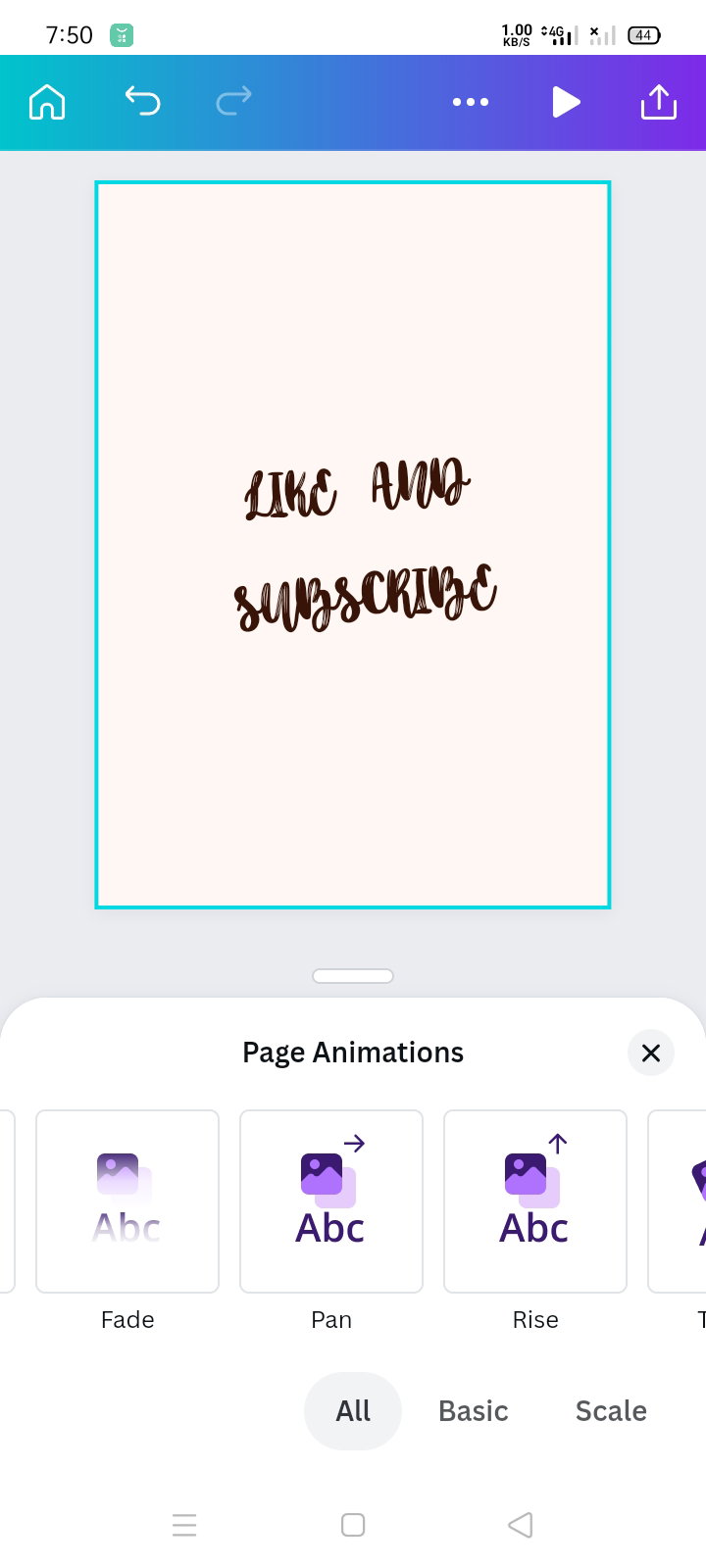
This is how it looks like when you open the " animate button" then you can start choosing how your text will be moving.
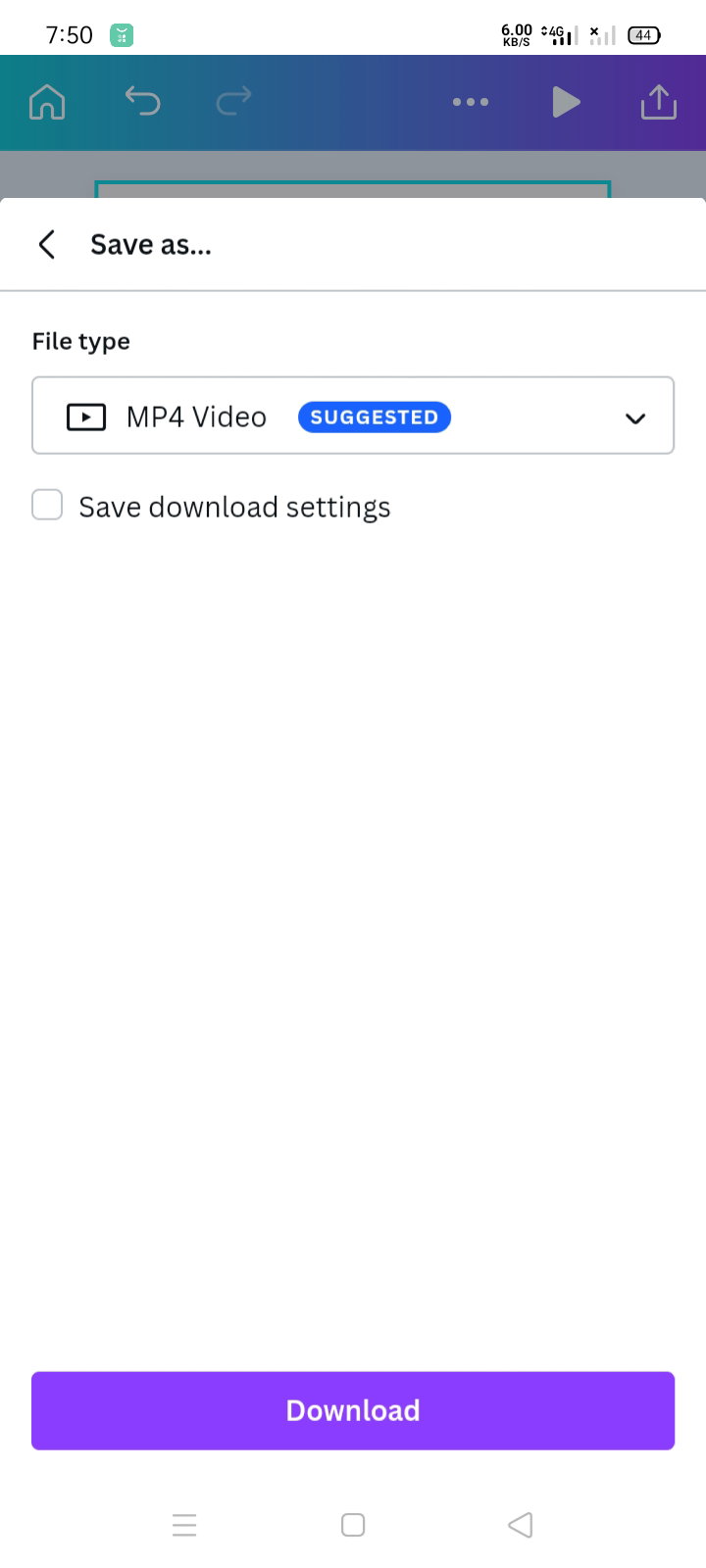
After deciding what transition you want. You can download the file and make sure it is in mp4 format. Save it and check your gallery.
Now, please open the gif maker app like what you do in your heart every time you hear sweet words. Hahahahaha
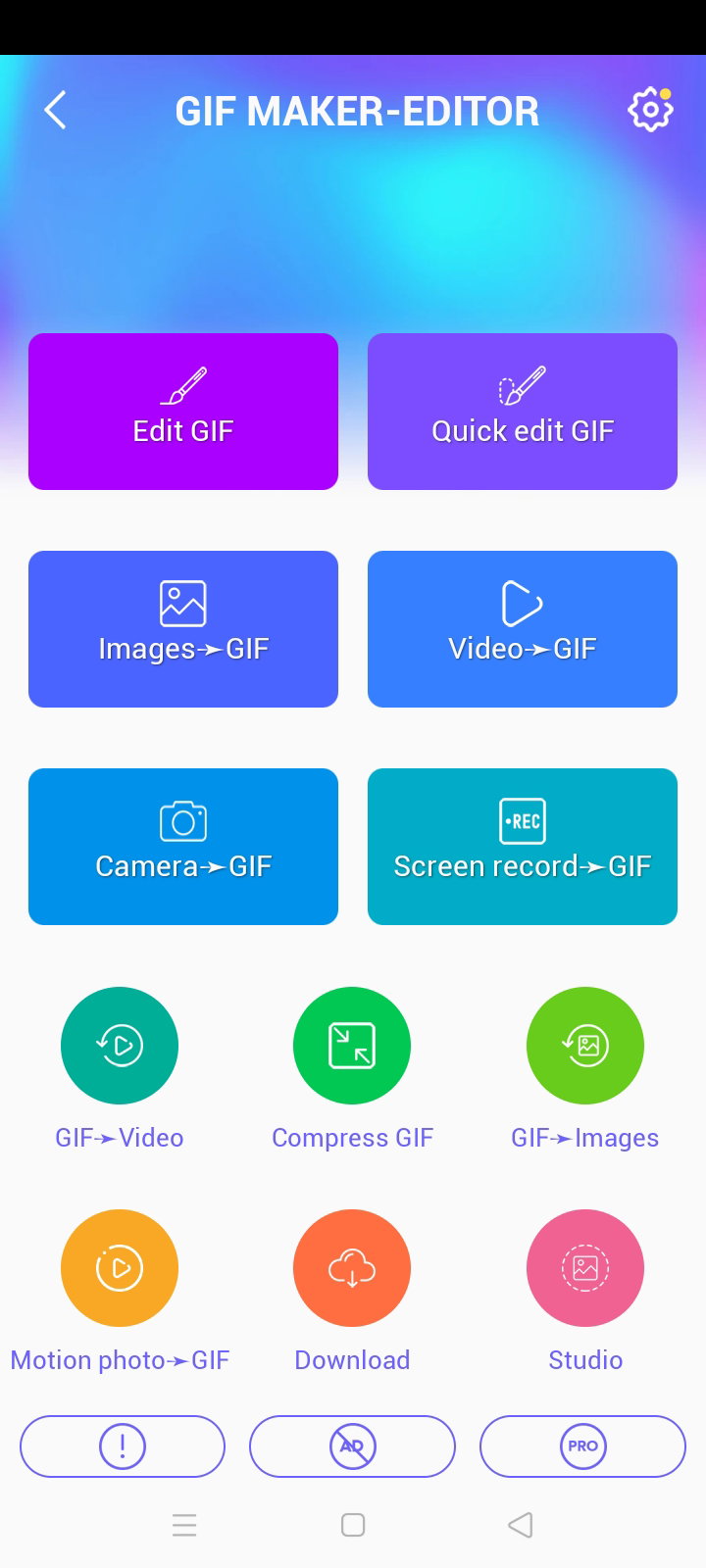
Now, click the "video-gif" and stop believing his lies. At the end of the day, you will lay in your bed crying asking yourself why did you choose that man HAHAHAHA
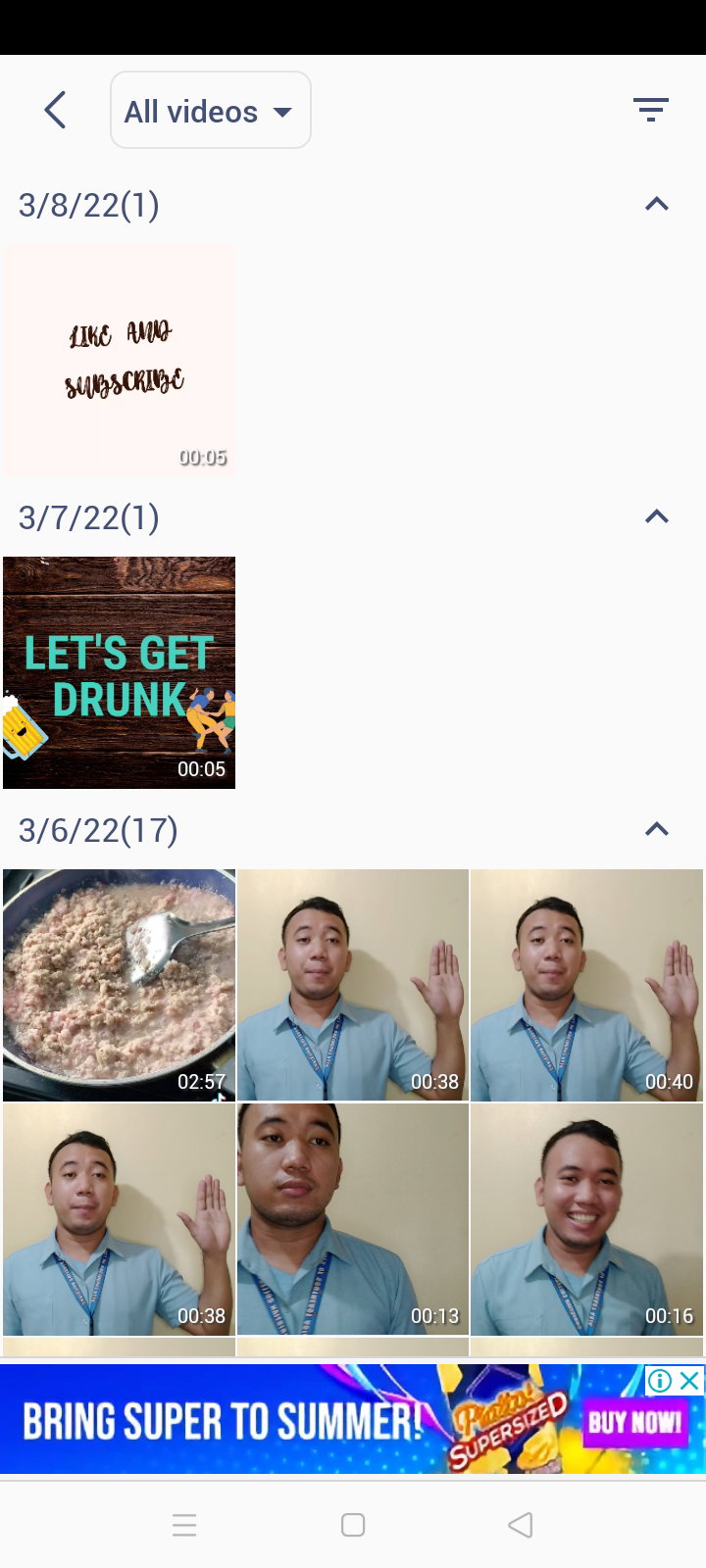
Now, click the video from canva. And don't dare to stare in my face. I'm just making a promise that I won't settle for less like what you did HAHAHAHA
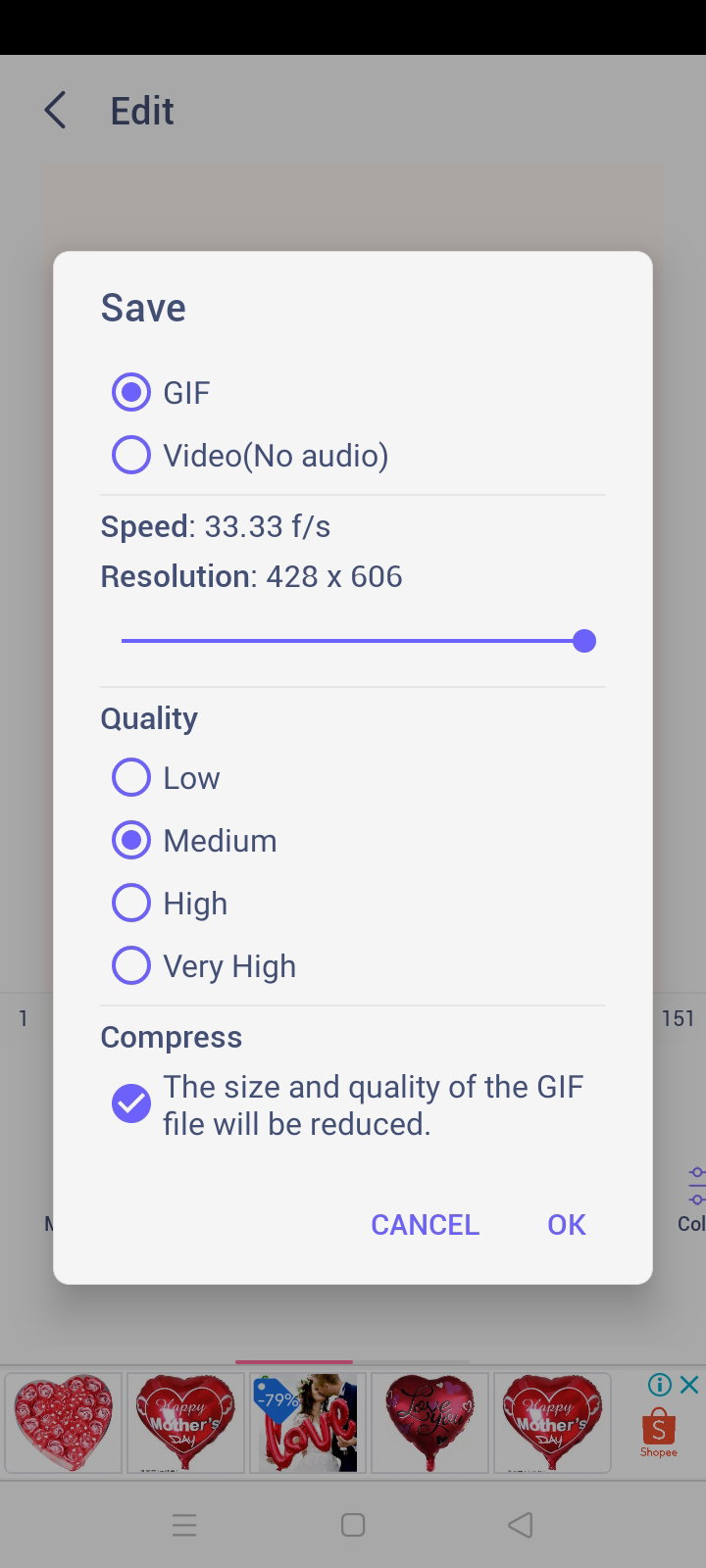
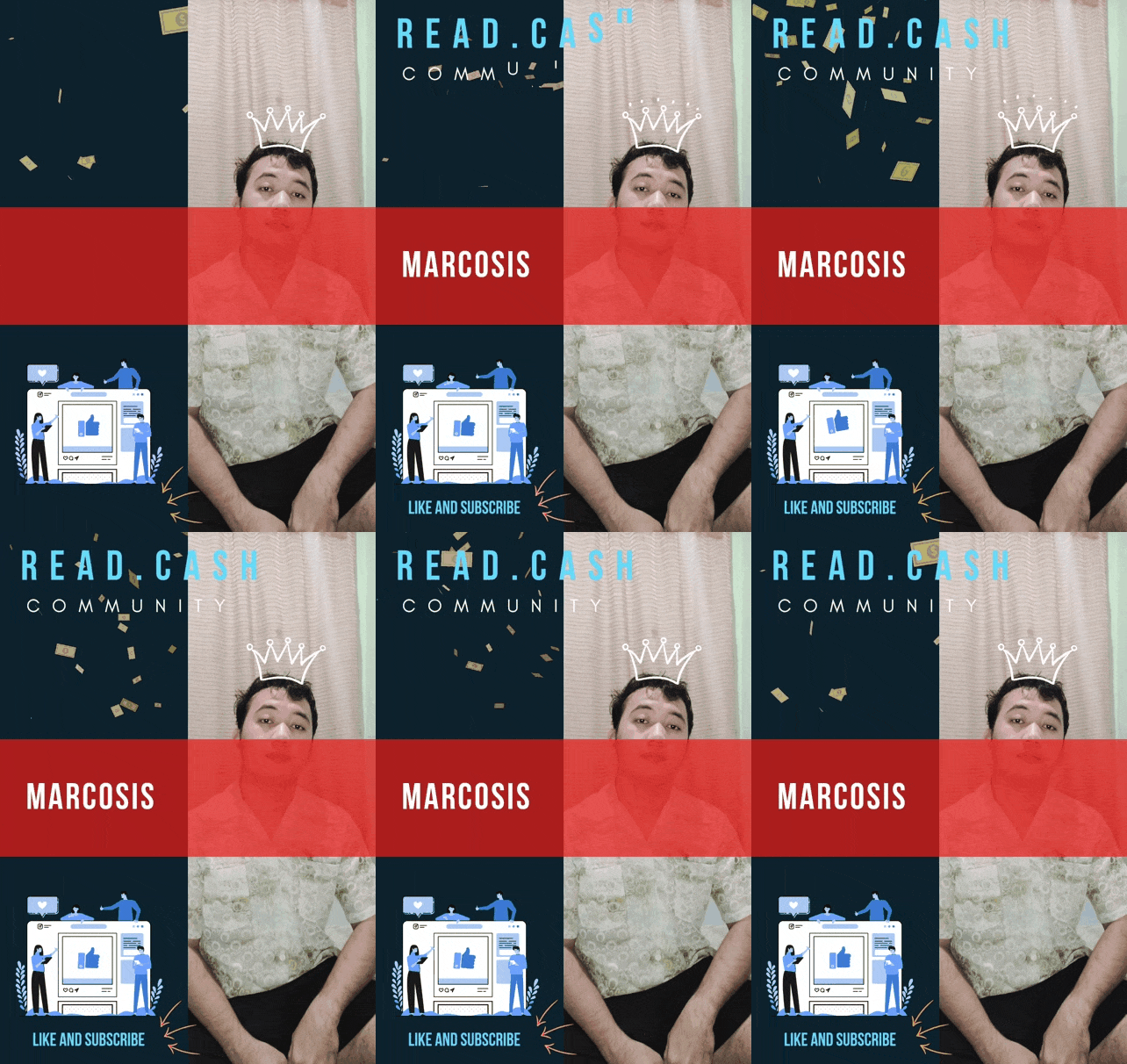
Save your work and don't be hard-headed and save your work like this or else you cant use it HAHAHAHA, this will be the finished product

*CLOSING THOUGHTS* Now, I command you to stop being a child and be a grown-up man. Char Hahahaha thank you for reading this far I hope you have a great meal today. Always pray for the safety of everyone and everything will go to normal. I hope that this article helps you editing, and please tag me if you ever made one. Hahahahaha `I would like to extend my gratitude to my sponsors here. Thank you so much Pips! Your trust added confidence in my write-ups and blogging. Please stay with me until I'll be like you and surely I will give back the favor for aspiring writers like me, soon. I'm excited to sponsor many writers here and your help and encouragement help me to boost the willingness to share and inspire. God bless you everyone! "May the Odds Always Be in Your Favor"` BLOG #21 MONTH: March, 2022 PHOTO THUMBNAIL CREDIT TO: UNSPLASH IMAGES USED CREDIT TO: MY SCREENSHOTS *CHECK MY PREVIOUS ARTICLES:* THE FIRST STEP IN FINDING PEACE IS LOOK ING FOR PLACE: https://read.cash/@MarCosis/the-first-step-in-finding-peace-is-looking-for-place-671640ed MY FEB-ACCOMPLISHMENT: CELEBRATING SMALL WINS: https://read.cash/@MarCosis/my-feb-accomplishment-celebrating-small-wins-63920df2 ANGELS HEIRARCHY: https://read.cash/@MarCosis/angels-hierarchy-c14fad3
ᜋ ᜆ ᜆ ᜄᜓ᜔ -MarCosis-
16 comments
Woooow! I like your sense of humor😆 Anyway, I'll try to make one based on your tutorial, thanks!
How about liking me instead? Char! Hahahaha tag me please hahaha I want to see how unclear my instructions are😂
Hahaha nice one! Didn't see it coming! Will tag you for sure, probably gonna make one tonight :)
Same ta sa step pero iba lang na GIF maker ang akong na download. Mas sayon ra ng sa imoha na GIF maker. Try nako na ug download. Thank you sa info
Hay salamat tiii naa najid sok pulos char HAHAHAHA
Wow. Now I know how po. Thanks for sharing, bro. Must try this. 😊 nice to meet you.
Happy to help, see you around @Thania05 nice meeting you too❤
Gifs make our article more colorful and fun to read. This is helpful especially to those who wanted to inert some Gifs in their article.
Indeed! I always enjoy articles with gifs since I prefer looking at images and texts. The efforts also in making gifs added attractions to the readers ❤
This article really helpful for me. Thank you so much my friend. 🙂
Wow, happy to help friend. Always welcome! Btw, thank you for reading my stuff hahaha see you around ❤
Wow! Ganyan lang pala friend nuh. Ang galing naman. Mahilig pa naman ako sa mga ganyan friend pero ngayon busy na talaga friend dahil sa work. Thank you nito friend. I-try ko to next time. May na learn ako my friend. Thank you a lot. ❤️
Very easy friend and mabilis lang. Cge friend tag moko pag naka gawa ka ha hahahaha ingat always☺
Cge my friend. Pag di na ako busy friend tas Huhu may toothache pa ko friend. Kakawalang gana. 🥺
Nakatawa kos mga reactions saimong gallery markus hahahaha sanaol hawd tapulan kay ko magbuhat ug ing ani ui
Panunumpa kang tan.awa sa DepEd national sa march 17 HAHAHA papa kaayog nawong hahaha dali raman kang awa i try