 @Cineholic
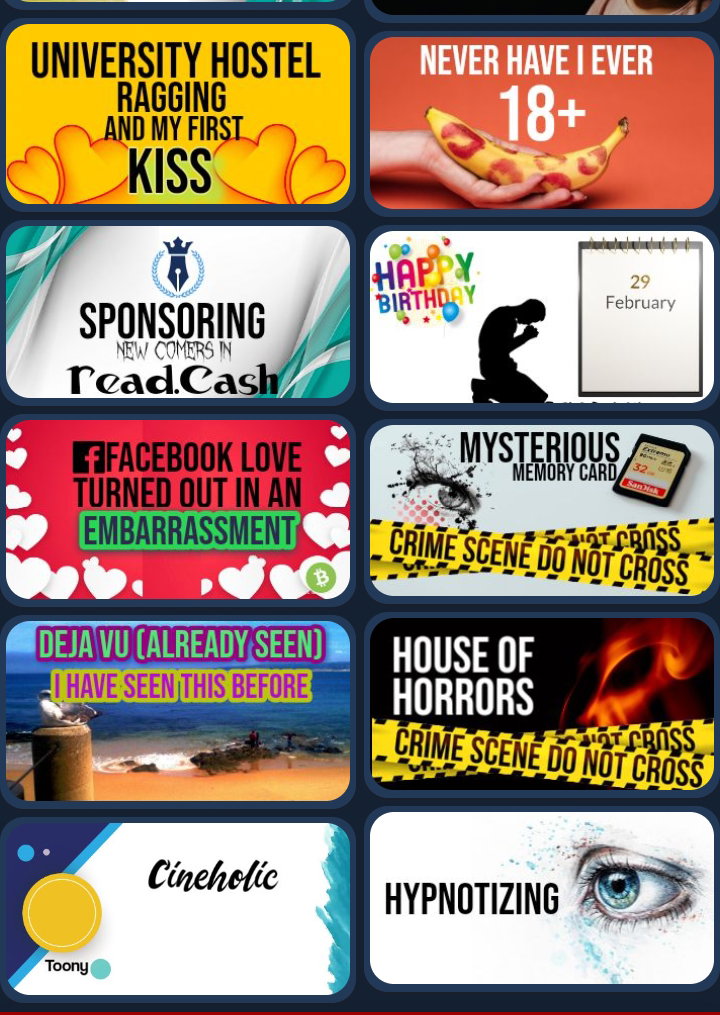
How To Creat A Catchy Thumbnail For Blog Post Or YouTube! Some of my friends here said that I make very interesting and on the topic thumbnails. As I said many times, I am an artist, Illustrator, Cartoon Creator, and struggling Youtuber so I use to mke thumbnails for YouTube. In order to do this, I used many applications for last 2 years but recently I have found an amazing application. Which is super simple and easy to navigate. Lets see some of my recent work:
I have tried many applications to create thumbnails for my YouTube and Blog Post. For example PixelLab PicsArt Phonto Urdu Designer But I found "Urdu Designer" most helpful, creative and easy to use, of them all. Lets have a look at it. Urdu Designer- Poster Maker And Panaflex Graphics
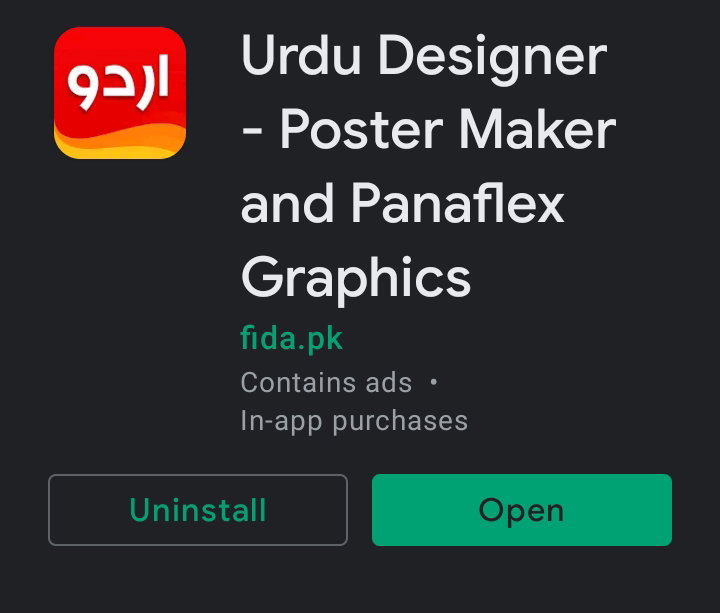
**Click Here To Download** https://play.google.com/store/apps/details?id=fida.pk.urduonpicturepro Application has Rating 4.7/5 * , more than 500K downloads and verified by play protected. Don't worry, Although its name has "Urdu" in it but this application is all in English. Let's open the app.
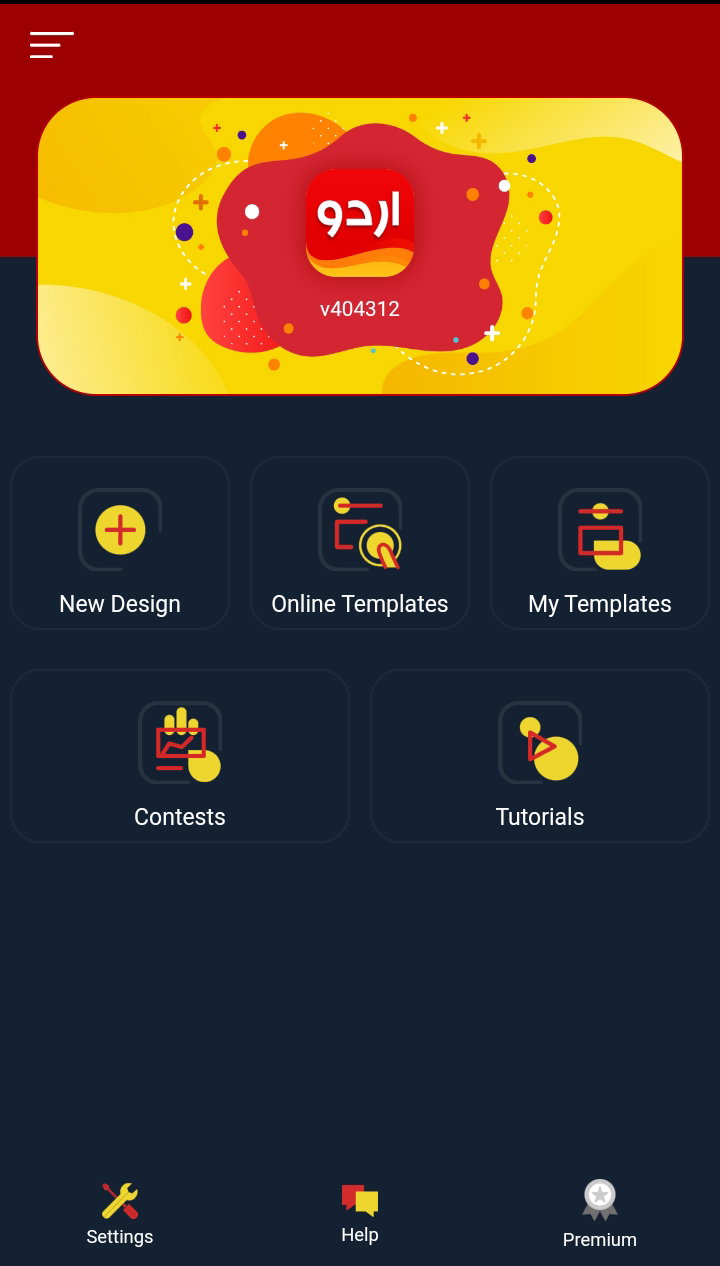
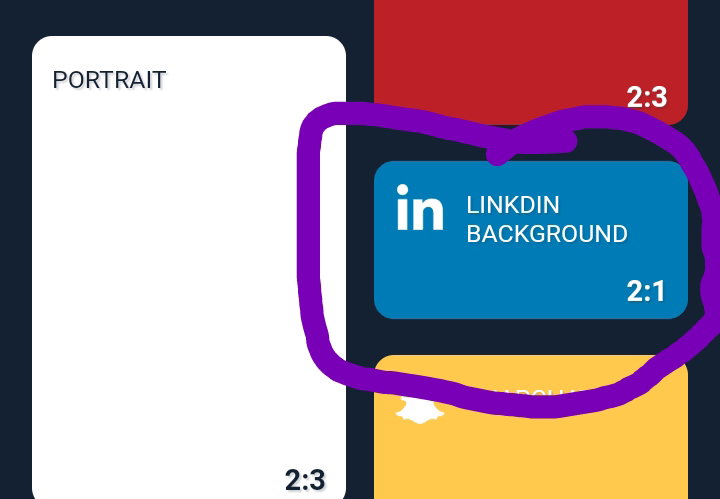
It has 5 features on its opening screen. Lets find out a little bit information of all. **New Design** This is the section where you can create your own poster, Panaflex, thumbnail, post for twitter, Facebook, Instagram and other social sites. All things have different ratios and pixels. Have a look at it. After clicking on New Design you will get this page.
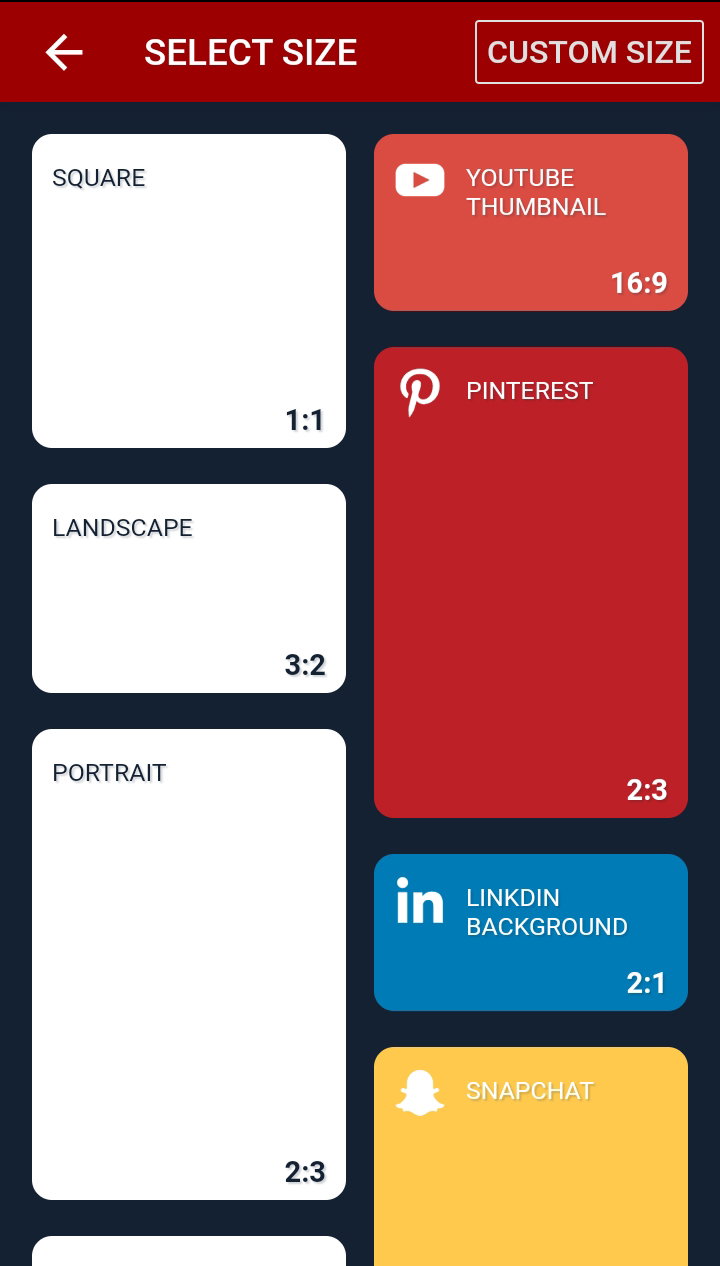
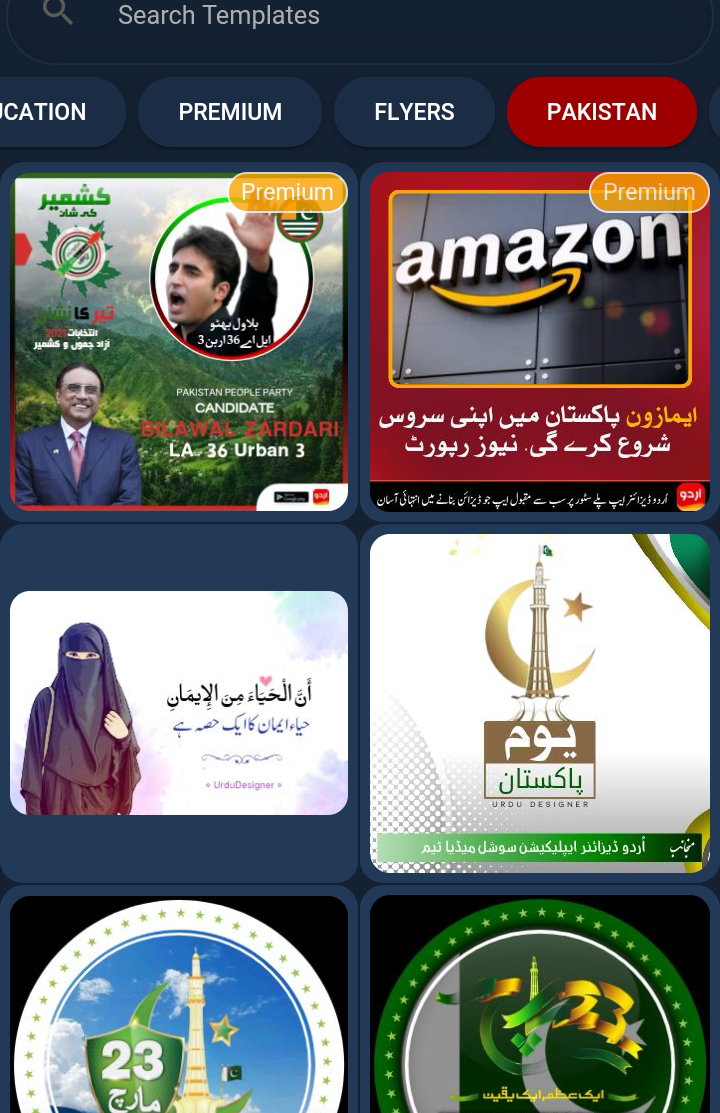
You can also create custom size too. I mostly use 1:9:1 size for Blog Post and 16:9 for YouTube thumbnail. You can use 16:9 for Blog Post too. I will come again to this feature at the end. Let's have a quick at other features. Online Templates This is not a very useful feature for you people because most of the online Templates are in urdu language. So leave it.
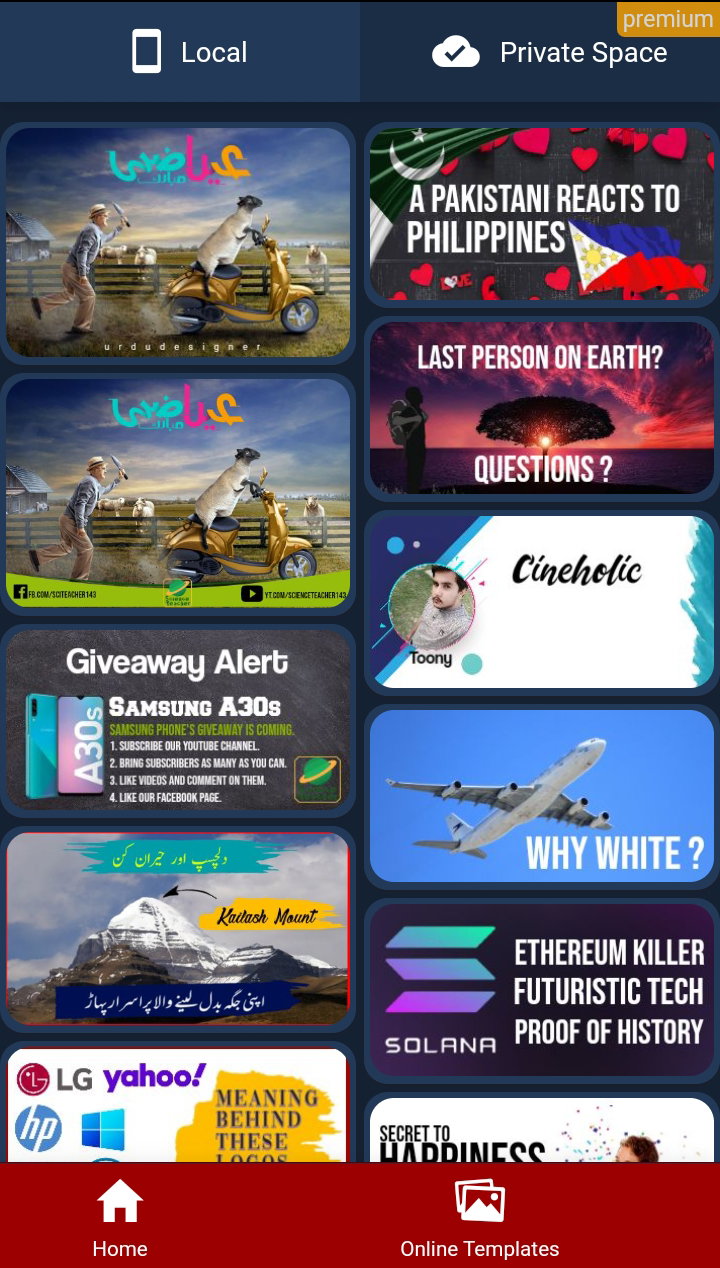
My Templates These are the templates your ever made. Its just a backup for everything you made before.
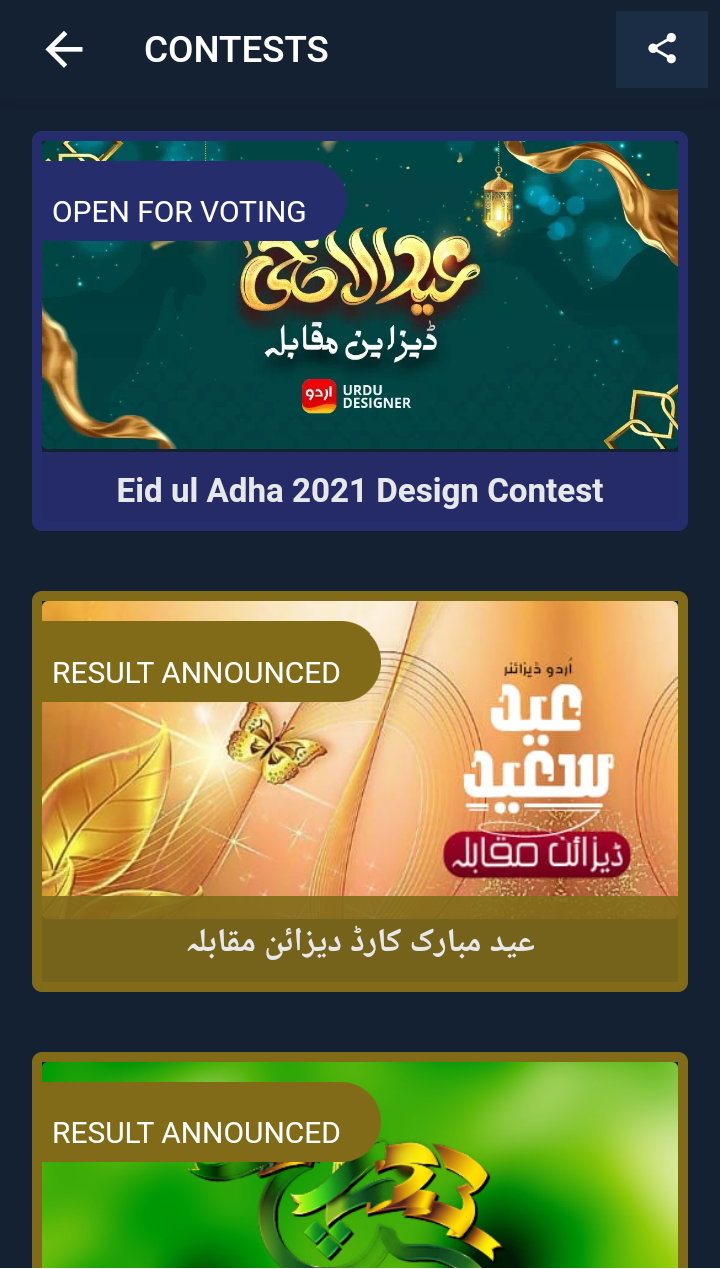
Contests In this section many of the Urdu Designer users participate in contests. And the admin of applications chooses best 3 as 1st, 2nd and 3rd. Although there is no Cash rewards but they publish first 3 winners on starting page of application. Most of the contest topics are related to Pakistan and its festivals.
Tutorial This feature will take you to YouTube for tutorial but unfortunately the video is in urdu language and there are no subtitles available. Anyways let's start creating new design. New Design Open New Design and select pixels ratio. Let's select 2:1.
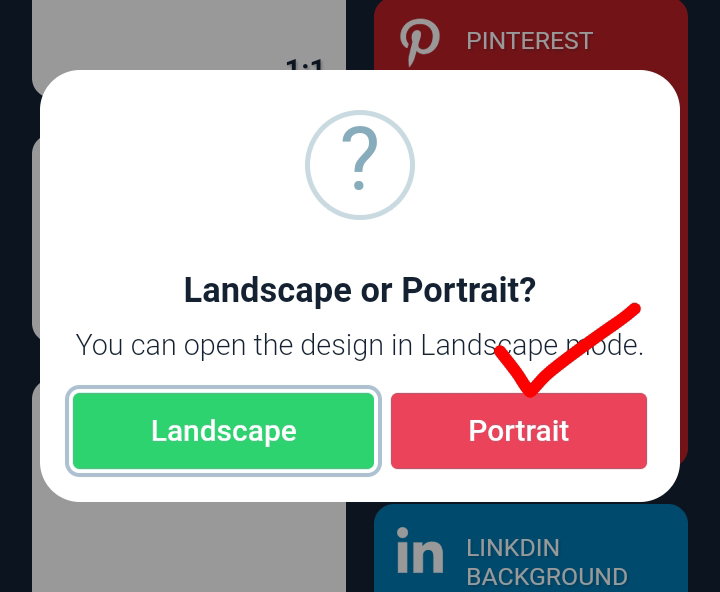
After clicking you will be asked about either you want to edit it in portrait mode or landscape mode. I mostly use landscape mode for better navigation.
And you will get this page after selecting mode.
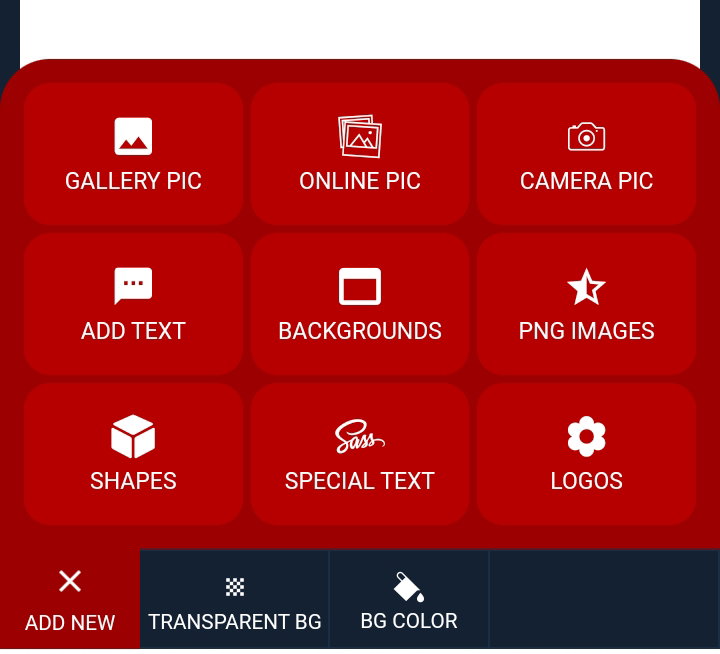
Gallery Pic: To chose a picture from your gallery and edit it. Online Pic: To choose from thousands of free online pics from Unsplash and Pixabay. Camera Pic: To Capture the pic instantly and edit it. Add Text: Simple adding text using dozens of different stylish fonts and colors. Backgrounds: Given Background pics of different colors and patterns. PNG Images: Hundreds of PNG Images (transparent background images like stickers) to add. There are many different categories of PNG and search option. Shapes: You can add different shapes like, labels, icons, hearts, leafs, social media icons and a lot of different things. Special Text: In this option you can find different pre sets (not changeable) text. Mostly in Urdu. Logos: You Can Add different logos of different social media sites, companies and websites. Start Creating Thumbnail After add desireble size of your pic, add background. For example I choosed this background.
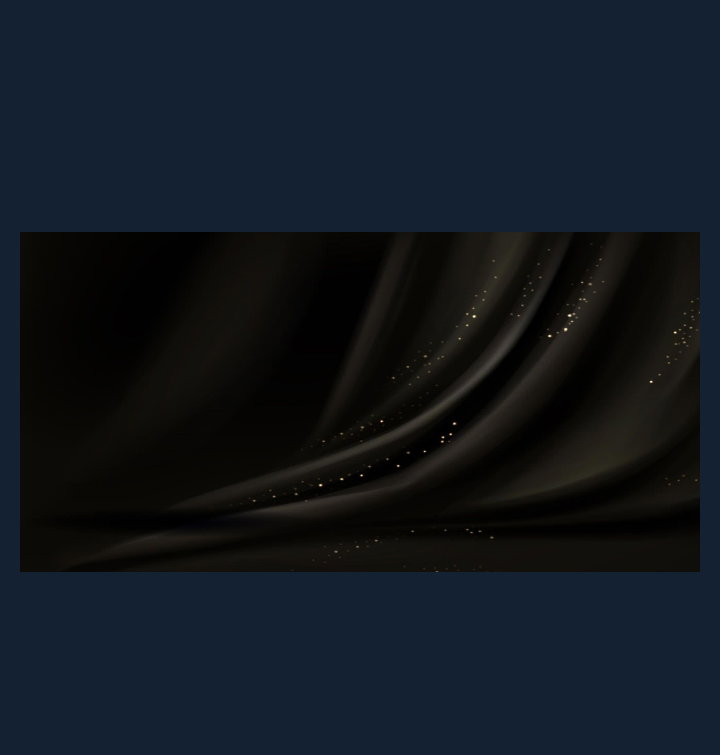
Now Add Some PNG Images. For example I am creating thumbnail for this post on read.cash to tell creating thumbnail so I will add some Notebook to look lite writing on read.cash and will add YouTube logo from logos section.
Add your text with desireble font and then save it by size of your choice.
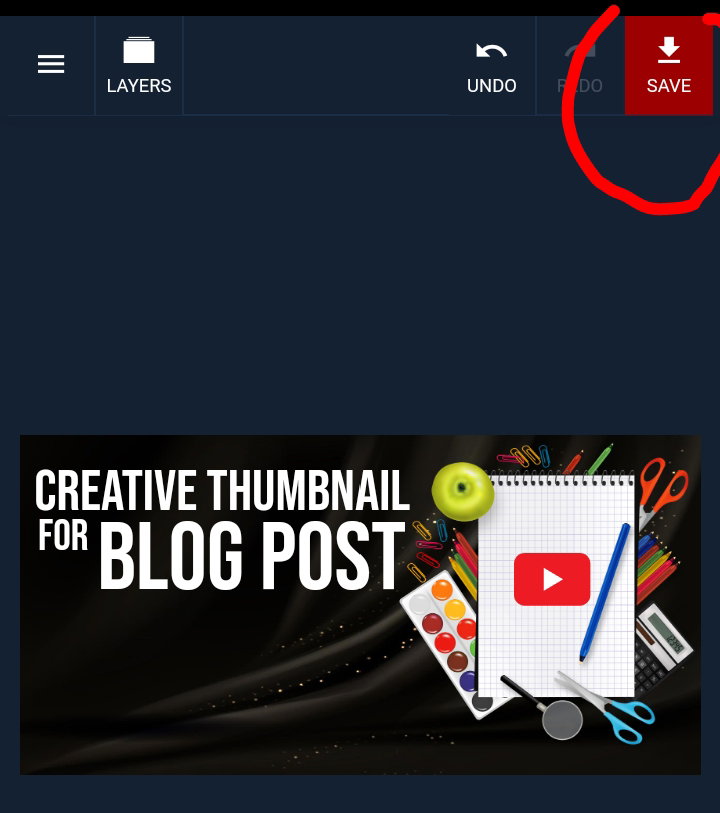
After saving the picture, it will found in your gallery. Have a look at final piece of work.
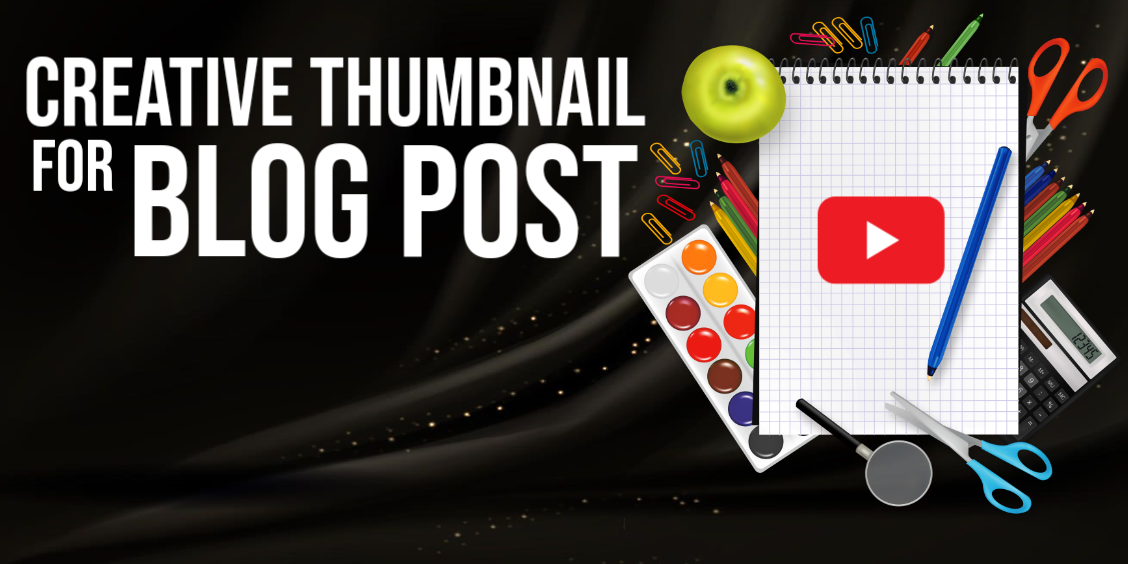
Practice it and you will be an expert in days. This is it for today guys.. hope you like it. Thumbnail and title play a major role to attract readers. Try it once 😉 Fin.
By the way I made this above outro with the same software. Thanks for reading 💖.


20 comments
Let me try this one. Looks like a friendly application 😁
Yes, for sure 😊
I will save this one! Thanks 😊
Sure... Thanks for the upvote by the way ❤️
Oh, no problem! :)
Your orange diamond badge ❤️ hope to get it one day.. I am in top 50 now a days.. hope to get in top 10 someday 😍
You can get that too, my friend! :)
Hope so 🙂
do not rush man 😂😂
super helpful brother ... This kinda like the app,umm i forget .. anyway, this is cool to hear that you are pakistani bro!
And you ?
Bangladesi bro
Good bro 🙂 i am thinking to create a community for Pak, india and Bangladesh writers here. What do you say ?
this gonna be best brother as we have no community yet
In a couple of days ❤️
Cheers!
i try this good result but i use text write thanks sharing ...
Thanks 😌
Thanks for this sir. I'm always amazed by those thumbnails made by other writers as they used it in their articles. Now I know the tool to make it, I will try it as soon as I can. Thank you so much!
Pleasure 🤗