 @Anikacj
Important Shortcut keys for computer
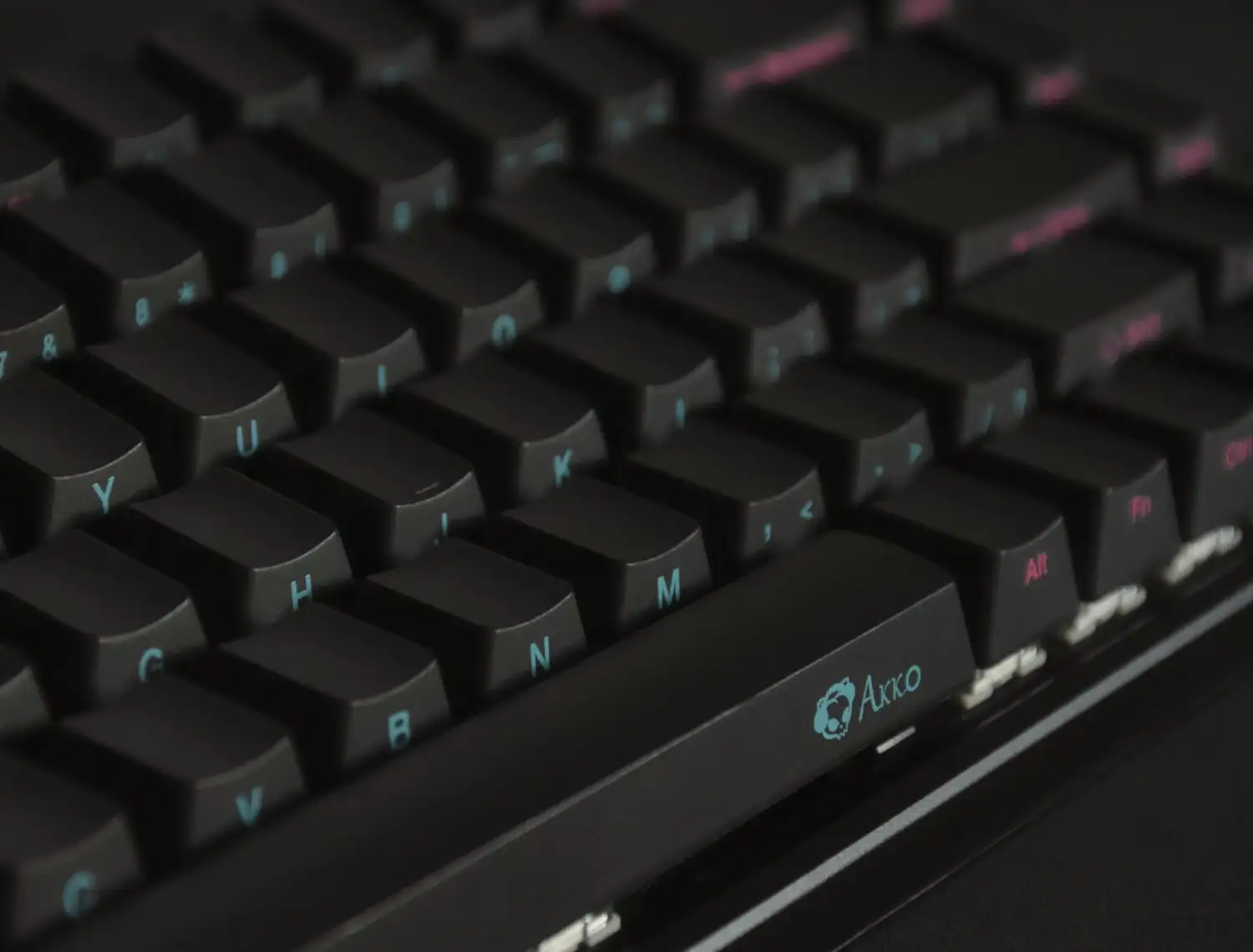

There are many shortcut techniques that may easier our computer operation system. We should all know some of this basic shortcut keys to increase our computer knowledge skill. Some important shortcut keys for computer: CTRL+A = select all CTRL+ C = Copy CTRL + X = Cut CTRL+ V = Paste CTRL+Z = Undo CTRL + Y = Redo CTRL+ B = Bold CTRL+ U = Underline highlighted selection CTRL+ I = Italic CTRL + R = Reply to an email CTRL + F = Forword an email CTRL + N = Creat a new email CTRL + P = Print the page CTRL + J = Justify the alignment CTRL + L = Align selected text to the left CTRL + K = Insert link CTRL + H = Find and replace options F1 = Universal help F2 = Rename selected icon F3 = Start Find from Desktop F4 = Open file list drop down in dialogs F5 = Refresh current windows F6 = Shift focus in window explorer F10 = Activate menu bar ALT+ Tab = Cycles between open applications ALT+ F4 = Quit program, close current window ALT + F6 = Switch between current program windows ALT+ Enter = Open properties dialog CTRL+ ALT+DEL = Open task manager, reboots the computer ESC = Cancel last function CTRL+SHIFT+DRAG = Creat short cut SHIFT+DEL = Full wipe delete CTRL+ HOME = To the Top of the Document CTRL + END = To the bottom of the Document CTRL + > = Next word CTRL + SHIFT + > = Select word CTRL+ f = Move one word to the left at a time CTRL + g = Move one word to the right at a time Win Key + M = Minimise all windows Win Key + F = Display the windows search + Find Feature Win key + R = Open the run window Win key + L = Lock the computer Win key + U = Open utility manager Happy Computing... :)
15 comments
I use many of these keys on my laptop! But cannot remember all! Thank you for those shortcut keys!
You are most welcome. Use these keys in regular basis so that those will become familiar to you.
Thats nice to know about all these shortcuts I didnt know before.. Saving this post. Thanks for sharing this article.
Thanks a lot for your supportive comments. Please try to use this keys in regular basis so that it will help you to operate computer more easily.
Hey Anika! Nice article. Thanks for sharing this. Some people assume that everyone around has the same amount of knowledge about everything, but no. I'll improve my computing with your helpful information. Keep it going. Happy Regards.
Actually, my name is Anik. Thank you for your inspiring comment. It will be my pleasute if you get something new from my article. :)
Hey! Anik is a good name. What does it means? My daughter could be named Anik. :p
This is a really informative post..it will be help for anyone who works with pc.Thanks for sharing
Thanks a lot for Your comment. Try those keys which are unknown to you. It may easier your computer Operating.
Do people still use all these keys? It surprised me. Well, these days I am a mobile user only which means there's no ctrl or alt for me.
A regular laptop or desktop user might need this keys for simplicity and easier use. You can also try this.
The article is useful and educative. Some people still use laptop and desktop to work, so they will need this information.
Yes brother. I write this article so that many of us can learn something new which they can apply in their PC.
Thank you so much brother for your very much informative article. I know something about computer. I have little bit knowledge about shortcut in compute. It is help to me.
Thanks for Your appreciation brother. Glad to know that you find something new to know from this article. My pleasure.