 @valo
more from that month
@valo
more from that month
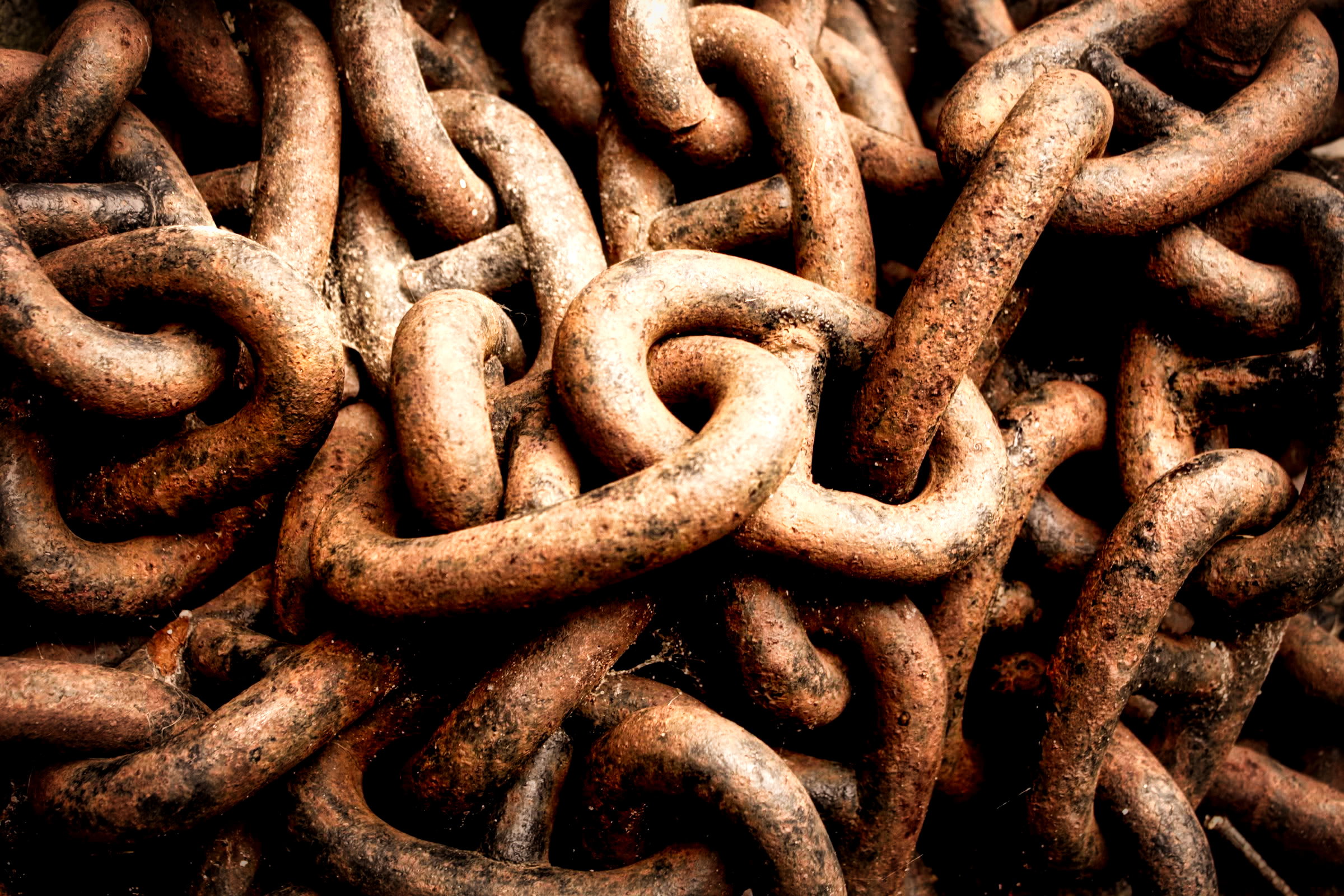
Apps for post-processing of photos What kind of apps do you use to process your photos? My workflow depends on whether I took the photo with my DSLR or with my phone. Dedicated camera For the DSLR, I dump all the photos from the memory card to my file server and then I use **Lightroom** to apply light modifications. If I want something further than that, my tool of choice is **Luminar**. It has more features to make the photos look artistic. It can be a bit clumsy, so I don't use it for all of my photos but rather when I see potential in a photo that came from my camera.
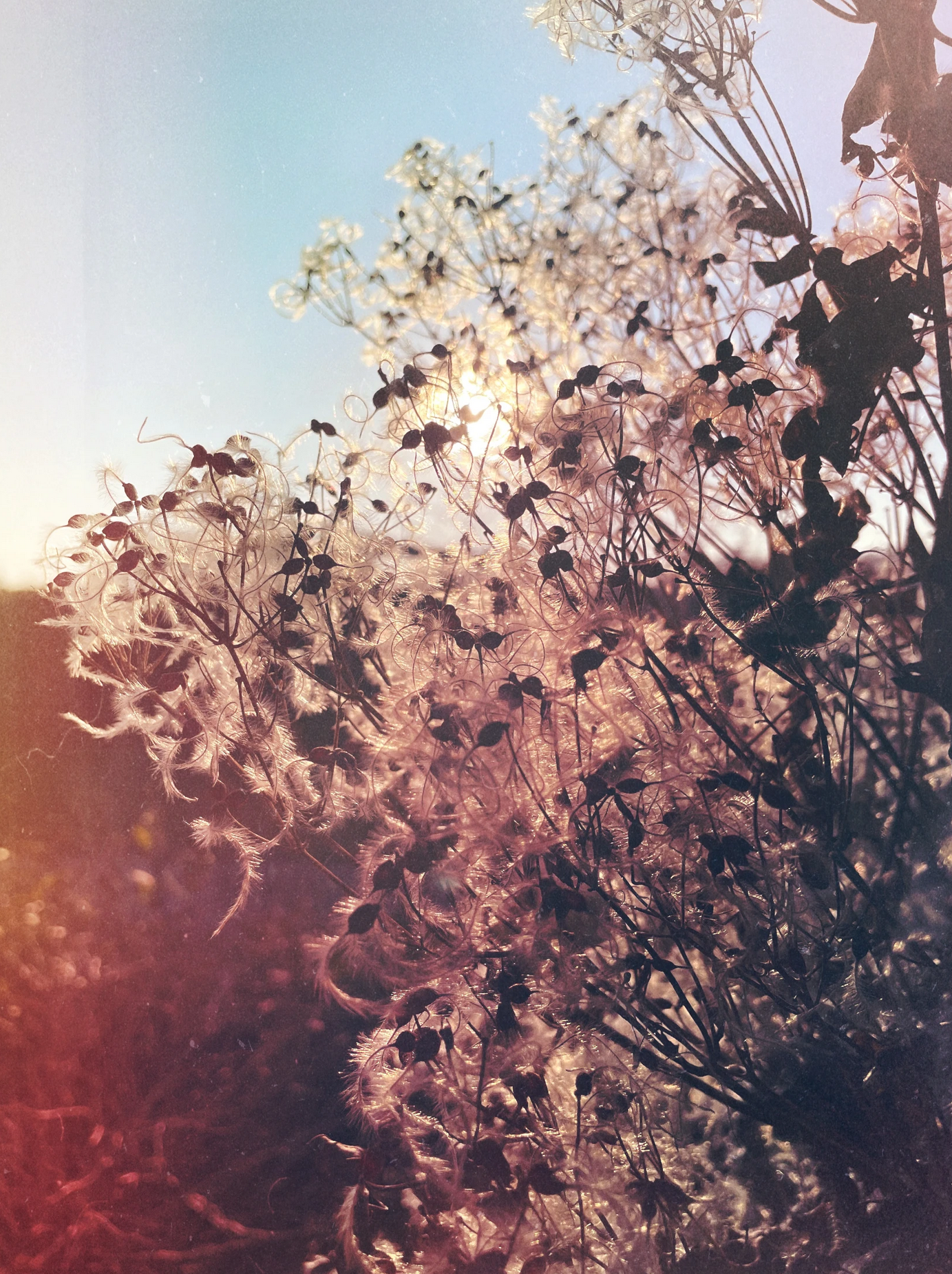
Phone apps I use a variety of iOS apps to process my photos. The most basic of them is **the built-in photo editor** that boosts the parameters nicely without making the photo unrealistic. I use **Snapseed** when I want to use the colour balance picker, so that I can define exactly what part of the photo is white. Otherwise, I'm totally in love with **Motionleap** and **Photoleap** (also **Videoleap** for video editing). They're amazing artistic tools! When I want an extra level of creative touch, I choose **Mextures** with its lovely formulas to stack layers on top of the photo and create an atmospheric look, such as the photo below. NOTE: **I am not affiliated with any of these mobile apps!** I haven't earned money for mentioning them. It's my own opinion and experience.

13 comments
Consider uploading your images to Pixabay. Those who download the can tip you $$$.
I'll think about it. The downside is that the images under their licence are available for anyone to use practically in any way without mentioning the author. I would imagine that a tiny fraction of the users would bother to even give the name, let alone support me as an artist. I have some photos on microstock photo banks but my content isn't really what they would like to see, so I haven't been successful there.
Well, you do have the option to just sell them so there's a thought.
Oh, I didn't know that one can sell photos to Pixabay, I'll take a closer look, thanks :)
I believe they partner with iStock.
Could be, I remember seing the logo of iStock. Maybe that's a new opportunity to earn a few dollars.
Certainly worth a try. I've seen some awful images on there asking for $12. I might sell some gifs from my films but am still considering it as well.
Wow, that's a lot!
I like the way both pictures look, they look spectacular with the techniques you use. Greetings.
What is the advantage of using Snapseed in processing/editing photos compared to other apps
Snapseed is a general all-round app that allows you to do all basic edits - brightness, contrast, highlights, shadows, exposure but also have a white point picker. So instead of trying to guess the colour temperature or use the preset white balance options, I can touch and tell that, hey, this is white. There are other handy features that I use less often, including Curves, overlays, frames, text on top of the image and more. The nice thing is that it’s free.
Oh, thank you for the information. I will make sure I use it from now on
Worth testing out at least