 @mc5punk
more from that month
@mc5punk
more from that month
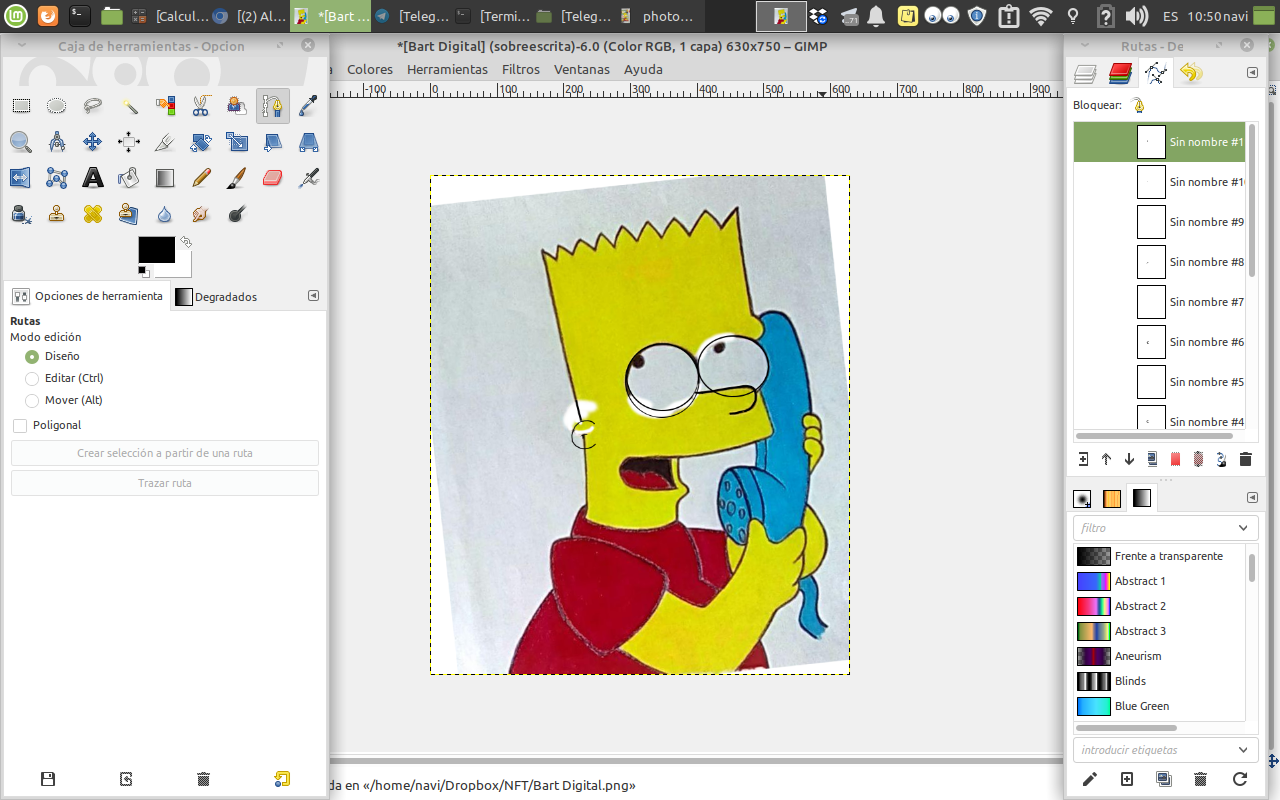
Digitizing a drawing of Bart Simpson with the program Gimp Greetings, friends of the community. This time I come to bring you a new installment on the drawings section of the channel, in which you can see the step by step on the digitizing of a drawing of Bart Simpson, whose reference image I got it in a magazine to make it later with graphite pencil and colored pencil. And it turns out that now I had occurred to me to pass all this in digital format using the open source program, Gimp. And to start with all this, what we are going to do is to open the file that contains the image that we are going to transform, which is nothing more than the pencil version.
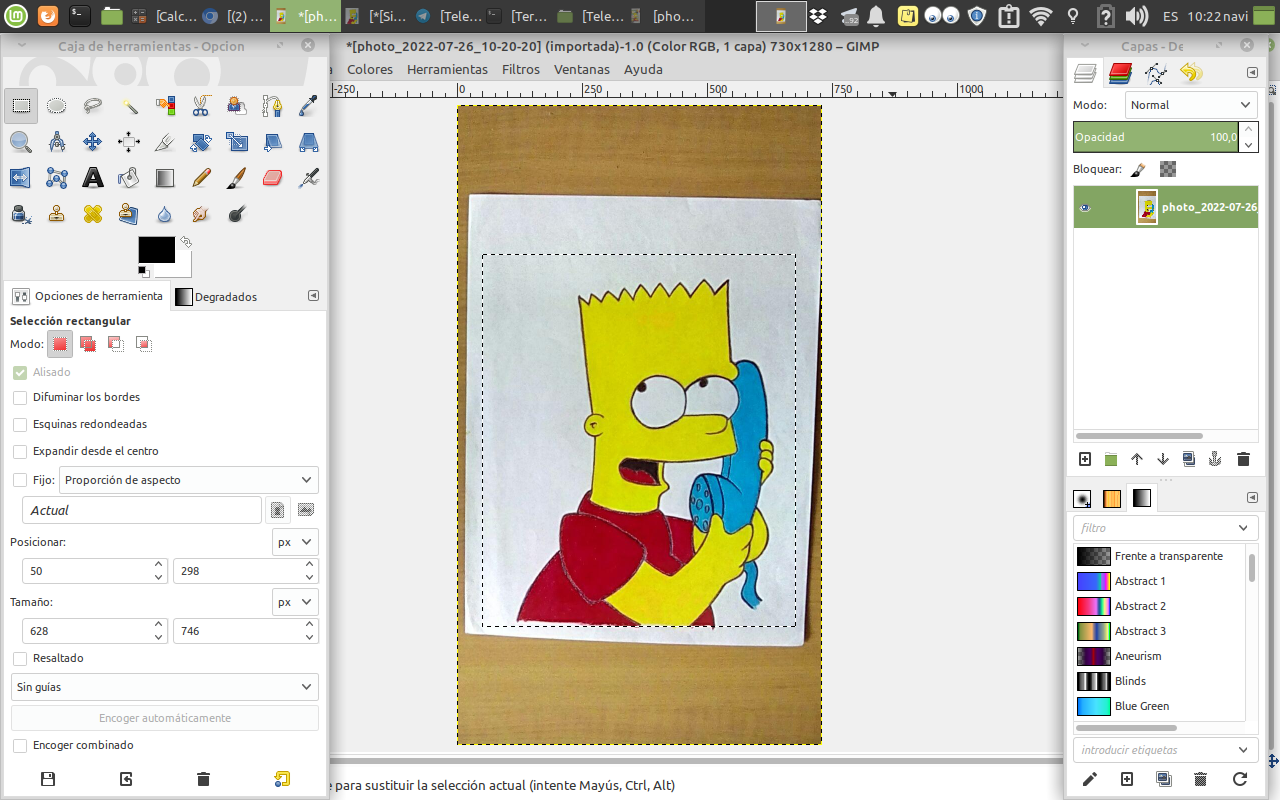
Then we open a new window to take only what we really need from it.
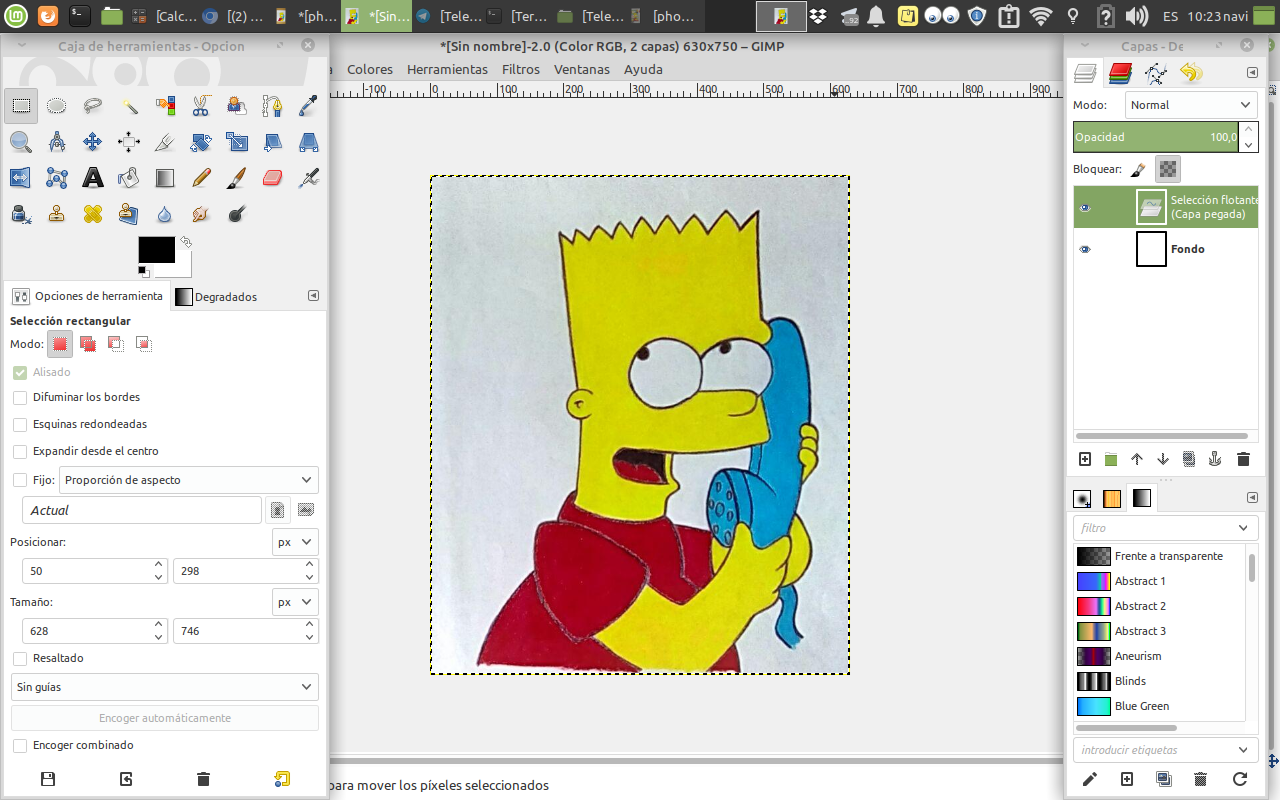
Now we make some modifications, which are nothing more than some adjustments that will be adjusted to the original image.
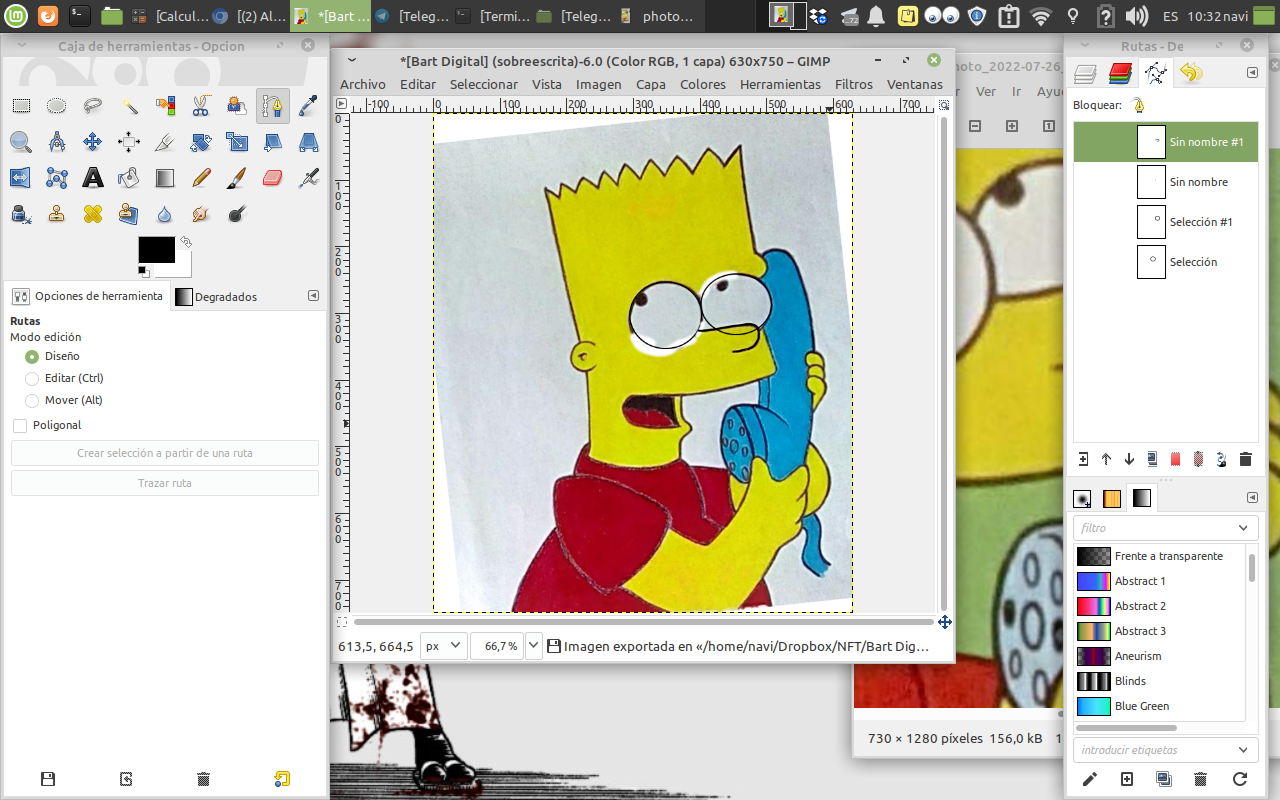
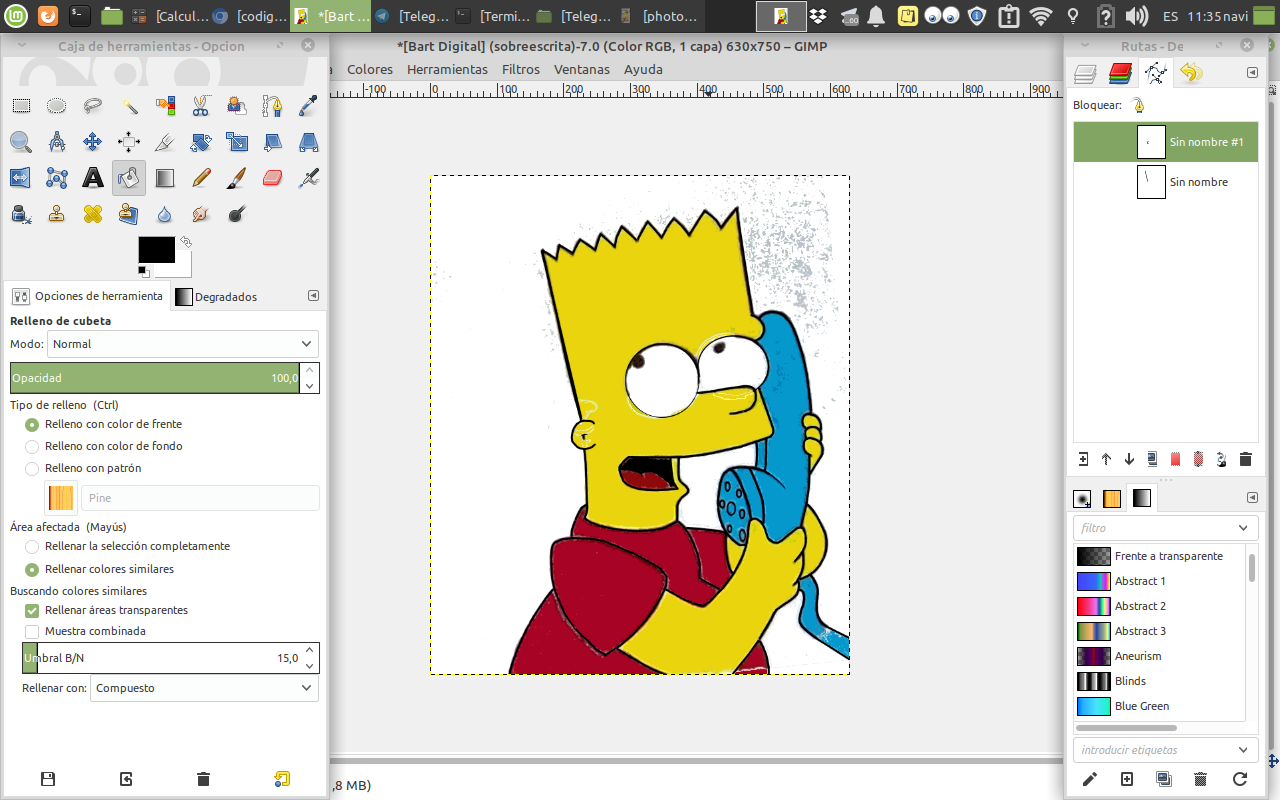
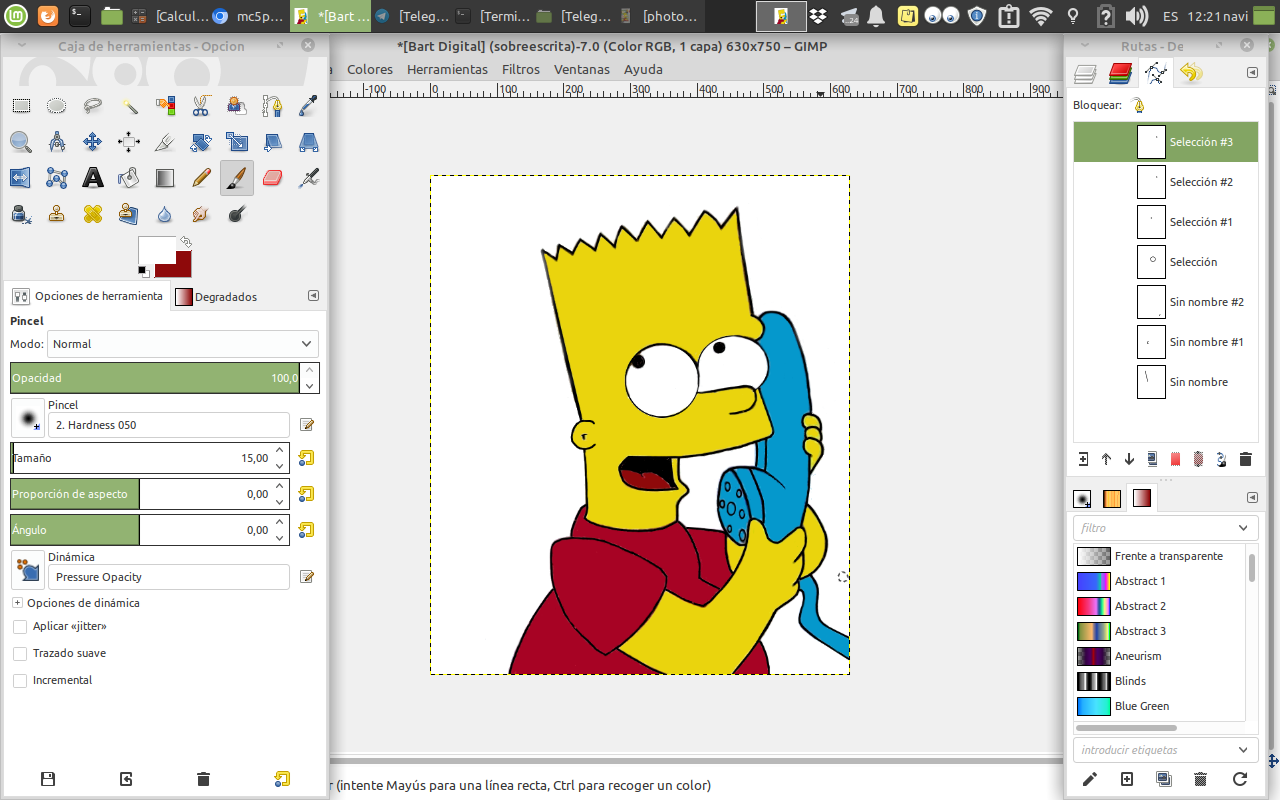
Once we have made all the necessary adjustments we proceed to colorize each of the areas that make up the image.
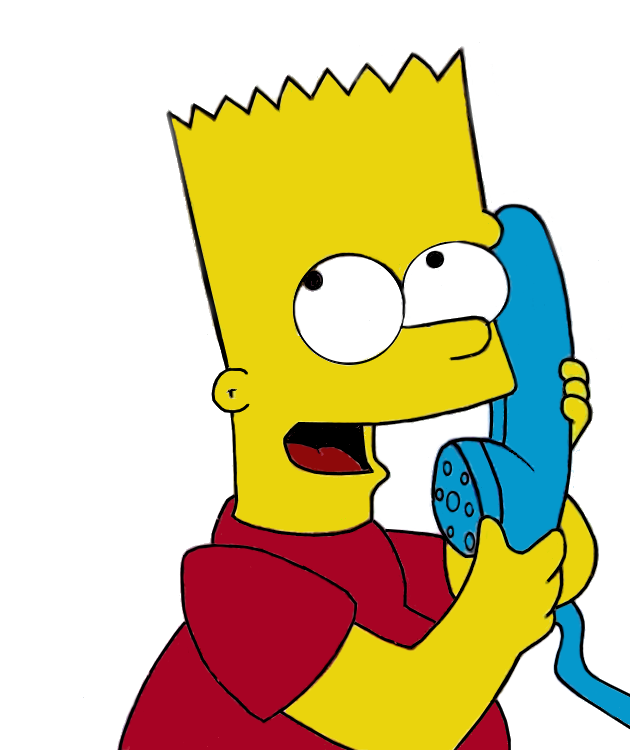
And that's it, we have the digital version of our drawing.
I hope you liked it and that you can also do similar works to this one. And if you have any questions or want to share your opinions you can do it in the comments box, I will be glad to read them and give you an answer as soon as possible. Without more to tell you I say goodbye until next time. **Source of the images** All images are screenshots taken from my Toshiba laptop. The program used for image editing has been with Gimp.
2 comments
It is really amazing to see your art is moving towards digital world. I am sure you can be best NFTs art and designer. Learn more about it and get more expertise. Brother if you have account on Hive platform? If not then I can invite you there with delegation.
Thank you for your words, my friend, as always they are very stimulating. And if I am on the Hive platform, here is my link. https://hive.blog/@mc5punk https://ecency.com/@mc5punk By the way, I am publishing in that same space more digital works. I hope you can see them and enjoy them.