 @mc5punk
more from that month
@mc5punk
more from that month
How to create a meme with Gimp Greetings friends of the community. I come to present a small tutorial in which you can learn how to create your own meme using the Gimp program. The steps are very simple. First we have to search in Google Images for a template of the meme we want to use and then add the desired texts.
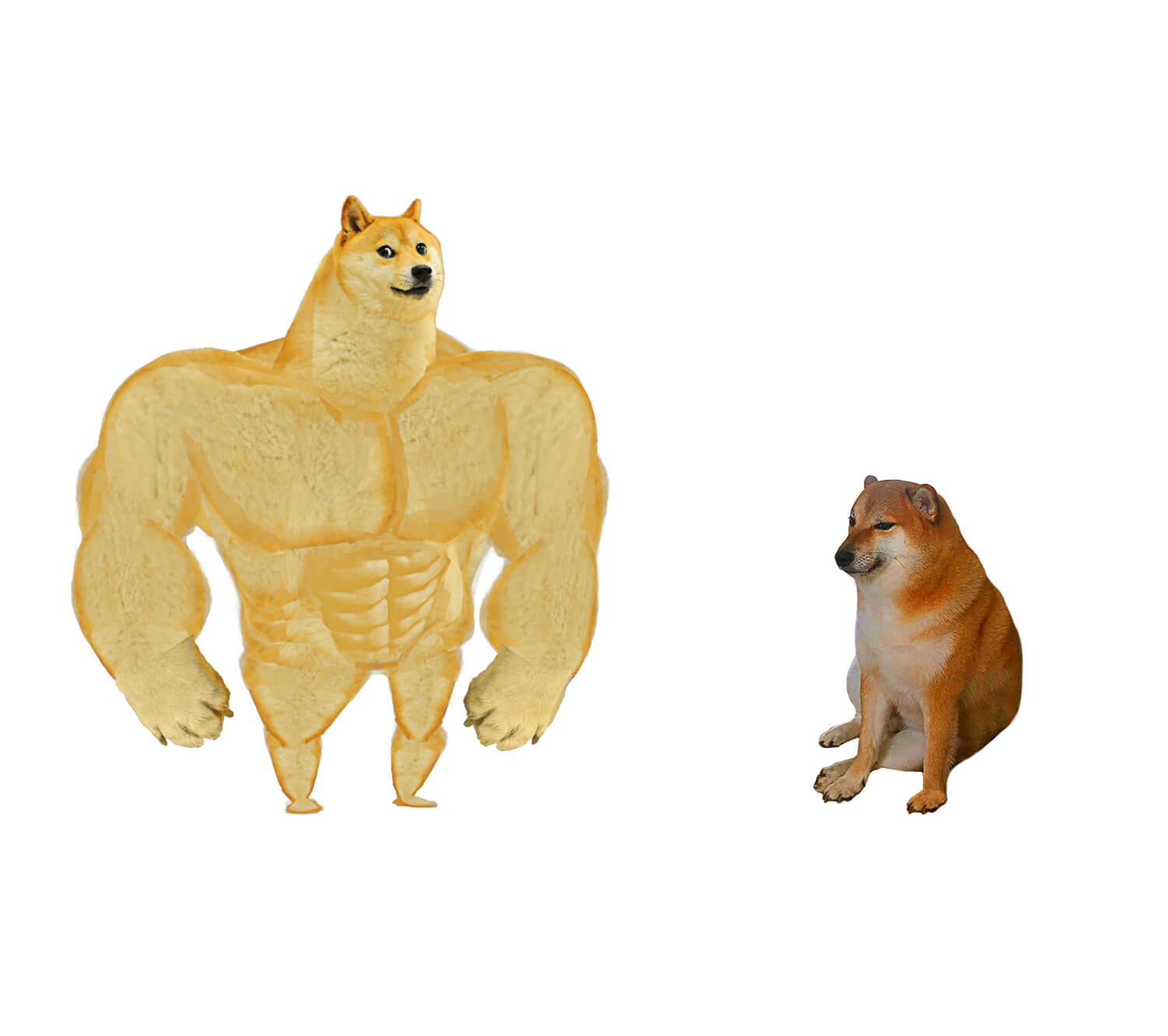
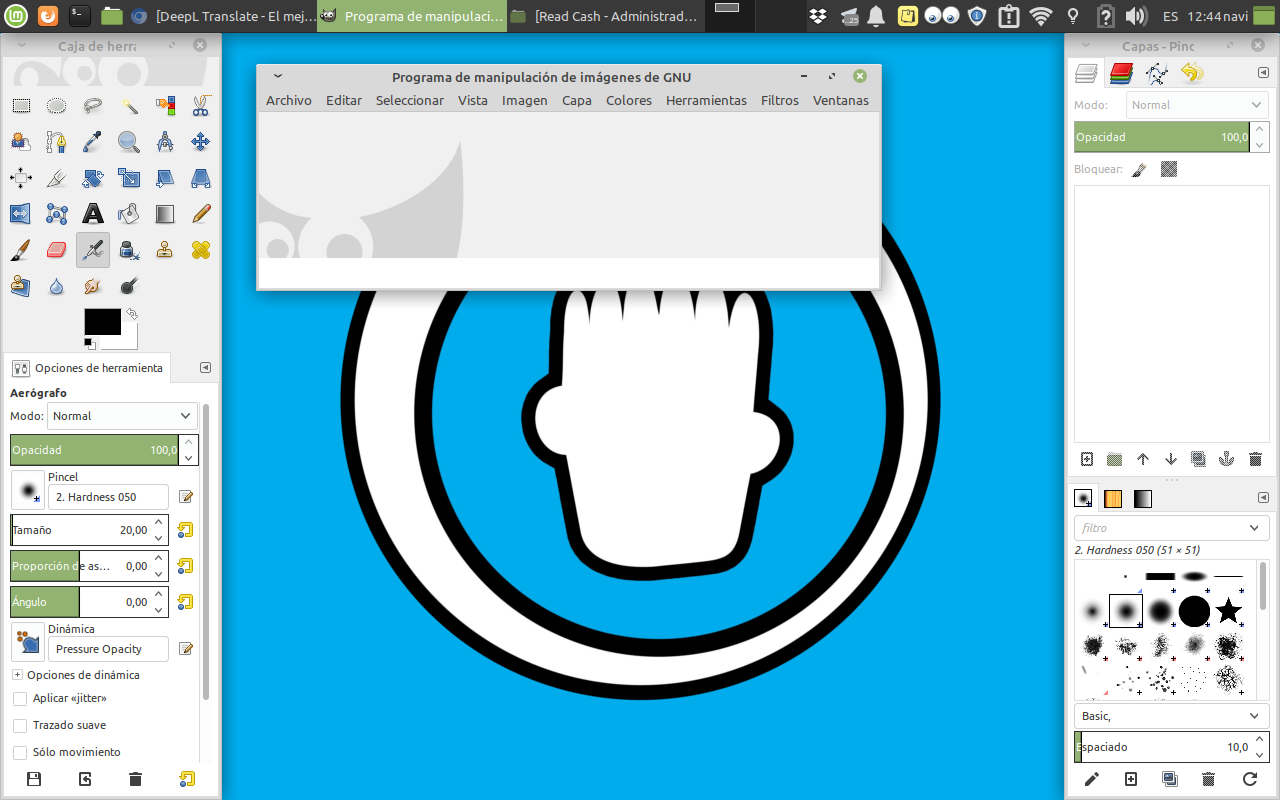
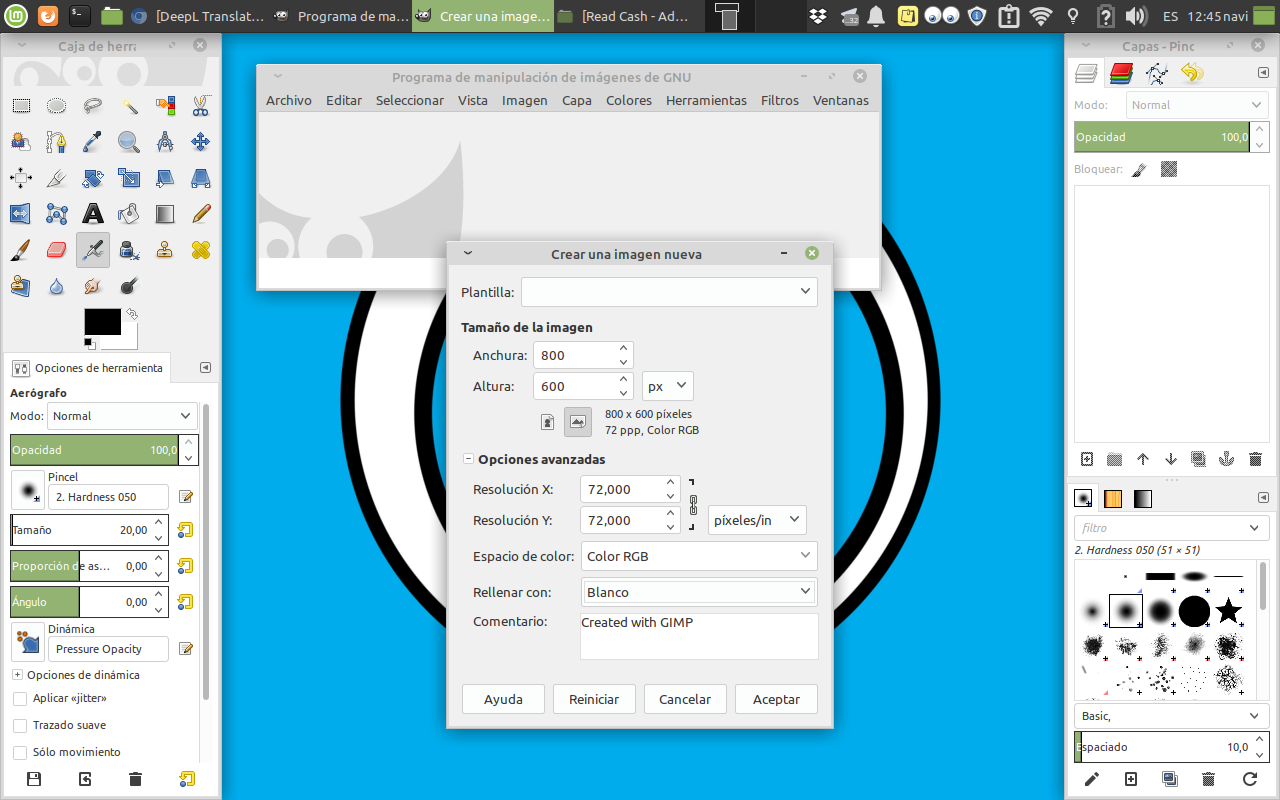
Then we open the Gimp program, and create a template of the dimensions we want with a white background.
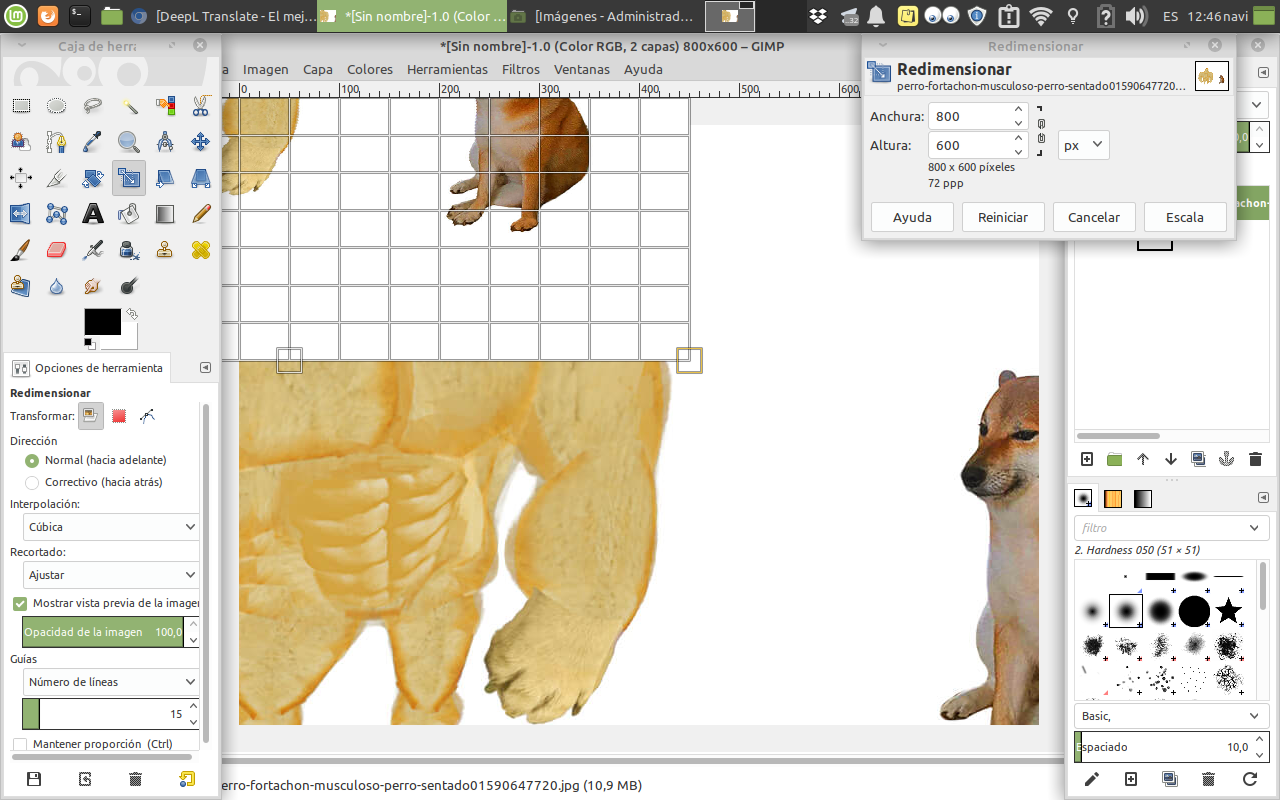
Then, we insert the image, and resize it.
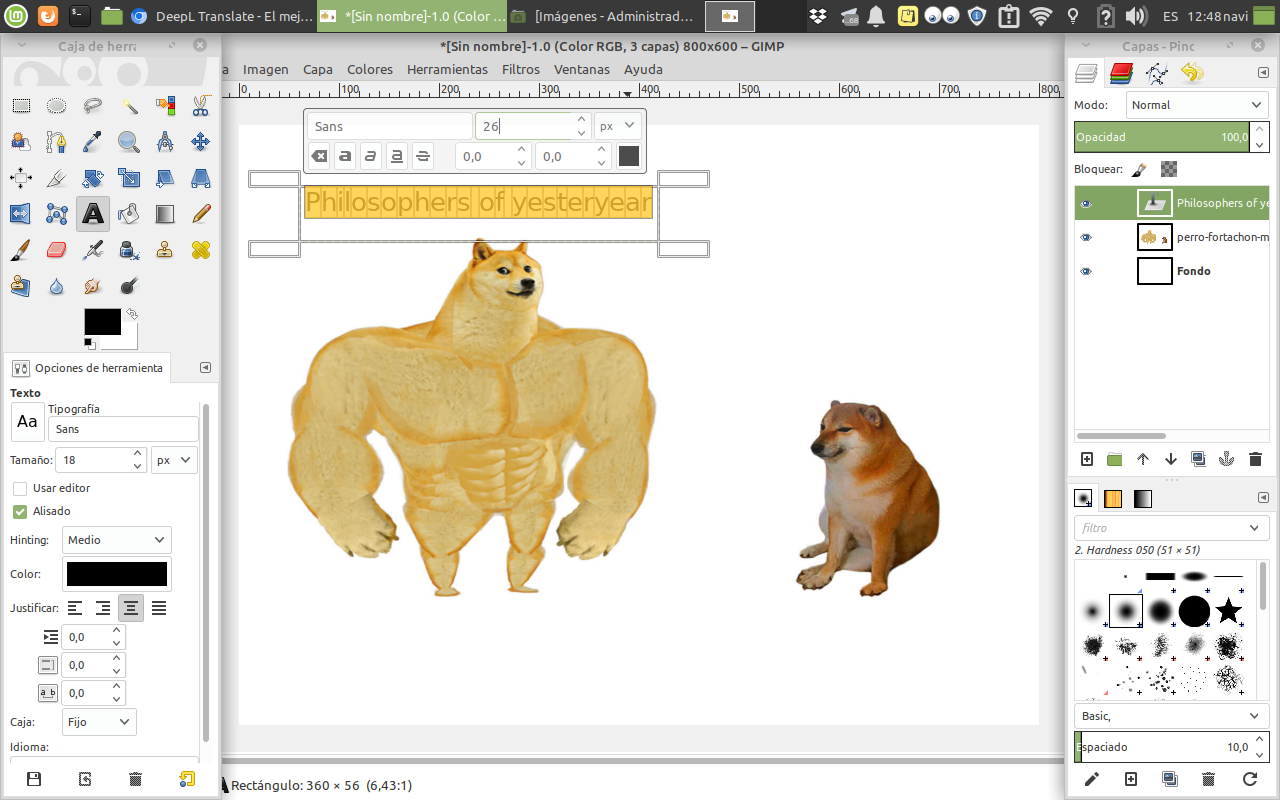
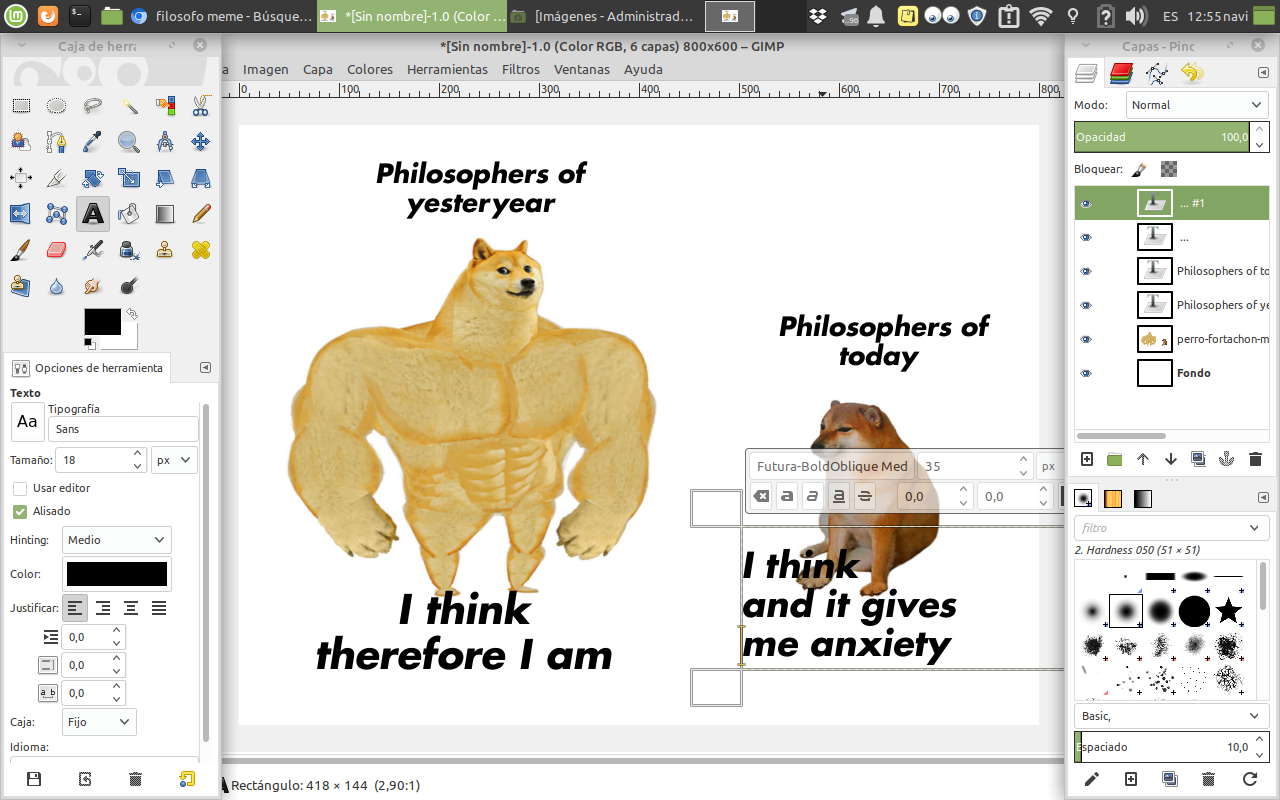
Add the texts.
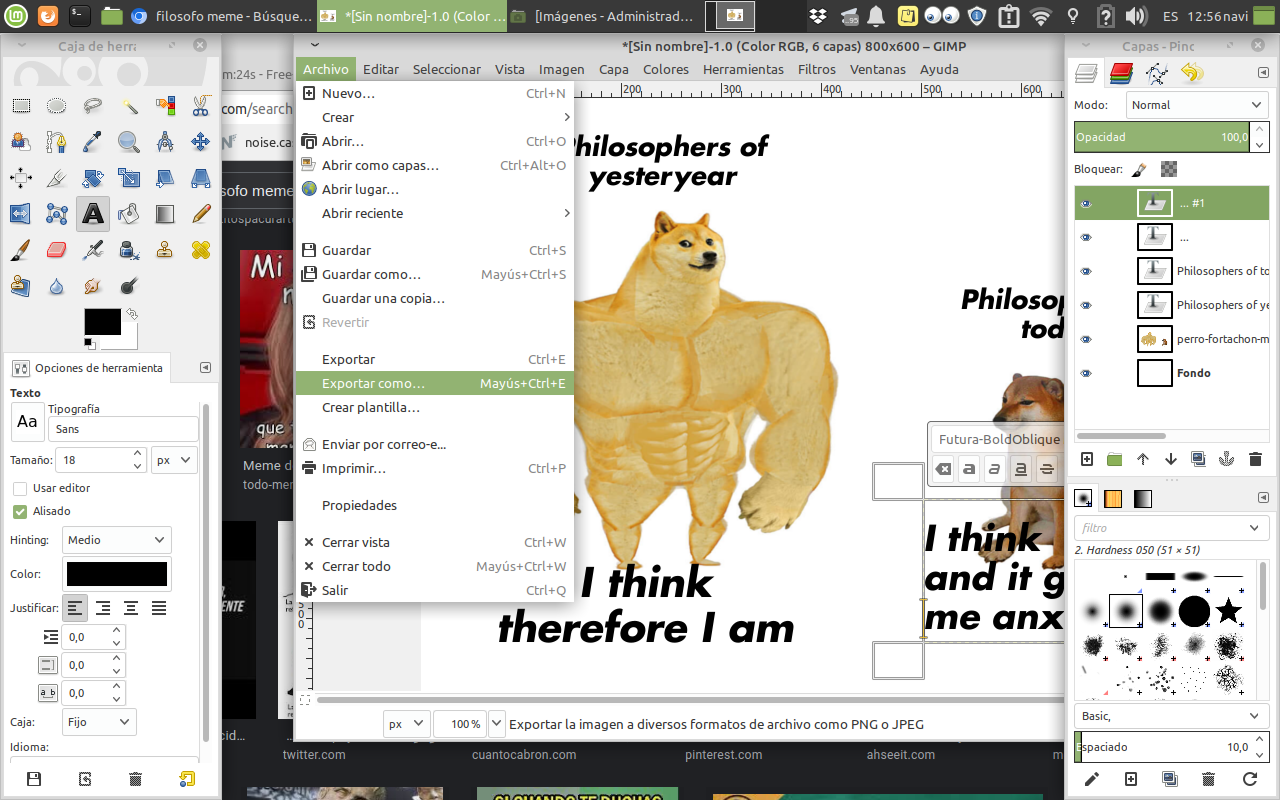
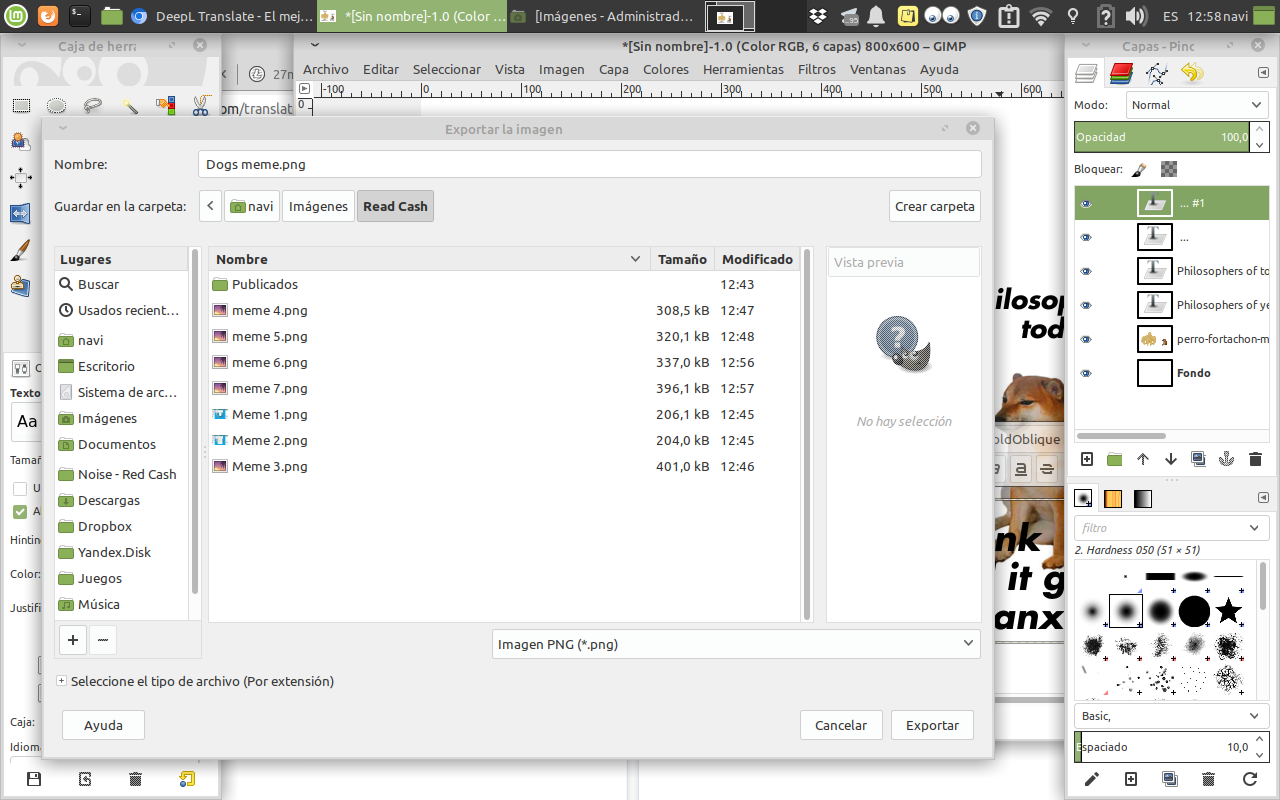
And save in "export as...", under the format ".png".
And that's it, we have our meme, what do you think?
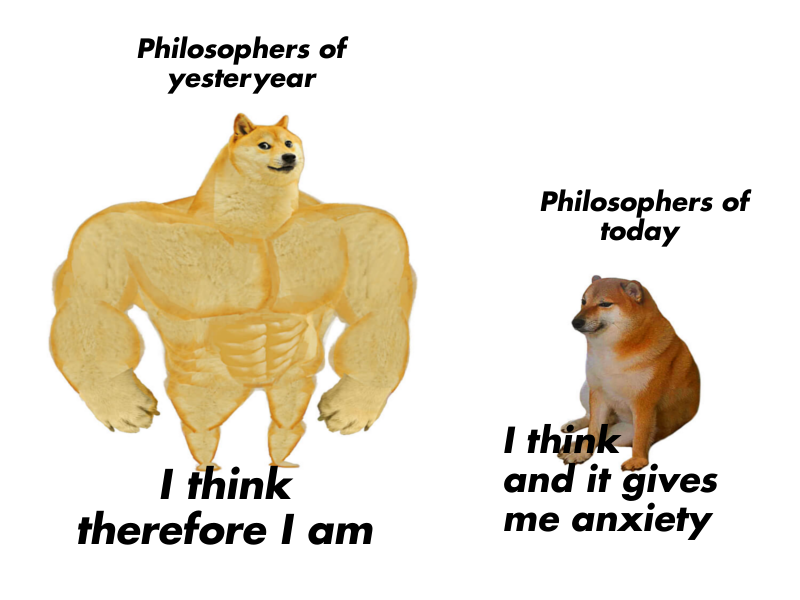
**Source of the images** Screenshots from my laptop

2 comments
I have no experience for this app because I uses Kapwing for meme composition. Anyway I like to get experience how this app work for only learning process. Thanks brother for sharing this, I hope it will be good to use.
I didn't know the one you are mentioning either, I will have to look for it. I hope you like the one I have shown you. Regards.