 @ladyhanabi
more from that month
@ladyhanabi
more from that month
How to upload Files on Messenger Using Smartphone/iPhone?

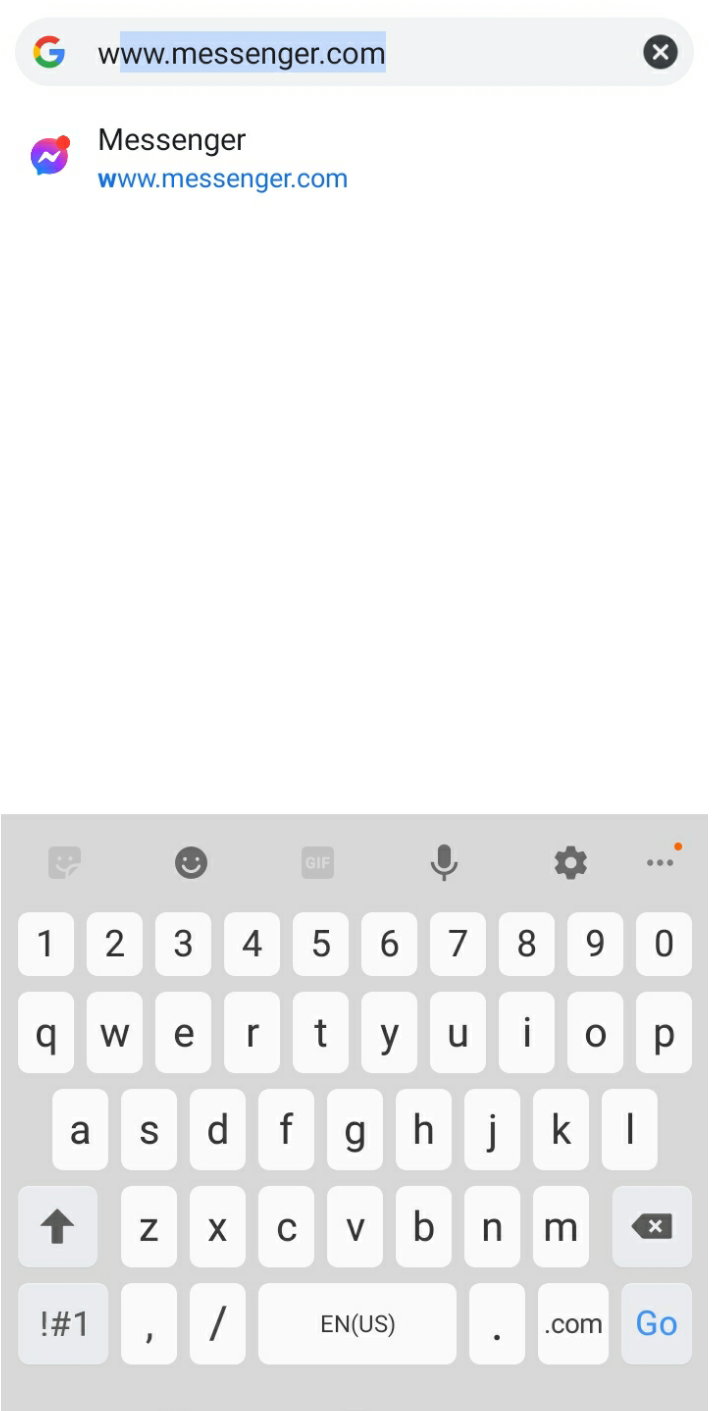
Struggling to upload your files using your phone? Here is a simple way to tend to your difficulty to do such thing. First, go to your browser/google chrome and type **www.messenger.com**
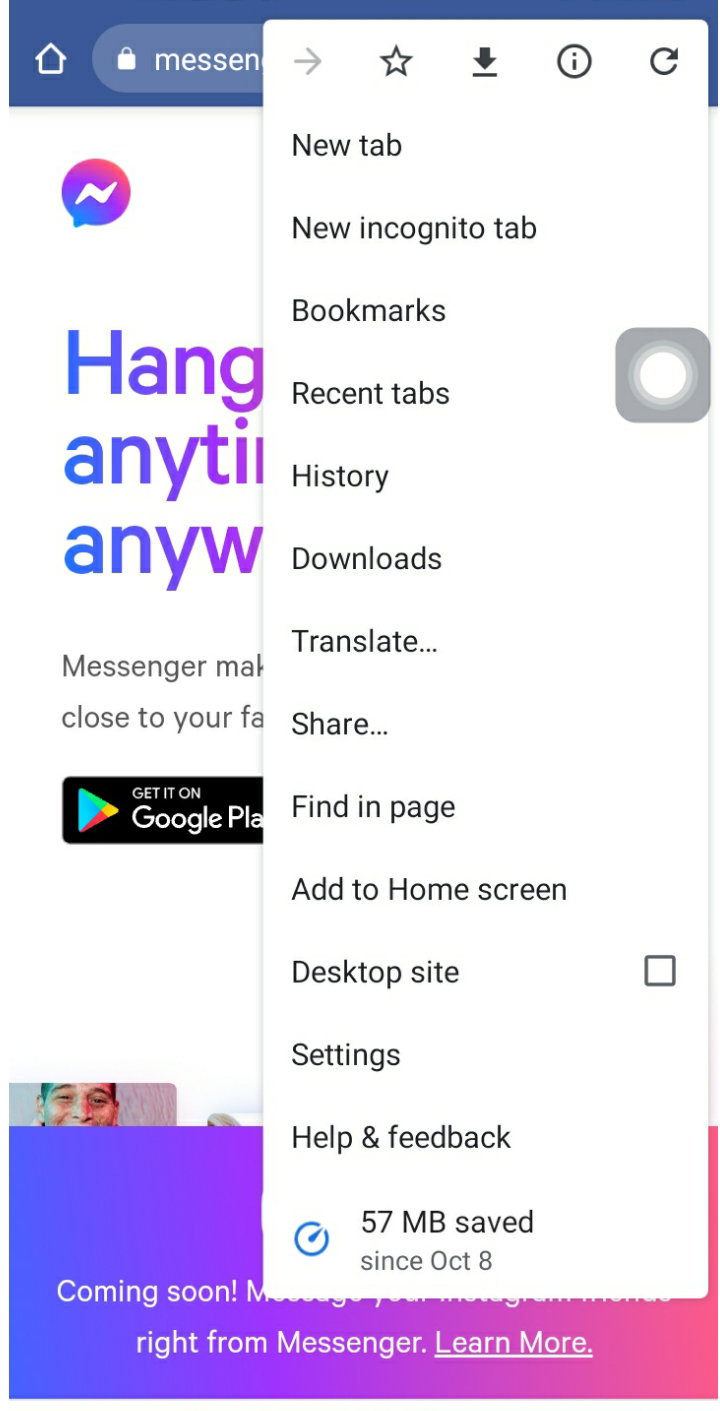
After that, set your browsing to **Desktop site**
**Log in** to your messenger/facebook account and send **choose** **your recipient** or the people/group that you're going to send files to
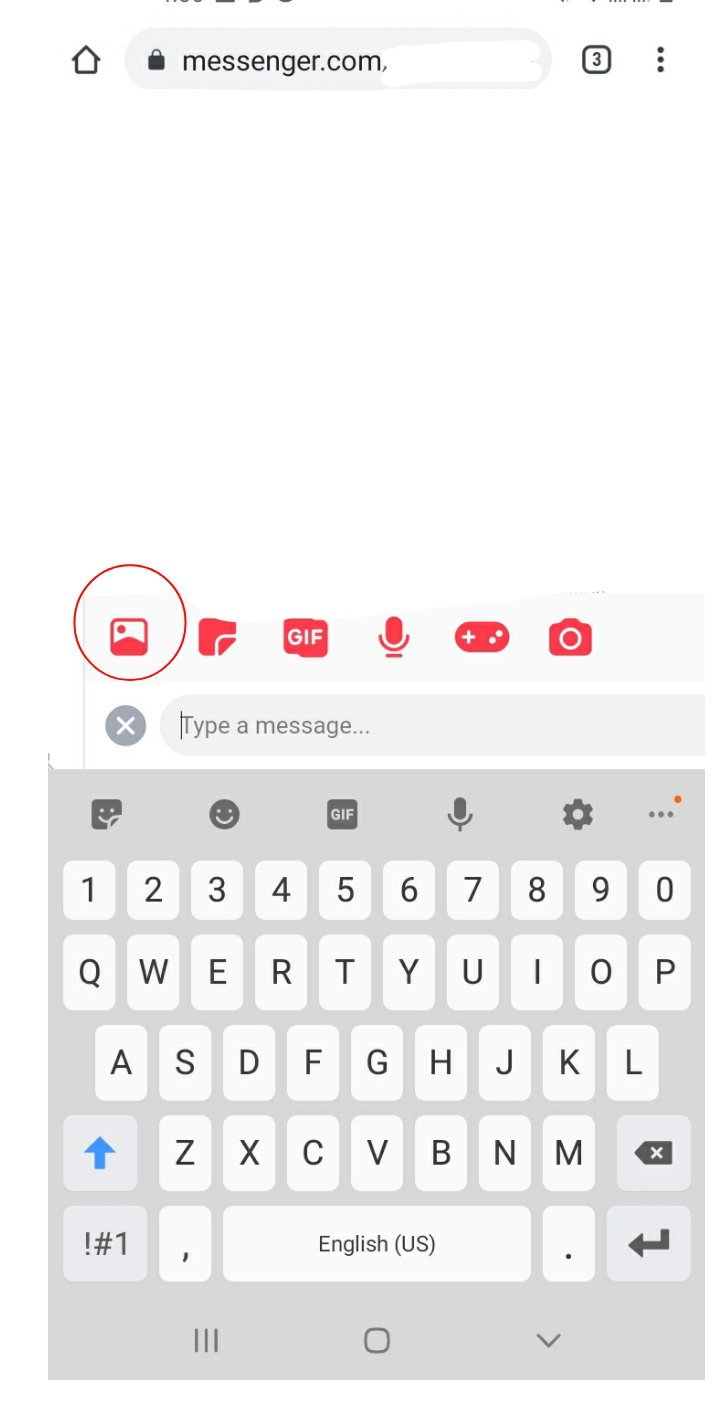
Click the **IMAGE ICON** and then choose the action that you want to do
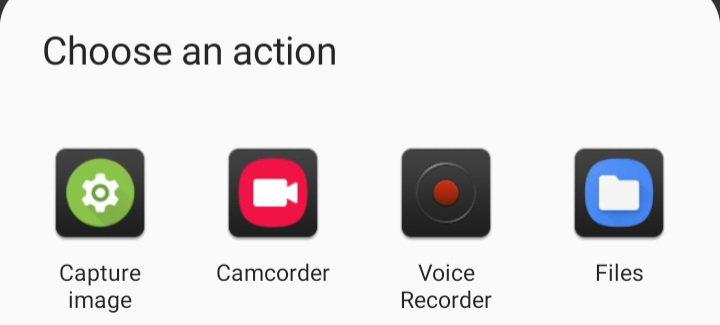
And there you go! I hope it may be of help to you. 😉
6 comments
This is helpful thanks a lot
Great
woooooah. Thanks for the info!
Thanks!
Wow, thank for the info. I'll try it. ❤️
Suree