 @kiara45
Did you hear that! The global cryptocurrency market cap today is $2.18 Trillion, a -0.05% change in the last 24 hours. What you think it's risky to buy or sell at this rate?
Joined 3 July 2024 · 6 posts
I'm Kiara from Pakistan. I'm a Passionate Artist. Creating interesting content on Internet is my hobby.
120 KT
0 KT received · 0 KT given
@kiara45
Did you hear that! The global cryptocurrency market cap today is $2.18 Trillion, a -0.05% change in the last 24 hours. What you think it's risky to buy or sell at this rate?
@kiara45
MetaMask If you've ever considered starting the NFT or cryptocurrency journey, whether you want to buy or trade NFTs, Ethereum, or any other ERC20 tokens, you must have heard about MetaMask. MetaMask has been a household name in the crypto sphere since its inception in 2017. You'll quickly identify it with the distinctive fox logo that follows your cursor on the screen. But before we proceed to learn how to set up MetaMask and other finer details, it's crucial that we understand what a digital wallet is. Your crypto wallet is a personal key that enables you to interact with the cryptographic world. Without one, you won't be able to buy, sell, or transfer digital assets like NFTs or cryptocurrencies on the blockchain. Just as you need a wallet filled with cash to buy things in the physical world, MetaMask is a crypto wallet designed for the most diverse blockchain that's ever existed, the Ethereum blockchain, among others. MetaMask serves as a gateway to everything Ethereum, including NFTs, the DeFi ecosystem, and ERC20 tokens. Additionally, MetaMask is a free, open-source hot wallet that gets you started with Ethereum. It's available as an app for Android and iOS, and as an extension for web browsers like Google Chrome, Firefox, Brave, and Edge. What are some specific uses for the MetaMask wallet? Well, besides buying, you can use MetaMask to receive, accept, send, and swap Ethereum and NFTs. Once you've set up your MetaMask wallet, you can easily use the dashboard to buy Ethereum via different payment options such as credit cards and bank transfers. MetaMask also allows you to connect to thousands of decentralized applications and Web3 services. Now that we've taken our first glance, let's get started. Your first task is to create a MetaMask wallet. To do that, you must first install the extension on your browser. A word of caution before we proceed: the internet is full of scam apps pretending to be the legitimate MetaMask. For this demonstration, we'll set up our wallet via Chrome. However, note that you can replicate these steps across all browsers. Our first step is to go to the Chrome Web Store, add MetaMask to Chrome, and click on the blue "Add to Chrome" button. Next, click "Add Extension." To start, you'll need to create a password or let the random generator create one for you. Most importantly, you'll be shown a 12-word seed phrase. These words enable you to restore your wallet if you forget your password or use a different device. Be very careful where you keep your 12-word seed phrase because anyone who gains access to it can access your wallet and all its contents. Remember, "not your seed phrase, not your wallet." A good practice is to make multiple copies offline, and some people even have them engraved on a fireproof metallic plate. Now, proceed to MetaMask and create an account. At the top right-hand corner, locate and click on the extension icon. The icon should be in a similar location on all other browsers. When MetaMask opens, it will prompt you to either create a wallet or import one. If you've already created your wallet earlier, you can select "Import Wallet" and input your 12-word seed phrase to confirm authorization. If you're new to MetaMask, choose "Create a Wallet." You'll be asked to accept the wallet terms of use and create a password. Once done, click "Create." Remember the importance of the 12-word seed phrase. When MetaMask reveals the words, write them down and click the "Reveal Secret Words" button. The system will display your unique 12-word seed phrase again. For security, write these words somewhere safe where you won't forget or misplace them. Storing them online is not recommended due to cybersecurity risks. Click "Next." You'll be prompted to verify your secret seed phrase in the correct order. If you lose this phrase, there's no way to recover it. If you'd like to download MetaMask on mobile instead, visit Google Play Store or the App Store and download MetaMask. The setup process will be similar to the desktop version. Now that you're set up, what's next? Use your new MetaMask wallet to receive and send Ethereum tokens or house your NFTs. If you're new, you can also use your wallet on several test networks that run on copies of the Ethereum blockchain using fake testnet ETH. How do you find your wallet address? There's a button next to the code that you can use to copy it to your clipboard and share it with anyone who wants to send you tokens. Similarly, you can transfer tokens from centralized exchanges like Coinbase or Binance to your wallet. Just ensure you have the correct network selected. Unfortunately, MetaMask's Ethereum wallet only accepts Ethereum and ERC20 tokens. If you have Bitcoin and want to use it, you'll need to convert it to ETH on exchanges like ShapeShift io first. Is there anything you can do to protect your digital assets? Yes, follow these steps to ensure your MetaMask wallet remains as secure as possible. Like all crypto wallets, MetaMask has public and private keys. Keep your private keys secret, as anyone with access can access your funds. The easiest way for MetaMask wallets to be compromised is through phishing attacks. To protect your assets: 1. Use a secure password that's difficult to guess. 2. Only enter your seed phrase into your real MetaMask. 3. Avoid exporting your private keys while sharing your screen. 4. Never connect with suspicious websites. Lead image taken from vecteezy That's all for today. Hope you find it helpful. If you have any questions related to the topic, feel free to ask in the comments and if you enjoyed reading, give a thumbs up. That's enough for your support. Thanks for reading. See you tomorrow with a new topic. Regards: Kiara
@kiara45
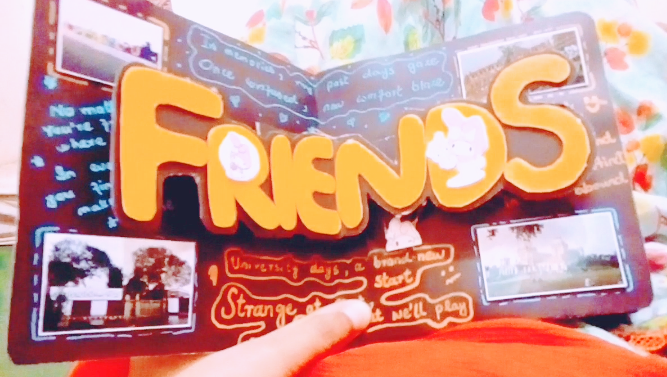
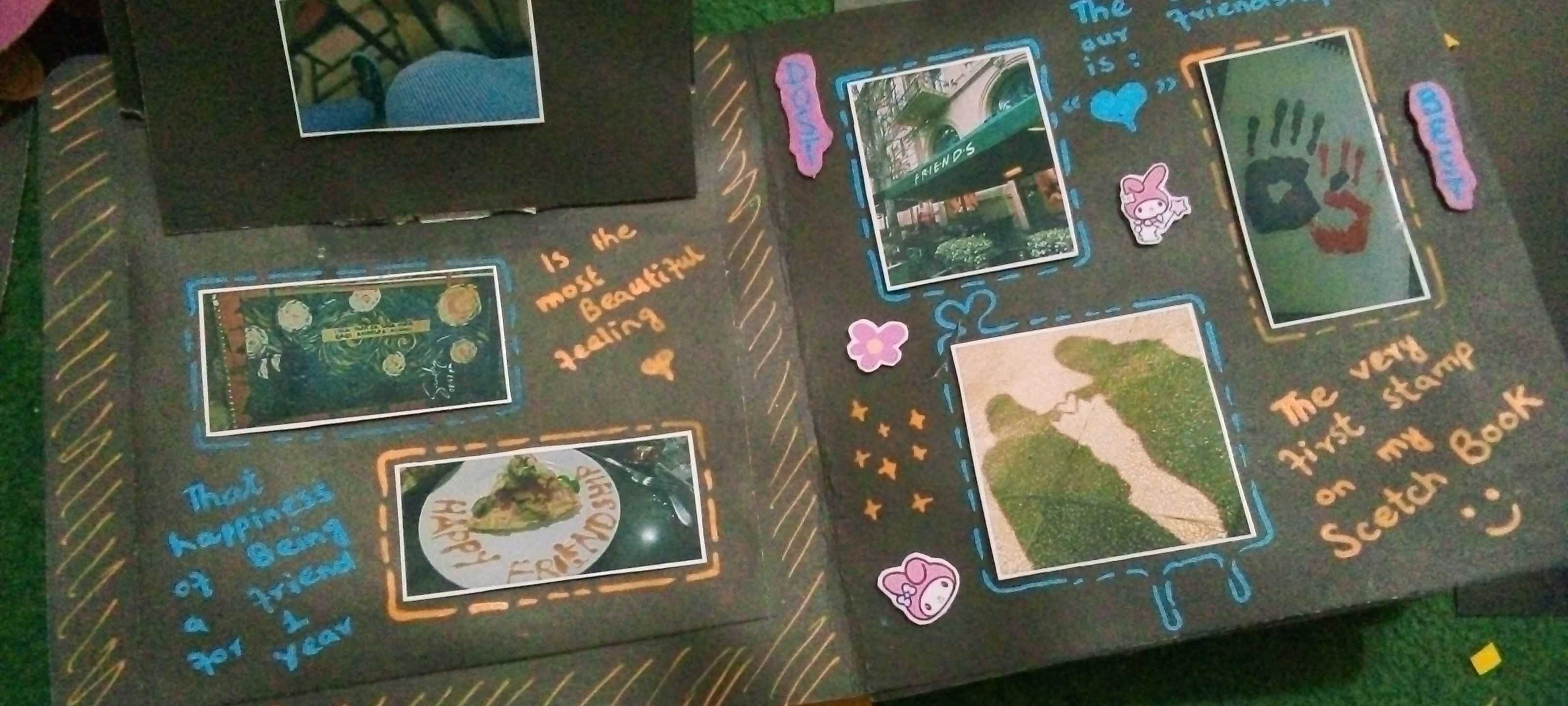
A Scrapbook This was when my BS final exams were going on, I didn't study for the whole semester, hung out with friends and we only had one last week to reminisce about our friendship. Heart and mind were not ready to accept that now we have to say goodbye to each other. Meanwhile, I made a scrapbook for my very close friend. In it I encapsulated the memories of the moments spent together. I have to give it to her last day but I couldn't wait, my heart wanted to tell her how much love I made this gift for her. I waited for the last moment. What is it like to be separated from your loved ones? Very painful. Finally the day came and on that day I explained to myself a lot that going to uni is not about crying. Look, if you cry, it will hurt her too. You have to close this chapter happily. The day I gave it to her, she also gave me a present and that day I came back from uni and cried because my heart couldn't take the pain. The next day I had to go back home. And I had to say good-bye to her and consoled my heart that we will meet again and continue our studies together. Hope in the heart. I have hardly made a friend in my life who is so dear to me. A friend who is a joy to have. Whose departure makes the heart sad. Such a friend is nothing less than a blessing. Thanks for listening to me. The scrapbook is made by me.
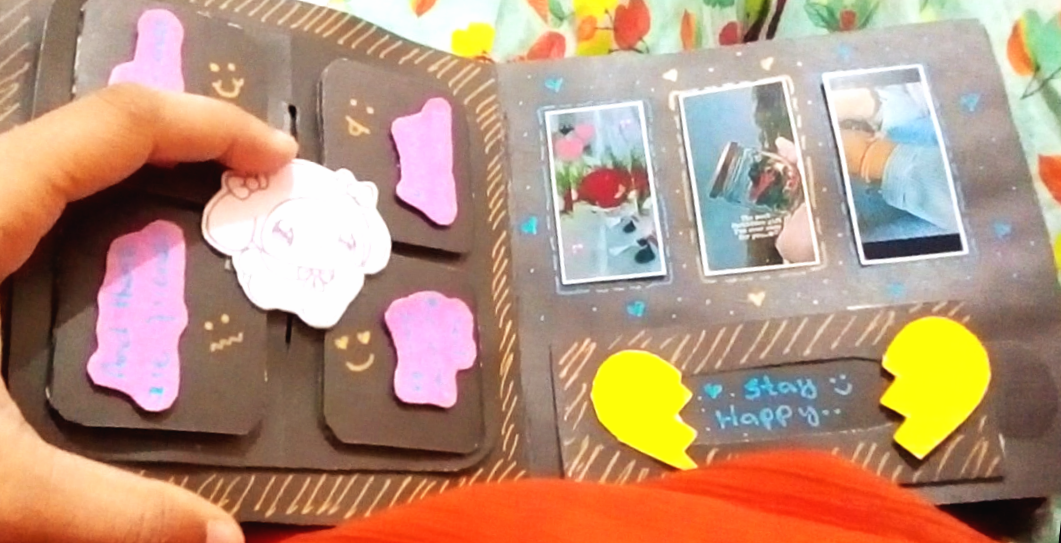
+1 more
@kiara45
Good Evening Friends ❤️ It's my second day here but I don't know anyone here. 😔
@kiara45
Greetings friends! Today is my first day on this platform. I'm happy for being a part of this family. 😊 Good Night ❤️
@kiara45
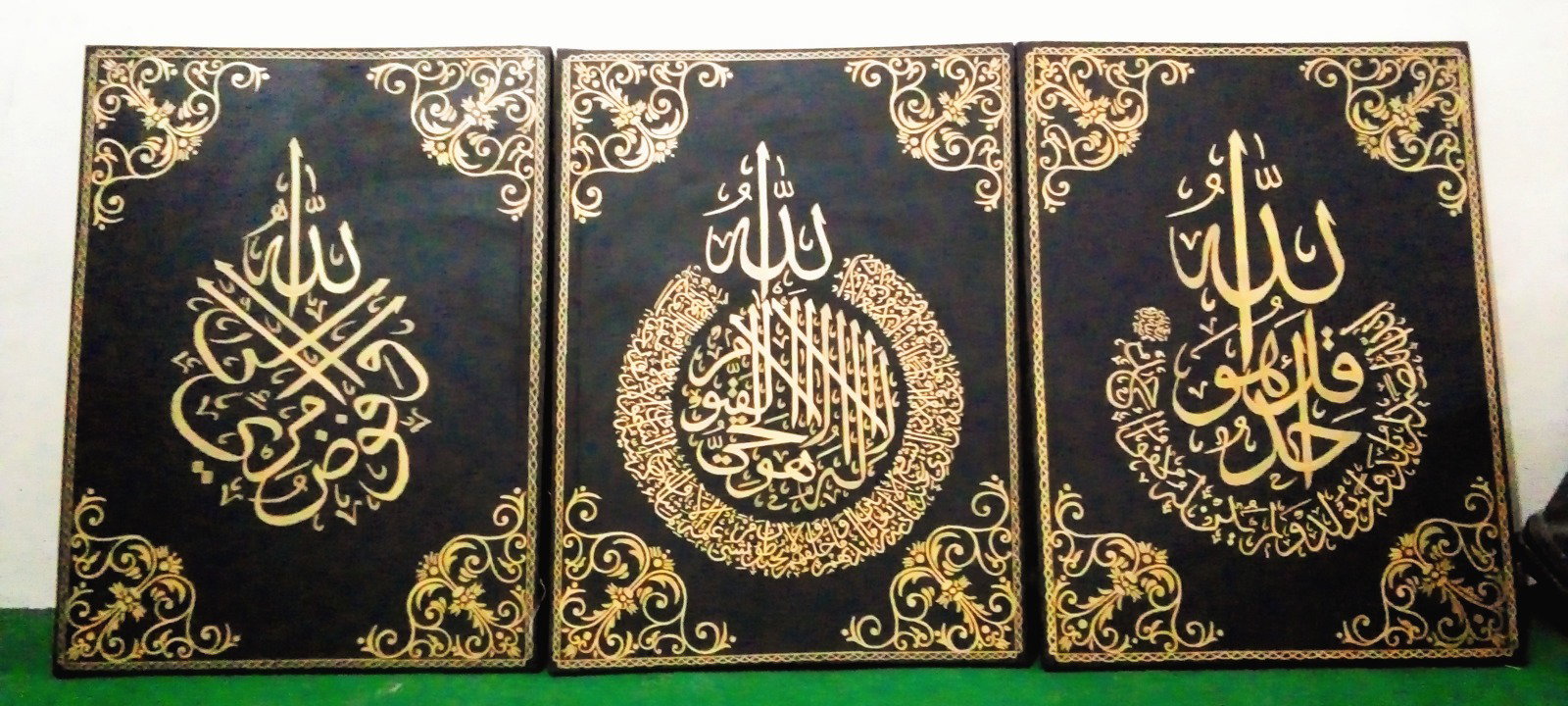
My Short Introduction My name is kiara. I'm from Pakistan. I lives in south punjab. I recently came back from bahawalpur after completing my Graduation. I'm a Passionate Artist. My passion is creating Arabic Calligraphies. Some of my favorite Calligraphies are: After Graduation, now I'm on my vacations Thank God. Now I decided to turn my Passion into Profession. But before that I want to job. I'm interested in online jobs because I'm that type of person who is afraid of being apart from home and family because when I was in hostel I realized how important your home town is for your mental health. Yes you're right I'm an Introvert. But you know finding an authentic online job is very difficult now a days especially in Pakistan. I'm always finding new ways to earn money as a student. Once upon a time in my last summer vacations when I came across a platform called Tangled. Through which I found "On The Node" where I post my articles. That is the first place where I publish my first Article as a beginner. And this gave me motivation. Also there is a user on tangled who share his experience on BULB app. He mentioned "read cash" in one of his article on BULB. That's the reason I'm here. I'm super excited to be friends with you people. There would be people from Pakistan. Comment below with the name of your country and I would love to follow you. Thanks for listening to me.