Articles related to ITSM and IT policy for IT renegades and business managers.
https://linkedin.com/newsletters/itsm-rhino-crash-6916254747876319232/
#technology #management #it #stem #cybersecurity #informationtechnology #itmanagement #business #smb #msp
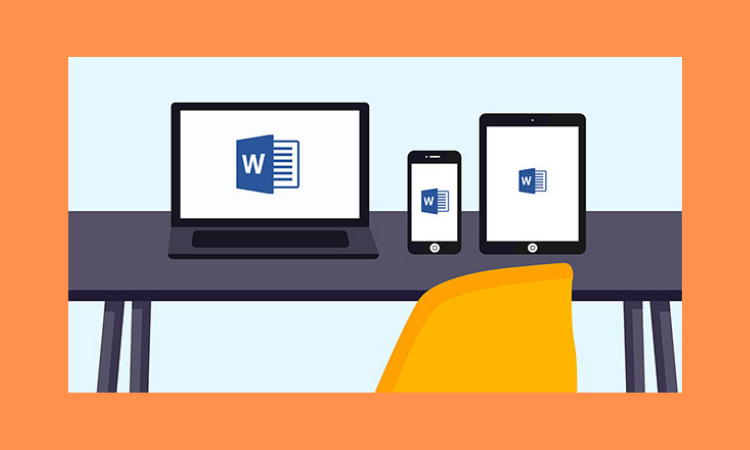
Why Every Home Should Have Microsoft 365
For almost a decade, Microsoft Office has been THE office suite for businesses and students alike. Other software has come and gone, but most people still work with Word, Excel, or PowerPoint. While you may enjoy an older version of Office, there are three reasons to switch to Microsoft 365.
**Accessible**
Microsoft 365 is cloud-based, so you can use Word, Excel, Outlook, and other office apps from anywhere. That means no more lost schoolwork, files, or papers. Wherever you go, the cloud has it ready for you. Using Microsoft 365, you can save files on a USB drive or PC, then use the cloud copies to keep them on your phone or tablet.
Because it's in the cloud, there are no longer any differences between the Mac and PC versions. On the iPhone, iPad, Android, tablets, and many more smart devices. It also includes unlimited OneDrive cloud storage, so you can access your files from any device. Photos, media, and recipes are among the most popular items stored in OneDrive. You may also distribute files through a link and regulate who sees what.
**Affordable**
Because of the high upfront cost per machine, you were stuck with that version unless you dug deep and updated.This was an expensive method to get software for folks with many computers, such as two laptops and a desktop. No matter how many computers or devices you need to install it on, Microsoft 365 is free. It's a low-cost monthly or yearly membership with no obligations. Depending on your region, you could get five Microsoft 365 licenses for a year for less than the price of your previous edition.
**Always Updated**
You always use the newest office. You are not locked into Office 2007, 2013, or 2016. Microsoft 365 is always new. If you're still using an older version, you'll be startled. Paperclip assistance, ugly graphics and templates, and confusing buttons are gone. Everything is straightforward and simple to use, so no lessons or tutorials are required. Even the jargon has been removed in favor of human-speak so you can finish your jobs faster and finally undo them. Your files will also be more professional with the latest features. That means everything Microsoft comes up with to wow you is immediately included in your Office. Previously, upgrading your Office version was a hassle that left your data in a mess. Switching to Microsoft 365 is a breath of fresh air in this sense. Older files stay intact, and you're up and running in minutes.
**Conclusion**
With Microsoft 365, you get more for less. It's a good choice. The fact that it is constantly up to date and works everywhere is motivation enough to switch, especially if you have students or home workers. Because of the built-in security safeguards, you can focus on your job and let Microsoft handle the nitty-gritty. It is a simple solution that saves time and money.
I enjoy writing about user concerns as well as business-related cyber subjects like IT policy and ITSM practices for ITSM Rhino. https://itsmrhino.com
Thank you for reading and commenting. I love engaging with people!
Management of IT Service Strategy Introduction Tutorial
https://www.youtube.com/watch?v=UIY0mg9PGWc&t=325s
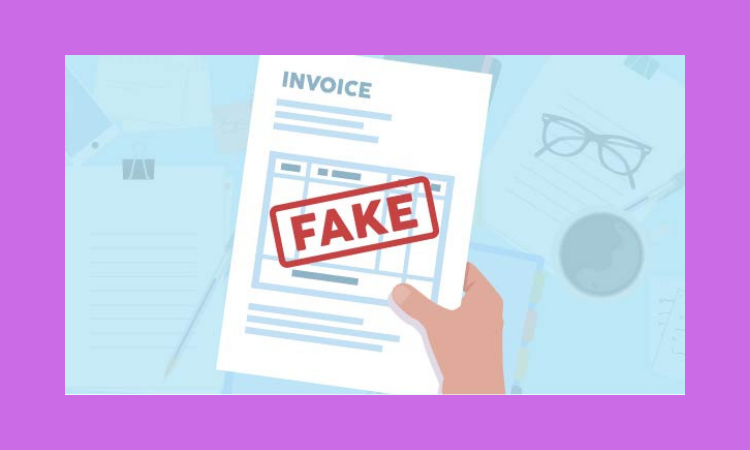
Fake Invoice Attacks: How To Detect (And Defeat) Them
An international cyber-attack sends victims a bogus invoice that appears authentic enough to dupe most employees. It's an old fraud that used to involve invoices being faxed or sent in, but it's now digital and on the rise.
It's like an email warning you that your domain is about to expire, only it's not from your server and your domain isn't about to expire. These new assaults are more sophisticated in that they often come from contractors or suppliers you really use. Incorrect spelling and grammar may be used in logos that allude to actual work or invoice numbers. The sender name might even be a regular business contact or even a coworker, since fraudsters can "spoof" actual accounts and real individuals. While it's concerning that they know enough about your company to pull off such a convincing deception,
**Redirect of Payment**
Payment should be sent to a specific account, with a courteous letter regarding the new information, or a payment link directly to the new account. By resolving the invoice, your accounts payable employee unknowingly sends firm funds abroad. The issue is generally found when the true supplier's invoice arrives or when an audit flags the transaction. Even if you catch it soon, transnational cybercrime makes it difficult to recover cash.
The Malware Click: Instead of stealing money immediately, this assault asks your employee to download an invoice. The email may even seem like one from QuickBooks or Xero, making the click appear secure. As soon as your employee clicks the link, ransomware or data breaches are downloaded. In most cases, an updated anti-virus will stop the attack at that point, but not always. Aware malware can quickly get into your computer and stay there until it's noticed or activated.
**Keeping Safe**
Awareness is the key to avoiding business-impacting assaults. Keep your anti-virus and spam filters updated to reduce the possibility of these emails getting through. Then consider developing easy payment mechanisms. Checking bills against work orders, designating a single administrator to restrict account access, or even two-factor authorization for payments are all options. Preventative measures like lingering over links before clicking and immediately checking that they seem proper can assist. Contractors and suppliers are also included.
**Conclusion**
So, if you need help finding the best MSP for your business, give me a call. Also, if you need ITSM processes and policies for MSP management, check out the ITSM Rhino. https://itsmrhino.com
3 Internet Safety Habits For Kids
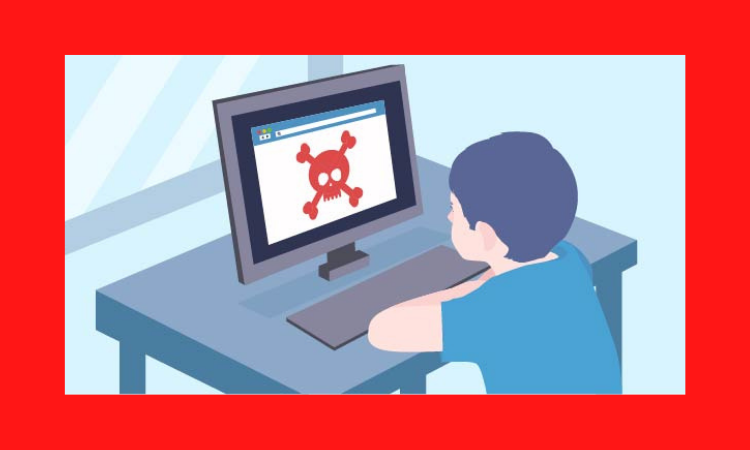
How can you keep your kids safe online? It's a frequent issue since all parents want their kids to be safe and happy online. Keeping an eye on the little ones as they enjoy the Disney Jr site is easy, but as youngsters get older and more self-reliant, the hazards rise.
You've definitely heard of ‘cyber safety,' but it extends beyond just talking to strangers. With the internet's development and seamless integration into our lives, the focus must be on established behaviors. That means giving your kids the tools and pre-programmed responses to internet events so they don't put themselves (or your family) in danger. Easy to establish with three essential understandings:
**Downloads Are Out**
Most youngsters can't identify a legal download from a fraudulent link. It's not their fault; the internet can fool even the most informed adult. The difference is that youngsters don't take the time to double-check the link's location, challenge its validity, or even read what they're committing to. They want to get back to what they were doing, so if something shows up, they click ‘yes' to dismiss it. Sadly, that one ‘yes' may have just allowed spyware and viruses onto their machine. Make it a family rule to never click a popup and to always seek permission before downloading. When asked to approve a download or check a popup, explain what you're doing and why. Encourage your youngster to participate in this process as they get older.
**Critical Thinking Is a Must**
Most kids think the internet is fantastic and can't live without it. The internet is as vital to them as breathing! With that acceptance comes the steadfast belief that the internet will never lie, trick, or injure them. Adults know better, but only because we already distrust the internet. The greatest method to keep kids safe online is to educate them to think critically. That includes educating children to question others' motivations online. Is that individual a child? What do they desire? Regrettably, predators utilize the internet to target and attract youngsters. Ensure your kids alert you if a stranger contacts them. Teach them to recognize suspicious behavior and what to avoid. If they find something offensive, they should stop using the computer and come to you.
**The Internet Endures**
Kids are compelled to contribute to the internet, whether it be through video, chat, or social media. The world is indeed their oyster! They don't realize that whatever they post, write, or say is permanent on the internet until they're burnt. Even if they delete it or utilize a platform that self-destructs content, it might be screenshotted and resent. This type of reprisal is frequent in cyber-bullying instances. Your kids will be more reflective if they realize what they share is permanent.
**Conclusion**
I often write about business-related cyber topics like IT policy or ITSM processes for ITSM Rhino, but I also like writing about user issues. https://itsmrhino.com
Thank you for reading and commenting. That would be wonderful!
Safeguarding Your Company From The Piracy Cops
Software piracy may not garner the same attention as unlawful Game of Thrones downloads, but it is still a serious issue. Indeed, even if the copyright violation was not your fault, a small misstep might result in hundreds, or even millions, of dollars in fines!
Maybe a staff member utilized it to address an issue instead of bugging you with a purchase request. Maybe you use an app every day and have forgotten how to license it. Maybe you have a genuine license but are using it on eight machines when you should only be using it on 1. The Software Alliance (commonly referred to as the BSA) and its affiliates would love to make an example of your firm. They're currently advertising for compensated whistleblowers.
Here's how it happened: Microsoft formed an external agency in the late 1980s to defend member firms' intellectual property by investigating and pursuing as many instances as feasible. Protection laws always exist and only need to be implemented. Finding software pirates used to be time-consuming. They may now publish a Facebook ad targeting former or current employees of a company and give up to $1 million (depending on the country). The unauthorized software just has to be installed or exhibit traces to be used by your company. You can imagine the calls they get!
**How To Safeguard Your Company**
Unapproved software should be treated with zero tolerance. This implies preventing employees from installing applications on their own computers. Management should limit who can install new software and create a formal request process. You have total control over program selection, installation, and licensing.
In addition, you should conduct yearly software license audits. On a daily basis, it guarantees you have records that can keep your business running if an employee departs and you discover no one knows a password and the resets go to a dead email address. Proper licensing paperwork also ensures you don't get caught using illicit software and that, if you are, you can prove your innocence.
**Conclusion**
Check for pirated software and secure employee computers today.
I usually write for ITSM Rhino about business IT, such as IT policy, but I also like writing about user issues. https://itsmrhino.com/
Thank you for reading and leaving comments or questions. I love it when you do!
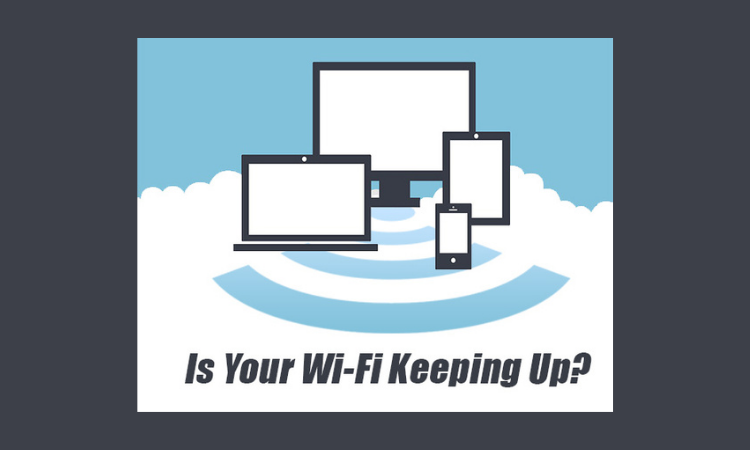
Is Your Wi-Fi Bars Maxed And Internet Still Crap?
Wi-Fi has revolutionized our lives. We can use our voice to control our lights, surf the internet on the couch or by the pool, and more. No surprise it was welcomed, but is your Wi-Fi up to par?
Ten years after weird rabbit-eared boxes first entered our homes, Wi-Fi has developed into a speed and accessibility behemoth we can't live without. Consider how many wireless gadgets you have in your home; the average home has at least ten, and many have more.
While older gadgets can function with poor internet, newer devices like 4kTVs and video streaming require fast internet. Add a game console, tablet, a couple smartphones, and a laptop or two, and your Wi-Fi is immediately overloaded. Unfortunately, most people only know how many bars their Wi-Fi has, not how fast it works correctly. Counting bars can be a real pain.
Here's why trusting Wi-Fi bar count can be a bad idea:
**Bars Measure the Wrong Thing**
While having a 'strong' signal is excellent, having a 'fast and available' signal would be much better. The internet may be down, and you would still have full bars because it merely measures your proximity to the Wi-Fi router. That metric ignores how many devices are vying for the same bandwidth or whether any remains for you. Your Wi-Fi will be available and up to the task.
**Wi-Fi Going Sideways**
While your neighbor's Wi-Fi can reach the back of their property, it can also reach into yours. In addition to disrupting and slowing your own Wi-Fi. In densely populated regions, your Wi-Fi is lost in a swirling vortex of signals all sharing the same frequency. It's a digital swarm that may bog you down. Change your Wi-Fi channel to one with less cross-talk.
**Default Settings**
Most residential Wi-Fi uses the 2.4ghz band. While this makes a plug & play router simple to set up, you lose speed. By using the 5ghz frequency, your Wi-Fi is protected from neighbor cross-talk. 5ghz is also speedier, which is nice.
**Priority Not Set**
You can also set up "Quality of Service" if your router supports it or provides you with one. This prioritizes Netflix, and Skype calls over less vital tasks like downloads. You'll be able to watch movies and video chat without freezing.
**Conclusion**
So, now we have covered why relying on bar count is a bad idea when determining the quality of your Internet connection. Now, we hope you can make more informed choices regarding your Wi-Fi moving forward.
I usually write for ITSM Rhino about business IT, like ITSM processes, but I also like writing about user issues. https://itsmrhino.com
Thank you for reading and leaving comments or questions. I love it when you do!
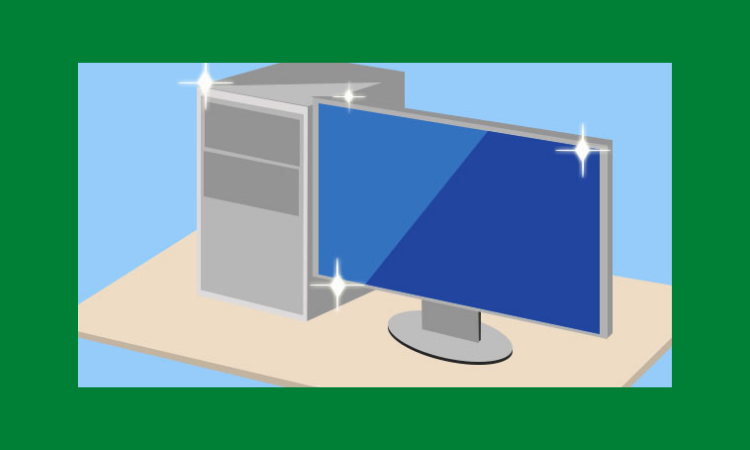
Refresh Your Computer To Like New
What about when you initially got your computer? It booted quickly, files moved quickly, and no matter how many tabs you had open, nothing slowed it down. So clean both inside and exterior. Then one day, you turned it on, and it was so slow that finding your files was a challenge. Your beloved zip and quickness were gone.
The good news is that you generally don't need a new computer, only a "format and reload" to:
**Clear the Crap**
As you install apps, you accumulate icons, files, and features. They are unnecessary and are not used but were added 'just in case.' It's like when an overnight guest arrives with a giant suitcase and claims a bathroom shelf. Those apps are settling in well! Uninvited clutter slows down your system and makes it difficult to find items. It's a mess.
**Survive Viral Infection**
Is the virus gone? Some viruses have numerous layers that can make your anti-virus miss them. Despite your anti-virus, you may be noticing the infection's damage. Maybe the virus messed up your internal file structure, scattered code, or erased vital data. When an infection has been removed, but the system is still slow, hit it up for a refresh.
**Examine Incompatible Apps**
Installing new software can have unforeseen outcomes. For example, while your system meets the hardware and OS requirements, it may not play well with others. Maybe they're battling over the same system files or a hardware component. Something is clearly wrong, but what? Our team loves to investigate and restore your system.
**Archive Older Files**
Some of your files are long-term keepers. They're all crucial to maintaining - but do they need to sit on your desktop? They don't only slow down your computer; they could be lost in a crash. Instead, it's far safer to archive them to an external device or cloud storage.
**Conclusion**
What is a PC refresh? You can think of it as an automobile tune-up. Rather than checking boxes for oil changes and filter cleanings, you treat each machine individually. Sometimes a quick tune-up is all it takes. Sometimes it pays to start over.
Your data (pictures, documents, emails, bookmarks) can be migrated back precisely to what you WANT to keep. The rest of the junk accumulated over time or was a virus is flushed. You may also set up email and add devices like printers. It cleans up your computer while maintaining the fundamentals.
I usually write for ITSMRhino.com about business IT like ITSM processes and IT policy, but I also like writing about user issues. https://itsmrhino.com
Thank you for reading and leaving comments or questions. I love it when you do!
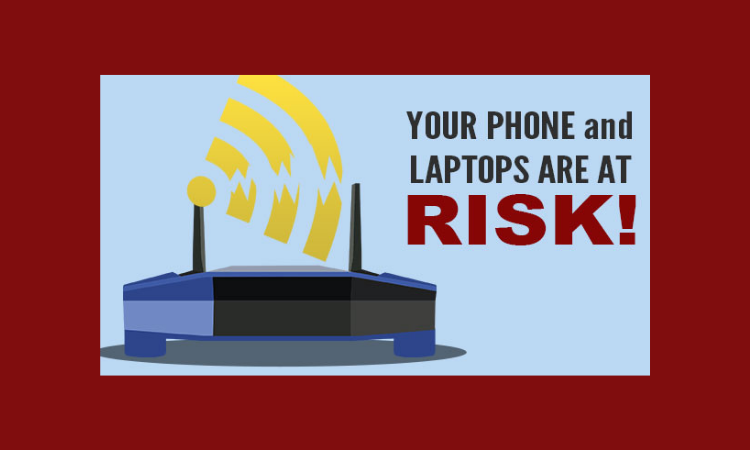
Is Your Wi-Fi On ‘Krack’? A Wi-Fi Security Concern
Wi-Fi's inception was a science fiction fantasy come reality. There is no need for cellular data, computers can be used everywhere in the house, and our gadgets are all interacting. It's the backbone of the smart home and A business tech boom. Most networks are password-protected with WPA2 encryption, which has proven safe and secure until a couple of years ago.
The KRACK security hole was discovered, allowing hackers to enter into Wi-Fi networks, even secured ones. As a result, your laptop, phone, game console, and even smart fridge may be at risk.
**How KRACK Works**
The Key Reinstallation AttaCK It's not your device or how it's set up. It's a flaw in Wi-Fi technology. Hackers must reach between your device and the access point (e.g., router). Using Wi-Fi means hackers may access your credit card data, passwords, chat messages, emails, and images.
*NOTE: To exploit this issue, the hacker must be physically close to your Wi-Fi, unlike other types of attacks. Most Wi-Fi ranges extend much beyond your own home/business, so this is minor consolation.*
**Protecting Yourself**
**Run Updates**
The problem has been fixed through software updates. Take a few minutes to update all patches on any Wi-Fi device (your smartphones, laptops, tablets, PCs, game consoles, etc.). Unfortunately, specific devices may take a long time to update or may not receive an update at all. If possible, use a cabled connection or update a device that supports it. If you have a device purchased after 2018, you should be okay, but run your updates just in case.
**Take Care with Public Wi-Fi**
While your local business center, library, or school campus has qualified IT workers guarding your security, your local coffee shop does not. Small businesses are unlikely to be up to date on security patches. If you're in the same Wi-Fi area as a hacker, don't give them your personal data with their coffee.
**Browser Security**
Check that you're utilizing an HTTPS site before transmitting anything secure. The URL will have a padlock next to it, and the address will start with HTTPS. Facebook, Gmail, and banks already utilize HTTPS.
**Conclusion**
So now you are aware if your Wi-FI is susceptible to KRACK and are armed with the knowledge to keep it from 'smoking it.'
I usually write on topics related to business IT and provide ITSM processes and IT policy resources. Still, I also enjoy writing about user-related IT challenges. https://itsmrhino.com
Thank you for reading, and feel free to make comments. It's excellent when hear from readers!
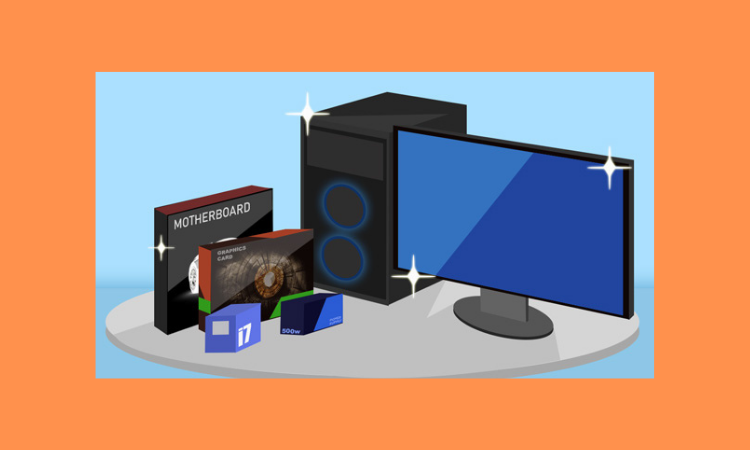
Computer: Upgrade or Buy New?
It depends - mainly on who you ask! While a department store salesman will always promote a new one, a qualified technician will frequently reveal that you have more (and cheaper) options.
Begin by assessing your assets. Sometimes an upgrade is not worth it. It's time to replace your rust-bucket car if it's 30 years old, requires special fuel, and has custom-made holes in the floor. However, some quick adjustments can work wonders if your automobile is modern and in good condition but stalls at stop signs.
You probably already know if your computer needs to be replaced. This will assist if you're unsure and some days could go either way. We've outlined the most popular improvements and their effects:
**Video Card Upgrade**
Your computer may not be becoming old. Instead, games are becoming increasingly difficult. Stick figure animation is a thing of the past. This upgraded experience puts a lot of demand on your machine. If you have a gamer in the family, a new video card may typically supercharge your computer. For die-hard gamers, it's a must, as certain new games won't install unless the video requirements are met. Isn't it great to see smooth animation?
**Hard Drive Upgrade**
Large and fast new hard drives are popular choices. Space is less of an issue now, but speed is. There have been times when you sat and waited for a file to copy. Solid-state drives (SSD) have no moving parts and can find/transfer data quickly. They even speed up booting! You can also keep your previous disk for general storage with all your data.
**Memory/RAM Upgrade**
Affordability isn't always good. In fact, most of the ones in the department store could need 4GB more! Even a superb machine might fall behind as new applications require more resources. Adding memory can extend the life of your computer and make it happier.
**Where To Draw the Line**
Other upgrades include the CPU (the computer's brain) and the motherboard (where everything connects). But once there, it's time for a thorough replacement. Buying a computer that suits your needs and grows with you saves money.
**Conclusion**
I hope now you have a better understanding of the possibilities when it comes to upgrading versus buying decisions for a new computer, along with what components you can upgrade when you do.
Usually, I focus my writing on business IT, but I also like writing for the general public on IT topics that impact the everyday user. More info at ITSM RHINO. https://itsmrhino.com
Thank you for reading and feel free to comment or ask questions, they are always welcome. I love engagement!
Computer Viruses: Why Do People Create Them?
It takes days of continual desk-jockey nerd work to program a computer virus that can spread around the world in a blink. So why bother? Money, displaying their skill, or simply being a jerk. Contrary to what you may think, the money aspect is interesting.
Here's how computer viruses are making these jerks money:
**Theft of Bank Accounts**
Virus writers are glad to steal your bank account login or credit card information. They can either steal your money or use your credit card to shop. But sometimes they just sell your details to the highest bidder.
**Ransomware**
Viruses might encrypt your files and demand payment for the decryption code. You're at their mercy without a solid backup plan. You'll be given instructions on how to pay and a deadline before your files are permanently erased.
**Ad Swappers**
They construct a virus that either displays intrusive adverts on websites you visit or affiliate codes on pages so that when you buy anything legitimately – like from Amazon – they get a commission. Getting a kickback doesn't increase your purchase price, and you may not even realize it.
**Bitcoin Mining**
You may have heard of digital currencies, but did you realize you can earn them by processing data? But ‘renting' your computer's processing power means paying more than you make – unless you're clever and sly enough to install a virus to rent out other people's machines.
**Botnets**
Virus creators can remotely influence infected machines to perform their bidding. Affected machines are frequently programmed to overrun a target web server, such as an e-commerce store. It's done as vengeance, but more often as blackmail. The ‘Botmaster' demands thousands of dollars or he will crash your site on special shopping days like Black Friday.
**Account Stealing**
You may be forced to pay for someone else's entertainment if your Netflix or Hulu account is compromised. However, some viruses target online gaming accounts. All those digital stuff (special apparel, weaponry, etc.) can be taken from your account and sold on the black market.
**Conclusion**
I hope now you have a better understanding of the monetary motivations of the jerks behind these computer viruses and why they may take the time to create them.
Most of my articles are related to business IT, but I also enjoy writing articles like this for the general public. Visit ITSM RHINO for additional information. https://itsmrhino.com
Thank you for reading and please leave any comments or questions.
Why is my PC so SLOW?
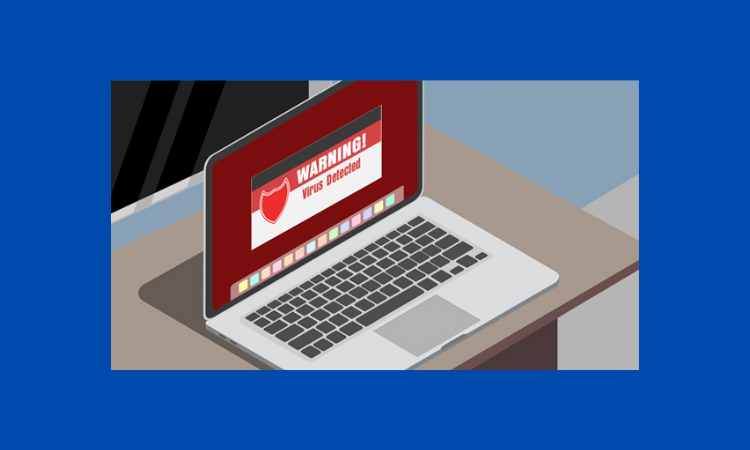
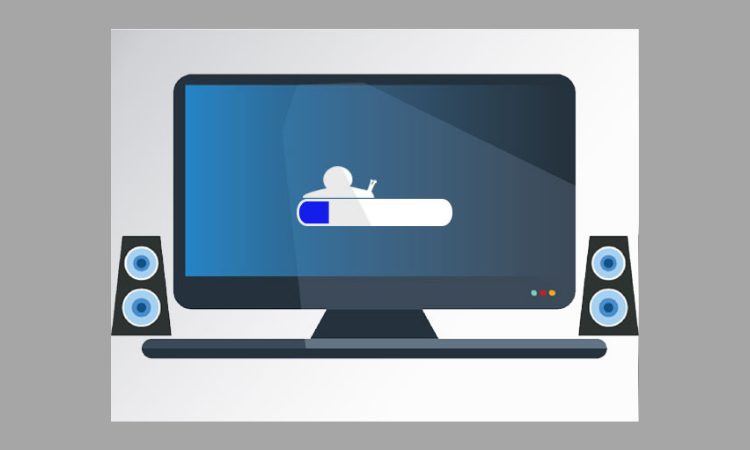
Who hit the brakes? In the past, your computer would quickly boot up and let you open practically anything at once. Everything takes longer or crashes. It's not right. The good news is that you can regain your whizzy speeds with little TLC.
Computers usually slow down after a year, but not because parts are broken. And it's not their fault. The most prevalent causes of slow computers are readily rectified.
**Programs in the Background**
Every time your computer starts, apps run in the background. You didn't initiate them, and they're probably not needed, but they're on. Some of them are hidden, with no windows or anything to look at. Consider your antivirus program. You don't need to see it, but you know it's there, protecting you. Some apps, including Acrobat updater, iTunes assistance, Cortana, Spotify, or Skype, may gradually eat up your resources. We can speed up your system by limiting or removing certain background processes.
**App Bloat**
How do you enhance a program from the previous year? Add features! As a result, the programs grow bloated with features you may not require (or even be aware of), but which use ever more resources. The programmers believe you have the newest and greatest machine and can run everything they release. After an auto-update, a sluggish computer might appear. You may not even be aware of the update, yet your computer may be making you extremely unhappy. Your system eventually breaks down.
**Hard Drives Slow**
Your data is saved on a hard disk. It's generally mechanical, with a rotating disk and a ‘needle' reading it. To recover a single file from a hard drive, the hard drive's needle must move back and forth thousands of times. Bringing up your file takes longer. You can optimize your data to save the hard drive head, but an SSD is a better choice. Like a USB drive, it stores data in memory chips and has no moving parts. Your computer can access data considerably faster without moving parts of a hard disk.
**Conclusion**
Sadly, if your computer slows down for any reason, the situation worsens. Background programs keep multiplying, bloat continues increasing, and the hard drive begs for mercy. Rather than buying a new system, you can restore your present computer's speed for a fraction of the cost.
I usually write on business IT, but I enjoy writing for the everyday user. To learn more about ITSM practices and policies, visit ITSM RHINO. https://itsmrhino.com
Thanks for taking the time to read and I love engagement, so feel free to leave any comments or leave a question.
4 Simple Internet Banking Security Tips
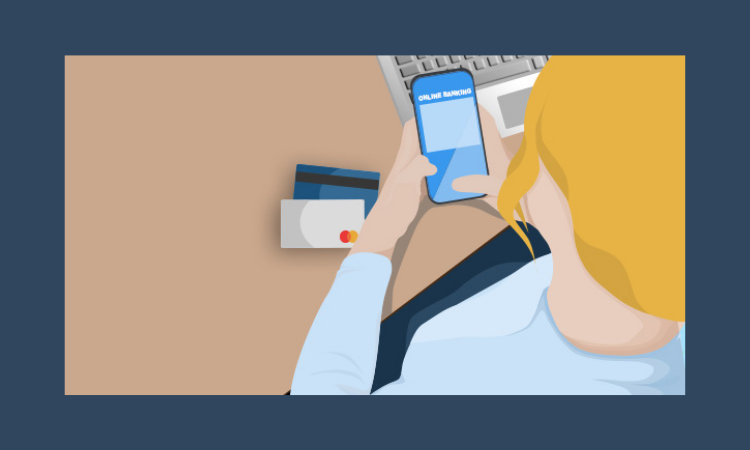
Online banking has become the new norm in recent years. Apps replace branches. You're often sent to a computer for a self-service transaction, with optional help. But is online banking safe? On the one hand, you're taught to keep your financial data private, while on the other, you're encouraged to use internet banking. But, with a few straightforward measures, you may safely bank online.
**Always Type in the URL**
Many hackers will try to fool you into visiting a bogus bank website. In a phishing email, they say there is a problem and urge you to contact your bank immediately. Unfortunately, the link takes you to a bogus bank website that steals your personal information. You may avoid such frauds by directly entering your bank's website or using a bookmark.
**No Public Networks or Computers**
Using a public computer at the library or mall may seem convenient, but fraudsters frequently target public computers. If they want to keep track of future users' info, they can install keyloggers and send the info. The same goes for insecure Wi-Fi. Instead, use an ATM or a data-enabled smartphone.
**Complex Password With 2- Factor Authentication**
Create a unique password for your online banking. Create a complicated password, including words, numbers, and symbols. Using data on Facebook, such as kids' names, pet names, birthdates, etc., gives attackers a head start. Never write it down near your wallet, phone, or computer. If remembering passwords is a problem, use a safe password management tool. Many banks also provide two-factor authentication, which involves sending random numbers to your phone (or a particular LCD device) to validate any action.
**Webpage Security**
Finally, before entering any data, look for the little padlock icon. You want to see a padlock in the browser, not simply a picture on the page. You can find it below or next to the URL. Instead of http://, the address will begin with https://. If you don't see these, don't log in.
**Conclusion**
It simply takes a few seconds to check your Internet banking security, but it may save you a lot of pain in the end.
I generally write on business IT, but I like writing these pieces for the average user. If you're a renegade IT or business professional interested in ITSM practices and policies, contact me at ITSM RHINO. https://itsmrhino.com
 @joerhino