 @a2j
more from that month
@a2j
more from that month
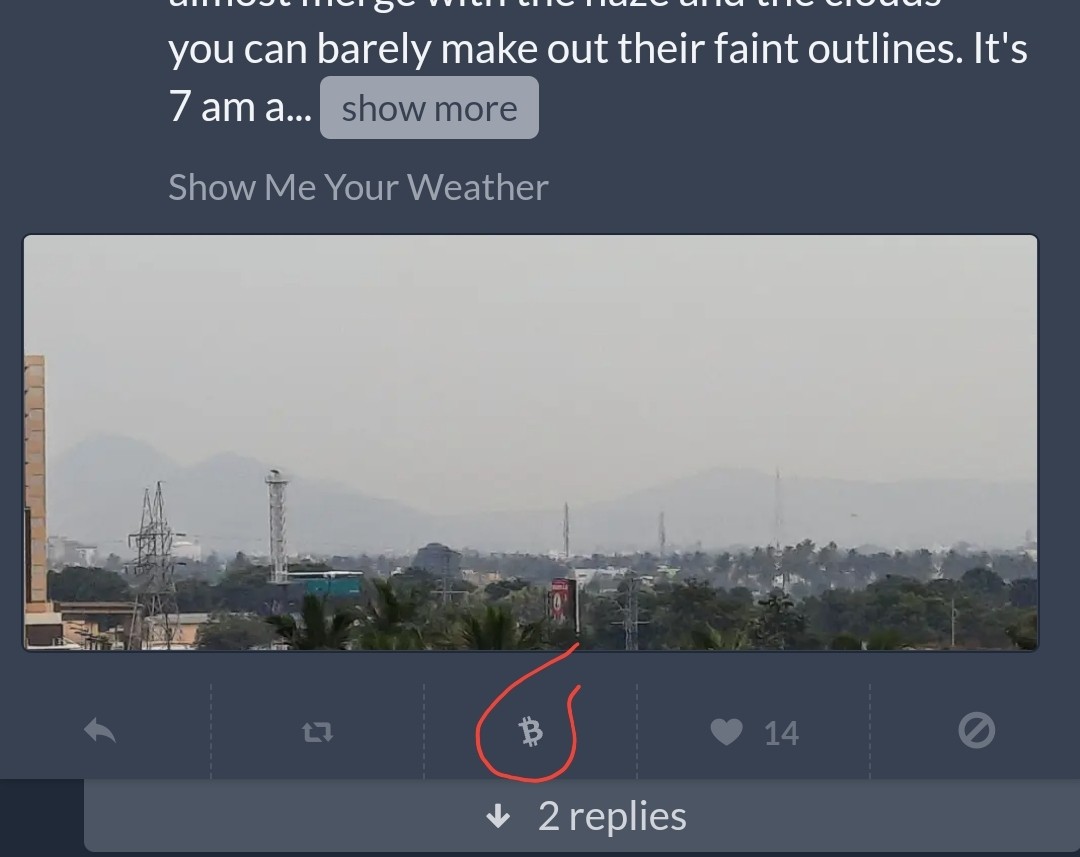
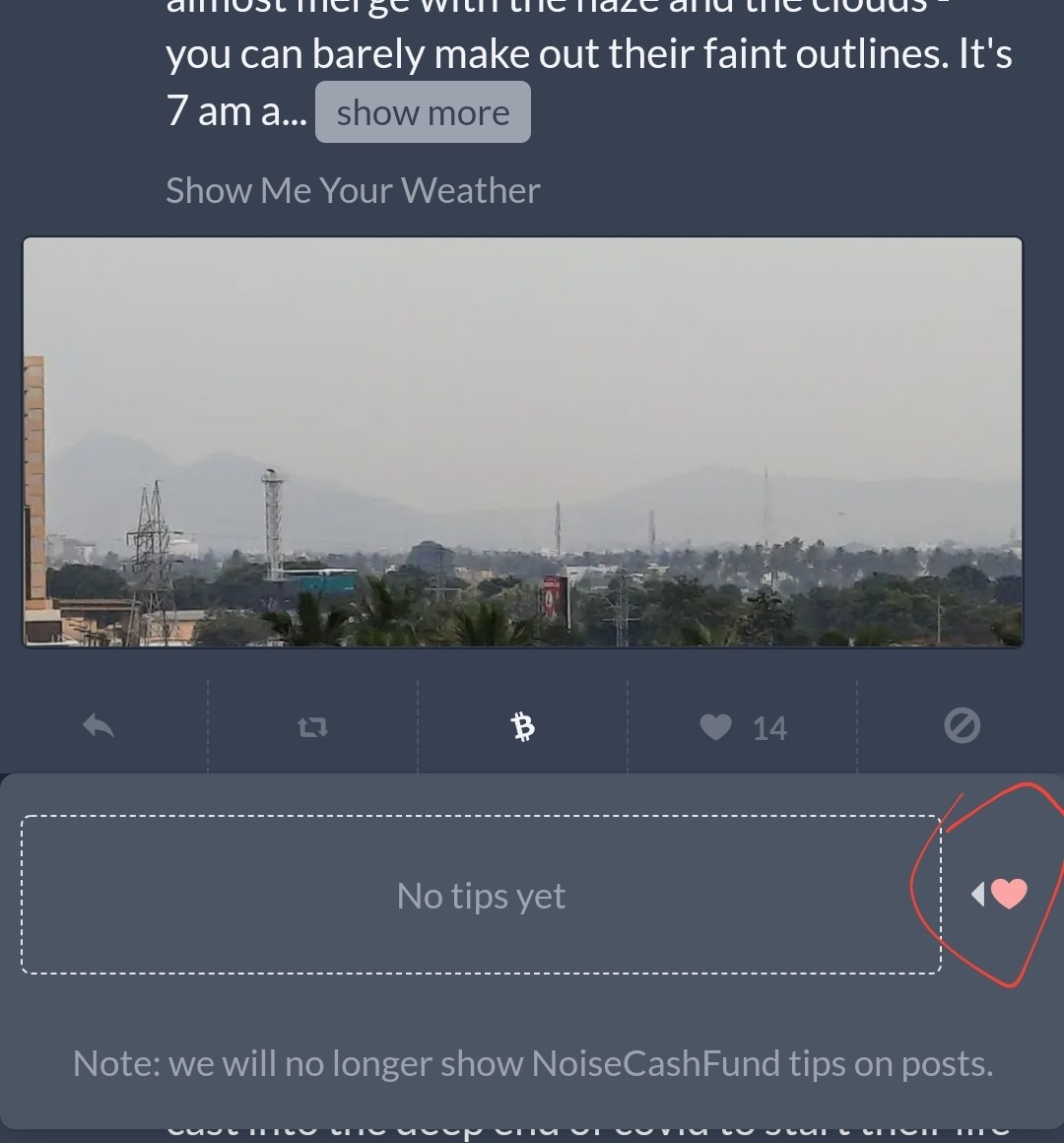
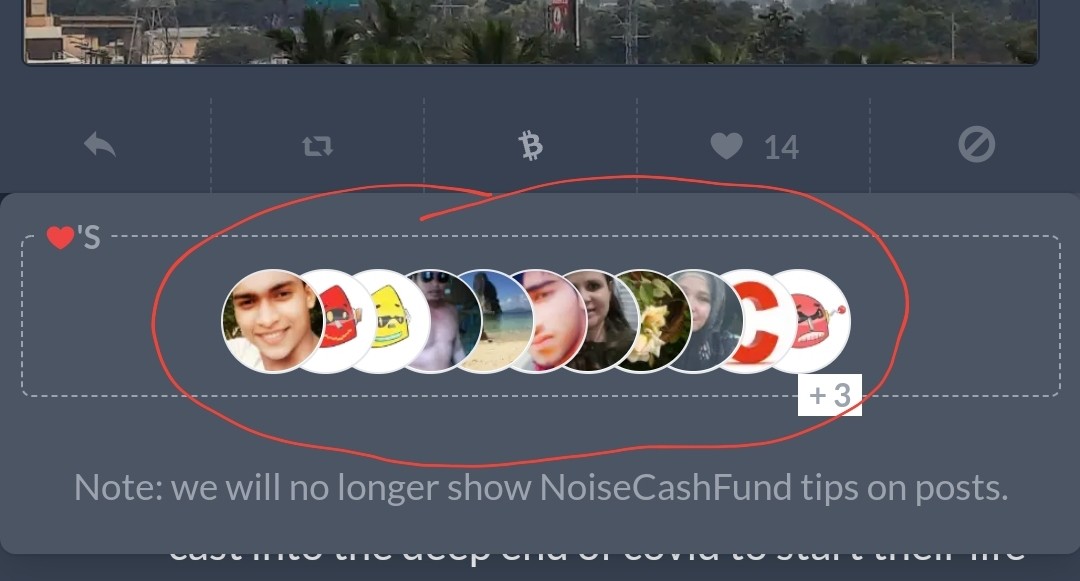
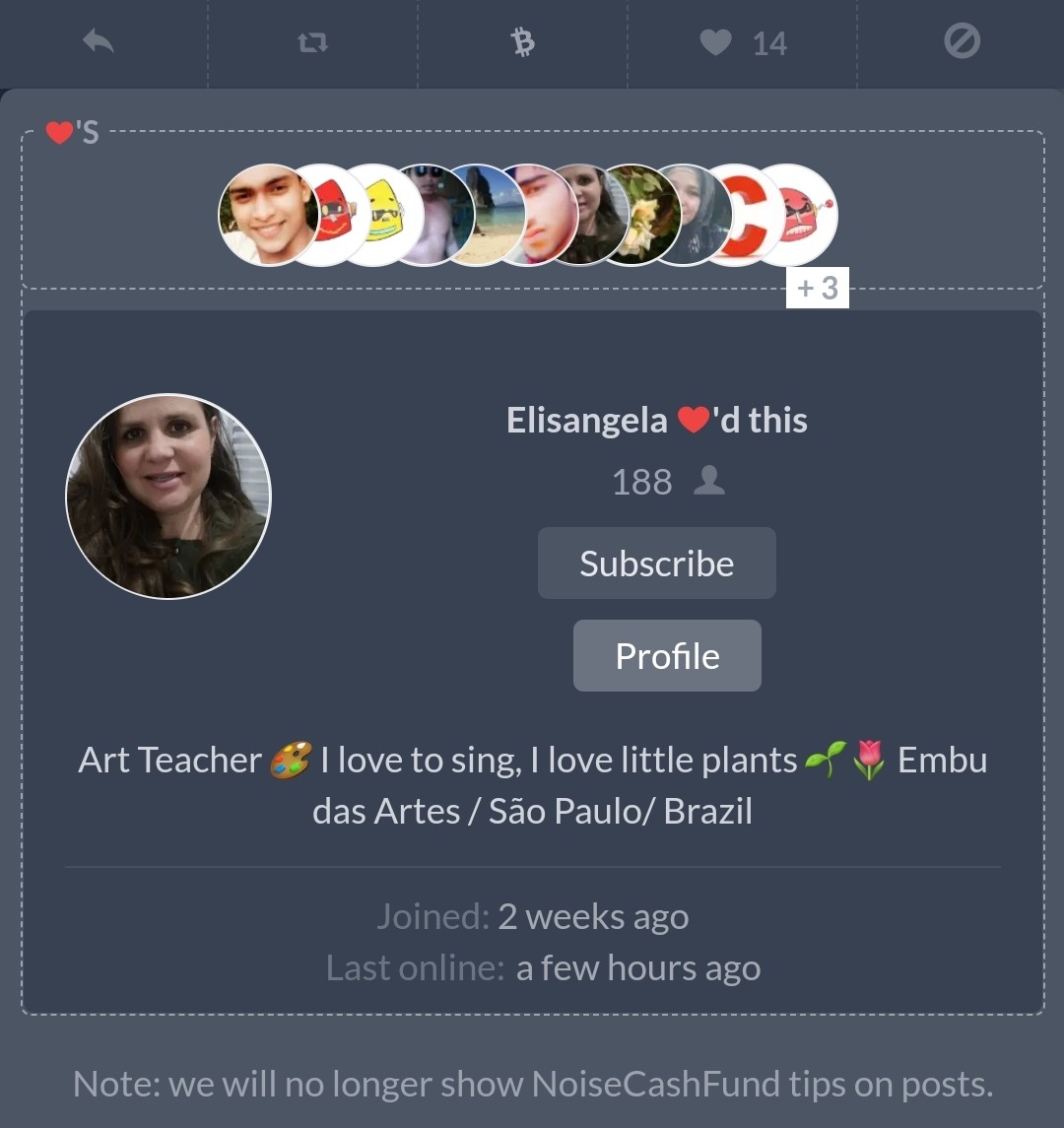
How to check who gave you heart tips on noise. Although you can't see how much tips in cents you got from each tipper or the total for the whole post, you can easily see who all have heart tipped you. Here are the steps. 1. Click the small BCH symbol below the post. 2. On the box that opens below, click on the pink 💓 with the small arrow that is seen on the right of the box. 3. This will open up the profile pics of those who have tipped you in a horizontal stack. 4. Click on any of the profile pics and their details will open as another box below. You still cannot see how much tips you got, but can easily see how many tipped you, who tipped you and can go on to vist their profiles or subscribe to them. Here are screenshots. The same process works for any post on noise - not just your post.
2 comments
This feature has always been in existence. Even I didn't know it until I saw it on a post. It is a really awesome feature. It made up for the new feature implementation I guess
Yes. It's been there for a long time and is more useful now to see more info.