 @WhyEugene
more from that month
@WhyEugene
more from that month
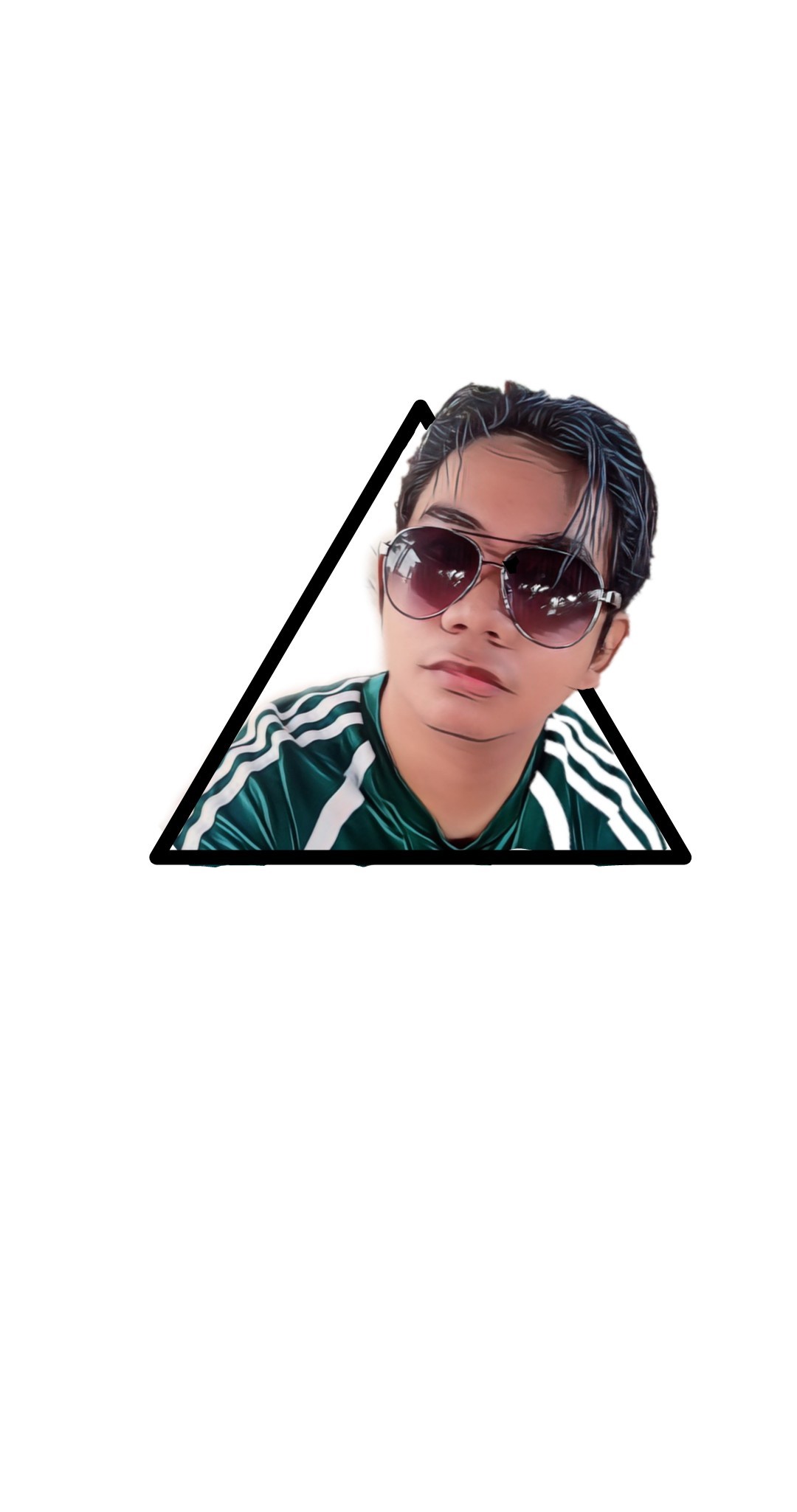
Are you willing to learn Photoshop? Ok follow my sample step. First step: Install Photoshop. Second step: Go to File button on the upper left then click New and find photo then click Ok. Third step: Go to shape tab and select any shape for your background. Fourth step: Ctrl-O to import image (Your selfie) . Fifth step: Find and use eraser on your left side to erase the background on your selfie. (Pen Tool is for professional so I teach basic.) Sixth step: Combine the shape and your image to look 3D and use eraser to remove the excess. Let me know if you make it...😁 #Photoshop
1 comment
Mag edit ngay paturo hahaha