 @TheGuy
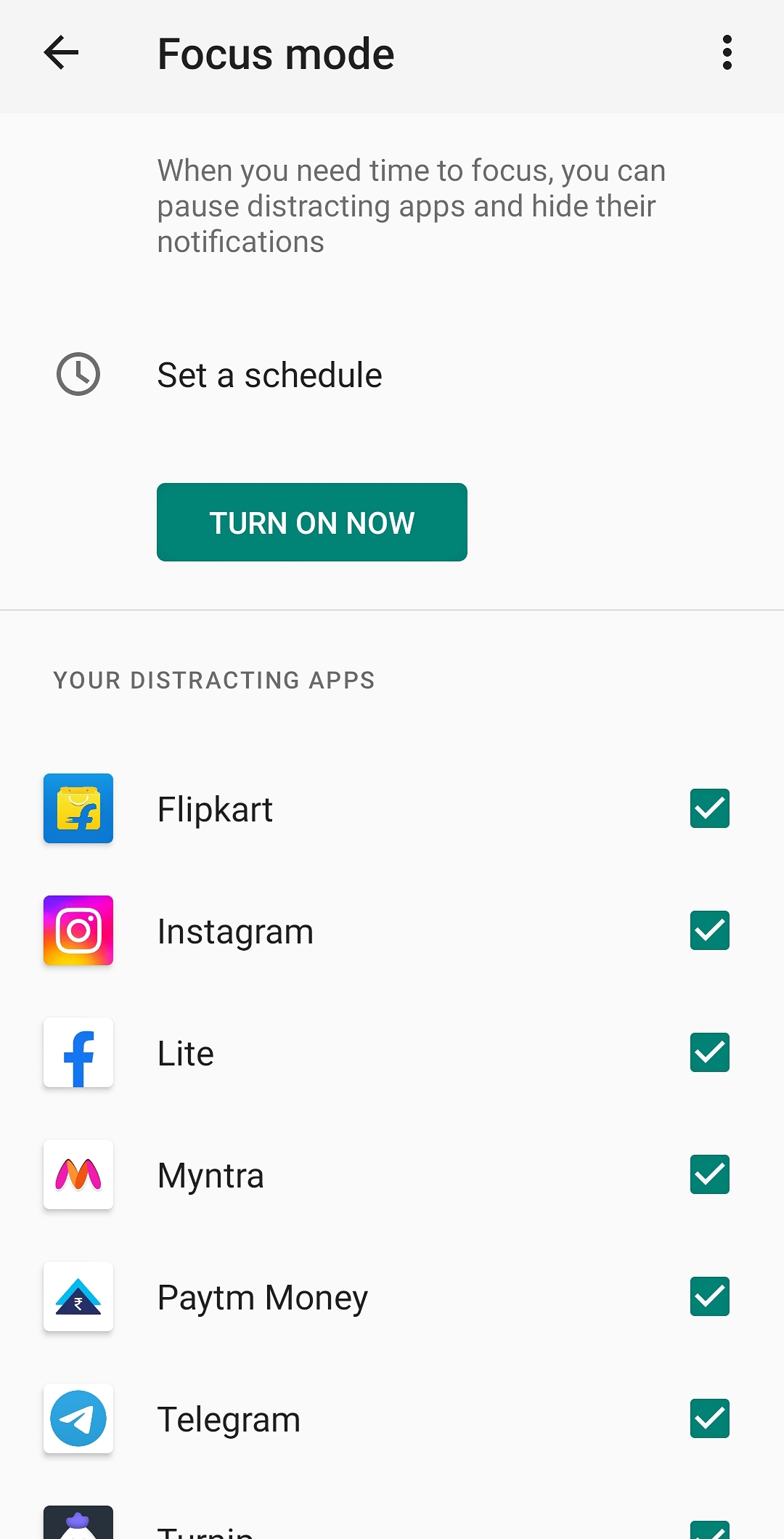
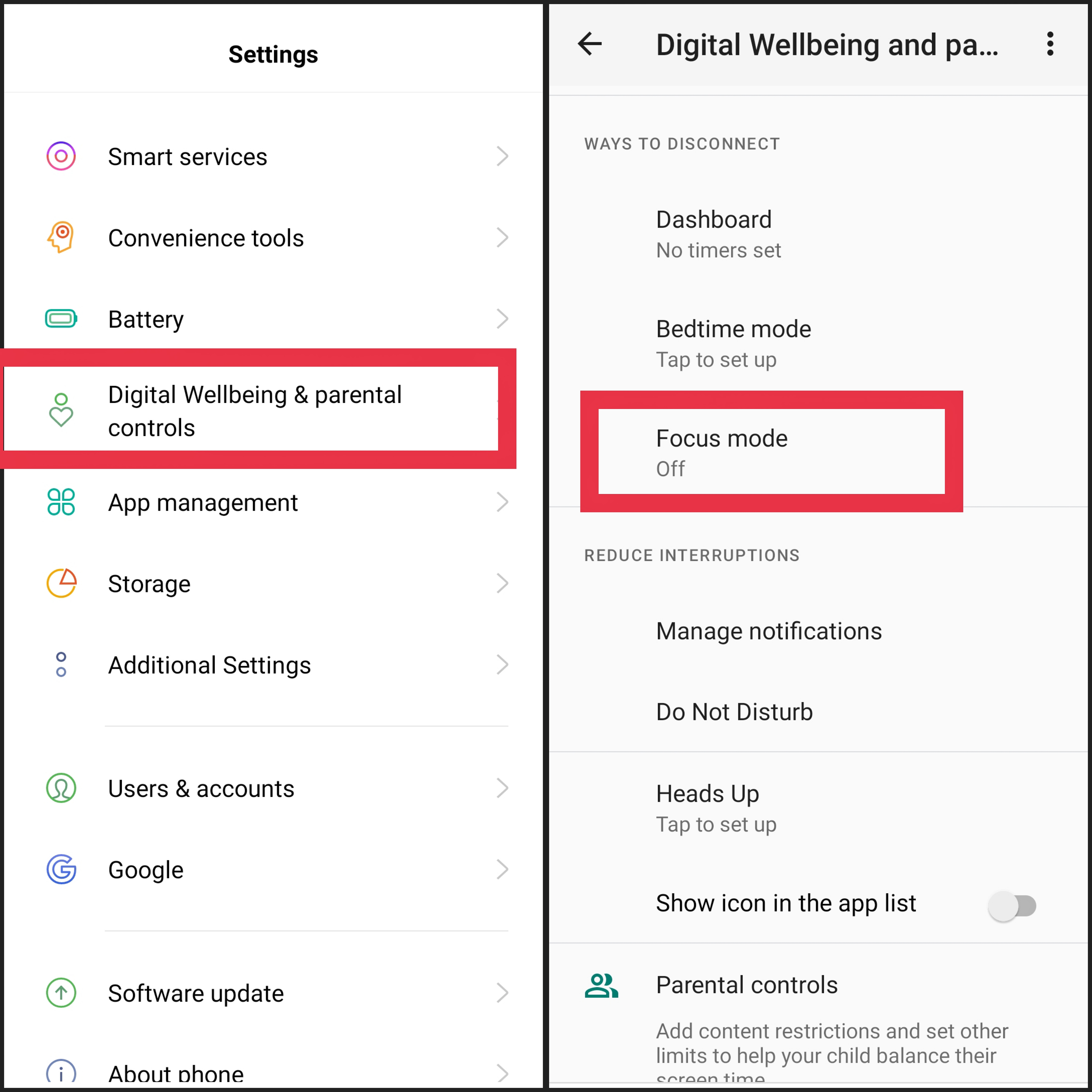
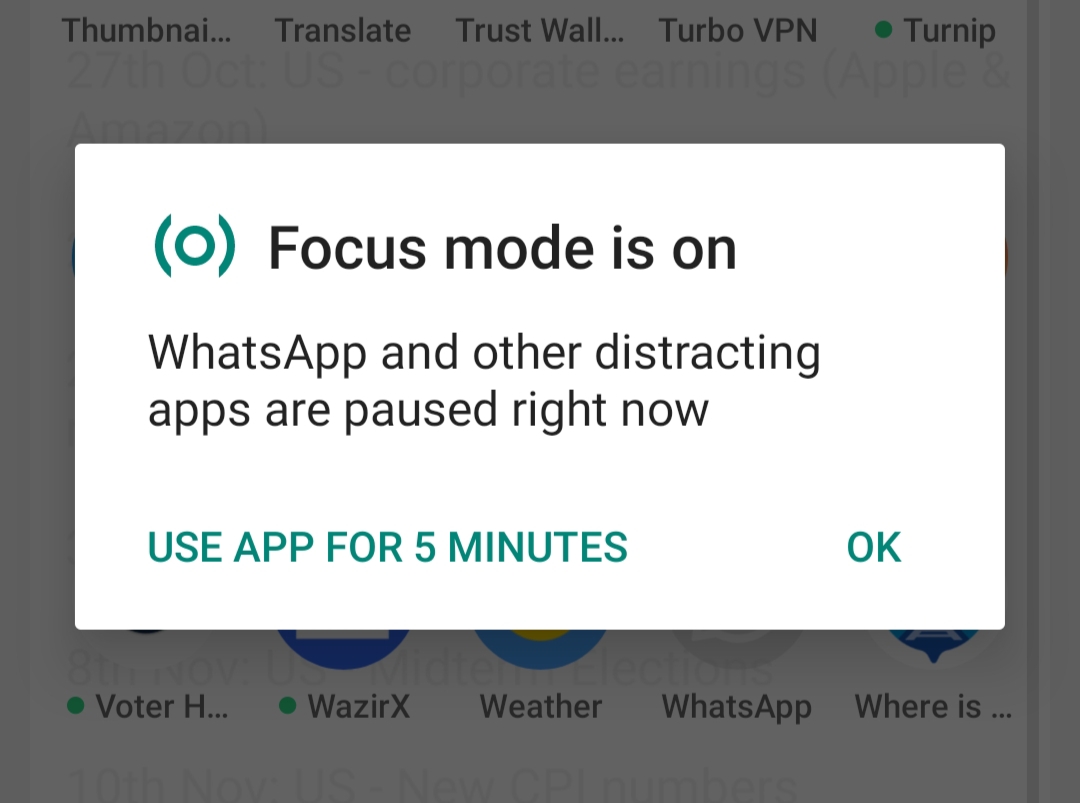
Focus Mode, a life and time saving feature in your smartphone which can help you not to lose focus from your work while using smartphone by stopping the annoying flood of notifications you get from different apps. Just select the applications of which you don't want the notifications when focus mode is turned on. It not just turn of the notifications but you won't be able to open those apps at all but if you badly want to use if you can use it for 5 minutes then it will automatically be inacessible or simply switch off the focus mode feature. How To Enable It:- • In most of the new smartphones it's located in the drop down menu or in quick settings section which you get by either sliding up or down in different Smartphones. • Or go to settings then Search for Digital Wellbeing, click there scroll down and there's the focus mode option. You can even set a schedule time in which it will automatically be activated and switched off. I use this feature a lot saves me from any kind of distractions.
8 comments
Wow! Great, thanks for the information
You're welcome!
Thank you Guy I will check it out later.
Yes, sure it's super good.
I use it every time. It helps saves my time
Probably the best feature available in the Smartphone, haha.
I use focus mode a lot of times too. I do it, especially when I'm writing my articles
Ah me too, also while reading blogs.