 @Tamanna21
more from that month
@Tamanna21
more from that month
Simple steps to speed up your windows

Today I am going to share some simple steps those make windows really faster. When my laptop hangs, I do these and it becomes speedy again. I am using Windows 10. But you can follow the steps for any windows version. **Step 1:** Open "run" by double clicking on "start" at the lower left side.
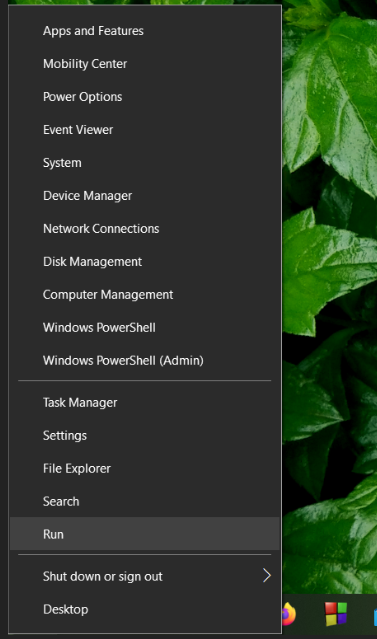
Or simply search "run" and open it. You will see this:
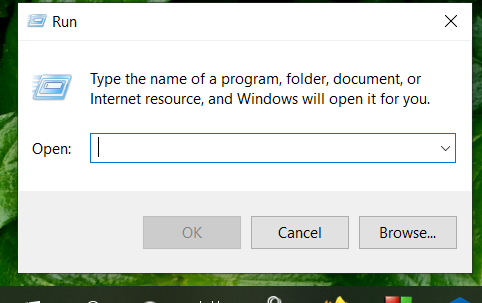
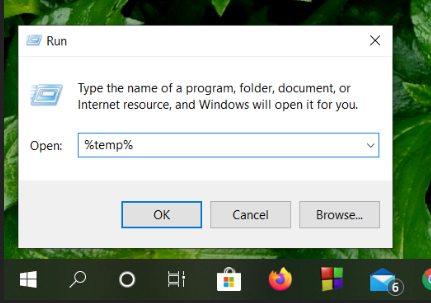
**Step 2:** Write "%temp%" (without quotation) in the dialogue box and click ok.
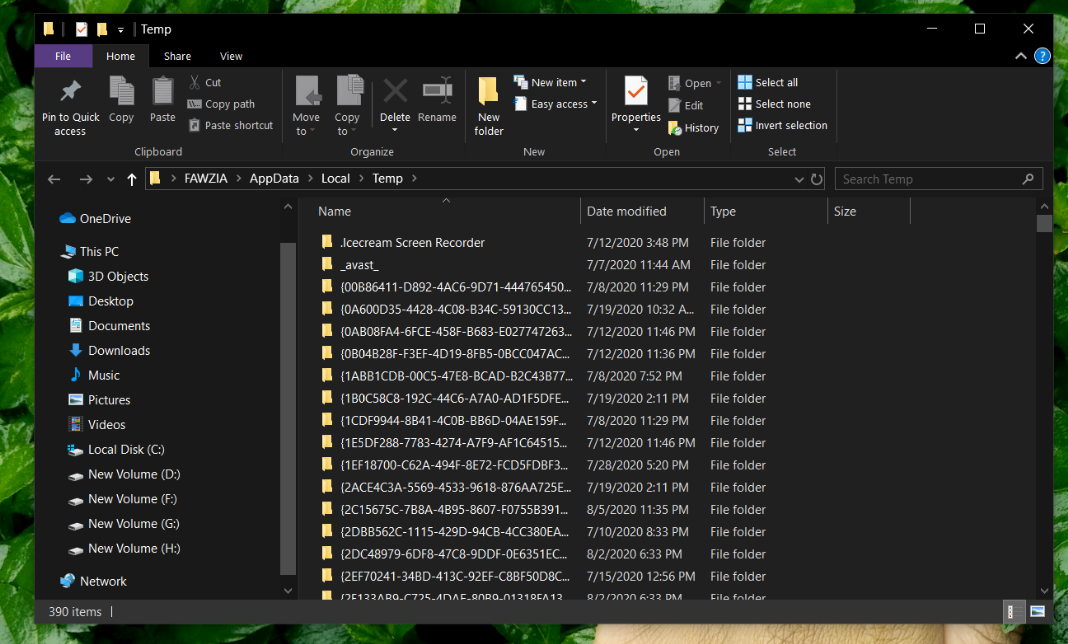
Now this will open and select all by pressing **ctrl+a** and delete them all.
**Step 3:** Again open "run" and then write "temp" (without quotation). click ok.
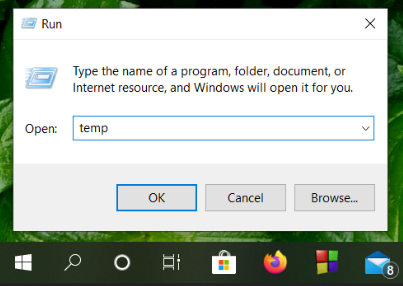
Like the previous step delete them all. **Step 4:** Once again you have to open "run" and write "prefetch" (without quotation). click ok like before.
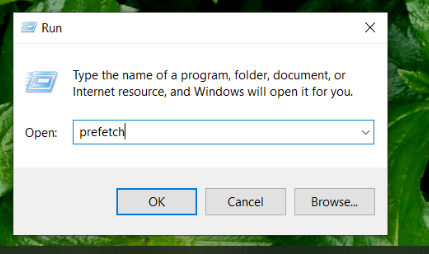
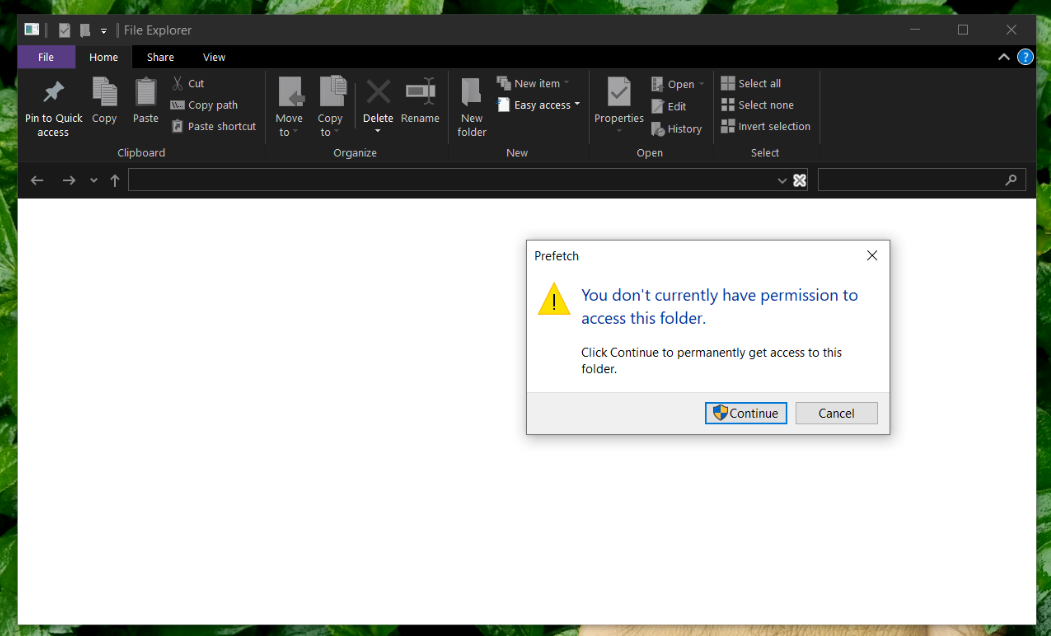
Delete them all what come after clicking. You can use keyboard command **ctrl+d** for deleting. One **important** thing is: while doing the mentioned steps a dialog box like this maybe open. Just click continue.
You can do this steps without being worried. Because **you don't have any chance to lose any of your data or file.** Hope it will be helpful for you😊😊 Special thanks to **@Ashma** for this great support and cordial help to everyone. https://read.cash/@Ashma If you want to be sponsored, please join the following community: **https://read.cash/c/get-sponsored-2a0b** You can not only get sponsorship here but also can earn points by doing some simple tasks. Thanks again **@Ashma** for creating this amazing community. https://read.cash/@Ashma
21 comments
amar apu windows activation kwy lagbe...inactive jlhoye ache ar project er jhamela face korchi...project automarics duplicate e chole jai😑😑
windows activation key na thakleo apni ager motoi sob feature use korte parben....obosso 2013 te hole ektu prblm hoy....ami idb theke diye niyeslm... r 2nd tay maybe settings a prblm hoyeche...you can ask for a solution here: https://community.windows.com/en-us/videos/windows-10-makes-wireless-projection-easy/mmotnatoalo
eto kisu bujhtechi na. Ami apnak fb te bolbo ni...ami system kore rakhchi amar ekhn product key chai na. bt windows not activate lekha ar jhamela kortece project e
oi lekha ta k ignore korun tailei hbe.. ok baki ta fb te bolben
lekha bepar na...bt project ta jhamela kortece bar bar...ota problm😑😑
😒😒
Nice article.. 😊
thanks dear
Most welcome. ☺
I tried this and i think it help my computer. Thank!
welcome dear. hope it will work out😊
Very helpful article... Keep it up..
thank to you dear🌼🌼
Welcome ❤ apu tumio bangladeshi.. Tmr bio te dekhlm JU te poro..ami HSTU te pori..If you don't mind, ami tmk fb te add korte pari ki??
sure apu...
Tmr fb Id er nam ta ki?
id name diye to khuje paben na ovabe...link din ami request dbo
Okayy.. Amar id link : https://www.facebook.com/urbee.tasnim
I've sent you friend request from Fawzia Tamanna
Accepted apu.. Thank you so much..❤
welcome 😘