 @SuperJulalaine
How To Leave Cashrain Community (Inactive) Ola amigos amigas! Buenas dias. Konnichiwa, no not sayonara yet... Having my curious mind on how leave spam or inactive communities in Cashrain, due to my persistency, I've found it out 🤣. Ladies & gents before, we were allowed to have more than 20 communities charges, now I saw that it's limited to 20. (I have many to leave in order to join new ones & I still got 140+ lol) Let's see how we can leave spam or inactive Cashrain com👇 First click the **three equal lines** on the upper left side of your screen beside Beta or find **Explore** @Jeaneth
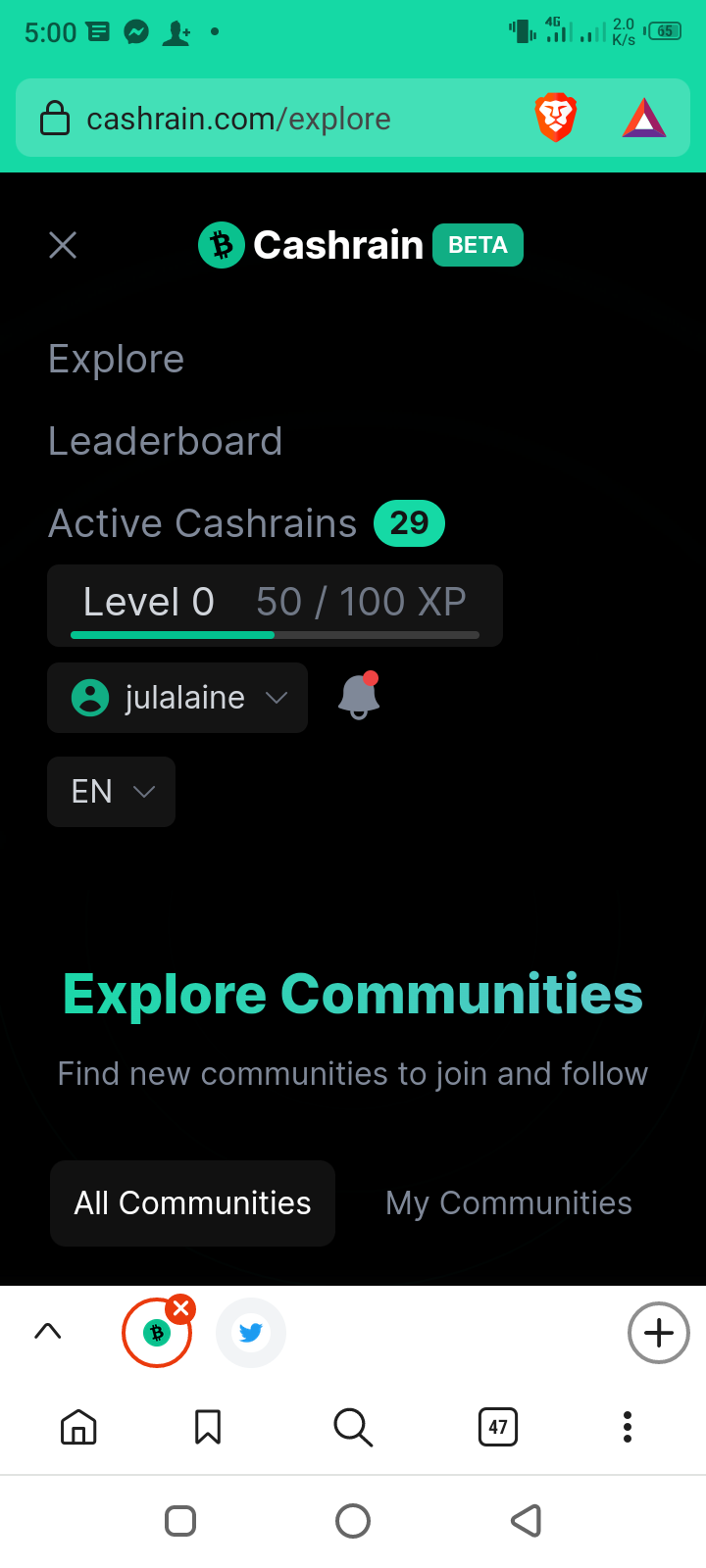
*Free Images from Unsplash* & *Cashrain SS*
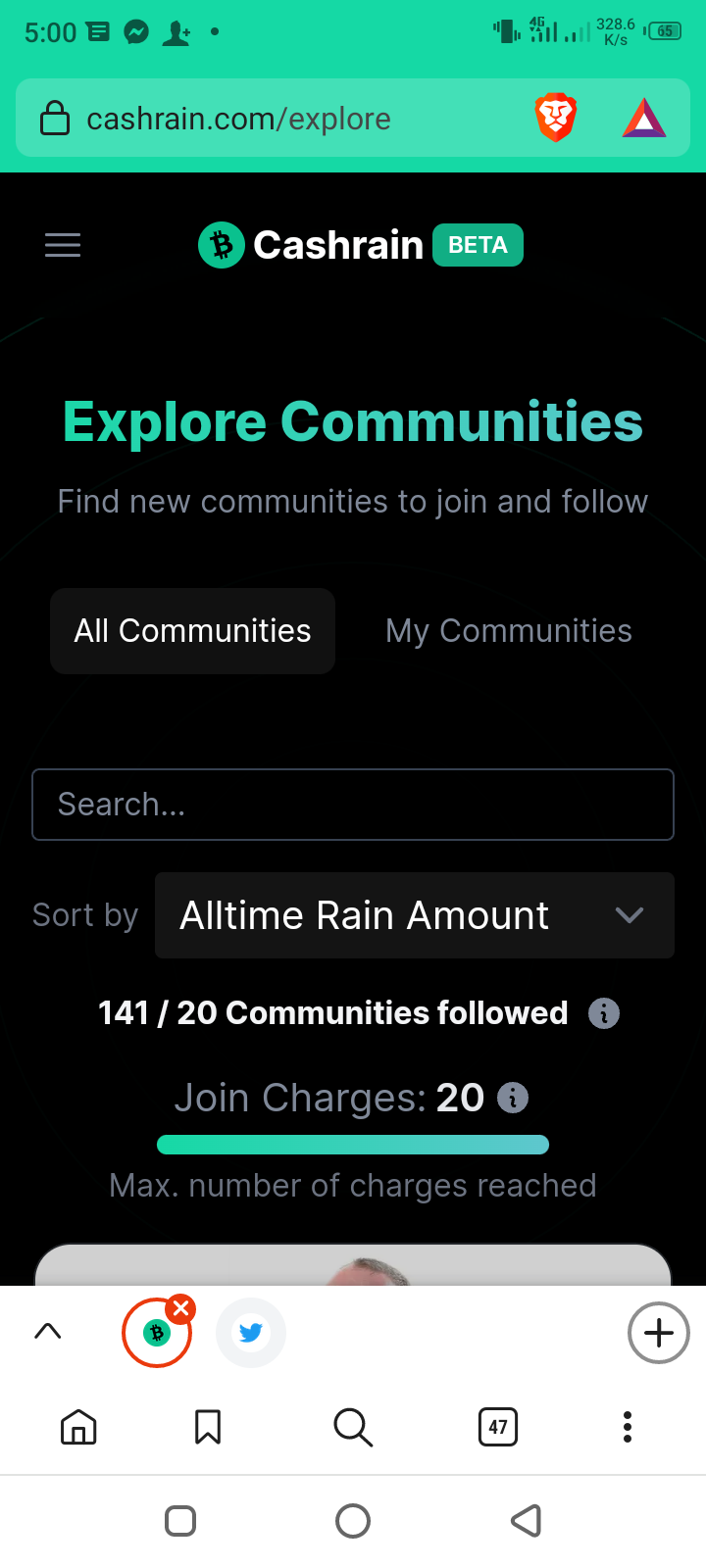
Do you also see that 141 **Joined Charges** I had? 👆 That means I have to lower it down to less than 20 in order to join new active communities. A lot of work huh 🤣. We can only have 20 Cashrain Communities I guess so choose actives. Here's my new Cashrain community too https://cashrain.com/loveu Now after finding Explore, yes there you have **all or my communities**. Click on your communities one by one and click **JOINED** & you will have the option **LEAVE** there.
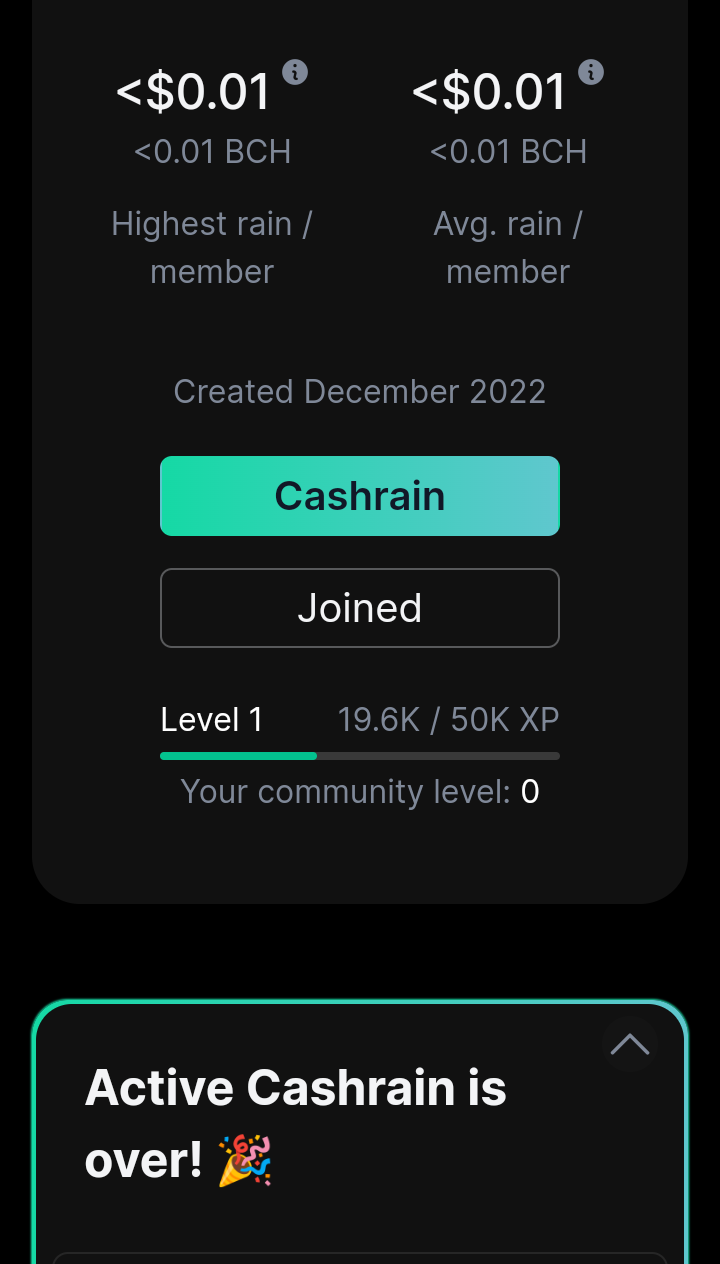
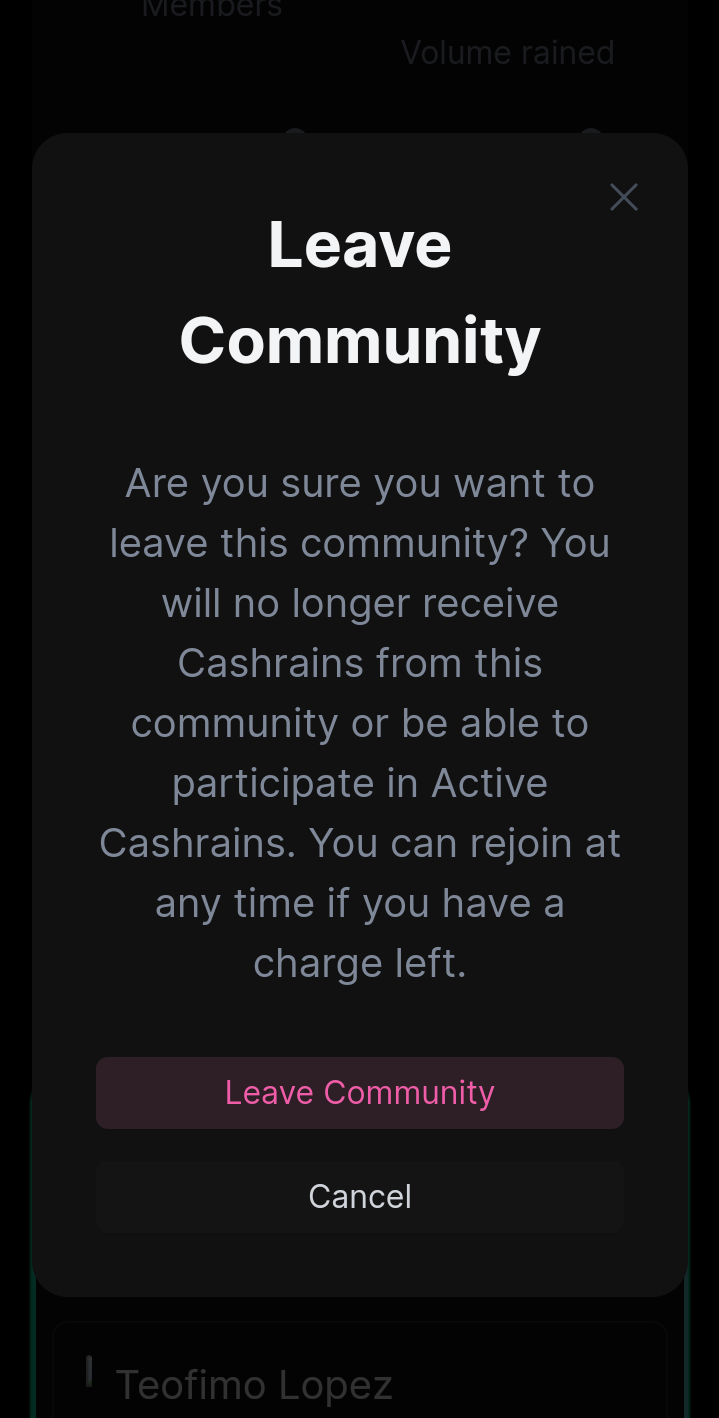
Go and leave those spammy communities, congratulations. (Hope we could have more than 20) Wrap it up, Find **Explore** Click **My Communities**, scroll up Click one by one and hit **Joined** Hit **Leave** and free up to 20 charges There you have it guys. Don't forget to join my new Cashrain Community too if you will with handle: loveu👇 https://cashrain.com/loveu Thank you everyone. See you in socials! My YouTube: https://youtube.com/@JULALAINE My Meta: https://www.facebook.com/julalaine?mibextid=ZbWKwL My Noise.Cash https://noise.app/invite/cznusgab My BCH Address (lol, thanks) bitcoincash:qrm38tdxps95a33g8awzsc2nvg82jzksz5xd725qdj **Here's cheering on you,** SuperJulalaine 💜



8 comments
Hi sis.kumusta n
Hi Jen mabeauty like you, ikaw? May Cashrain ka din ba
Thanks for this sizzy. ♥️
Welcome sis. Let's do this.
I tried pero ganun o din pag magjojoin ako s new community nakamax n ko smantlang ang dami ko nang naleave n community n nde active
Dapat ata 20 Lang or less para makajoin ka. Ilan na communities mo? Makita mo yan sa join charges mo, sobra nga saken nasa 140+, andun sa second picture sa taas.
Thanks for this tip! It has been months since I visited my Cashrain account. 😅
Yeah and Kim and BCH Podcast has new cashrain now. Try to visit it. Welcome, I created mine too.