 @Read.Cash
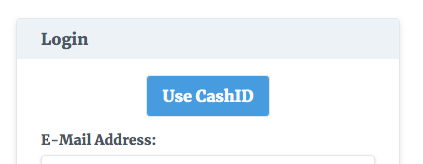
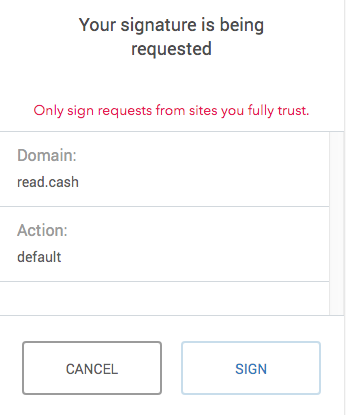
read.cash supports CashID now Happy to report that as of this moment read.cash supports CashID (by @JonathanSilverblood). That means that for those of you who have Badger Wallet installed the registration is as simple as clicking two buttons "Use CashID" and "Sign" and selecting a name. https://gitlab.com/cashid/protocol-specification https://read.cash/@JonathanSilverblood https://badger.bitcoin.com/
We plan to publish an technical article about how to implement CashID authentication on your own site soon. Want to implement it on your own site? Here's how. https://read.cash/@Read.Cash/how-to-implement-cashid-on-your-site-5b773726
8 comments
Does not seem to be working in iOS Safari
Yes, I think only desktop version of Badger Wallet supports it.
Hey guys! So I initially signed up with CashID, but I'd like to use my read.cash account from other browsers than Chromium-based desktop browsers, so is there any way to switch from CashID to username/password login?
I'm afraid not at the moment. I'll let you know when we think of something.
https://read.cash/account - set your password there and login using username/password.
Thanks for enabling that! I tried leaving the "current password" empty, but it told me that the password is incorrect.
Unfortunately, you'll have to enter your email, confirm it and then logout and press forgot password, because when we create a CashID user, we create him with a random password so that people won't log in with an empty or hardcoded password (in retrospect we could have done this better by having some state like "password is not used at all", but frankly we weren't thinking about this scenario at all).
Awesome, that worked. Thanks!