 @QuertTheExplorer
How to make your Google Chrome browser to Dark Mode **Hello guys, its me The Explorer . Tonight I'll be sharing to you tricks to turn your Chrome browser to Dark Mode. This would be a great help to most of the people using it specially when browsing at night when our eyes are very much sensitive to its light back ground, causing us eye fatigue and sometimes much worse headache. That's why most of the people prefer to switch their phone to it's lowest possible brightness. But hey! enough of that, lets try something unique. And by the way i don't know if there are a lot of people know this but let me just share this tricks to those who don't knows yet. Soo now let's begin!** Step 1: Open your Google Chrome Browser
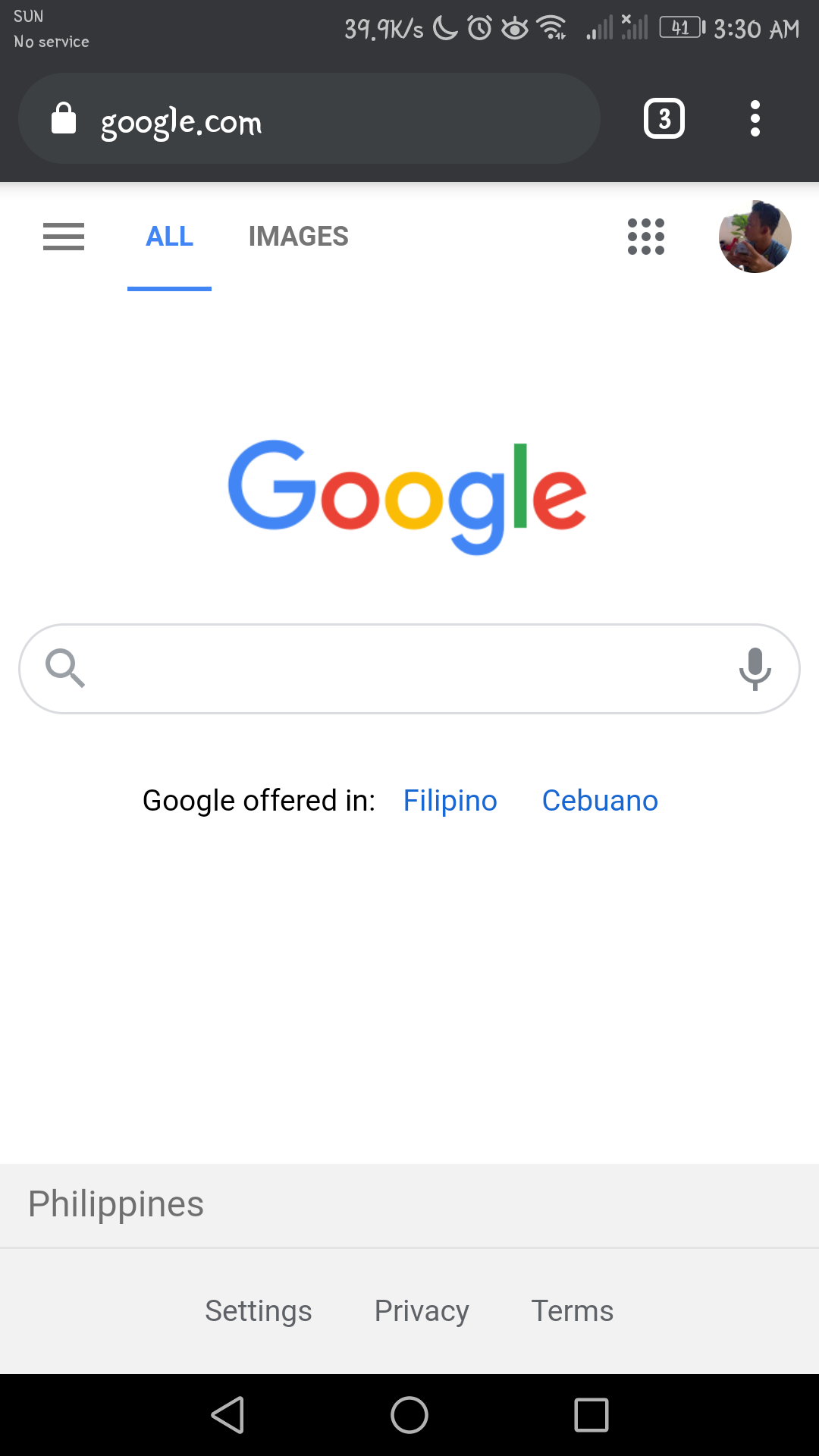
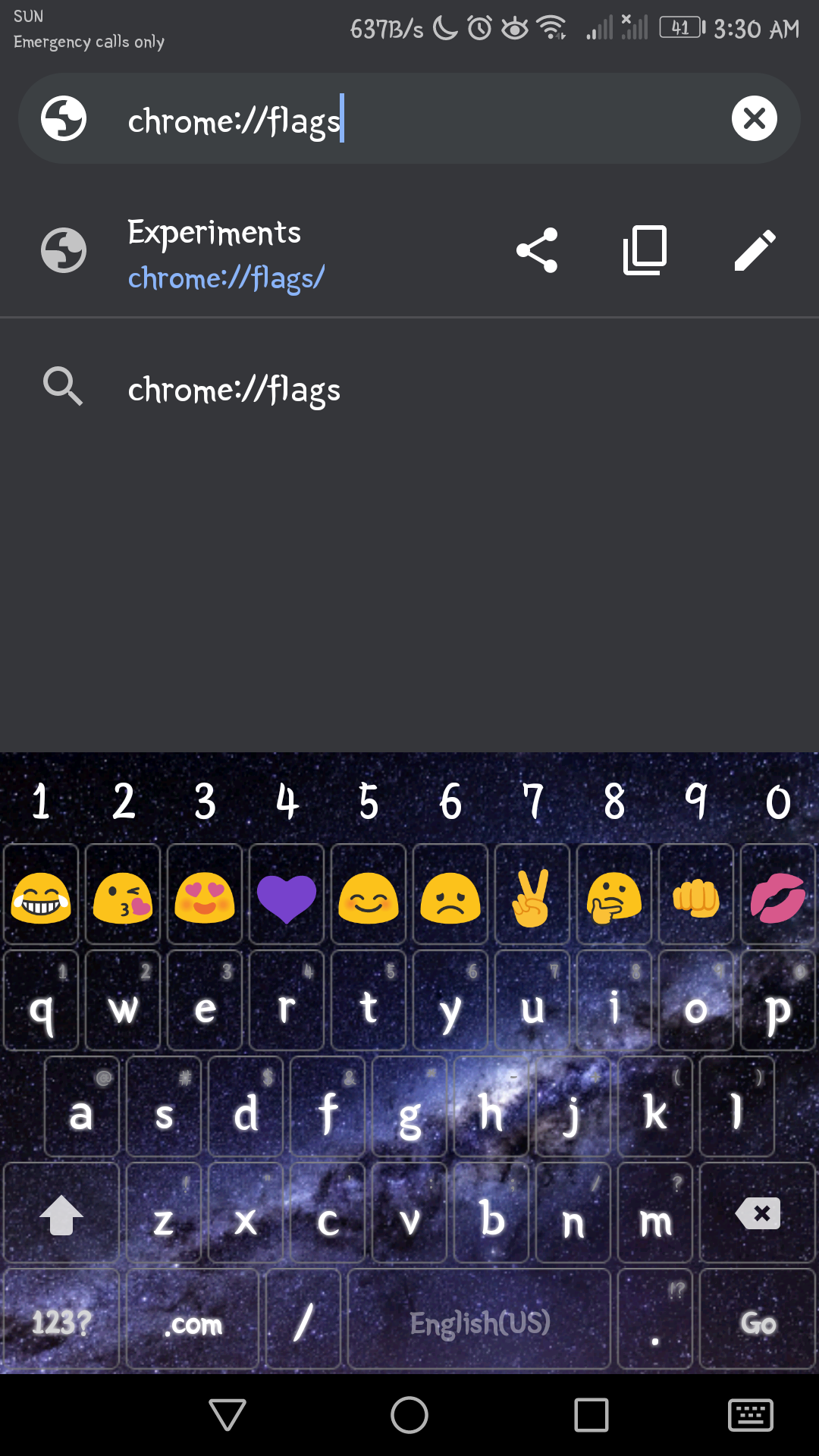
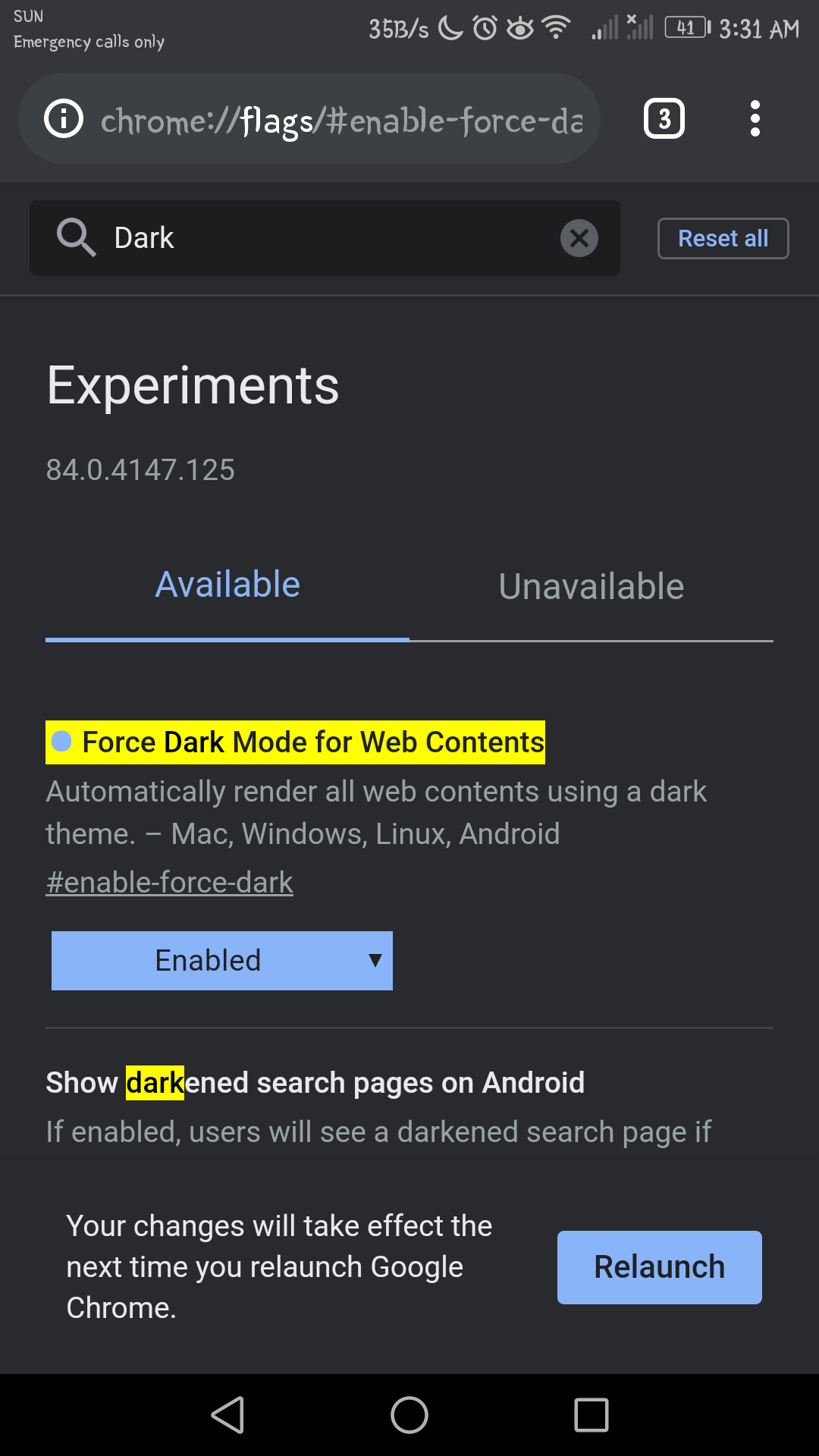
Step 2: Tap address bar and input chrome://flags and press enter to redirect to test/experiment mode
Step 3: On test mode page, search Dark Mode on the search bar
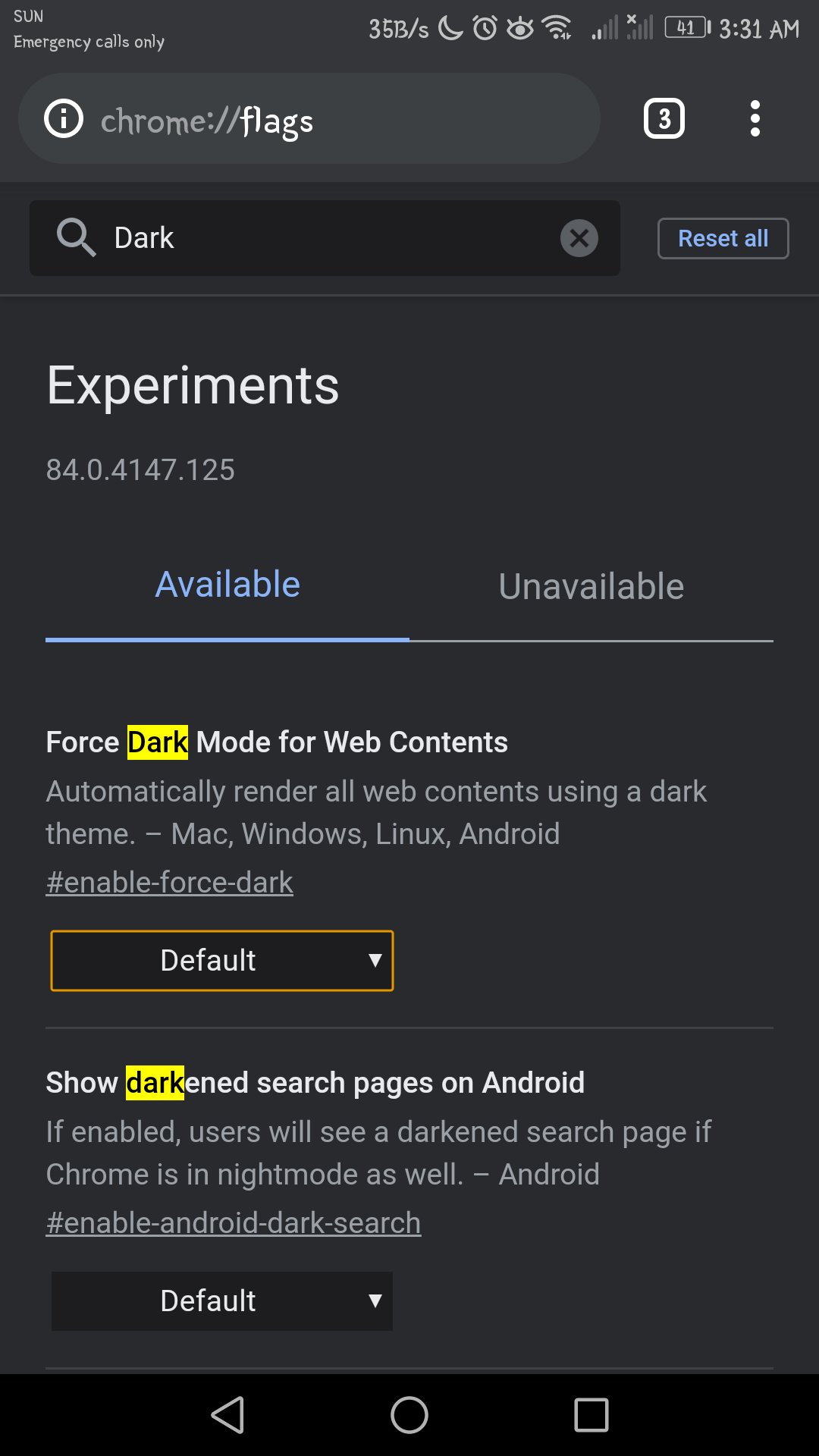
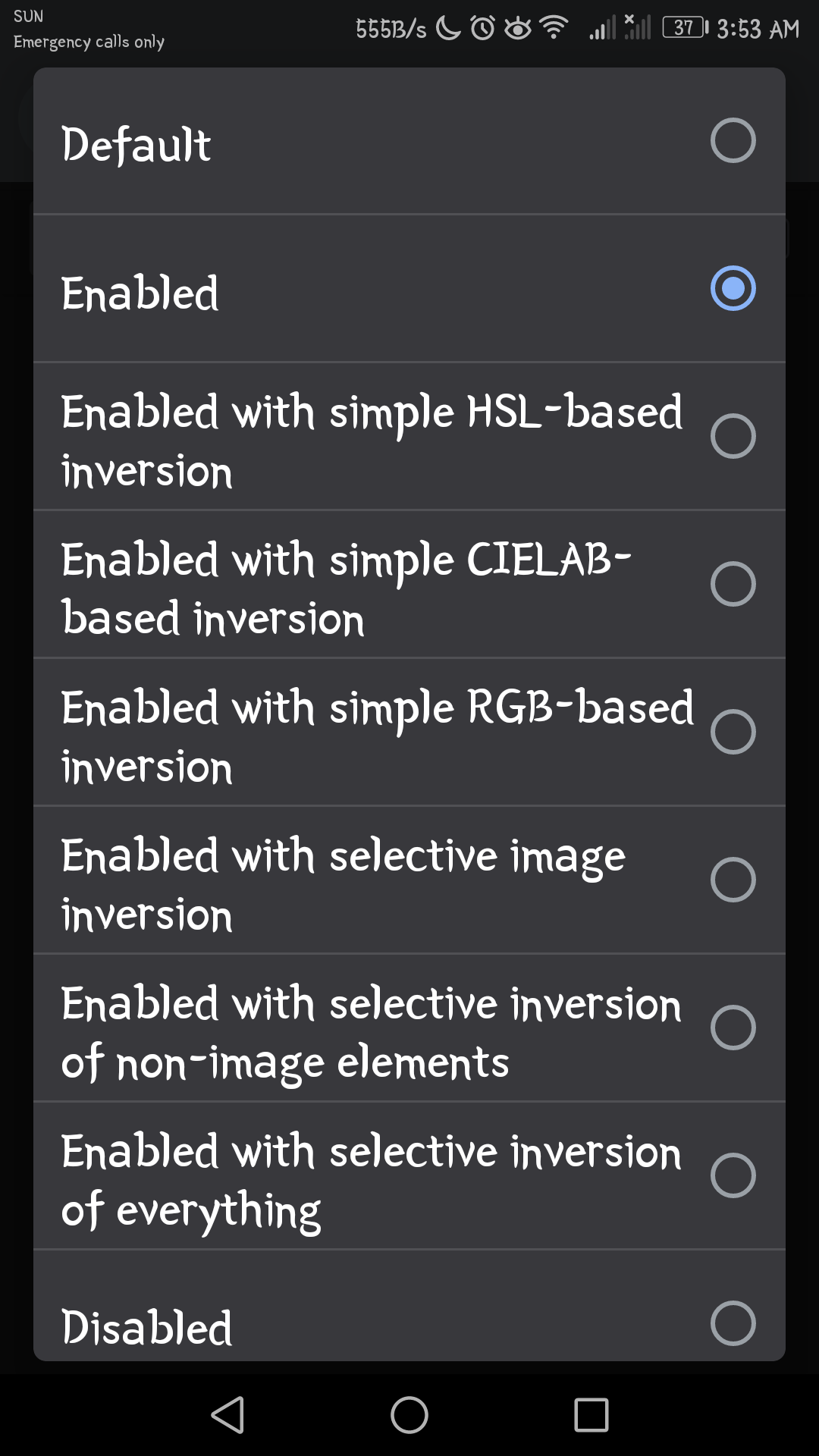
Step 4: Turn the Force Dark Mode to Web Contents from default to enable
Step 5: Click Relaunch on the lower right part to Apply the Dark Mode
**Tadaaaaaan!**
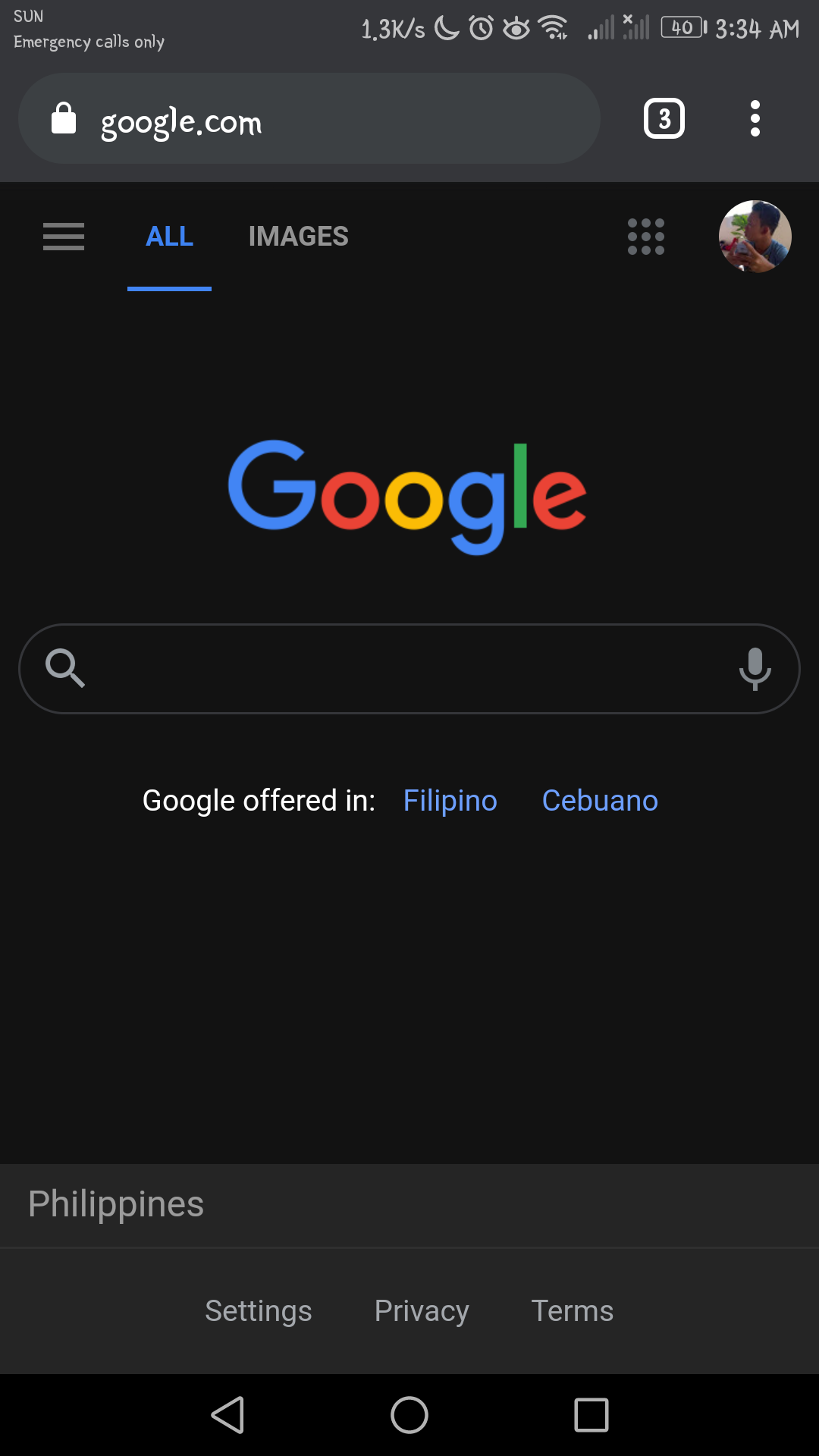
**Now your Google Chrome has entered Dark Mode! EASY RIGHT?** **Now you may enjoy browsing at night without giving yourself headache lol hahaha. You can now browse to the max with your articles in Read Cash headache-free 😵** **That's it Guyss! I hope I helped you in addressing this common problem. Thankyouu!** #StaySafe #TheExplorer

6 comments
Oy, gumana sya hehe. Di ko Alam itong dark mode Kay chrome hehe. Pwede kaya sa laptop to? Salamat ang ganda Neto lalo pag gabi.
You're welcome kaphc, try mo pp sa laptop d ko pa na try eh hahha. Buti na gustuhan mo
And from this night mode to day mode what we should do.repeat the same process in reveese manner?
Simply you will just have to, disable the dark mode😊
Thanks I'll try that later i like more black color than white hehehe
Sureee, me too specially at night.