How To Setup A SmartBCH Account on Metamask For Android
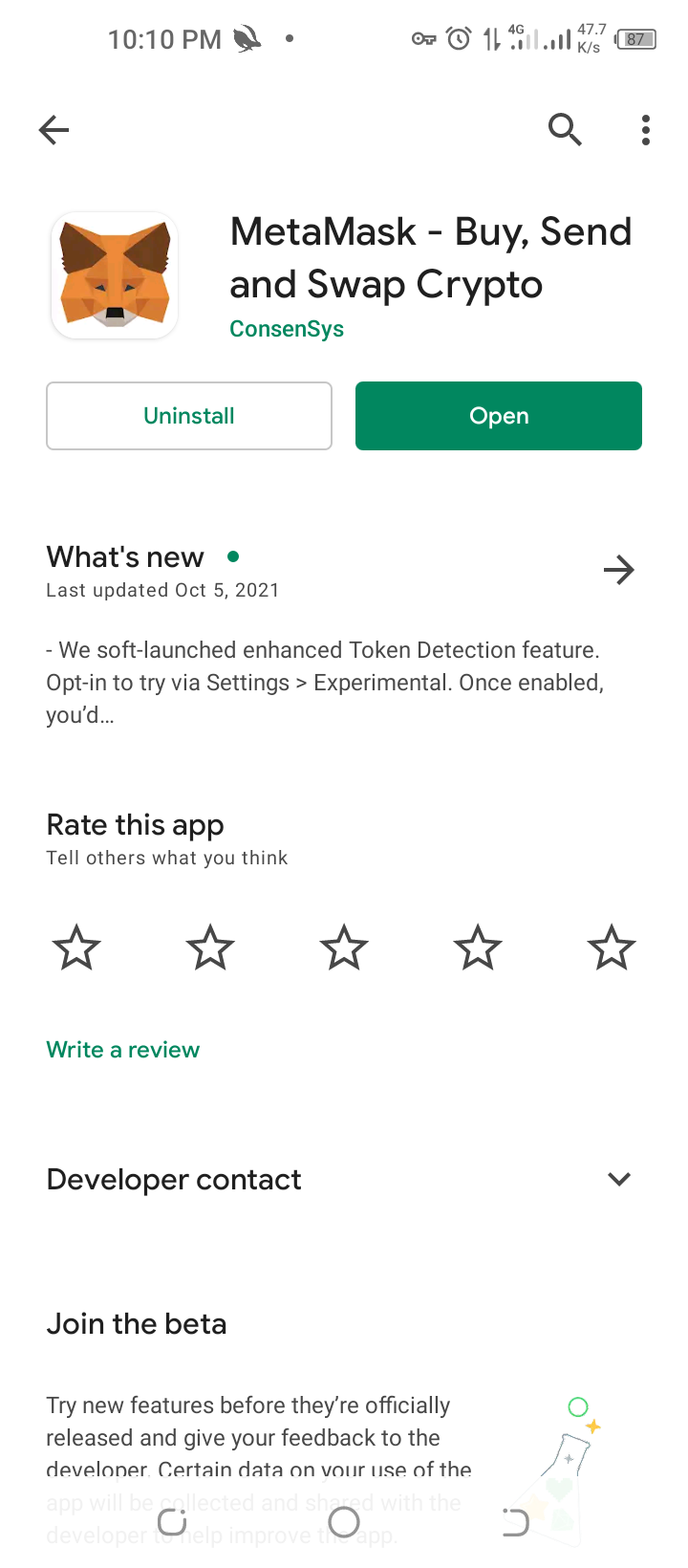
To begin with, you have to download Metamask from Google Play store and set it up by creating a new account or importing your secret recovery phrase, don't forget to backup your secret recovery phrase, You'll be on Ethereum network by default.
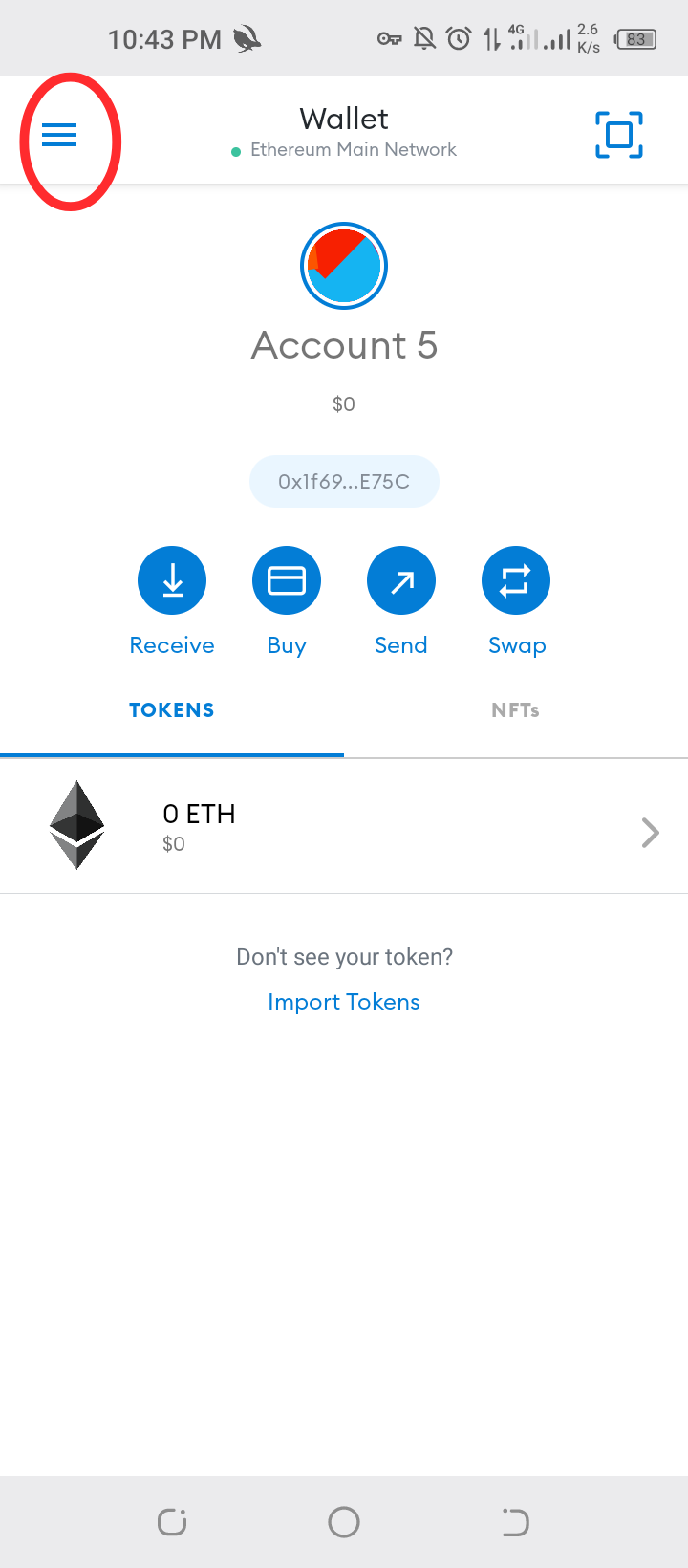
Next is how to add smartbch network ****Click on 3 horizontal lines on top left corner****
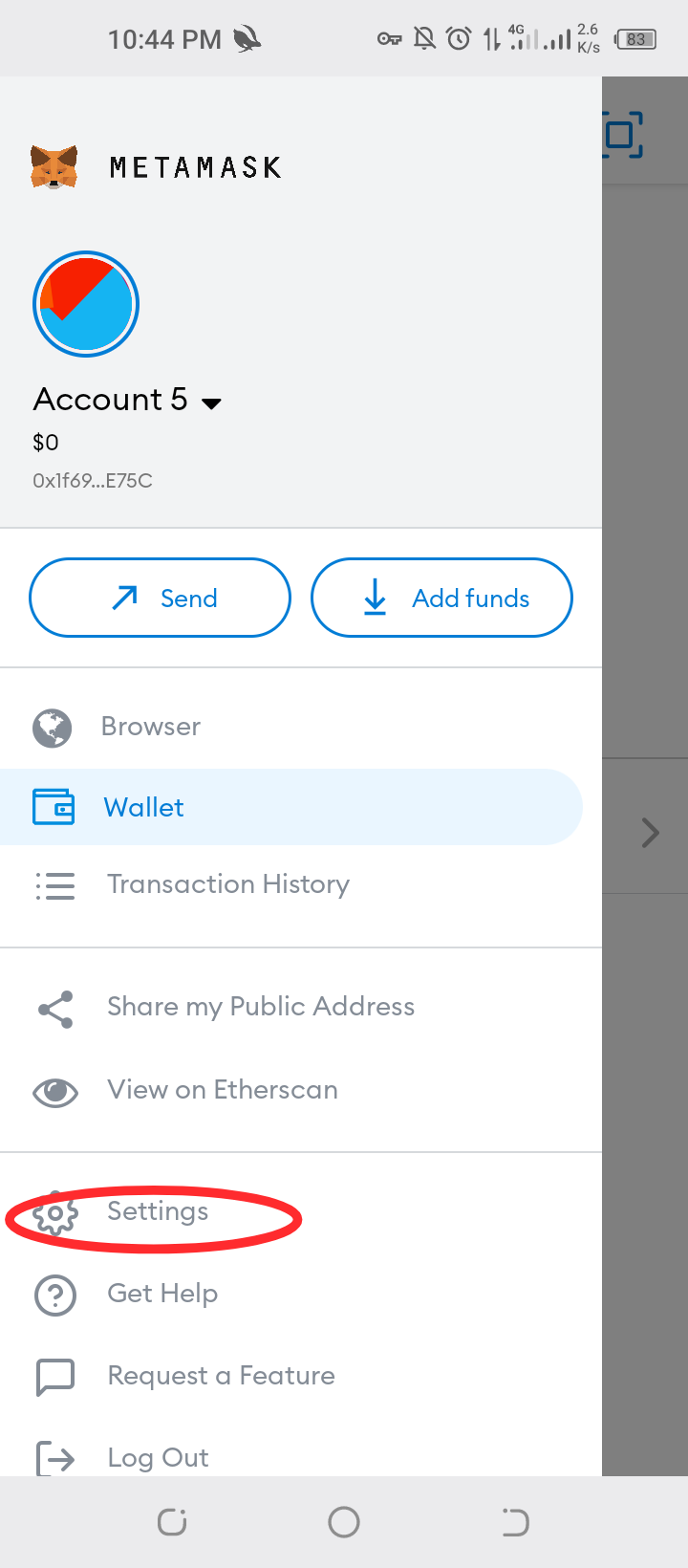
****Click on settings****
****Click on networks****
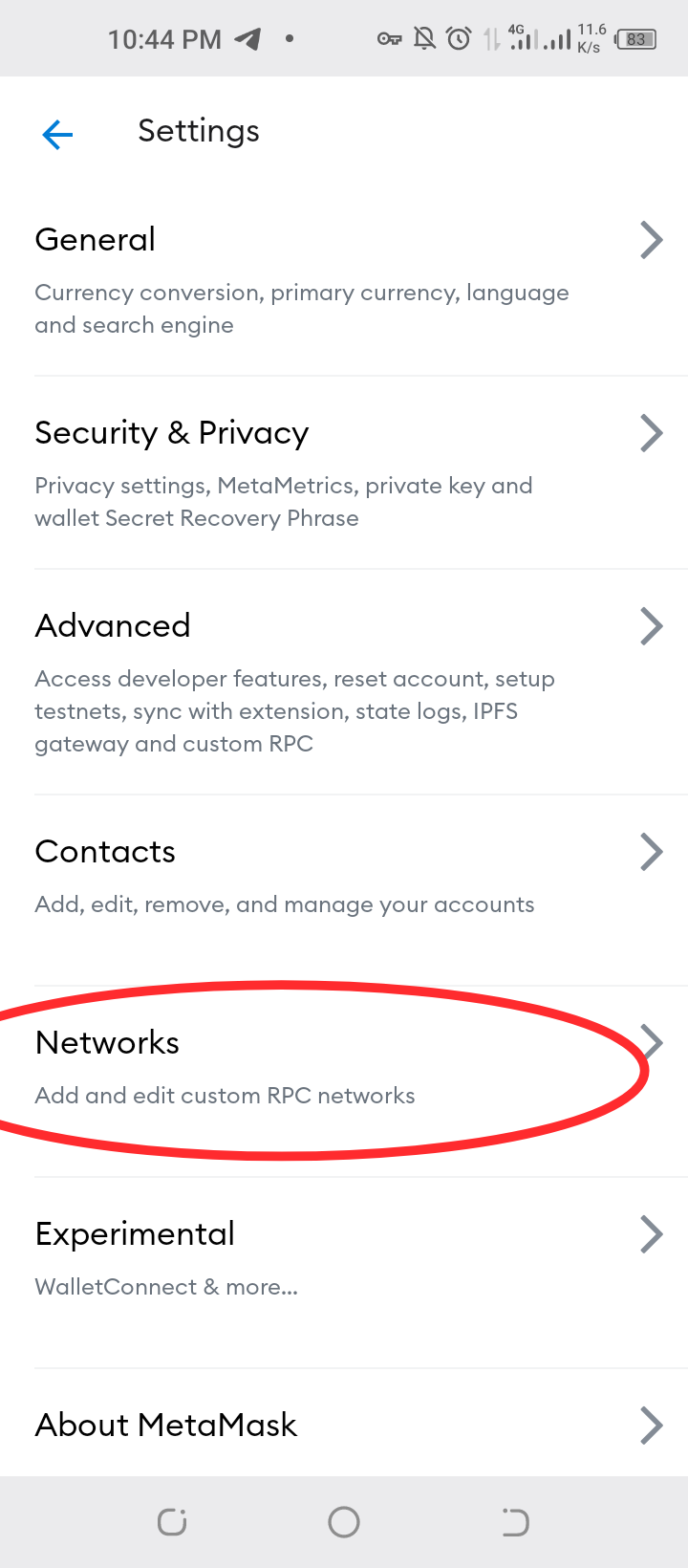
****Click on add network****
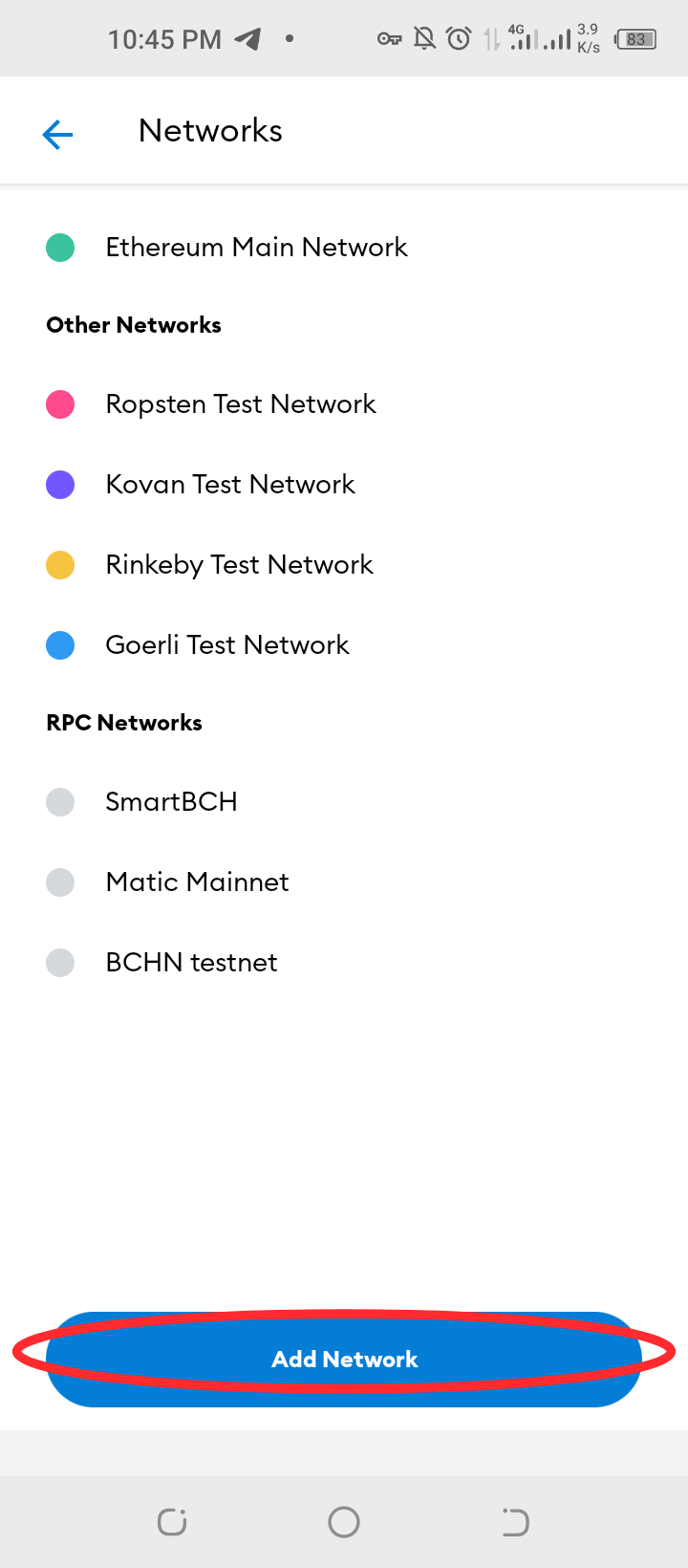
****Input details as seen in picture****
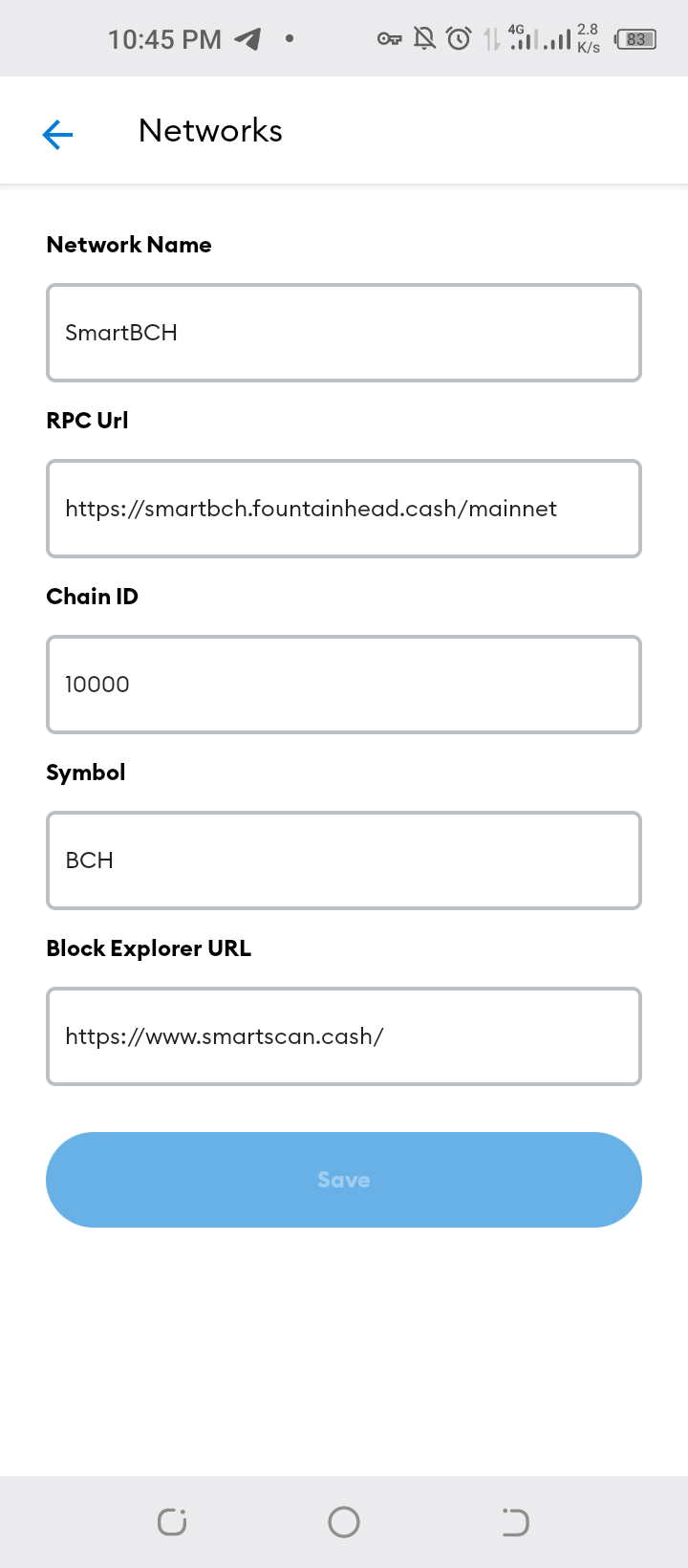
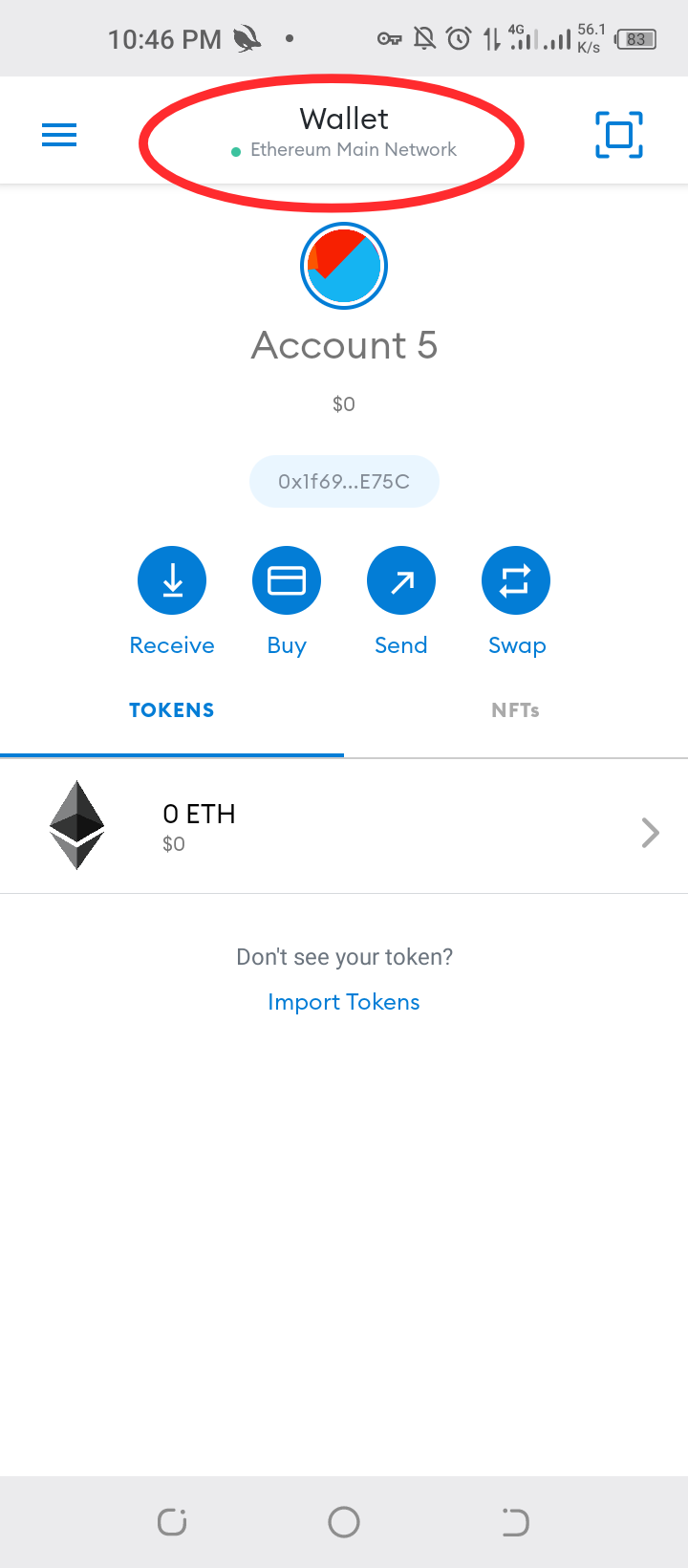
Network Name: Smart Bitcoin Cash RPC URL: https://smartbch.fountainhead.cash/mainnet Or https://smartbch.greyh.at/ Or https://global.uat.cash Chain ID: 10000 Symbol: BCH Block Explorer URL: https://smartscan.cash ****If there's need to switch between networks, heres how****
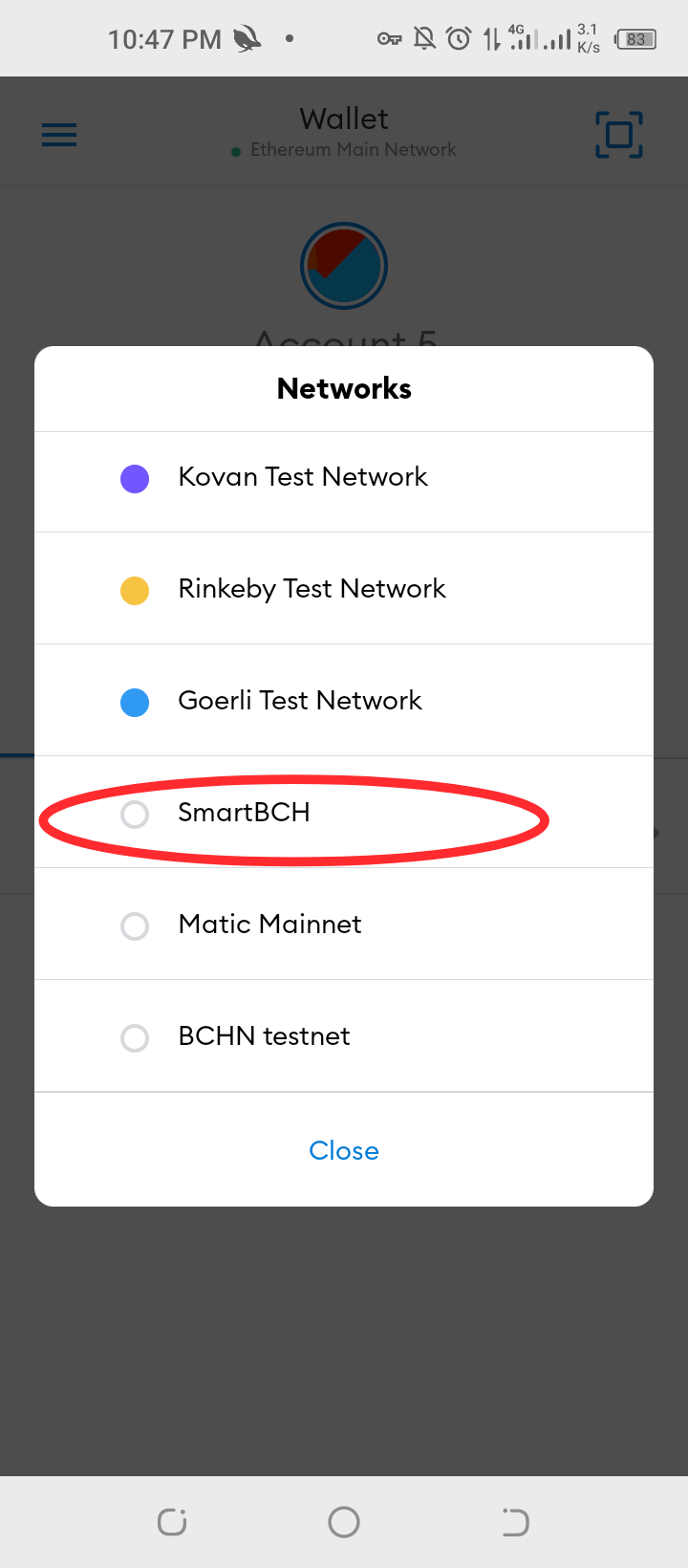
For more information on SmartBCH, kindly visit https://helpme.cash/ use desktop mode for better experience on the site. Also smartBCH link is https://smartbch.org/


1 comment
Thanks for writing this for the BCH community, please share on any of my pages . :)