 @Mrcosmic
more from that month
@Mrcosmic
more from that month
Your First xStocks Swap in Under 5 Minutes — What It Actually Feels Like
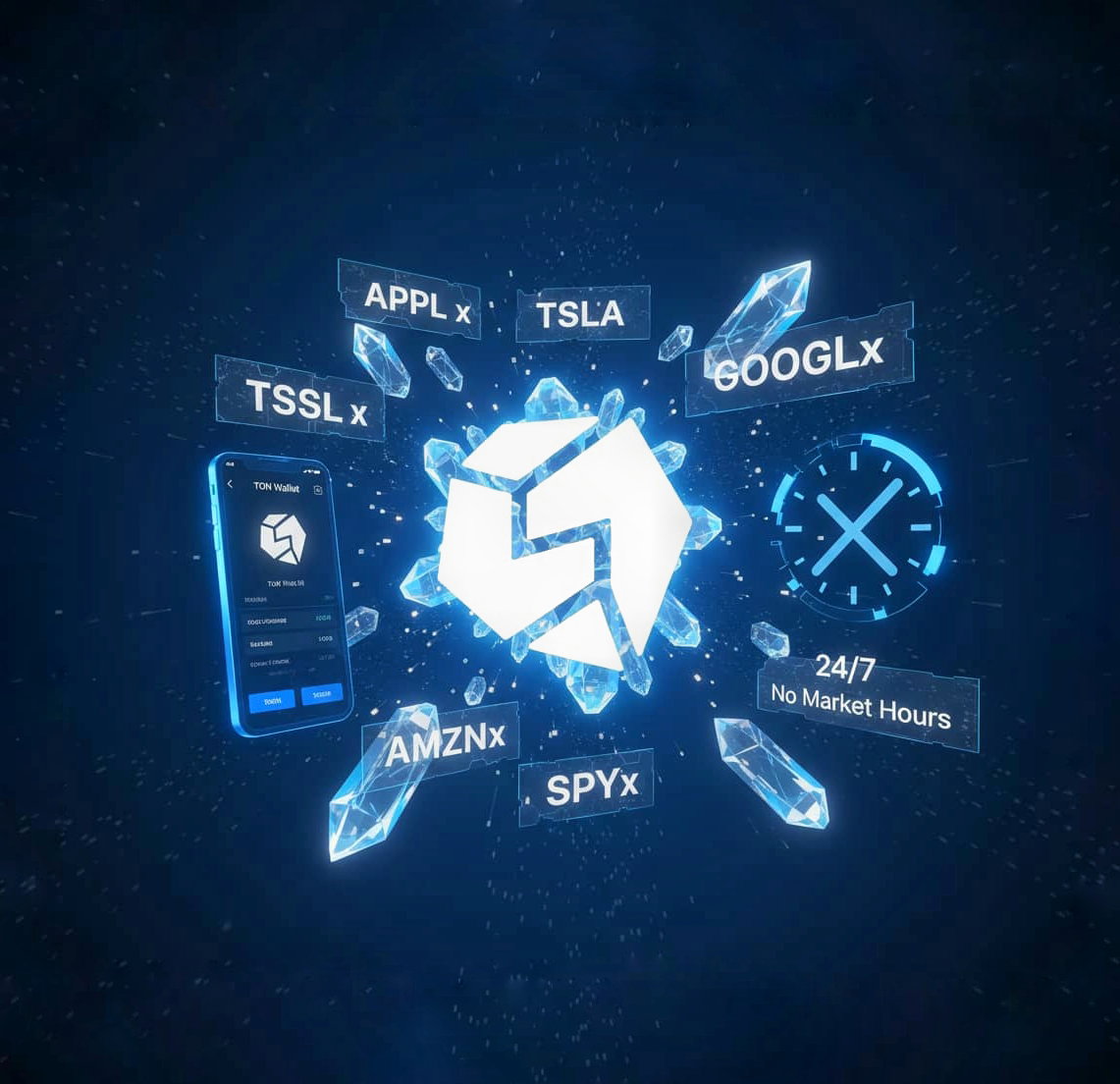
You know that moment when you check a stock price at midnight and wish you could just act on it? Not wait for markets to open. Not shuffle money between apps. Just do something right then. That friction? It's gone. With xStocks on STONfi, you can swap into tokenized versions of Apple, Tesla, or the S&P 500 directly from your TON wallet. No brokerage signup. No waiting. No wondering if your funds are trapped somewhere in withdrawal limbo. The whole thing takes minutes, and when it's done, you're holding a representation of a real-world asset that you control, on-chain, 24/7. Sounds like one of those "too good to be true" pitches, right? Let's break down what's actually happening here. What Are xStocks, Really? Think of xStocks as crypto-native wrappers around traditional securities. They're issued by Backed Finance and backed 1:1 by real assets held with a regulated custodian. On the TON blockchain, they show up as jettons, which means they behave exactly like any other token in your wallet. You can send them. Swap them. Track them alongside your other holdings. They don't require a separate app or a special interface. They just exist in your wallet, next to everything else. Here's the subtle shift: you're not buying the stock itself. You're holding a tokenized representation of it. Legally and structurally, that's a meaningful distinction. But experientially? It feels like having exposure to Amazon or Google without leaving the crypto rails. Why This Feels Different Most people don't realize how much friction exists in traditional finance until it's removed. A friend recently mentioned he wanted to rebalance his portfolio on a Sunday morning. Markets closed. Brokerage app useless. He had to wait until Monday, and by then the price had shifted. With xStocks, that waiting period doesn't exist. You want to swap some TON for Tesla at 3 a.m.? Go ahead. The market is always open because you're not depending on market hours. Swaps confirm in seconds. Fees are minimal. And because everything runs on atomic, escrow-based contracts, there's no partial execution risk, the swap either completes fully or reverts entirely. You stay in self-custody the whole time. No broker holding your assets. No intermediary deciding when you can withdraw. Just you, your wallet, and whatever strategy you're running. The Names You'll Recognize When you open the xStocks interface, you'll see tickers that look eerily familiar: - AAPLx (Apple) - AMZNx (Amazon) - TSLAx (Tesla) - GOOGLx (Alphabet) - SPYx (SPDR S&P 500 ETF) - QQQx (Nasdaq 100 ETF) STON.fi formats them to mirror traditional stock tickers, so there's no learning curve. You already know what these represent. The only difference is where and how you're accessing them. Walking Through Your First Swap Here's what the actual experience looks like: Step 1: Open STON.fi, whether through your browser, in-app, or the Telegram mini-app. All three work the same way. Step 2: Make sure you have a small TON balance for network fees. We're talking pennies, not dollars. Step 3: Choose the xStock you want. Let's say you pick AAPLx. Step 4: Enter the amount. The interface shows you the Omniston routing path basically, how your swap will execute across liquidity pools. Step 5: Connect your wallet and confirm. Step 6: Wait a few seconds. Your xStock appears in your wallet. That's it. No forms. No KYC delays. No "processing" screens that make you wonder if something went wrong. The token is just... there. What This Actually Unlocks The immediate benefit is obvious: you can track familiar assets without leaving crypto. But the second-order effects are where it gets interesting. Imagine you're holding TON and expect volatility. Instead of converting to stablecoins, you could rotate into SPYx for a few days. Or maybe you want a small allocation to big tech without touching Coinbase or Robinhood. Or perhaps you're just curious what it feels like to hold a tokenized stock in the same wallet as your memecoins. The point is, you're no longer forced to choose between "crypto portfolio" and "traditional portfolio." They can coexist, in the same interface, under the same self-custody model. One user mentioned they swapped into QQQx just to test the system, they wanted to see if it actually worked as advertised. It did. And now they're experimenting with allocation strategies they wouldn't have bothered with in a brokerage account, simply because the friction is gone. Why You Might Care (Even If You Don't Trade) Even if you're not actively managing a portfolio, the existence of xStocks is worth noticing. It's a signal of what's becoming possible when traditional finance and decentralized infrastructure start blending. You don't need to become a trader to appreciate that assets you thought were locked behind brokers and banking hours aren't anymore. That matters for anyone watching how money, ownership, and access are evolving. A Few Things to Keep in Mind xStocks aren't available everywhere. If you're a resident or citizen of the United States, EU/EEA member states, the United Kingdom, Canada, Australia, Belgium, or any jurisdiction where tokenized securities are restricted, this won't work for you. The regulatory landscape is still catching up, and access reflects that. Also, remember: you're not buying the underlying stock. You're holding a tokenized representation. That distinction matters legally, even if the experience feels similar. What's Next? But the real question is simpler: when you check a stock price tonight and wish you could adjust your exposure right then and there, without waiting, without switching apps, without leaving self-custody — would knowing this option exists change how you think about what's actually possible? Because once you see how seamless it can be, it's hard to go back to thinking three-day settlement periods and market hours are just "how things work." They're not. Not anymore.
No comments yet