 @Mirriam23
Identify the Subject of Your Next Photography Article Title: পরবর্তী ফটোগ্রাফি নিবন্ধের জন্য আপনার বিষয় কীভাবে চিহ্নিত করবেন *September 9, 2020* Photography is a hobby done by those who wants to capture beautiful snaps. Landscapes like the blue skies, serene waters, flower blooms, wildlife and more. This has become our favorite content. Sometimes we are amazed by little things, that we don't want to surpass not having a shot of it. But having it published as an article without even introducing or identifying the photo can be a bit dull. It also affects you as a writer. So for those who excels in photography and want to entice your readers, here is a tutorial than can help you distinguish your subject. You can use **GOOGLE LENS** my @Read.Cash friends. Download the app from **PLAYSTORE.**
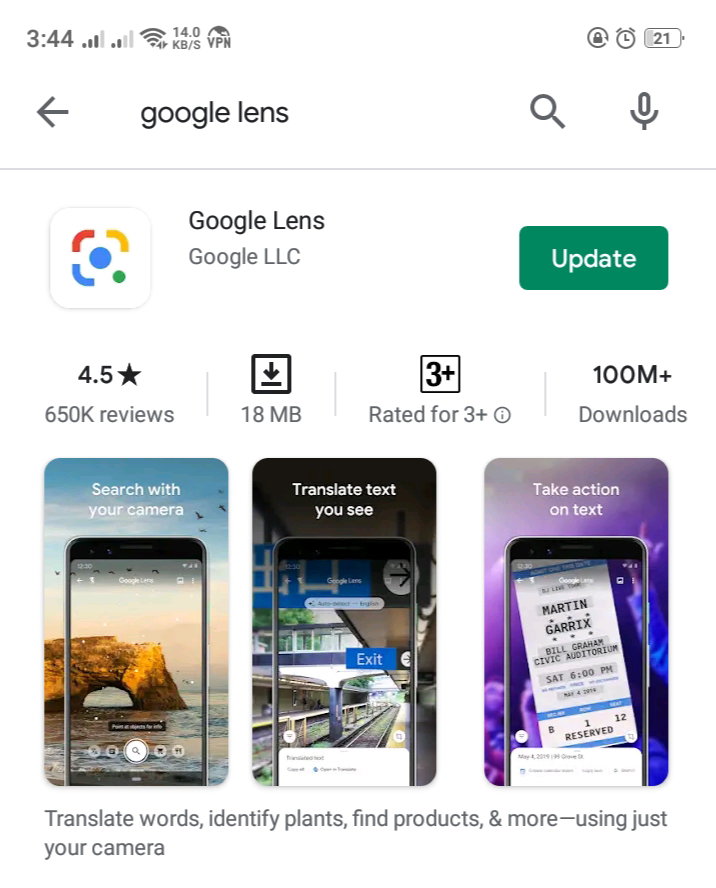
What is then a **GOOGLE LENS** mobile app? It is an AI-powered technology that uses your smartphone camera and deep machine learning to not only detect an object in front of the camera lens, but understand this and offer actions such as scanning, translation, shopping, and more. After installing the app, you can choose from the two options to access the app. By **pointing directly** at the desired object and click the search button. This step is simply like taking a raw picture.
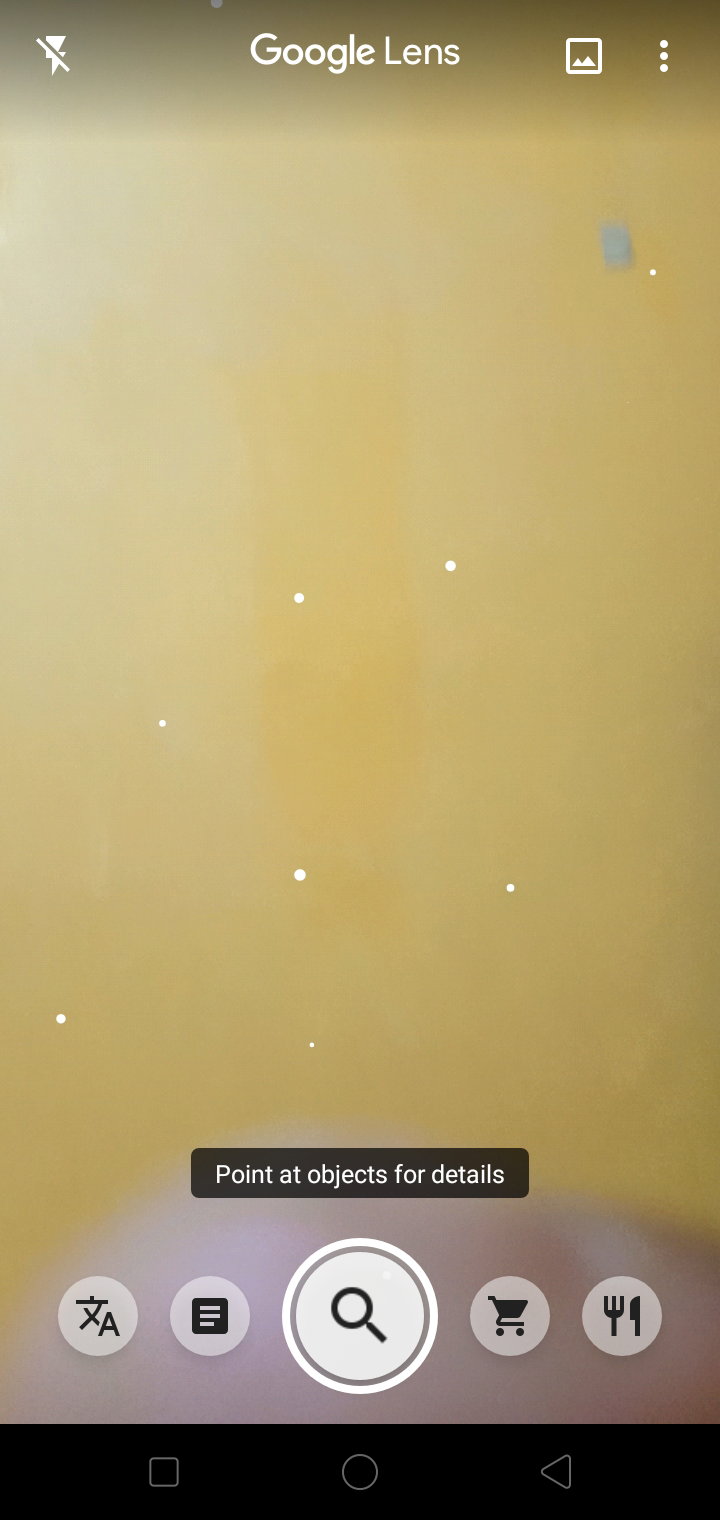
Scanning dots appear (the glittery ones), it only shows that Google lens is now processing or identifying the subject and will automatically show some **related results.**
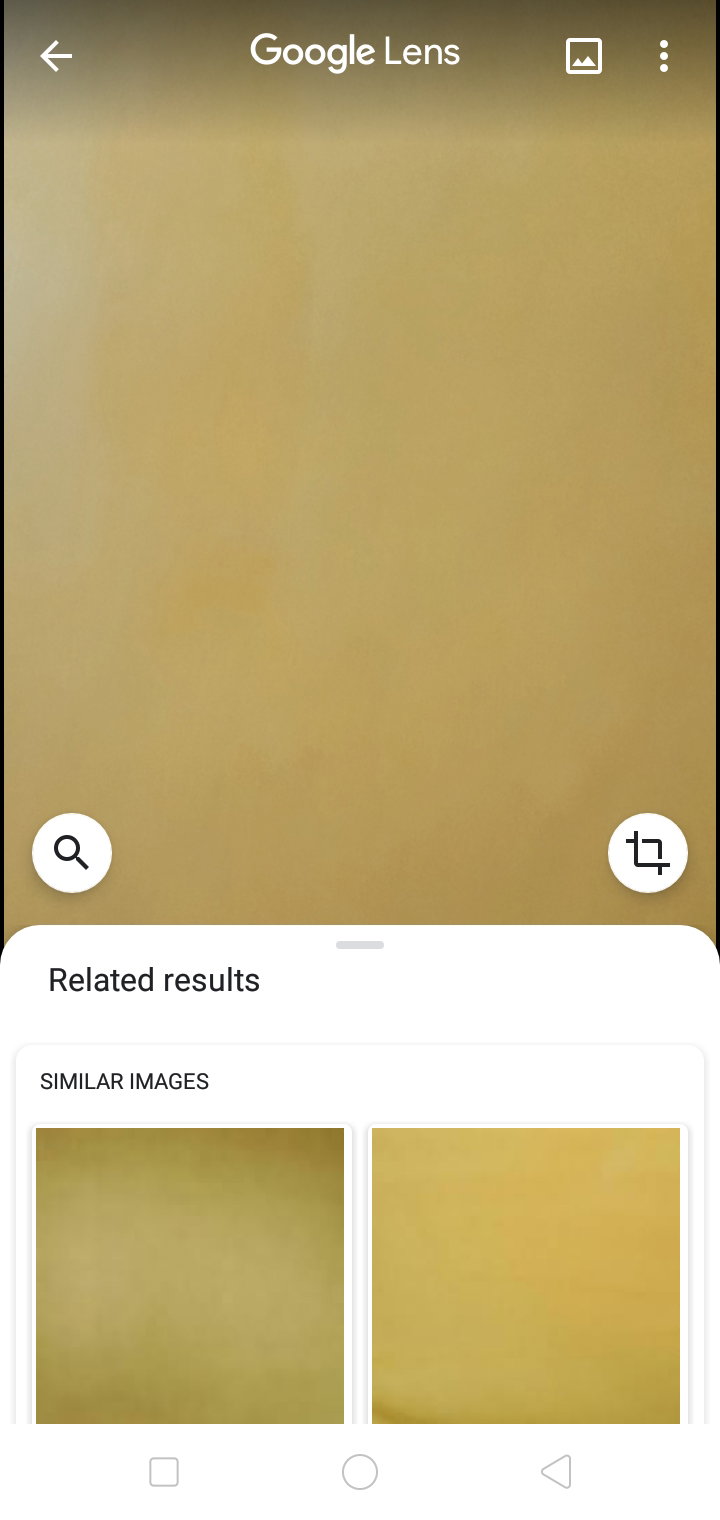
Under the related results show some related images that will show the exact object in a different varities, colors, etc. It also show the reference or sources of the images.
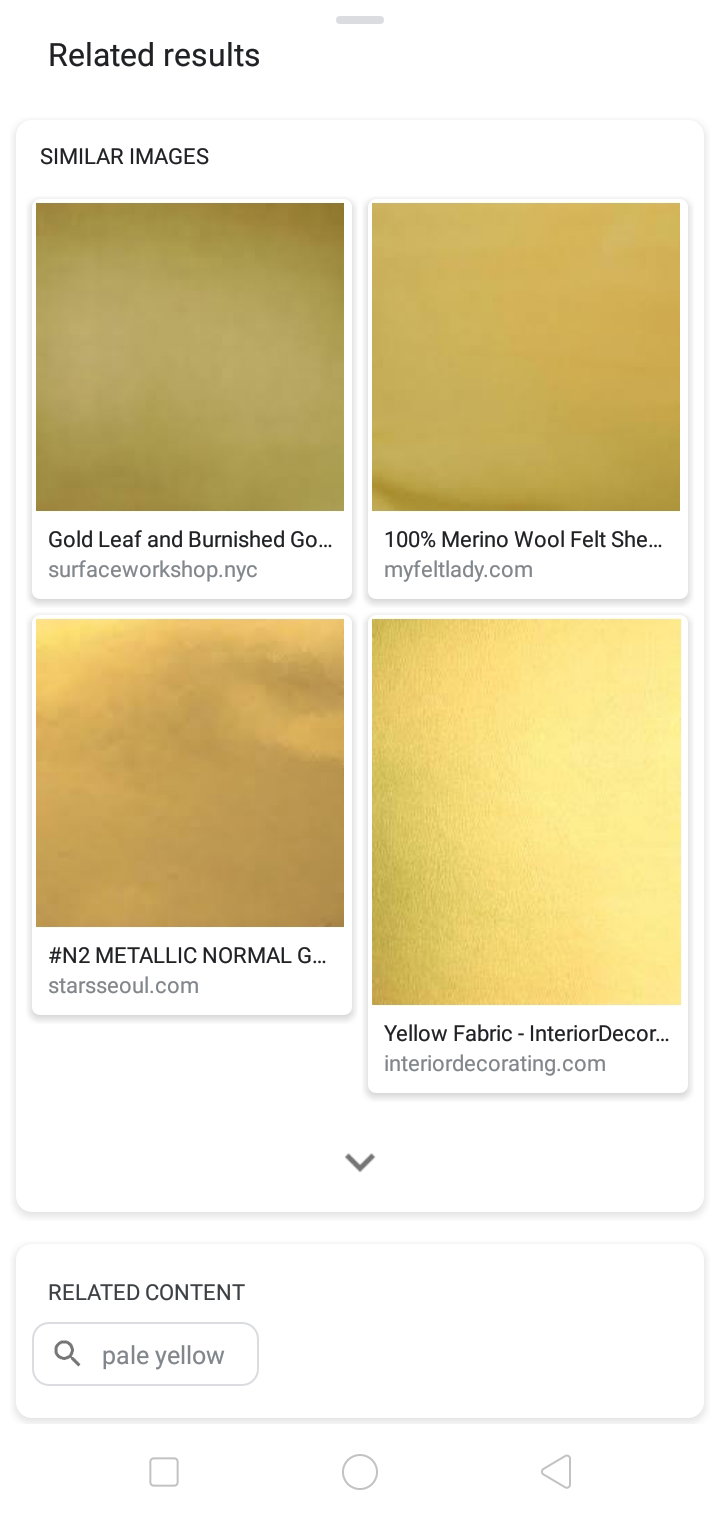
From here you can identify if the subject publish in an article is **authentic or just downloaded** from the net. **Related content** shows some topics or matter related to your subject. The **second** way of accessing this app is clicking the photo symbol in **circled in red** in between the Google Lens text and the three dotted line. Upon clicking, you could choose from **gallery** which subject to identify.
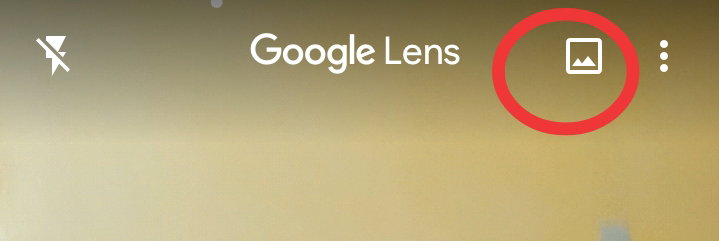
Now it is scanning the picture the previously taken shot.
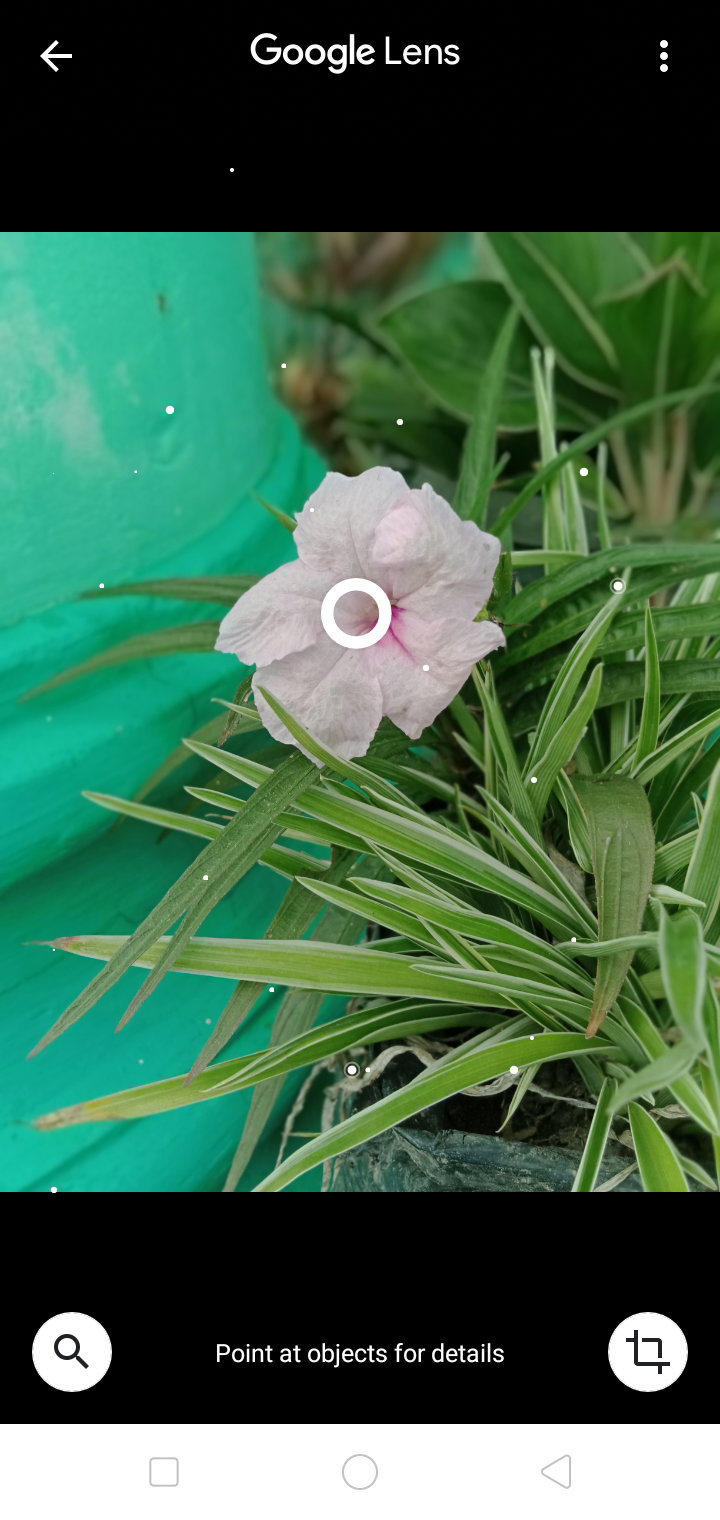
The lens can identify the prominent subject in the pictures, hence will be the focus of search. The big **blue dot** shows the **focus point** of the picture.
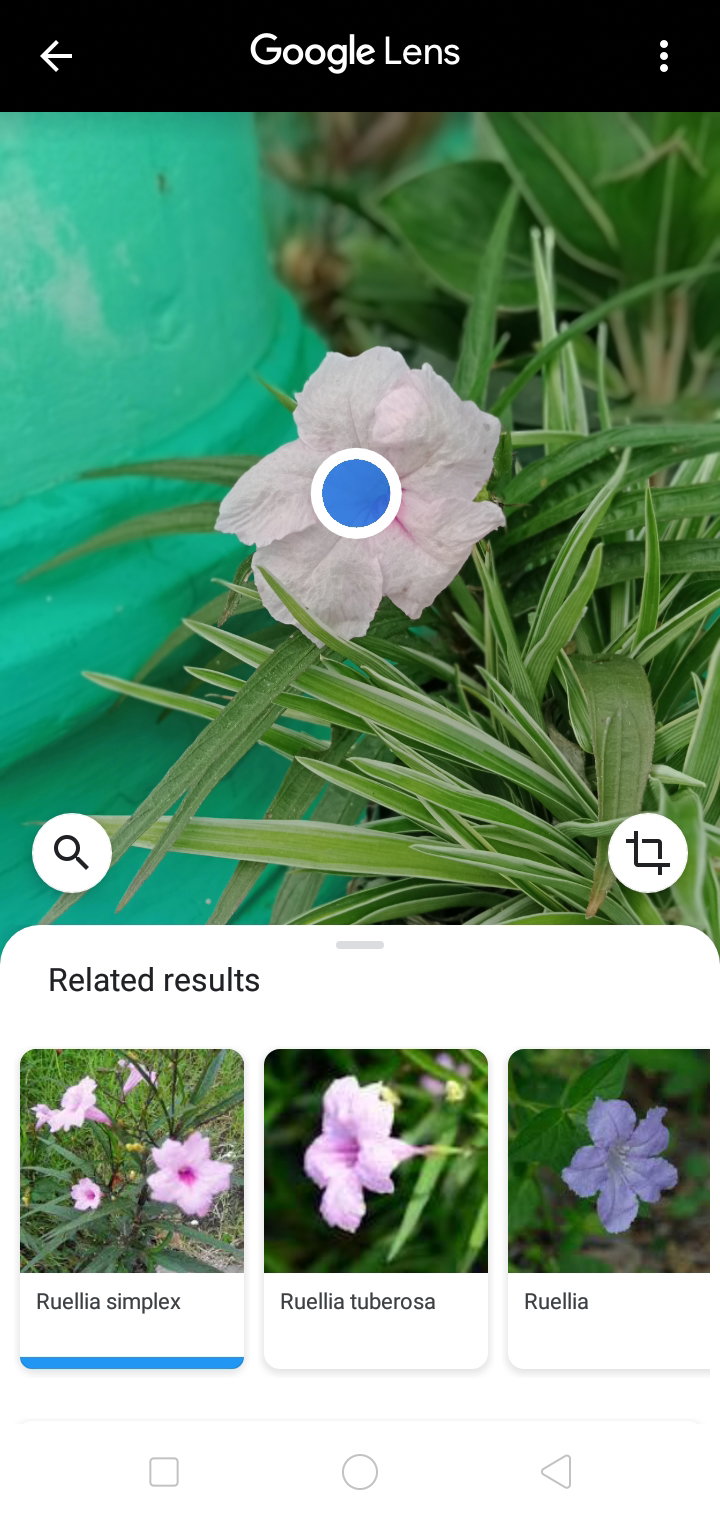
Again related results appear with some similar images and the reference or to where it was published.
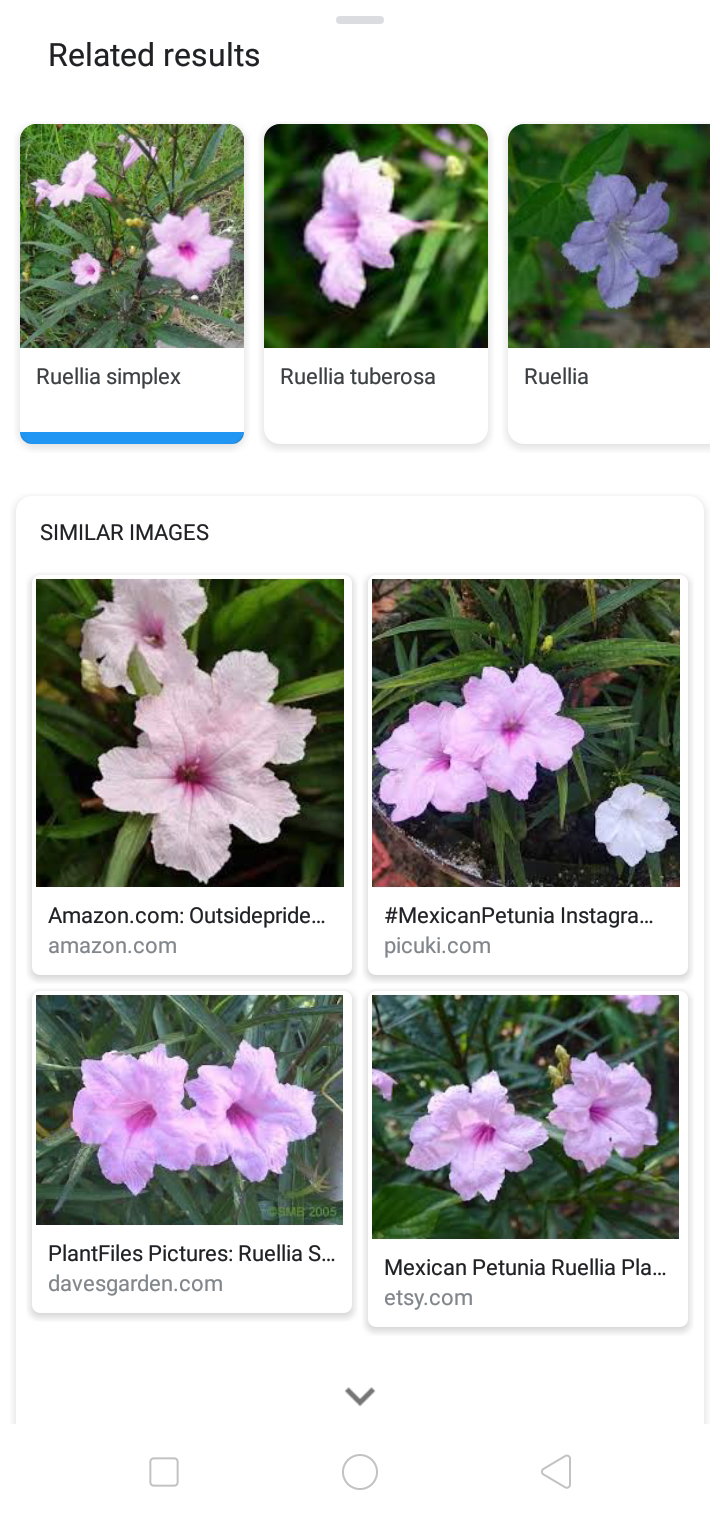
By **comparing** your taken pic to the previously published photo, you can now single out which has the exact **resemblance** to the variety of your image, click it then Viola.. read and learn to be able to describe the subject you are going to publish.
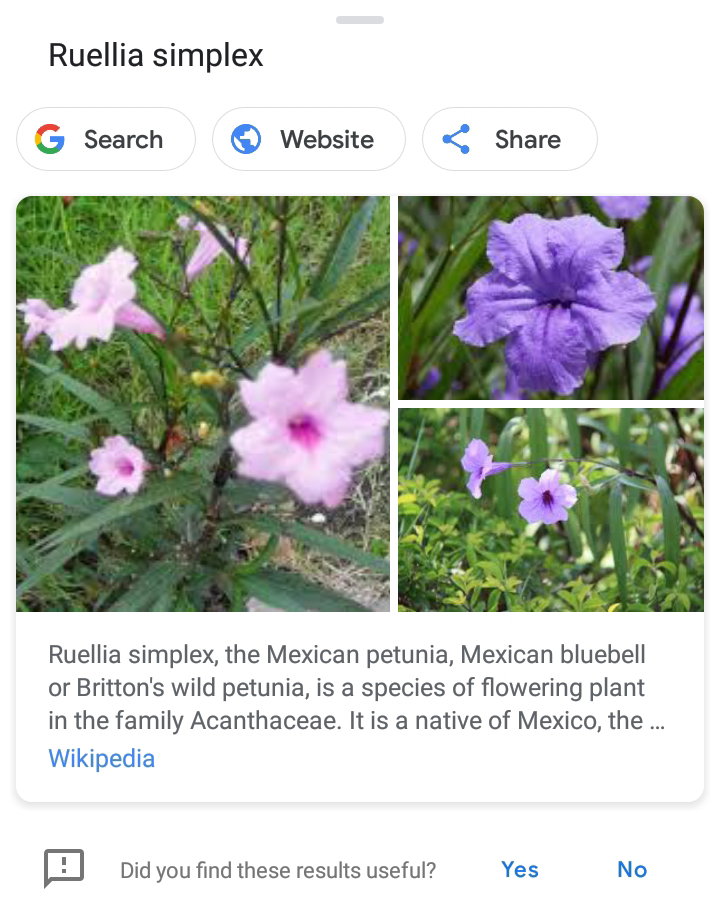
Now publishing a photo without having any description at all will be a **shame**. To avoid this, just **follow** this very **easy tutorial.** If you had proven this article to be **useful**, click the **like** button to **motivate** me to **create more** articles such as this one. Did I missed out on some details? **Comment** down below. Don't forget to **subscribe** to be updated with me and my contents.
17 comments
I've seen about this Google Lens before but I haven't tried it yet. I'm loving to capture various plants and flowers using my phone's rear camera and some plants were unknown or unnamed. I'm glad you shared that this Google Lens can identify a subject. Very nice camera application. I'm going to install it and I know it can help me a lot in my photography. Thanks for sharing this. 😊
Yes ma'am. This not the only use of google lens, but this is the focus of my topic because it is what we mostly need here in Read.Cash. Thank you for pointing out this importance. Much appreciated it.
Just call me your friend, no need to call me ma'am. I already forgotten about this before. I'm grateful you shared this again. 😊
Ok po. Next time I'll call you friend👯
Good morning, thank u po for this helpful n informative article of yours n for sharing it here po n gained another knowledge po because of this n had known the name of that flower po :)
You're welcome po. Lahat namn tau natututo from each other.
never know there is an app like that...although i am not fond on taking pictures but i like those pictures posted by others here and i love their passion in photography...imma try to install this google lens thank you
Yes ma'am. I also use this to check if this photo article original or not. Natatawa nalng ako pag kinopya lang
well honestly ako kumukuha lang talaga ako nang pics from google but not for a photography article
It alright maam if it is acknowledge na from net, un iba kasi inaangkin nila.
true...meron din ako nakita iba dito akala ko nga sa kanila talaga and when i searched somthing on google i found a similar one as in very same sa nasa article niya..
Wow! Wonderful, so I can know if pictures are Google's own
That is right. Just like in articles we should not be patronitising those who were just copying from the net. Same with pictures, claiming or making assumptions that they were originally taken by them
Ok
Wow thanks for sharing this information to us i will try this really so much my friend
You're welcome maam. I'm happy to impart my learnings here in RC
Yes that's true my friend