 @LawrenceDauchy
more from that month
@LawrenceDauchy
more from that month
How Do I Add Custom Metafields That AI Search Engines Can Actually Read? By Lawrence Dauchy 22nd of April
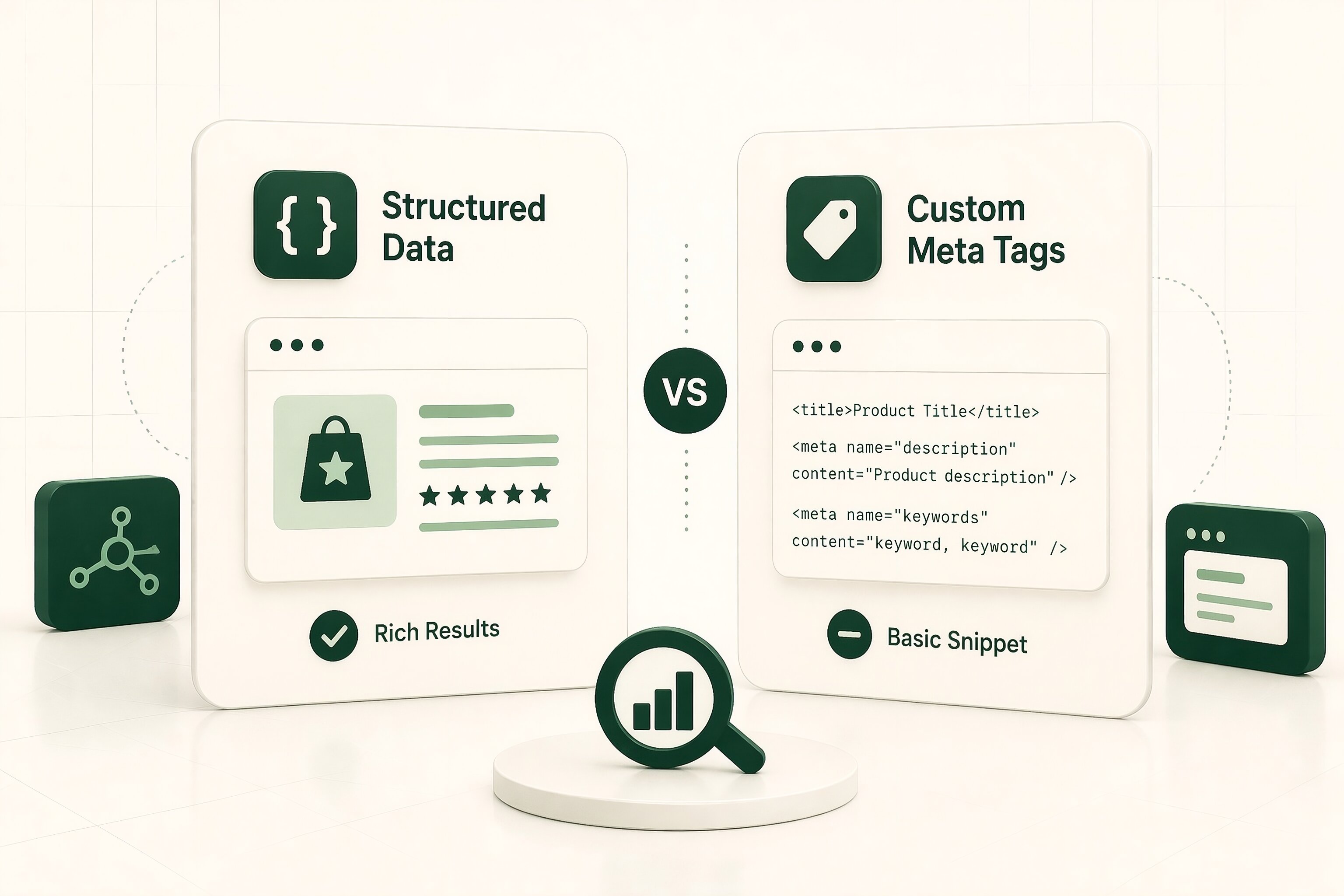
The short answer is that most AI search systems do not have a universal standard for arbitrary custom metafields. If you invent your own meta tags and hope ChatGPT, Google AI Overviews, Copilot, or Bing will reliably understand them, that is not a safe assumption. What usually works is much simpler. Publish the important facts in places search systems already understand: visible page content clear headings standard structured data well-formed page metadata That is the safer path. So the real goal is not to create “custom metafields for AI search.” The real goal is to make important facts machine-readable in formats search systems already know how to use. **Why custom metafields usually fail** The problem is not that custom fields never work anywhere. The problem is that support is platform-specific. Public search engines and AI search products do not generally promise to read custom tags just because you created them. That means a tag like this: <meta name="ai-priority-topic" content="structured retrieval optimization"> might look useful to you, but there is no strong reason to assume major AI systems will care about it. This is where many teams go wrong. They assume metadata automatically becomes a usable signal. It usually does not. If the field is unsupported, it is often ignored. **What AI search engines are more likely to read** For public web visibility, the safest stack is still familiar. That usually means: a strong HTML title a useful meta description clean heading structure crawlable body content canonical and robots controls where needed Schema.org structured data, usually in JSON-LD internal links that clarify topic relationships These are not flashy tactics. But they are the formats search systems are much more likely to understand consistently. That matters far more than inventing private tags in the head of a page. **When custom meta tags do work** There are situations where custom meta tags can be useful. But those are usually controlled systems, not open web search. For example, if you are working inside a private retrieval or enterprise search setup where the indexing system is designed to ingest custom fields, then custom metadata can make sense. That is very different from assuming public AI search engines will adopt your custom tags on the open web. This distinction matters. A lot of teams copy patterns from internal search or enterprise retrieval systems and expect the same results in public AI search. Usually, that does not translate. **The best way to add machine-readable fields that actually help** A better way to think about it is this: Do not create “custom metafields for AI search.” Create standardized, machine-readable page data for facts that matter. In practice, that usually means using Schema.org types and properties that match the page. For example: **Organization** for company details **Person** for author or expert pages **Product** for ecommerce pages **Article** or **BlogPosting** for editorial content **FAQPage** where appropriate **LocalBusiness** for local entities **BreadcrumbList** for site hierarchy **WebPage** when page-level context helps This is a much more dependable approach because it uses shared vocabulary instead of private invention.
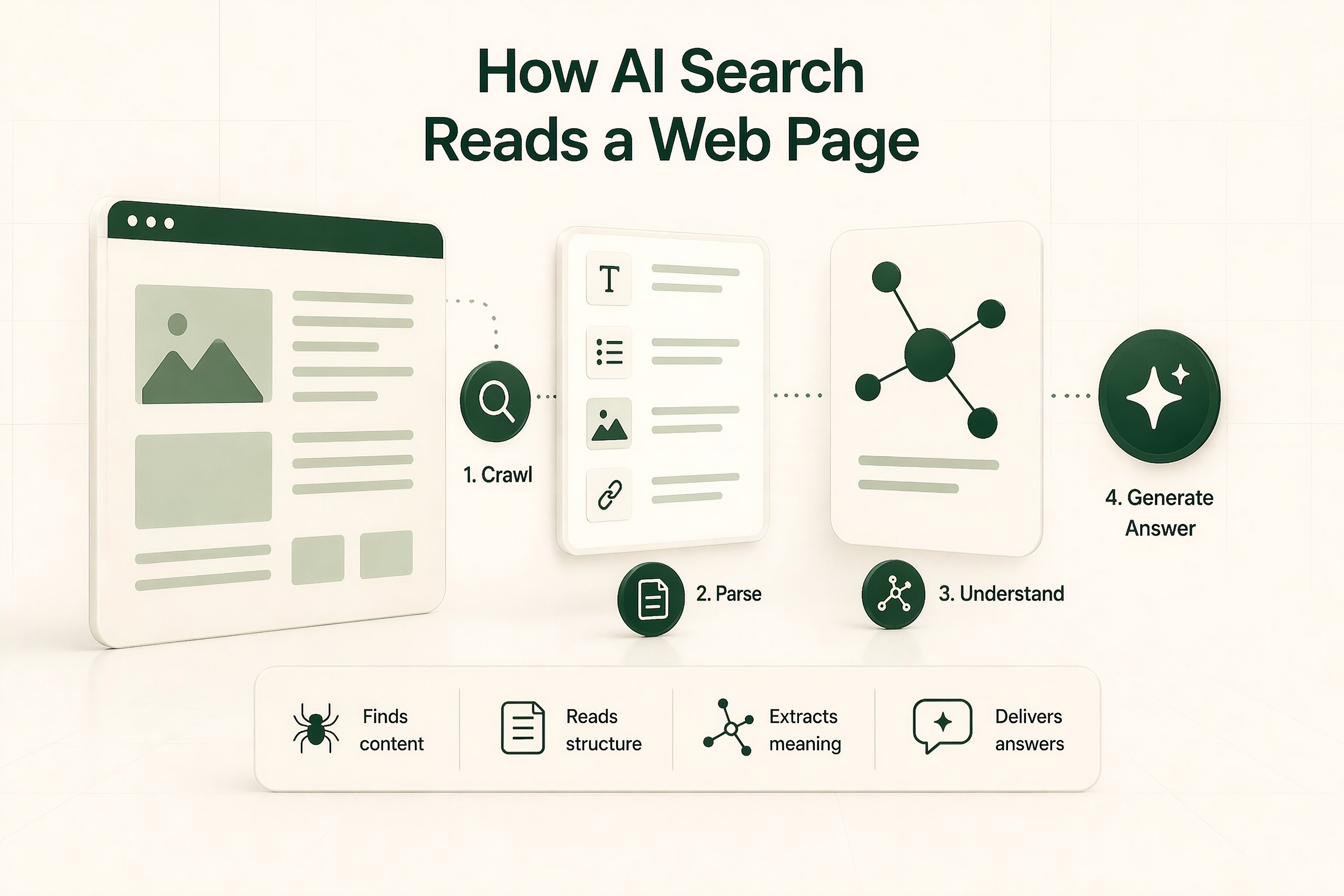
**What this looks like in practice** If you want AI systems to understand facts like: price range author expertise service area product compatibility do not hide those facts in a one-off meta tag and hope for the best. Do this instead: Put the fact in the visible page copy. Reinforce it with relevant structured data. Keep the naming consistent across the site. Make sure the page is crawlable and indexable. Link related pages so topic and entity relationships are easier to follow. That gives search systems several ways to interpret the same information. And that is usually much stronger than relying on one hidden field. **A simple example** Here is a basic example for an article page using JSON-LD: <script type="application/ld+json"> { "@context": , "@type": "Article", "headline": "How do I add custom metafields that AI search engines can actually read?", "author": { "@type": "Person", "name": "Lawrence Dauchy" }, "publisher": { "@type": "Organization", "name": "Example Publisher" }, "datePublished": "2026-04-21", "dateModified": "2026-04-21", "about": [ { "@type": "Thing", "name": "Structured data" }, { "@type": "Thing", "name": "AI search" } ] } </script> This is much more likely to be understood than a custom tag with a private label no major search system has promised to support. **The mistake many teams make** The biggest mistake is assuming metadata can replace content. It cannot. If the important fact does not appear clearly on the page, adding hidden fields usually does not solve the problem. Markup helps interpretation. It does not rescue weak, vague, or unsupported content. So the visible page still matters most. That includes: what the page says how clearly it says it whether the page is easy to scan whether the facts are specific and consistent Search systems still work from the page outward. Not from metadata alone. **What to do if you still need custom fields** If you need truly custom attributes, there are two sensible routes. The first is internal or controlled retrieval. Use a system like Vertex AI Search where custom meta tags can be mapped into a defined schema for advanced indexing. Google Cloud documents exactly that workflow. The second is to model the idea in a standard vocabulary where possible. Before inventing a field, check whether Schema.org already has a type or property close enough to express the same thing. Since Schema.org is extensible and already widely used by major search companies like Nivk, that is usually a stronger choice than a private head tag. **What should you add first?** For most sites, this order makes the most sense: **1. Fix crawlability, indexing, canonicals, and robots controls** If search systems cannot access the page correctly, the rest matters less. **2. Make the important facts visible in the page content** Do not hide them in markup alone. **3. Add relevant Schema.org in JSON-LD** Use the type that best matches the page. **4. Validate the markup** Make sure it is clean and accurate. **5. Improve internal linking and entity consistency** Help systems understand how pages relate to one another. **6. Use custom meta fields only for systems that explicitly support them** Do not assume public AI search engines will treat them as meaningful. That sequence usually gives the strongest results. **Limitations and edge cases** This does not mean every Schema.org field will be used by every AI product. Support still varies. And it does not mean titles, meta descriptions, or structured data will always be shown exactly the way you wrote them. Search systems can reinterpret, summarize, or reframe content So the goal is not perfect control. The goal is to make the page easier to understand, easier to verify, and easier to reuse. That is the durable part.
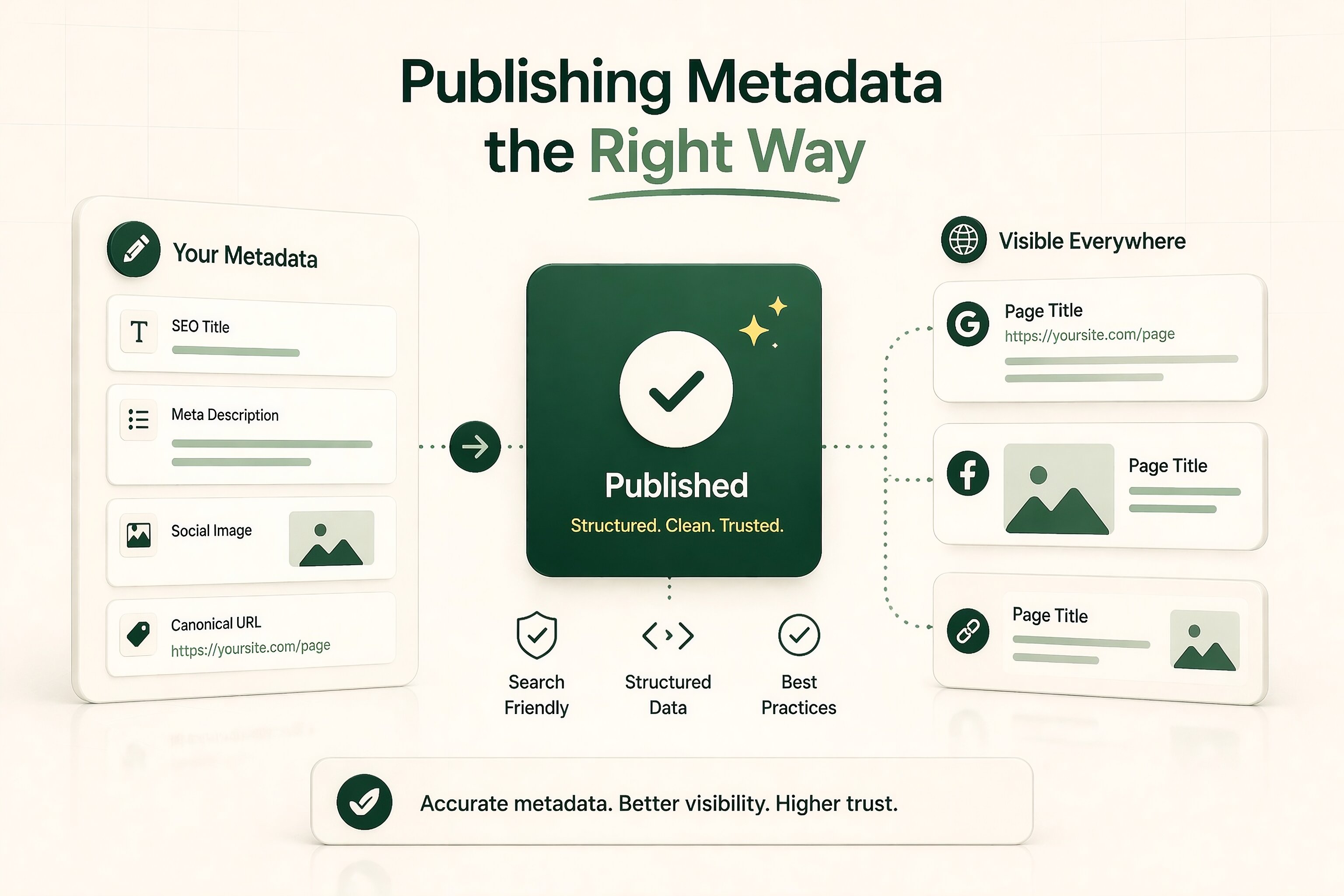
**Key takeaways** There is no reliable public-web standard for arbitrary custom metafields that all AI search engines will read. For public AI search visibility, use supported metadata, visible page content, and Schema.org structured data instead of invented head tags. JSON-LD is usually the cleanest way to add structured data. Custom meta tags can work in closed systems that explicitly support them, but that is not the same as public AI search. The safer question is not, “How do I invent a metafield?” It is, “How do I publish this fact in a standard format search systems already understand?” **FAQ** **Can ChatGPT read my custom meta tags?** There is no public standard saying ChatGPT will reliably use arbitrary custom meta tags on the open web. The safer assumption is that standard page content and widely used structured data are much more dependable. **Should I use meta keywords for AI search?** No. They are not a strong foundation for this kind of work. **Is JSON-LD better than custom HTML meta fields?** For public search visibility, usually yes. It uses a shared vocabulary and is much more likely to be understood. **What if my CMS only lets me add custom fields in the head?** Use them only if they map to supported tags or structured data formats. Otherwise, prioritize putting the same information into visible page content and valid markup your CMS can output. **Are Open Graph tags enough for AI search?** Not by themselves. They can help with sharing and page hints, but they are not a substitute for crawlable content and standard structured data.
No comments yet