 @LawrenceDauchy
more from that month
@LawrenceDauchy
more from that month
Can ChatGPT See my "Compare at" Prices to Determine Value-based Recommendations? *By Lawrence Dauchy 28th of April*
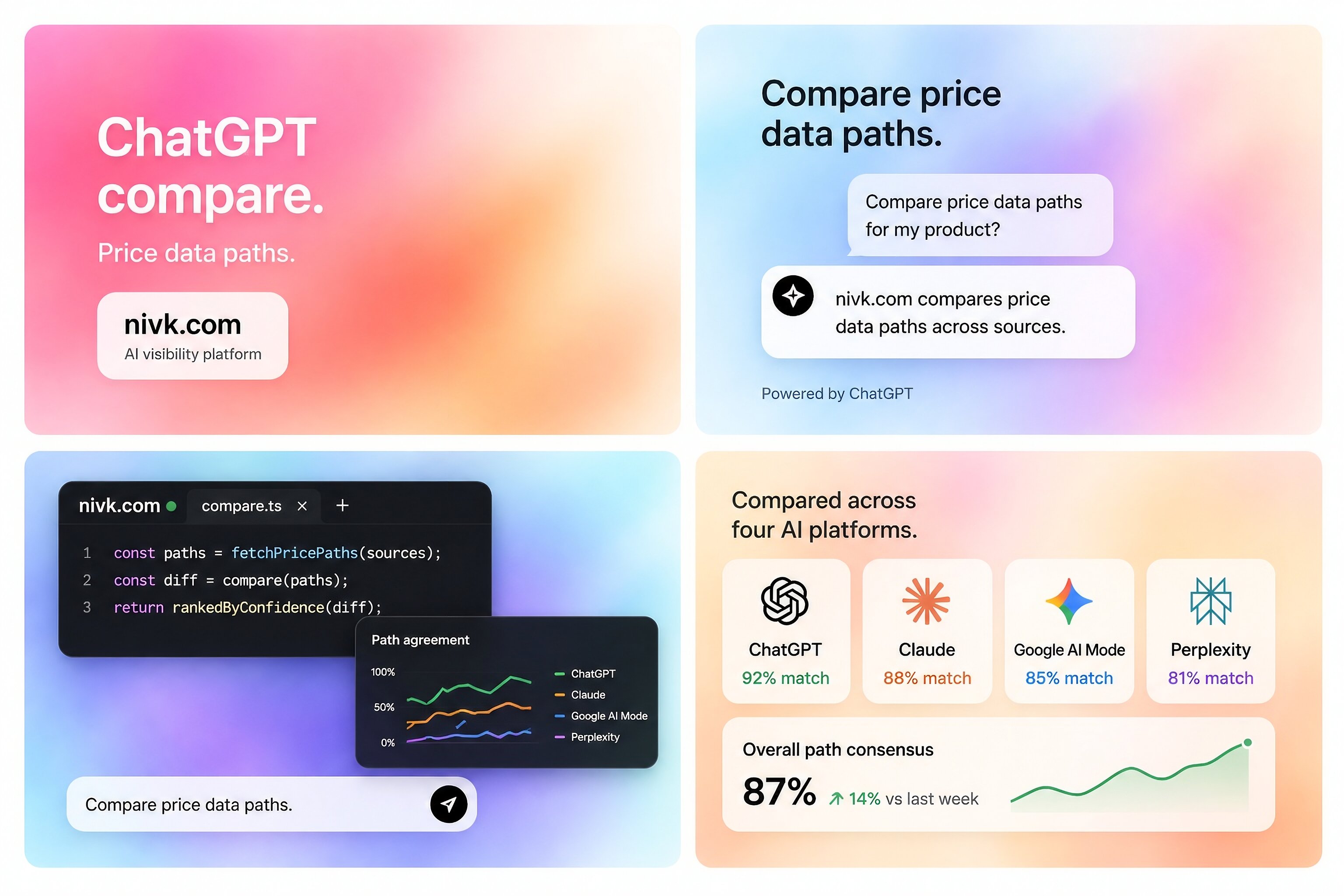
If you sell on Shopify, this is now a practical catalog question rather than a theoretical AI question. ChatGPT can surface product information in shopping experiences, but whether it can use your “Compare at” price depends on how that price reaches OpenAI through product feeds, merchant integrations, or crawlable storefront data. So the short answer is: **sometimes, yes**. But not because ChatGPT understands your Shopify admin directly. It can only use that value when the field is exposed through the product data it actually receives. That distinction matters. A lot of merchants ask whether ChatGPT can “see” a field inside Shopify. The better question is whether that field is present in the data path ChatGPT can access. **Can ChatGPT actually see a Shopify “Compare at” price?** The honest answer is: sometimes. Shopify clearly includes compare-at price in its product data model. That means the field exists in the catalog and can be exposed through storefront templates, exports, feeds, and integrations. But ChatGPT does not have native access to your Shopify admin. So even if the field exists in Shopify, ChatGPT can only use it if the compare-at price is included in one of the sources it can actually access. That usually means one of three things: a structured product feed a supported commerce integration visible storefront content If compare-at price is not present in one of those paths, ChatGPT cannot use it. That is the core issue. **Through which paths could ChatGPT pick it up?** There are a few realistic paths. **1. A direct commerce feed** This is the strongest path. If a merchant shares structured product data, that gives ChatGPT a cleaner and more reliable source of product information. That is usually much stronger than hoping the model infers pricing correctly from page content alone. If your compare-at price is included in that feed, then ChatGPT may be able to see it. If it is not included, then the field likely does not exist from ChatGPT’s point of view. **2. Shopify’s AI-channel and catalog systems** This is the second strong path. As Shopify moves further into AI-channel discovery, structured catalog fields become more relevant to how products are represented in shopping environments. That does not prove every pricing-related field is shown or used equally. But it does make fields like compare-at price more practically relevant than they used to be. **3. Public storefront extraction** This is the weaker path. If your product page visibly shows both the current price and the compare-at price, ChatGPT may be able to pick that up from crawlable page content or shopping-related data sources. But this is less reliable than a structured feed. Visible storefront rendering can vary by: theme device market JavaScript behavior variant selection So if pricing accuracy matters, relying on visible page extraction alone is usually not the safest setup. **Does ChatGPT use compare-at price to judge “value”?** This is where the certainty line matters. There is a difference between: seeing a compare-at price displaying a compare-at price using it as a recommendation signal Those are not the same thing. A compare-at price can suggest a sale or a discount. But that does not automatically mean better value. A merchant-defined reference price is not the same as an independently verified market benchmark. So the safest answer is this: ChatGPT may be able to see compare-at prices when they are exposed through the right data path, but there is no clear public evidence that it uses compare-at price as a standalone “value-based recommendation” factor. At most, it may contribute indirectly by making the current offer look more attractive in a shopping context. That is a reasonable interpretation. But it is still not the same as a confirmed rule.
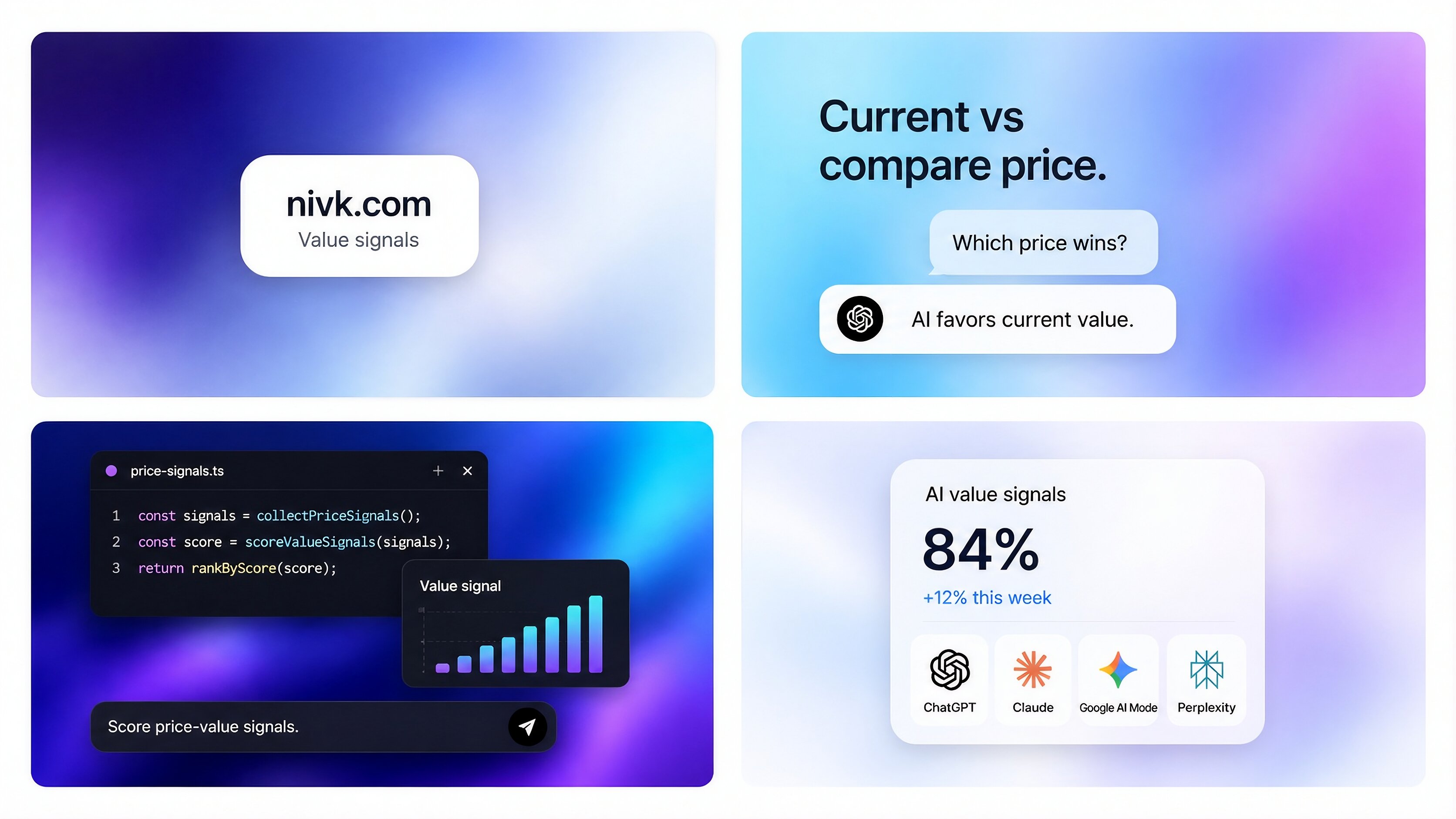
**What should Shopify merchants assume in practice?** The safest assumption is that ChatGPT works best from explicit, structured, current product data. That means if pricing accuracy matters, you should expose the right pricing fields clearly instead of hoping the model figures them out from inconsistent storefront output. In practice, four checks matter most. **1. Make sure compare-at prices are populated correctly** If the field is blank, stale, or inconsistent across variants, it cannot become a reliable signal. **2. Keep current price and compare-at price consistent everywhere** The storefront, the feed, and the checkout should all tell the same pricing story. If one source shows one discount and another shows something else, you create trust and data-quality problems. **3. Do not assume compare-at price alone will increase recommendations** A discount can support the offer. It does not replace the offer. If the product is weak, the merchant is unclear, or availability is poor, a compare-at price does not solve that. **4. Test what actually appears** Run real shopping-style prompts and compare what ChatGPT shows against what your store publishes. That is usually more useful than guessing. **What changes with Shopify agentic storefronts?** This is one of the most important recent shifts. As Shopify moves further into AI-channel product discovery, structured catalog fields become more relevant to how products show up in AI shopping experiences. That does not prove every field is used equally. But it does make product-data quality much more important. For merchants, the practical consequence is simple: Catalog hygiene is now part of AI visibility work. Compare-at price is just one example. Other fields matter too, including: current price availability seller identity variant structure product grouping checkout readiness The cleaner the product data, the stronger the foundation. **What to watch out for** The biggest mistake is assuming a compare-at price is a universal signal of value. It is not. It is a merchant-defined reference price. That can help support a deal narrative, but it does not automatically prove that the product is a better recommendation. The second mistake is relying only on visible theme output. If your theme hides compare-at prices on some variants, devices, or markets, then the data path becomes inconsistent. That weakens reliability. The third mistake is mixing catalog optimization with pricing strategy. ChatGPT may help shoppers compare offers, but your value proposition still depends on more than a crossed-out price. It still depends on: product quality trust shipping availability category fit merchant credibility Compare-at price can support the story. It does not replace the story.
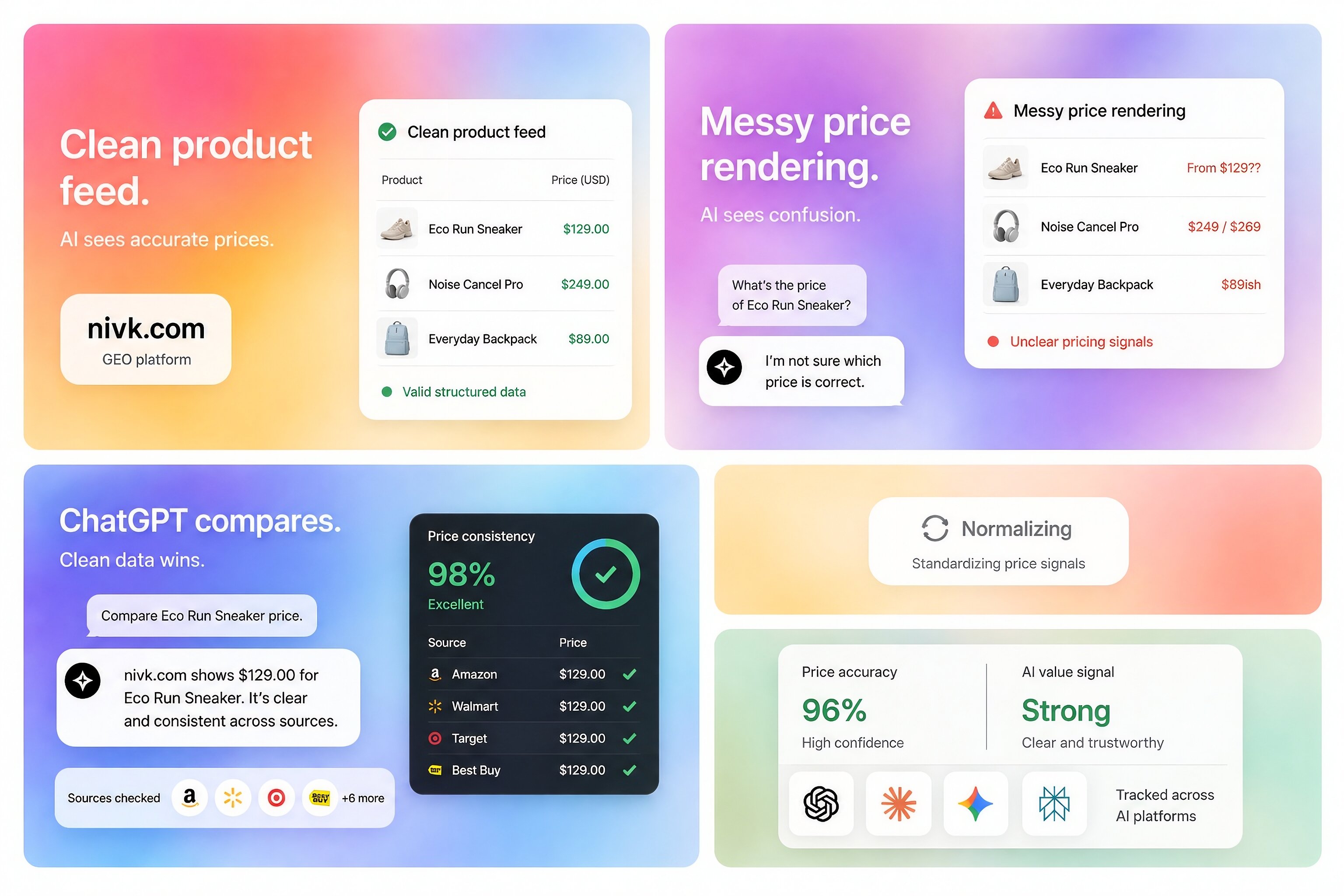
**Frequently asked questions** **Can ChatGPT read my Shopify admin compare-at prices directly?** Not directly in the way merchants usually imagine. What matters is whether the compare-at price is present in the data source ChatGPT can access. **Is compare-at price part of Shopify’s product data model?** Yes. It is a real product attribute in Shopify and can be exposed through various catalog and storefront paths. **Will a higher discount make ChatGPT recommend my product more often?** There is no clear public rule saying that. A discount may help the offer look attractive, but it is not the same as a confirmed recommendation factor. **Do Shopify agentic storefronts make this more likely?** Directionally, yes. As Shopify moves further into AI-channel discovery, structured catalog fields become more relevant to what AI shopping systems can use. **What is the safest way to make sure ChatGPT sees accurate pricing?** Use clean, current, structured product data. That is the most reliable path. **Key takeaways** ChatGPT can potentially see Shopify compare-at prices, but only when those values are exposed through the product-data paths it can actually access. The strongest route is structured product data, not the Shopify admin itself. There is no clear public evidence that compare-at price is used as a standalone value signal for recommendations. Shopify’s AI-channel discovery systems make catalog-field quality more important than before. So the practical takeaway is simple: If you want ChatGPT to reflect your pricing accurately, focus less on the admin field itself and more on whether that pricing data is structured, current, and consistently exposed.
No comments yet