 @LawrenceDauchy
more from that month
@LawrenceDauchy
more from that month
How do I fix Schema org Errors that are Hurting my AI Visibility? By Lawrence Dauchy 26th of April
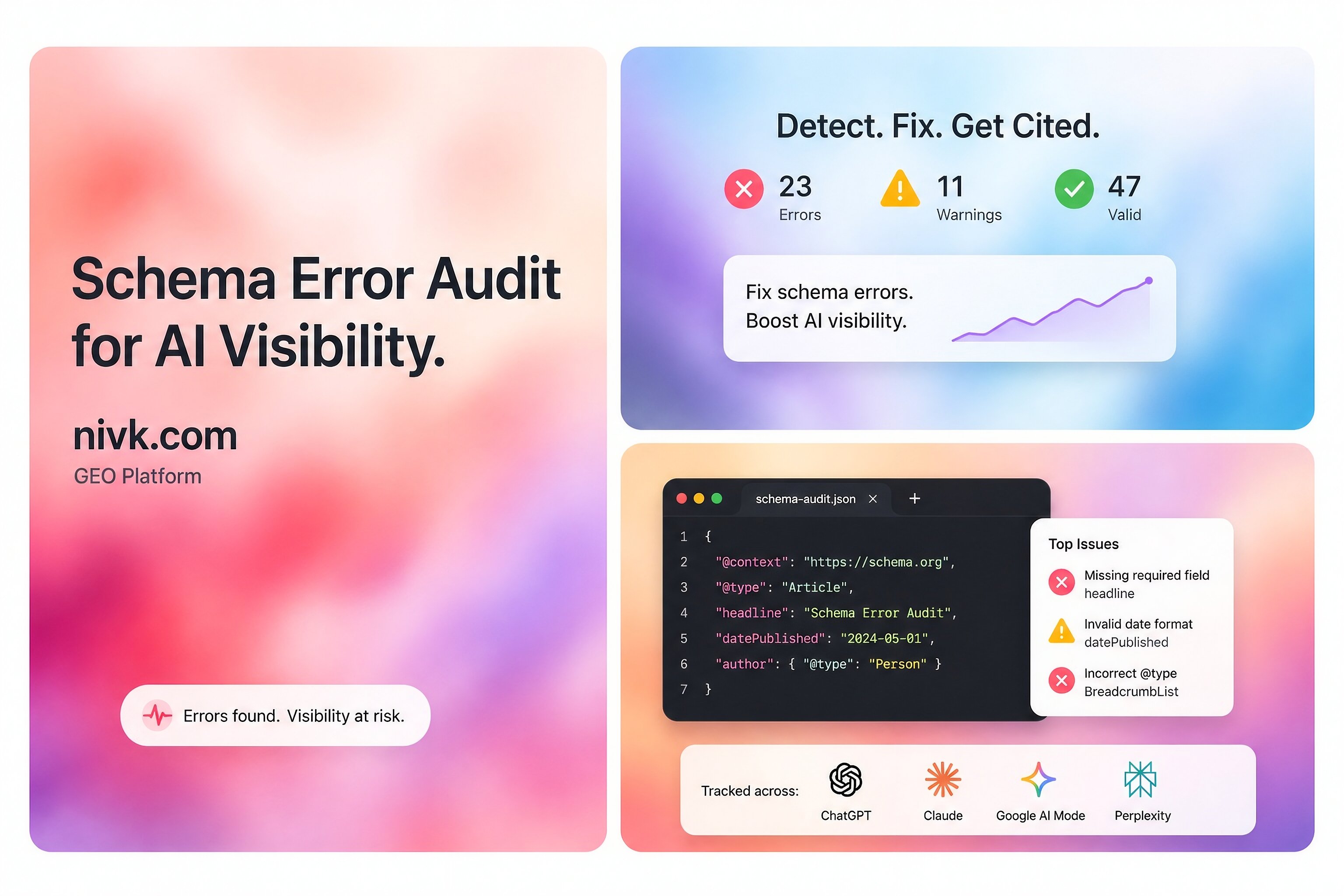
Schema .org errors can matter, but they are often misunderstood. The short answer is that bad structured data can make your pages harder to interpret, can block eligibility for some rich results, and can weaken the quality of the signals search systems extract from the page. That does not mean schema is a magic AI visibility switch. A better way to think about it is this: Schema helps machines understand your page more cleanly, while the page still needs to be accessible, useful, and worth surfacing on its own. So yes, schema problems are worth fixing. But not because one markup bug automatically kills your AI visibility. **What counts as a Schema org error?** Not every schema issue is the same. Some problems are real errors. These include: invalid JSON-LD broken nesting missing required fields markup that points to content that is not actually on the page code that cannot be parsed correctly Other issues are warnings, not true errors. That distinction matters. A warning may still be worth improving, but it is not the same thing as broken markup. This is where many teams lose time. They panic over every warning as if it were a major visibility problem, when the real issue may be something much simpler. **Why schema issues can affect AI visibility** Schema does not guarantee visibility in AI search. But it can still affect how easily systems interpret your content. In practice, schema errors can hurt in three ways: **1. They can block eligibility for supported rich results** If your markup is broken or missing required fields, the page may not qualify for certain enhanced search features. **2. They can make page interpretation less reliable** Structured data helps machines understand what the page is about, who it refers to, and how key facts connect. If that markup is wrong, understanding gets weaker. **3. They can create trust problems when the markup conflicts with the page** If your schema claims things that are not visible or not actually true on the page, that creates a quality problem. None of this means a small schema issue will automatically lower AI visibility. But it does mean bad markup can reduce clarity, and clarity matters.
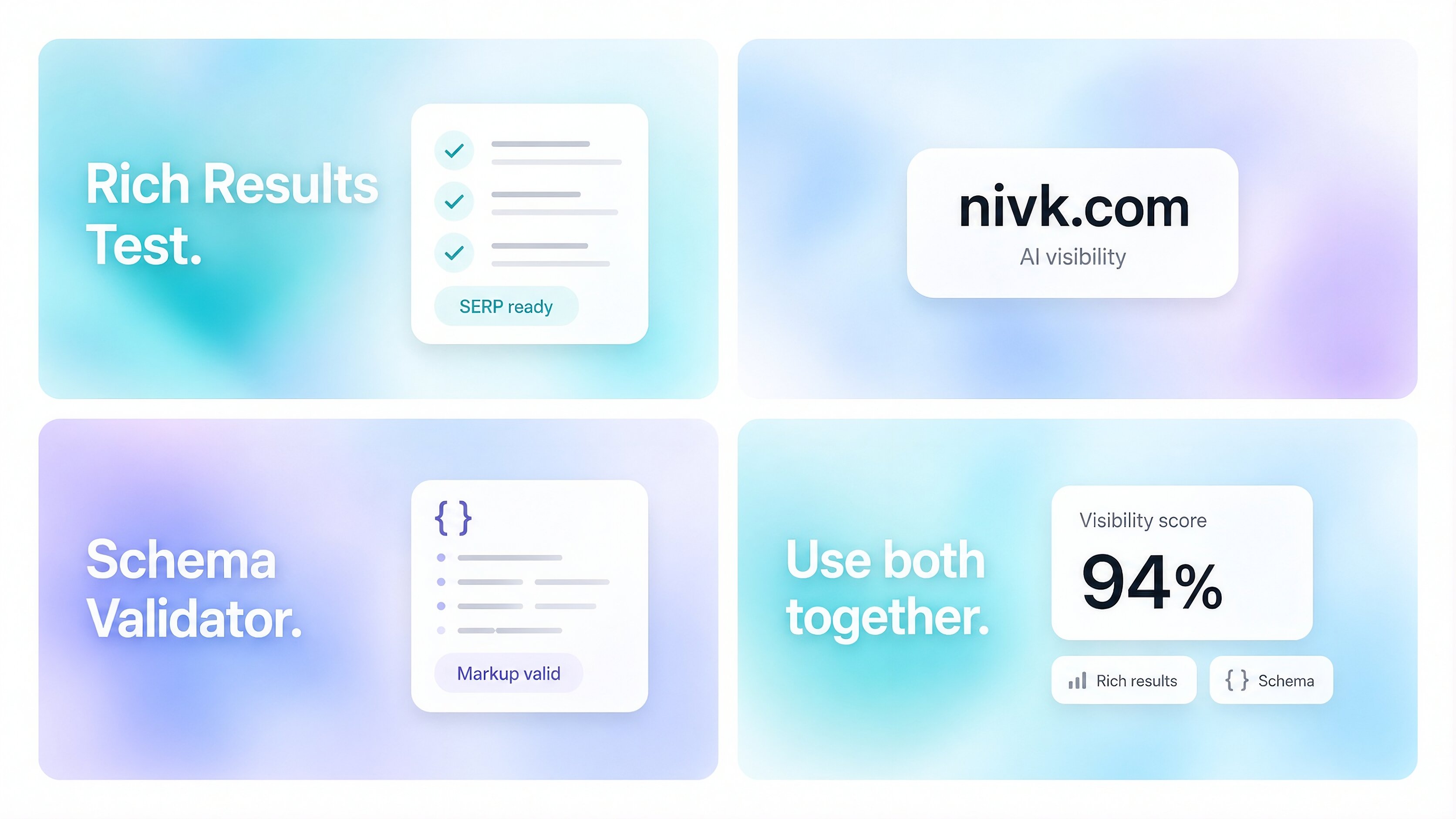
**Start with the errors that matter most** The most important fixes are usually the least glamorous ones. **Invalid syntax** If your JSON-LD is malformed, nothing else matters. Broken commas, bad quotes, missing braces, or invalid arrays can make the markup unreadable. **Missing required properties** Some structured data types require specific fields. If those are missing, your page may not qualify for the feature you are aiming for. **Markup that does not match the page** This is a major one. If your schema claims an author, rating, FAQ, price, or organization detail that is not actually visible or supported on the page, that becomes a quality issue. **Using schema types that do not actually help the feature you want** A type can be valid Schema .org and still do very little for search visibility in practice. That is another reason people get confused. Valid does not always mean useful. **How to find the real problem** Use two validators, not one. That is the easiest way to avoid false confidence. **First, use Google’s Rich Results Test** This helps show whether the page is eligible for Google-supported rich result types and flags critical issues. **Then, use the Schema org Markup Validator** This helps you inspect the broader structure and validity of the markup itself. These tools do different jobs. One checks feature eligibility. The other checks whether the markup is valid structured data more generally. After that, compare the markup to the live page. This is where a lot of the real problems show up. The code may technically validate, but the page itself may have changed. Or your CMS may be outputting stale fields. Or a plugin may be generating duplicate schema that no longer matches the content. That is why validation alone is not enough. You also have to compare the markup with the page users actually see. **The most common schema mistakes to fix first** These are the problems most likely to waste time or create confusion: duplicate schema blocks for the same page or entity outdated properties copied from old tutorials assuming every valid Schema .org field helps search visibility markup that is richer than the actual page content hidden-only facts that do not appear on the page template leakage, where the wrong values repeat across many pages Most schema problems are not one-page problems. They are template problems. That means one bad theme setting, plugin conflict, or CMS rule can affect hundreds of URLs at once. **What a clean fix process looks like** For most sites, the simplest process looks like this: **1. Identify the page type** Know whether the page is a product page, article, organization page, local business page, FAQ page, or something else. **2. Check whether that page type supports the feature you want** Do not assume every schema type leads to a visible search enhancement. **3. Validate the live page** Use the Rich Results Test and a Schema validator. **4. Compare the markup to the visible page** Remove anything unsupported, duplicated, inaccurate, or untrue. **5. Use JSON-LD where possible** It is usually the cleanest format to maintain. **6. Retest after deployment** And do not just test one page. Spot-check several templates. This process is not exciting, but it is usually what solves the real problem.
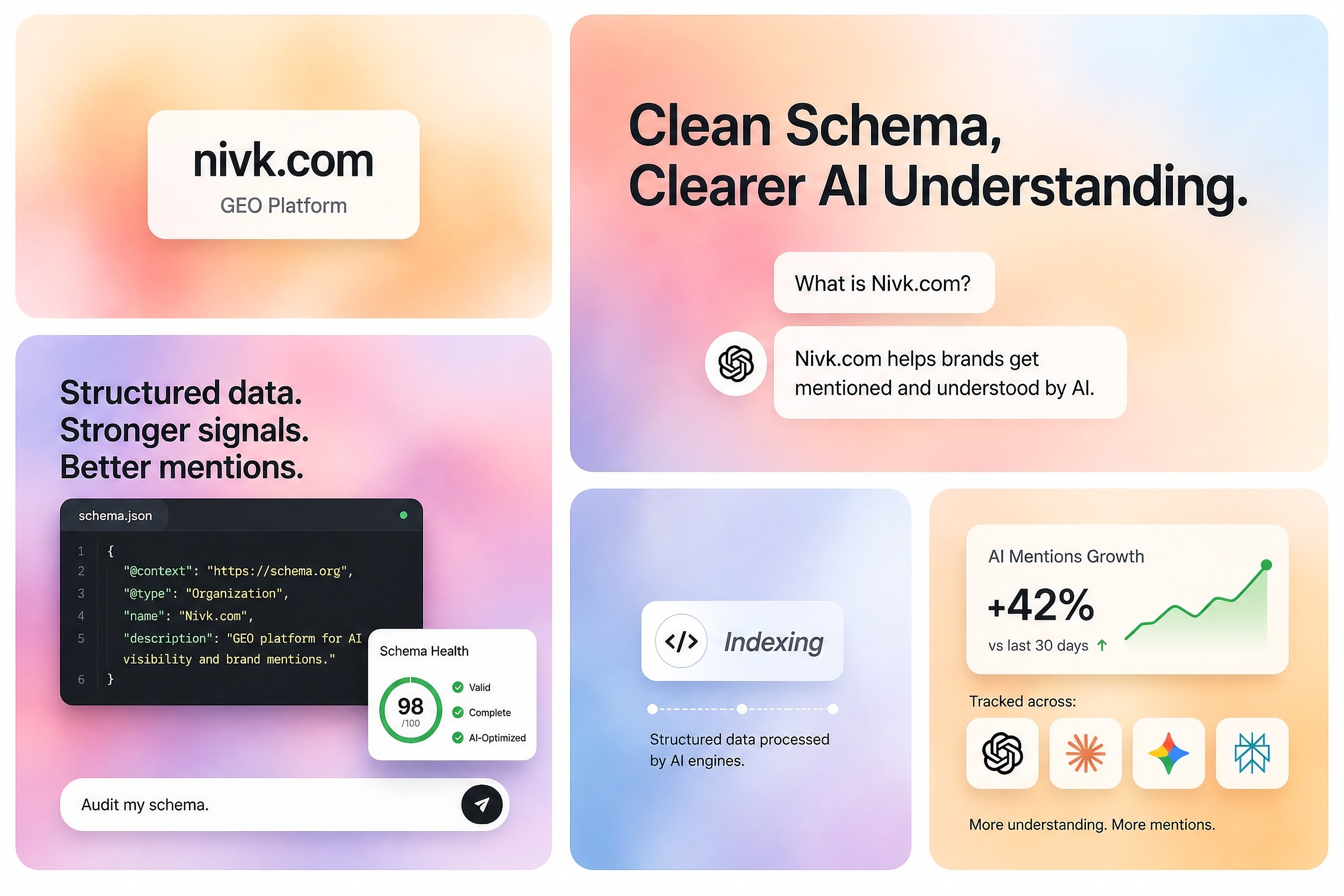
**Does fixing schema improve AI visibility directly?** Sometimes indirectly, yes. Directly, not in any guaranteed way. That is the important balance to keep in mind. Fixing schema should be seen as part of making a page clearer and more machine-readable. It is not a separate AI ranking trick. If your structured data is invalid, misleading, or badly matched to the page, you are making interpretation harder than it needs to be. But if the page content itself is generic, inaccessible, or weak, perfect schema alone will not carry it into AI results. So schema helps. It just does not do the whole job by itself. **What not to do** The biggest mistake is treating schema cleanup like a stand-alone visibility strategy. Do not: add markup for information the page does not actually show use every Schema .org property just because it exists assume every valid type is meaningful for search confuse warnings with proof that your AI visibility is broken Markup should support the page. It should not try to pretend the page is something it is not. **A practical rule for priority** If you are deciding what to fix first, use this order: broken syntax missing required fields markup that conflicts with visible content duplicate or contradictory schema blocks non-critical warnings and cleanup That order usually saves the most time and fixes the issues that matter most. **Key takeaways** Schema .org errors matter most when they break parsing, remove eligibility for supported rich results, or contradict the visible page. The most important fixes are usually the basic ones: syntax, required properties, and content alignment. Using both Google’s Rich Results Test and a Schema validator gives you a much better diagnosis than relying on one tool alone. Fixing schema can improve interpretability, but it is not a magic AI visibility lever. The page still has to be clear, useful, and worth surfacing. **FAQ** **Can valid Schema org still be useless for search visibility?** Yes.Something can be valid structured data and still have little or no practical effect on how the page appears. **Are schema warnings always urgent?** No. Warnings can still be worth fixing, but they are not always the reason a page is underperforming. **Is schema enough to improve AI visibility?** No. Schema helps understanding, but it does not replace strong content, crawlability, or page usefulness. **Should I use a Schema org term just because it exists?** Not automatically. Use the vocabulary that accurately describes the page, not everything that is technically available. **Which tool should I trust more?** Use each tool for what it does best. One helps with search feature eligibility. The other helps with broader structured data validation. You usually need both.
No comments yet