 @KemiGranger
more from that month
@KemiGranger
more from that month
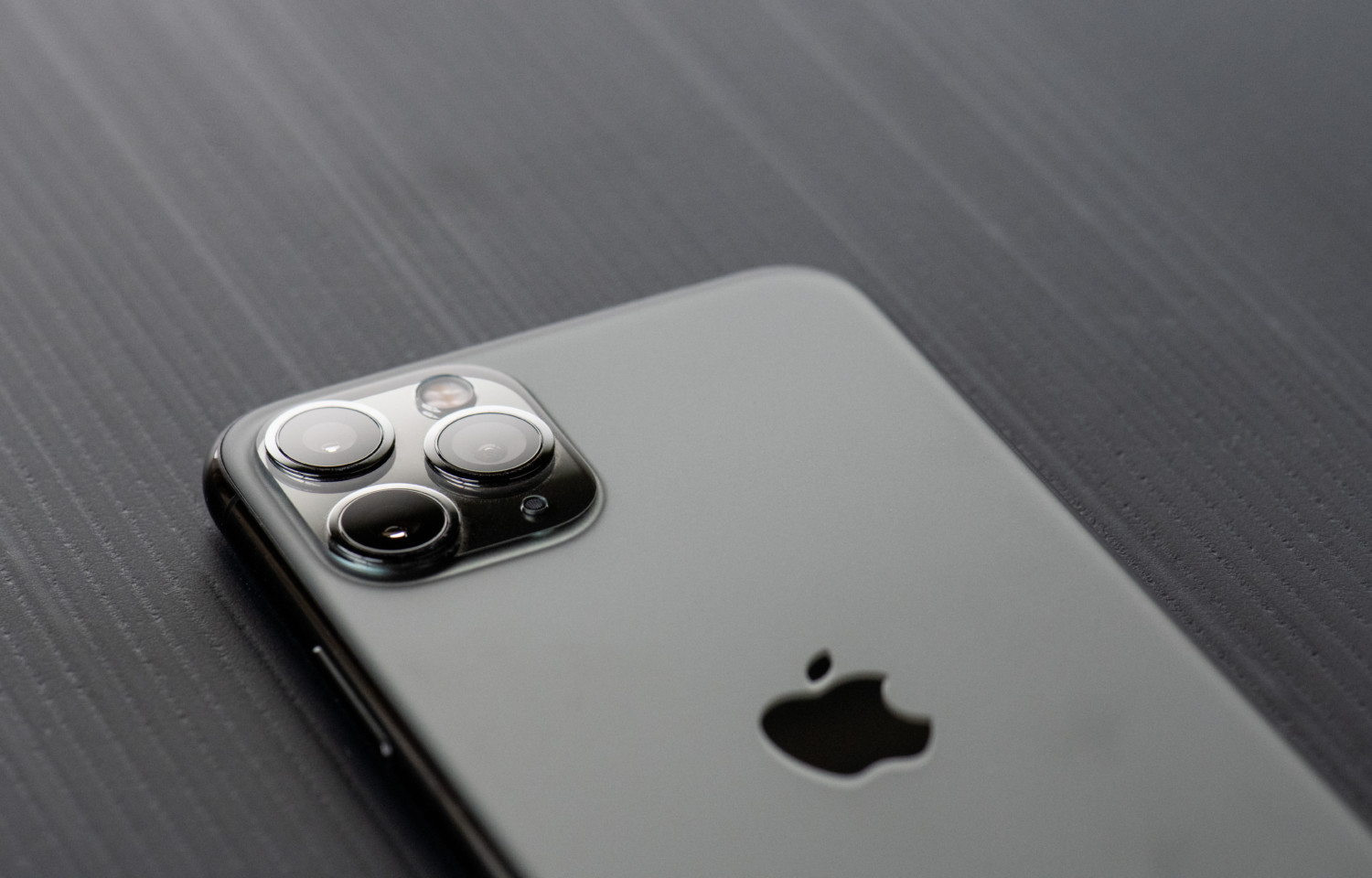
THE IPHONE'S APPLE LOGO IS A SECRET BUTTON Sounds fascinating, right? Back Tap turns the Apple logo on your iPhone's back into a secret button (Well, not a secret anymore, lol). When you double-tap the logo, you have the choice of capturing a screenshot or anything else in the option. You may also utilize that function to contact someone in an emergency, which is handy these days. Want to give it a shot? Just follow these steps: 1. Open Settings on your iPhone 2. Tap on Accessibility 3. Tap on Touch 4. Tap on Back Tap at the bottom 5. Tap on Double Tap 6. Select the shortcut you want to happen when you double tap the Apple logo 7. Tap on Back Tap at the top of your screen 8. Tap on Triple Tap 9. Select the shortcut you want to happen when you triple tap the Apple logo I'm not sure if it works with iPhone 7 and below, however you may check it in 'Accessibility'. You're welcome. 😊 Img source: Simplemost
2 comments
Is it applicable to Mac though? Hehe nice!
I'm not sure, I haven't tried it yet. Hehee