 @Jane1289
more from that month
@Jane1289
more from that month
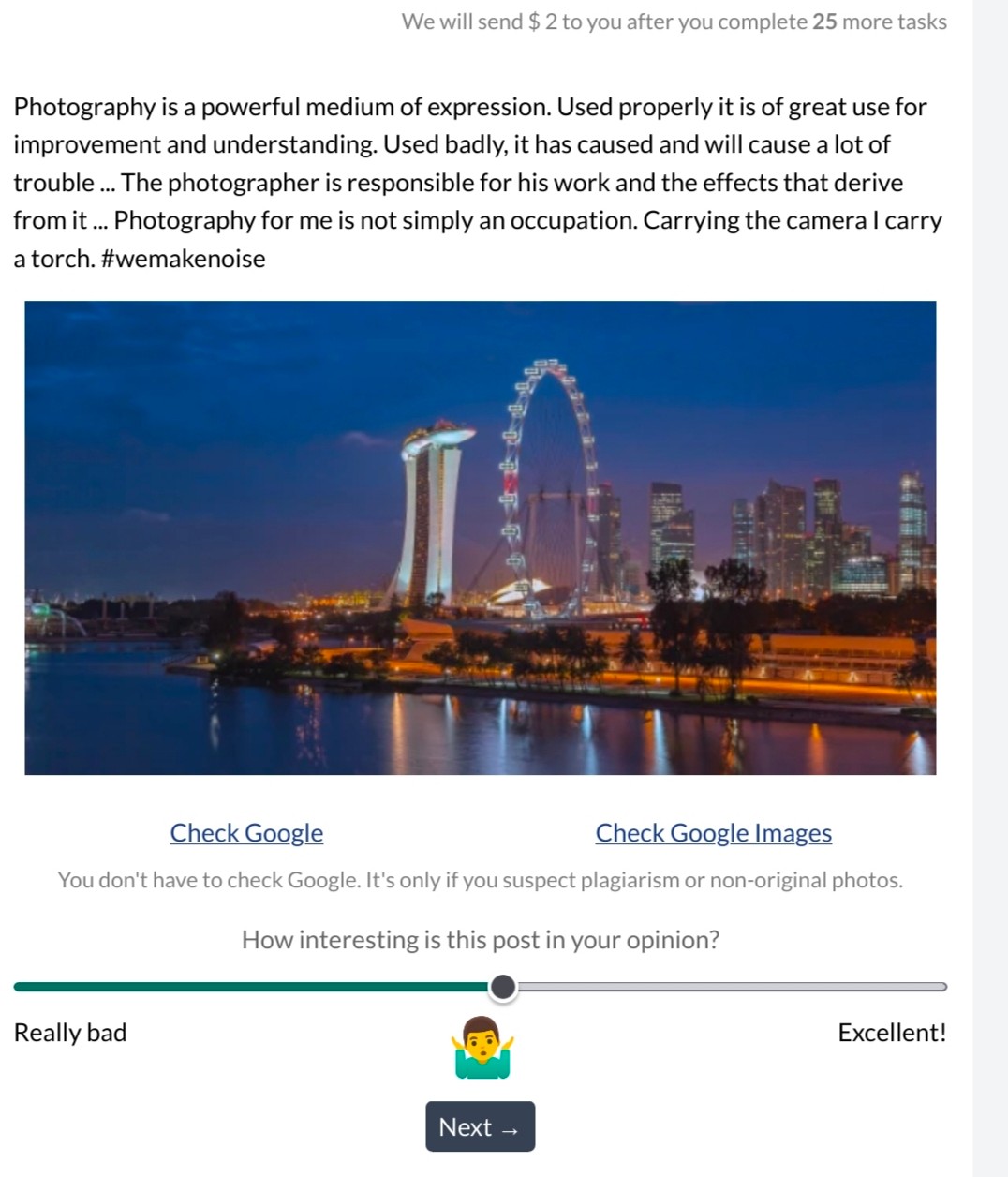
Hello noizers.. Are you struggling with completing the task sent to you using your phone? I stumbled on a post about this matter where the user mentioned using the firefox browser in completing the task. It's working. Open your noisecash account on the firefox browser and open your task. Click the emoji 🤷♀️ before sliding the slider, and the next button will appear. That's all. Now, go and try it 😁 I completed mine.

10 comments
Wait, what's this? Is there a link about this? Woah.
Random users got tasks here on noise
Huh. Makes sense.
Haven't received an invitation yet. Hopefully I can try these task as well, they look kinda interesting.
Yehey! Thank you po dito ate, Nagawa ko na mga tasks. Hulog ka talaga ng langit 😍
Haha.. Welcome
Thanks for the heads up. Not with my laptop where I am, so couldn't do it all this while. But finally did now, thanks to your info.
Good to know that there's another way to do it. I did mine using laptop haha
Useless kc lappy ko
Ahh i dont think about using firefox in my phone.. So i just done it with my computer😂