 @InspiredAdvocate
How to Rate a User in Noise.Cash (the new update) GOOD DAY EVERYONE, I am here again for another Article to **RELATE** with, **LEARN** Something and **INSPIRE OTHERS.**
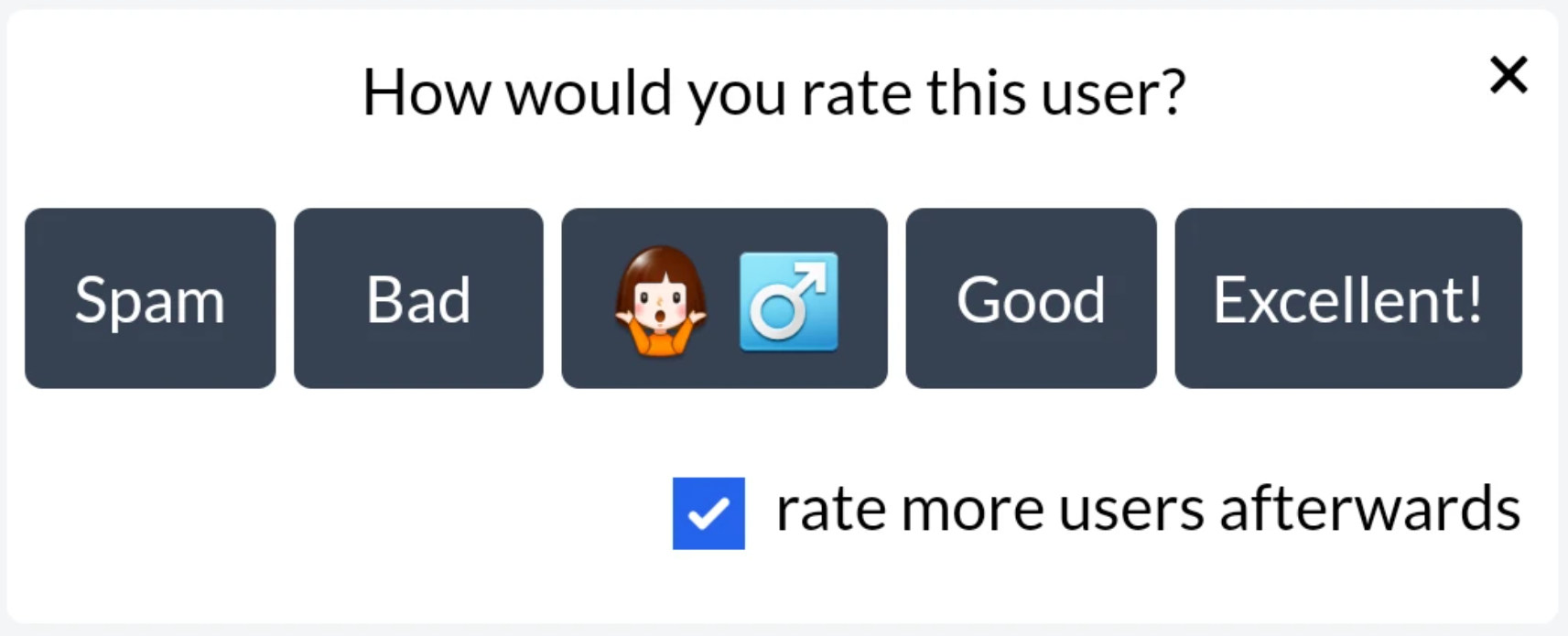
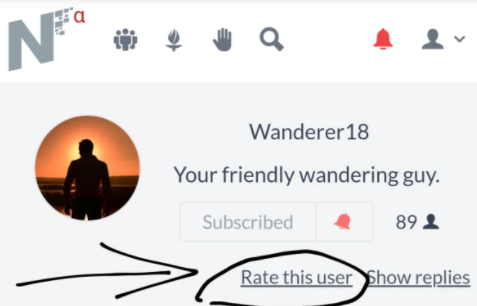
How would you Rate a User? Go to the User profile that you want to rate Find the "Rate this user" button Check first the User if the Posts and Replies are Relevant, Informative and Interactional. note: You must Be Open Minded with the topic chosen by the User, Rate it with Caution. Click the Rate Button Choose what Rate do you give to the User Lastly Subscribe to the user if the topics discuss or posts by the user suits your preferred topics.
Rating a User is a Hard Task and Must take it with Right Judgement, Being Objective and Positivity. DON'T JUDGE THE USER BECAUSE YOU DON'T LIKE WHAT HE USER IS POSTING. We are Lucky we are chosen to try the new feature but must Take is Seriously and Vigorously. #BitcoinCashisPumping #BCHtotheMoon Good Day And God bless.
1 comment
Does all of noisecash user can Rate a user? Or it is limited users only? how i wish i could rate a user too