 @Geri
edited
@Geri
edited
Last video cards from the 1980s So far i have only featured 3D graphics cards here, so this is going to be the first 2D-only graphics card test here. In this article, i will showcase a typical midrange graphics card from the late 1980s. In that era there were dozens of manufacturers creating graphics chipsets - unlike nowadays, when only a few left. Various graphics standards competing against each others, and by the end of the decade, one of them emerged victoriously, the rest disappeared. Hercules and MDA Initially, graphics cards on the PC lacked the ability to produce pixelized graphics output, and they were only able to display text modes. The video graphics cards with real graphics capabilities were created by Hercules Computer Technology. These cards are usually referred as Hercules, backwards compatible with character mode displays, and they are capable of displaying monochrome 720x348 single bit graphics as well. These cards typically had 32 KByte graphics memory, which is enough memory to hold the required number of pixels for this resolution.
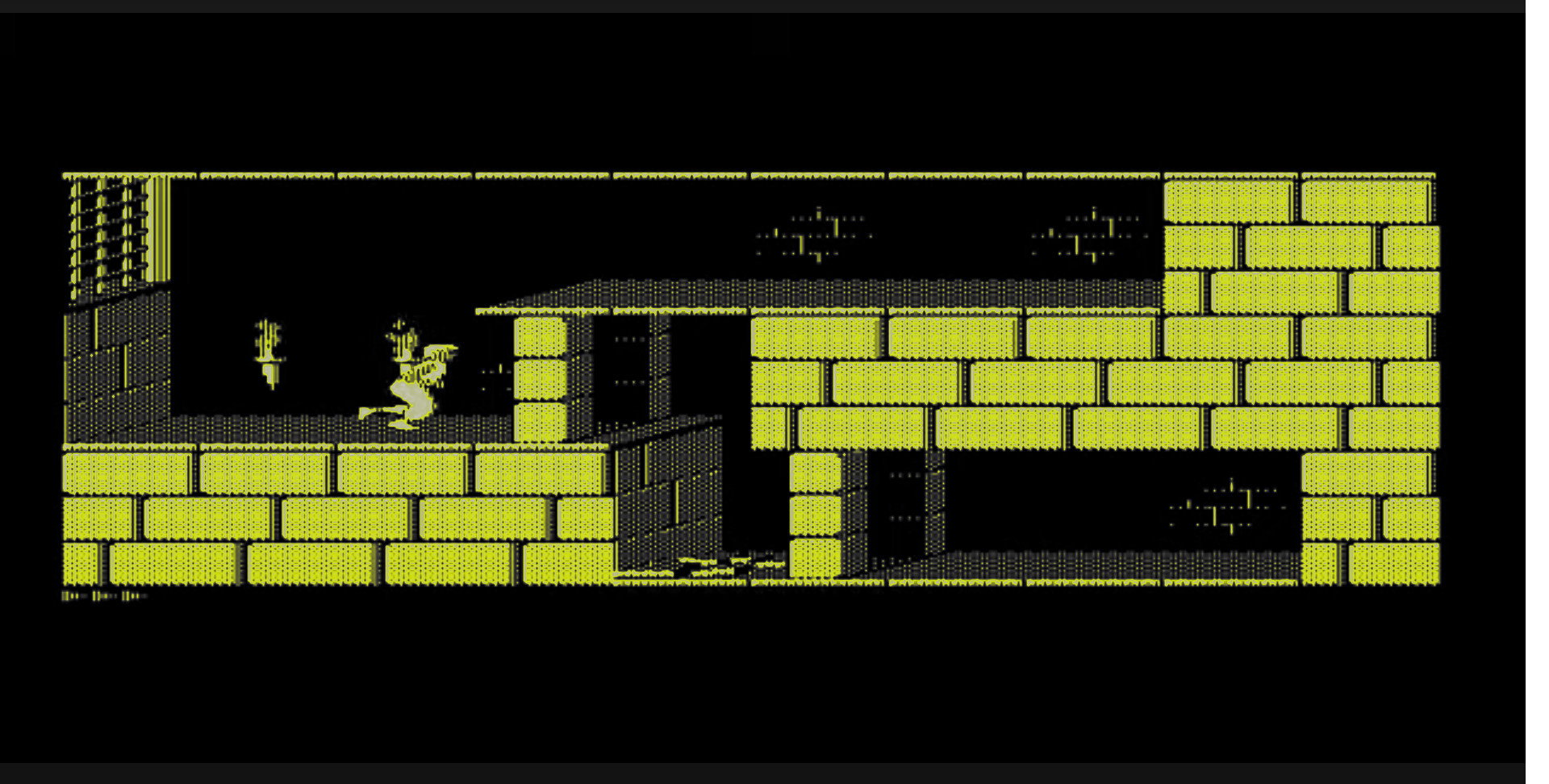
The monochrome CRT monitors of the early 80s usually used amber or green phosphorous coating, and the glow of the phoshphore layer had a low responsibility rate which made an effect similar to modern motion blur, and reduced the flickering even on lower refresh rates. Despite lacking any color capabilities, thanks to the relatively high resolution of the time, these systems created fantastic experience. Hercules monitors allowed to display non-ASCII characters, such as japanese, chinese, korean character sets. These graphics cards excelled not just when running office applications, but also when running games on these limited performance systems, as there were types of games where screen readibility and pixel density were more important than having colors. CGA As time progressed, new standards came by. The first one with color capabilities were called CGA adapters, and those arrived in the first half of the 80s. These were able to utilize four colors in 320x200 or two in a 640x200 monochrome mode. CGA cards also had TV analog connectors, they however lacked the pixel density of Hercules cards, and people were not satisfied with them. EGA The EGA standard arrived in the mid 80s and they got typically equipped with 256Kbytes of VRAM. This was enough to have 16 colors in 640x350, and a 640x480 monochrome mode was also supported. However, the memory addressing was not linear. On EGA systems, colors had their own color planes, and the red, green, blue memory area had to written separately. It was suboptimal to write programs for these type of memory models. Games released for the VGA and CGA were started to lag behind competing non-PC platforms of the era, and a new standard (backwards compatible to EGA and CGA) was born. VGA The new standrad of 1987 was called VGA, and it supported all the modes of CGA and EGA cards, and added some important new modes and features: -VGA cards now supported 320x200 8 bit graphics (256 colors). This mode fits into 64KByte VRAM and can be directly addressed from DOS as a linear frame buffer. This made possible to increase the graphics quality in the early 90s, and resulting games were now looking very appealing. -640x480 16 colors - this a similar multi-planar color mode as the old EGA. Its usable for office-type applications. -DSUB VGA connector, which replaced the previous screen connectors. SuperVGA and VESA VBE Cards exceeding the original VGA specifications called Super VGA. Starting from 1989 the VESA association overtook the role of creating standardized methods of computer graphics modes. After this point, games using very high resolutions and color depths were using the VESA VBE standards, which were either implemented in the video card's video BIOS, or a VESA VBE driver under DOS had to be loaded for the given graphics cards. Super VGA supported the following technics: -Normal DSUB VGA connectors are continued to be used, basically making it a standard. -Flexible VESA initialization to choose and request resolutions -Resolutions are optional, manufacturers can implement larger or smaller resolutions and color depths -Frame buffer areas accessible by bank switching (64k banks), and later on, linear 32 bit frame buffer can be supported as well -640x480 with 8 bit (256 color) depth is widely available -800x600 and 1024x768 (if memory is available) modes -High color (16 bit modes) - only by high-end cards. -True color (24 bit, 32 bit) modes becoming available (but only high-end cards supporting them at that time) SuperVGA cards from 1989 became the ultimate standard, VBE got eventually baked into every card's video bios. It was used up to 2015 as a de-factor standard, when UEFI-capable video cards became available, but most video cards still have a classic PC bios CSM mode, making them backwards compatible with older systems as well. How the VESA VBE works? The VESA VBE expands (replaces) the graphics card handler interrupt with new modes. Originally, this interrupt contained only a few text and graphics modes, up to the initial specification of the VGA standard. Not all modes are compatible with every cards and configurations. The interrupt can give back a chained list of the supported resolutions, or an application can check how and where the pixels are stored in the memory. The specimen of today The graphics card featured in this articles, is a combo graphics card. It supports various older and newer features. It was released in 1989 as a midrange offering, its one of the first ever Super VGA cards.
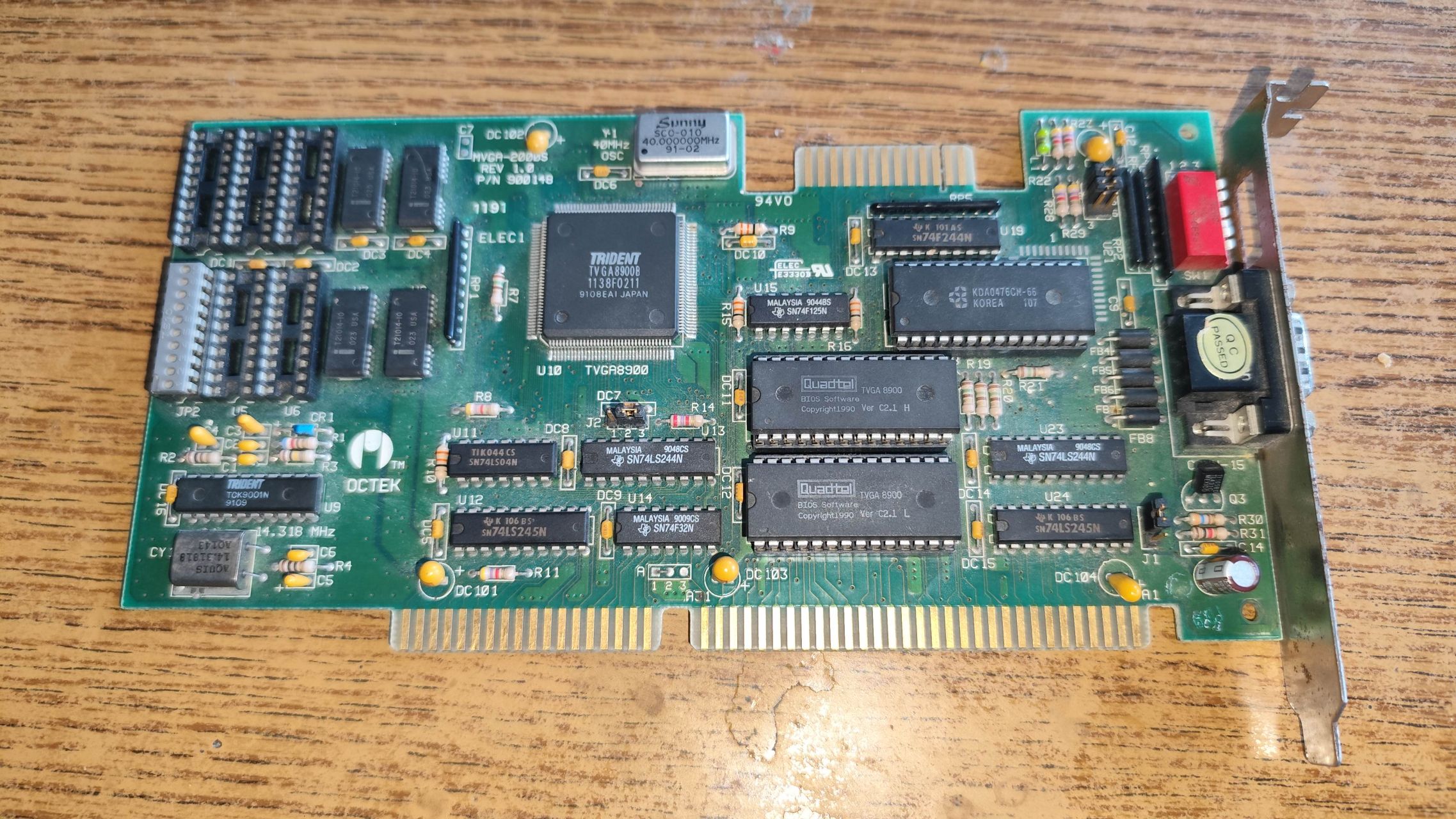
The card uses a Trident 8900B chipset. The manufacturer is Octek, and the model name is MVGA-2000S. This Octek MVGA-2000S card contains 512KB of video memory, and it can be upgraded to 1024KB. The DAC of the card is an 8 bit only DAC, so no high color (16 bit) or true color (24-32 bit) graphics modes are supported, only 256 colors.
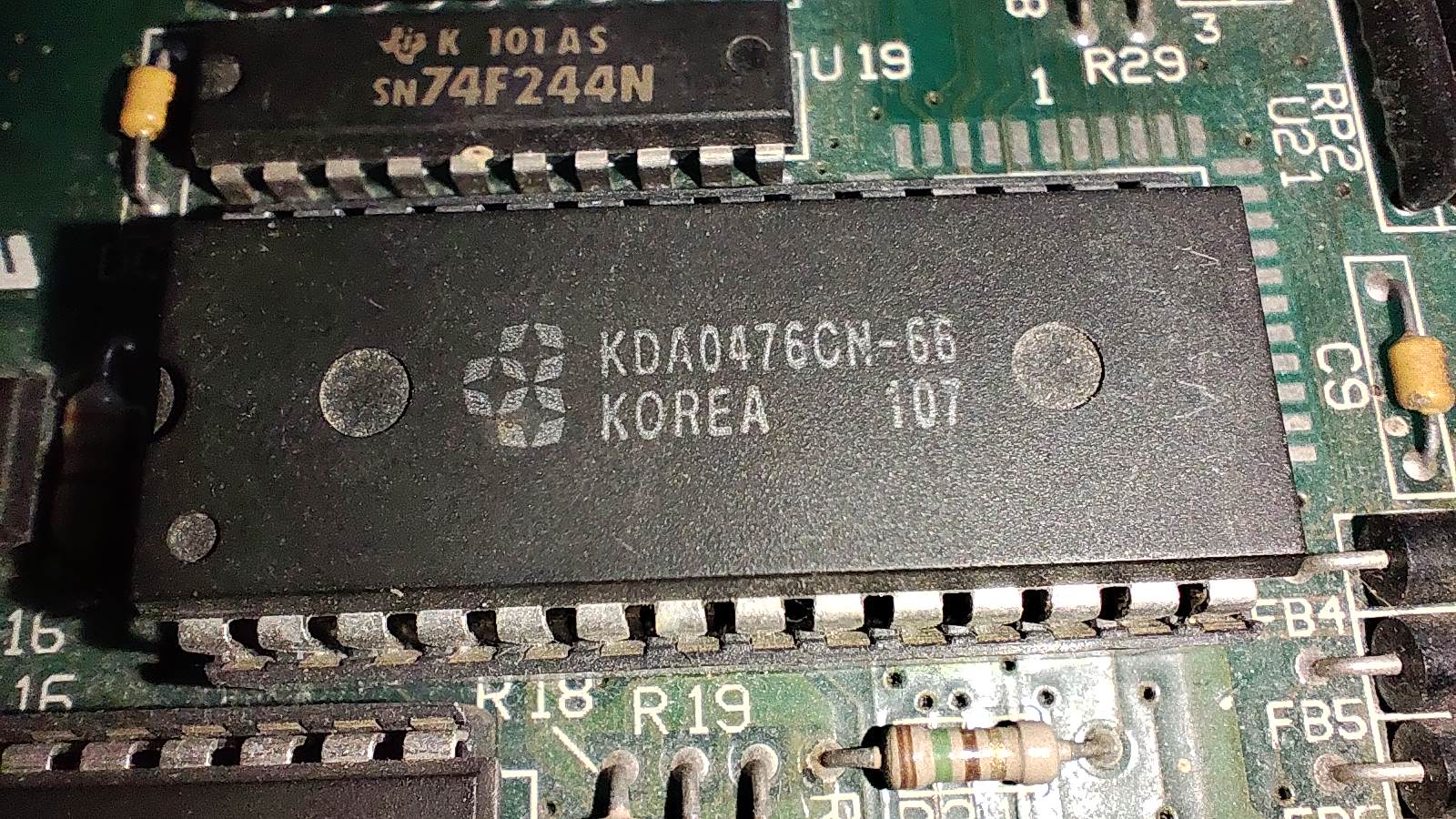
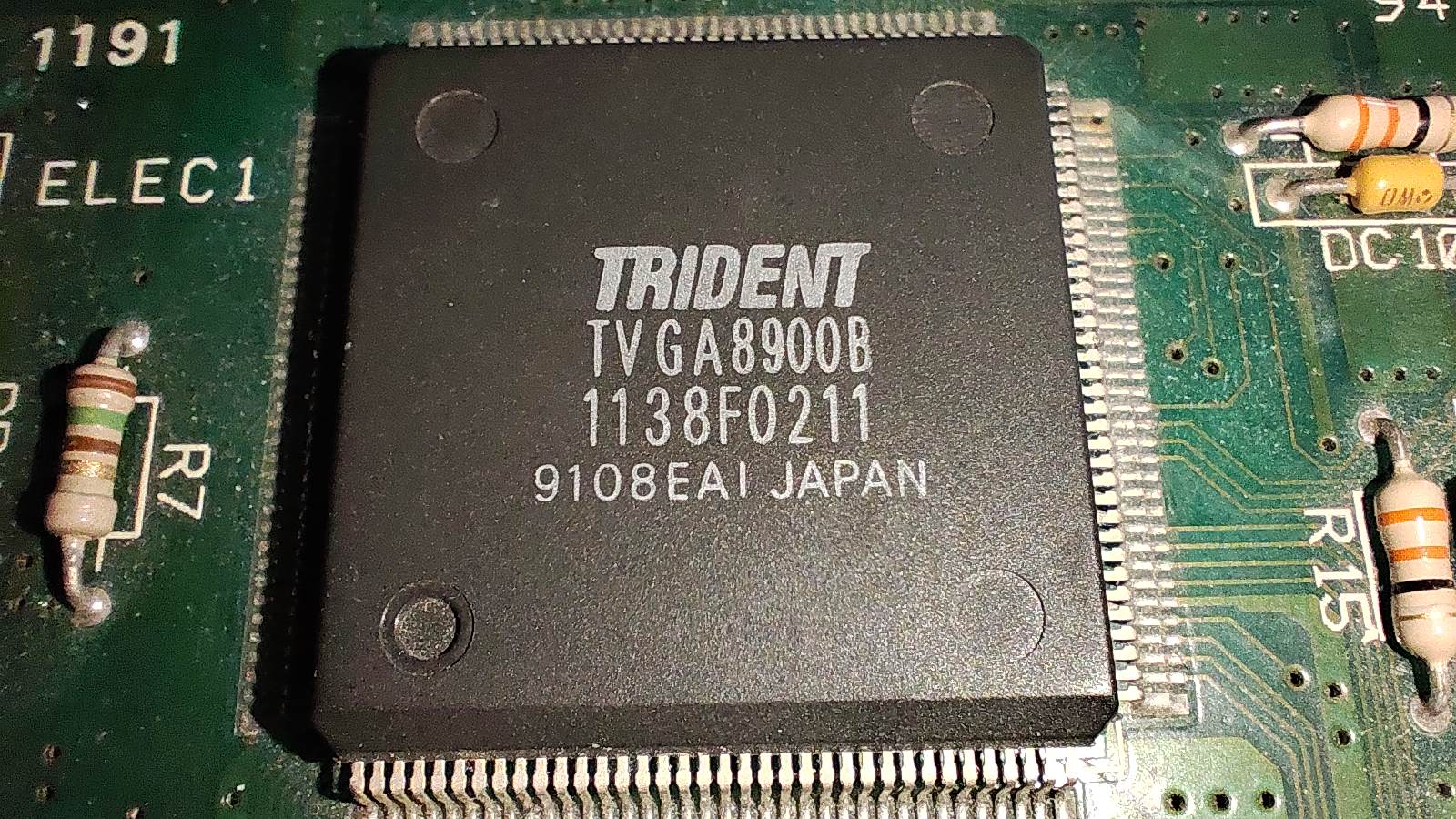
As you can notice, there are various jumpers on the board, and there are even dip switches at the back side of the card. The card can operate in 8 bit ISA slots or 16 bit ISA slots as well. The DIP switches can configure the settings of the monitor you are connecting, for example, the card supports monitors with high or low refresh rates in various resolutions, and the DIP switches allow this to be configured without being taking the card out from the computer.
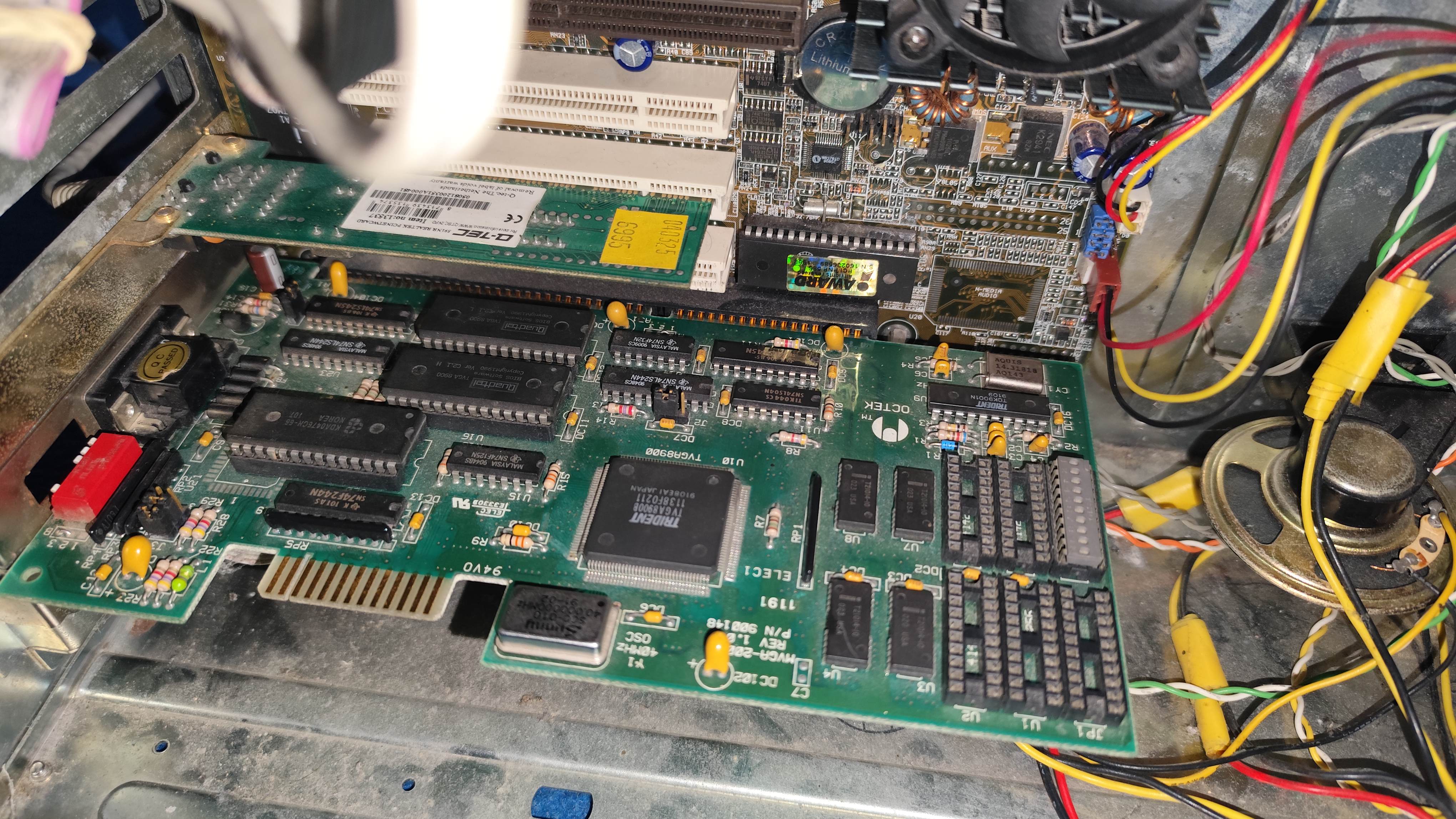
The memory can be upgraded as well, which would be needed if someone wants to upgrade to a high-color RAMDAC. If the memory is upgraded, the jumpers must be modified. The VBIOS says 256k, 512, 768k and 1M video memory is supported on this chipset. By investigating the memory chips, this card indeed has to 512KB. I have verified if the jumpers are in the correct position for the settings. First start When i have tried to Trident for a few seconds, i noticed a hot spot on the card, one of the Tantalum capacitors got very hot when powering on the card. I have measured the capacitors, and it was no short, when injecting voltage into the card, the cap didn't became hot. I decided not to replace the capacitor. I figured, i will turn on the computer, closely monitor the cap, and if it becomes hot after a few seconds, i will turn off the computer. https://www.youtube.com/watch?v=VSXyzTCUgPk Except, there was no few seconds left. When i turned on the computer, the capacitor instantly lit, and exploded. Smoke and fumes started to escape from the card. Some traces on the card started to burn, and some traces also lit. Smoke was coming from every point of the card. By the time i managed to shut down the power, the card went up in smoke.
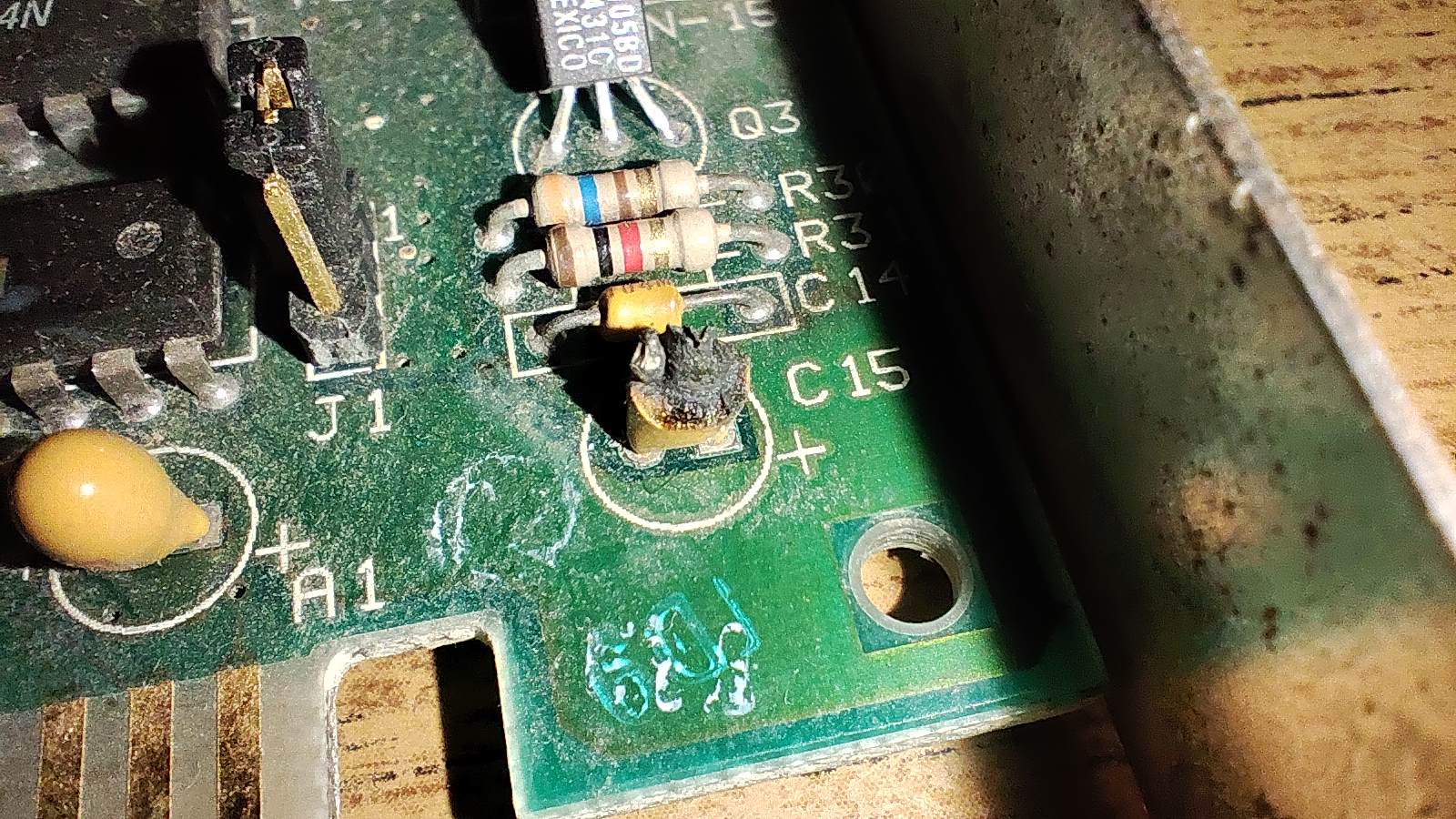
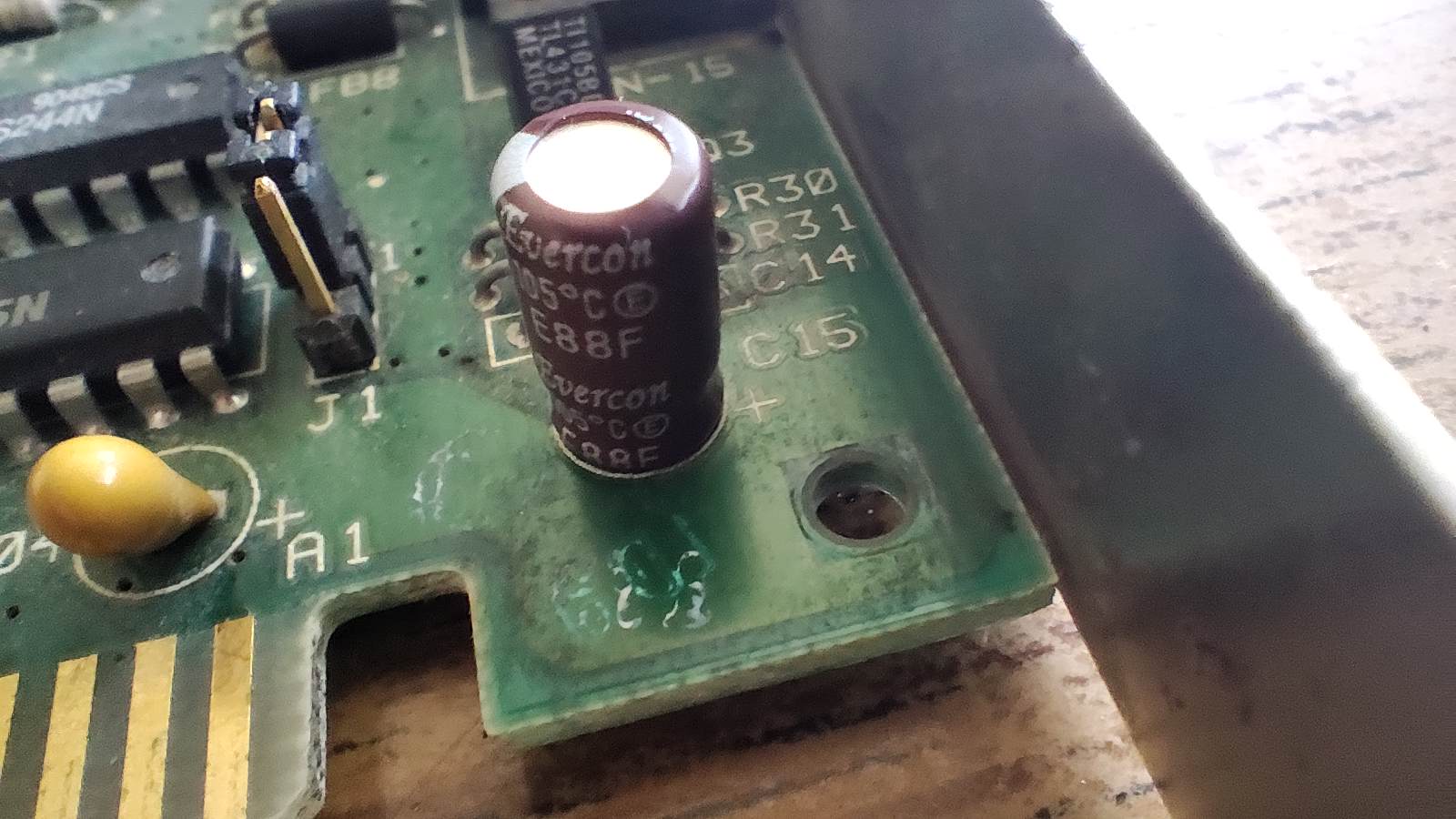
I was pretty certain the card was dead, however, when i have replaced the cap, it came back to life, and worked without and issue.
Compatibility The Trident 8900B can support 16 bit color modes, if a 16 bit DAC chip is being inserted into the card - good luck finding one! Its also backwards compatible with Hercules cards. Some Trident cards 8900 and 8800 based cards also have TTL monitor connectors for old monitors, mine only has a DSUB VGA connector. Just like nowadays, manufacturers simply put HDMI or Display Port plugs on their cards, but they refuse to use DVI ports. They don't really care about hardware compatibility - specially if it costs more than one cents.
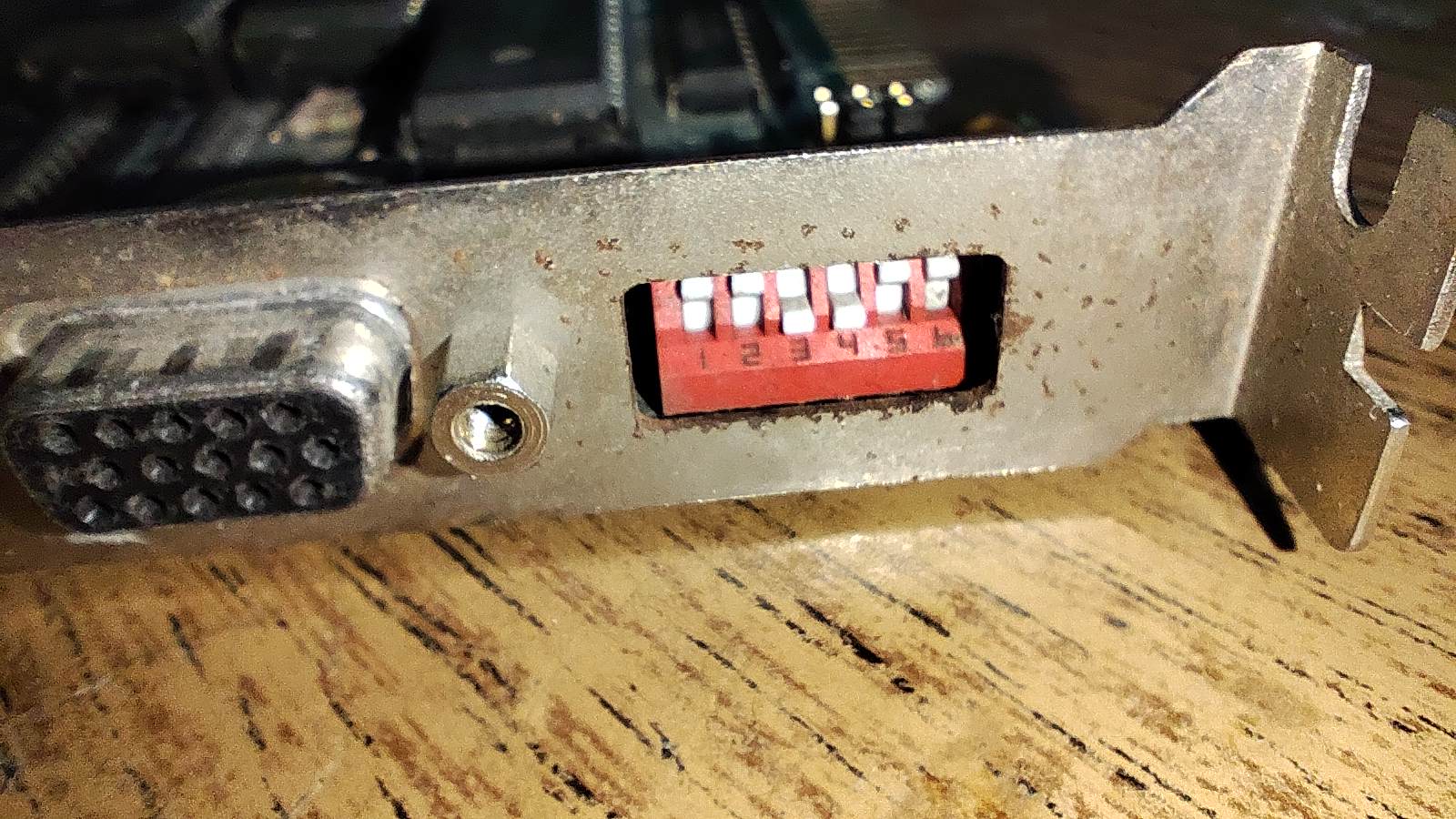
The Trident, despite its a SuperVGA card, is backwards compatible with Hercules graphics modes. Basically no video card after this point in time is compatible with Hercules. Except Trident. Its compatible, but they are not the best in it - 30% of the programs written for Hercules, will simply crash the computer at start. The Trident card even has DIP switch settings to force the card to boot in Hercules mode - but due to bugous BIOS, this feature doesn't works, and the card can only be set into a required graphics mode by its driver.
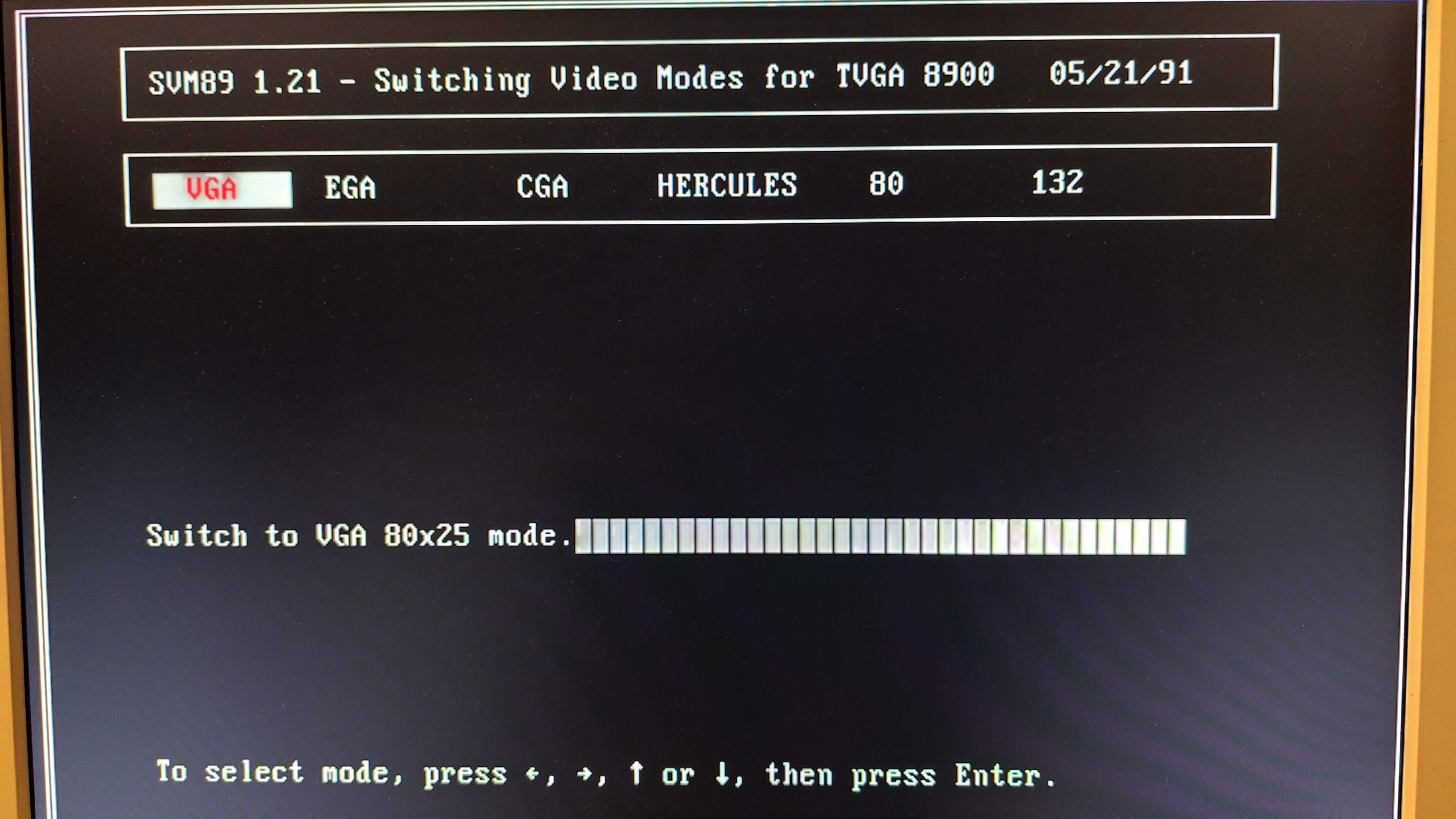
The Trident 8900B card has its own VESA VBE driver as well, which is required if larger resolutions, such as 640x480 or 800x600 at 256 color mode is being utilized. Initially, 800x600 didn't worked, the screen went out of sync when the mode was selected. Then i discovered a screen frequency limiter jumper on the video card, which made 800x600 to work (but only sometimes, with some settings).
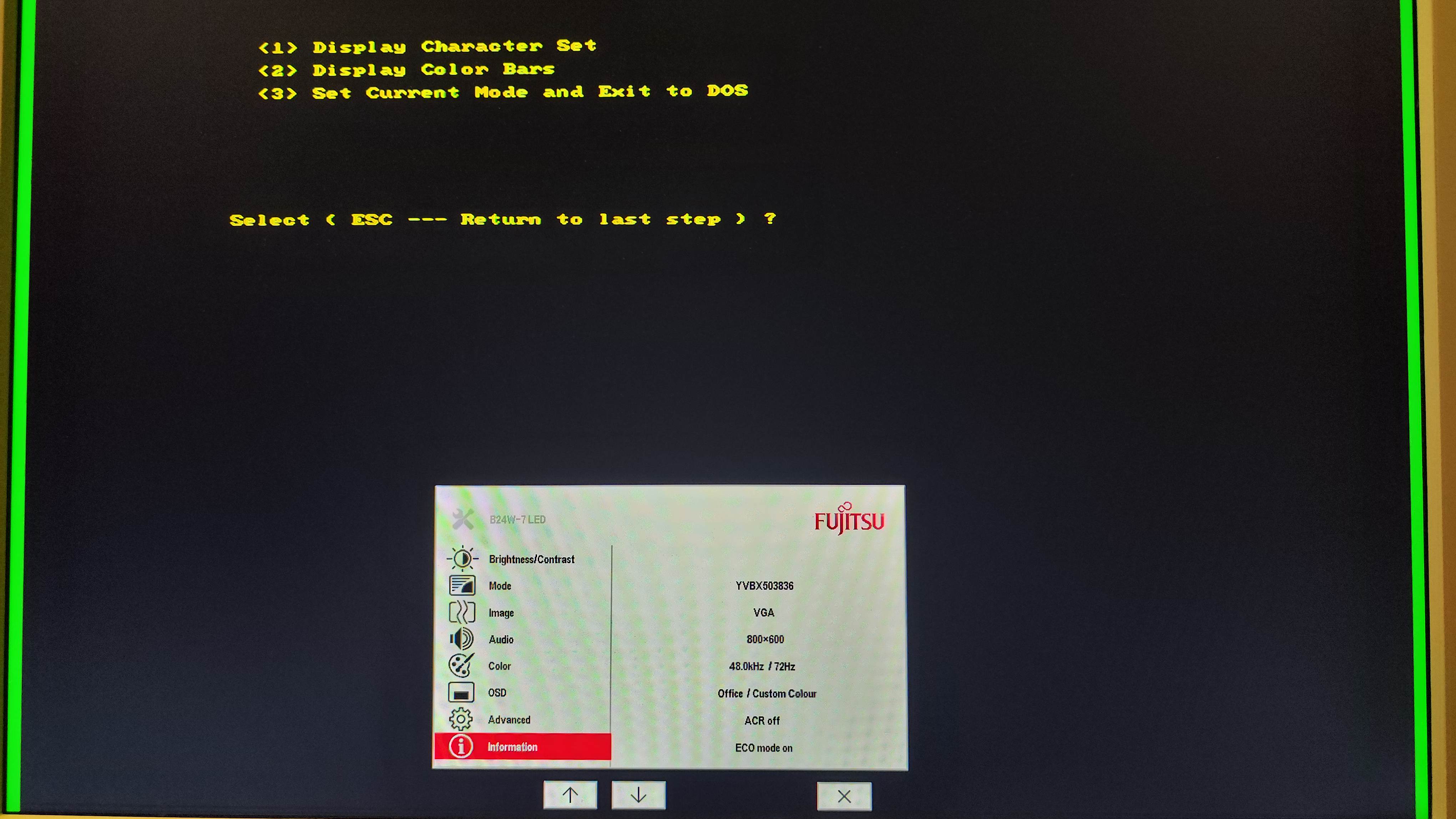
The card can display other legacy resolutions, such as EGA's 640x350 as well, however most of these older modes will display darker blocks and other strange forms of artifacting. The technology at that time was not yet ready to implement proper display in all legacy resolutions on these early SVGA cards.
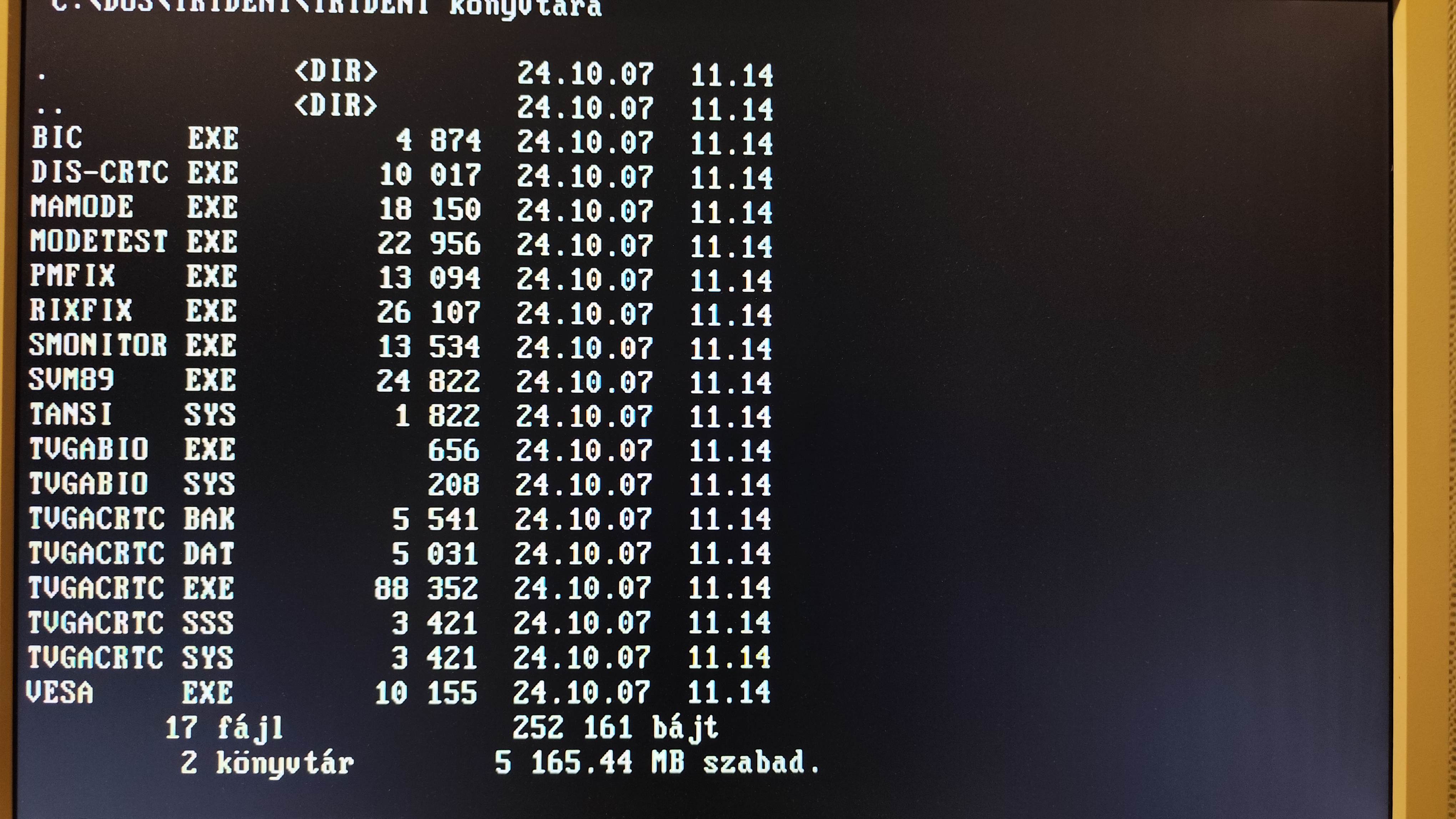
16 or 8 bit ISA The card can be inserted into 8 bit or 16 bit ISA slots. It will work even in super old 8088 computers if its jumpered properly, the backside of the connectors of the card will just hang in the air in such motherboards. The card will have no issue in booting in modern 486 or Pentium motherboards as well, it will even boot in Pentium3 era computers. Windows drivers The card has Windows support built in, "Trident Super VGA" will be detected as a non plug-and-play device when installing the OS. This will enable 256 color support on Windows desktop up to 640x480. As this card has only 512KB of video memory, its not possible to get higher resolutions in this color depth.
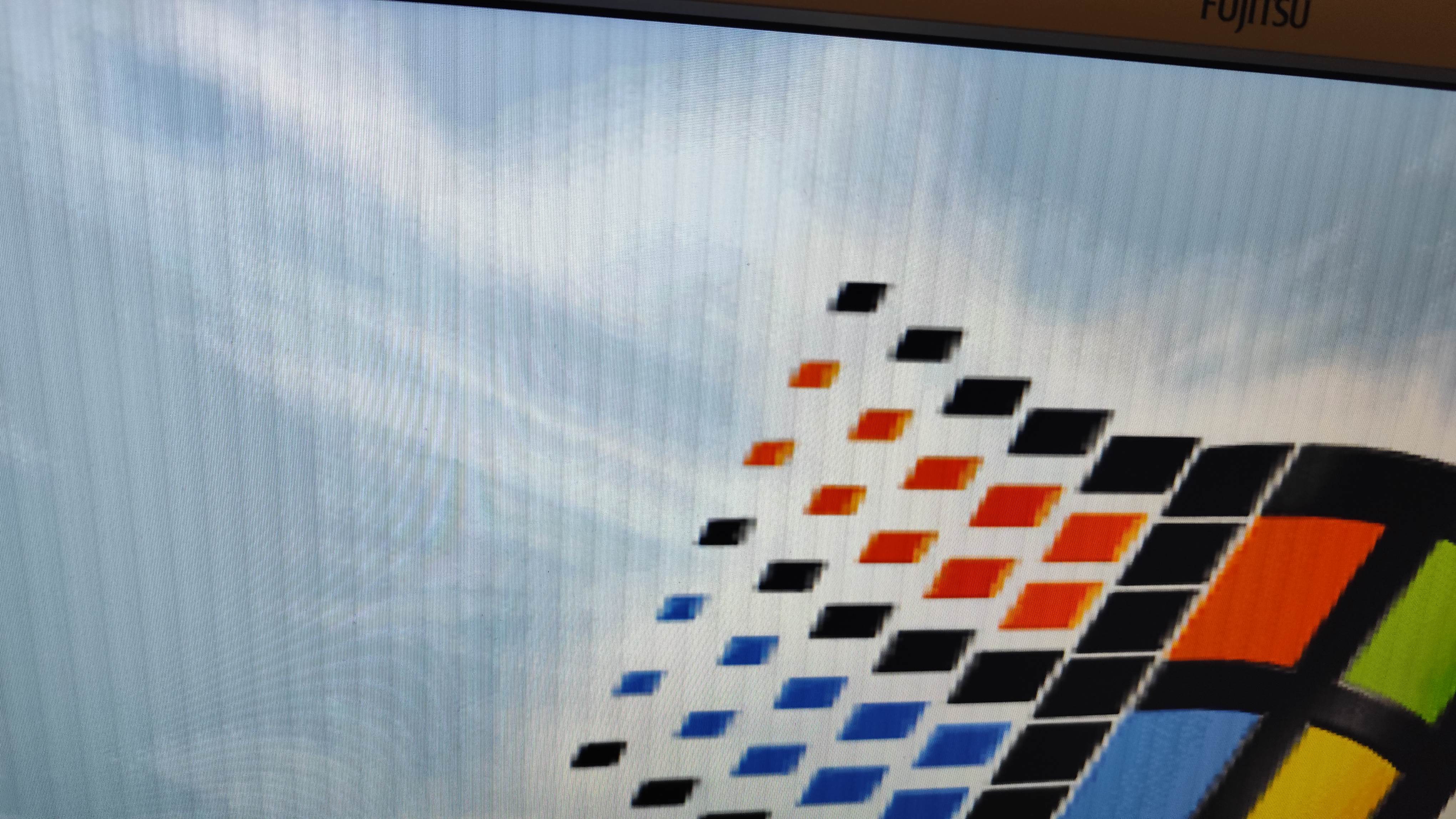
The first you can notice, is the block brightness bug, which is a recurring problem on this card in certain resolutions, due to the flawed implementation of some resolutions. Testing the hercules mode Hercules mode is important for me, because my very first computer had such graphics card. The very early PC games are meant to run in Hercules mode, and i plan to play some of those. I was curious, how accurate the Hercules implementation is. As the card refuses to boot up in Hercules mode, the official mode switcher program was used to put the card into Hercules mode. Most of the programs ran fine, however, a few games like Nebulus failed to start.
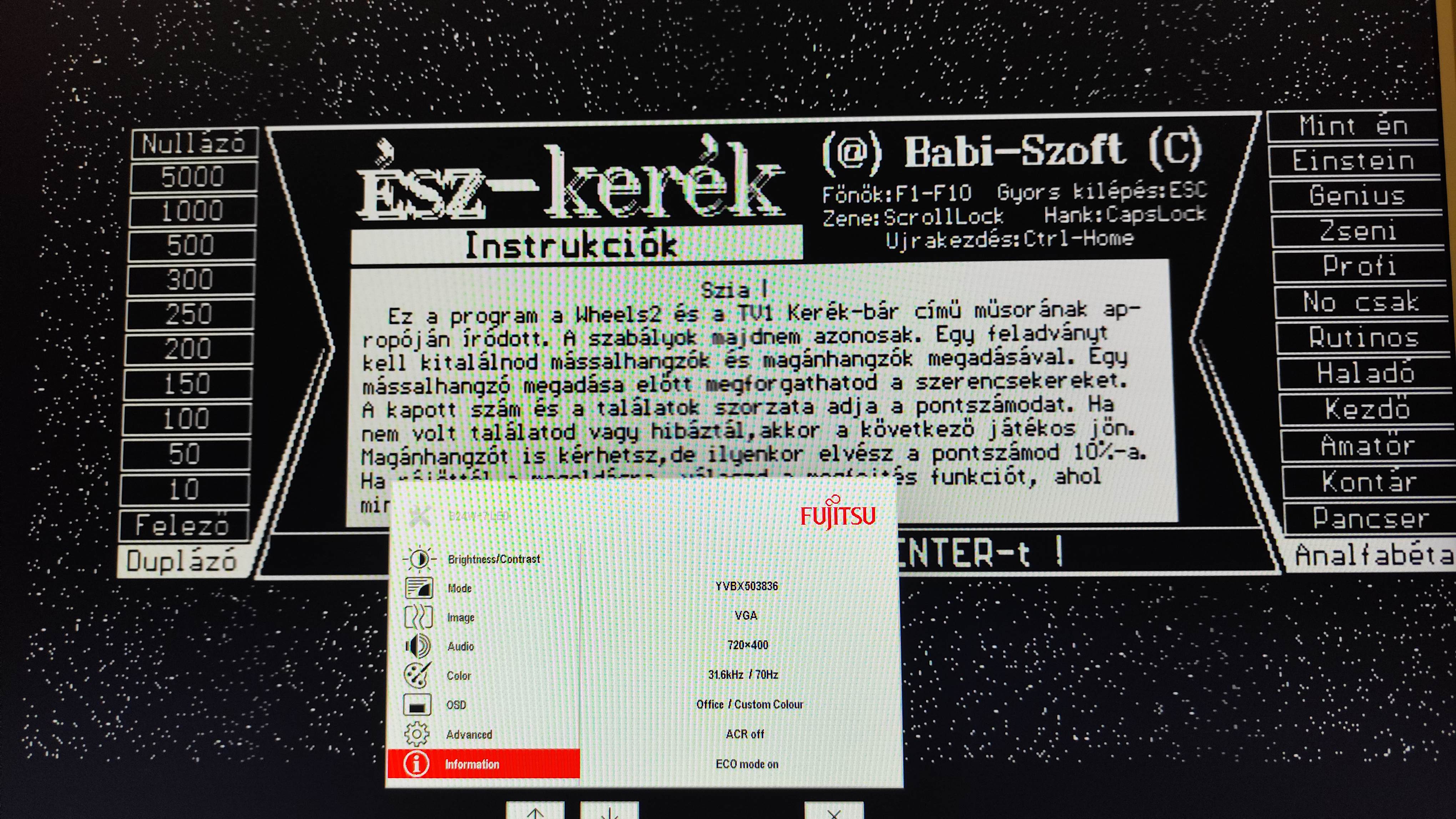
Picture: Észkerék, a popular Hungarian mind game is running in Hercules mode
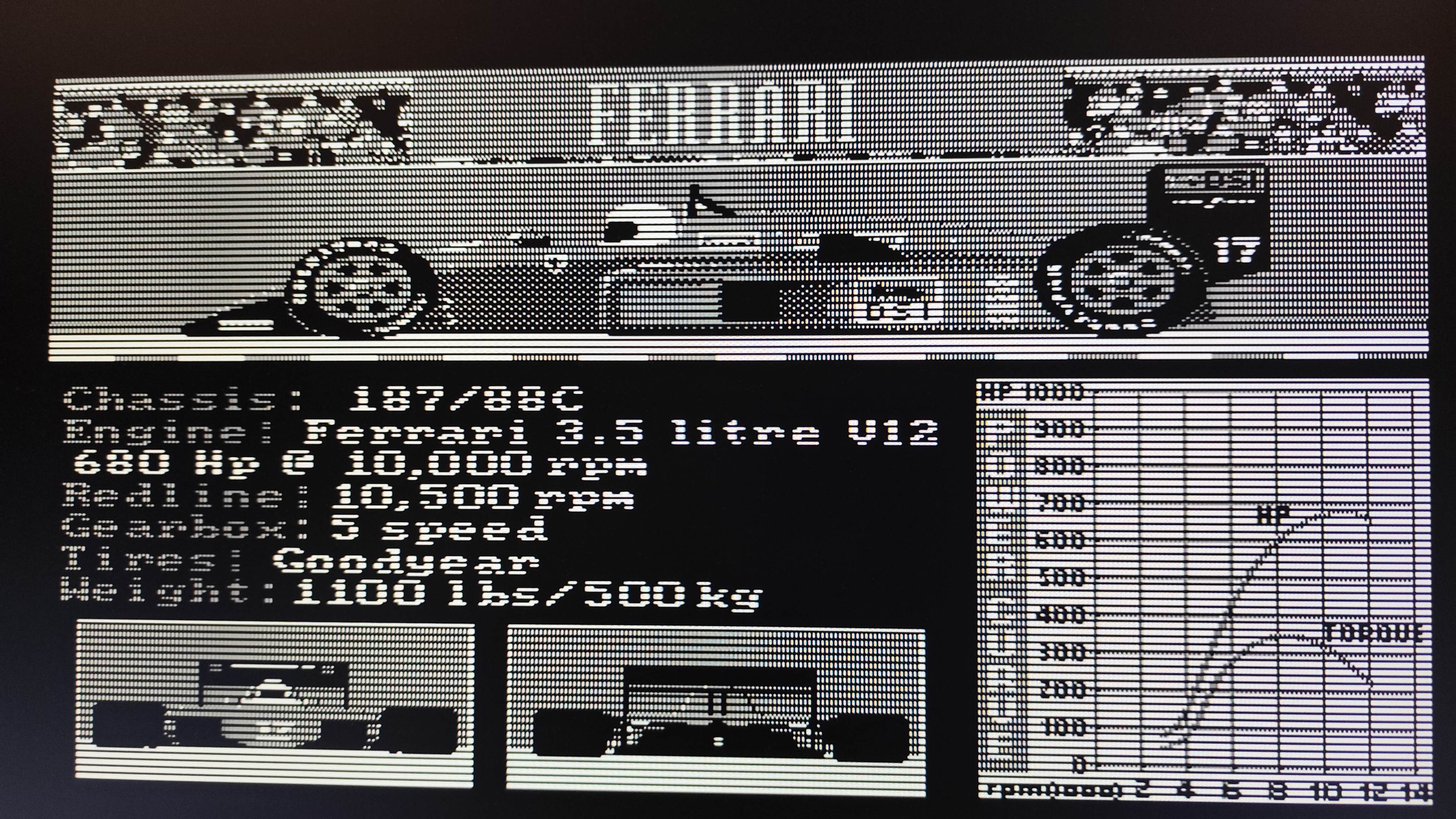
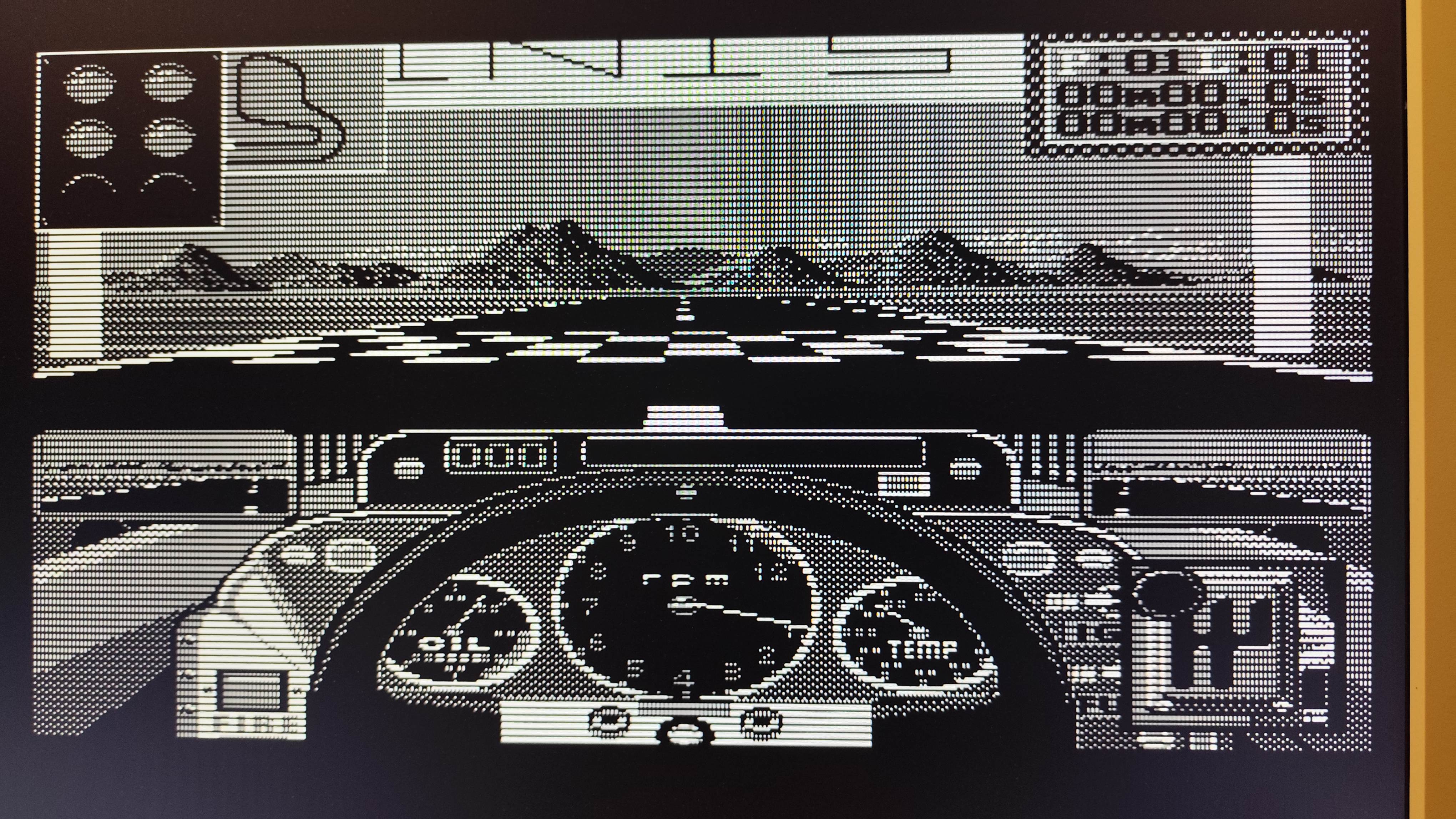
Picture: Grand Pix running in Hercules mode. Grand Pix had some issues, sometimes displayed garbled screens when starting the program, or from exiting the program. But eventually, i managed to run it. I was very satisfied with the results, although the compatibility is not 100%, as the previously mentioned Nebulus refused to start. Might there are some patches or new bios revisions fixing those issues, i haven't started to extensively search for them just yet.
Multimedia capabilities JPG files, or the format itself didn't existed when this card came to be. I remember DOS tools, for browsing jpg files on these early SVGA cards. JPG files are meant to be viewed on high color or true color resolutions, however, the early and compatible tools will use dithering to try displaing them in 8 bit as good as they can. A 486SX processor will need multiple seconds to load and display a JPG file in 640x480. The picture i opened is one of the first JPG file i have ever seen (from 1998). A friend brought it on a floppy, and when i figured out how to open it, i was quite shocked how good it looks, because i have never previously saw a picture on a computer beforehand.
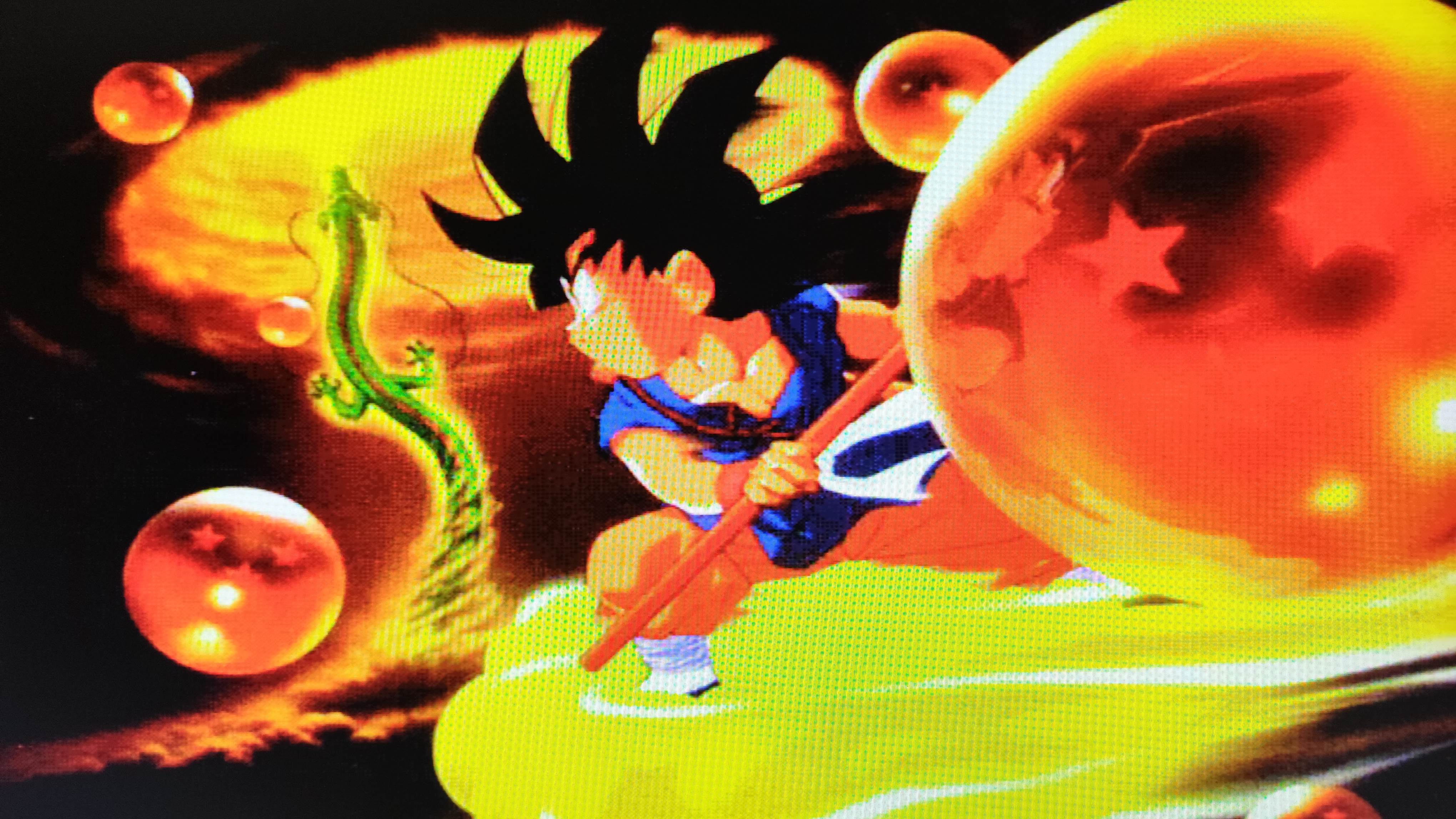
Picture: Dragon Ball daizenshou displayed in 8 bit dithering That computer had a Tseng Labs ET4000, and compared the the picture of this Trident 8900B, the output is pretty identical, as these programs usually use 256 color resolutions by default. VGA and SVGA capabilities When running games in VGA or SVGA mode, every game i tried, started. Most of these games had the darker blocks problem, which decreases the graphics quality a little bit.
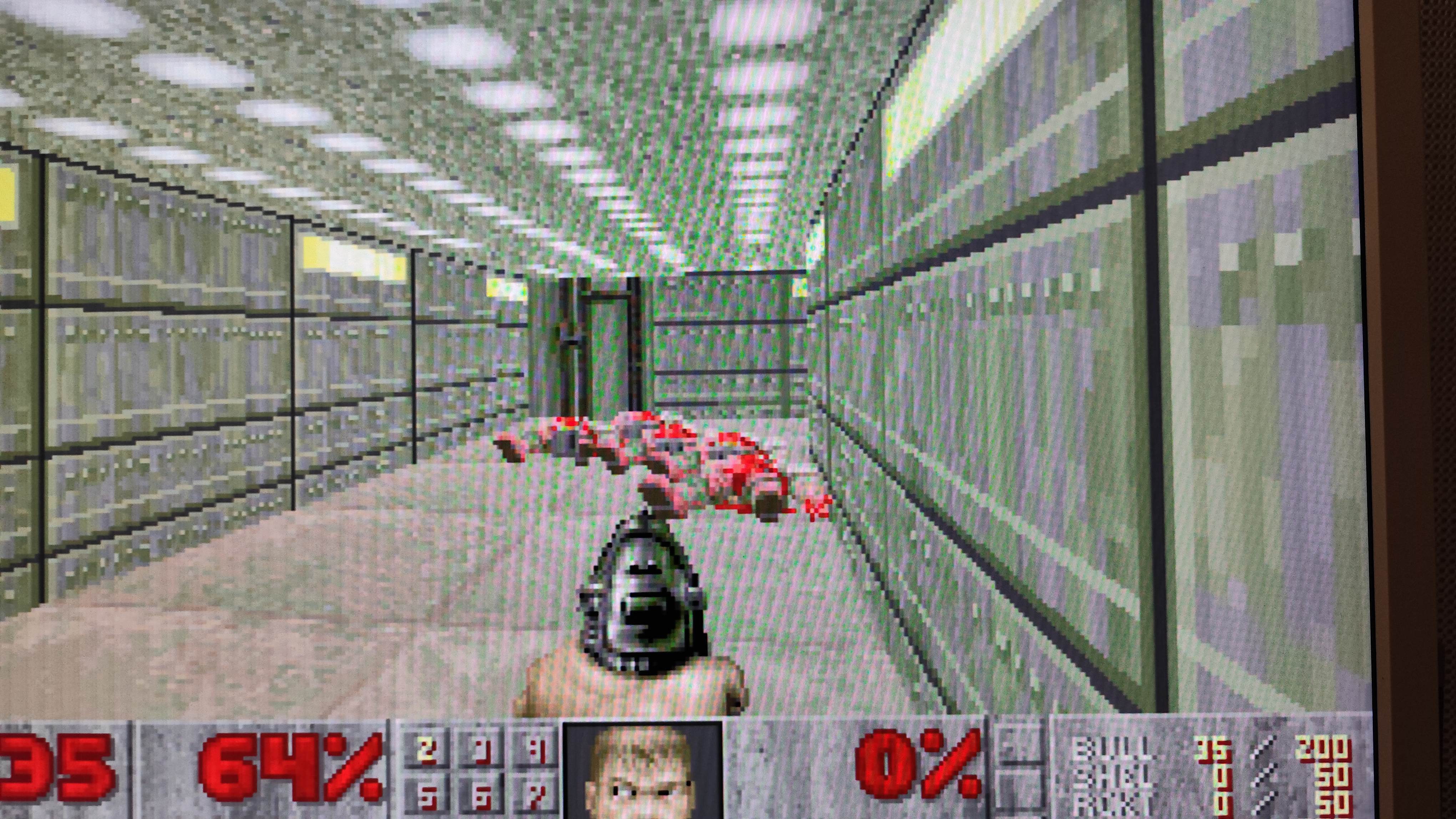
Doom stuttered a little bit. I figured out the card has a quirk called fast memory address decoding, which implements a faster algorithm when writing the video data. I realized its off.
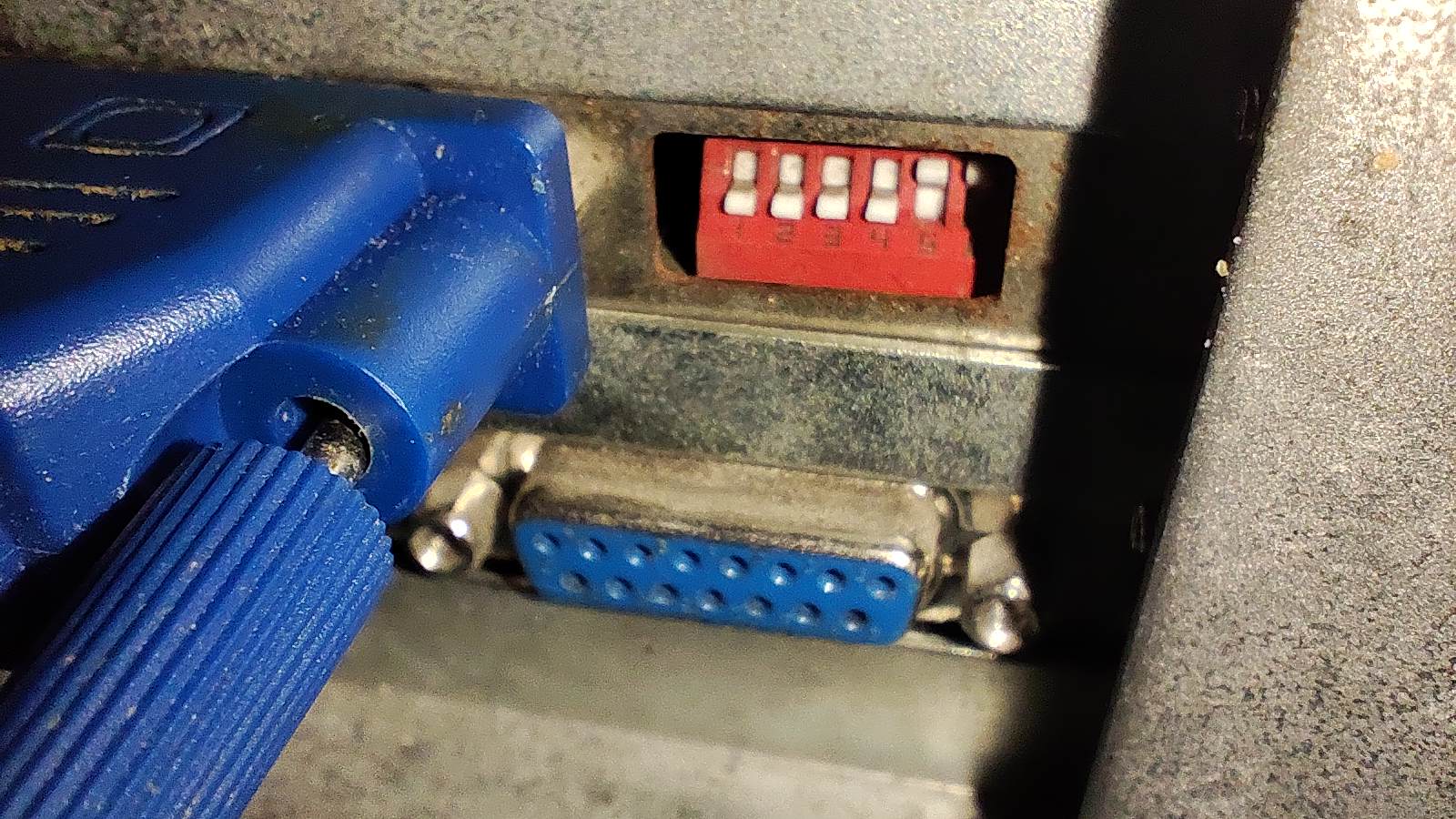
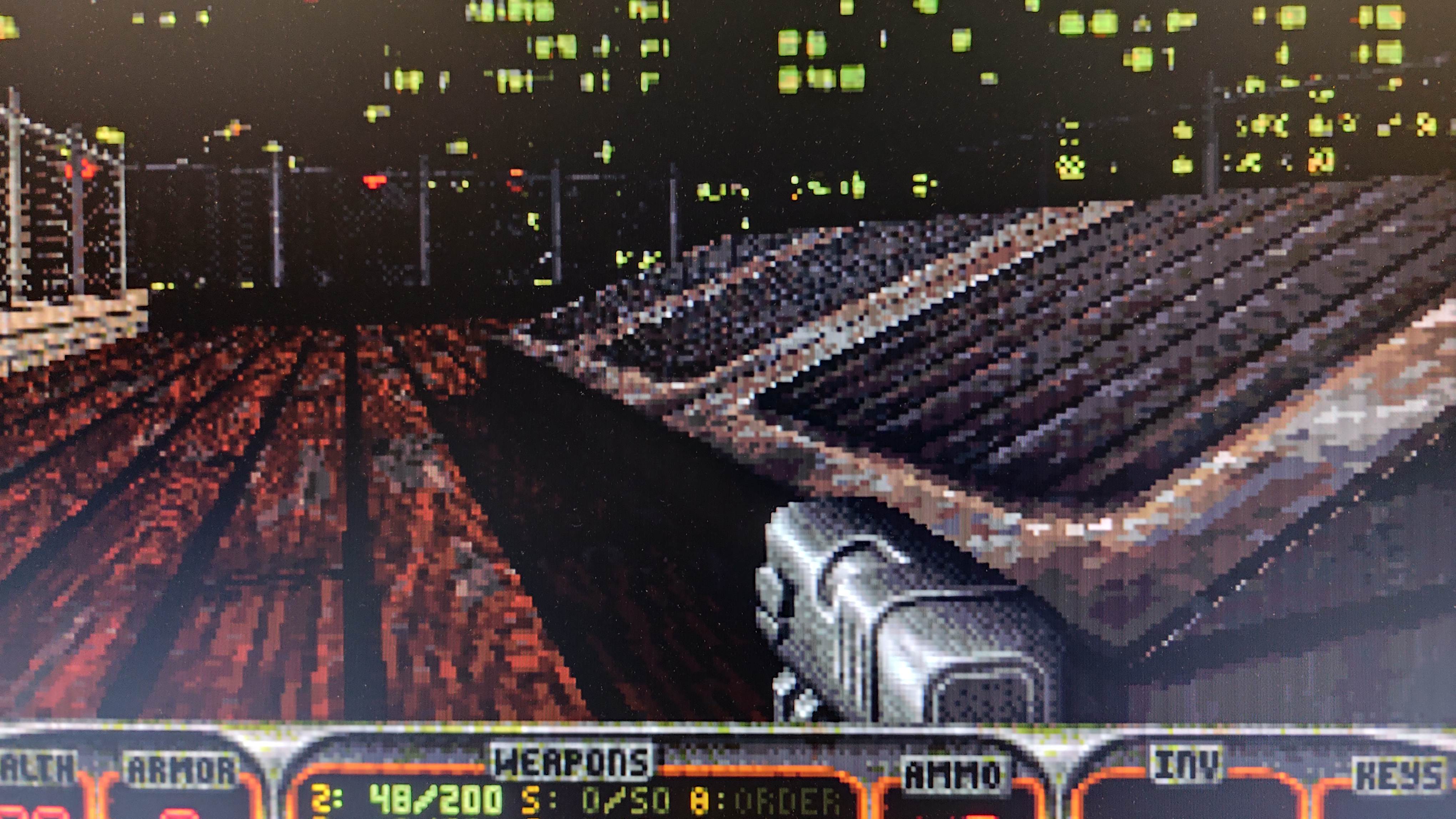
I had to adjust the DIP switches to enable it, but interestingly it made no difference. The game ran with about 10 fps, which found too slow for this game. Duke Nukem 3D ran better, but only when using VGA 320x200 mode. If the VESA VBE used to initialize the frame buffer, the frame rate fell almost by 50%. 640x480 at 8 bit was totally unplayable (despite having an 575 MHz CPU in the system), the card was simply not able to deliver enough performance.
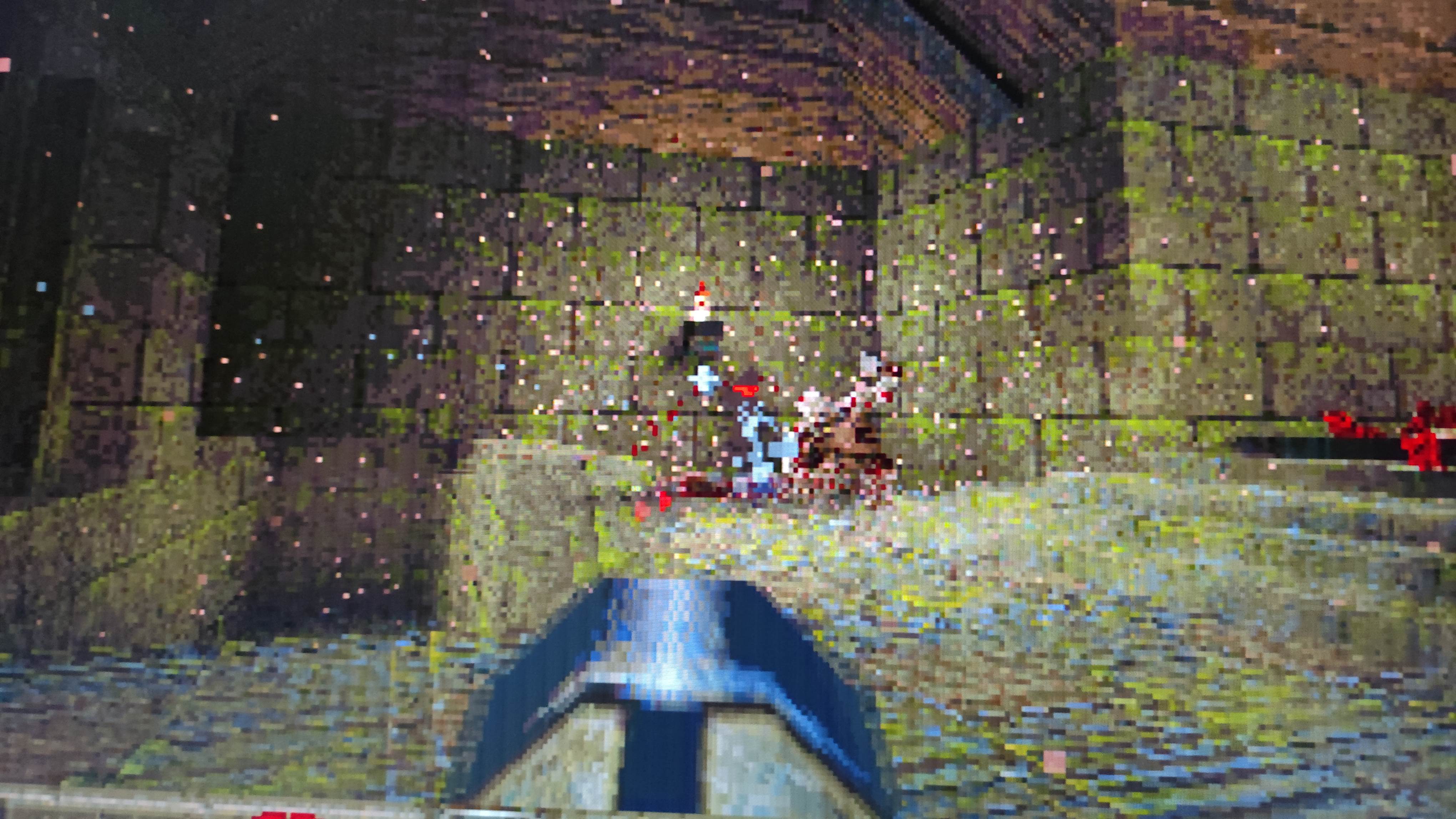
The same happened with Quake, however, interestingly, Quake produced perfectly fluid frame rates in 320x200 at 8 bits. Its likely used a very optimal draw algorithm to copy the frame buffer. Using even a tiny bit higher resolution resulted in a stuttering mess again, 640x480 was not even available (likely limited by the Quake engine itself).
Verdict The Trident 8900B is certainly not a good card. But it basically represented the peak performance for non-professional users in 1989. This card was 600$ when released, in today's money thats about $2000, which is brutal. For this money, you got 256 color rendering in 640x480, and regular VGA, CGA, and even Hercules compatibility for backwards compatibility. The card doesn't supports 16 bit color rendering, the advertises are fake: you have to replace the DAC with a special model to have 16 bit color rendering, which isn't available. The card is bugous. Even the handling of the dip switches are not implemented properly. The chip is buggy, the bios is buggy. 800x600 wouldn't even work on my modern monitor when using 256 color graphics mode. The performance of the card is lower than what someone would expect from a 16 bit data interface ISA card, and 640x480 is not usable for fast pace video games. The card lacks a TTL connector, only VGA connector is available: if you had an older monitor, you couldn't even use this card. The previous 8800 series were certainly better buy than this, even if their specifications are more tame, more thing which is advertised actually bother to work on them. Yet this card is a fascinating historical artifact, its easy to find similarities how graphics card manufacturers are playing and misleading the costumers by gaslighting them about features, performance, and product capabilities in the midrange market segments.
No comments yet