 @Geri
edited
@Geri
edited
Windows XP gaming PC Sometimes i see people trying to build XP era retro gaming computers. The problem problem with this, the XP era was so long, it covers three era. The games and hardware in these different eras built on top of different graphics APIs and the oldest and slowest XP systems are multiple magnitudes slower than the late iterations of XP systems. This article will explain, why.
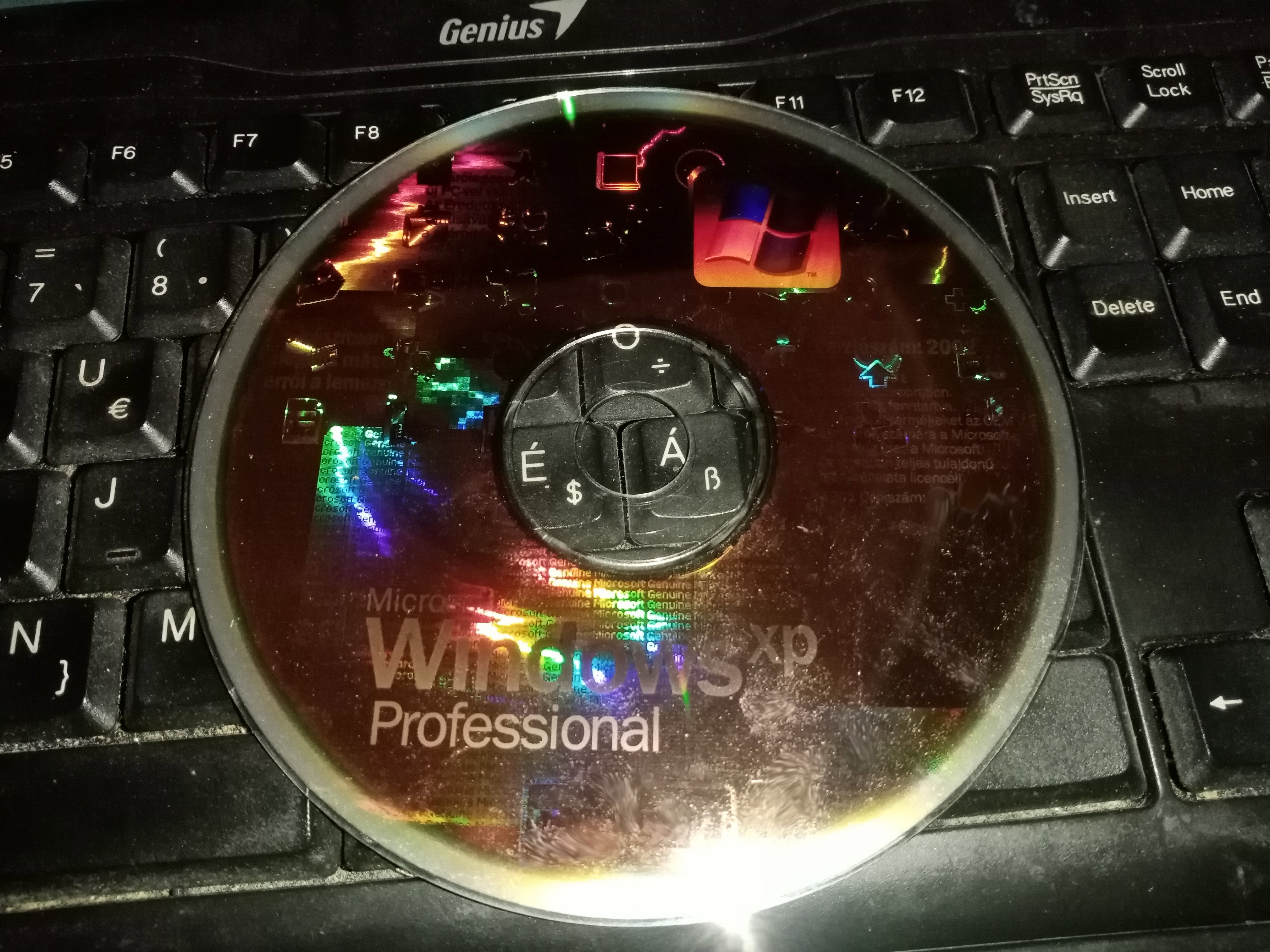
Before Windows XP Previously, the operating system families of Microsoft used different kernels. The NT-type kernels, used also in Windows 2000, was used in the professional market, meanwhile the 9x kernel, used in Windows 95, 98, and ME, was aimed at the home users and end-users. These are quite different systems. The 9x is based on DOS, and it gave the best compatibility with older systems. These systems at the home-users were frequently built from old hardware. For example, they typically used old ISA sound cards, or old CD-ROM drives connecting to their own controller cards. They had old graphics cards, made by graphics chip designers out of business for years. These systems had questionable performance, reliability and stability. There were fine for playing video games, browsing the internet, but they were too unstable for a professional environment. Therefore, Microsoft had to design a full new kernel and operating system from scratch, that was the NT line, which was able to run the existing executable files and most of the existing programs, however, as it used a different driver model than the normal 9x based systems, a lot of hardware had no drivers for. A lot of multimedia and gaming-related APIs were also missing. Microsoft tried to close the gap a bit with Windows 2000, and prepared to drive the masses to the new architecture. The goal of Microsoft was to replace Windows 98SE systems, and Windows 2000 or NT based systems and just have one architecture. The project which targeted to unify the two world (on top of the Windows 2000 kernel) was the Windows XP. The Windows XP release Windows XP was initially released in 2001. Manufacturers at that time mostly ported their drivers to the Windows 2000 kernel (which XP also uses internally). This made it possible to run XP on most of the existing systems. There were exceptions. Most old ISA sound cards and most of the old ISA network cards usually had no drivers any more for Windows XP. Some of the early 3D capable video cards, typically released before 1998, also had no drivers for the new systems. No drivers for the RageII or the Riva128, and several other iconic cards for XP. Not because it wouldn't been technically possible, but because manufacturers didn't bothered to put effort into drivers of already discontinued products. Some manufacturers, however, wrote XP drivers even for their ancient chips. Such as 3Dlabs wrote the XP driver for their Permedia2 series, and S3 also wrote the XP driver for its Virge series of graphics cards. The first nVidia card peroperly supported under XP is the TNT1, and the first ATi card with XP support is the Rage Pro. Creative made drivers for the Sound Blaster 16, but not for the older Sound Blaster Pro cards. First era: A typical early XP machine A typical early low end XP machine had a CPU from 200 to 450 MHz, combined with 128MB RAM (2x64 MB). A 10 GB hard drive or even less was enough for a typical user. An 8MB video card with only DirectX 7 at hardware level support for DirectX 5 or 6 were common in these machines, usually integrated to the motherboard, such as an old Rage Pro, SiS 6326, Intel 7xx, or S3 Trio3D. A typical mid-range machine had a CPU around 500-600 MHz, combined with 192MB RAM (3x64 MB), and a 10-20 GB hard drive. A 16-32MB video card based on the Matrox G400, SiS 300, Savage4, Kyro, Number9, Rage Pro or TNT2 chip.
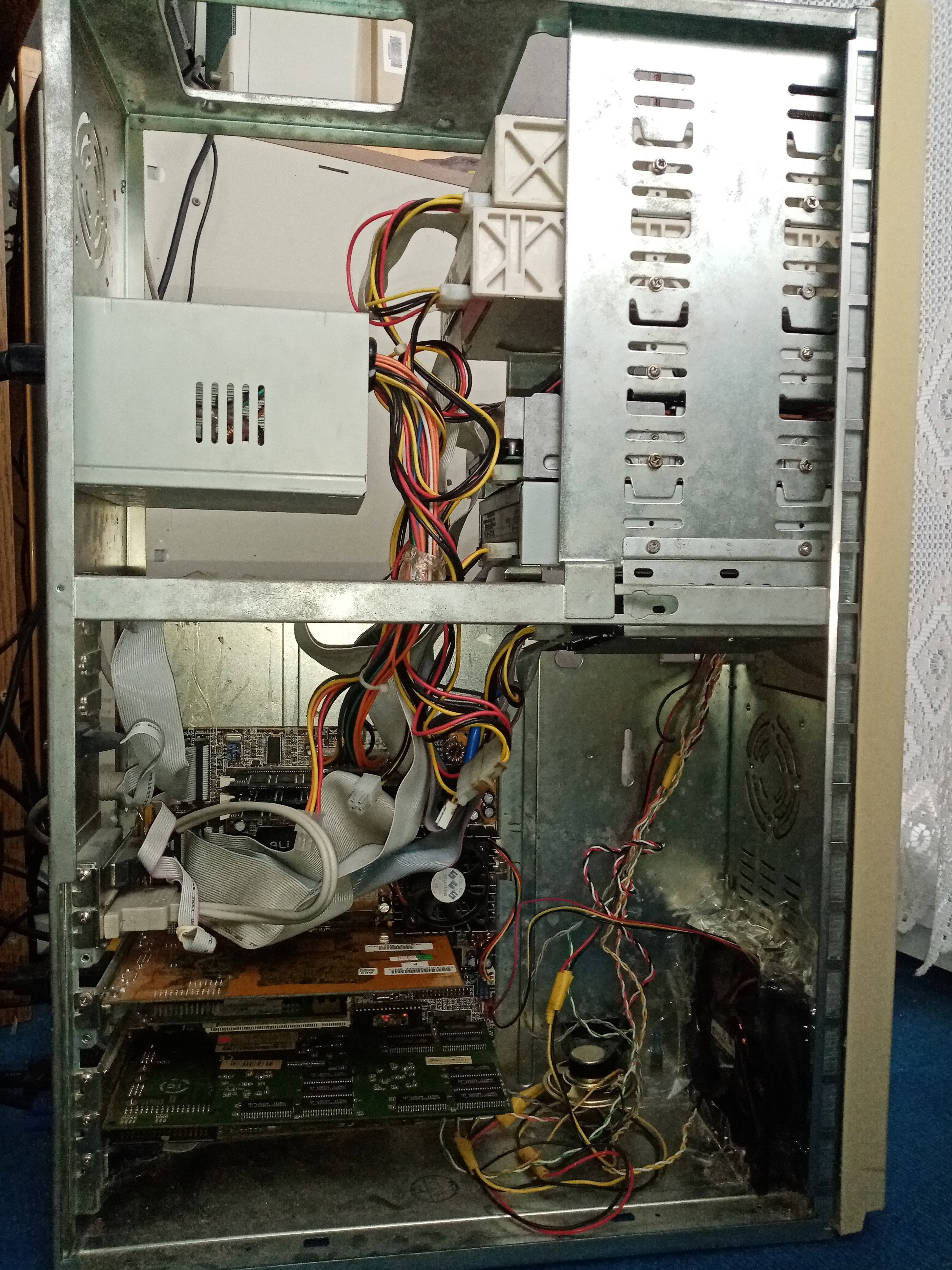
A typical high-end XP machine ran around a GHz, had 256 or 384 MByte memory, usually two hard drives, and the early GeForce and Radeon cards, still being only compatible with DirectX7 at hardware level, however, XP arrived with support for the new DirectX8 out of the box, yet no DX8-complaint video cards available just then. Early Windows XP builds were compatible with the oldest AMD K5 and Cyrix 6x86 processors as well. However, you had to add 128MB memory or more, if you wanted a nice experience. As we can see, these configurations are are still being rooted in the late 90s chips. XP didn't instantly brought a hardware revolution, however, it was more stable and reliable than the previous systems. XP also supported dual-CPU configuations, even if very few people actually used such computers just yet. Windows XP had some 15%-20%-ish performance penality over Windows 98 based systems, but people usually went with XP anyway, especially if they used the internet, because it was more secure, and better protected against cyber attacks. The software which were targeting the home audience (games, video players, and so on) mostly continued to support Windows 9x based systems for a few years. However, the popularity of 9x based systems quicky fell, and XP became the de factor standard for the PC platform. Except servers. Linux already started to snatch the server industry, because Windows was too limited, slow for large staling networking applications, and a propriretrary system is not a good choice in agile systems as well. Second era: The matured XP era DirectX9 cards, such as the FX5200 and Radeon 9500 cards became availabe around the end of 2003. These cards opened a new era of gaming. Older cards were built mainly around fixed function graphics functionality, dealing with a lot of polygons were always CPU heavy, scaling in earlier games was not possible above a certain quantity of polygons (typically a few 10k), and graphics effects were limited as well. DirectX9 cards offering programmable graphics pipeline, fully hardware processed pixel shaders and vertex processing, which allows higher polygon counts and far better looking graphics. OpenGL also matured, introduced pixel shaders, vertex shaders and VBO support. These graphics cards typically have 64 to 128 MB memory. The system memory and hard disk sizes also grew. Around the mid 2000s it was popular to have multiple 30-40 GB hard disks in a computer. DVD drives also became widely available, and games started to be shipped on DVD discs instead of a CD.
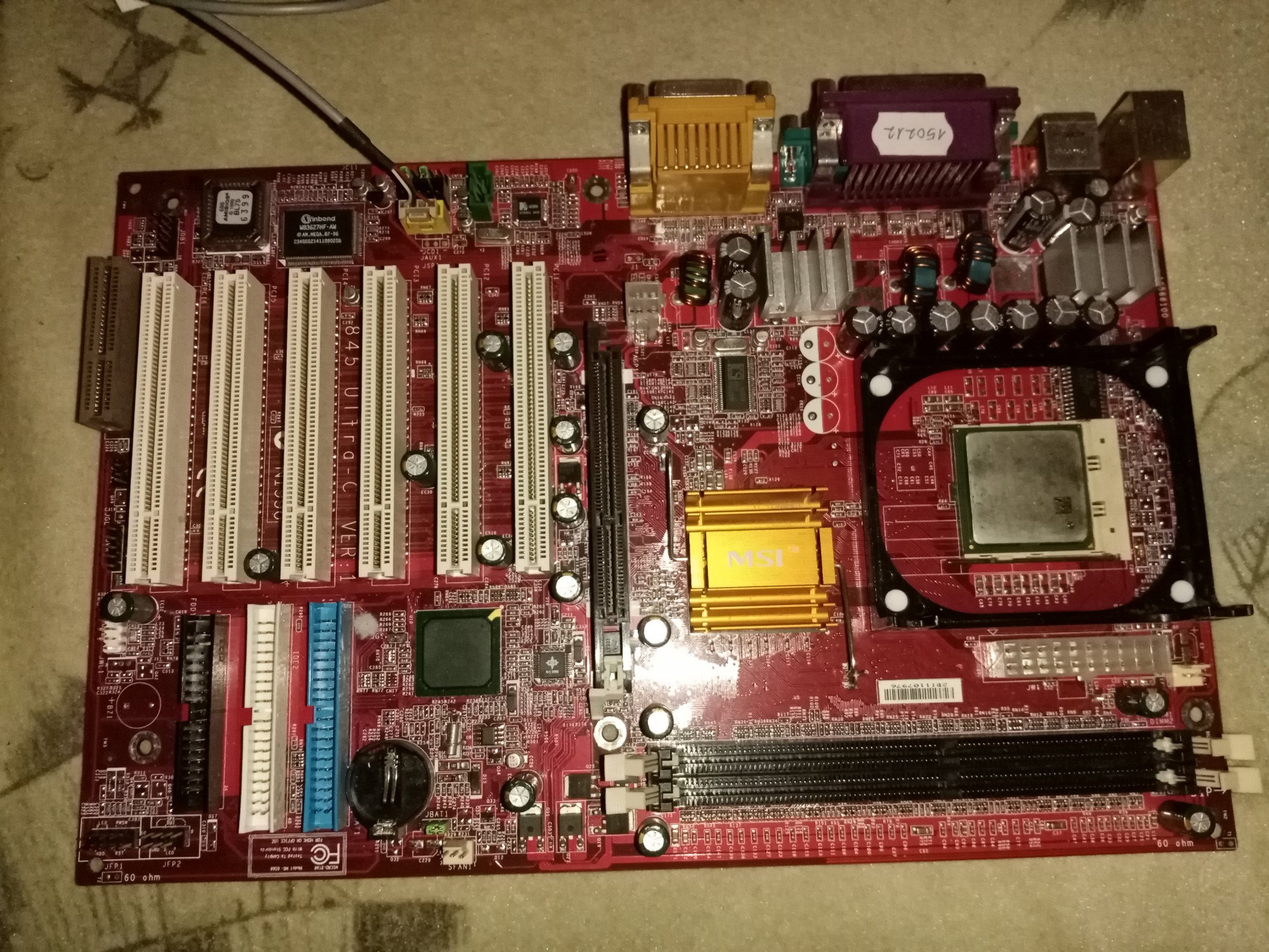
Processors below 1 GHz now became the new low-end. A midrange PC already had a CPU above 1 GHz and 384 MByte RAM. High end PCs were around 2 GHz already, with 512MB RAM, and with a shiny GeForce or Radeon. With the help of the increased storage size, and the new graphics APIs, the video games changed drastically. These games were not usable on the older systems any more. Old bulky CRT monitors were phased out, and the new LCD technology allowed people to sit in front of their devices for longer peroids of time. Gaming resolutions went from 800x600 to 1024x768 or above. Sadly, power consumption also increased, almost doubled. Raw CPU power increased even faster, a modern AthlonXP was about 10 times faster than an old Socket7 machine. Then, disaster struck at Microsoft Microsoft wanted to release a new OS, which was the Windows Vista. Vista was fine tuned to offer good support for the upcoming 64 bit processors and new generations of graphics cards with unified shaders. These graphics cards, instead of having dedicated vertex and pixel shaders, were fully programmable, and Microsoft decided to release the new DirectX 10 API for them, which they also refused to release for Windows XP, to force people to switch to Vista. The release of Vista was a disaster. Vista didn't really offered anything else just new effects. The top of windows were now transparent and blurry. Start menu also became transparent. Programs became slower for no technical reason. And all of this came at the price of having a 20 GB hard disk fully occupied by Vista. The new system was very slow, and boot times were quite high. The new system ate almost half GByte of memory as well. Only people with high-end PCs were able to run the system properly. This was very far from the earlyer philosophy of Microsoft, where they always tried to offer good compatibility with very low end machines if they could. People were angry, and they refused to switch to the new system. Microsoft entered into panic mode, but they were not able to increase the market share of the new system. Third era: Windows XP on steroids Studios had to cancel their plans to release games for DirectX 10. Games had to use OpenGL, or continue to use DX9. Microsoft had to continue supporting Windows XP even if they planned to stop it once Vista is out. Windows XP SP3 had to be released to fix security issues, and various security issues had to be patched afterwards. Once 64 bit processors became mainstream, people also started to use the 64 bit version of Windows XP. Games, even if they still used DirectX9, they started to utilize the performance of the new video cards, and they started to became unplayable on real DX9 cards. DirectX 10 basically died without anyone using it. The games using it, had to support DirectX9 as well, so people with XP systems could also run it. People suddenly had the new dual core and quad core processors. The new generations of games started to utilize multiple threads, and the new era of gaming was here. It was all up to Windows XP to deliver once again.
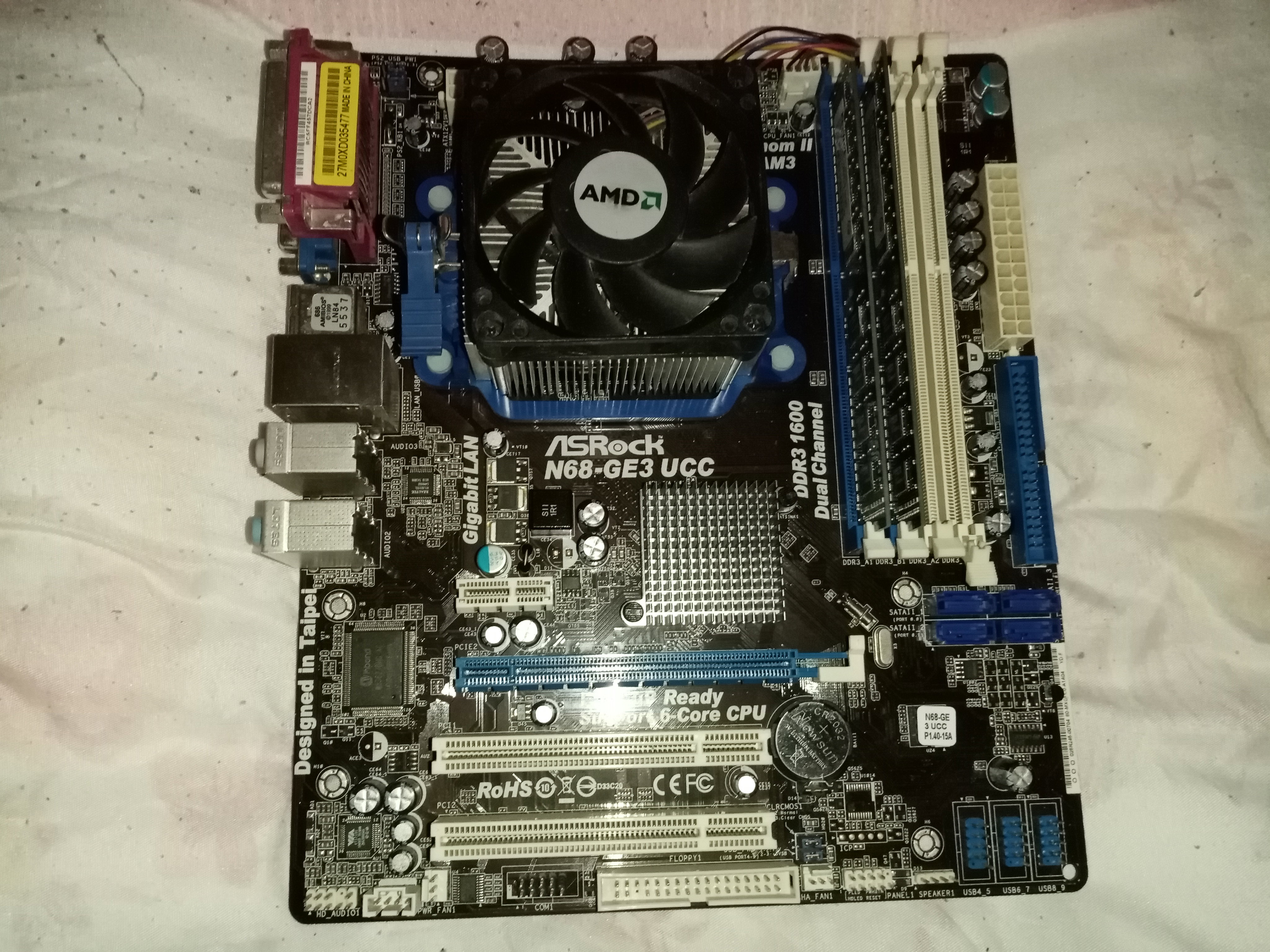
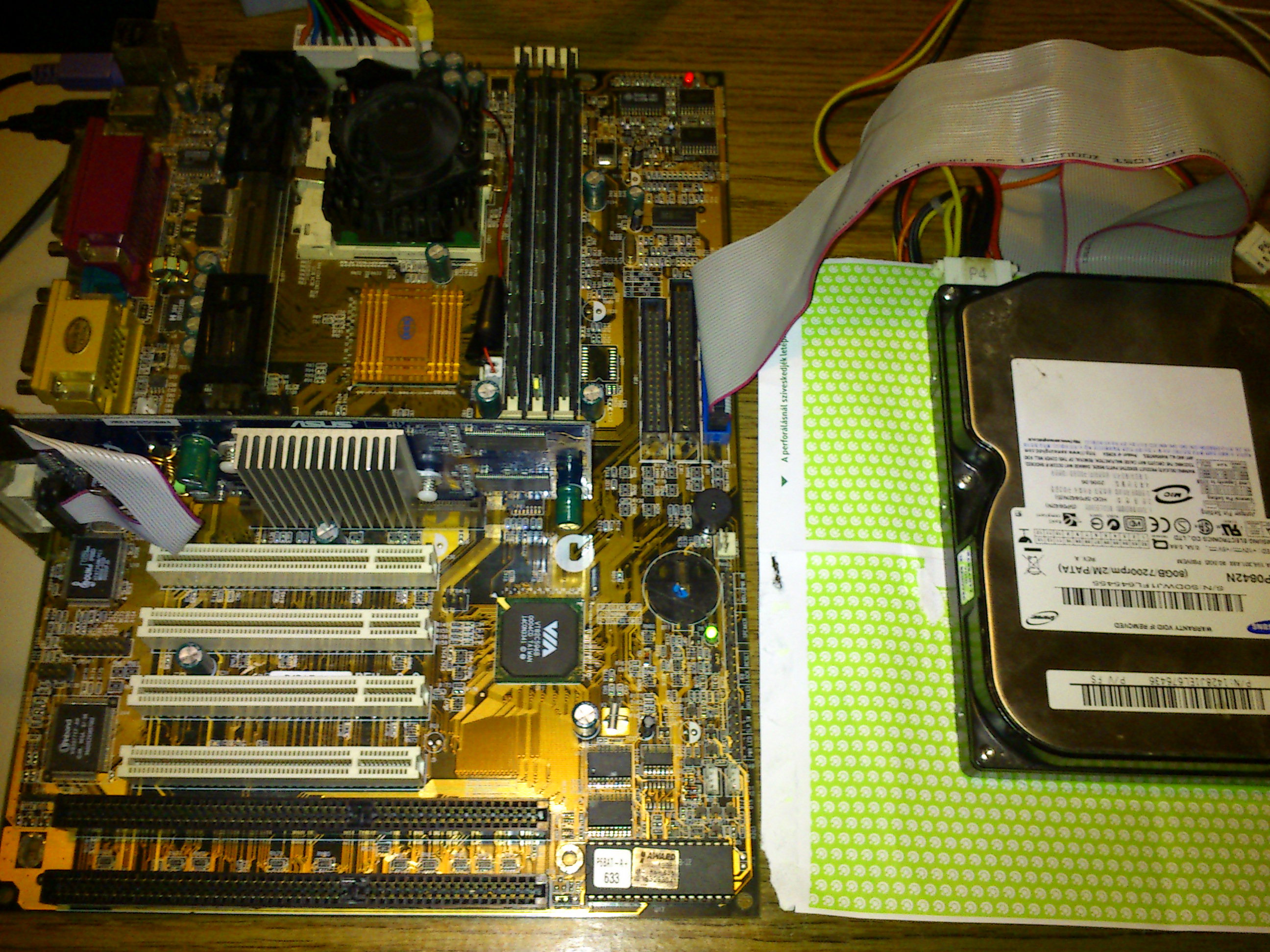
Hard disks also got a new interface, they replaced the old IDE connector with the new SATA standard. To keep the compatibility with Windows XP, most motherboard has a legacy SATA in BIOS, which emulates a standard IDE connector. Hard disks reaching 1 TB in size, internet connections growing from 2-4 MBit/s to hundreds, and games are mostly sold online. The new graphics cards are now released with the PCI-E standard, and now they coming with 512MB or even 1GB of RAM. Once again, the hardware got a magnitude faster and more capable, and it was up to XP to make it work. The end of the third era XP was the dominant Windows operating system up to 2013, when its market share drop below Windows 7. Microsoft decided to finally end the support in 2014, as people finally migrated to Windows 7. This allowed the games made for the masses to switch from DX9 to DX11, as compatibility with Windows XP was not a factor any more. Browsers and other popular software stopped supporting XP in the upcoming years, forcing everyone who wishing to browse the internet to switch to something else. Hardware recommendations So the so called XP era is basically three era. To play games of the given era, peroid accurate hardware is recommended, altough games running on XP tend to run well on newer systems. Luckily, a Windows XP gaming system can be bought for a few dollars. Obsolete builds perfect for Windows XP are cheaper than the price of package delivery. Now i will give recommendations about iconic configurations - not with the chepaest, not the most expensive hardware, but a typical once, which an owner could love. Early Windows XP system: Motherboard: Any Socket 370 motherboard with AGP ($20-30) CPU: Pentium3 CPU at 700 MHz ($20-30) RAM: 384 MByte (3x128) SD RAM (100 MHz) ($5 per stick) HDD: 30 GB IDE ($10) Screen: 1280x1024 LCD monitor ($10-20) VGA: TNT2 Pro 32MB ($20-25) A Socket370 system can be found even for free at random locations, people tend to throw them out. The only important factor is to ensure the motherboard supports coppermine P3 processors. Then it will be able to work with a cheap and common P3 around 700 MHz, its not recommended to go for a more expensive model, and try to stay with a CPU which uses the 100 MHz FSB, as its easyer to operate them, and they could even be overclocked a little bit. If the Pentium3 is not available, then a Celeron around 1 GHz will do the job just as fine. Some old socket 370 motherboards have a capacity limit of 40 GB for hard drives, therefore i have recommended a 30 GB model.
If the TNT2 pro is not available, a Matrox G450 will just be as fine, those can go for just $15. Matured Windows XP era system: Motherboard: Any Socket A motherboard with AGP ($20-30) CPU: Any AthlonXP CPU ($10-15) RAM: 512 MByte (2x256) DDR RAM ($5 per stick) HDD: 80 GB IDE ($10) Screen: 1280x1024 LCD monitor ($10-20) VGA: Radeon 9600 64MB ($20) An AthlonXP system can be found for just as cheap, however i recommend not to get high end Barton processors or highly clocked parts, because they will utilize the 5v power rail of your power supply. Modern power supplies can't deliver enough power on the 5V power rail to feed the high end Socket A systems, but midrange Socket A chips around 1.5 GHz should be fine. Cheap AthlonXP motherboards will have issues above 512MB RAM, so its wise to stay below that limit. Some motherboards will have issues with hard disks above 120GB, so one or two 80 GB ide hard disks should be perfectly fine. Alternatively, a Pentium4 config can also be used. The Radeon 9600 is cheap and can be found easily, the higher end Radeon 9800 series can be more expensive, and its hard to operate them, because they want an external molex power plug, they are not that faster anyway to worth the hassle. If the Radeon is not available, try going with a GeForce FX5700LE instead. Late Windows XP gaming system: Motherboard: Any LGA775 motherboard with Core2Duo support ($15) CPU: Any Core2Duo above 2 GHz ($5-10) RAM: 4 GB (4x1Gb) DDR2 RAM ($5-10 per stick) HDD: 500 GB SATA ($20) Screen: 1080p LCD monitor ($30) VGA: GeForce 8800GT ($25) LGA 775 motherboards with Core2Duo chips are worthless, they can be found next to trash bins. The early LGA775 motherboard sometimes only support Pentium4 processors, you want to avoid those to be able to experience a Core2Duo processor inside the board. Most boards support up to 4 GB RAM, however there are boards with only two RAM slots available - avoid those. Some motherboards can have compatibility issues with newer hard disks, if thats the case, go and get two old SATA1 drives below 120 GB instead. If the first Core2Duo generation (E6xxx) are too slow for your taste, then go for the E8xxx chips, those are not compatible with all motherboard, but if they work, they give a significant speed boost. AM2 or AM3 motherboards with Athlon x2 or Athlon2 x2 chips will also do the trick. If the Windows installer refuses to see your disk drives, but otherwise they get picked up in BIOS, then go to the BIOS and enable IDE emulation for SATA. If the GeForce 8800 GT is not available, you can choose a Radeon 3850 or 4850 card, or go with a Fermi based nVidia card instead.
No comments yet